
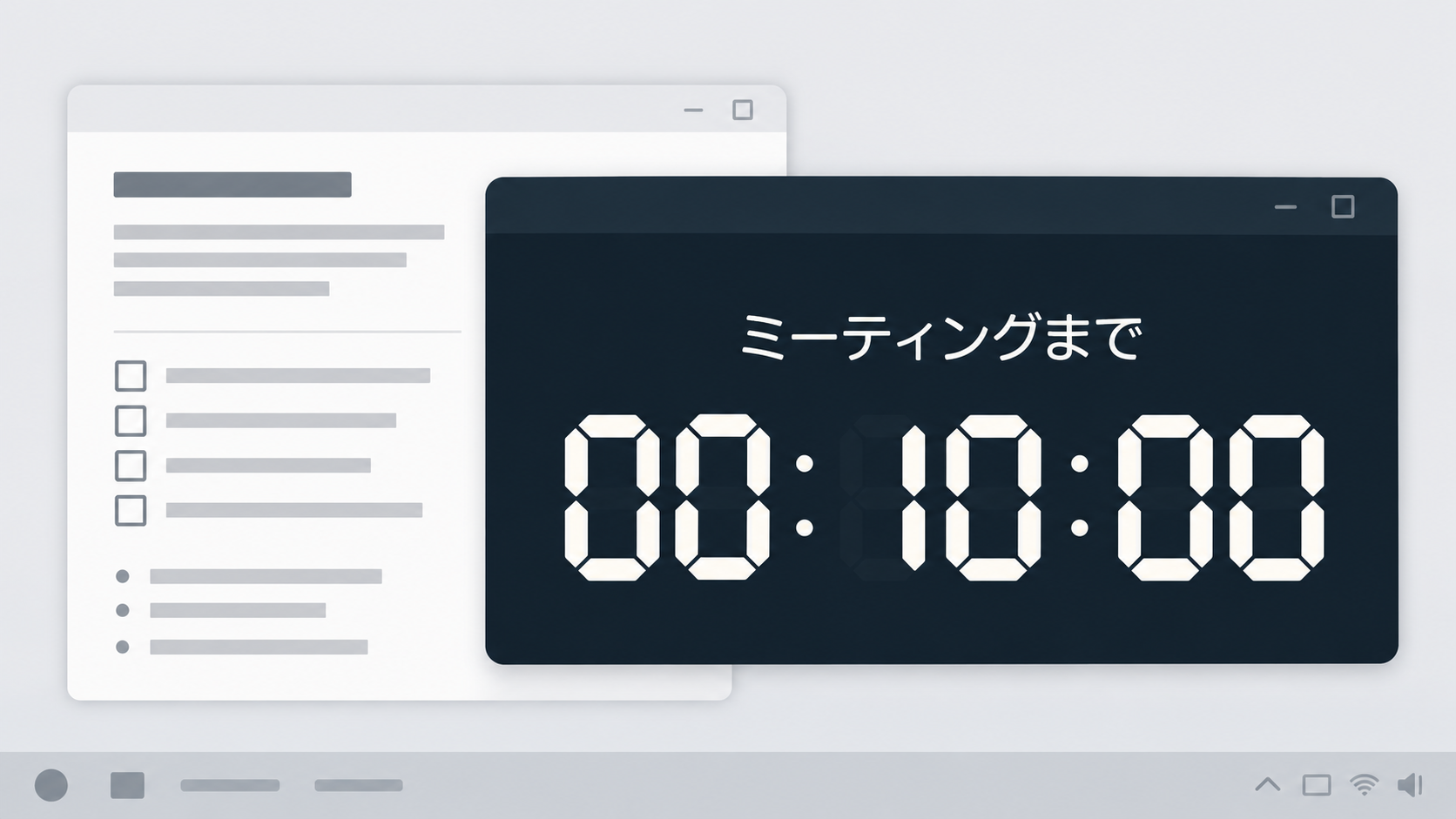
MEETING · ILLUSTRATION
Prepare for your meeting at your own pace.
Keep a countdown to the start time on screen. Glance at it while checking your documents and getting ready.

A COUNTDOWN CLOCK FOR WINDOWS
Keep the time until your meeting or broadcast in view.
Use an NTP-referenced clock, place the app where you need it, and resize it to fit your desktop.
Microsoft Store · ¥980 in Japan · 7-day free trial
Check the Store for local pricing and trial availability.
PC time --:--:--
Meeting
Set time--:--:--
Meeting
Set time--:--:--
Loading the live sample.
The sample target is 15 minutes after you open this page.
COUNTDOWN TO YOUR MOMENT
Set a start time and see how much time remains. Use it while preparing for a meeting, getting ready to broadcast, or reaching a work milestone. Give each timer a name that makes sense to you.
This display and the timer above share one target time.
Learn how to use the timerEVERYDAY COUNTDOWN
Keep a countdown to the start time on screen. Glance at it while checking your documents and getting ready.
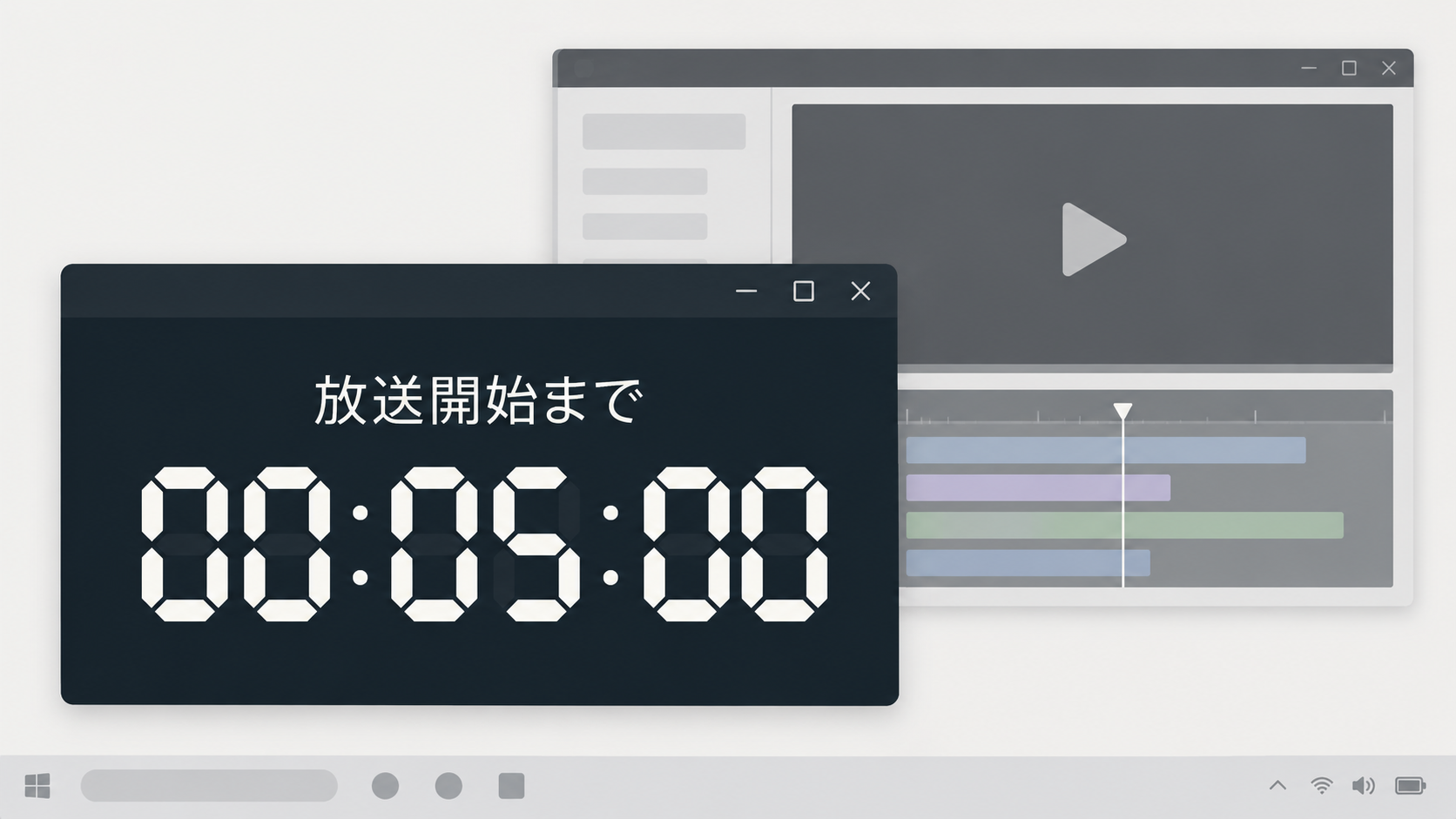
Use full screen for a countdown to going live. While working, keep a smaller view on top or choose a transparent background.
The illustrations above contain Japanese labels and depict possible use. They are not screenshots of the English app.
CLOCK SKINS
Choose designs and colors for the analog clock, digital clock, and timers to suit your desktop.
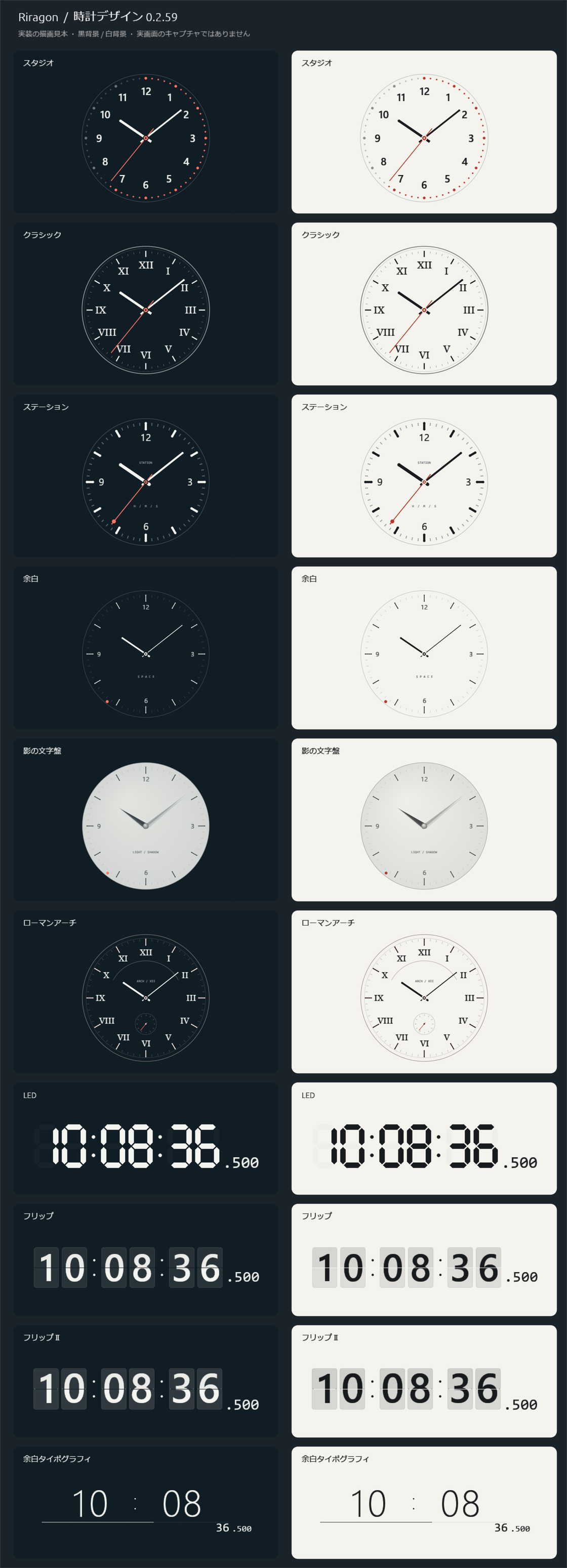
Unchanged render samples from development build 0.2.59. The images retain Japanese labels and are not captures of the English app. Check the Store for the released version.
More clock designs are planned.
FIT YOUR DESKTOP
Count down to a target time, count down for a duration, or count up. Control up to three named timers individually.
Check the offset from your PC and the network delay. Correction applies to the app’s display; Windows clock settings stay unchanged.
Make the background and frame transparent. Position lock prevents moving and resizing and lets clicks pass through to the app behind it.
Resize the window, press F11 for full screen, choose a display, or keep it on top.
Arrange clocks and timers within one window. Drop in the center to swap panels, or move their boundaries to adjust the proportions.
Choose seconds, milliseconds, 12- or 24-hour time, dates, and time zones. Restore the previous position and size, or start the app at sign-in.
DEVELOPMENT UPDATES
See the latest changes confirmed in development records. These notes do not indicate Store release dates or currently published versions.
Added Station, Space, Shadow Dial, and Roman Arch analog designs, plus Flip II and Whitespace Typography for digital clocks and timers. Saved designs and colors remain usable.
TRY ON YOUR WINDOWS
Standard price in Japan: ¥980 · Microsoft Store
Try the clocks and countdowns on your own desktop. Check Microsoft Store for local pricing and trial availability.
DEVELOPMENT ARCHIVE
Read why the designs, layout, and controls changed, and the thinking behind them.
Keep GUI, CLI, and MCP actions consistent through shared settings, timer calculations, and persistence.
Read the development notesMove from switching clocks and timers in one slot to arranging independent panels.
Read the development notesAdd clock designs while keeping colors, measurement, and saving consistent. Why older prototypes were set aside and how the current rendering works.
Read the development notesSUPPORT & CONTACT
Find answers to common questions, or contact us by email.