PHP vulnerabilities and personal blog security: 7 surprises after leaving WordPress for static HTML
Critical PHP vulnerabilities made me reconsider the benefits of static HTML for a personal blog. After leaving WordPress, I found seven practical problems with editing, management and publishing, and built ways around them.
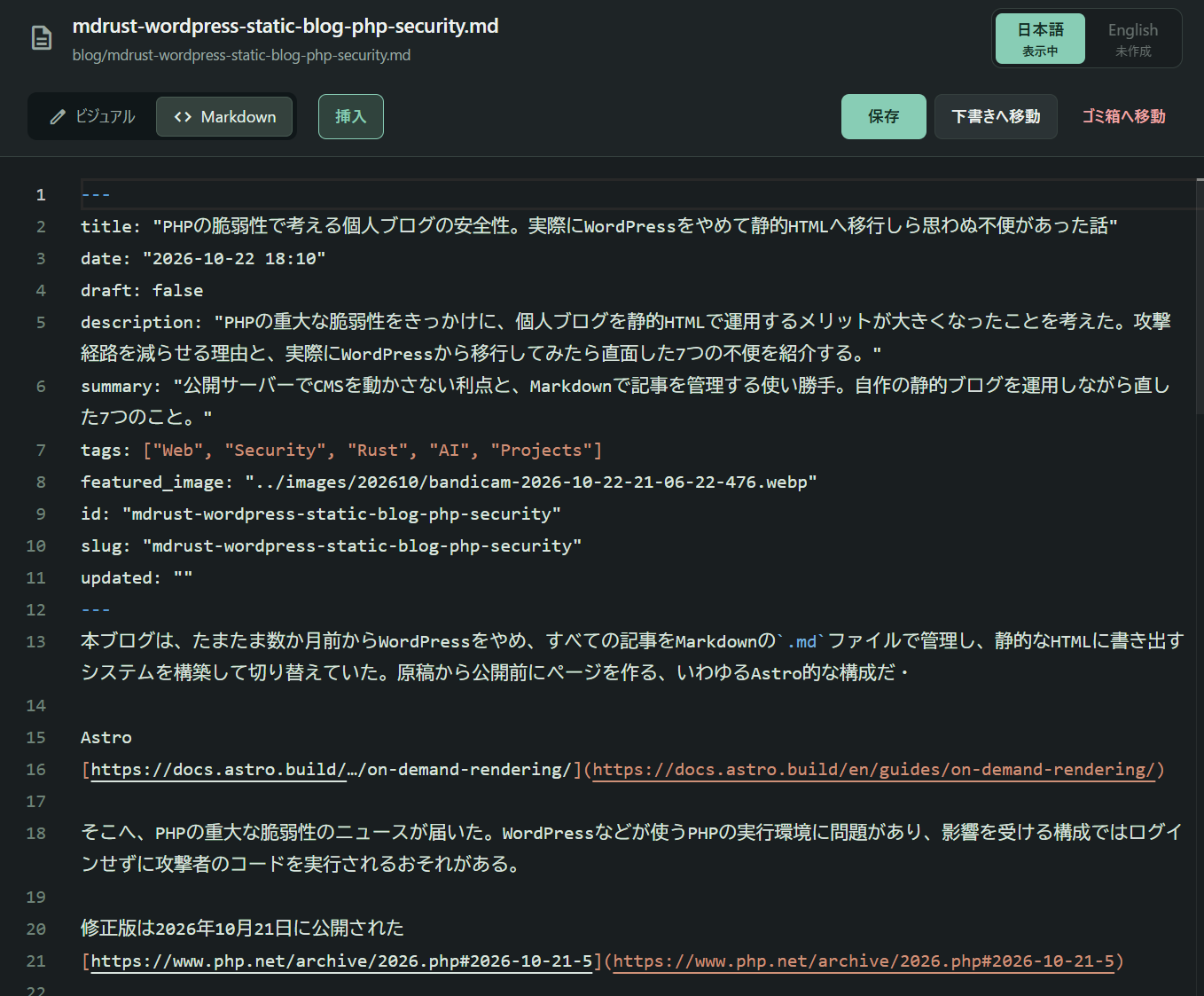
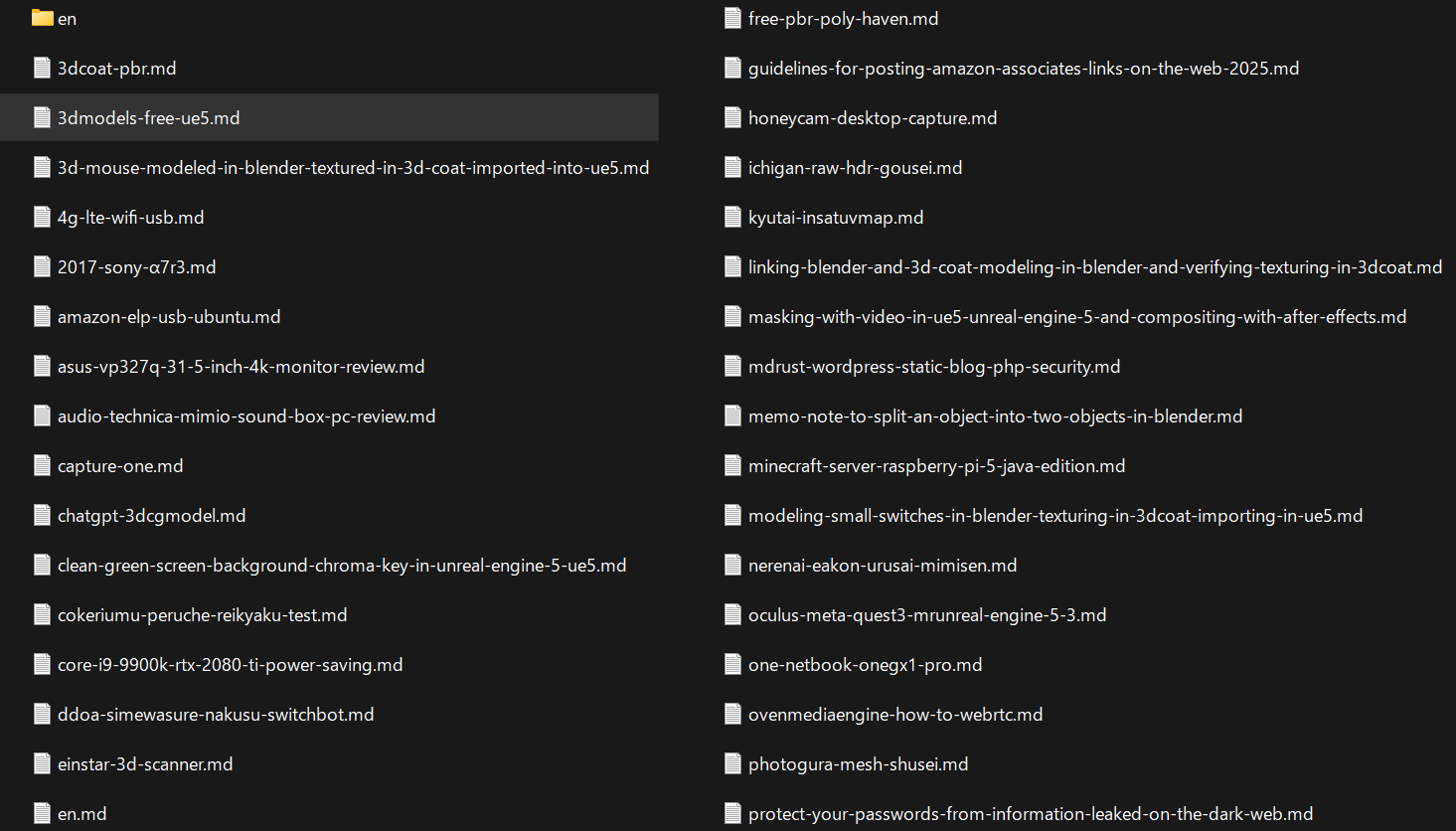
A few months ago, I happened to leave WordPress behind. I built a system that keeps every article as a Markdown .md file and generates static HTML for publication. It is an Astro-like approach: build the pages from the source files before readers request them.
Astro
https://docs.astro.build/…/on-demand-rendering/
Then news arrived of critical PHP vulnerabilities. PHP, the runtime used by WordPress and many other applications, had flaws that could let an attacker execute code without logging in on affected installations. That is a serious problem.
Fixed versions were released on October 21, 2026.
https://www.php.net/archive/2026.php#2026-10-21-5
The news made me wonder whether we might return from a server-based content management system, or CMS, to publishing static HTML over FTP. With the arrival of large language models, or LLMs, an old approach can look surprisingly current for an article-focused site. That coincidence was interesting enough to write about.
Static HTML can remove some of the ways into a site
A dynamic CMS such as WordPress normally runs PHP, retrieves articles from a database and builds pages. It also handles outside input through administration screens, plugins, image uploads and other features.
Flaws in those operations can turn malicious input into content tampering or code execution. A stronger administrator password cannot fix a vulnerability in code that runs before login. On a site holding member information, an attack could also expose that data.
In this blog's setup, writing and HTML generation happen on my PC. The public server delivers the finished HTML. With no public CMS or article database, there are fewer ways to attack those components. The idea is to remove entrances that the site does not need. https://cheatsheetseries.owasp.org/…/Attack_Surface_Analysis_Cheat_Sheet.html
Replacing pages with HTML does not remove the risk if old PHP code or a CMS remains accessible from outside. The web server, editing PC, transfer account and JavaScript delivered to readers still need maintenance.
Running the new system also brought back inconveniences that a CMS had allowed me to forget.
1. Markdown was hard for a human to read
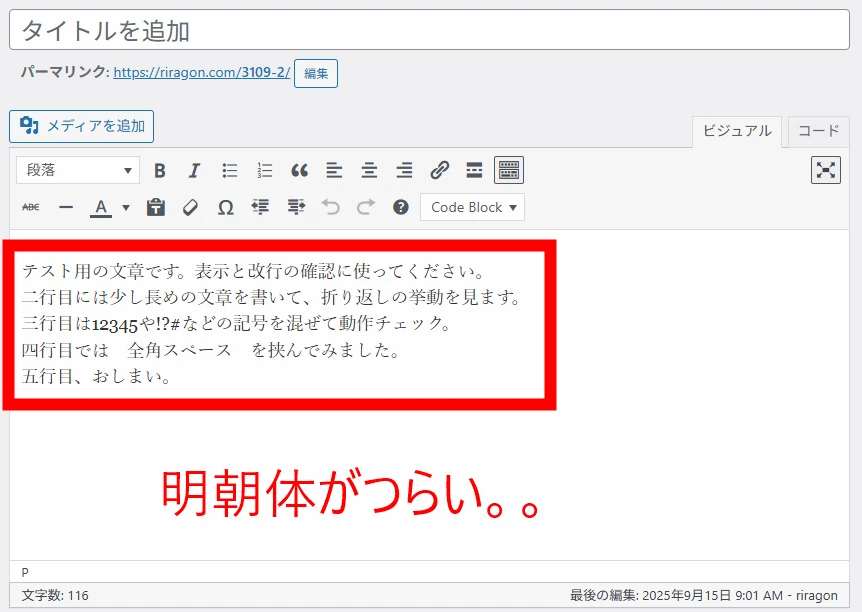
I chose .md as the source format a little too casually. Markdown is plain text with symbols for headings, lists and other formatting. It is easy to organize and pass to AI. But looking at the source does not give me a feel for the article's images, spacing or overall layout. It did not feel like a practical way to write a blog.
After some trial and error, I built a visual editor that converts Markdown to HTML and lets me edit that view. The source remains Markdown, while I write in a design close to the published page. That made a huge difference. In my setup, the editor shows the final design more faithfully than the WordPress editing experience I had been using. It became much easier to work with.
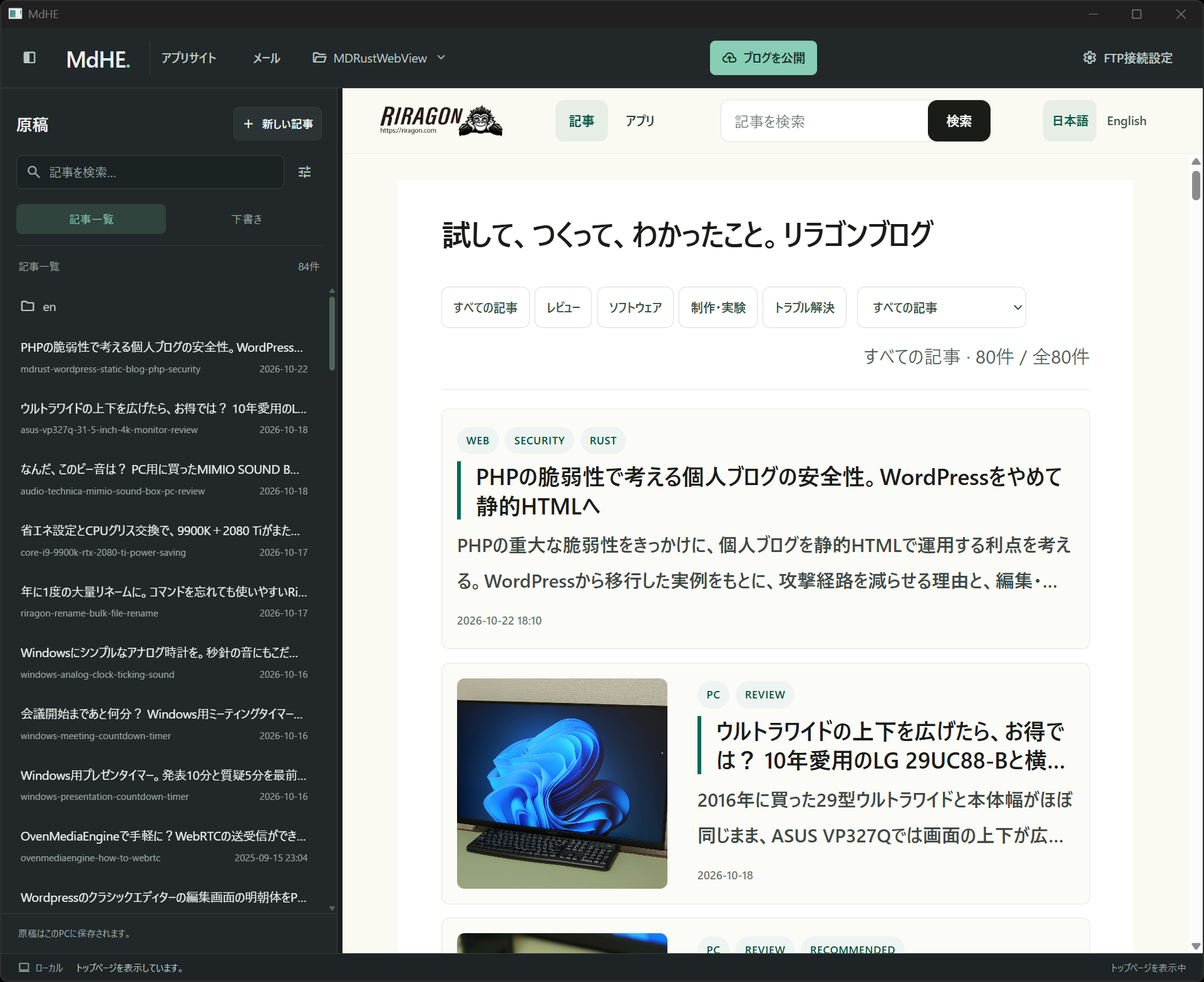
2. Titles and tags became difficult to manage
The familiar, consistent management tools of a CMS were gone. A collection of files did not make it easy to handle titles, dates, tags and featured images. I needed a common structure.
I added frontmatter, a settings block at the beginning of each source file. A short example looks like this:
---
title: "Trying a 31.5-inch 4K monitor"
date: "2026-10-18"
draft: false
tags: ["PC", "Review"]
---
The actual files also hold descriptions, featured images, article identifiers and URL names. A shared layout turns that information into pages, and I added controls for editing titles, dates and tags on screen. Once the data had a consistent home and an interface, management stopped feeling awkward.
3. Remembering headings and quotation syntax was a nuisance
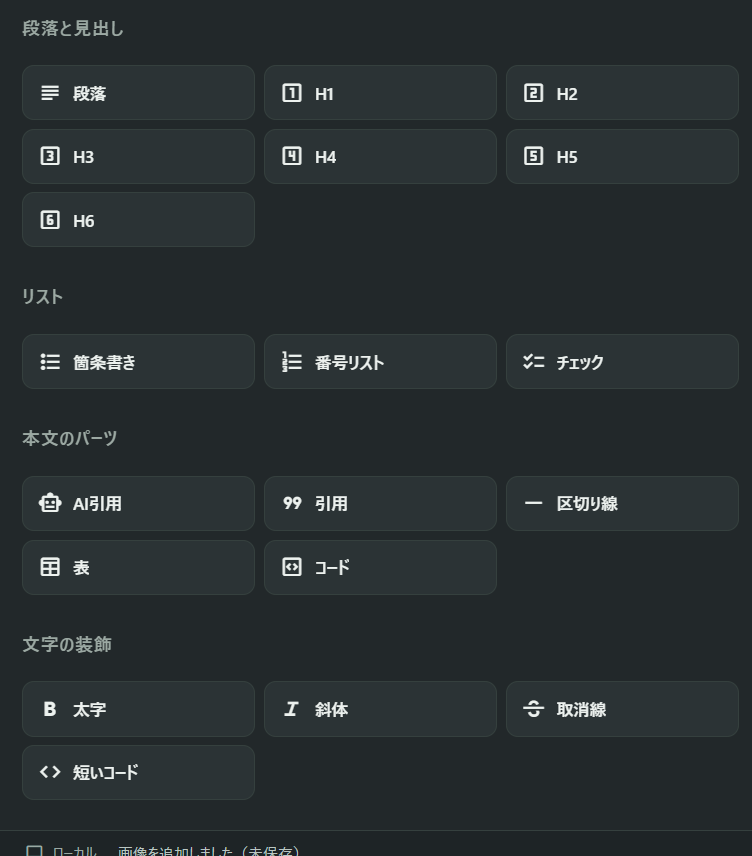
Headings such as H1 and H2, quotations, tables and YouTube embeds: I did not want to recall the syntax every time I wrote. Markdown's symbols, such as two hash signs for a heading, are simple enough. They still did not feel familiar.
I made an insertion panel for headings and quotations, and a tool that creates a YouTube embed from its URL. Saving an article as Markdown does not mean a person has to type every formatting symbol.
4. Even updating one article took too long to publish
I had designed this system to regenerate the blog's article pages, lists and search data together, even for a single article update. That is a choice in my implementation; static sites do not inherently require a complete rebuild. Comparisons and file copying before publication were also expensive. It could take around ten minutes before even accounting for the upload. That was hard to live with.
I limited generation to the blog and stopped rewriting files whose contents had not changed. The system compares the current output with the last successful publication from this PC, then copies and transfers only additions and changes. When a file's identity and change information match, it can also reuse the result of an earlier content digest calculation.
The blog pages are still regenerated. But normal updates skip a full comparison against the remote server and avoid unnecessary copying and transfers. Publishing now takes an acceptable amount of time for my roughly hundred-article scale. I wonder how it would feel at a thousand articles.
5. Uploading the same images and videos again was painful
Images and videos were particularly heavy. Resending large media files after a tiny text edit could take thirty minutes or even an hour. It was a poor experience.
The system now includes an identifier derived from each asset's contents in its public URL. The same asset reuses the same URL. Publication records identify unchanged media so it does not need to be sent again. New images and videos still upload, but an article update no longer resends everything.
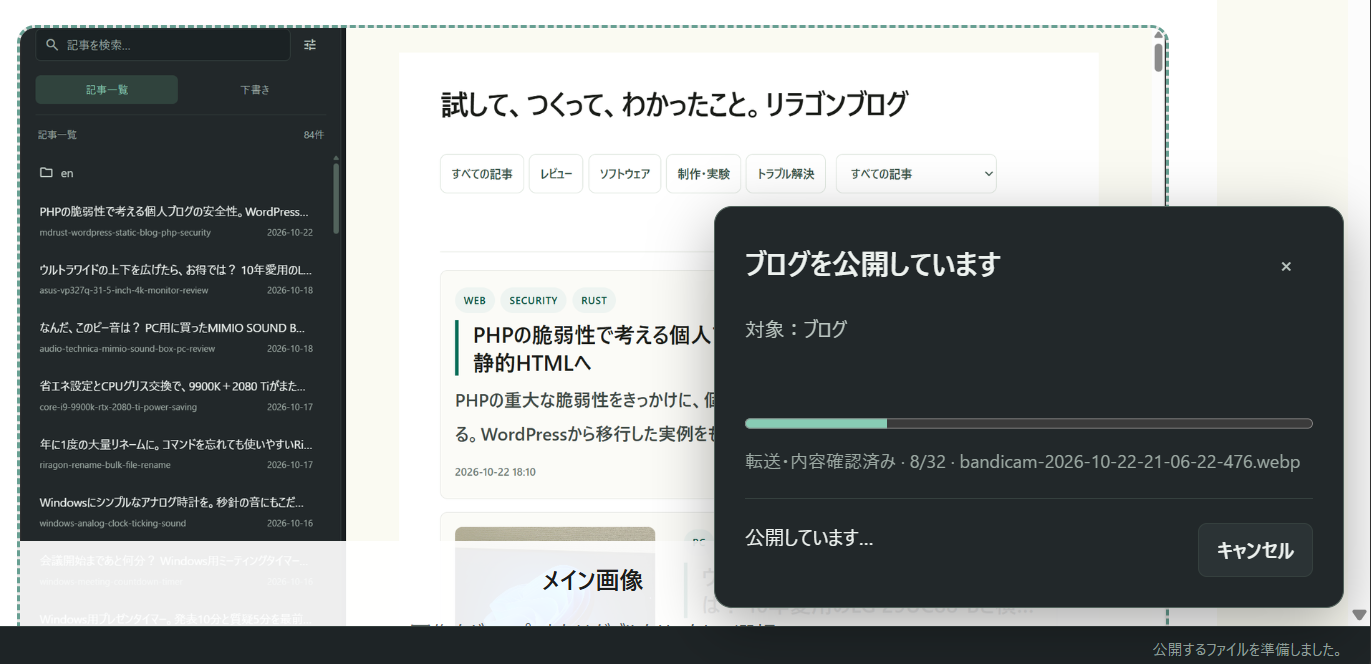
6. Returning an article to drafts left its published page online
Deleting a source file or returning it to drafts does not remove the HTML already on the server. Removing articles from publication turned out to be unexpectedly awkward. The .md source and the HTML generated from it have to be handled separately.
The system now records which articles should be withdrawn and processes those requests during the next publication. For articles with publication records, it checks the intended deletion against the server's contents, then removes only that article's HTML and published Markdown.
Images and videos are not deleted automatically, to avoid removing assets used by other articles. Handling articles and media separately made operation easier. Cleaning up media that is no longer needed remains something to tackle later.
7. I could only update the blog from my PC at home
The source files and editing environment are local. I lost the WordPress convenience of opening an administration screen from somewhere else. This was the biggest inconvenience. In my current workflow, the source files and publication records live on the same PC, so switching casually to another machine is difficult. Work has to go through the machine holding the originals.
I can now use agents such as Dots to ask my home PC to revise an article from my smartphone. If I notice something while out, I can request a correction immediately. That has made the limitation much less troublesome. One PC stays powered on for LLM work all the time. Its role is starting to look rather like a server.
The benefits grew as the inconveniences were fixed
After two or three months of fixing problems, the system became much easier to use. Other benefits emerged too: keeping the originals in .md makes preparing other language versions straightforward, and the site became faster to display. I also ask an LLM to draft articles remotely more often. The workflow has gradually become more convenient.
How it works, in case you want to try something similar
The overall flow is simple:
On my PC: Markdown + images → visual editing → HTML, lists and search data
Public server: receives reviewed changes over FTPS and serves them to readers
FTPS encrypts file transfers. File handling and HTML generation are implemented in Rust. The editing interface uses WebView2, which displays web content inside a Windows application. There is no CMS assembling article pages on the public server.
If you want to build something similar, start by generating HTML for one article. Add a shared layout, article management and publication tools from there.
In the end, I had gradually rebuilt on my own PC the jobs that the CMS used to handle. Choosing Markdown was only the beginning. Editing, management and publishing all needed attention before the system became comfortable. I hope these experiences help anyone considering a similar blog.
Related articles
Updates and contact: X @riragoncom.