A simple Windows analog clock, with carefully chosen ticking sounds
Riragon Clock and Timers for Windows offers six analog faces and recordings of old clocks ticking. This introduction includes an approximately 18-second audio sample, spoken time announcements, and the app's sound settings.
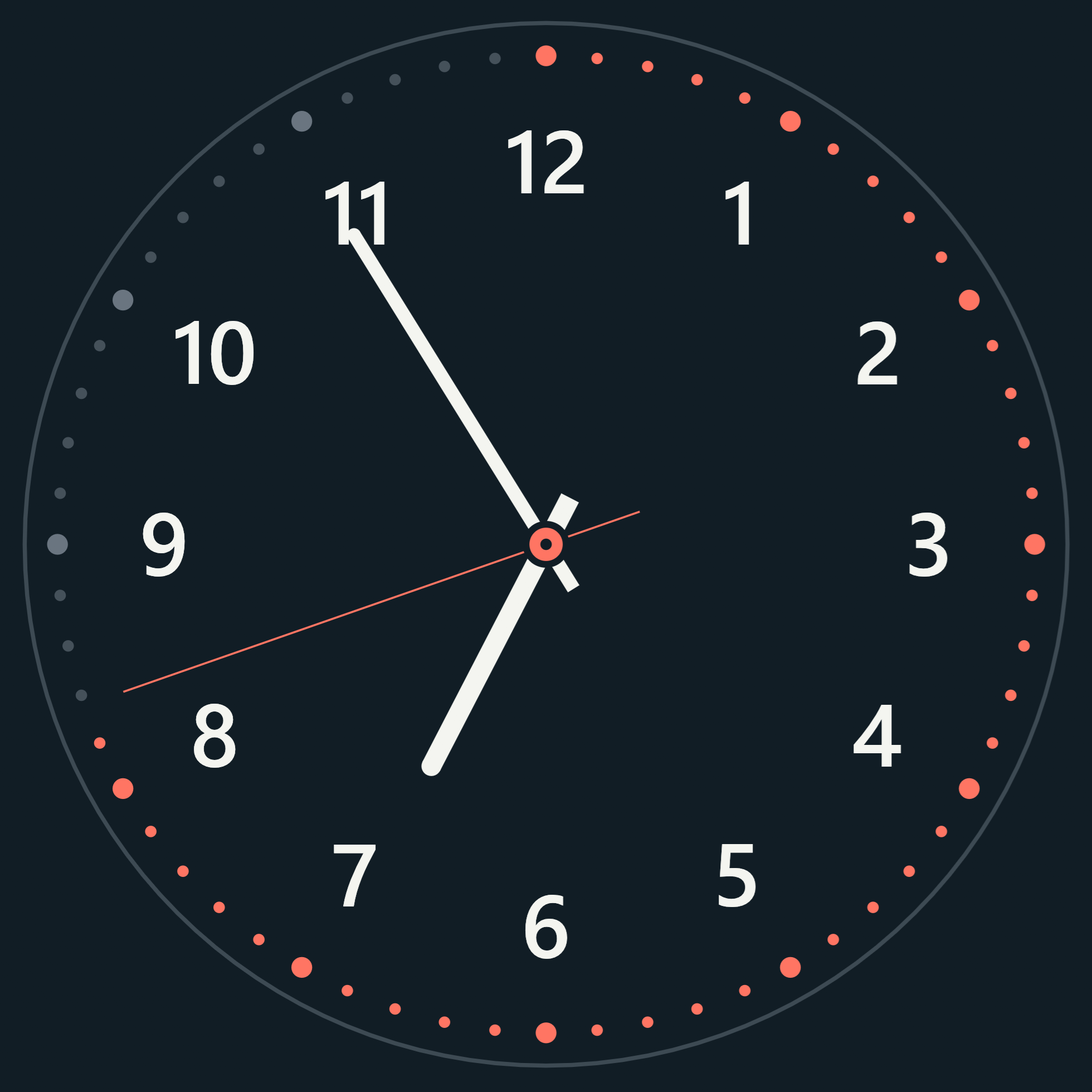
I feel I see fewer analog clocks around me these days. Still, there is something convenient about reading the time at a glance from the positions of the hands.
I wanted that kind of clock on my Windows desktop, so I built Riragon Clock and Timers. Here I would like to introduce its faces and the tick-tock of its second hand.
Microsoft Store: normally ¥980, free through December 31, 2026
Get it free through December 31A readable second hand, inspired by studio clocks
The faces take inspiration from broadcasting clocks, with clear markings, hand positions, and second-hand movement. There are currently six designs, including Studio, Classic, and Station, with more planned.
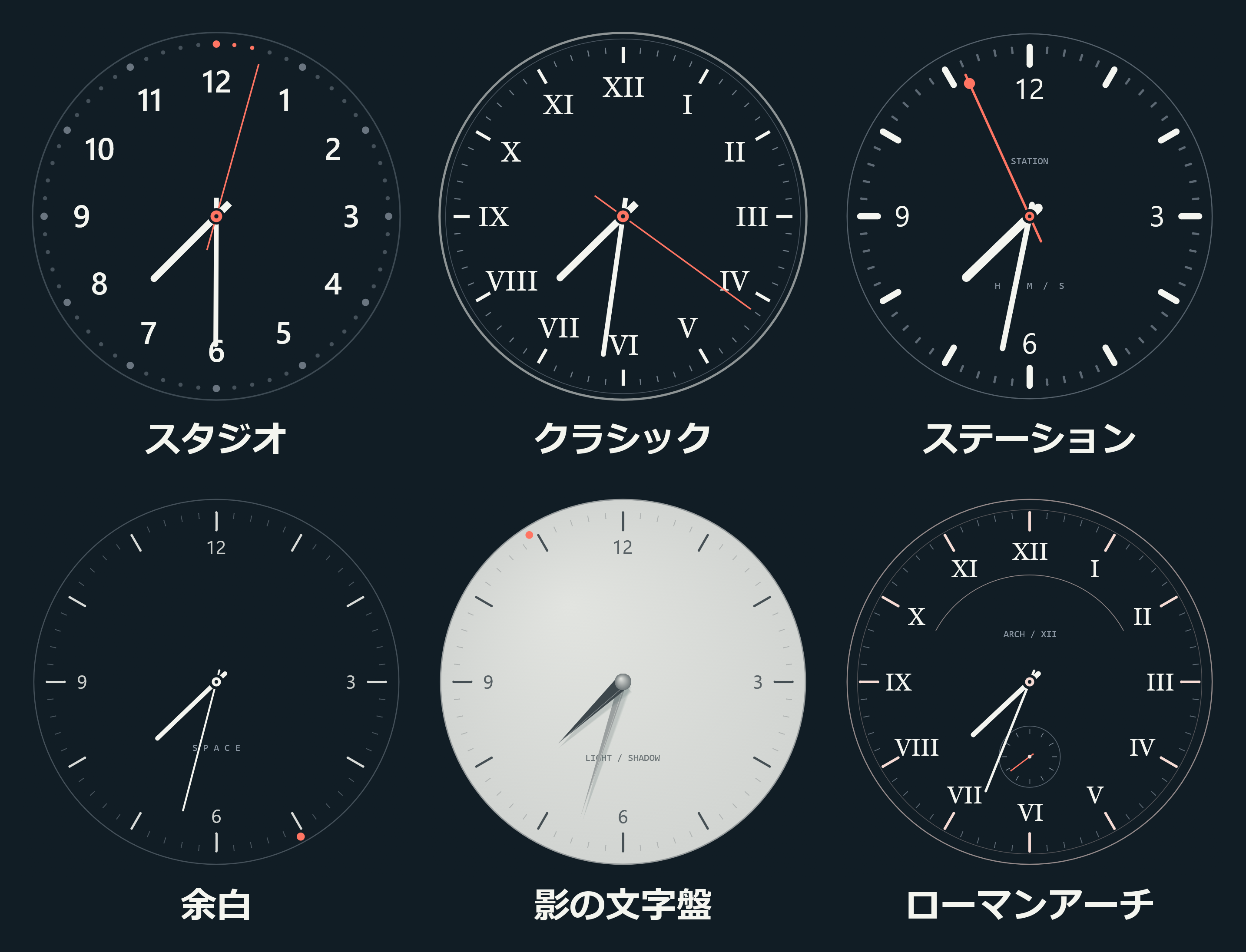
These are screenshots of the six faces running in the app. Studio is an option if you want large numbers; Space is a quieter choice with less decoration.
View each of the six faces at a larger size
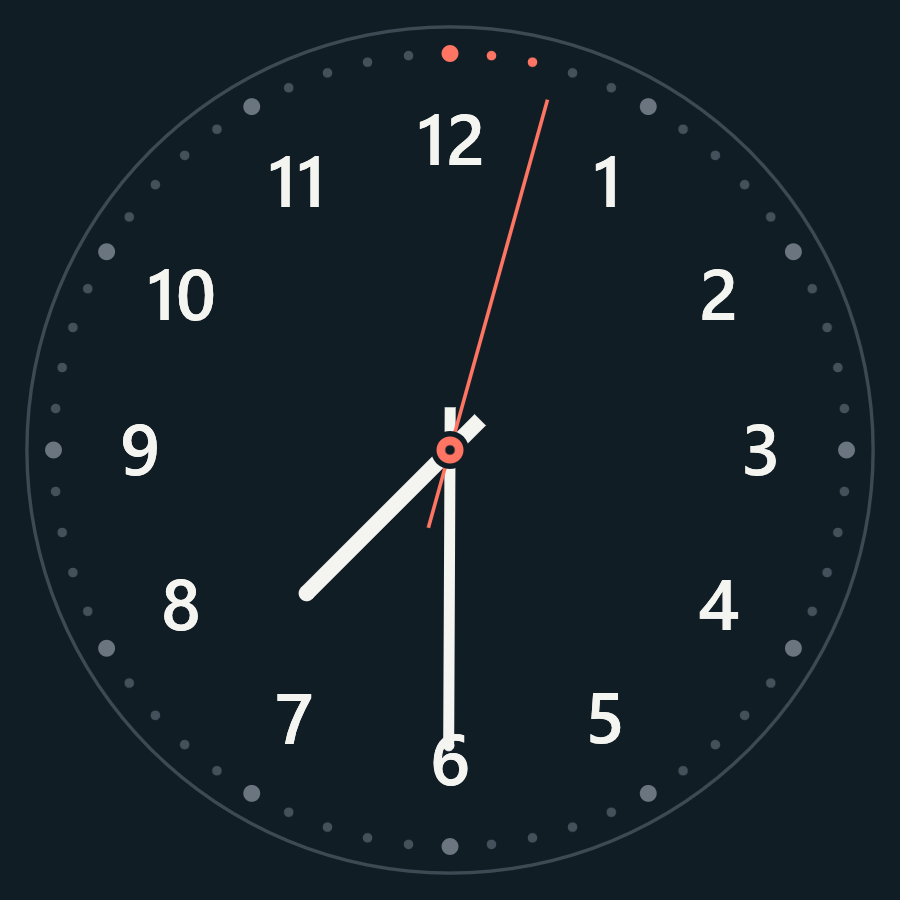
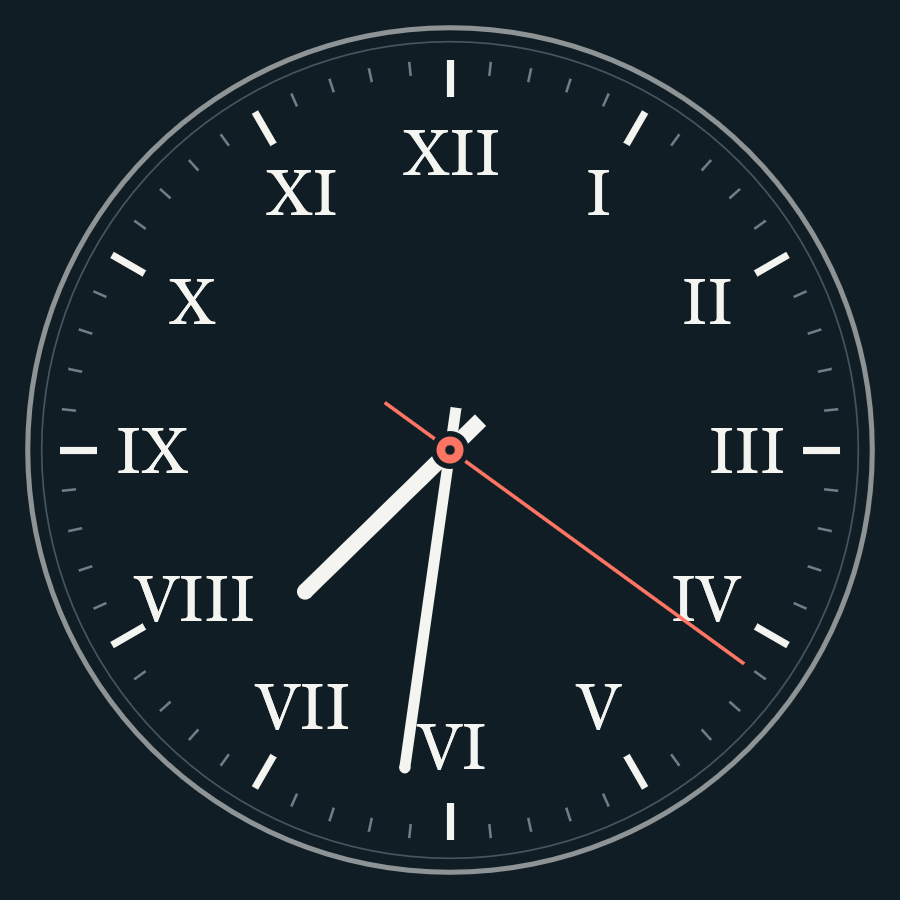
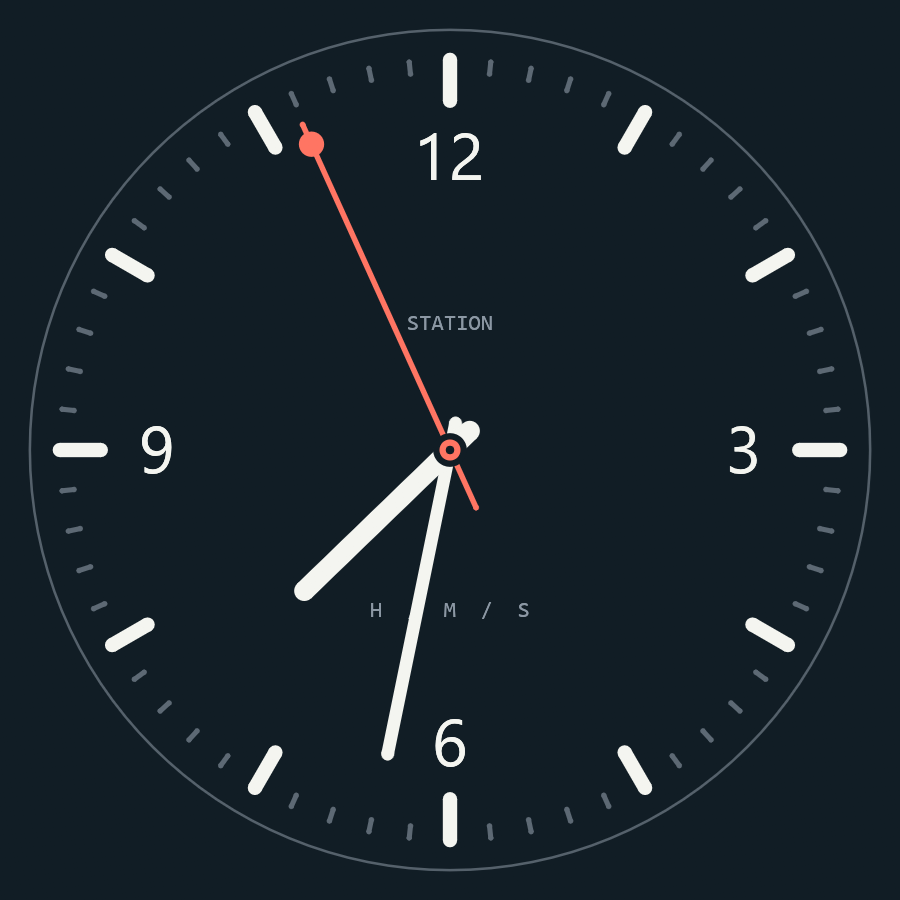
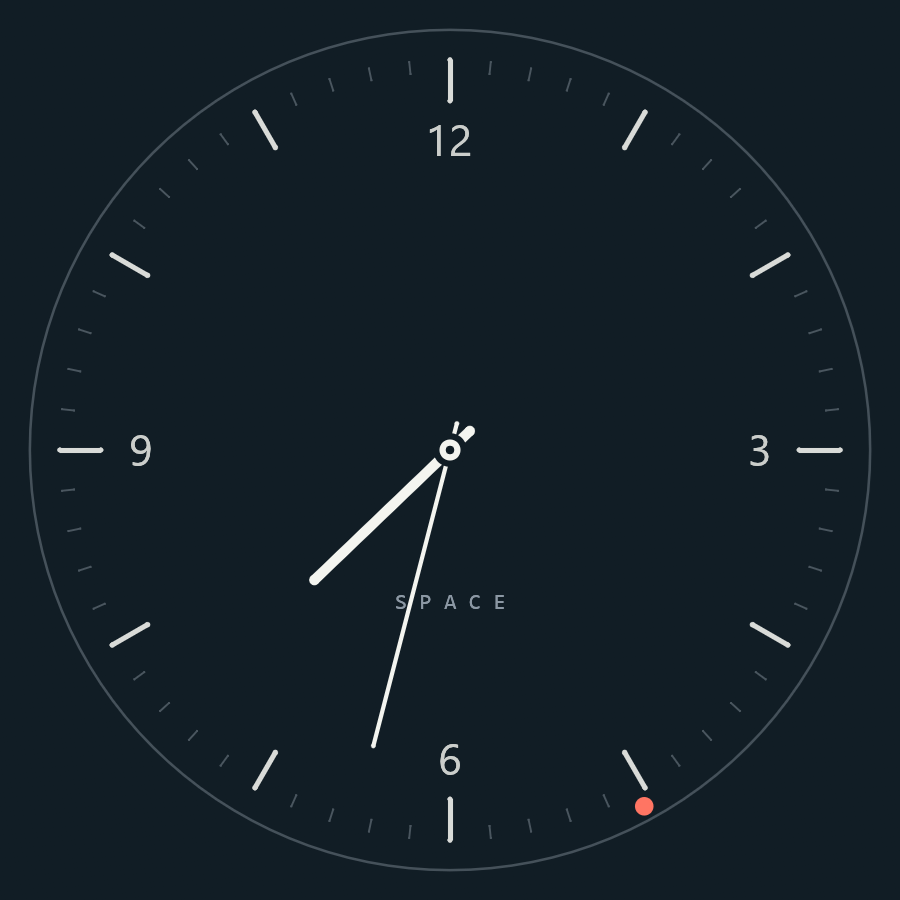
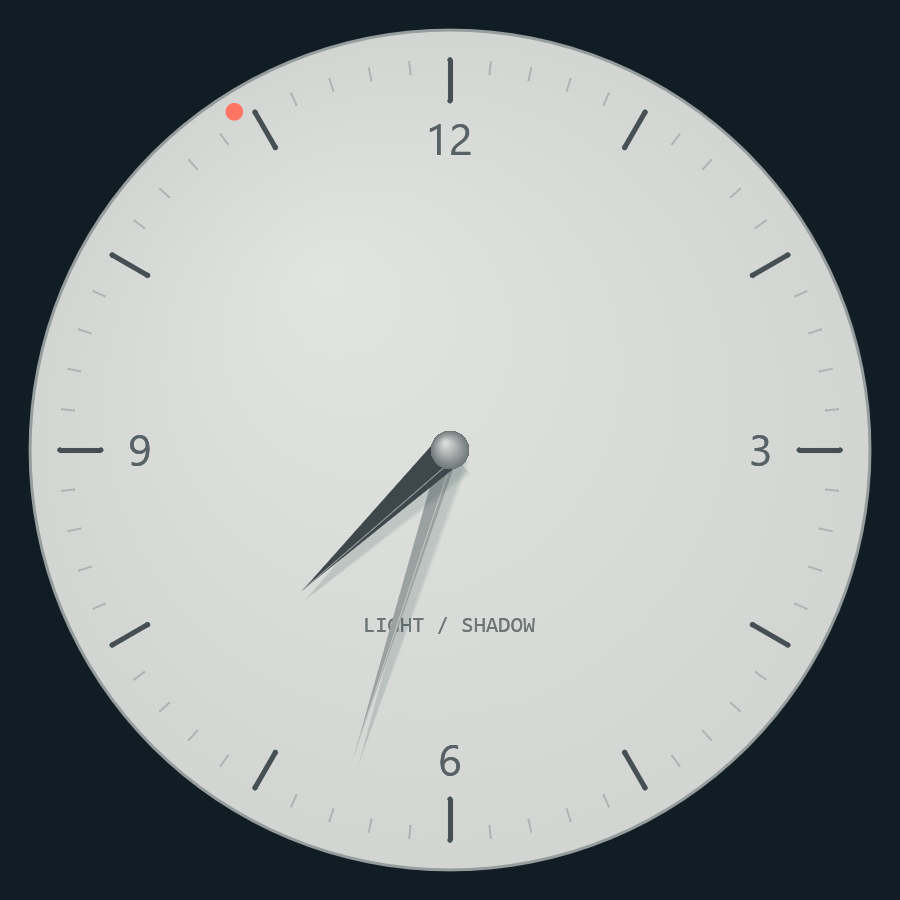
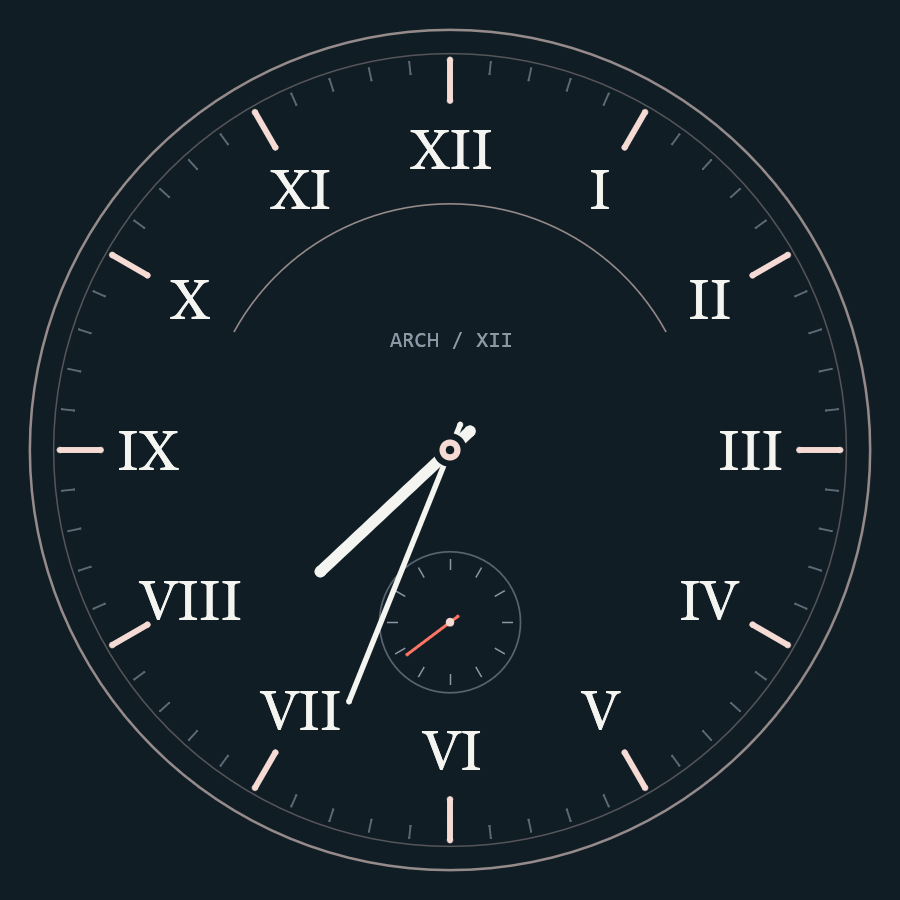
The second hand can sweep smoothly or step once per second. Enabling ticking sound switches it to one-second steps in time with the sound.
Listening to a clock tick while you work
The ticking sounds come from paid audio assets containing recordings of old clocks. There are eleven regular ticking sounds, selected independently from the face.
The sample is Antique Brass, recorded from the actual app for about 18 seconds. Press the play button in the player below to hear it.
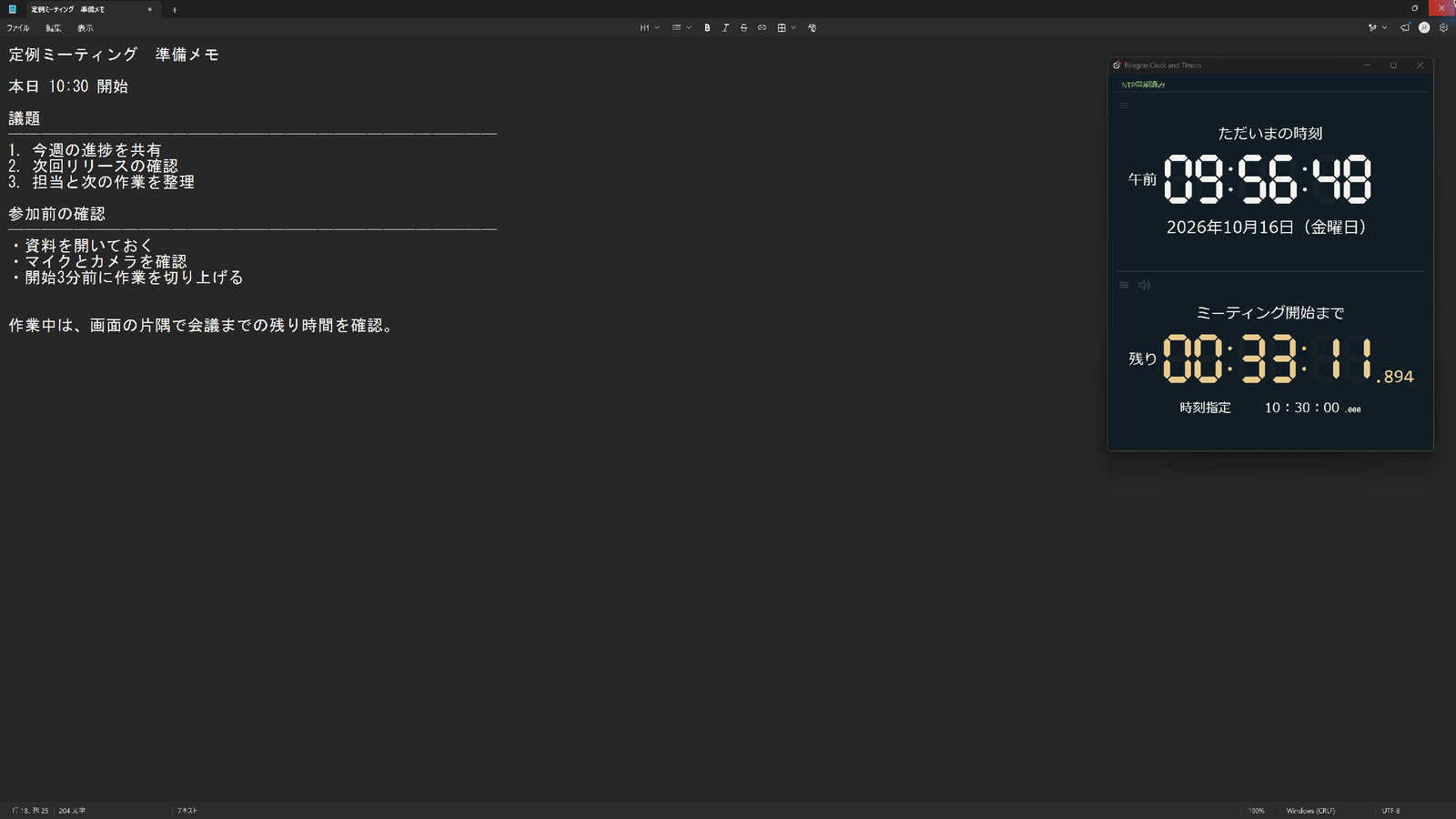
At night, while doing small tasks such as organizing my work, I like to play the sound of an old clock quietly. Hearing it tick while I work feels calming to me.
In the app, move the pointer near the clock's top-left corner and open the gear to choose the face, sound, and volume. The adjacent sound icon mutes just the ticking. If you hear nothing, check global mute in the top bar too.
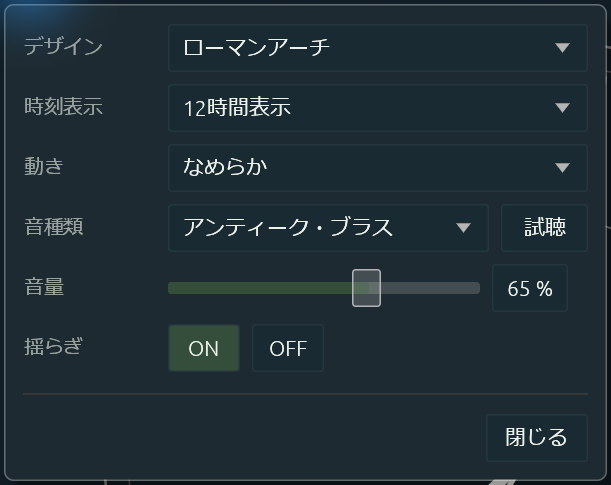
The app's settings panel. Antique Brass can be selected and previewed here too.
Spoken time for the digital clock, inspired by traditional time announcements
The digital display also includes spoken time inspired by old-style time announcements. I wanted a voice that is easy to listen to.
Choose a female or male voice, speaking every ten seconds or every minute. Japanese and English are supported, following the app's display language. The voices are included in the app, so no internet connection is needed for speech.
The following sample is the Japanese female voice. Press play to hear the fixed preview time of 12:30:50 used by the app.
When you cannot look away from your work, you can check the time by listening. Speech and its volume can be configured separately within the app.
NTP obtains time information from a network. The app uses it to correct its displayed time without changing the Windows system clock. When correction is enabled, spoken announcements follow the corrected time too.
Your preferred clock, in a corner or across the whole screen
There are four digital designs, including LED and flip displays. Personally, I like watching the flip digits change.
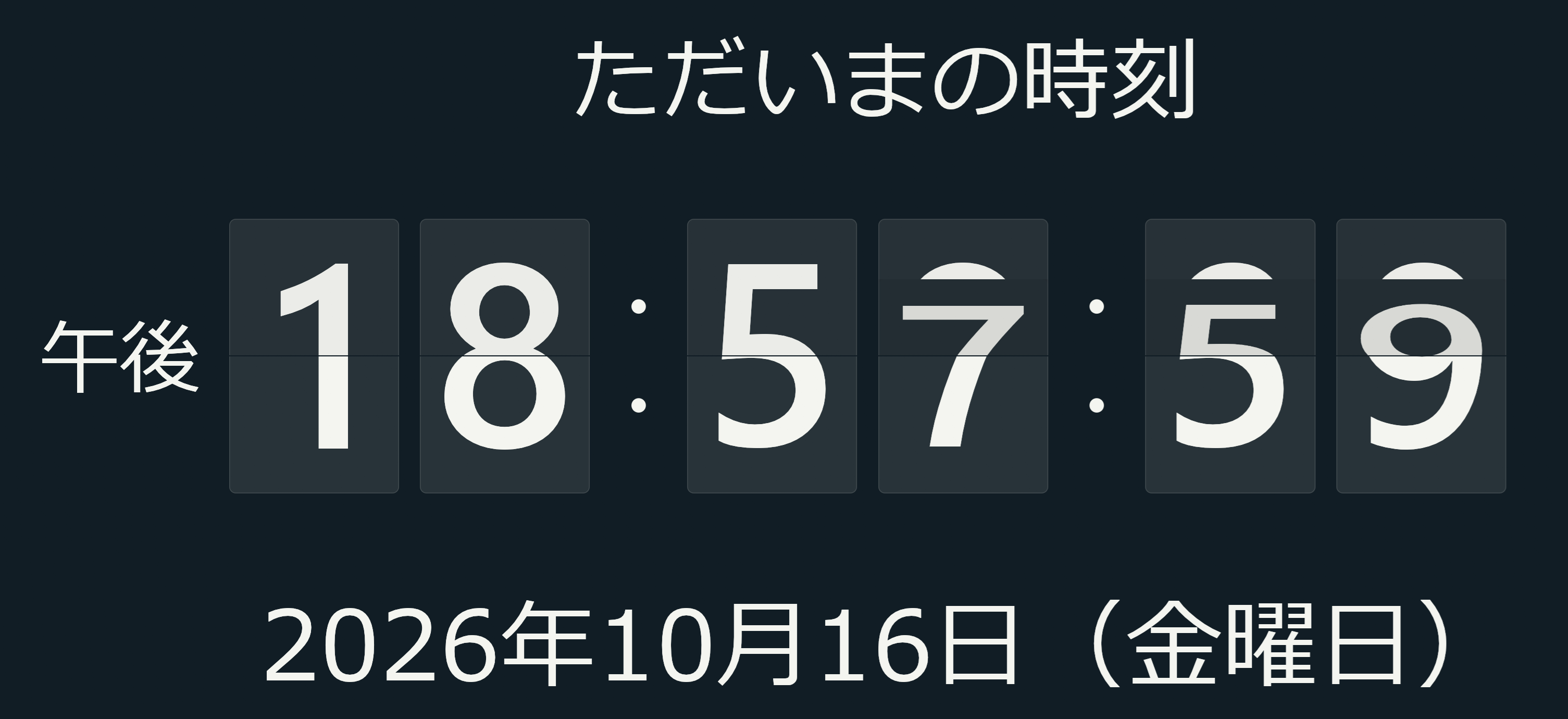
The flip display at the instant a digit changes. It can show the date too.
The window resizes freely and supports always-on-top, position locking, and F11 full-screen mode. An unused Windows PC could serve as a dedicated clock. The selected design and settings carry over to the next launch.
Choosing between Windows' built-in clock and an additional clock
Windows 11 shows the time in the taskbar and can show seconds through its settings. The built-in Clock app includes alarms and timers, and Windows itself offers automatic time setting. Choose an additional clock according to how you want to view and use it.
| Option | Suitable uses |
|---|---|
| Built-in Windows features | Checking the time, alarms, and measuring intervals |
| ClocX | Choosing clock faces and transparency, with alarms and a calendar |
| Rainmeter | Arranging a desktop with skins, including clocks and other display components |
| Riragon Clock and Timers | Choosing faces and ticking sounds, with spoken time in the digital display |
App details and download
The app is currently an alpha, meaning a prototype release. Normally ¥980, it is free through December 31, 2026. Apps obtained during the promotion remain usable afterward. New acquisitions after the period will be at the regular price.
Related article
Related official resources
Related articles
Updates and contact: X @riragoncom.