A WordPress plugin to use Gothic fonts in the Classic Editor
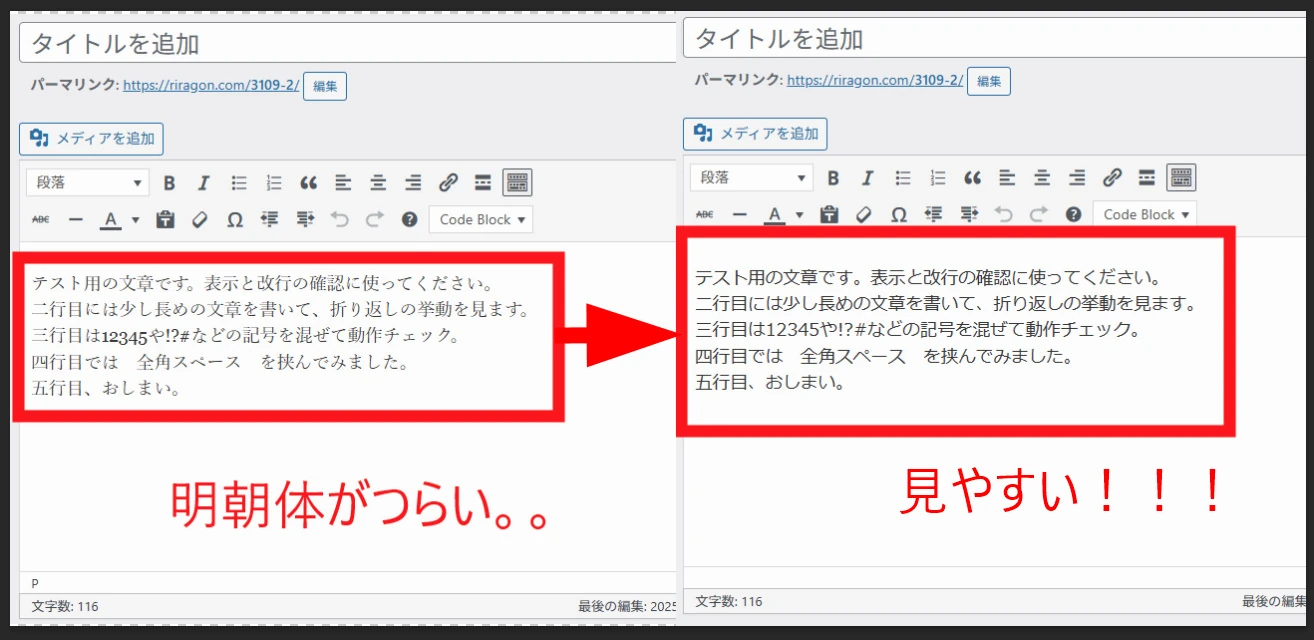
My WordPress Classic Editor displayed a Mincho serif font while published posts used a Gothic sans-serif style. I made a small plugin to override the editor font without modifying the theme.
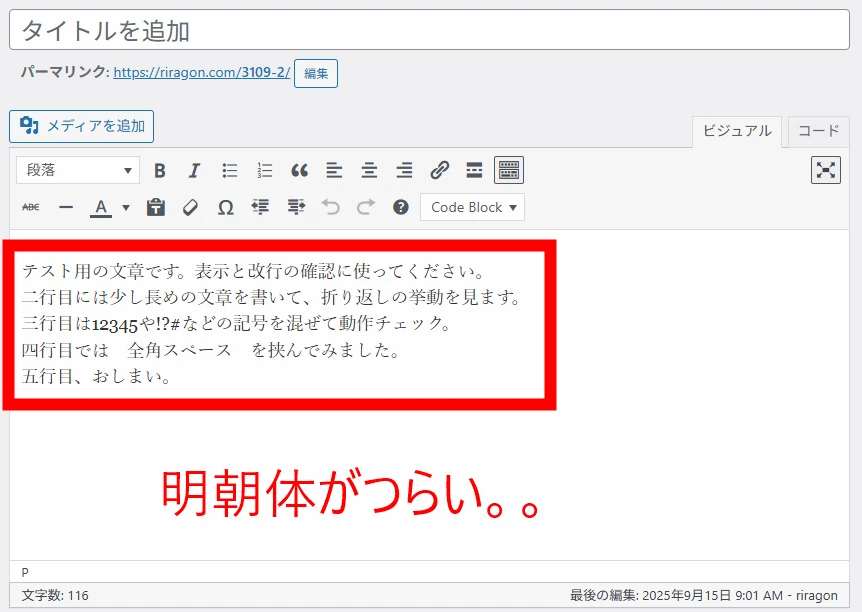
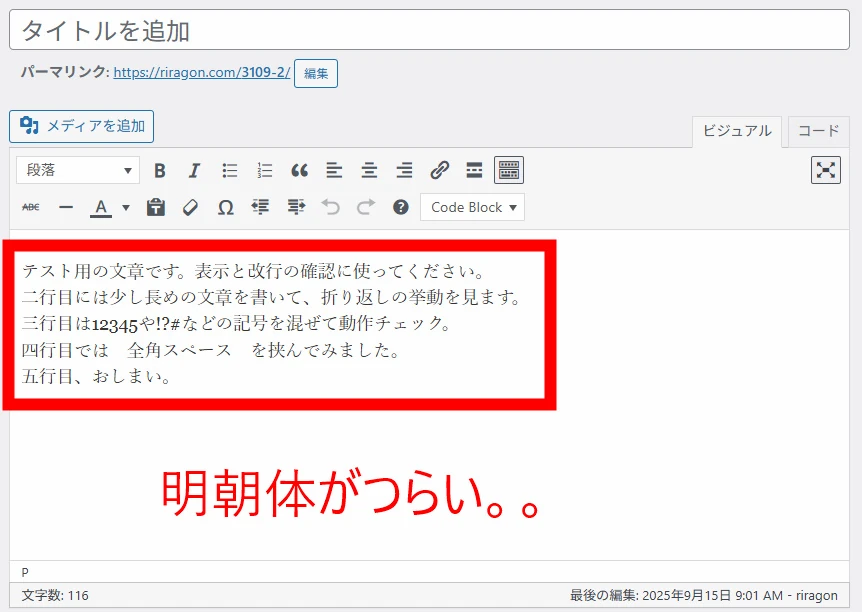
My WordPress Classic Editor always displays a Mincho-style serif font, which is inconvenient. Published posts use a proportional Gothic sans-serif style, making it difficult to judge the final appearance while writing.
Unfortunately, Custom CSS does not change the Classic Editor from Mincho to Gothic. A child theme or functions.php customization could force it, but theme updates may interfere, and I tend to forget such changes. That reduces long-term maintainability.
I therefore made a plugin that forces a proportional Gothic font in the Classic Editor. It is much more comfortable. Excellent.
 The block editor already uses a Gothic-style font while editing, but I find WordPress's block editor extremely difficult to use. Why is it so confusing? I cannot understand it. I think it is a terrible editor, even if others prefer it or recommend customizing it.
I use the plugin that restores the Classic Editor. Nine million people use it and it has a five-star rating. That gives some sense of how many people dislike the block editor.
https://wordpress.org/support/plugin/classic-editor/reviews/
 Look at the comments. I agree completely.



Back to my Classic Editor: it always uses Mincho. The characters look thin and the Latin letters and digits seem uneven. It is hard to read, which makes writing harder.
Published articles use a proportional Gothic font.

With a similar Gothic style in the editor, the text is much easier to judge. Wonderful. Really wonderful.
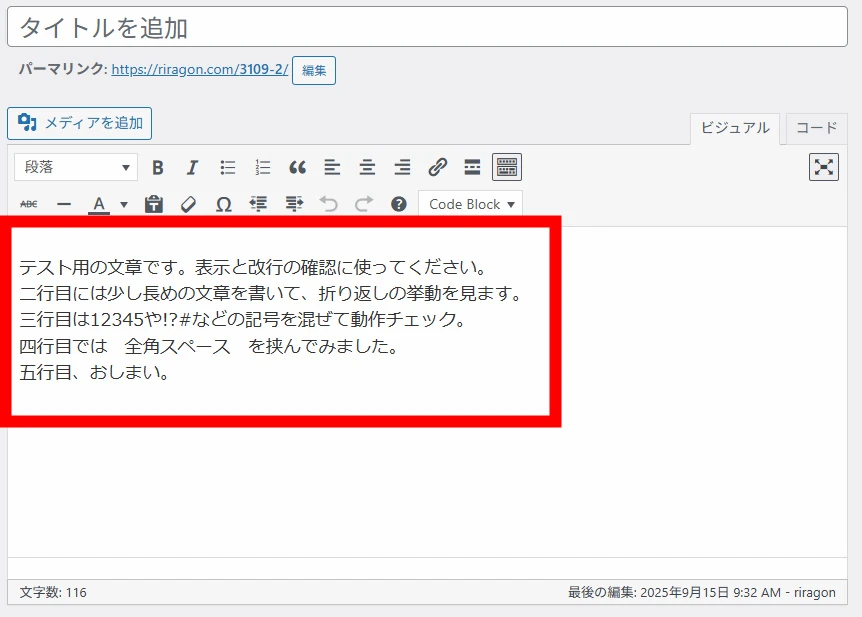 Custom CSS does not override the editing screen's stylesheet, so the plugin forces an override. The font stack is shown below.
Some WordPress themes may have compatibility issues. The font stack is font-family: "メイリオ", Meiryo, "Yu Gothic", "Yu Gothic UI", "MS Pゴシック", "MS PGothic", sans-serif !important;. To adjust it to your preferences, download the code from the Git repository below.
If you would like to try it, download it from Git and use it at your own discretion.
Related articles


Updates and contact: X @riragoncom.