Receiving and displaying NDI video in UE5 with the NDI Unreal Engine SDK
A walkthrough for receiving and displaying NDI in Unreal Engine 5. The February 2024 SDK used here does not support UE 5.3.2, so the example requires UE 5.3.1, UE 5.2, or another supported earlier version.
Note: This article was published more than a year ago.
- UE NDI integration, plugins, and Media Framework procedures change by version. Check the Marketplace and Epic documentation.
- NDI SDK licensing and redistribution terms may be updated. Check current terms before use.
- Network bandwidth and firewalls can become bottlenecks. Measure latency and dropped frames in your environment.
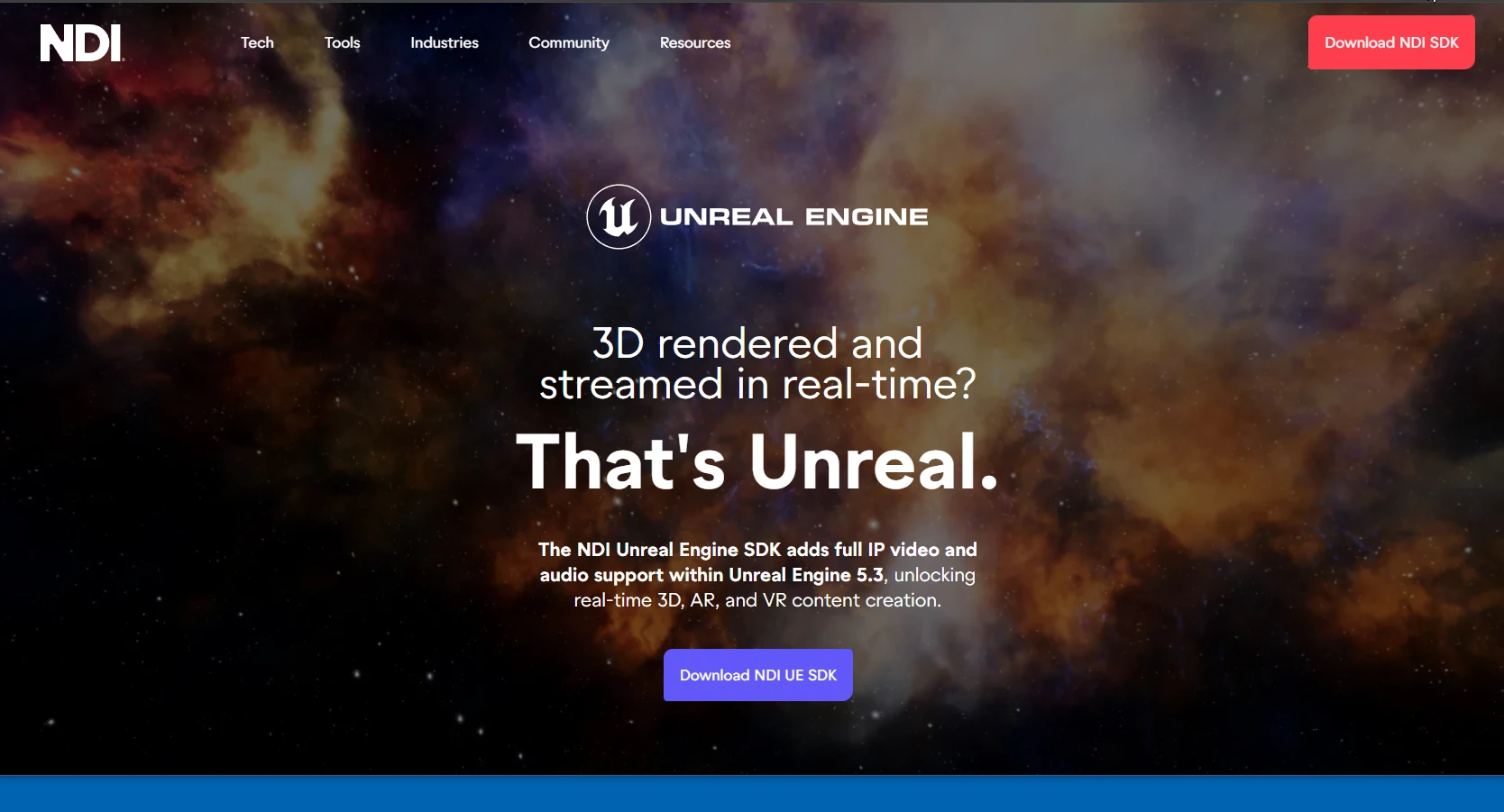
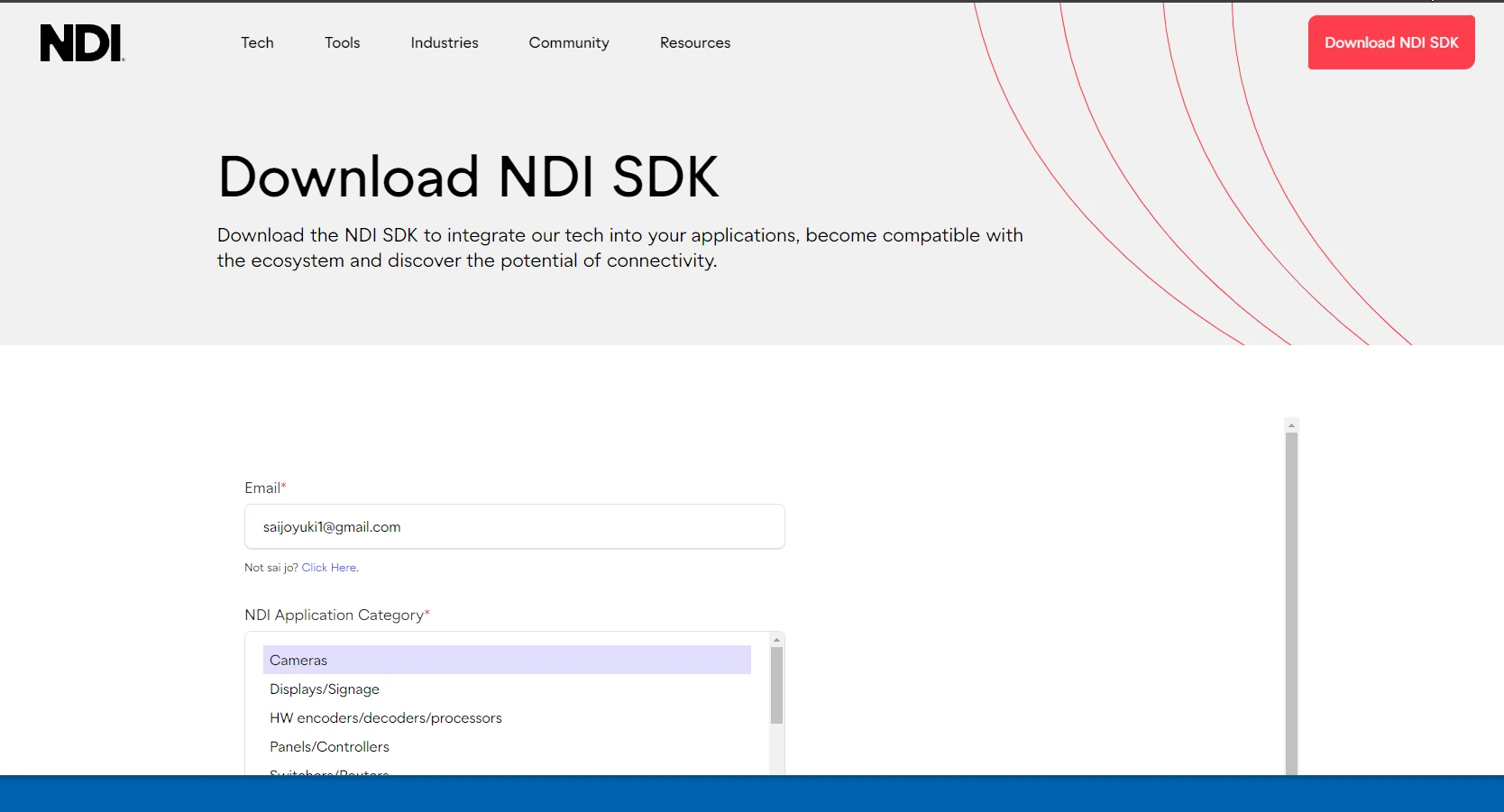
Here is how to receive and display NDI in UE5. As of February 2024, ndi-unreal-engine-sdk does not support UE 5.3.2. Use UE 5.3.1, UE 5.2, or another supported earlier version. First, download the SDK from the official NDI Unreal Engine SDK page. Completing the required fields reveals the download link.
Official NDI Unreal Engine SDK
 Run the downloaded SDK installer and follow its instructions.
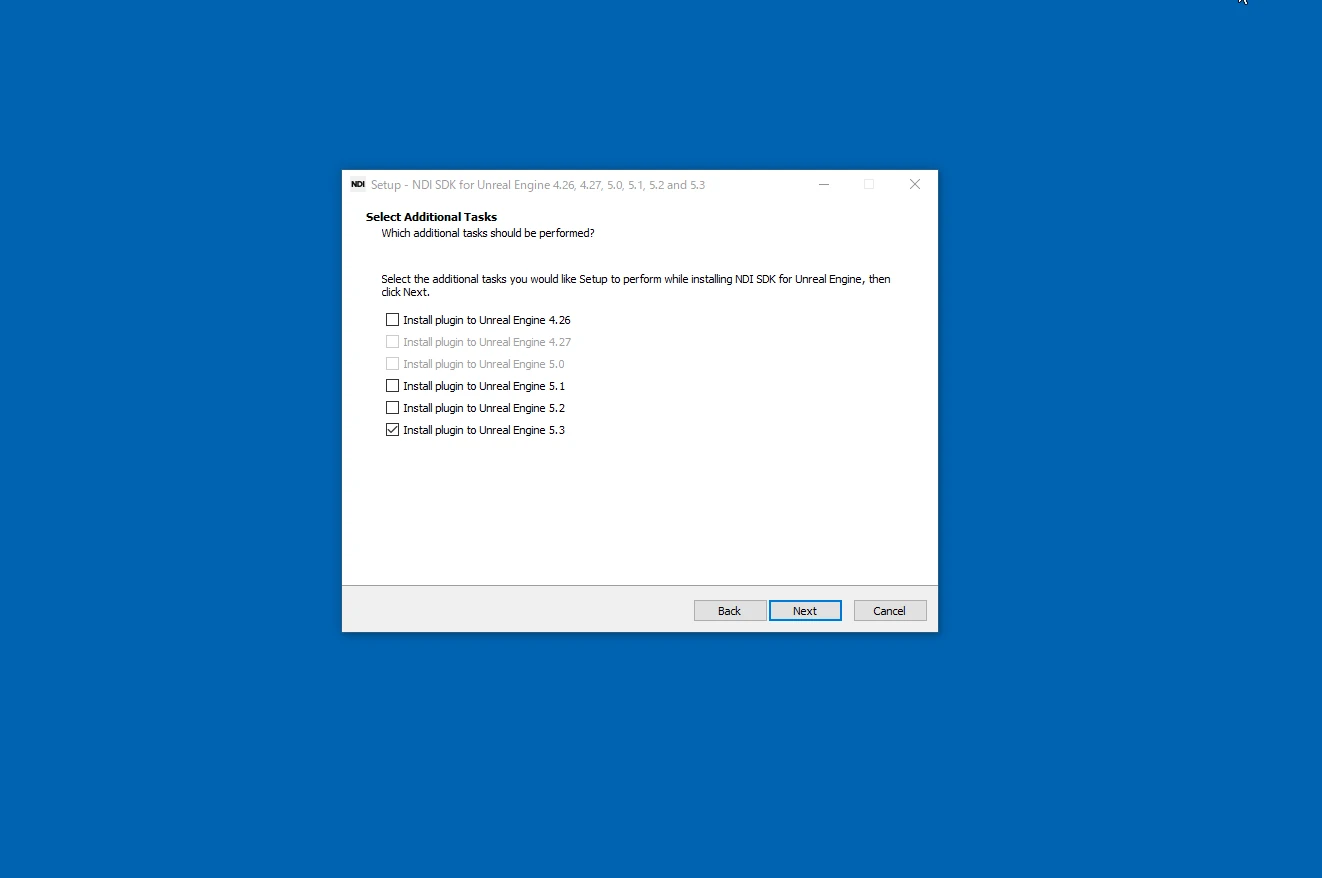
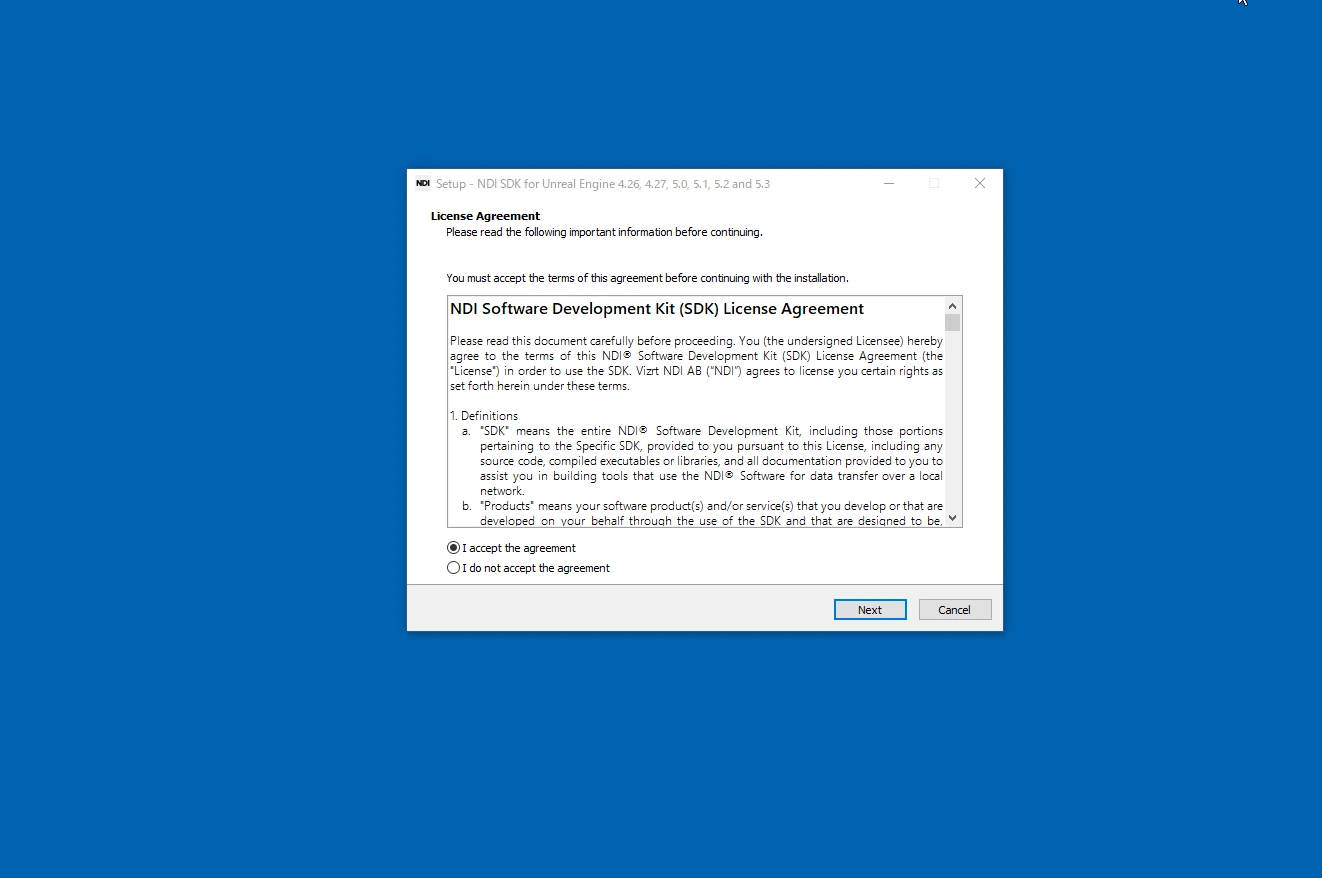 The installer lets you select a UE5 version. Although UE 5.3 is selected in the image, UE 5.3.2 does not work with this SDK. A later update after February 2024 may address that.
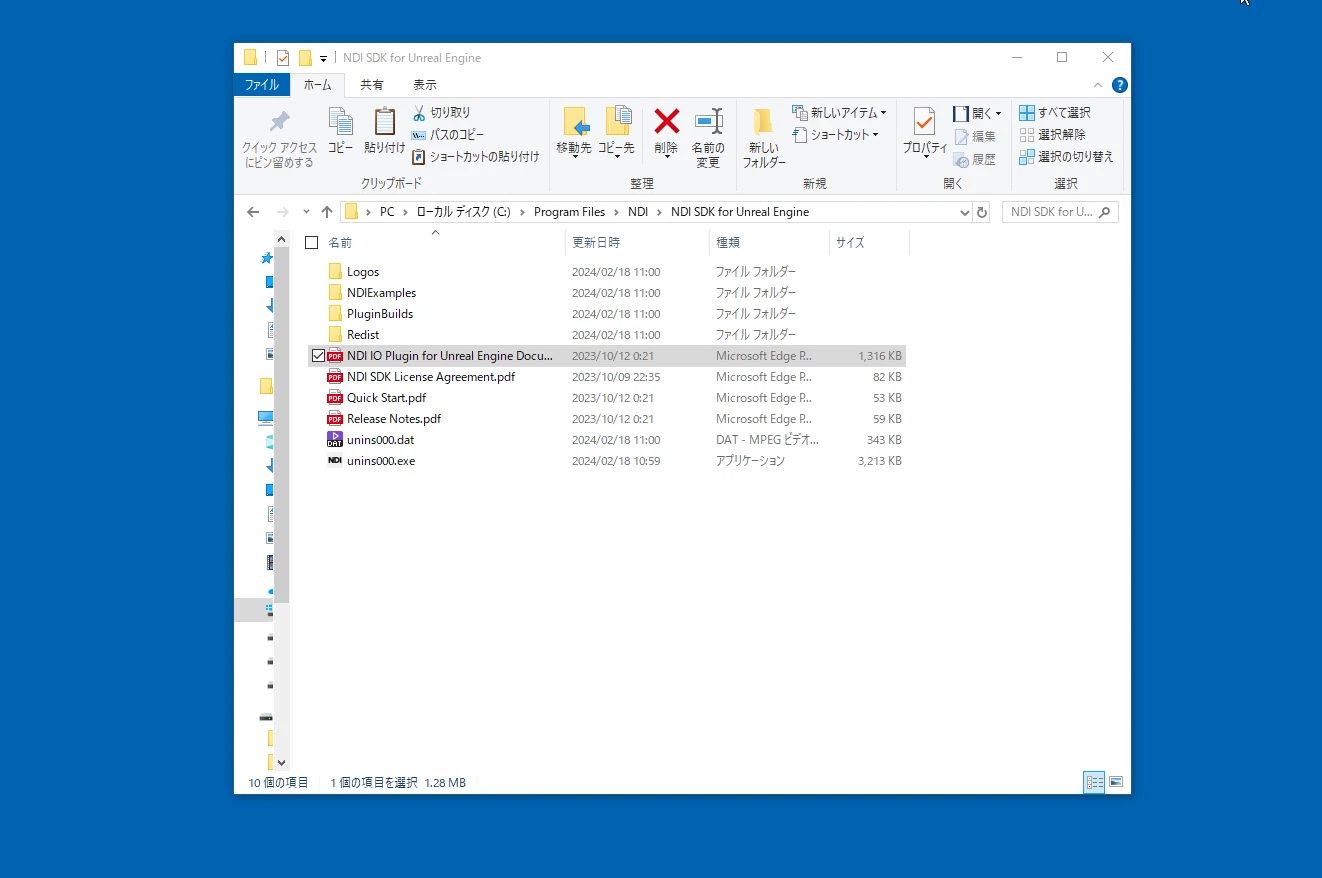
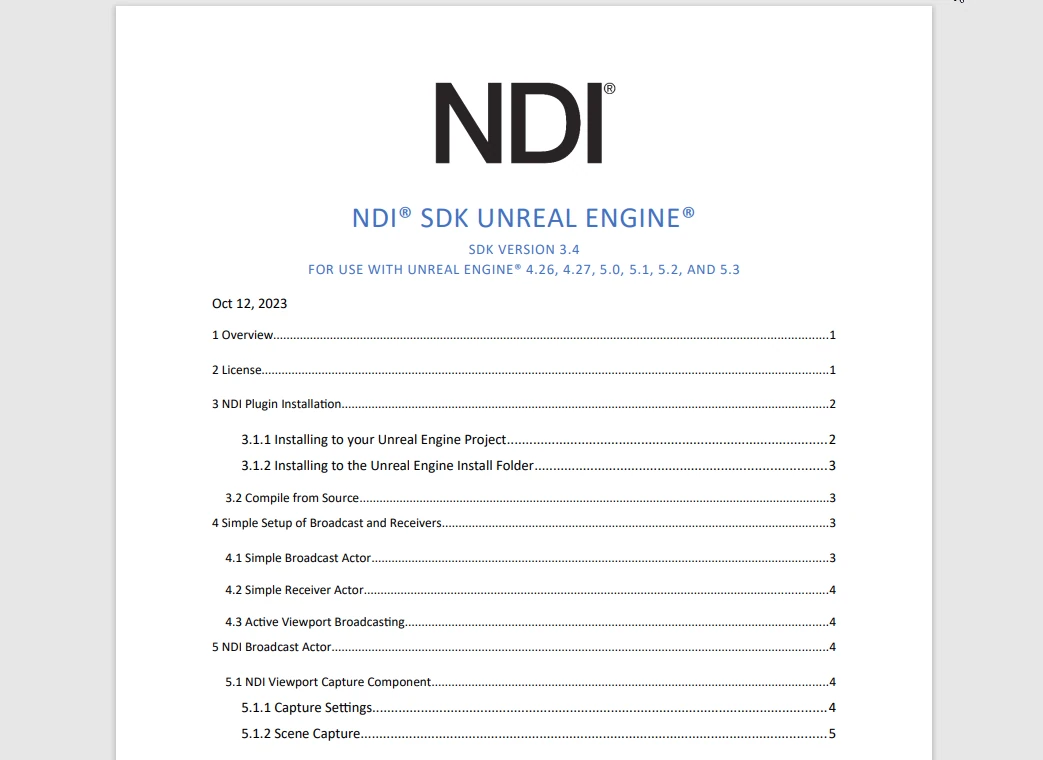
 It is also worth reading the ndi-unreal-engine-sdk documentation.
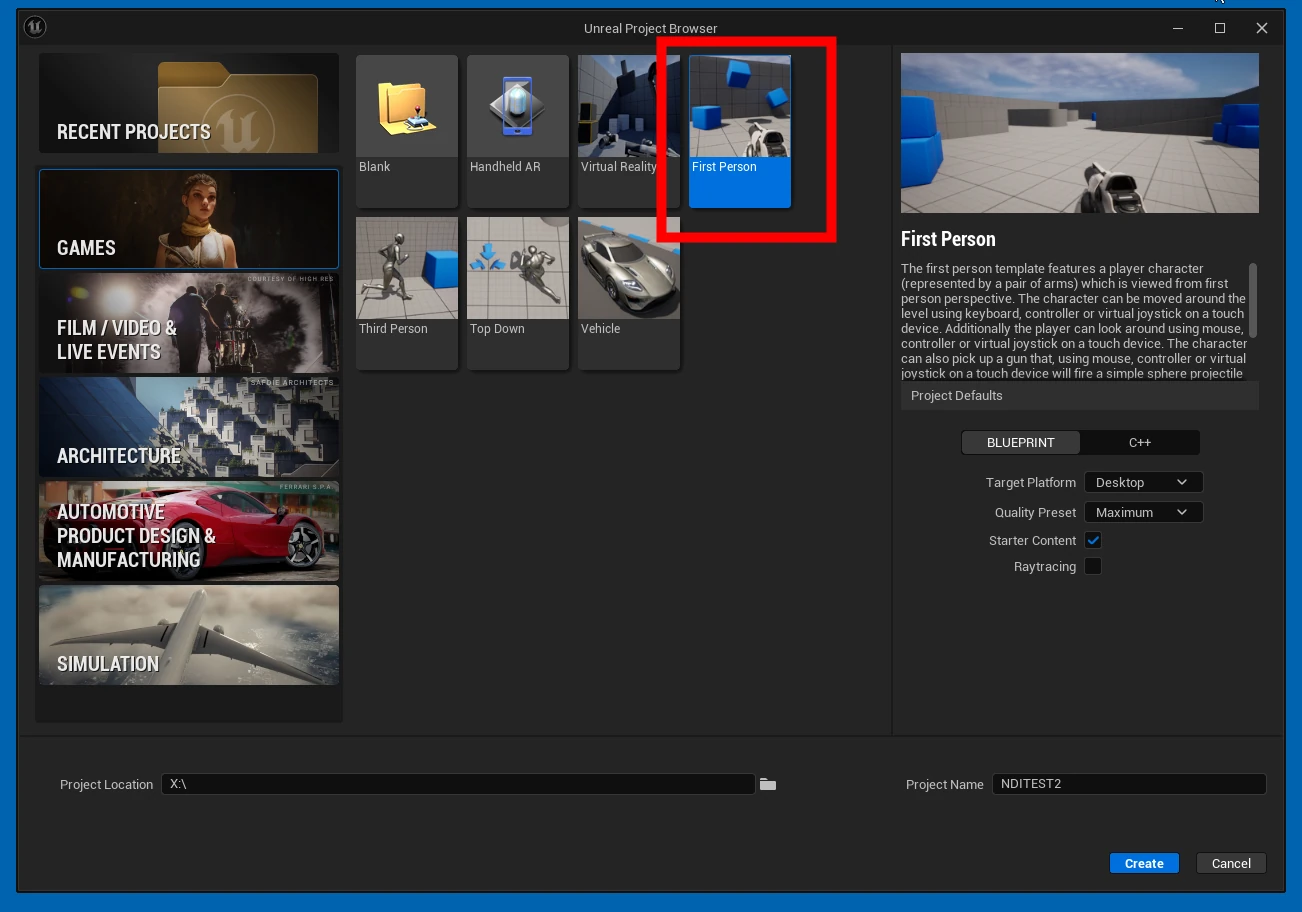
 Create and open a new UE5 project.
 Choose Plugins.
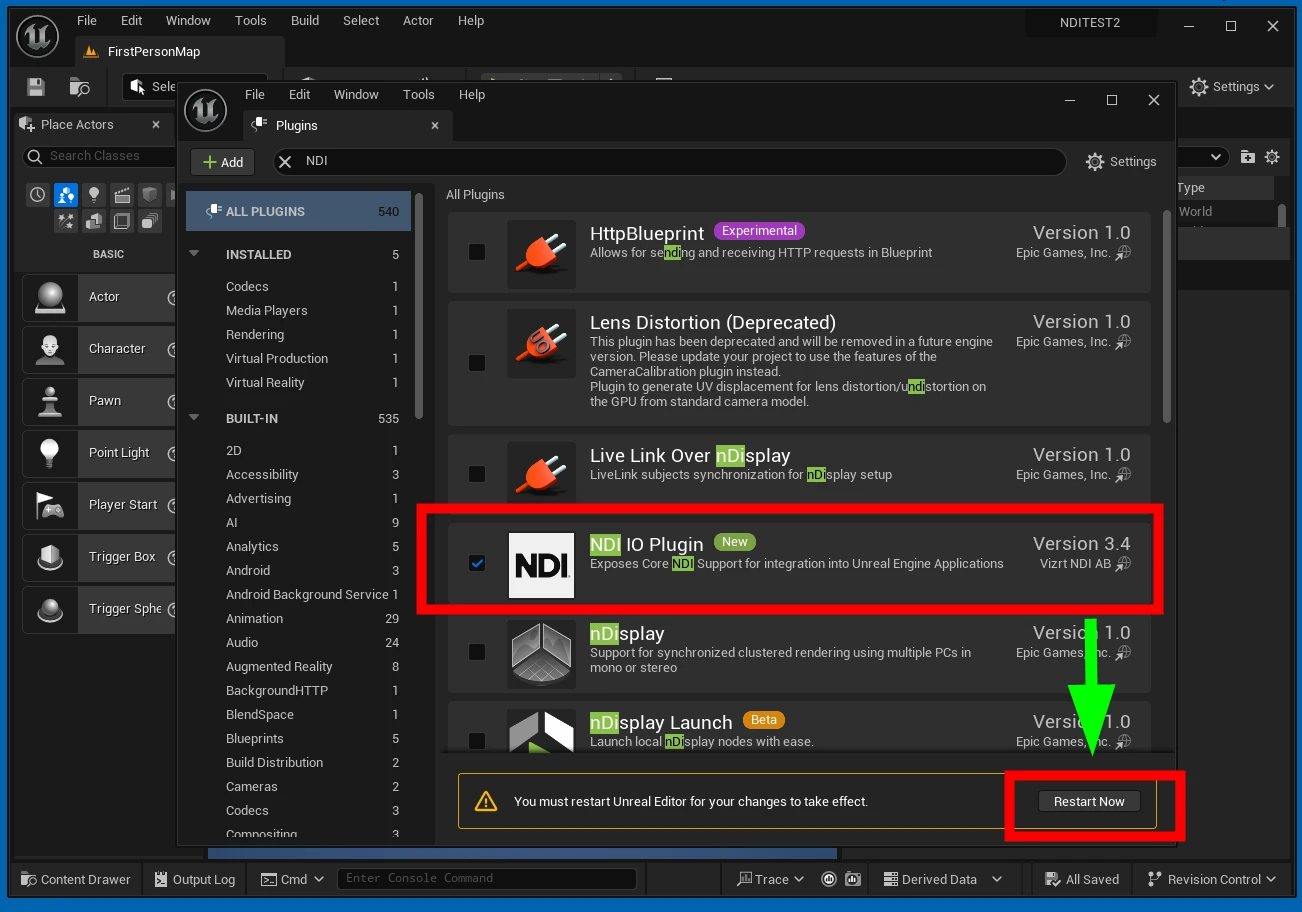
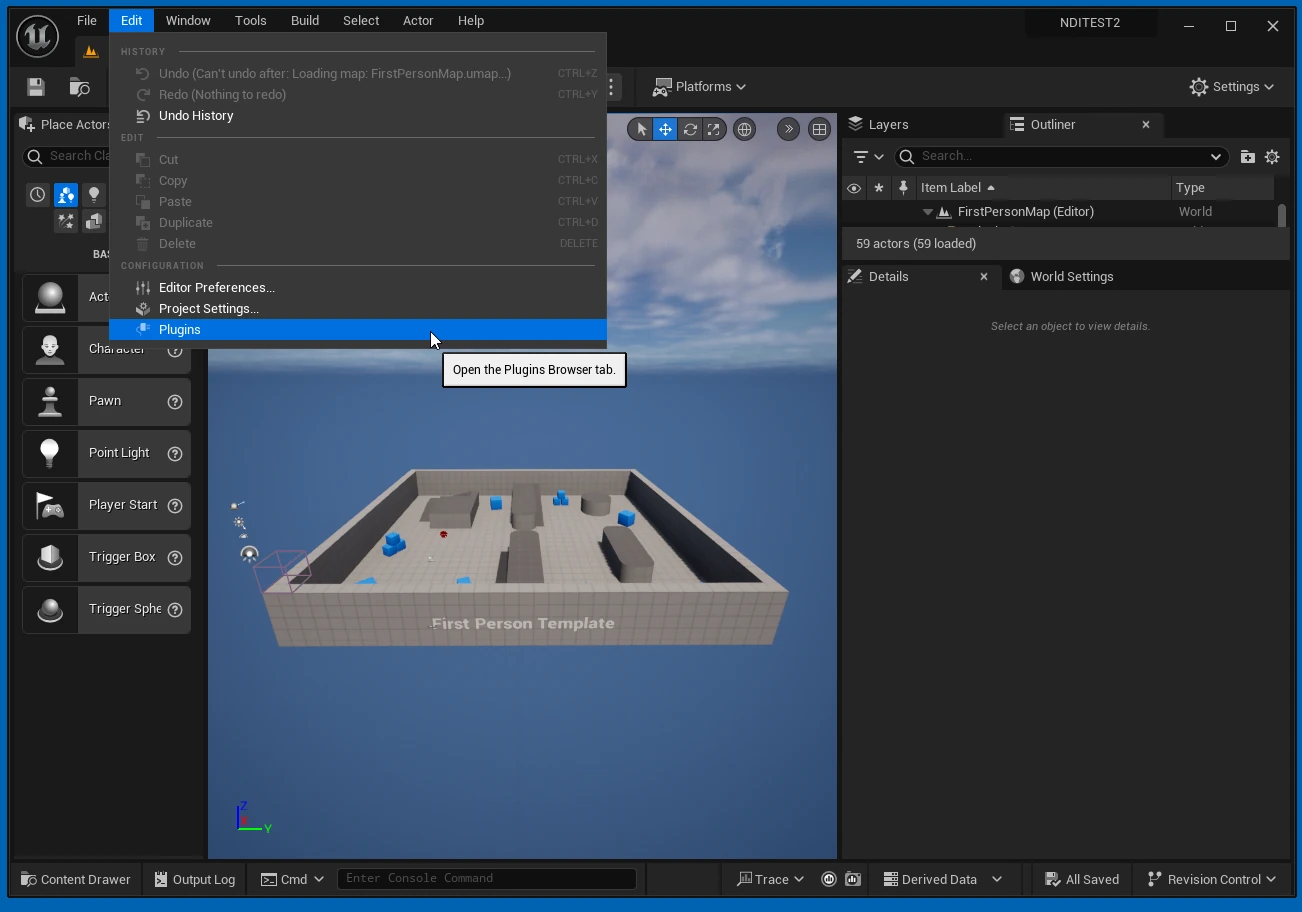 Search for NDI IO Plugin, enable it, and restart UE5.
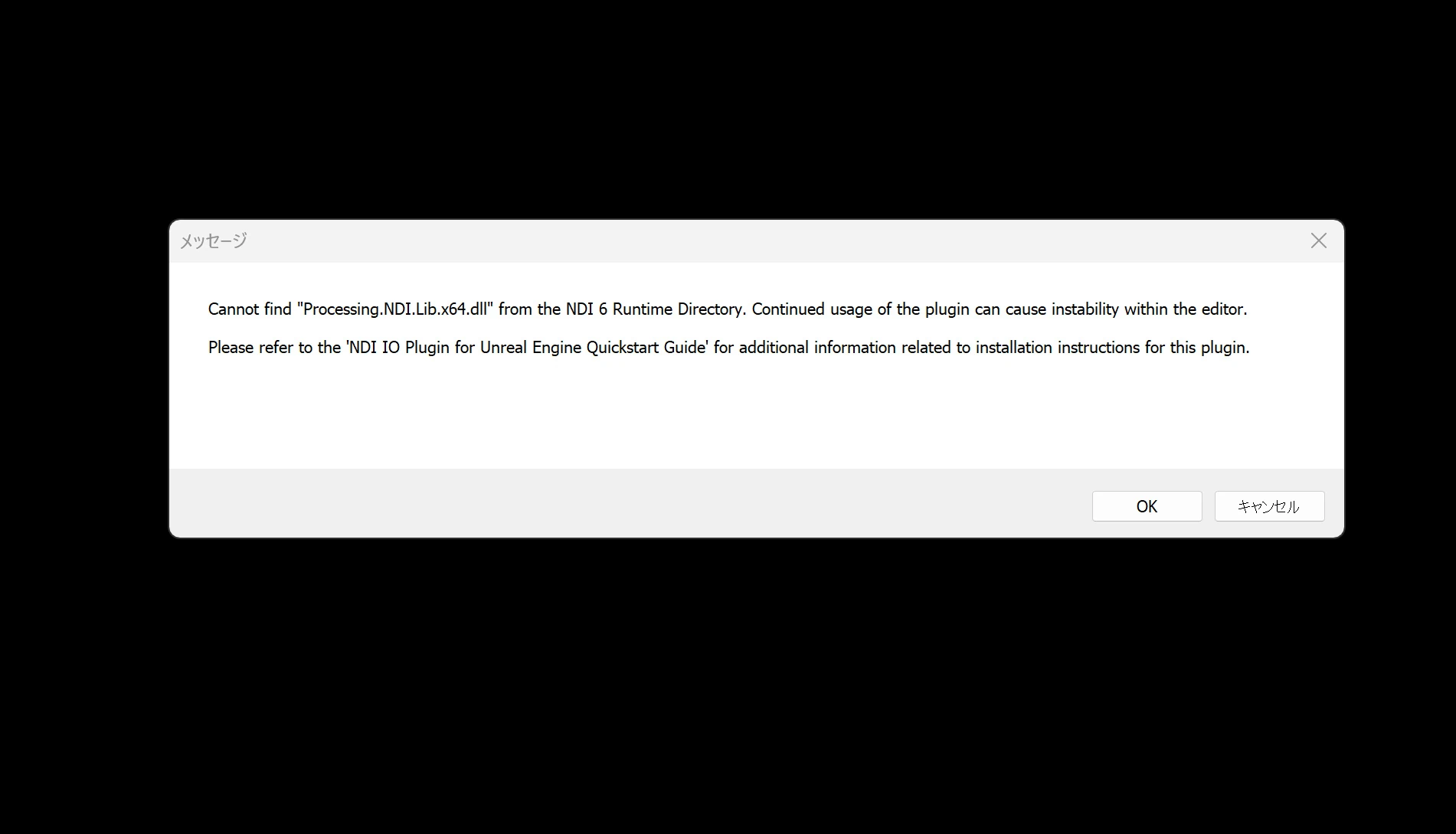
 If NDI Tools itself is not installed, an error like the following appears. Install NDI Tools.
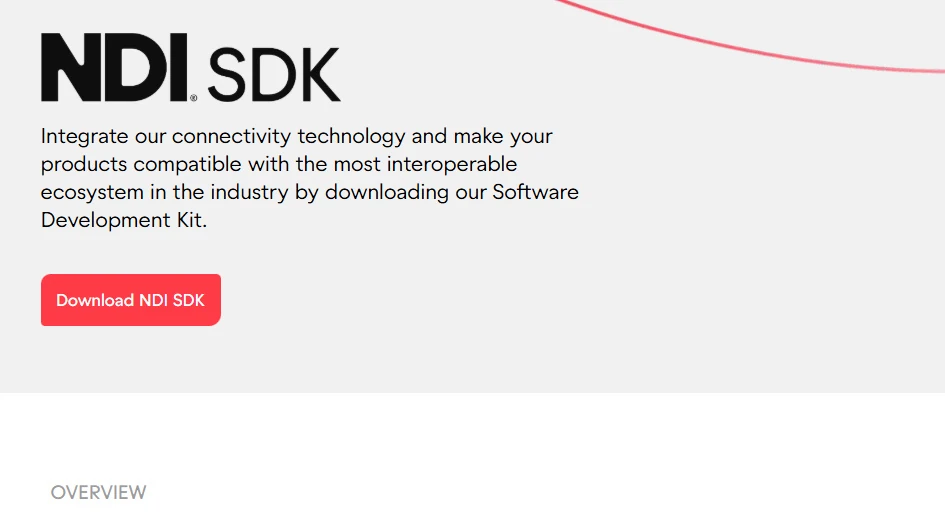
After installation, complete the registration screens and other setup, then restart. The error should disappear.
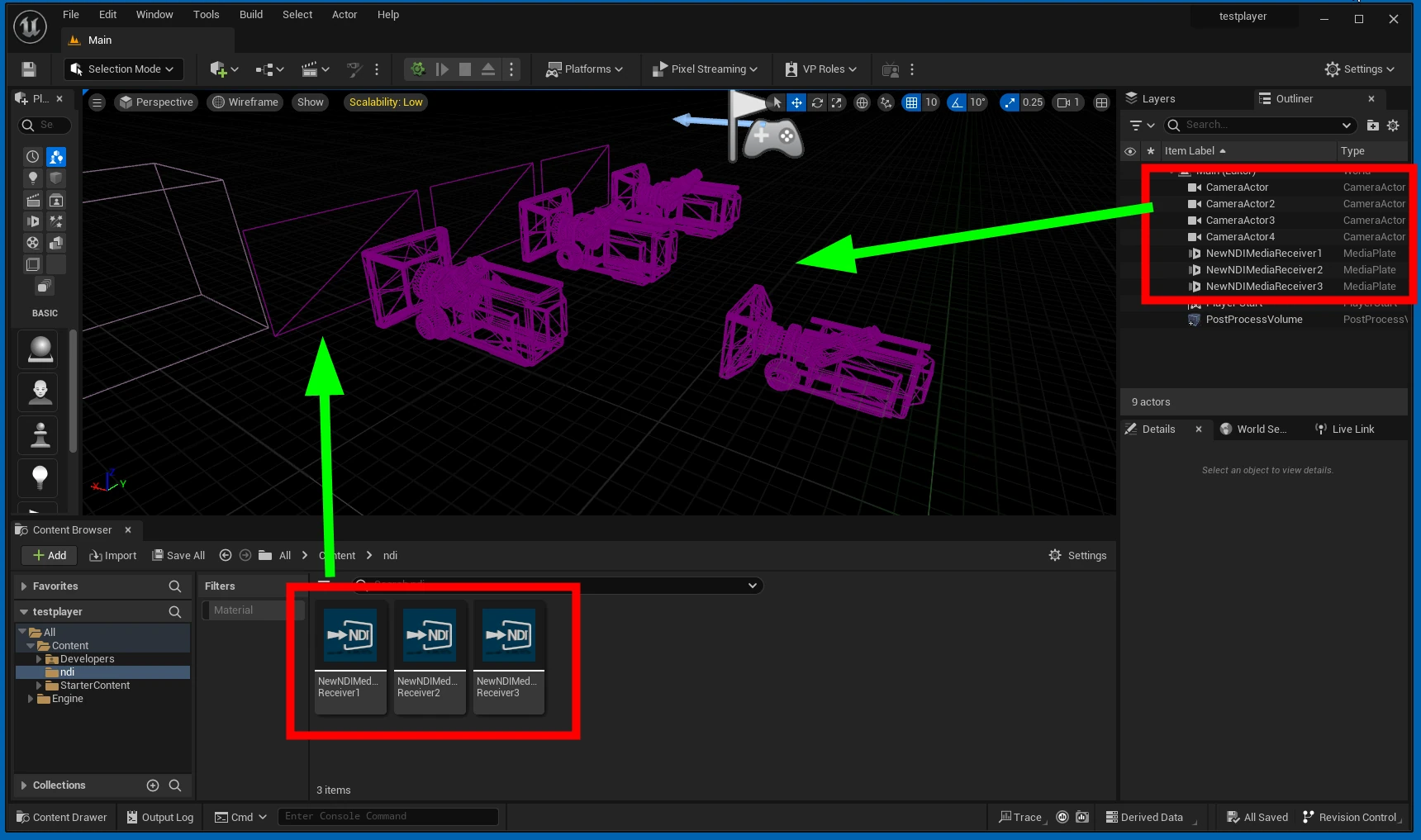
 After startup, right-click in the Content Browser and choose Media > NDI Media Receiver to create an asset.
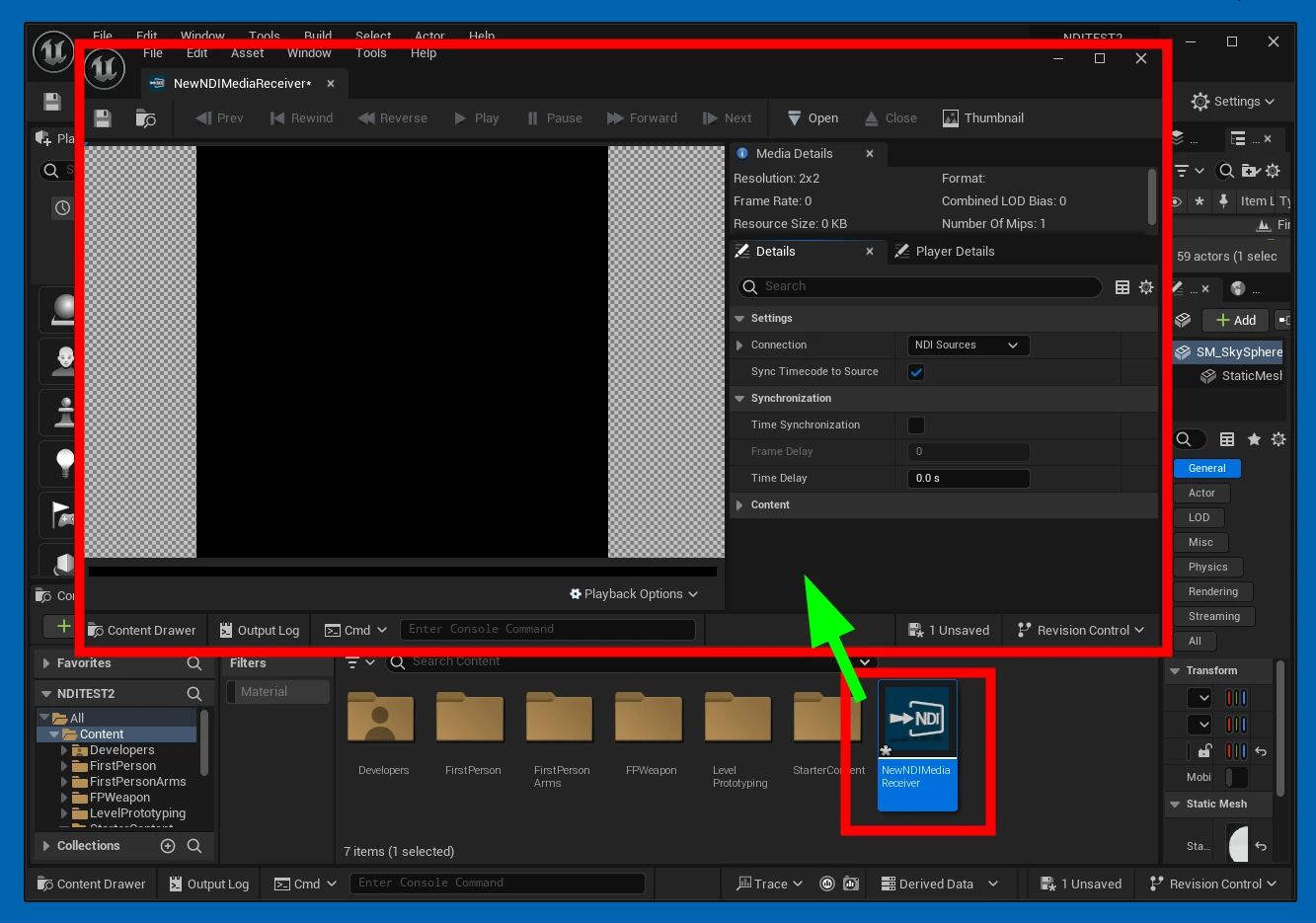
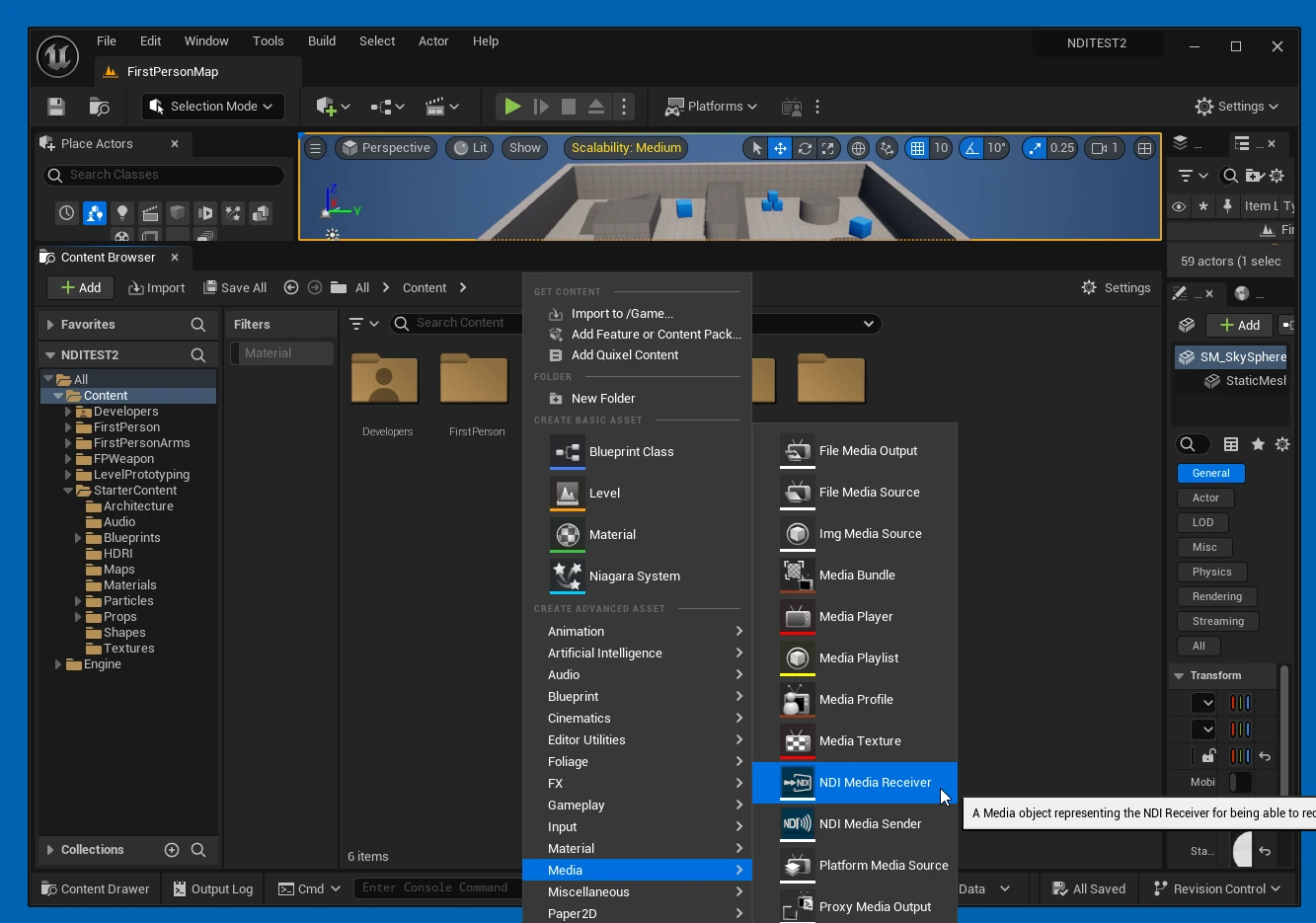 Open the asset and select the NDI source you want.
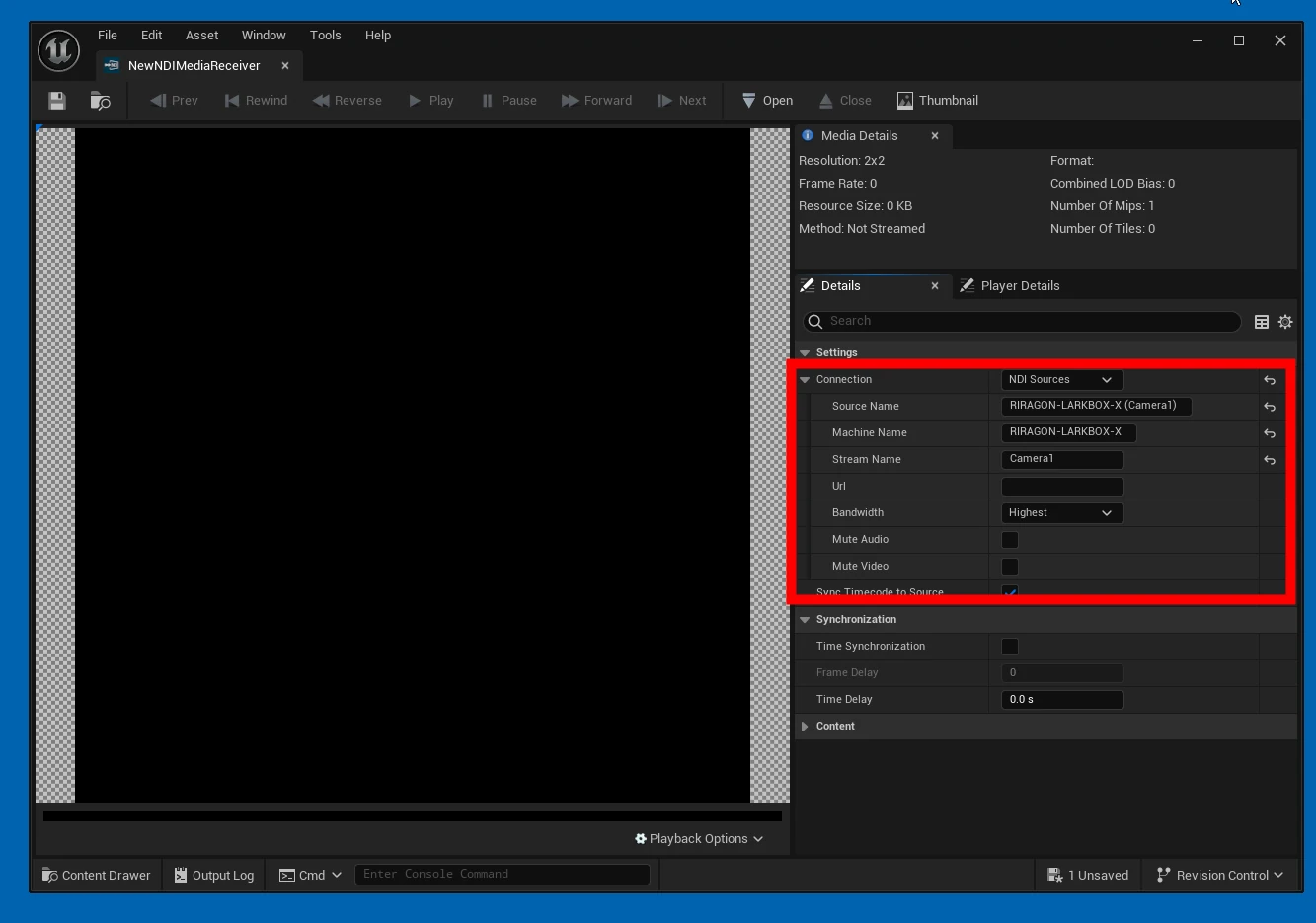
 Choose the appropriate NDI stream.
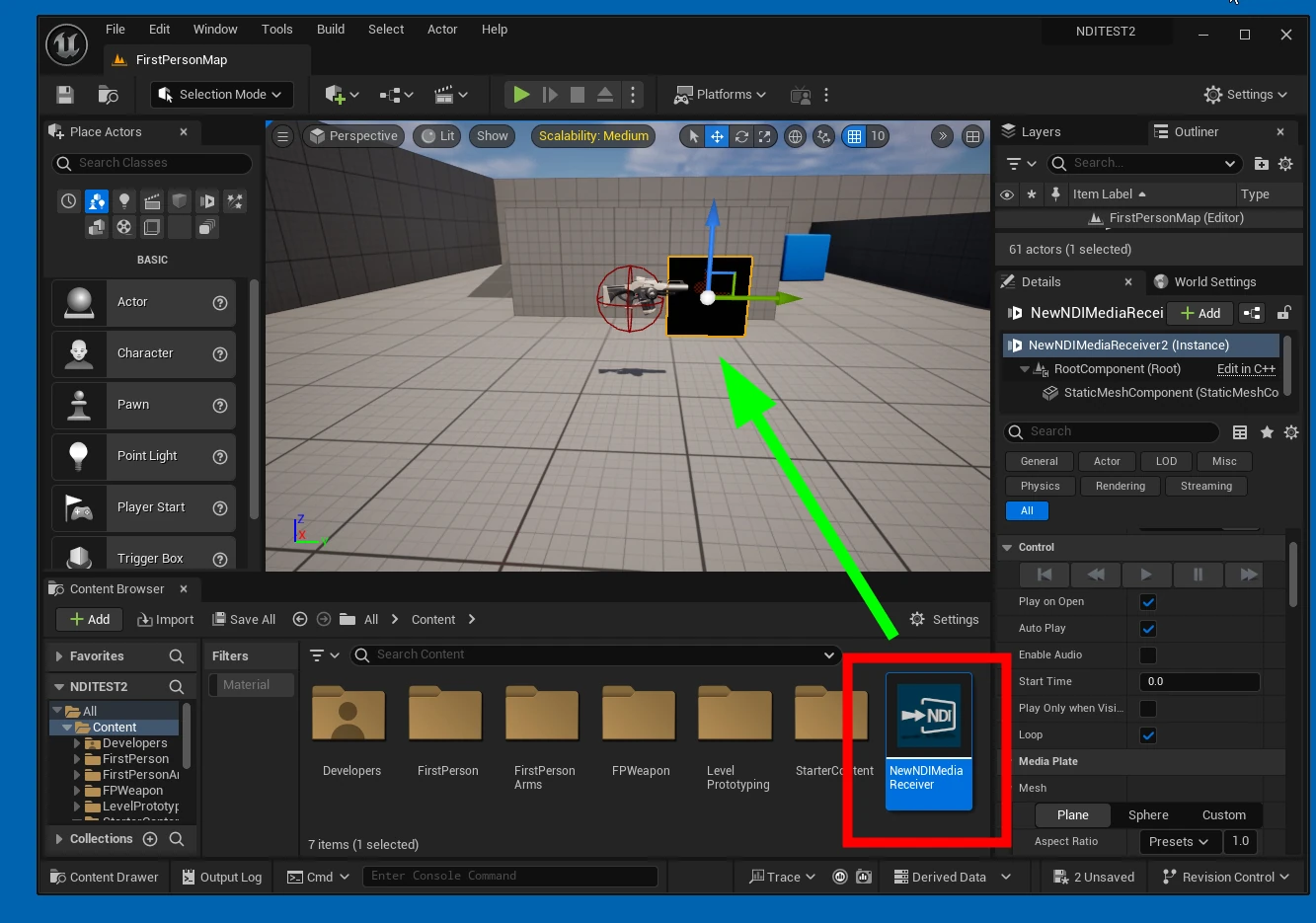
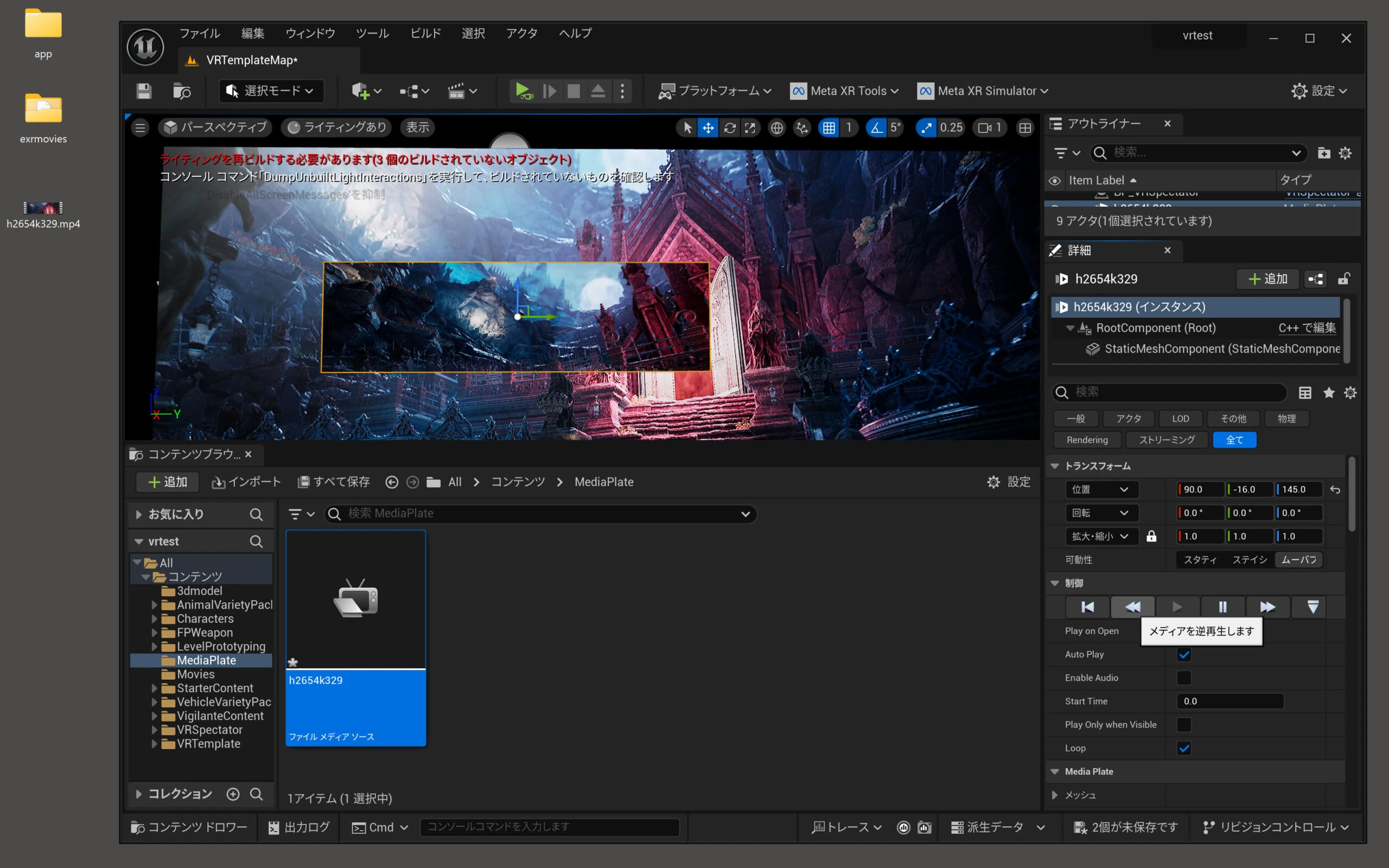
 Drop the NDI Media Receiver asset onto a Media Plate to complete the playback setup. Media Plate is convenient because no separate texture preparation is needed.
 Select an aspect ratio such as 16:9 and adjust the plate for comfortable viewing.
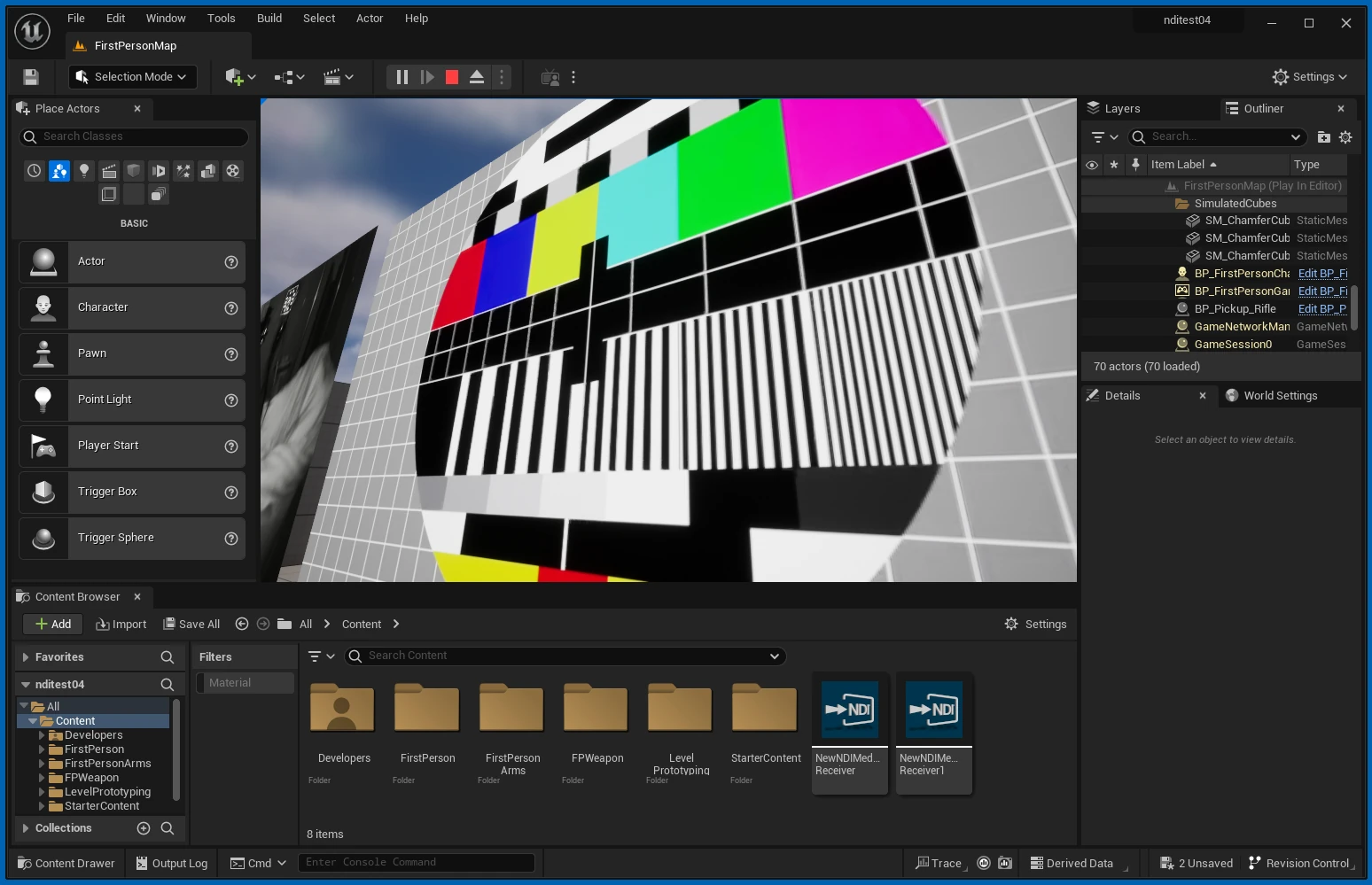
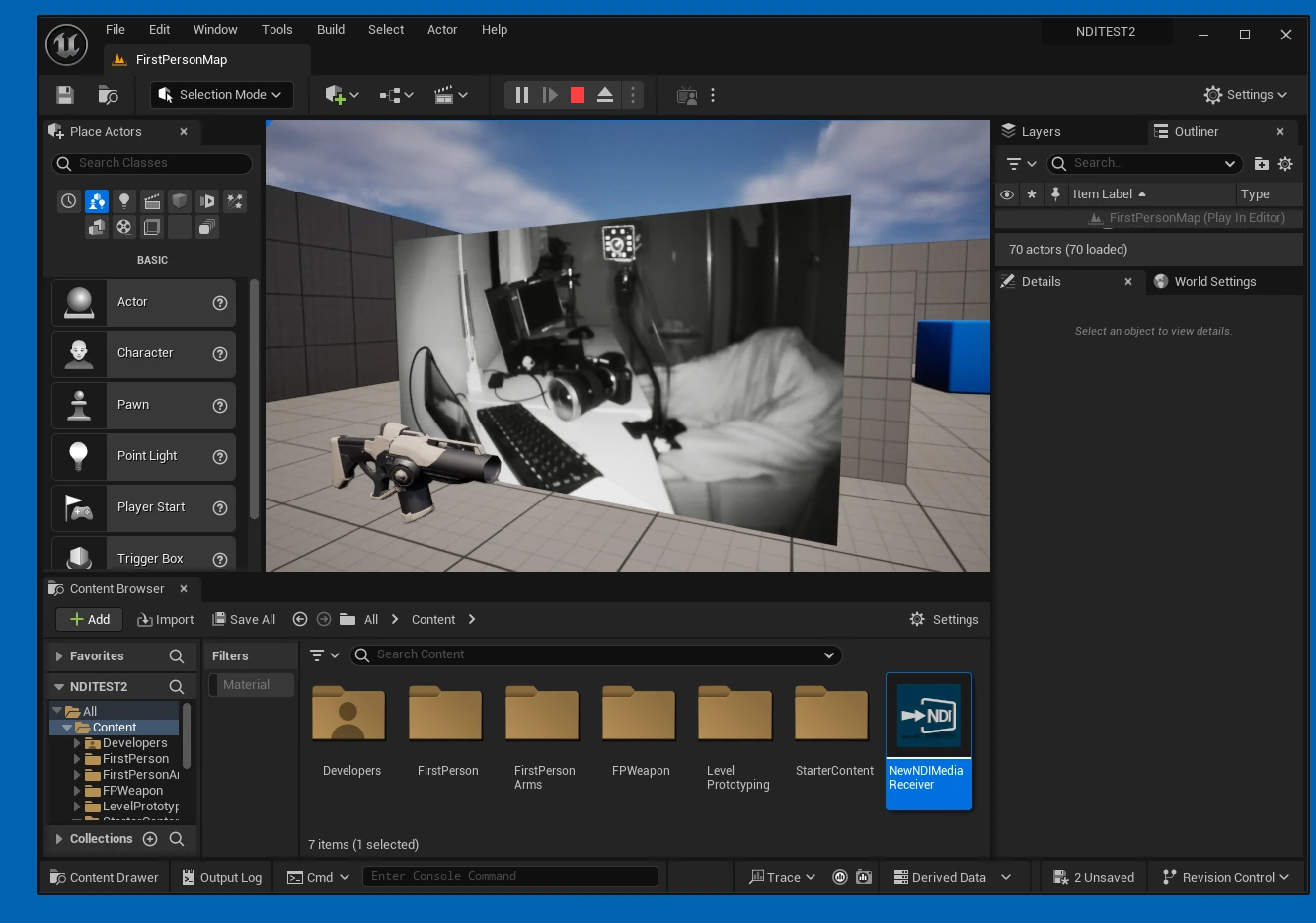
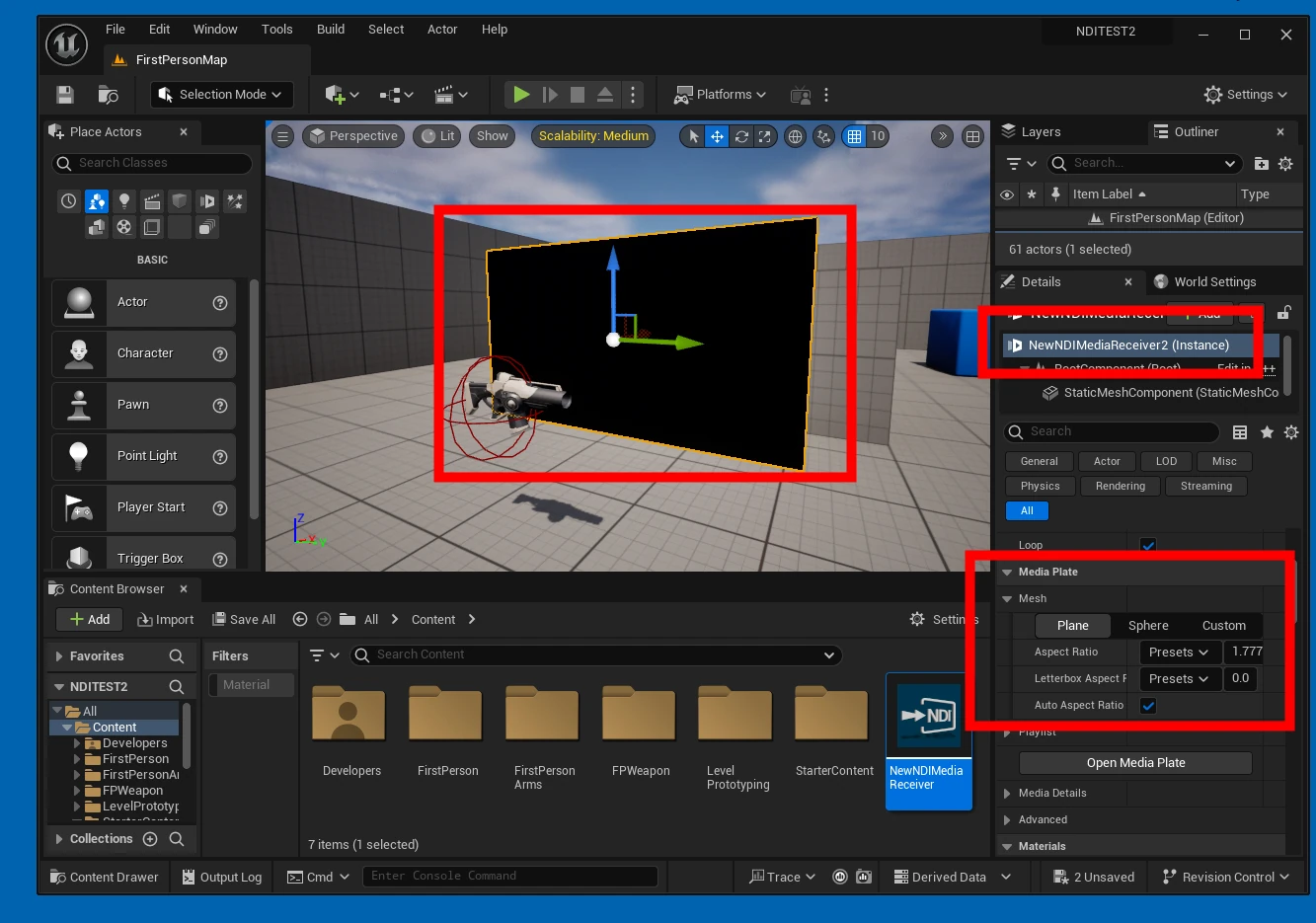 Play the scene and check that the NDI source displays correctly.
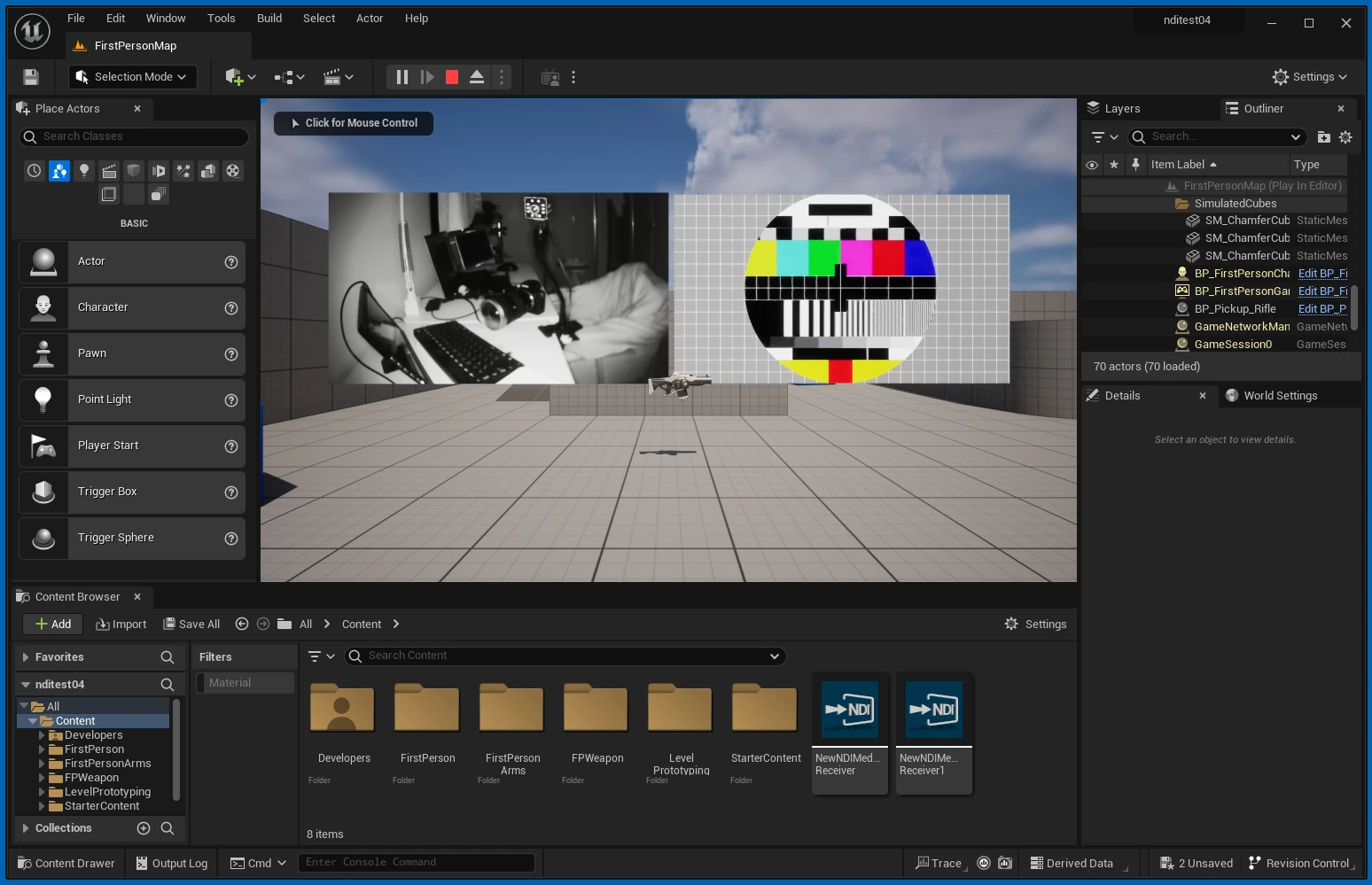
 Also test whether multiple sources can play smoothly.
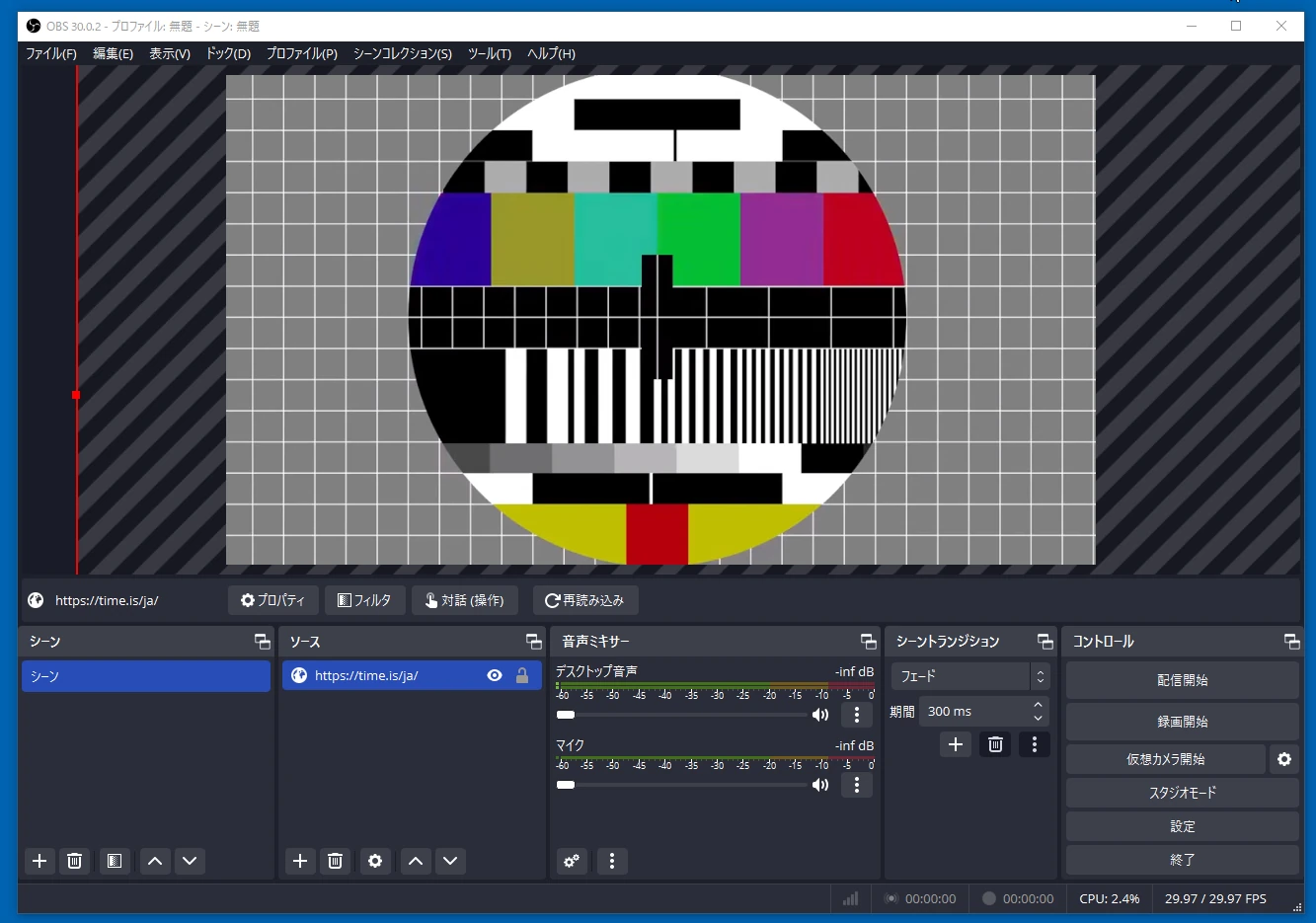 I was able to play two NDI sources smoothly.
 This procedure receives and displays NDI in UE5 at low latency. It could be useful for virtual production, live events, and other applications. With the right idea, there may be interesting new ways to use it.
Related articles
Updates and contact: X @riragoncom.