Adjusting normal-map and roughness-map strength with numbers in UE5 materials
I added controls for normal and roughness map strength in a UE5 material, allowing quick surface adjustments without editing the texture images.
Note: This article is more than one year old.
- Static-mesh normal import options and the material interface change between UE versions. Check your version's import settings.
- Differences in normal and tangent-space conventions between DCC tools and UE can cause seams or lighting inconsistencies. Recheck export presets.
- Recommended normal-map compression settings vary by target platform.
I will show how I changed normal-map and roughness-map strength numerically in UE5's material settings. This is a simple adjustment, but it lets me change the apparent shading without modifying the normal-map image.
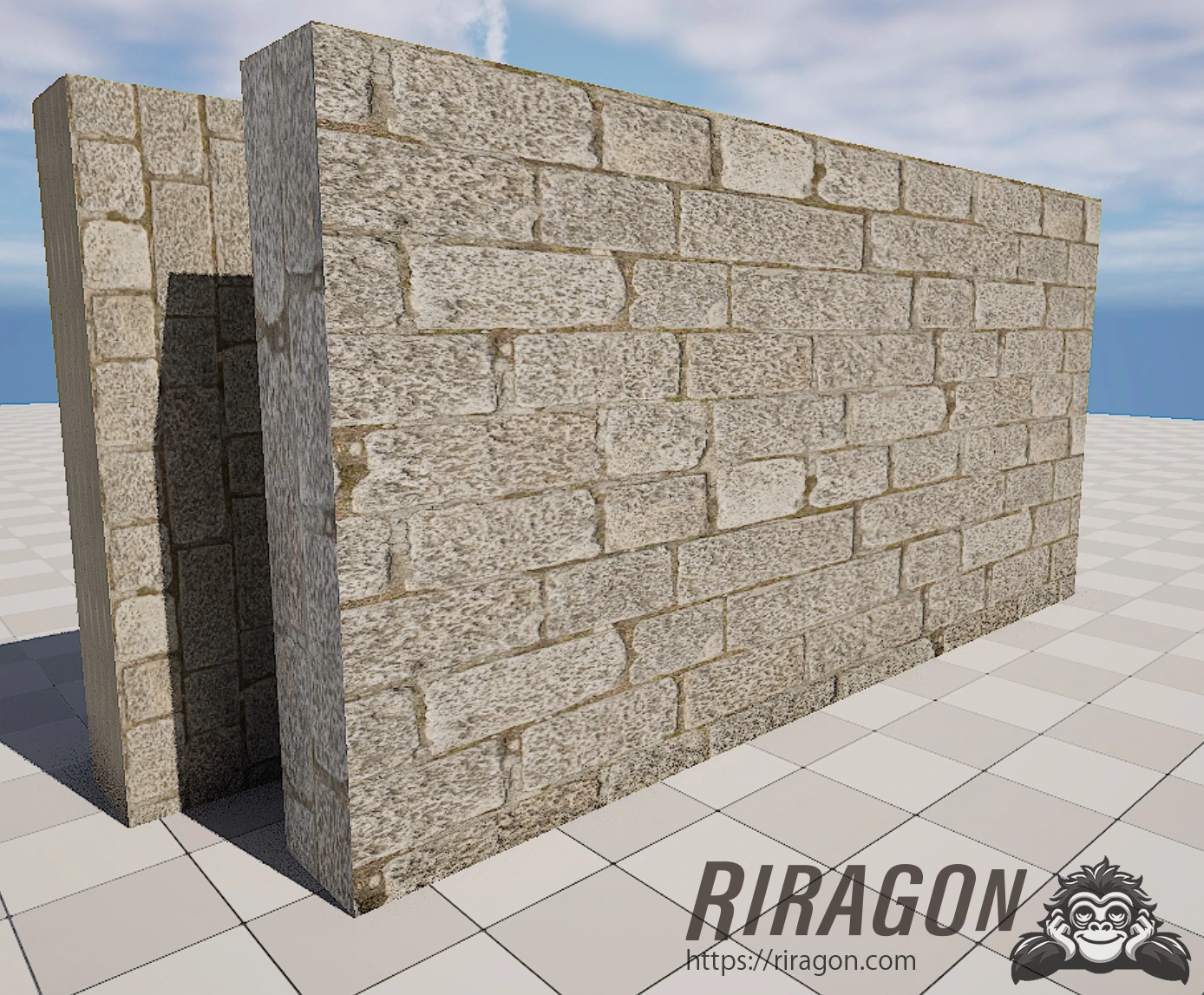
First, I prepared three stone textures: a diffuse map, a normal map, and a roughness map.
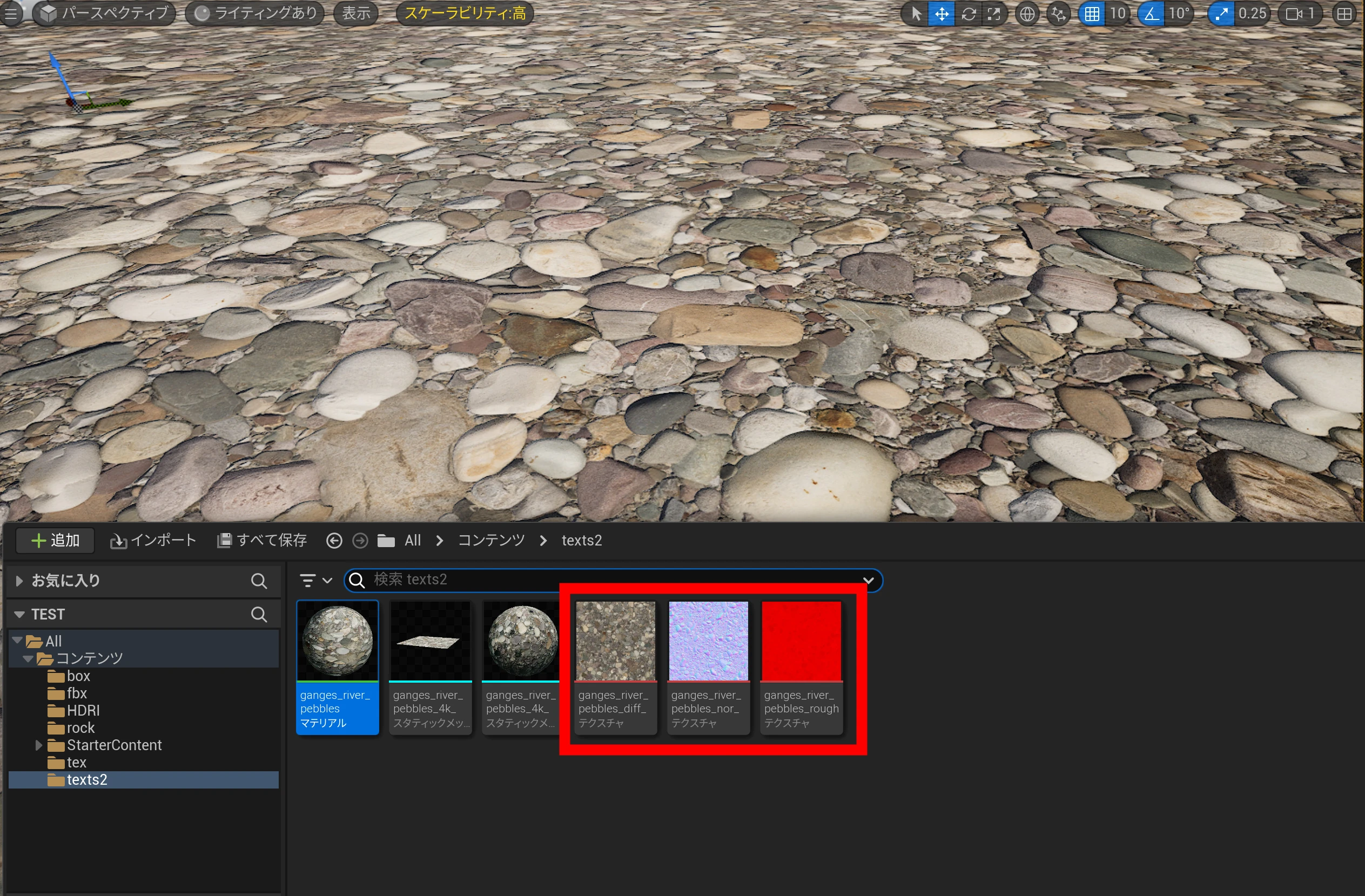 I assigned them to the material.
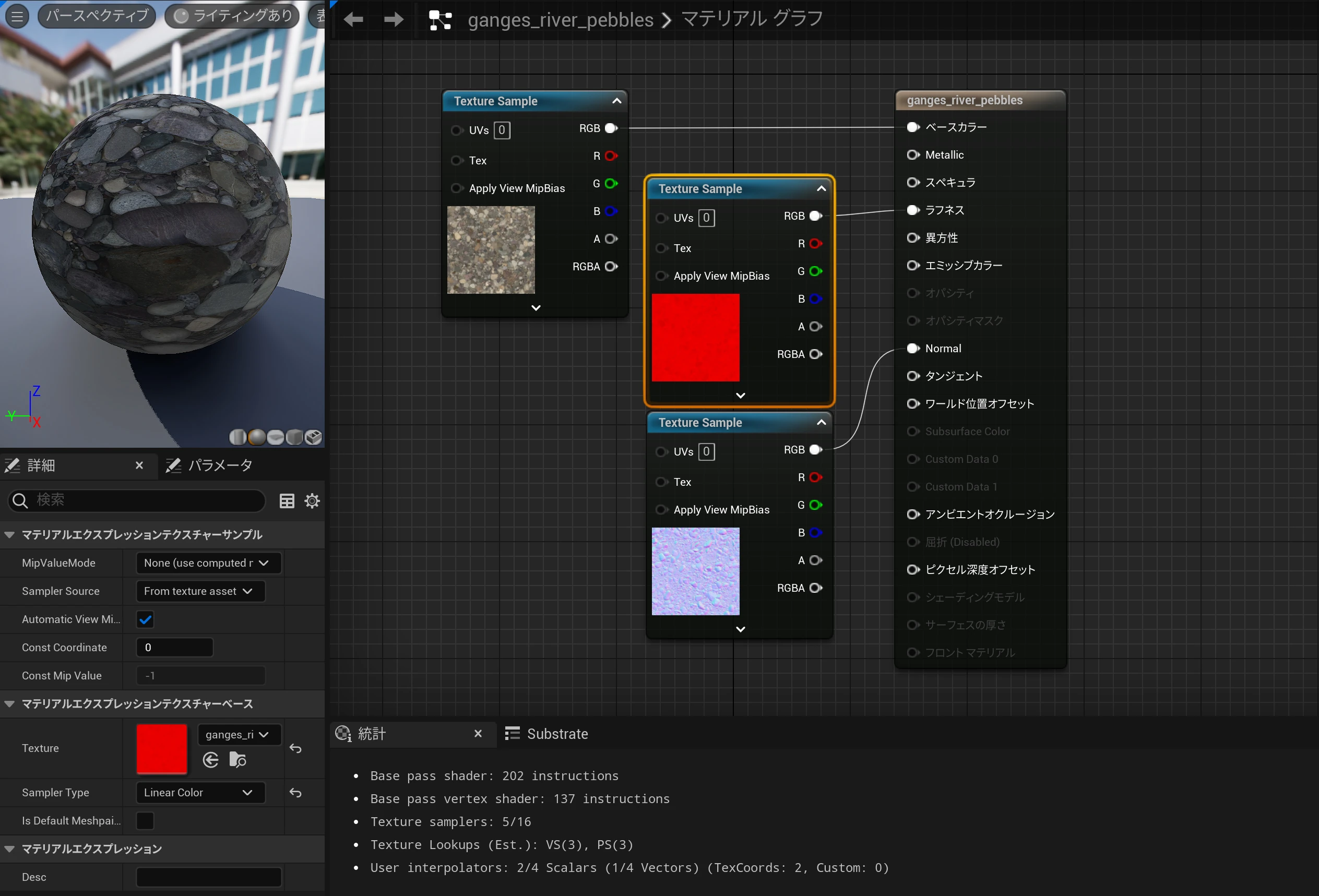 The roughness map used here was red. I wondered whether the RGBA channels contained information other than roughness.
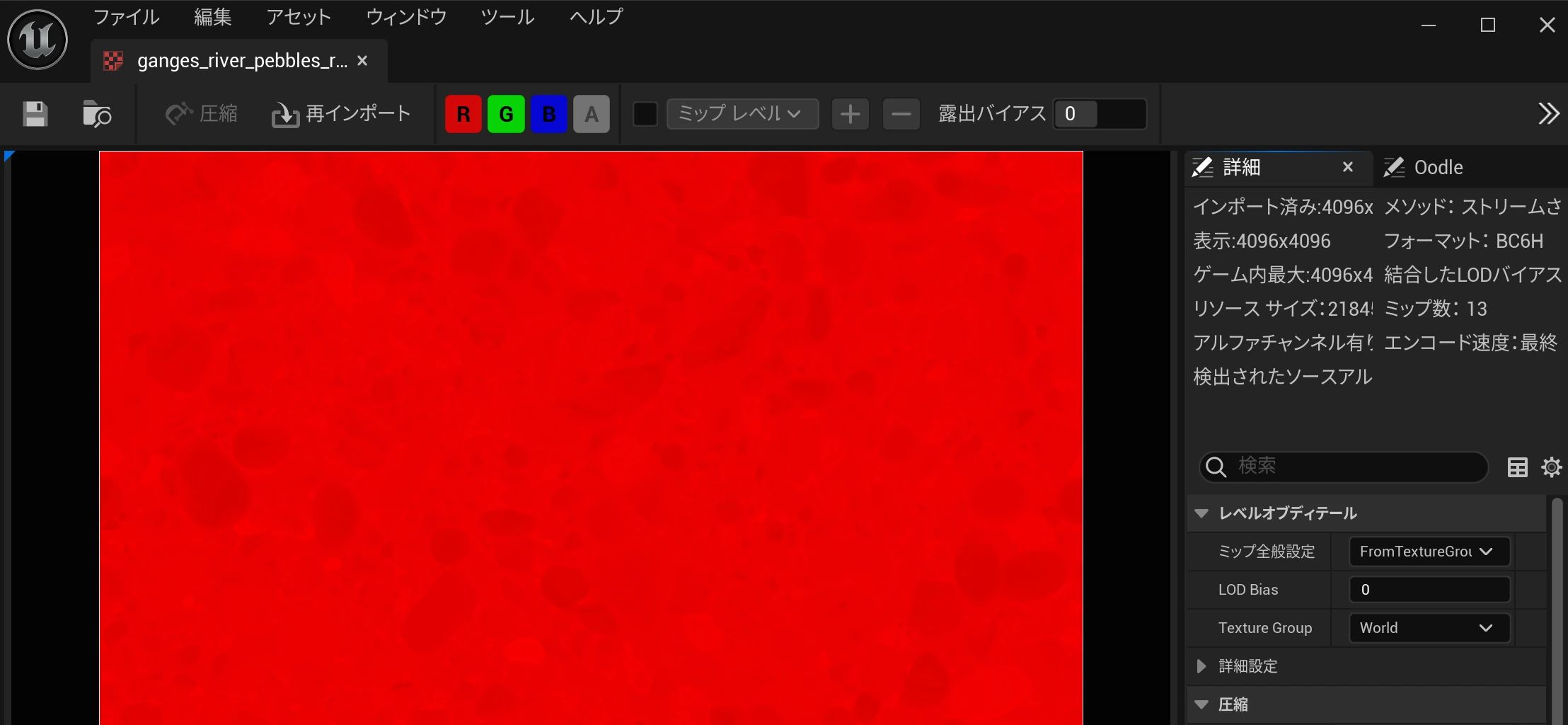 It looked as though the R channel contained a grayscale roughness map.
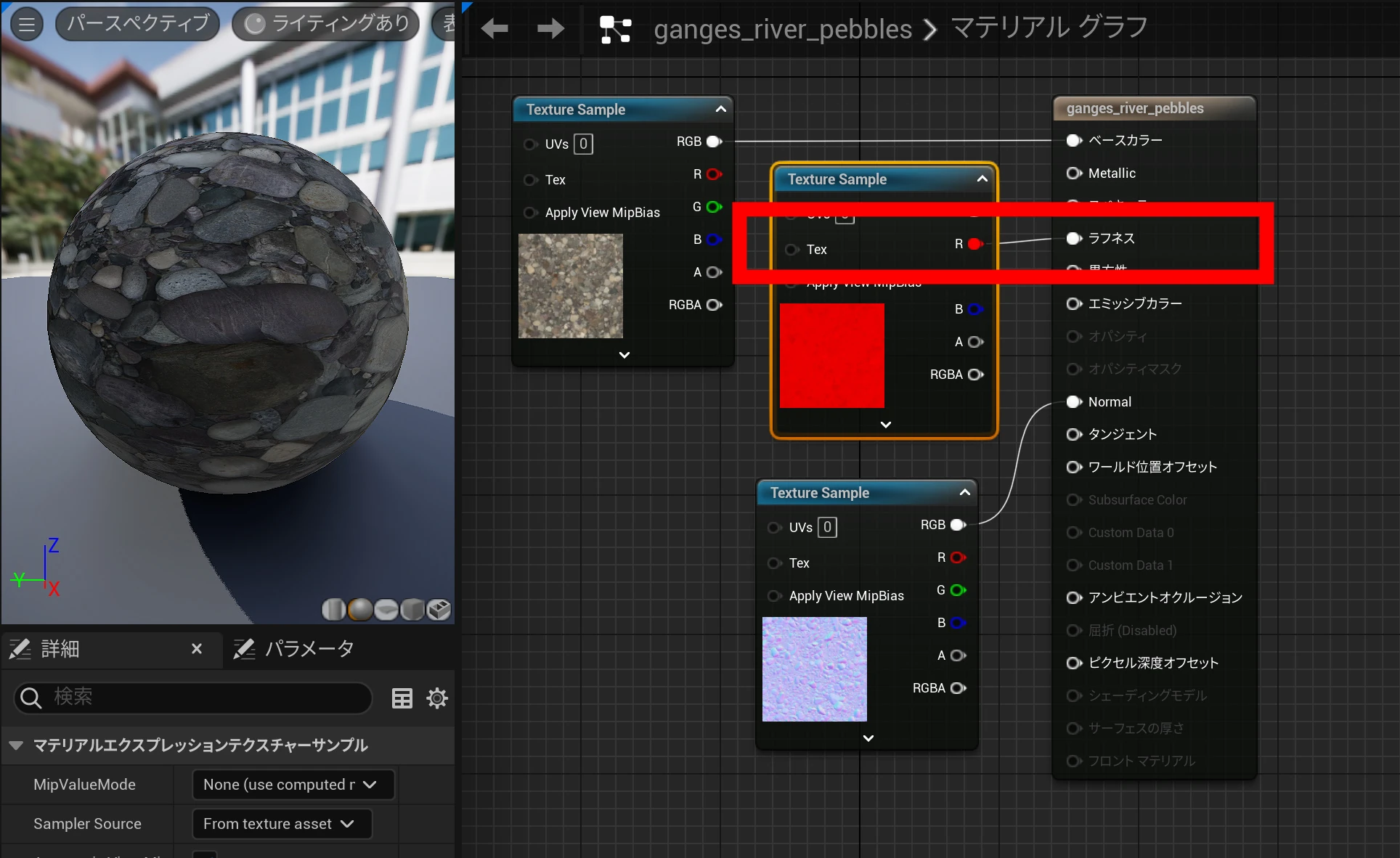
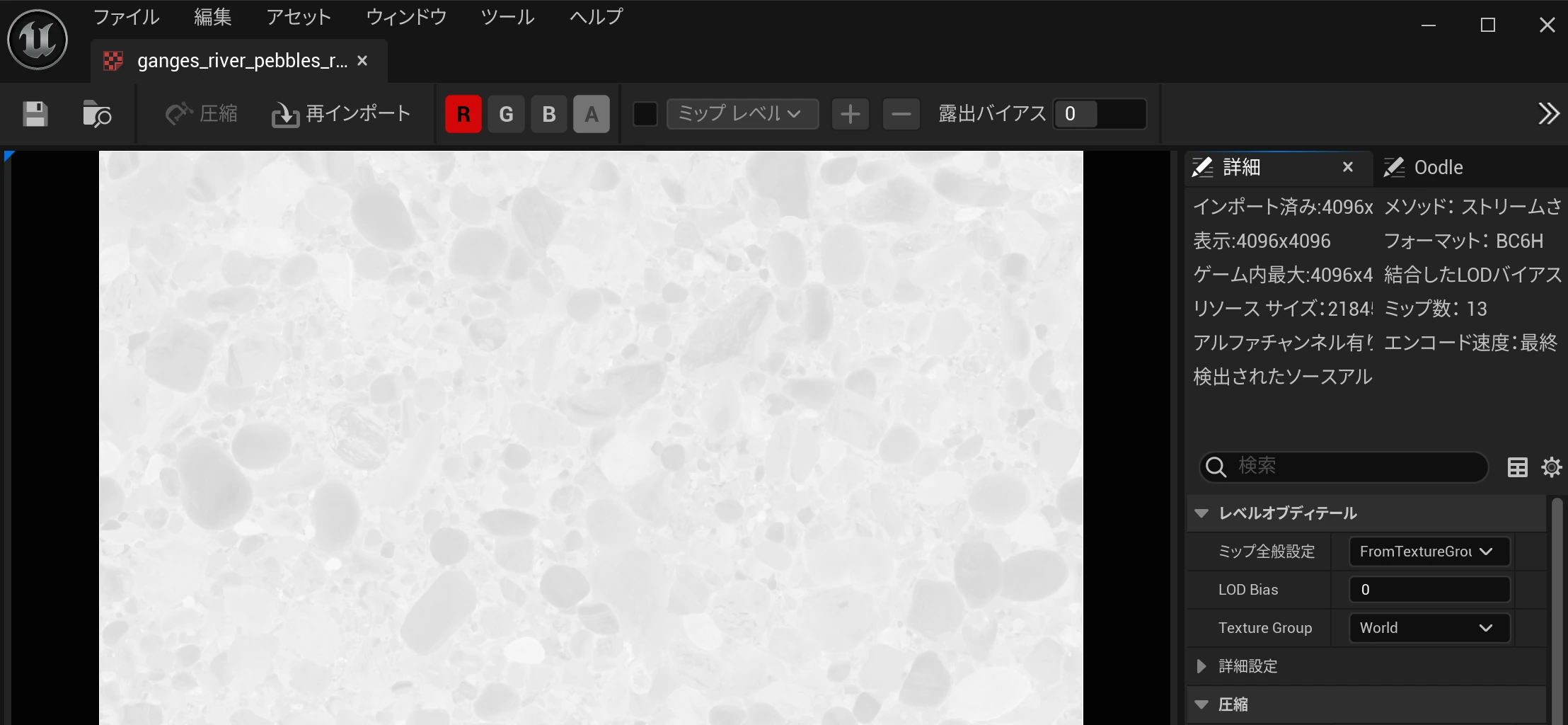 So I connected R to Roughness.
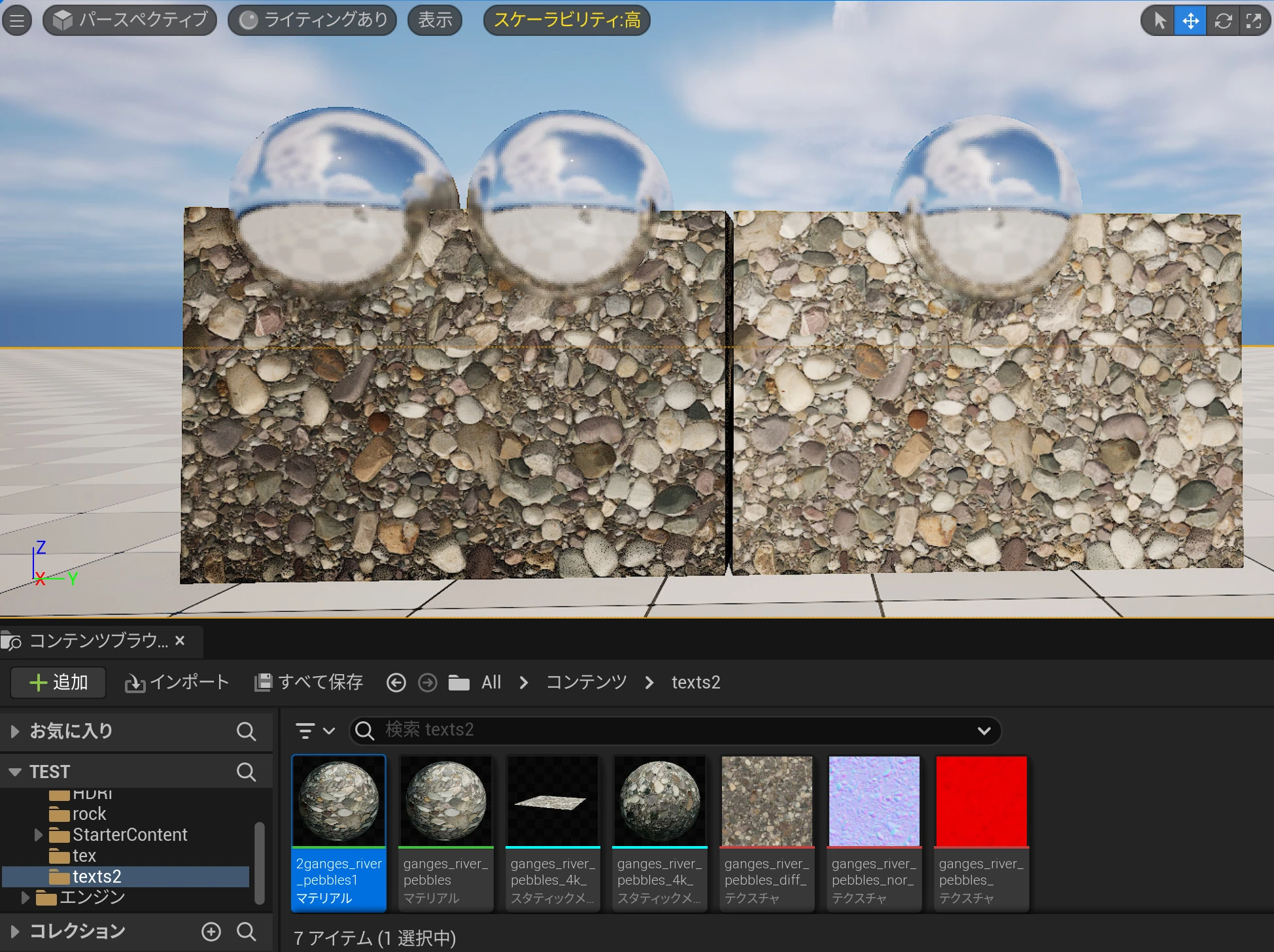
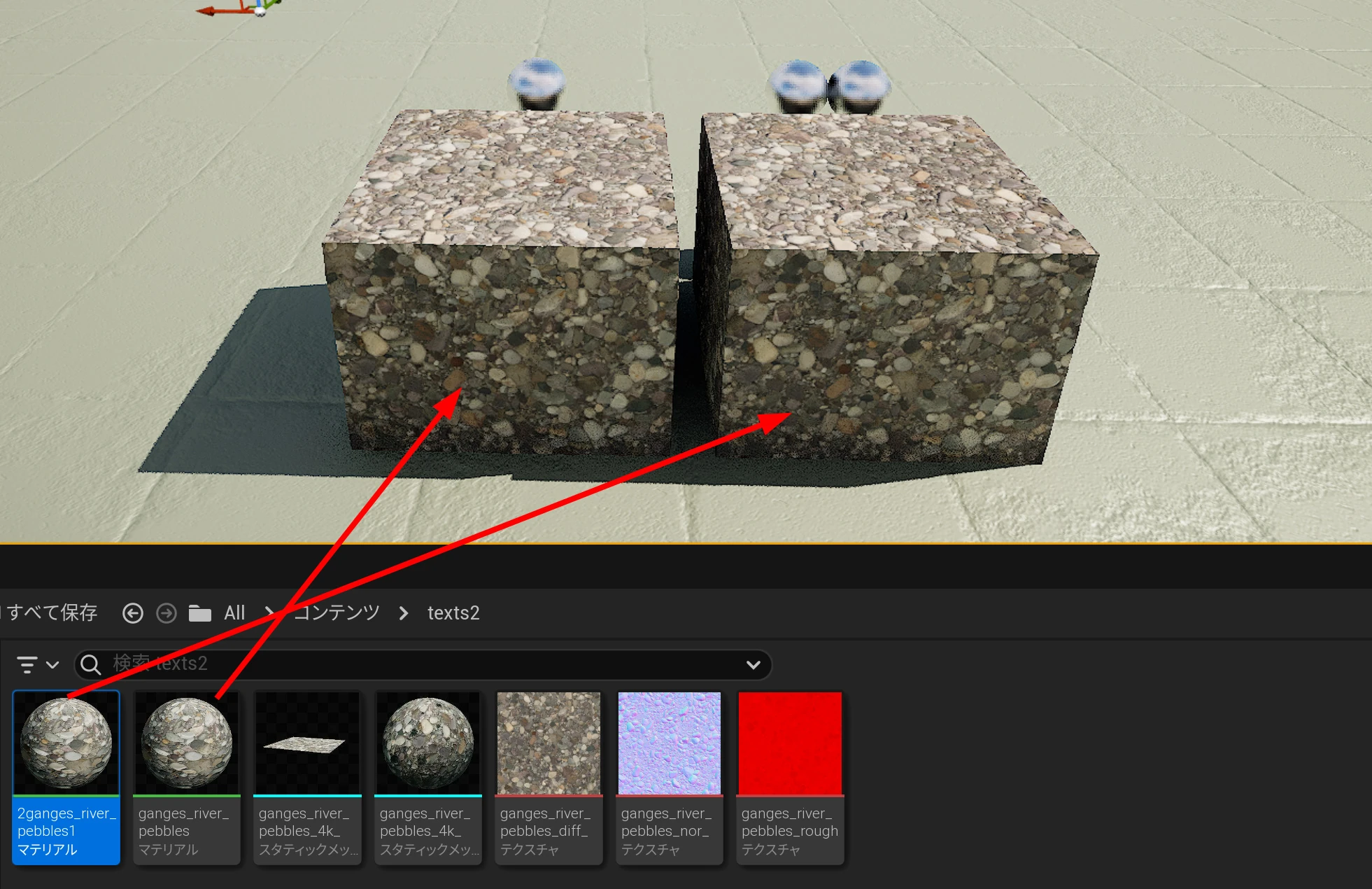
 I made setups 1 and 2. They were initially identical, giving me a comparison as I changed the settings. The number of spheres identifies each setup. I will change setup 2.
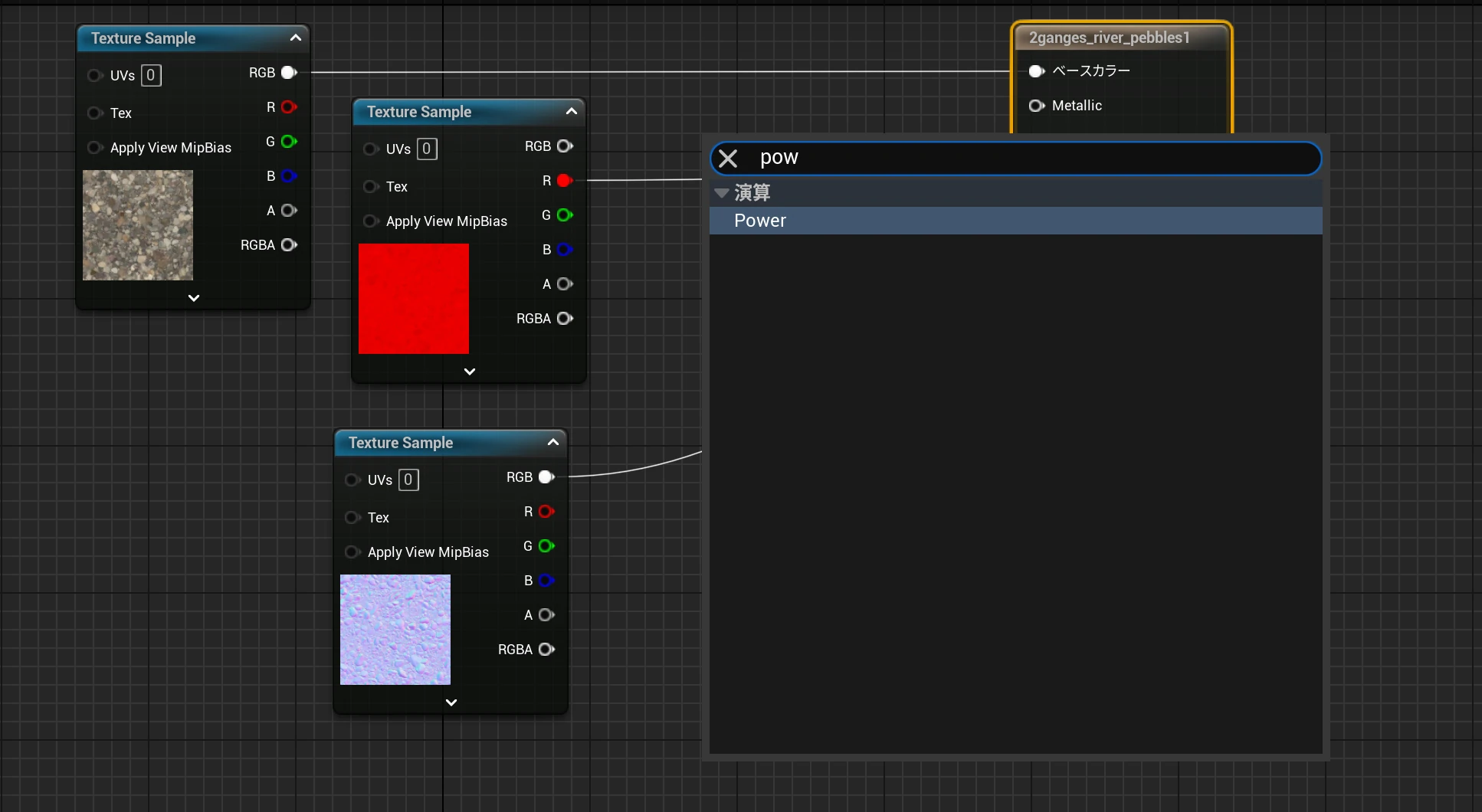
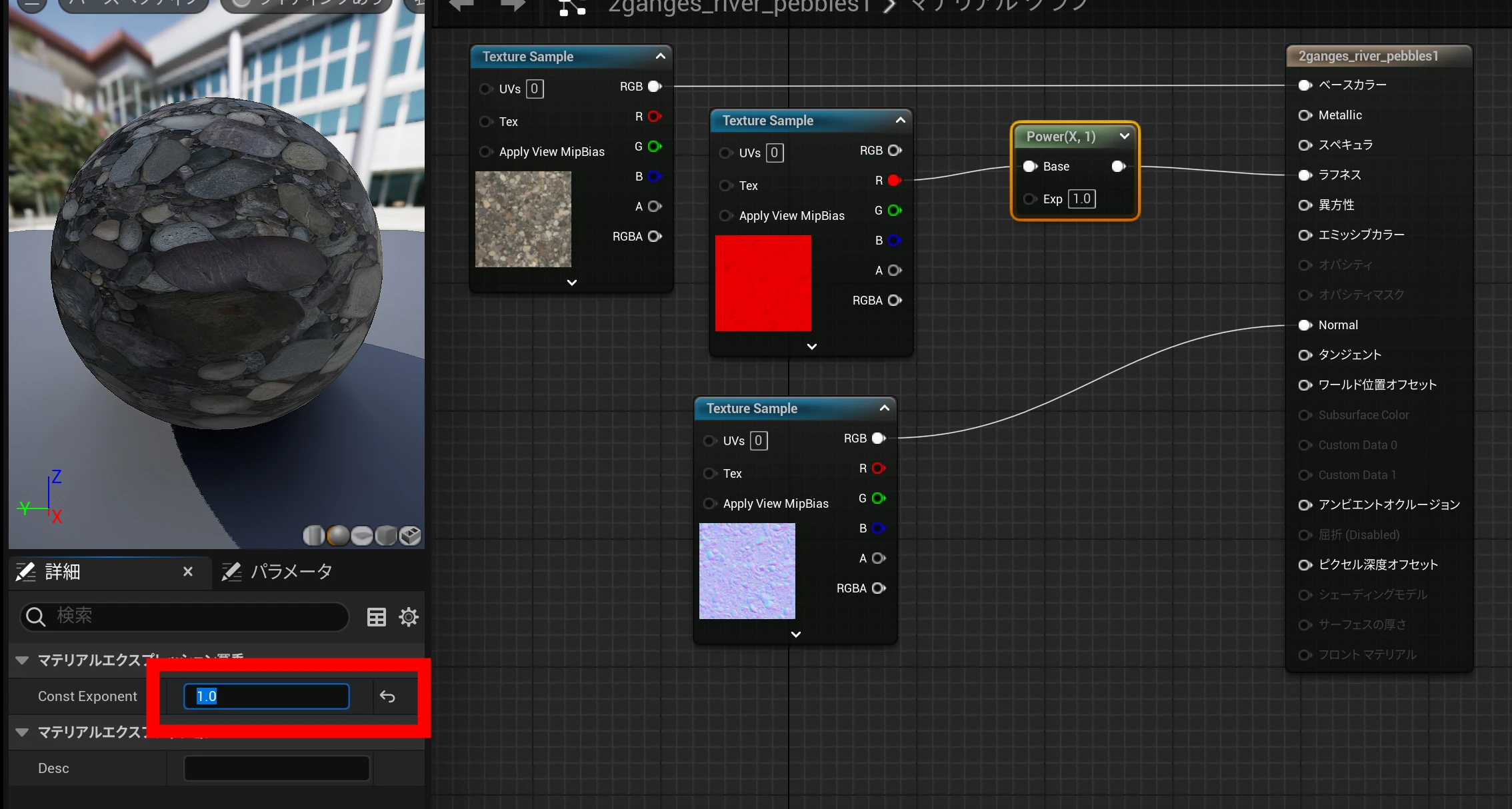
 In material setup 2, I wanted to test nodes that control roughness and normal strength. I right-clicked, searched for Power, and added it.
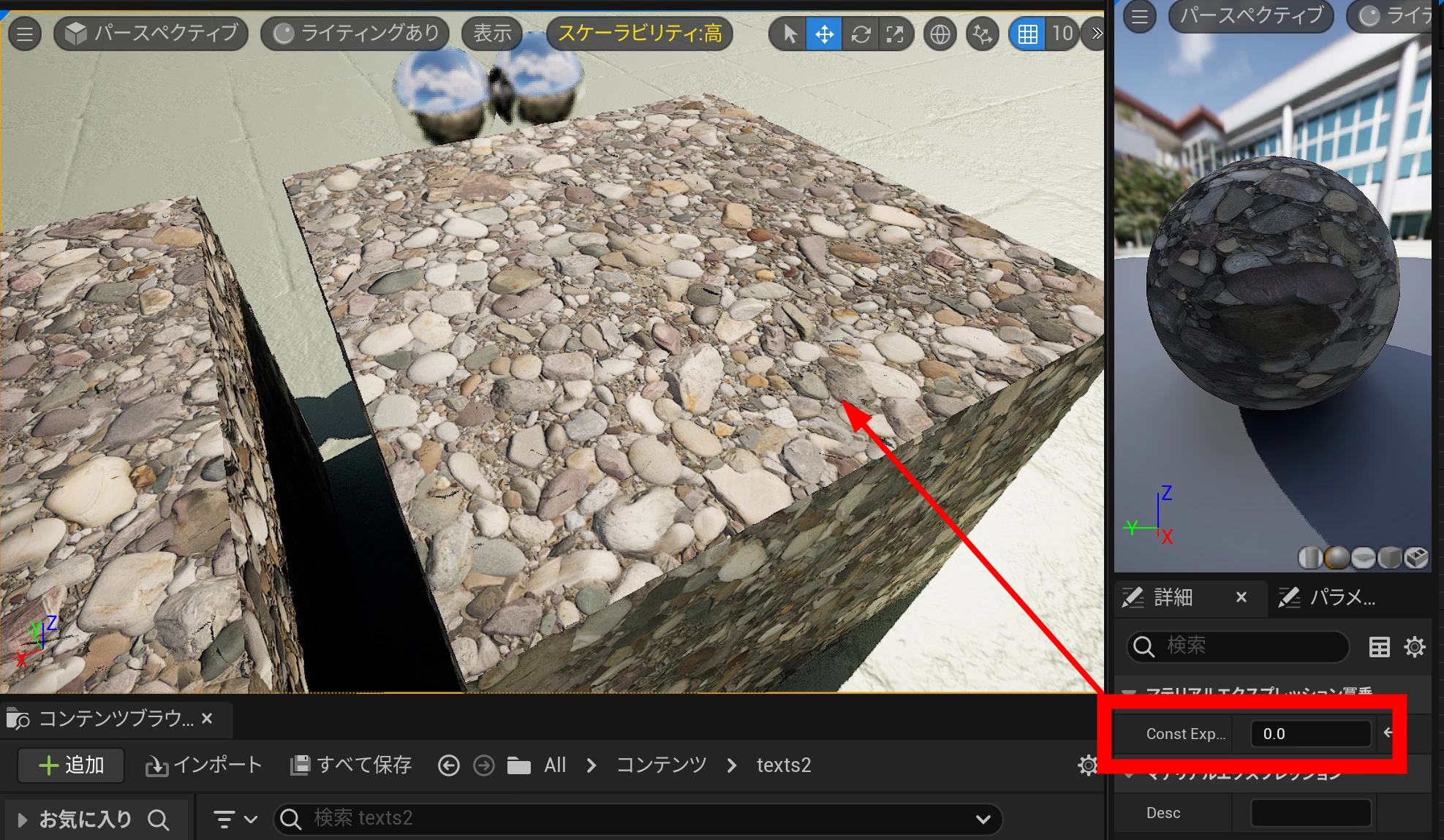
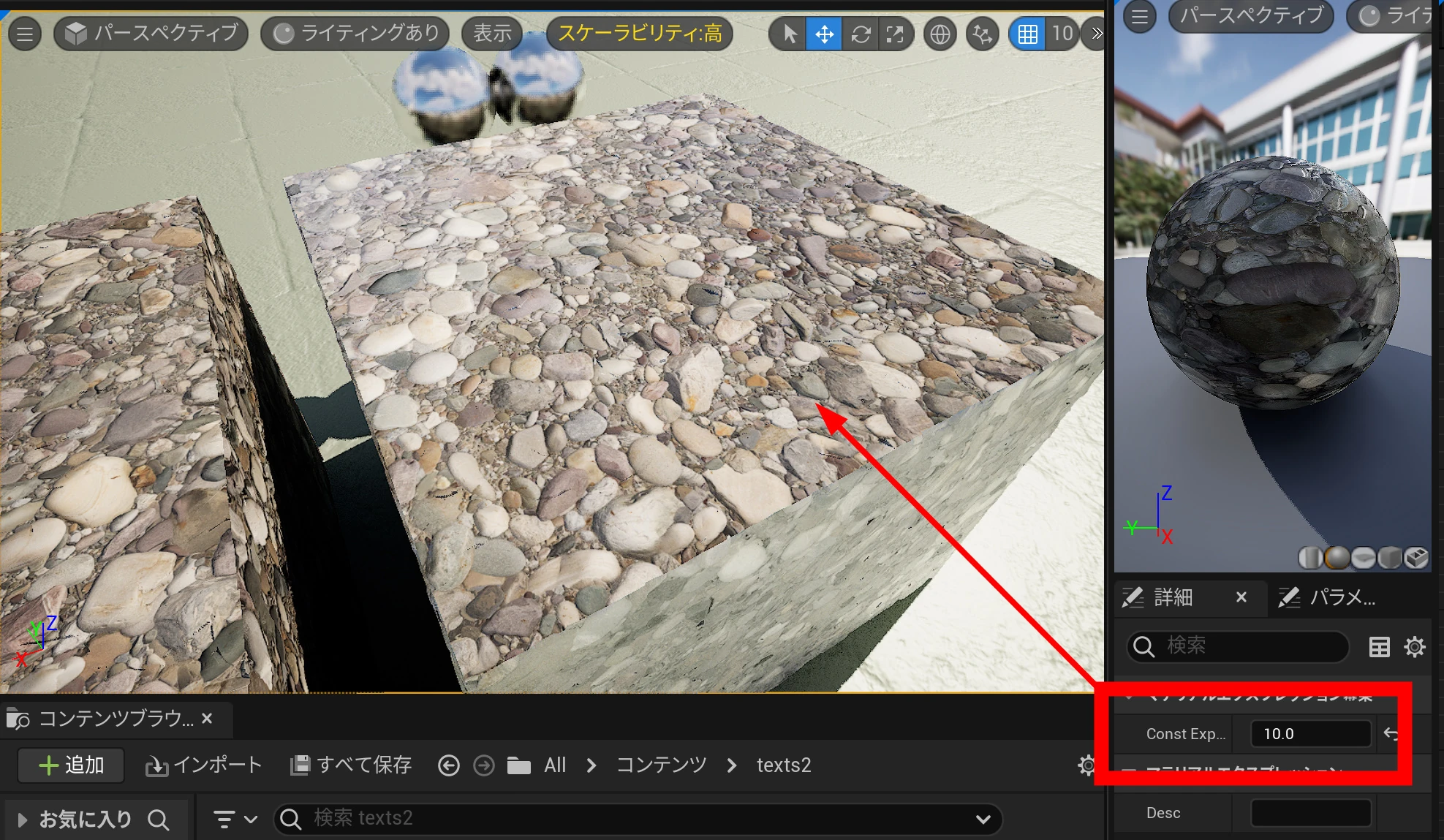
 In this test, I treated Exp 0 as no roughness, 1 as unchanged, and higher values as a stronger effect.
 Here it is at 0, with no roughness effect.
 At 10, the effect was much stronger. This made it easy to tune the balance.
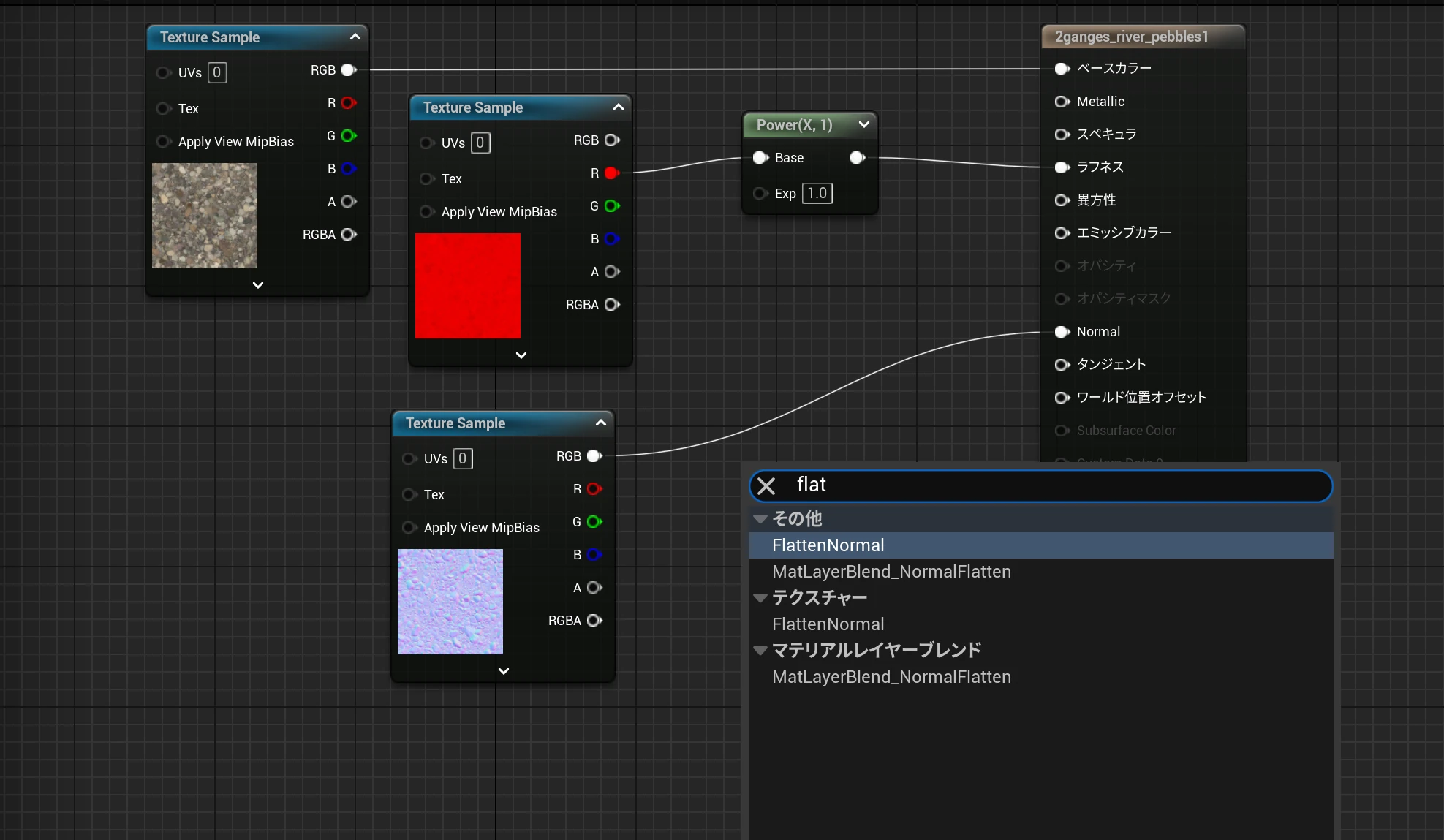
 Next, I tried controlling normal strength. I searched for "flat" and added FlattenNormal.
 Then I added OneMinus.
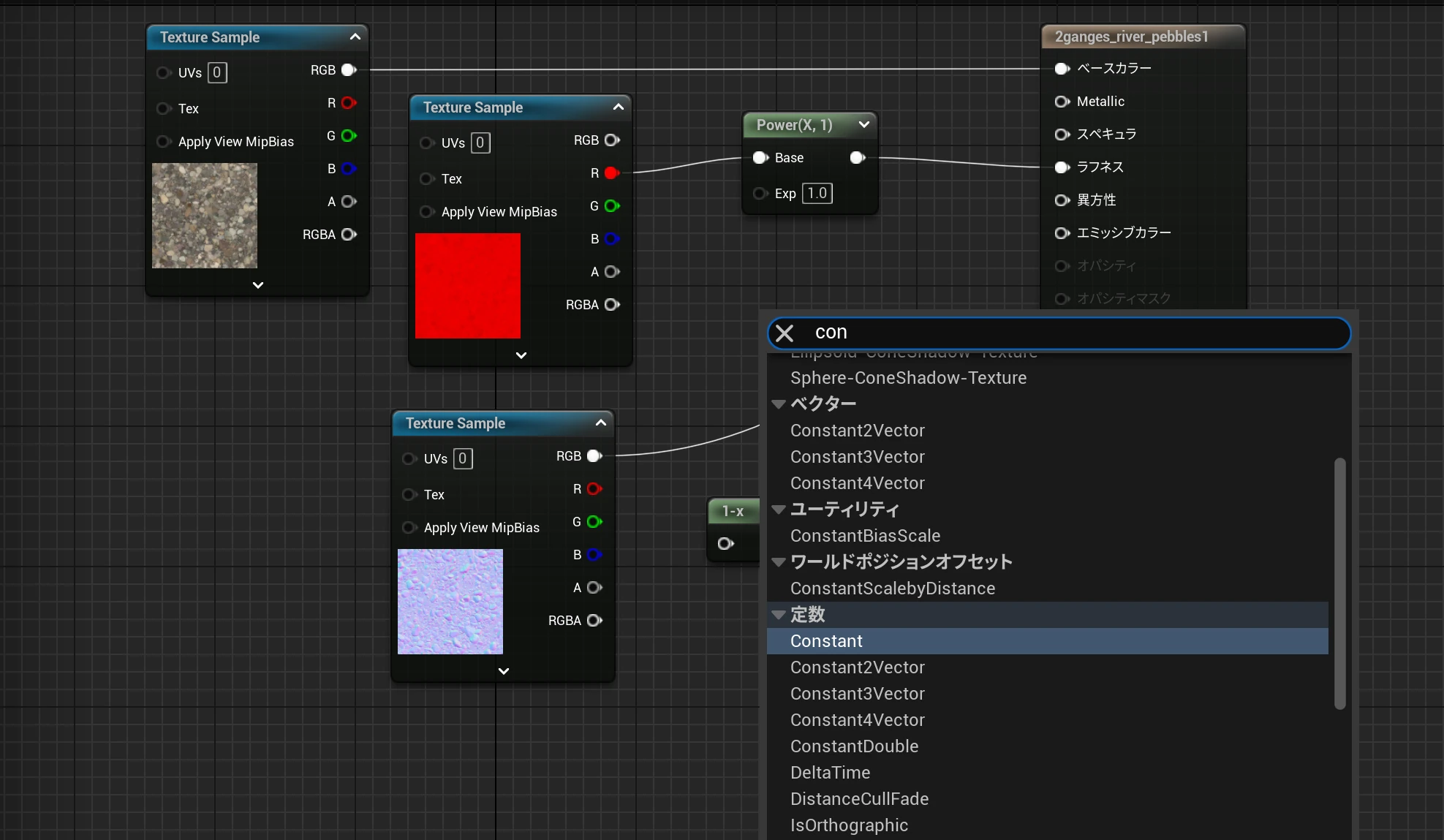
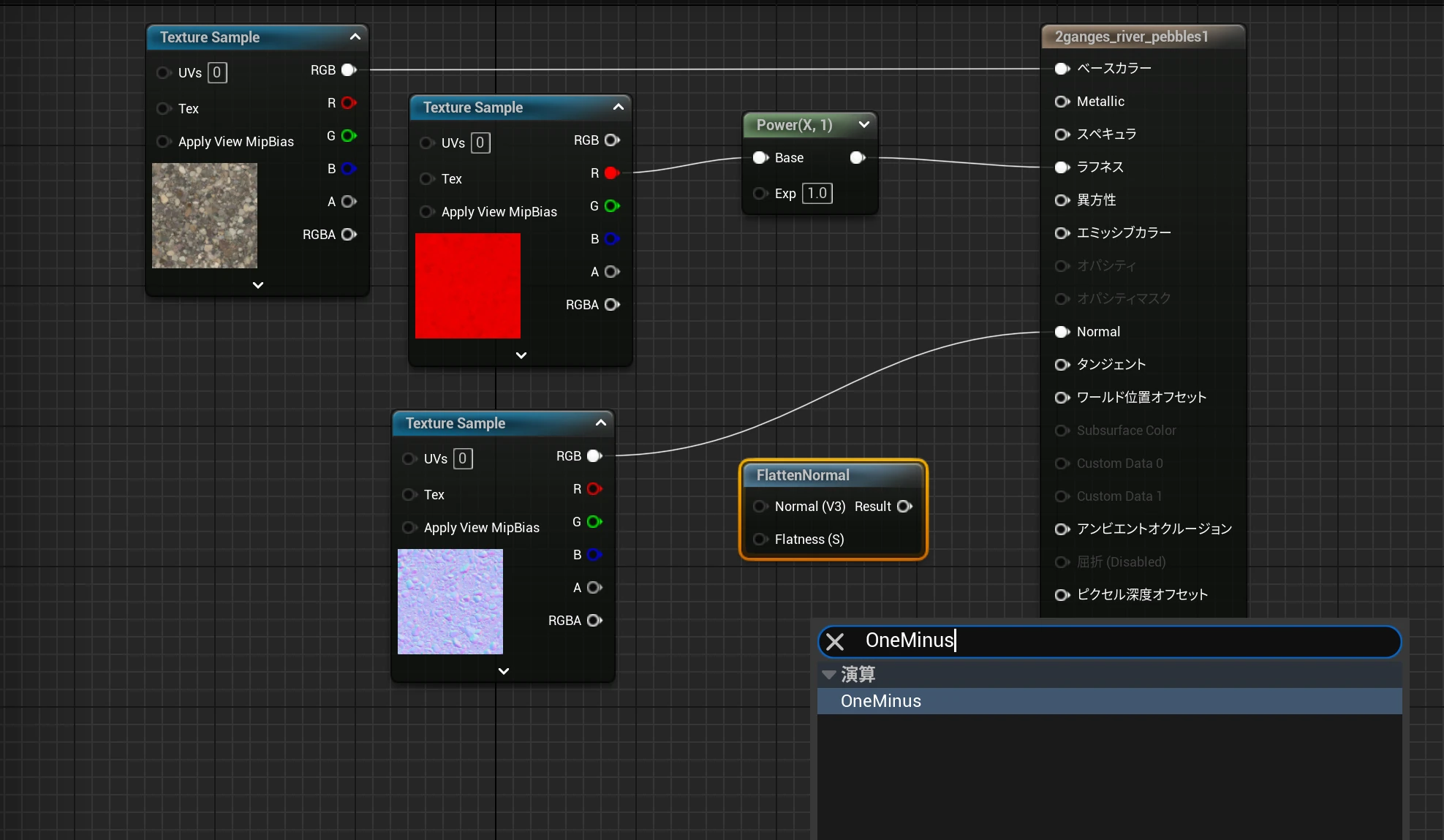 I added a Constant.
 I connected the nodes as shown. With this setup, 1 leaves the normal map unchanged, and higher values strengthen it.
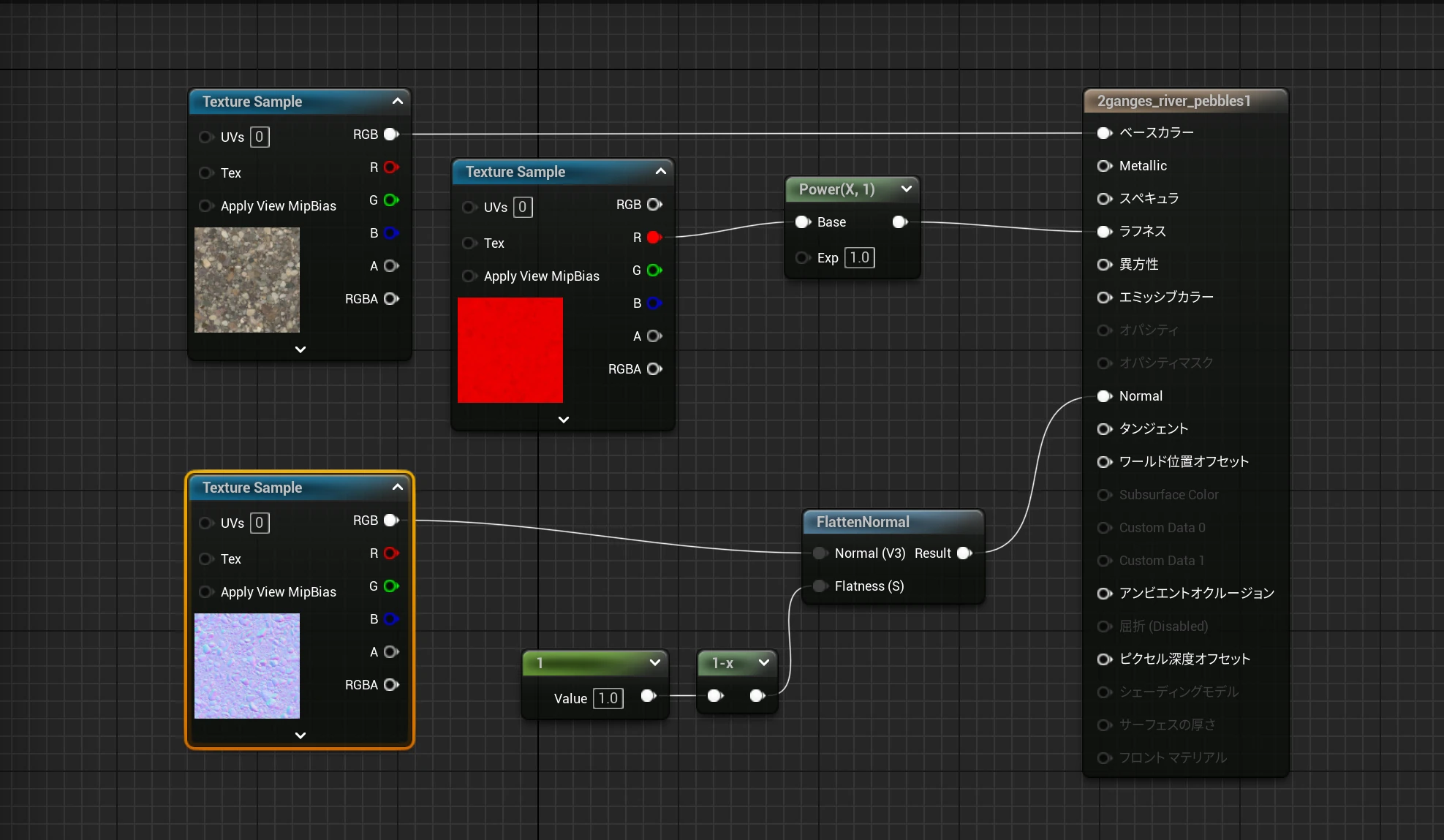 First, I set both controls to 1.
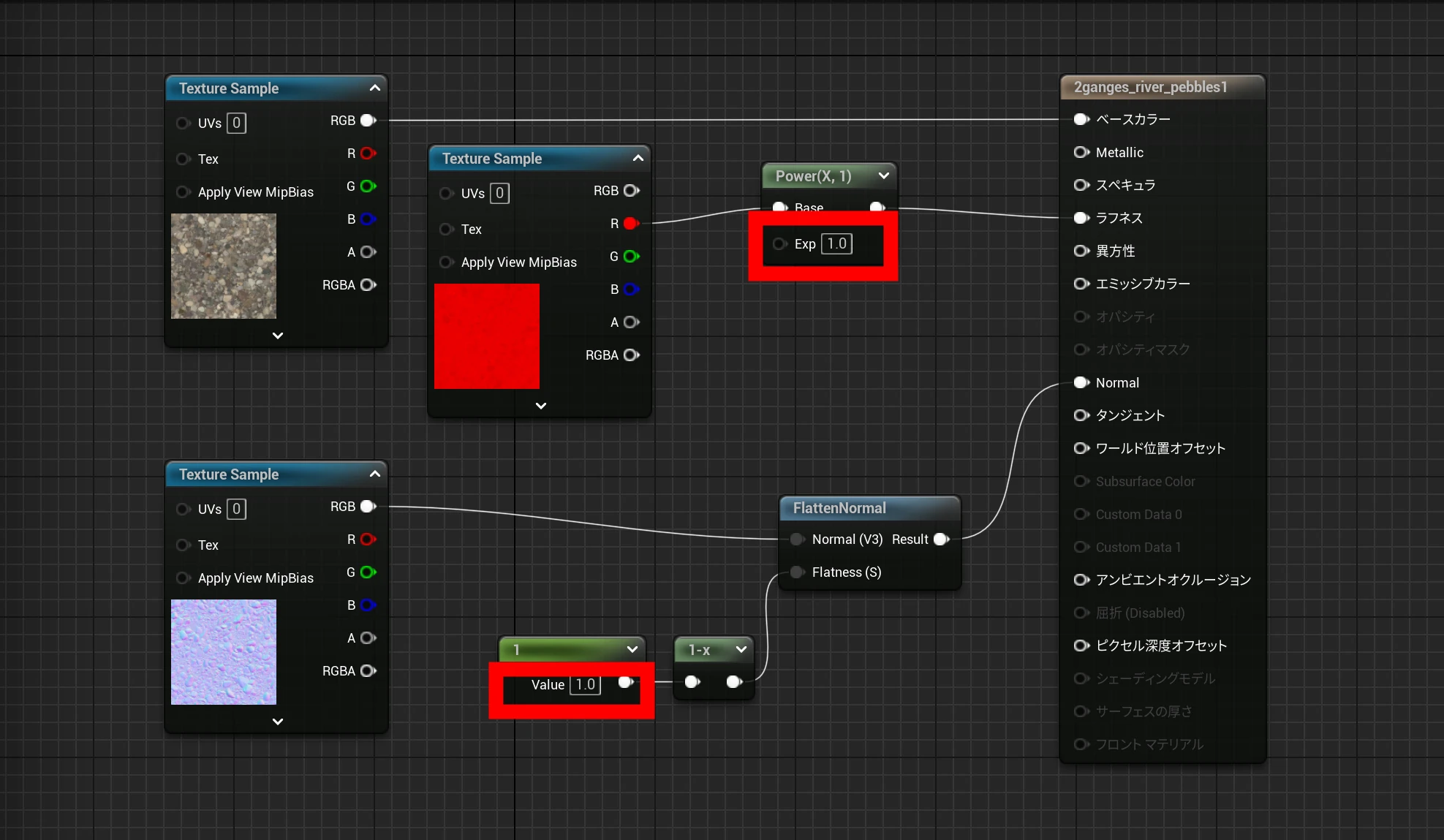 Setups 1 and 2 looked the same.
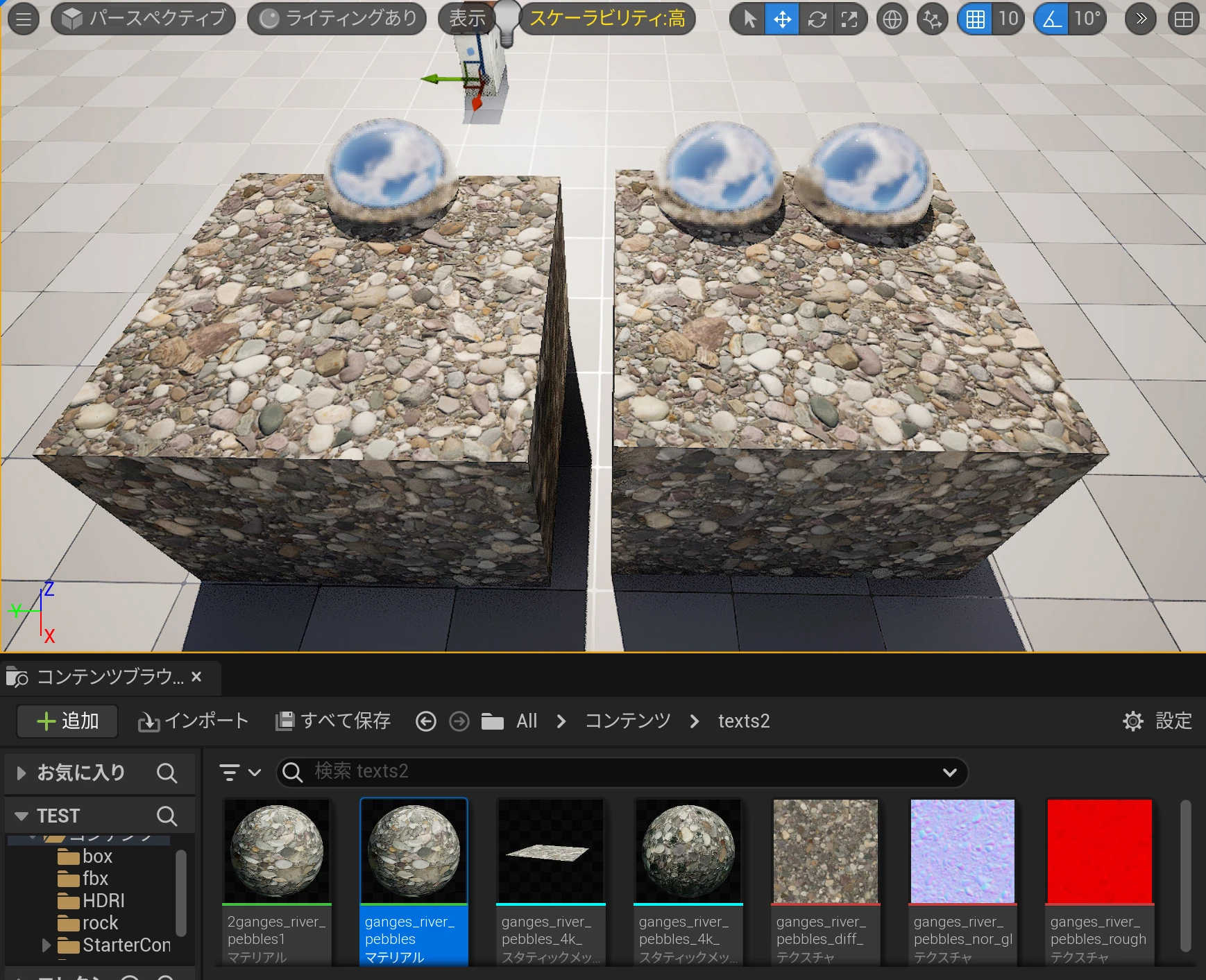 I increased normal strength to 2. The color appeared to change.
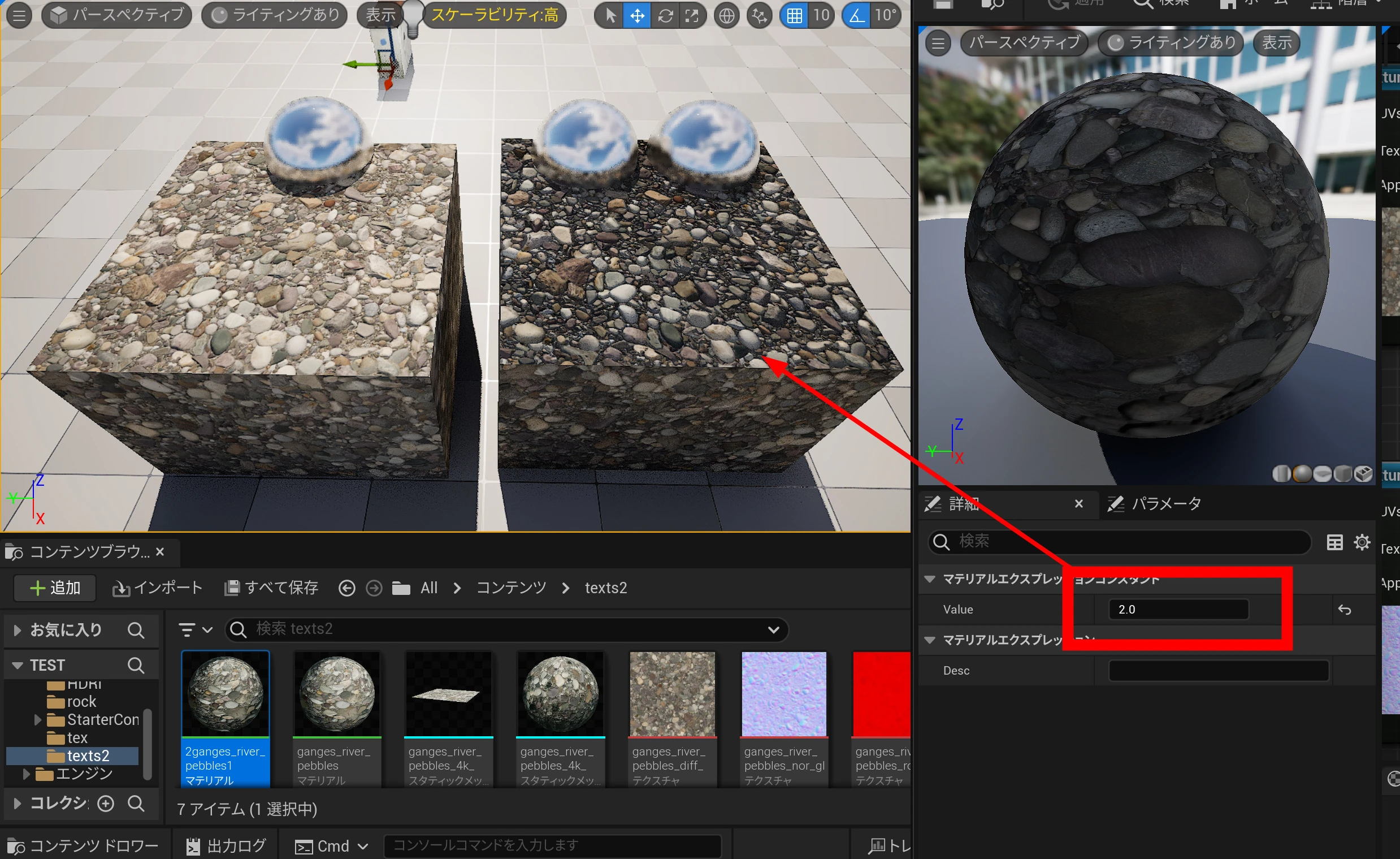 Without lighting, the colors were identical. The lighting had changed how the color looked.
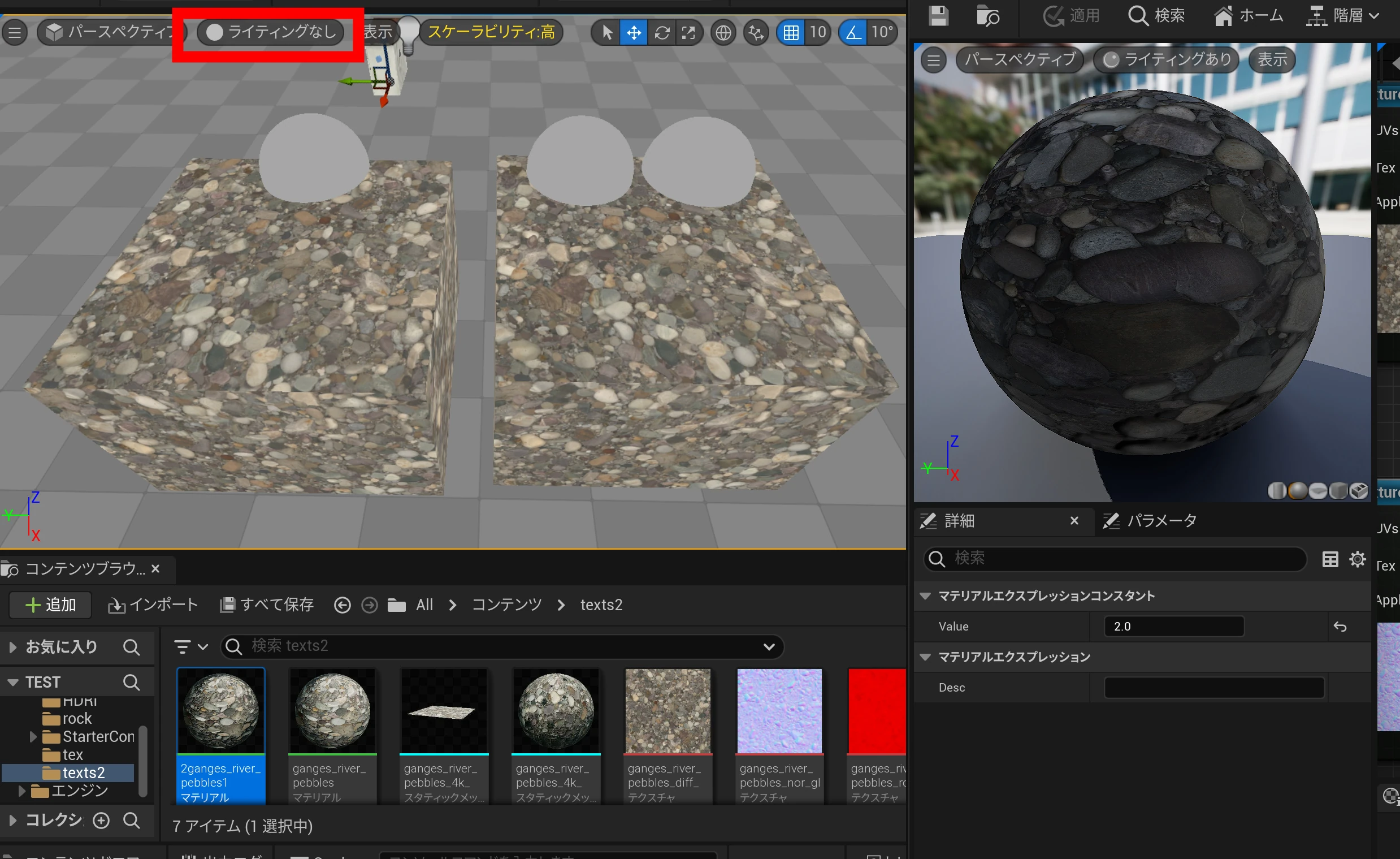 Zooming in, I could see a difference in the strength of the shading. Is it fair to think of normal strength as shadow strength and therefore apparent relief? Probably. My understanding from this test was that stronger normals produced stronger shading and more pronounced bumps.
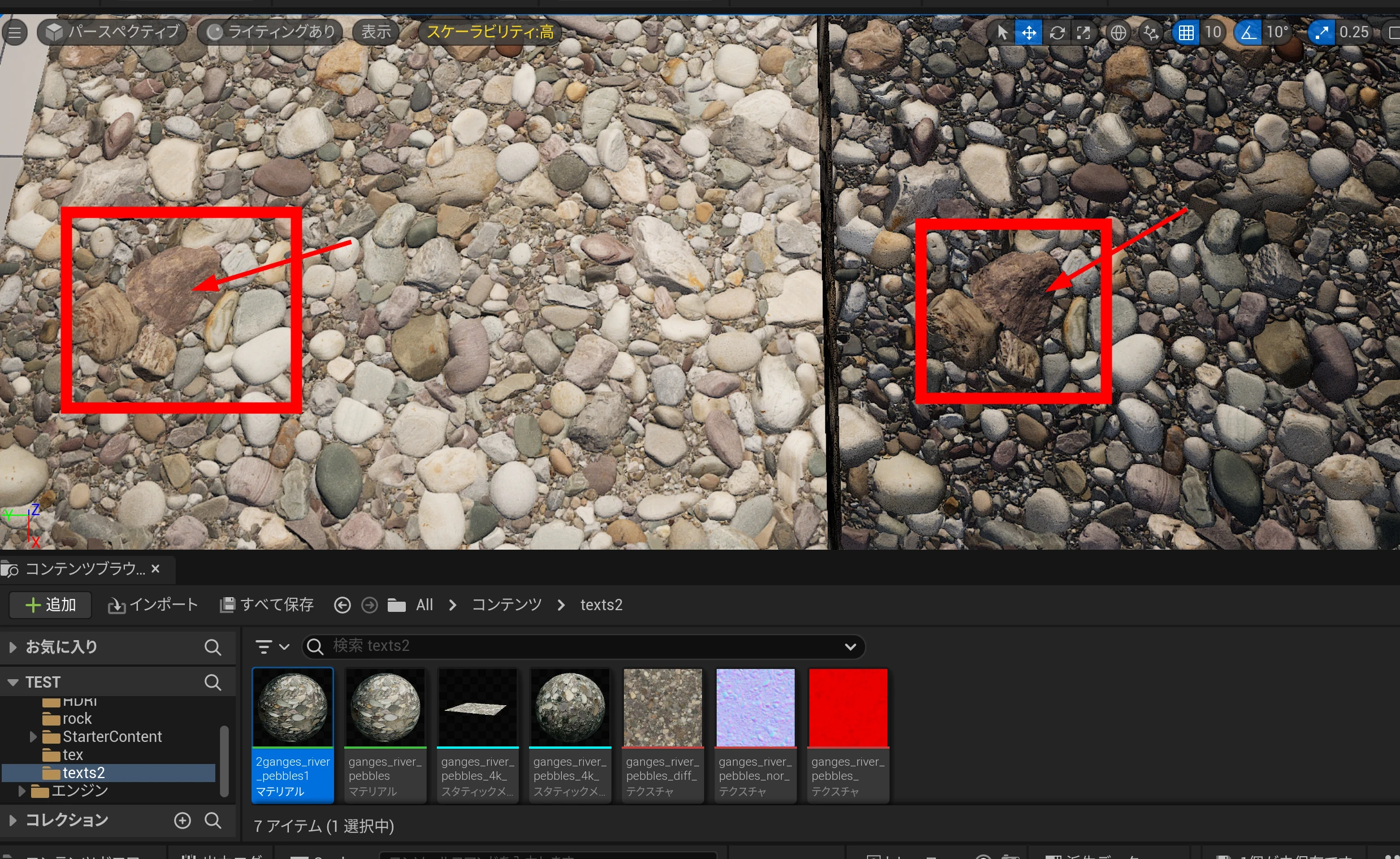 Around 1.5 looked good to me.
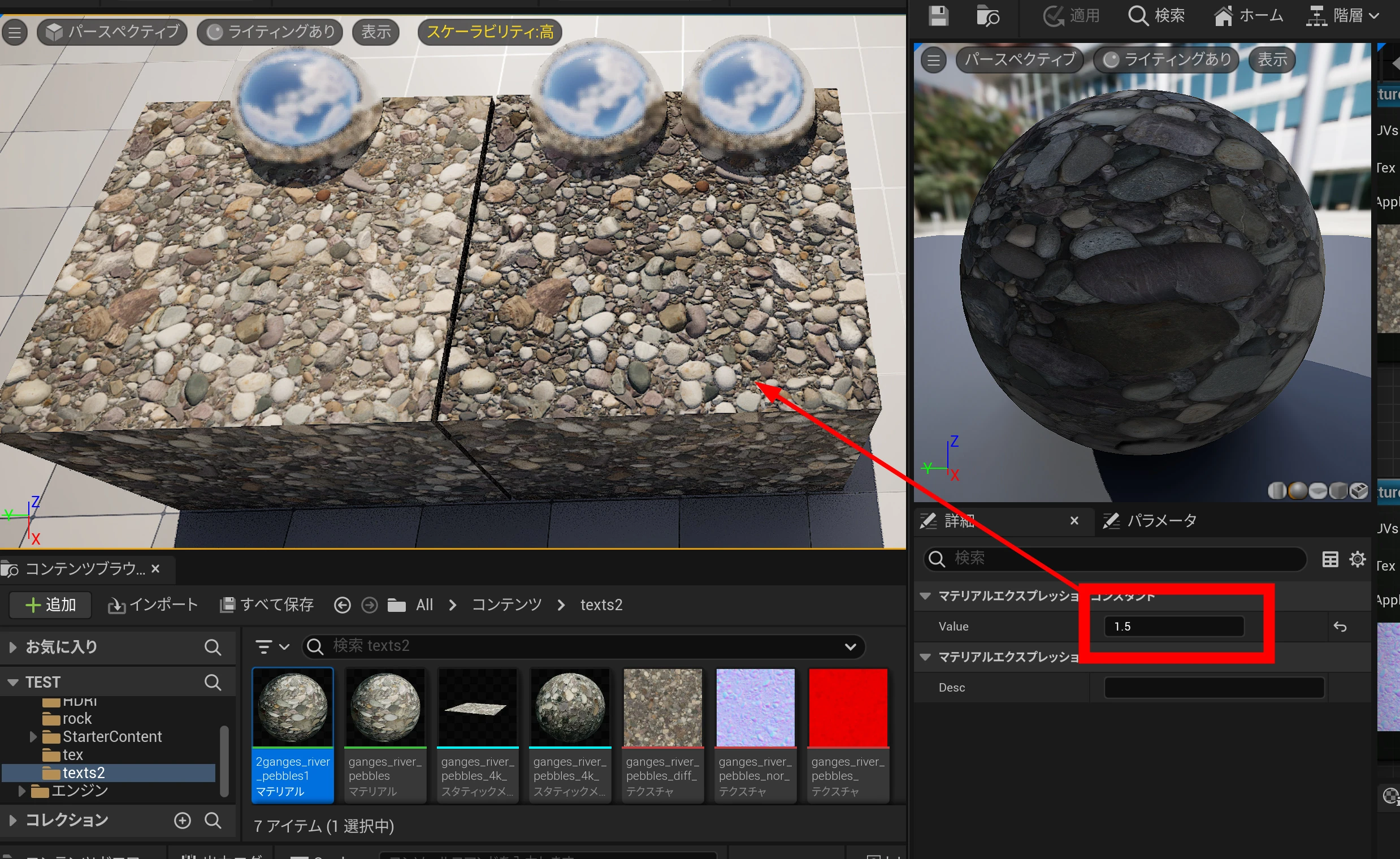 I now had simple controls for roughness and normal-map strength. Being able to adjust the apparent surface relief while building the whole scene is convenient.
Combining this with material instances should be useful too.
I now had simple controls for roughness and normal-map strength. Being able to adjust the apparent surface relief while building the whole scene is convenient.
Combining this with material instances should be useful too.
Related articles
Updates and contact: X @riragoncom.