Sending camera video from UE5 with the NDI Unreal Engine SDK
Send a camera actor's video from Unreal Engine 5 over NDI without HDMI or SDI. This walkthrough uses the NDI Unreal Engine SDK available in February 2024, when UE5.3.2 was not yet supported and UE5.3.1 or earlier was required.
Note: This article was first published more than a year ago.
- Recommended Virtual Camera, NDI, and Live Link configurations depend on the UE and plugin versions. Check the setup instructions for your version.
- APIs and store requirements for mobile sender apps also change. Check the device OS assumptions in the article.
This walkthrough sends a camera actor's video from UE5 over NDI. It gets video out of UE5 without HDMI or SDI, opening up several possible uses for the output. First, download the SDK from the official NDI Unreal Engine SDK page. Enter the requested information to reveal the download link. https://ndi.video/for-developers/ndi-unreal-engine-sdk/ 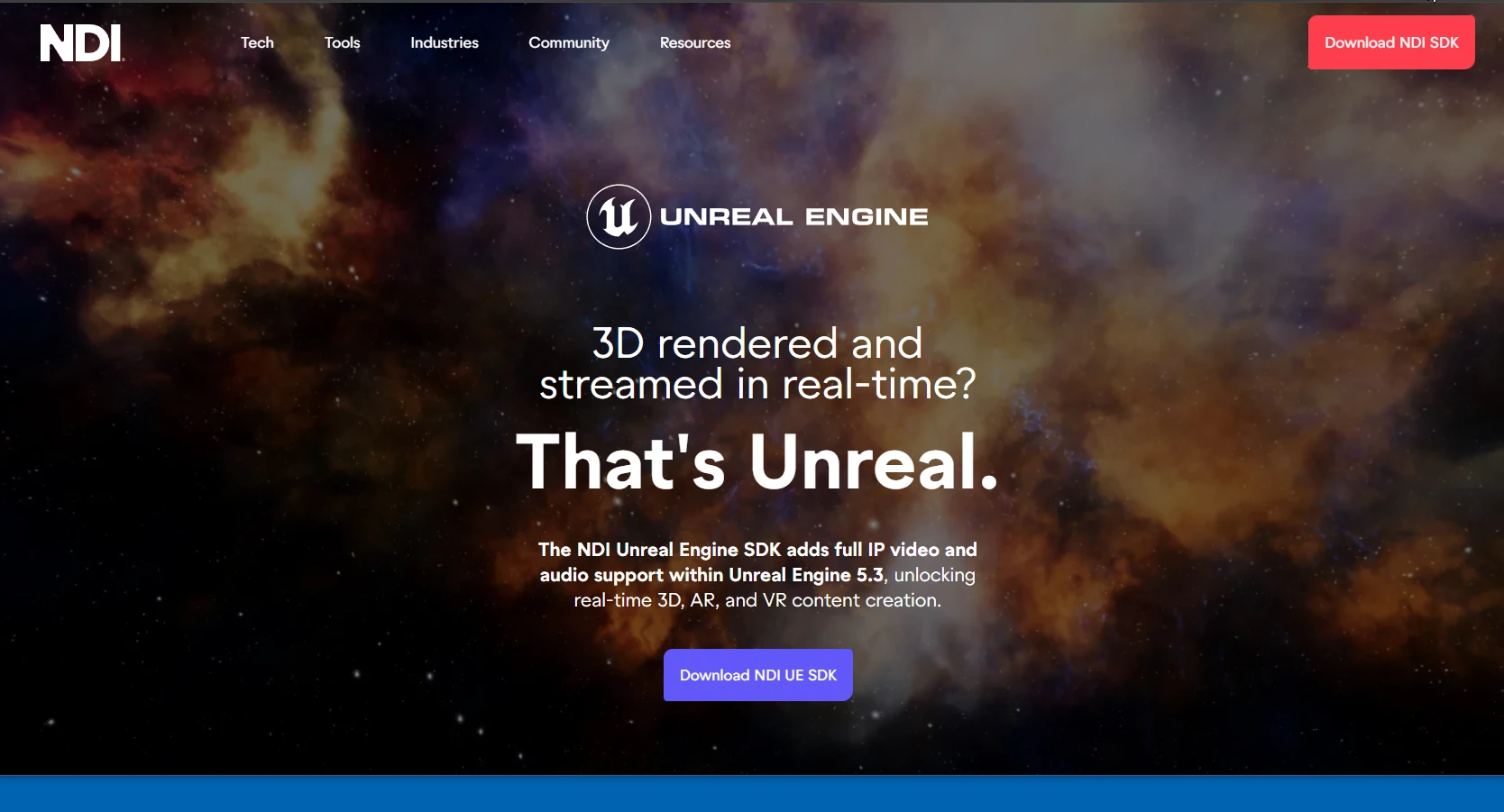
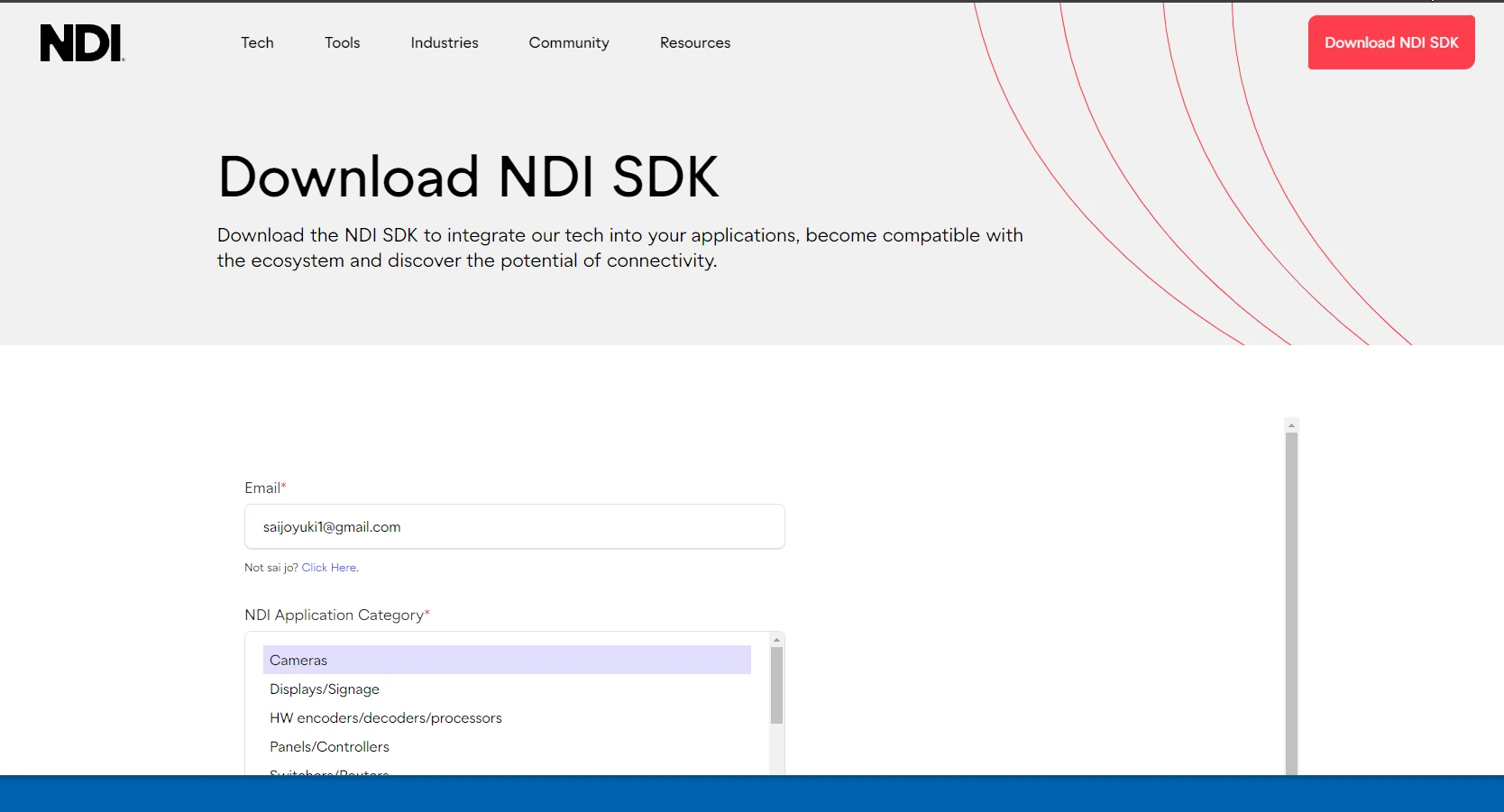 Run the downloaded SDK installer and follow its instructions to finish installation.
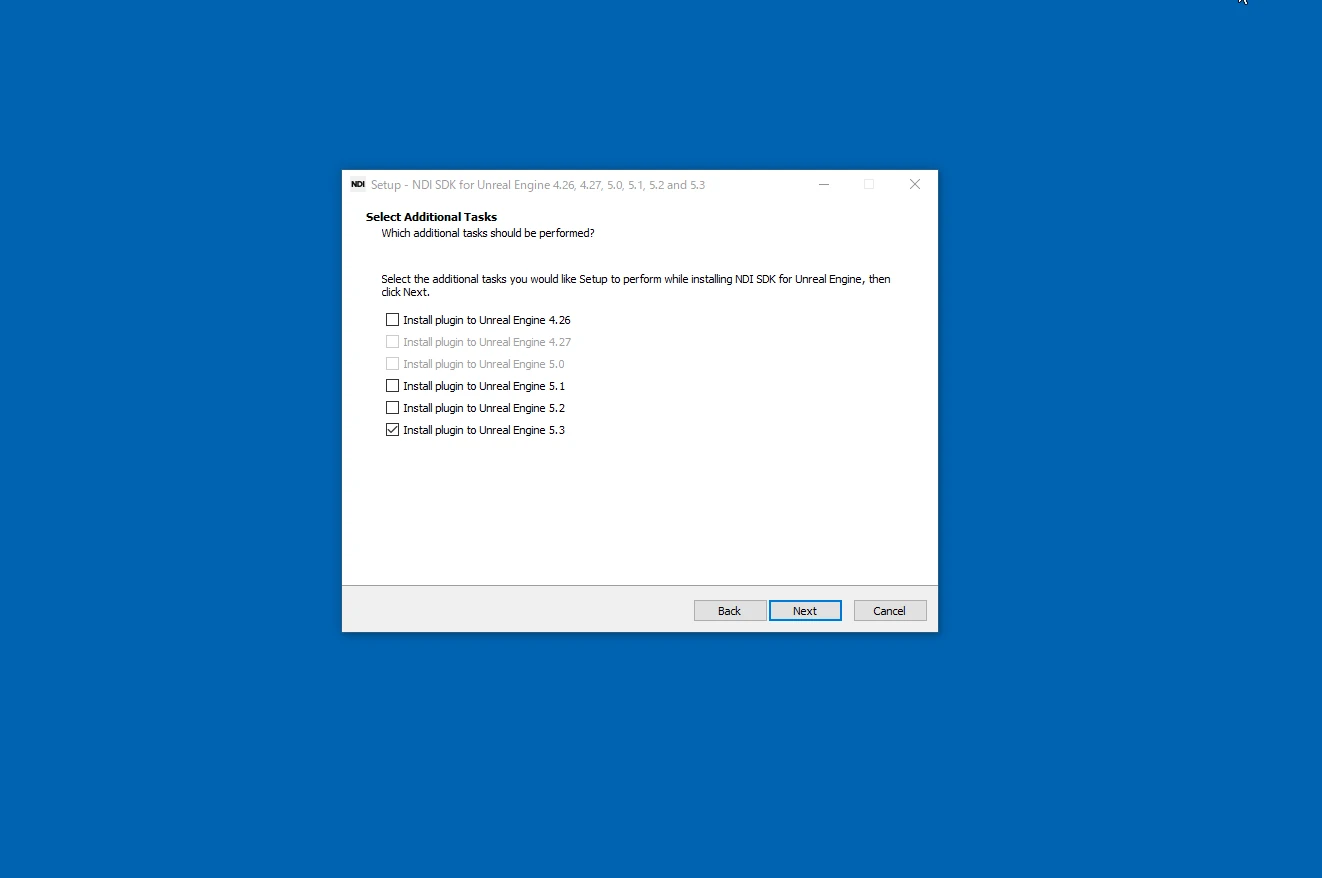
 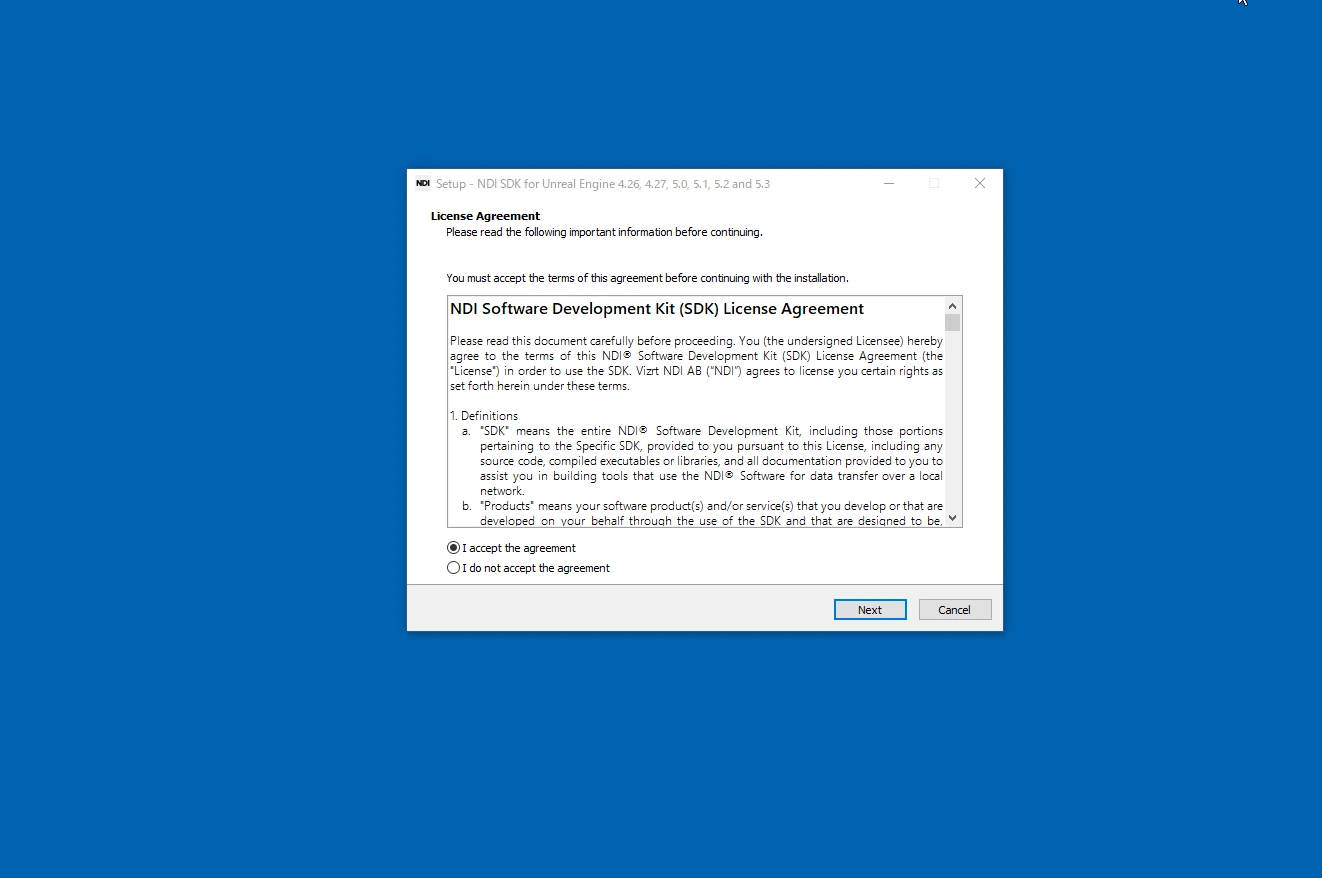 You can select the UE5 version during installation. As of February 2024, ndi-unreal-engine-sdk did not support UE5.3.2. Use UE5.3.1, UE5.2, or another earlier supported version for the workflow shown here. An update after February 2024 may address this.
  It is also worth reading the ndi-unreal-engine-sdk documentation.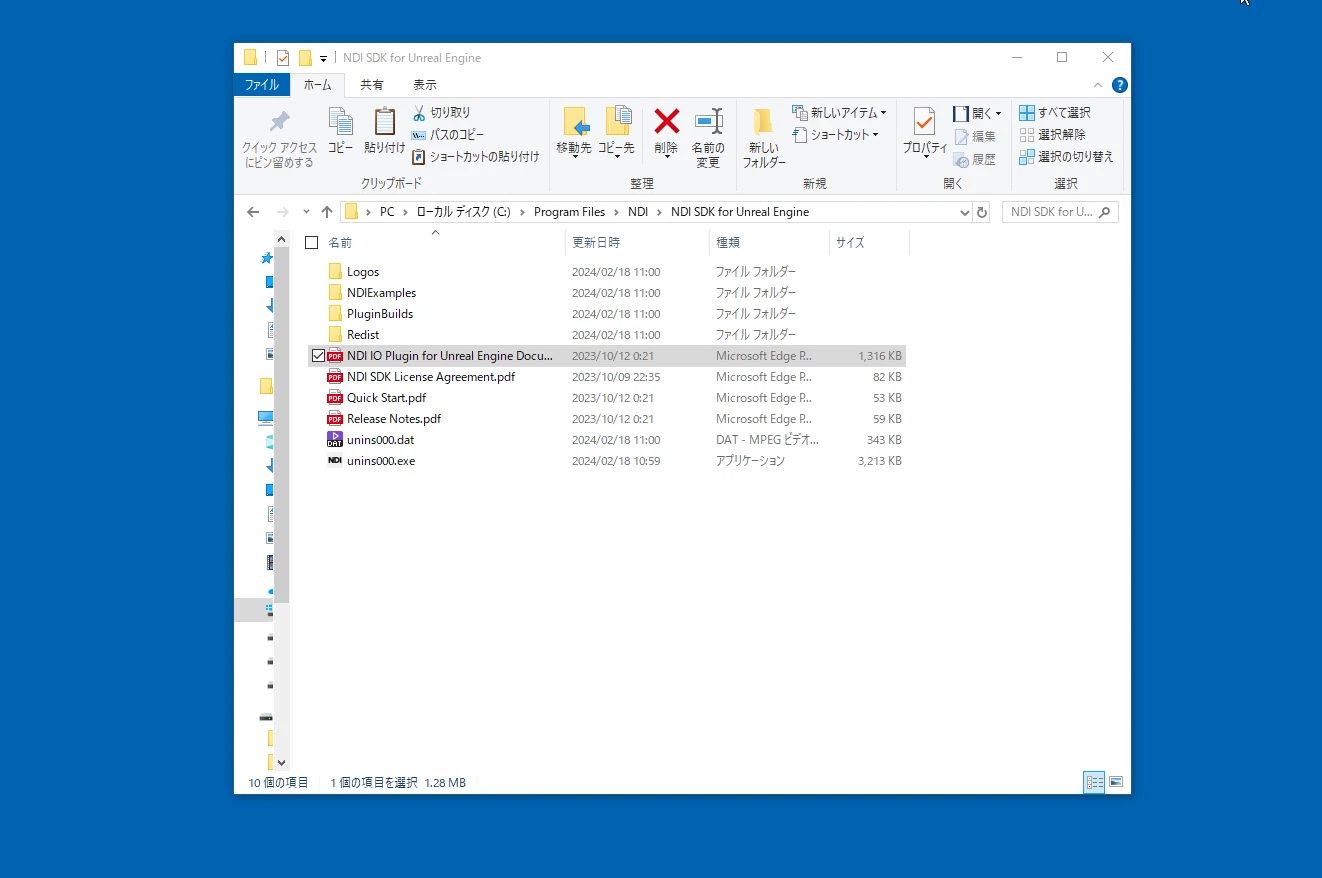
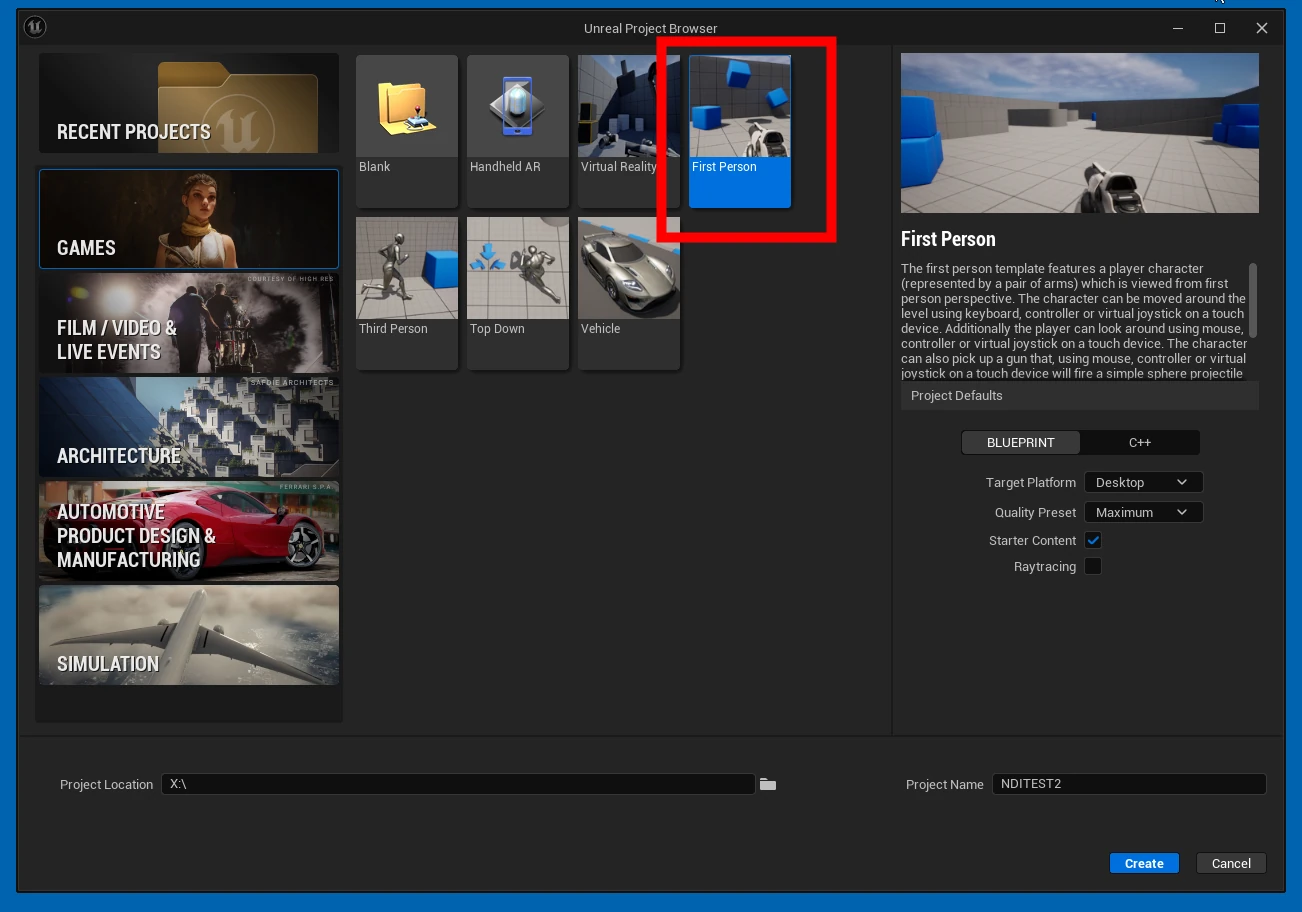
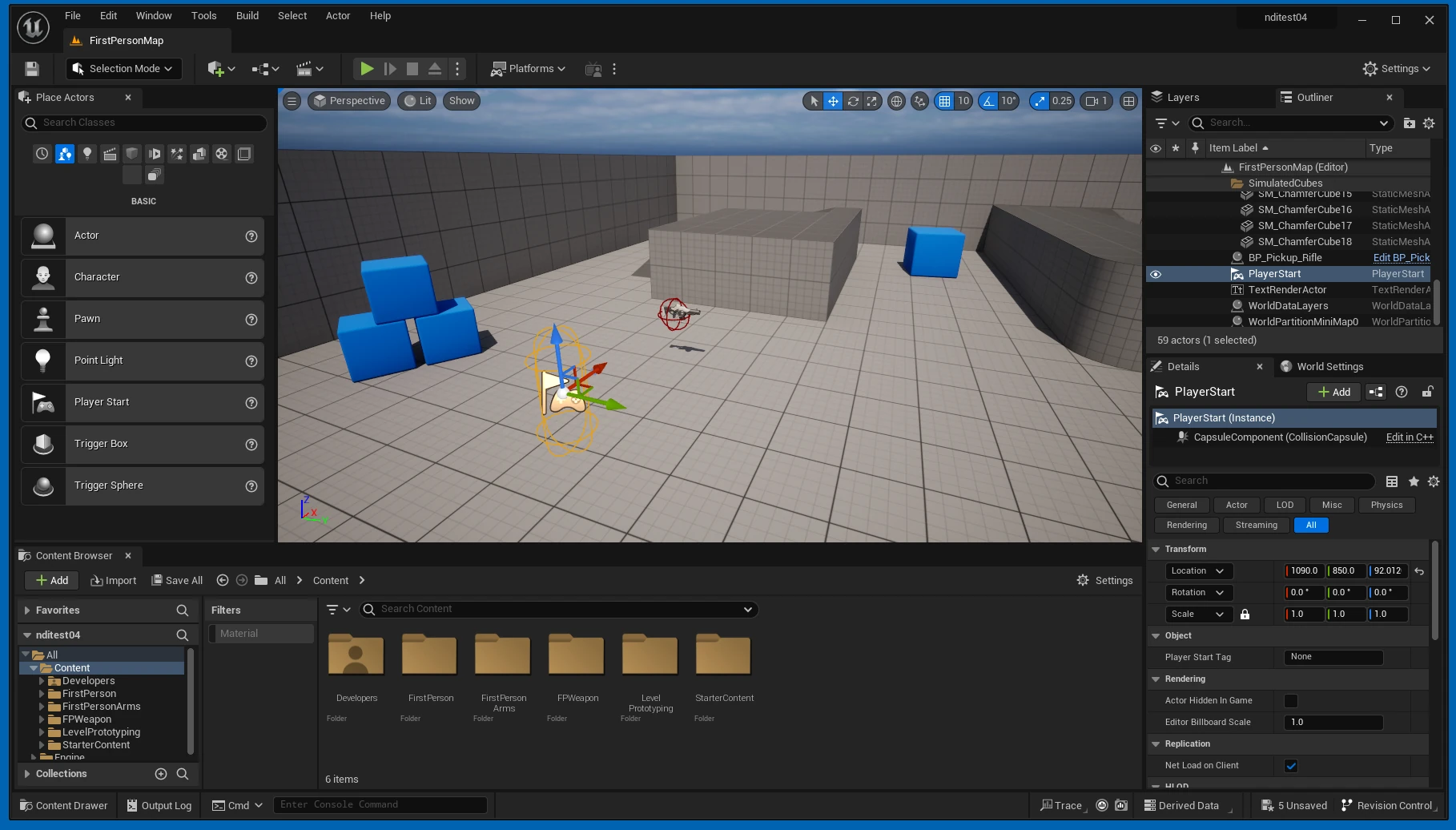
 Create and open a new UE5 project.
  Open Plugins.
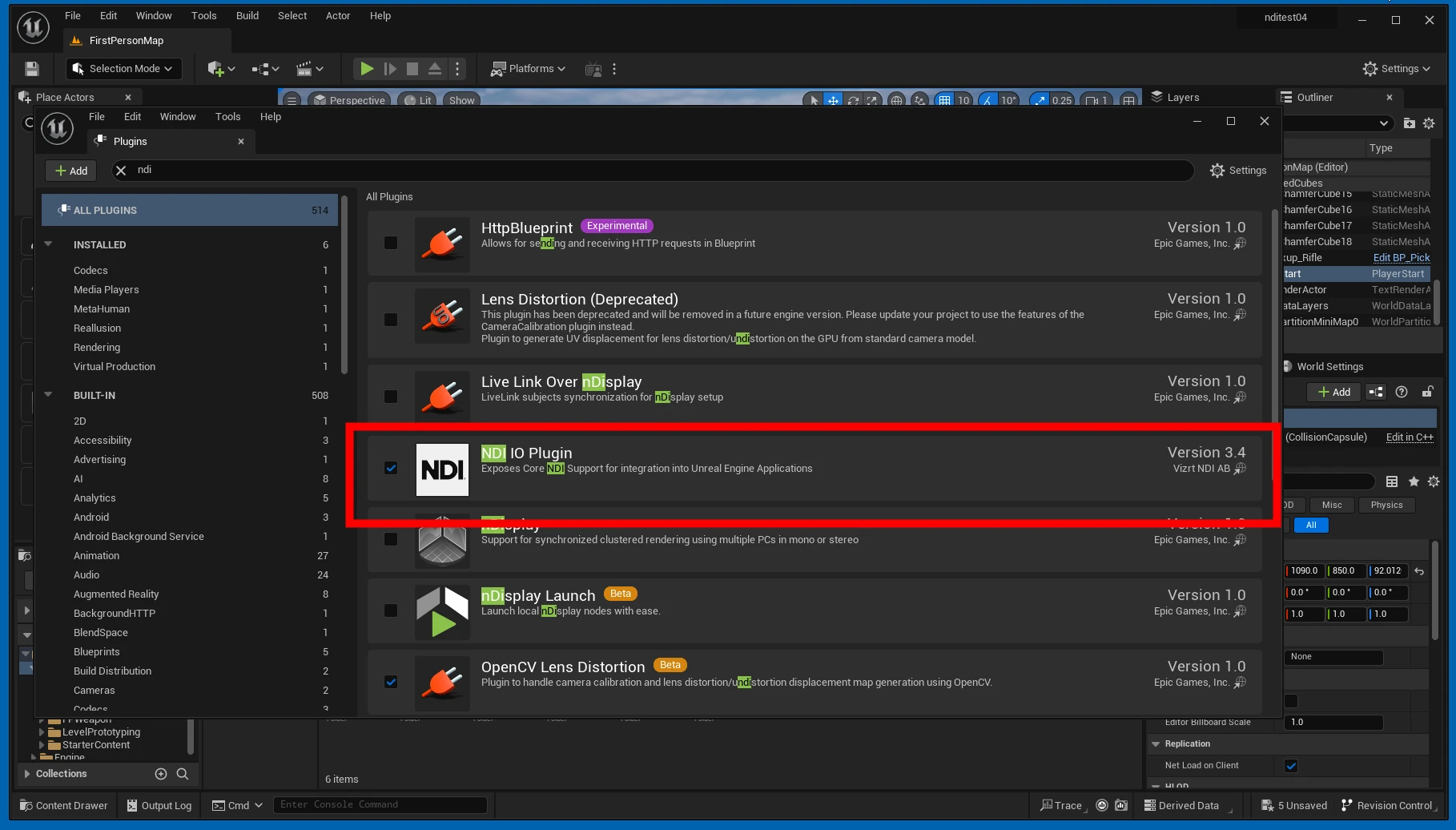
 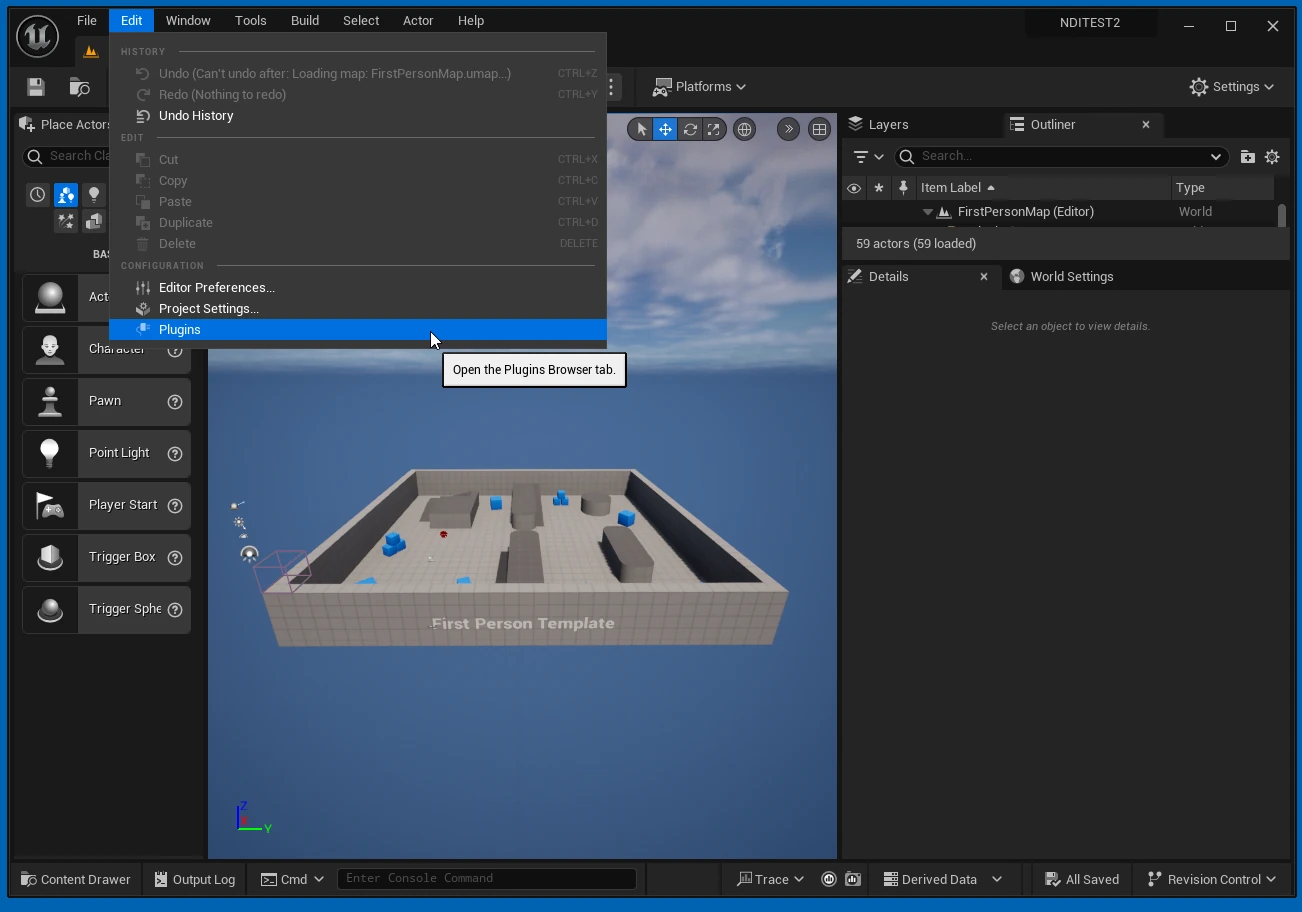 Search for NDI IO Plugin, enable its checkbox, and restart UE5.
  Confirm that NDI IO Plugin is enabled.
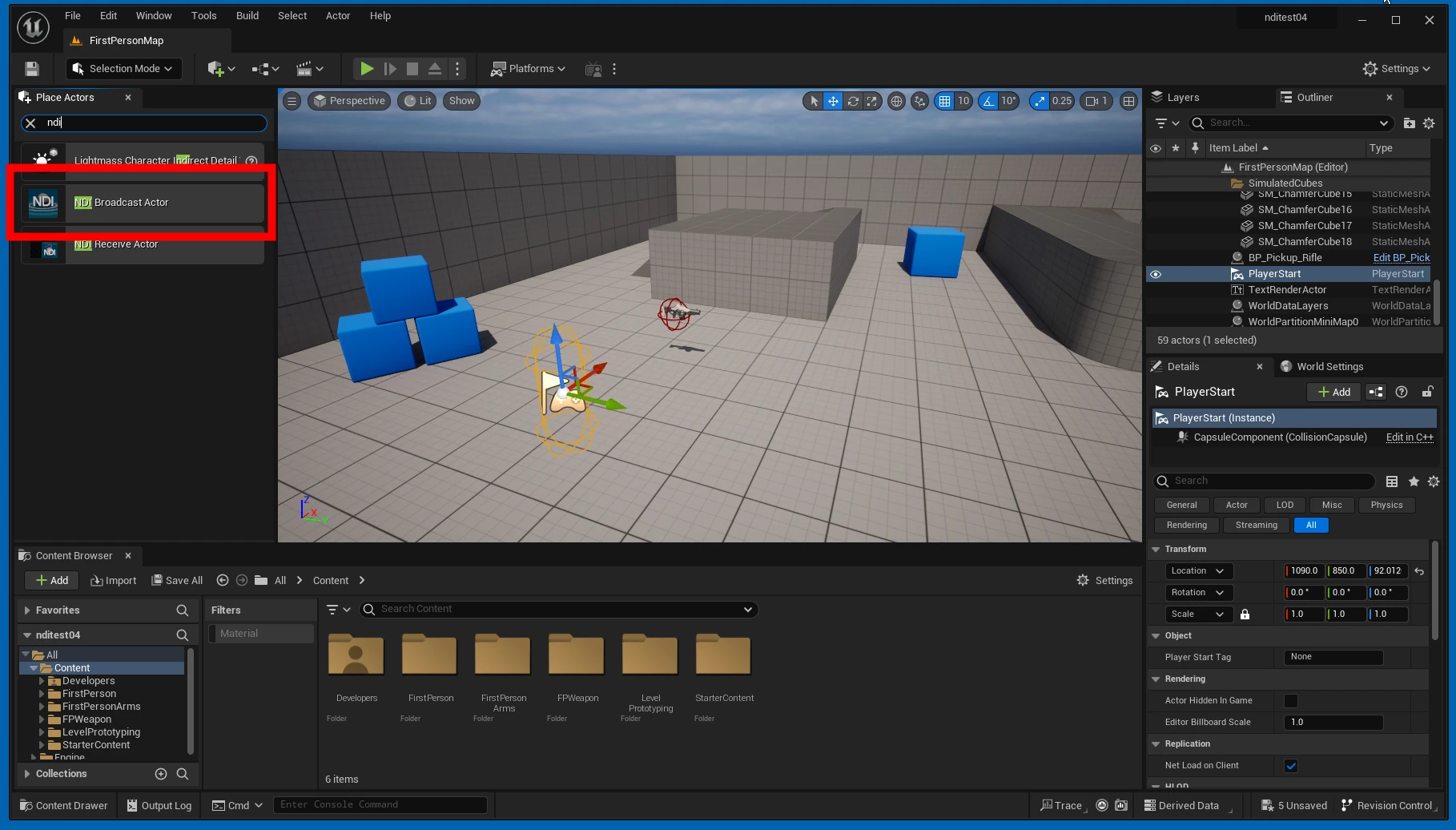
  Drop an NDI Broadcast Actor into the level. This is the camera that will send the NDI feed.
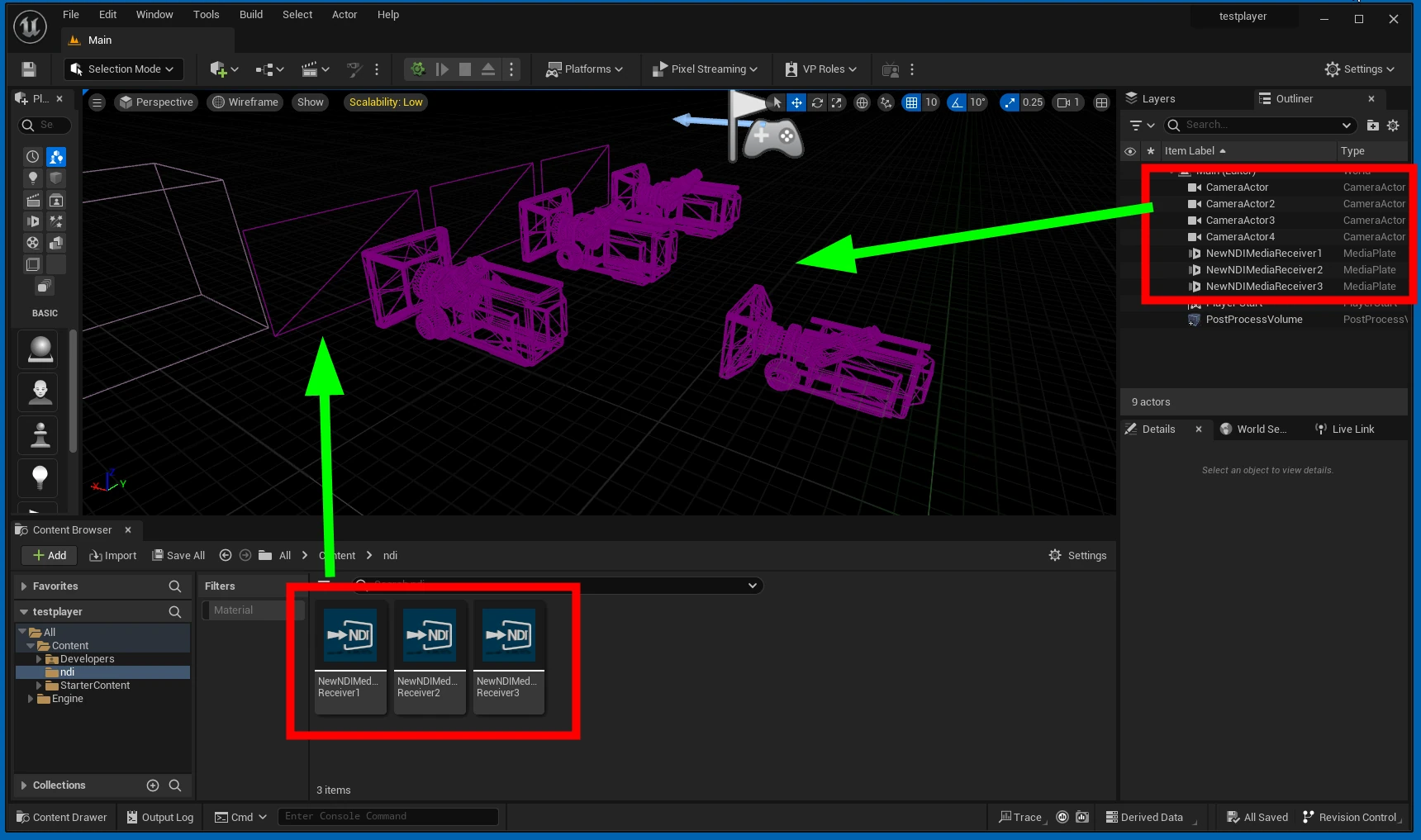
  Create a folder for the textures and other assets needed for NDI.
 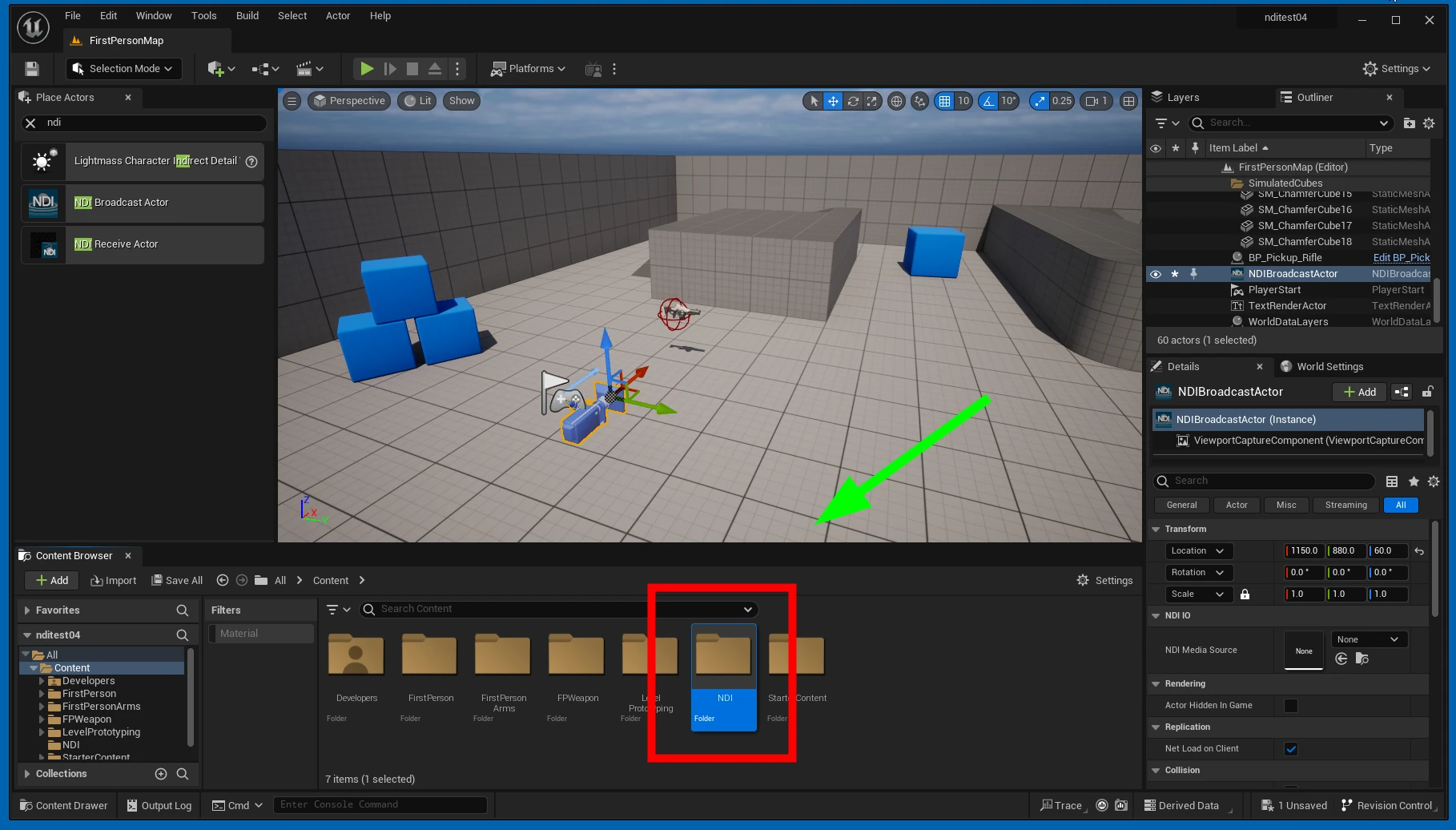 Select NDI Broadcast Actor and click NDI Media Source.
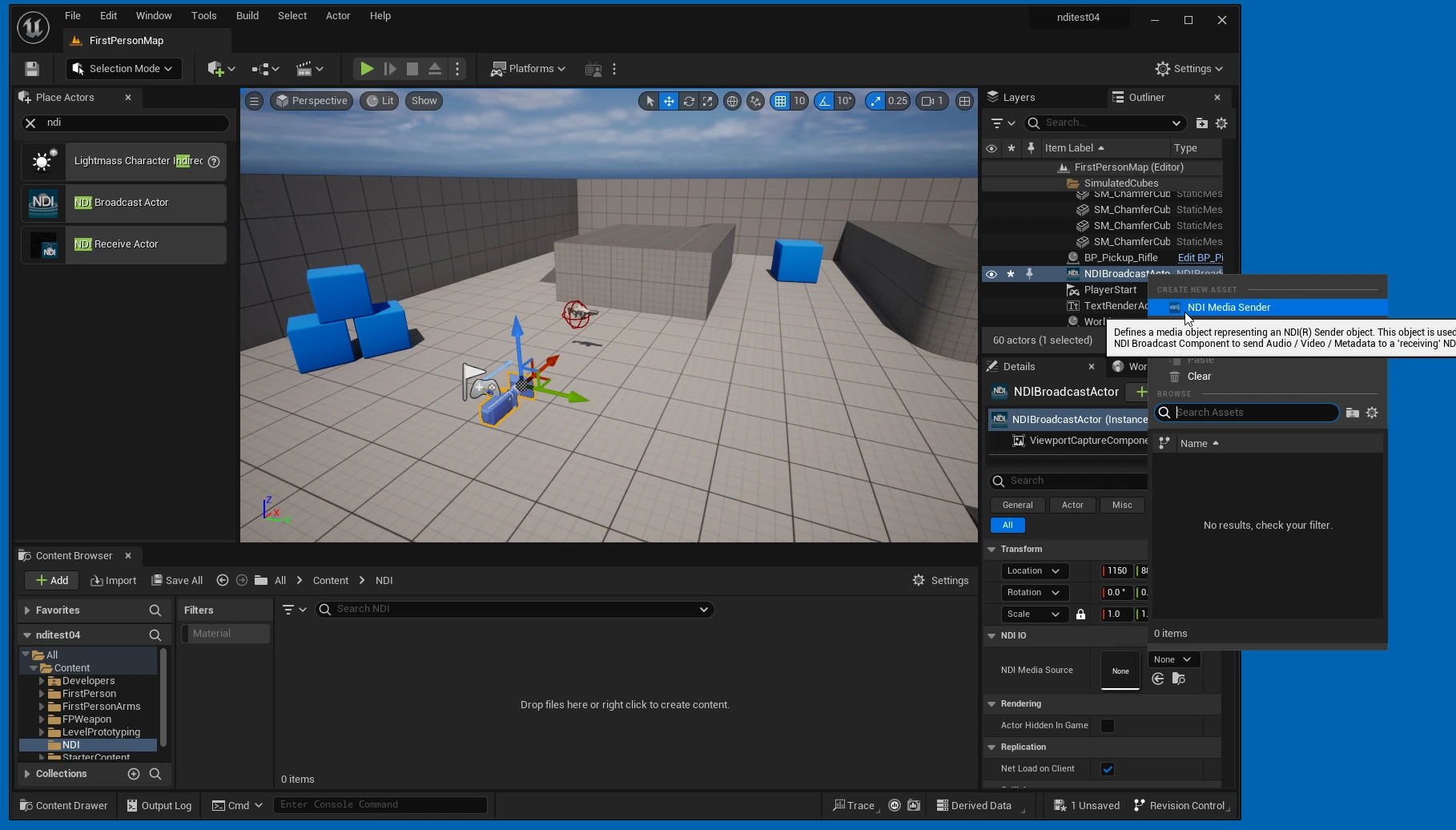
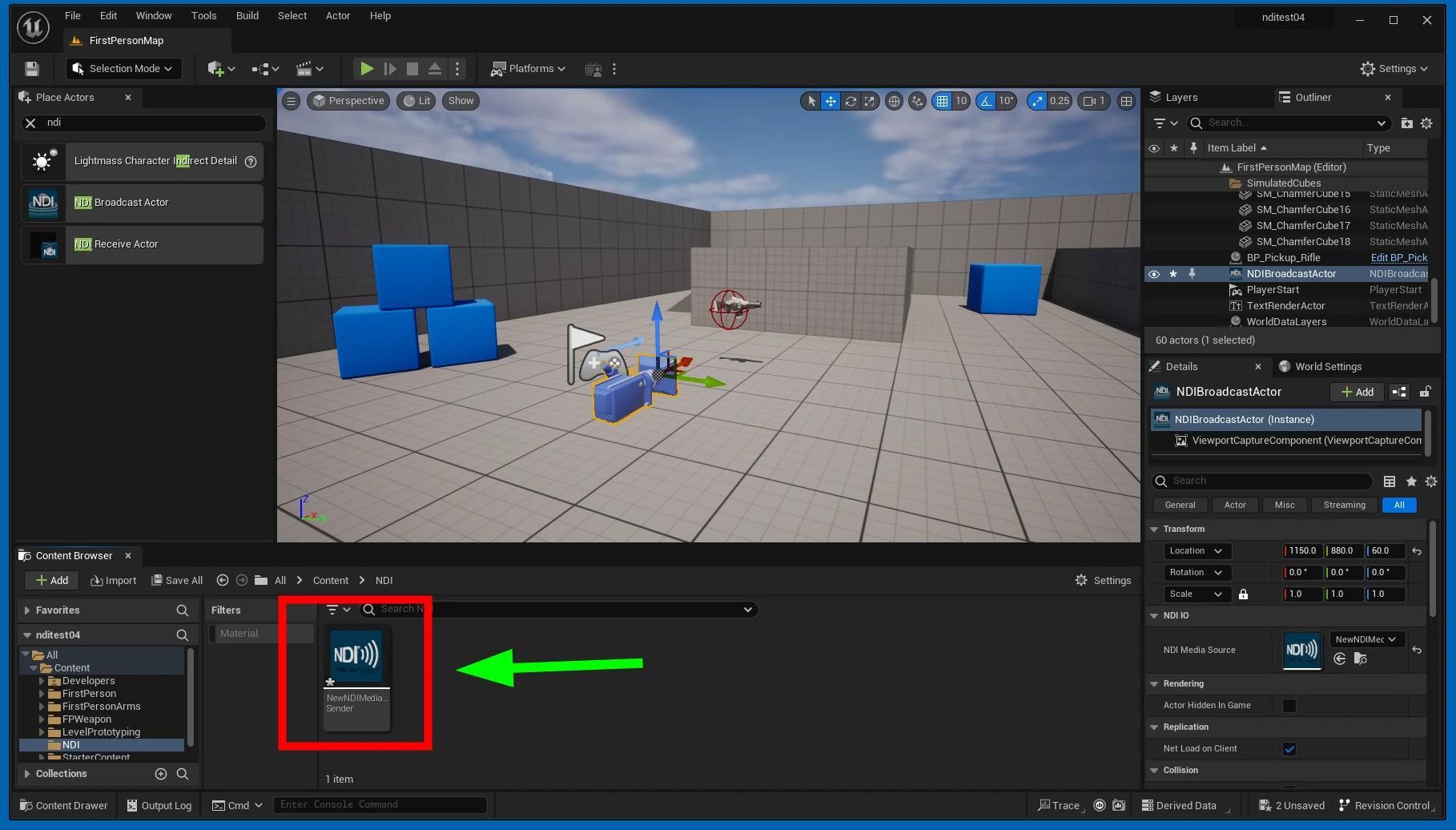
 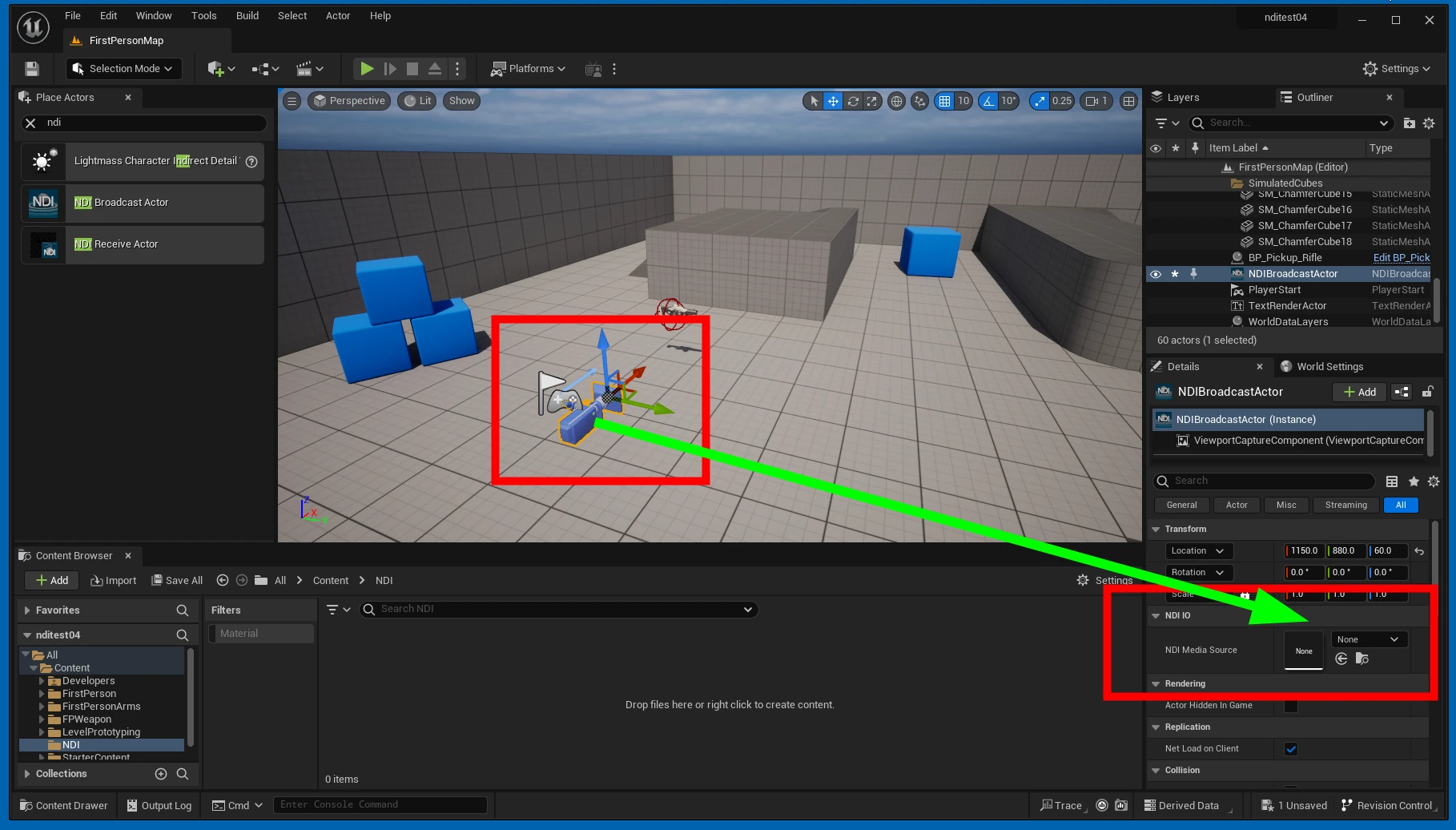 Create an NDI Media Sender.
  Save it in the folder you just created.
 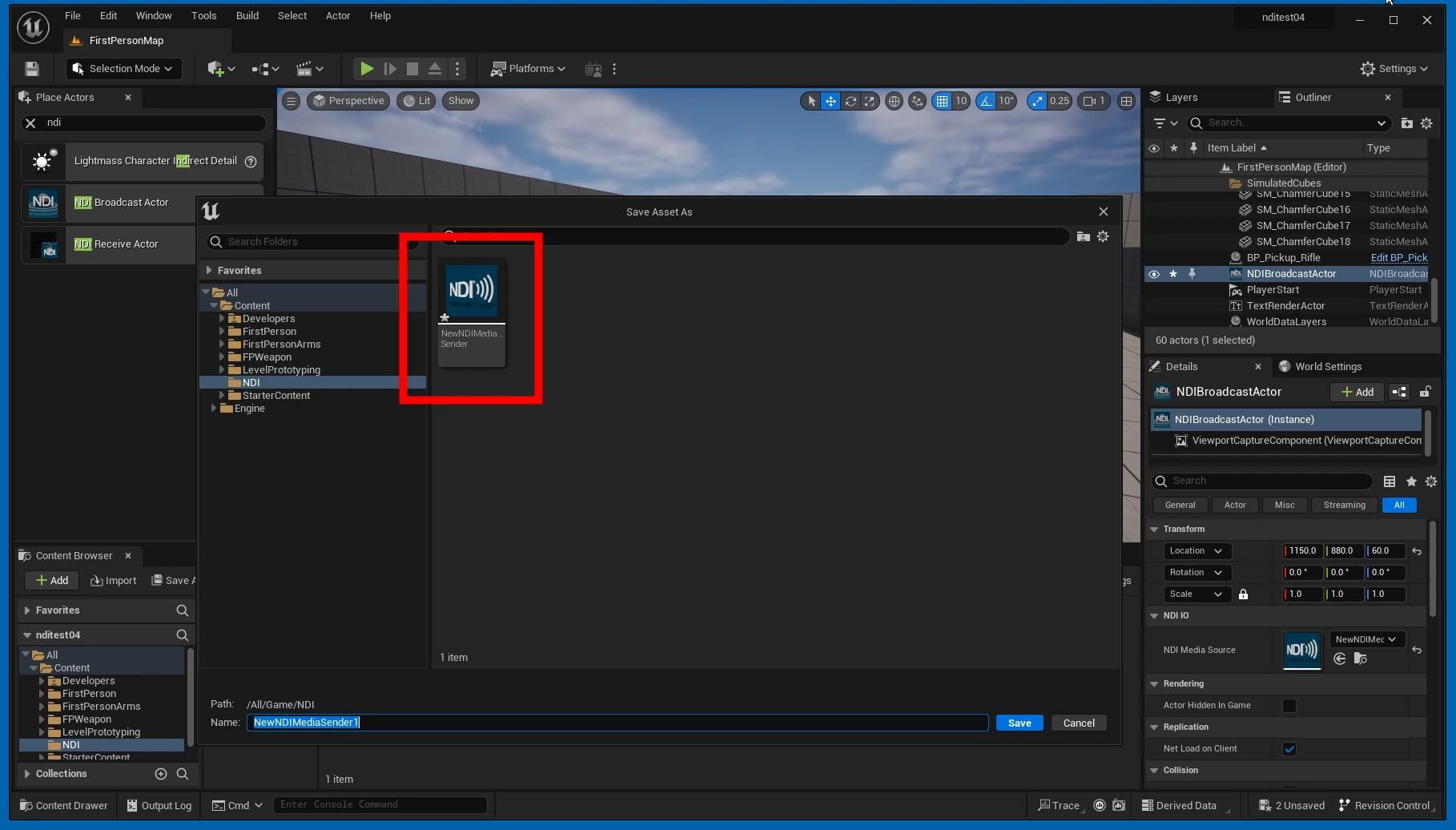 It is now assigned to the actor's NDI Media Source field.
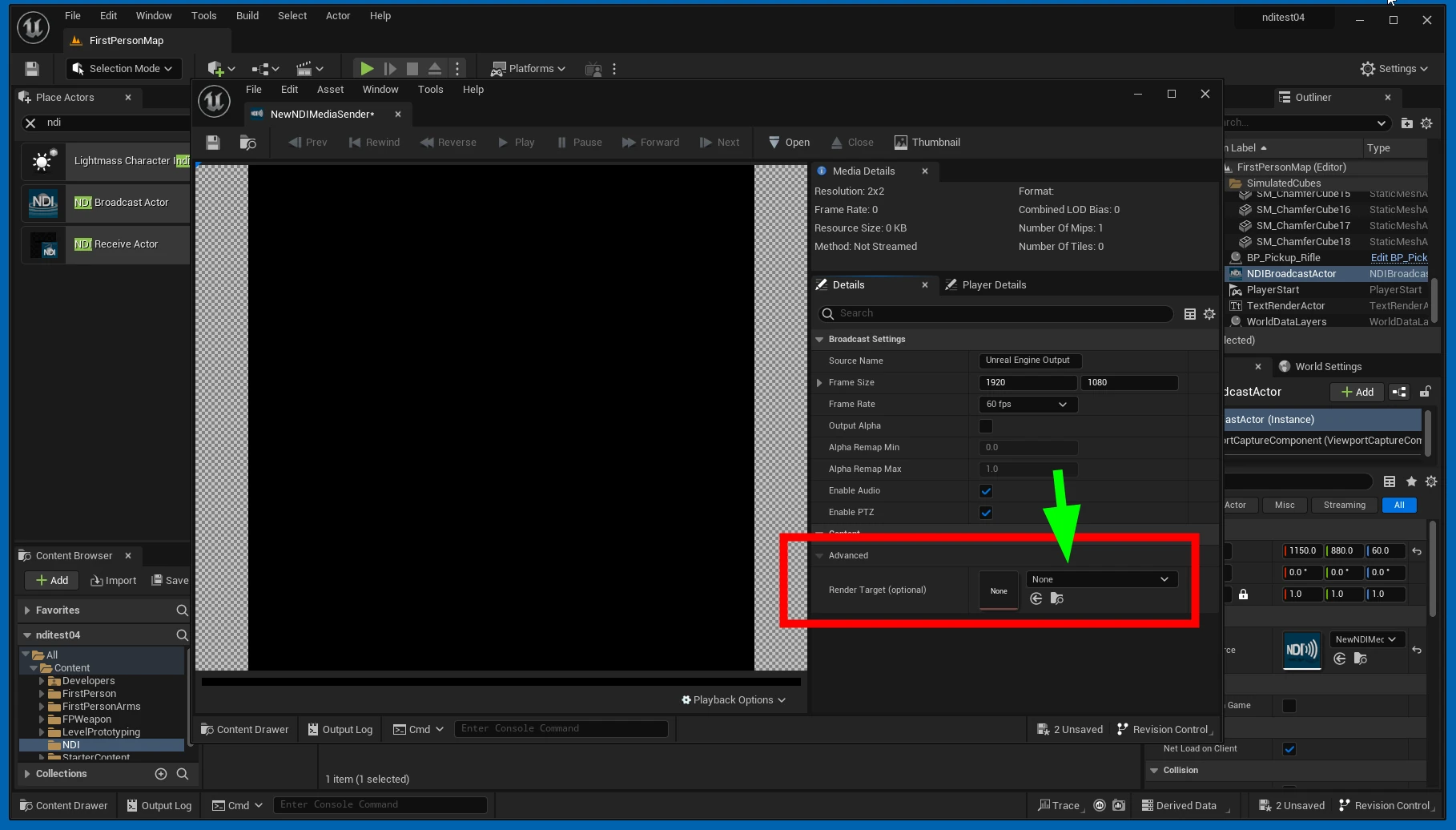
 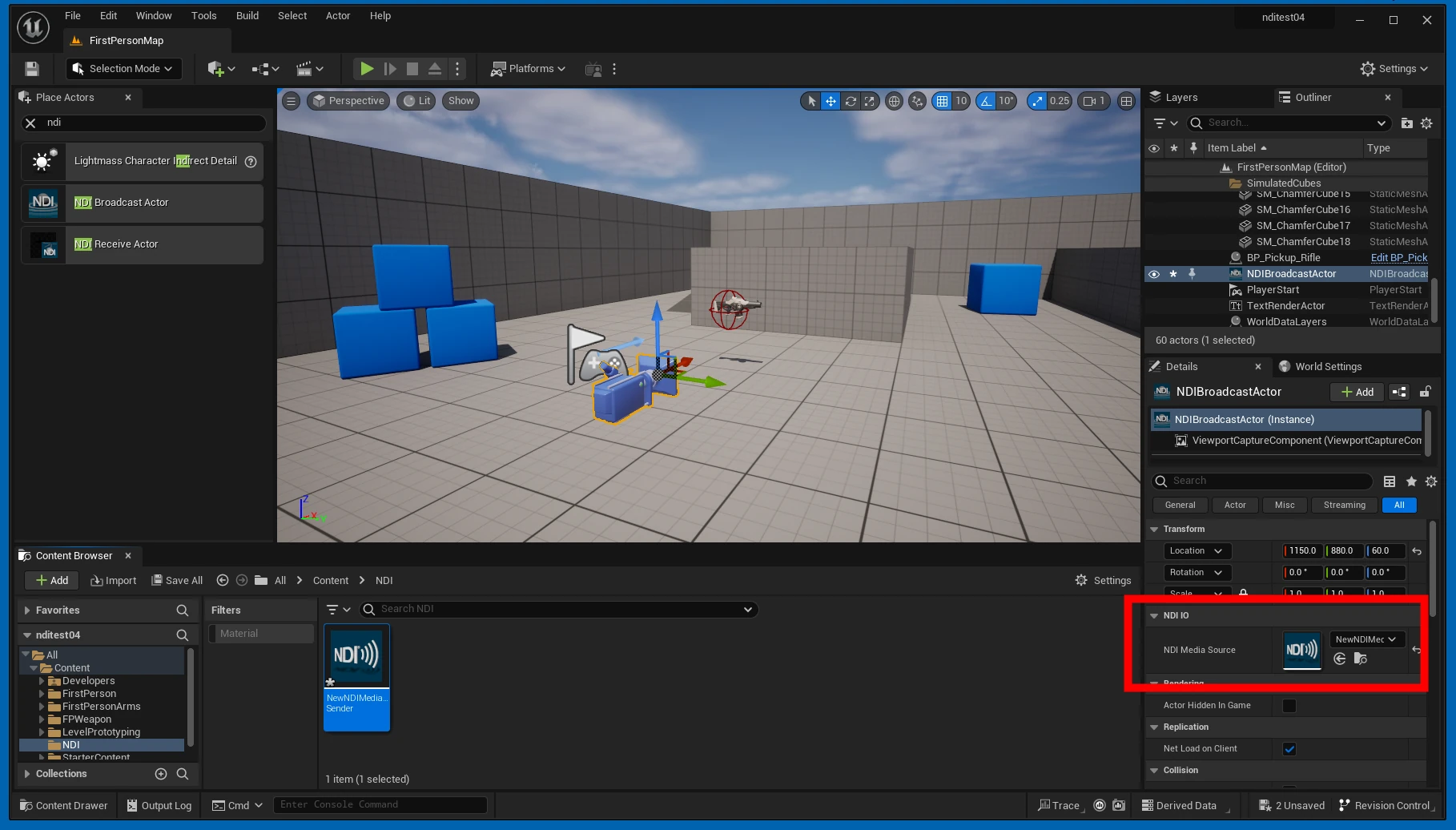 Click the assigned NDI Media Source.
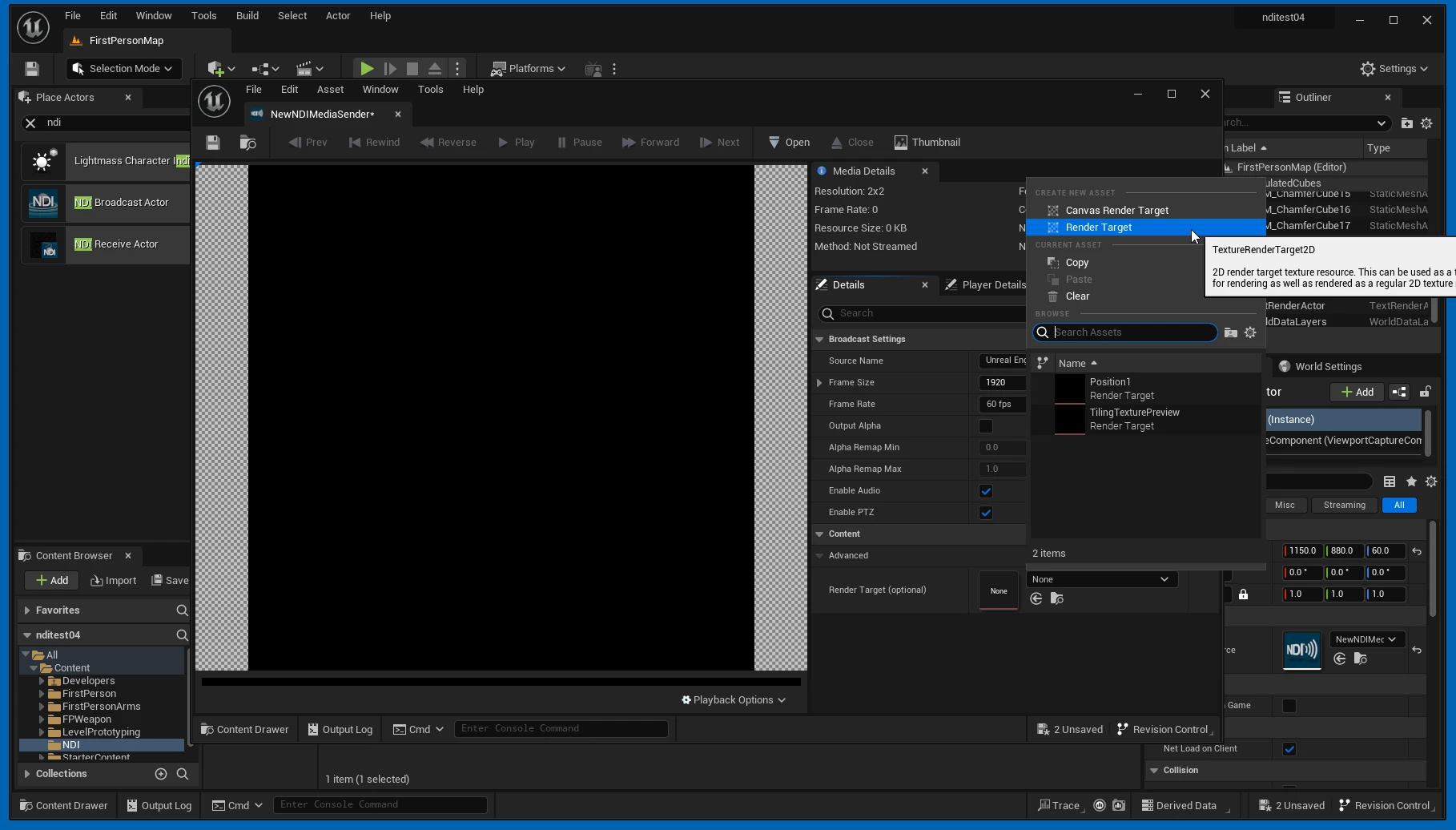
  Click Render Target.
  Add a Render Target.
  Save it in the folder.
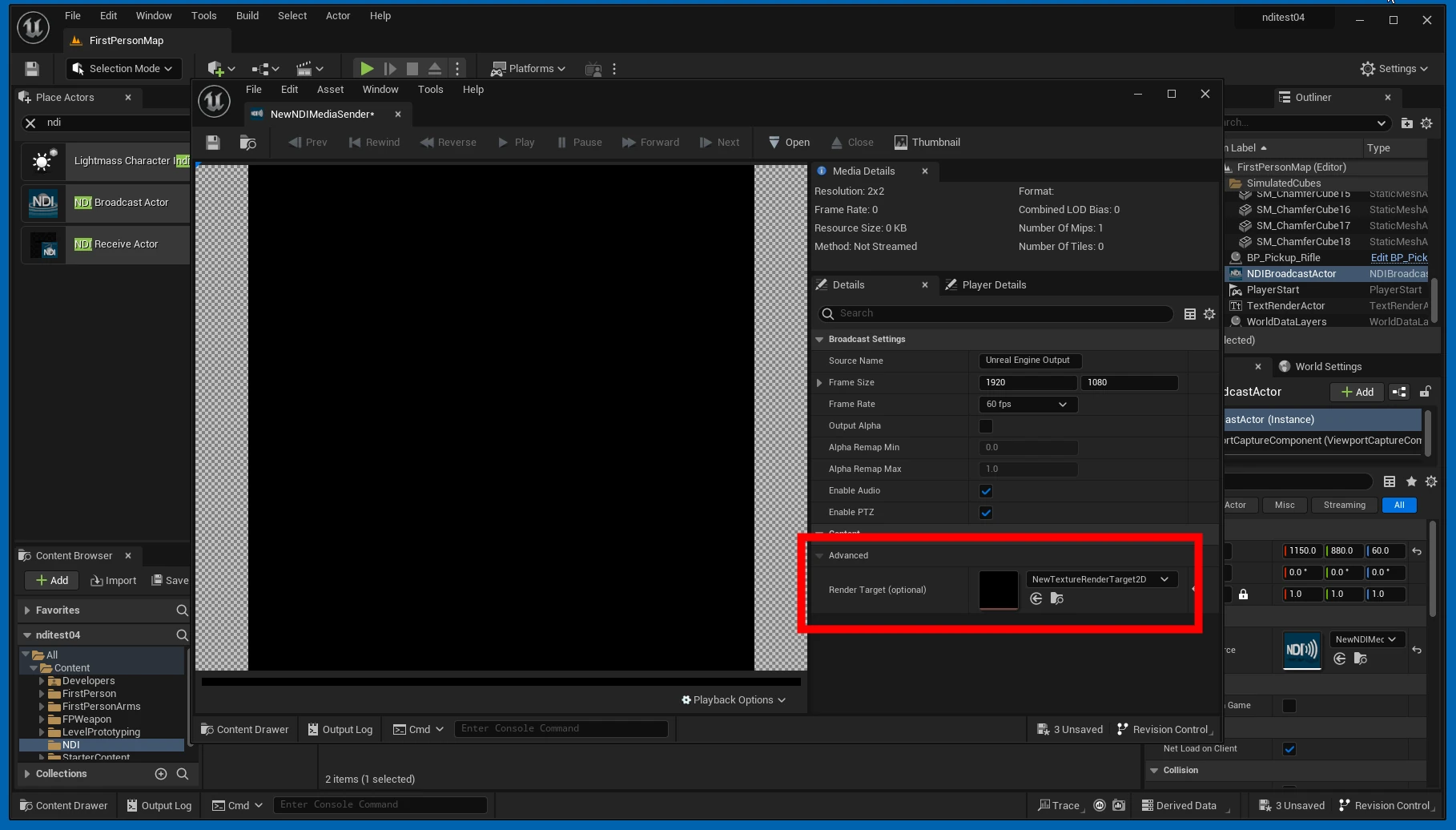
 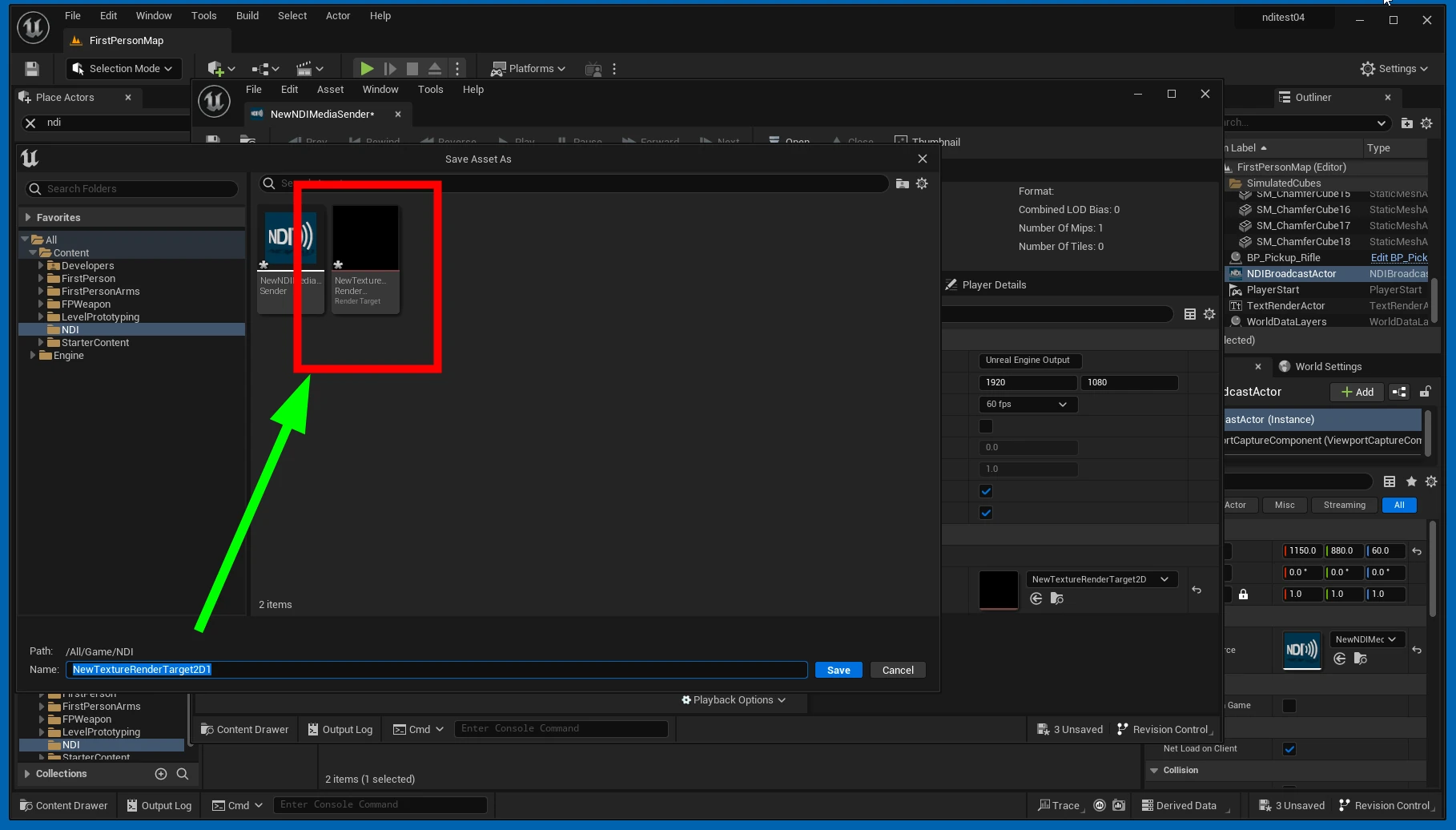 The Render Target is now assigned.
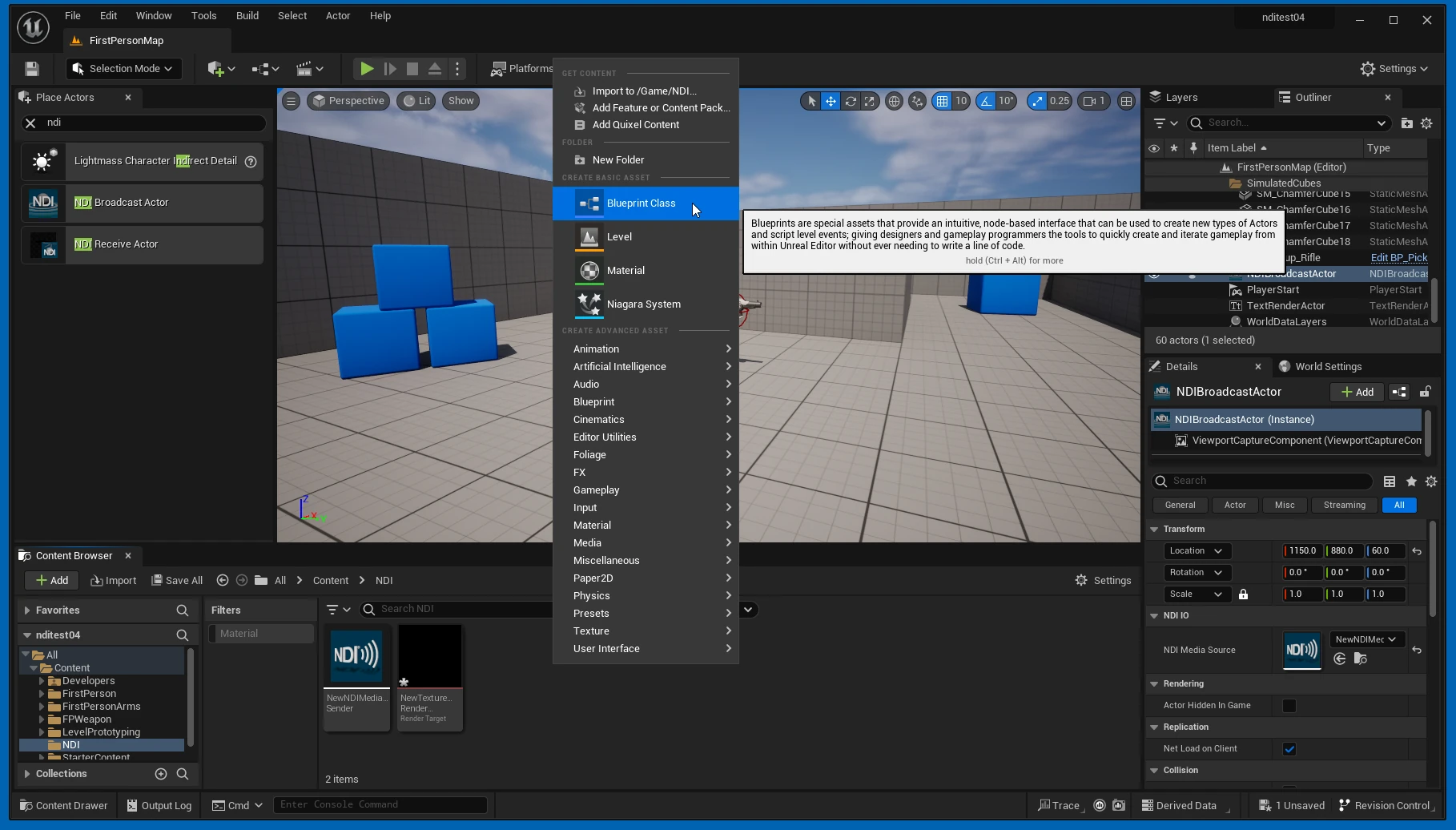
  Right-click in the Content Drawer and add a Blueprint Class.
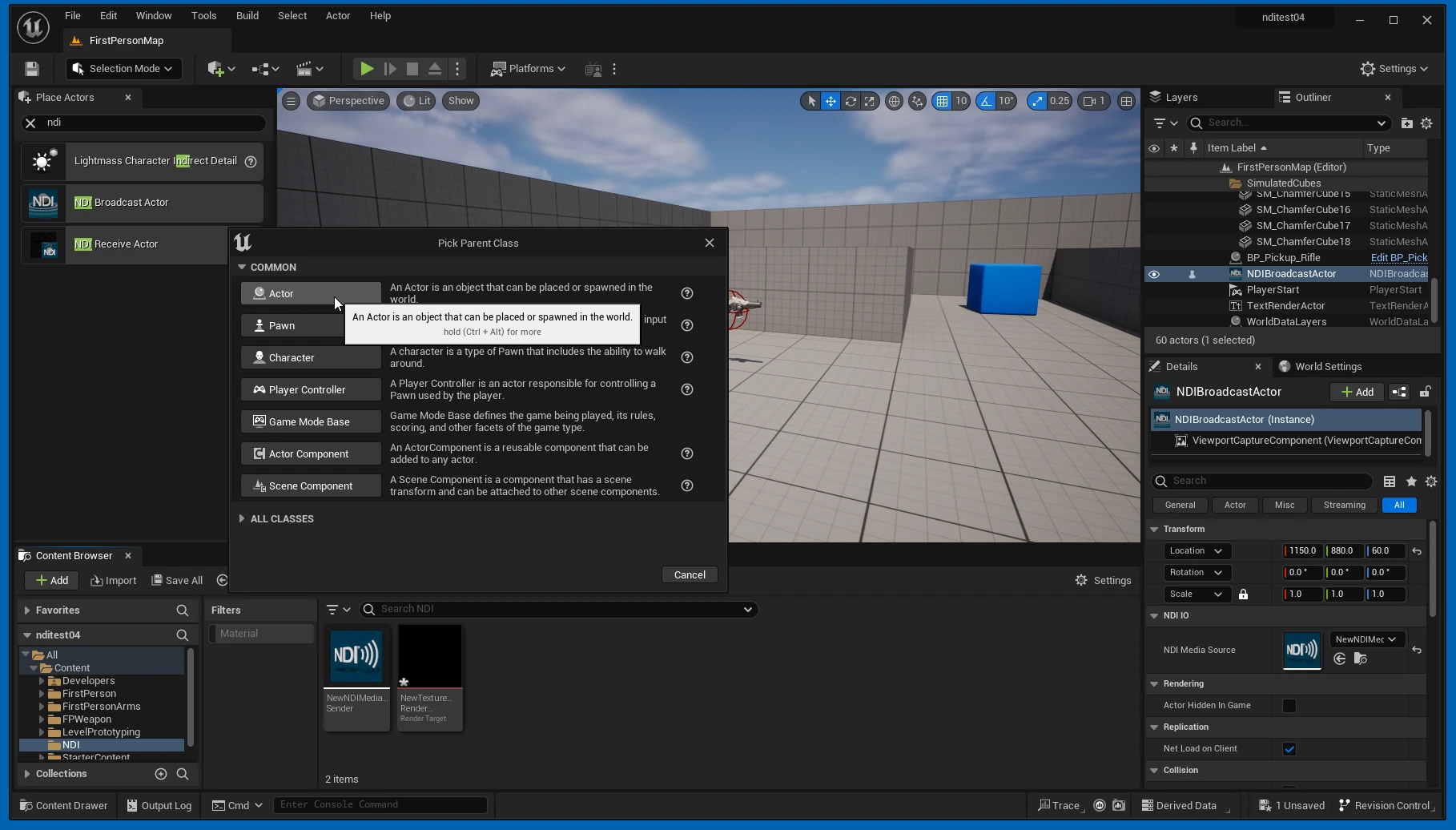
  Choose Actor.
  Open the Blueprint Class you created.
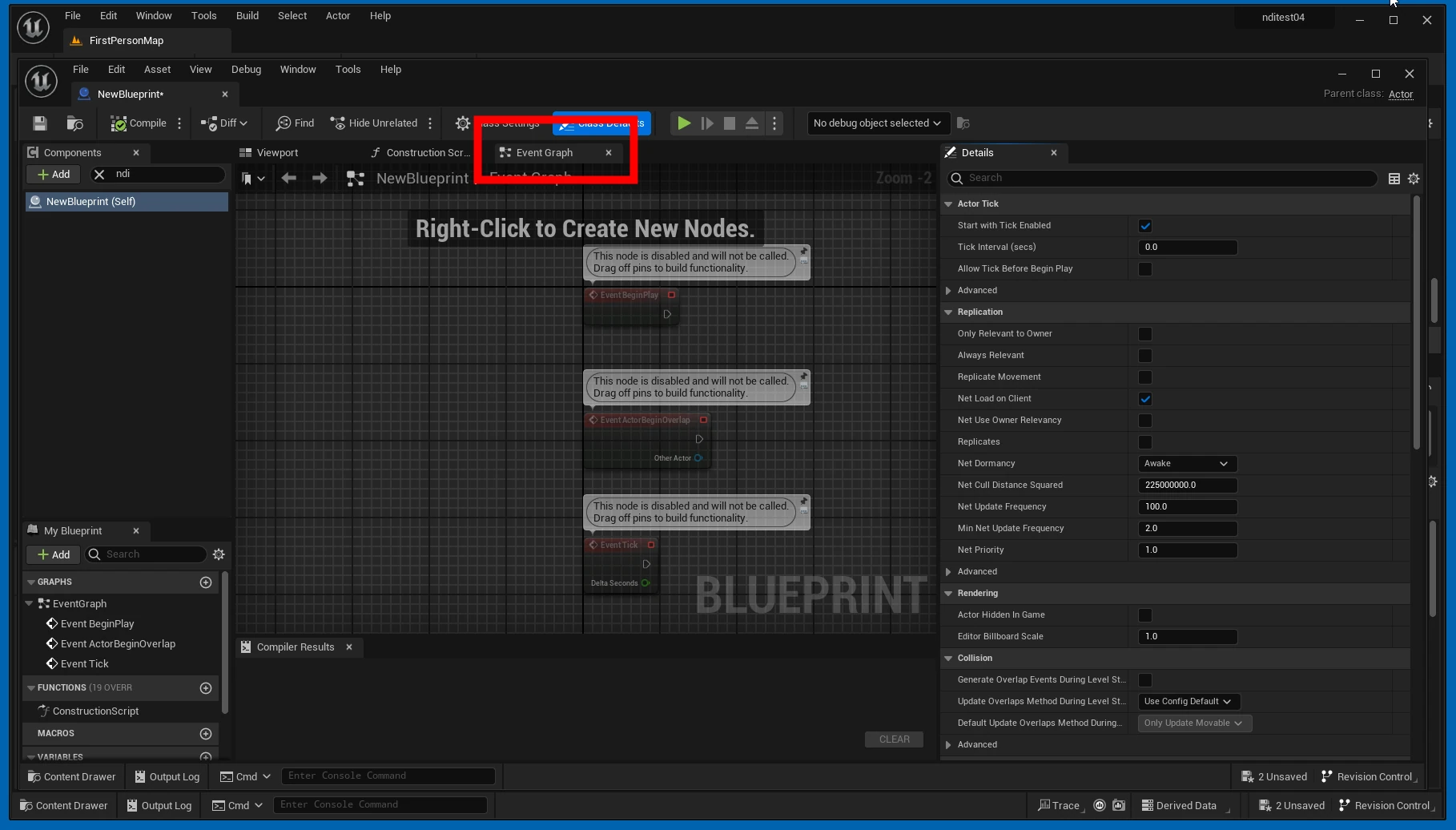
 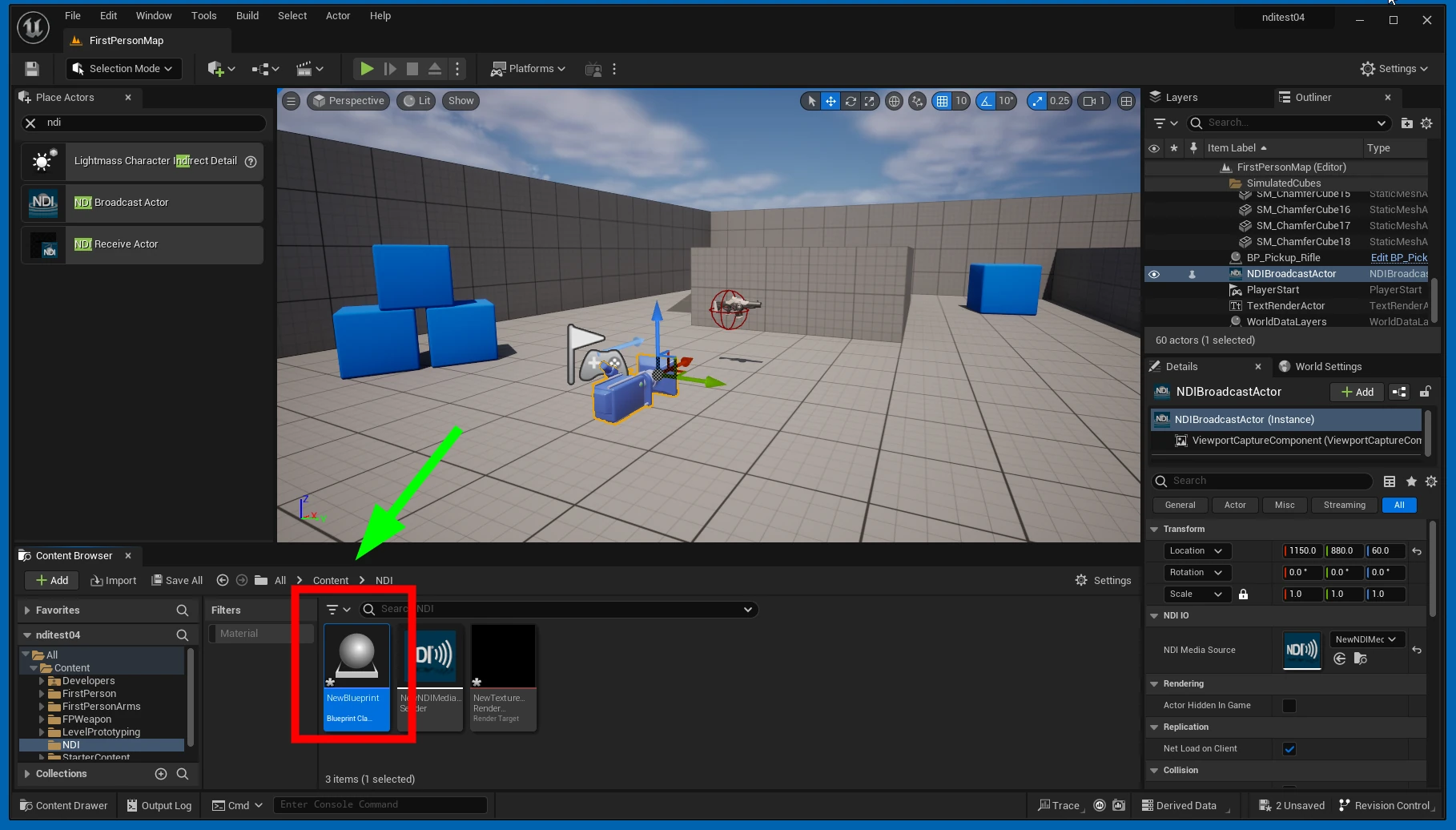 Select Event Graph.
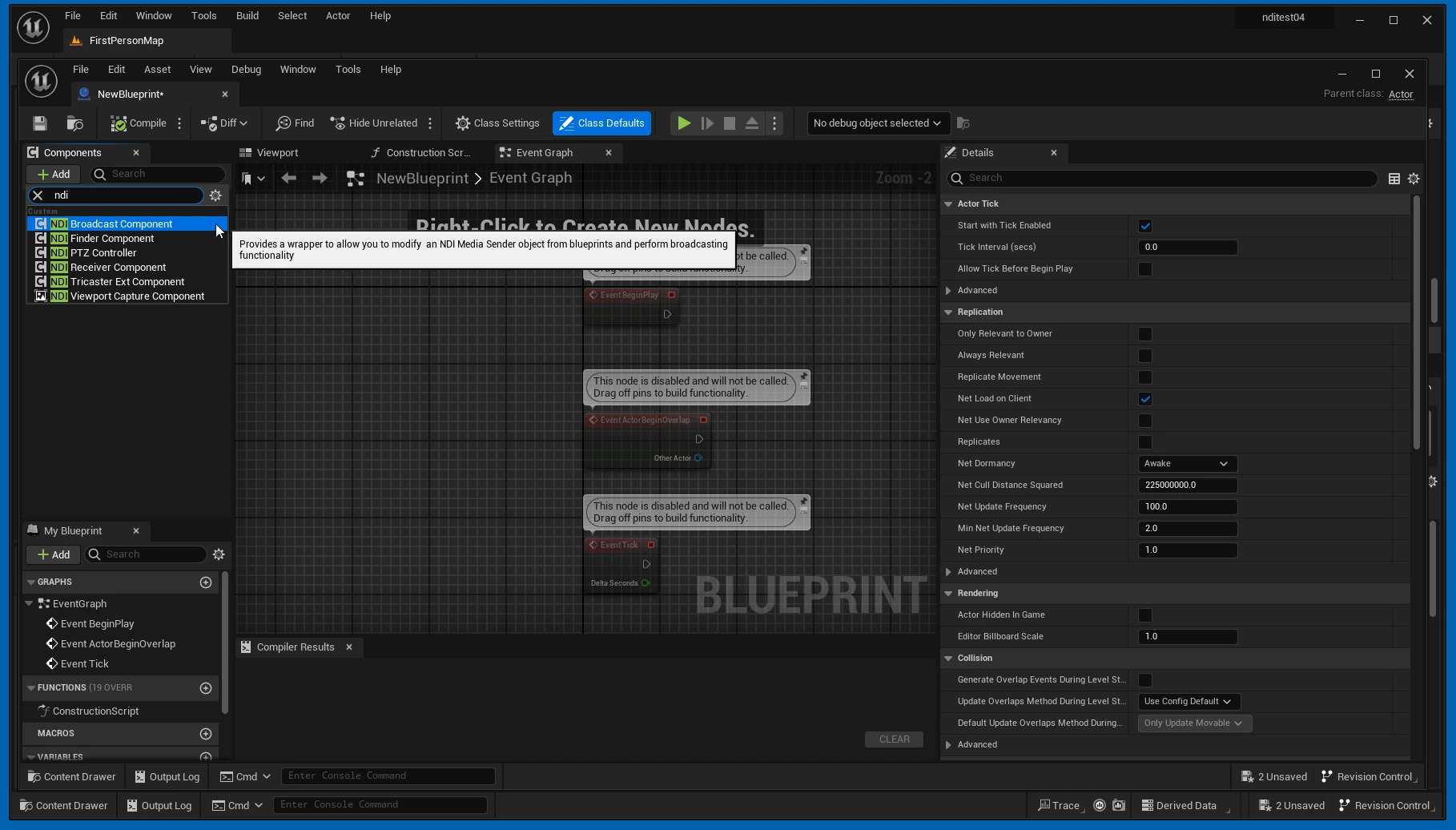
  Press Add and select NDI Broadcast Component.
  Right-click in the Blueprint and select Start Broadcasting.
 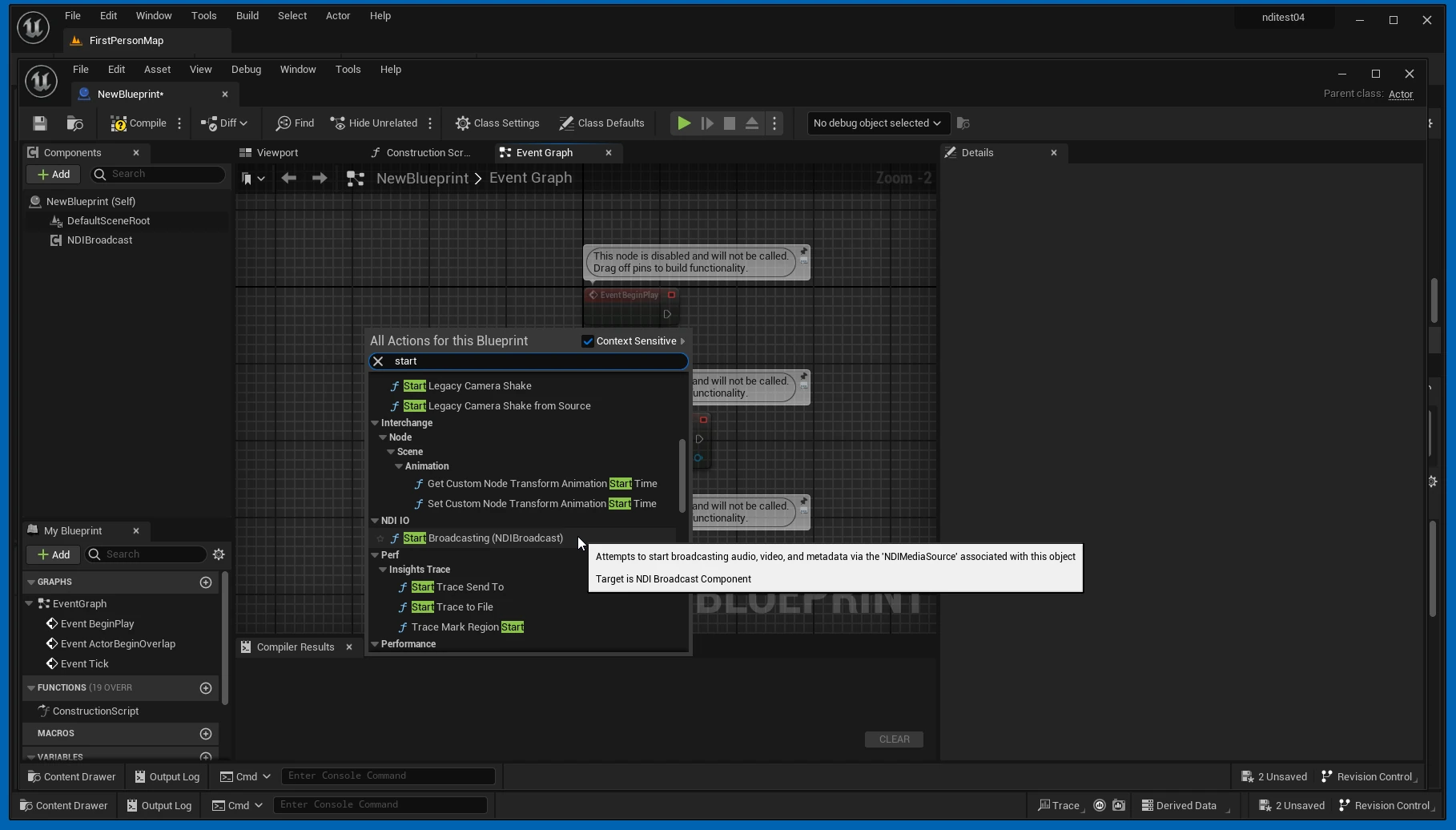 The trigger for starting transmission has been added.
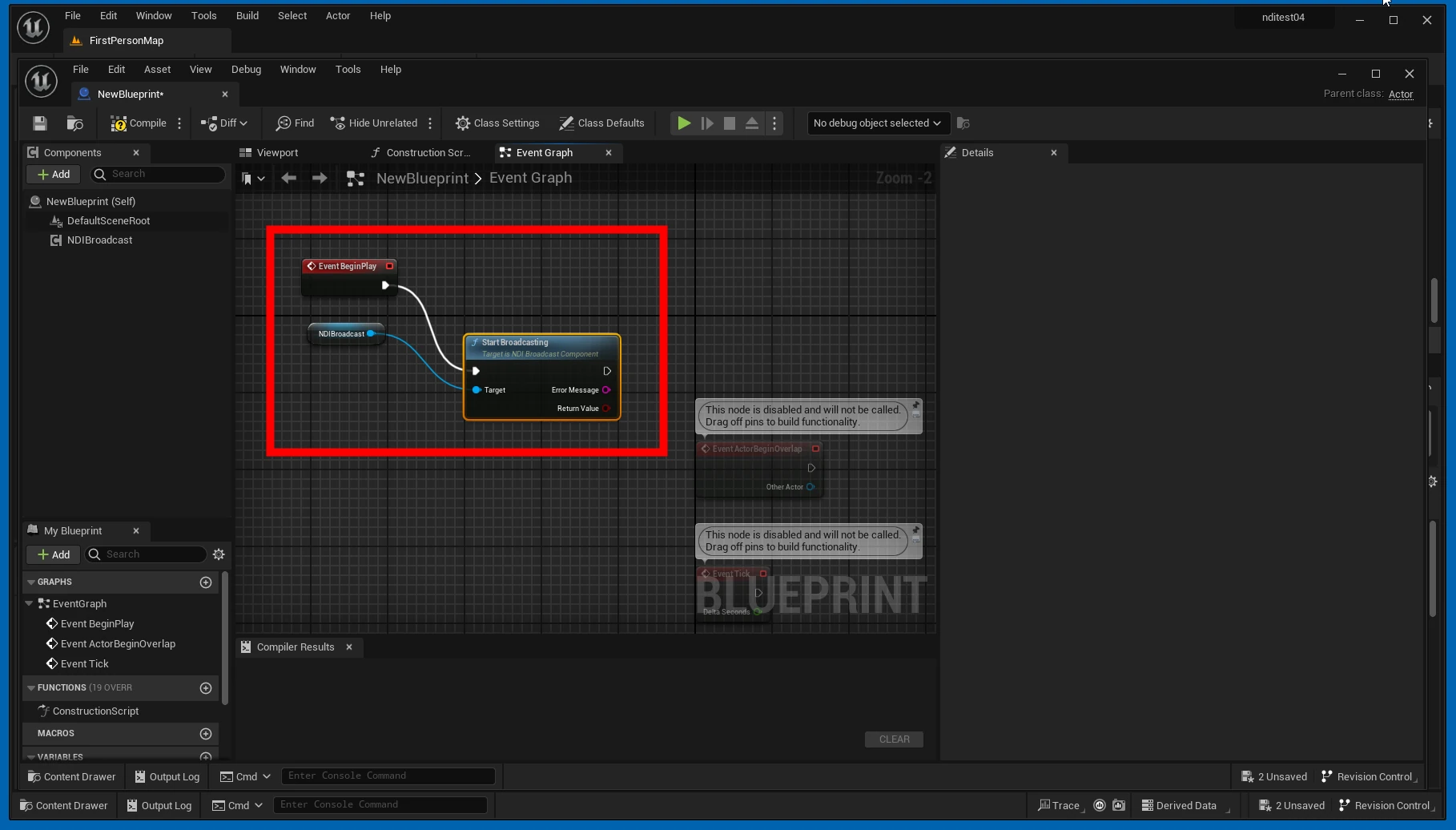
 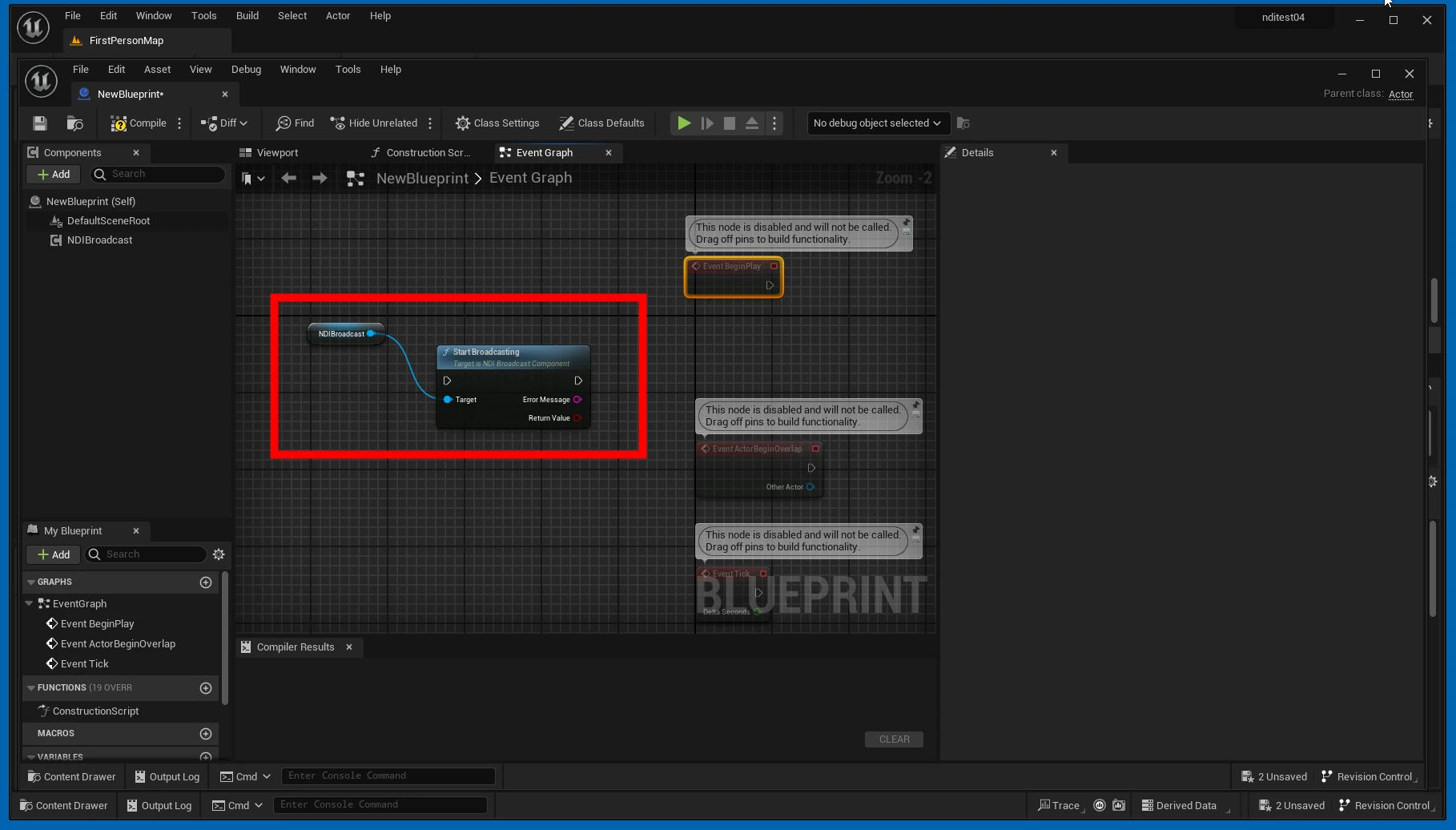 Connect it to the play event.
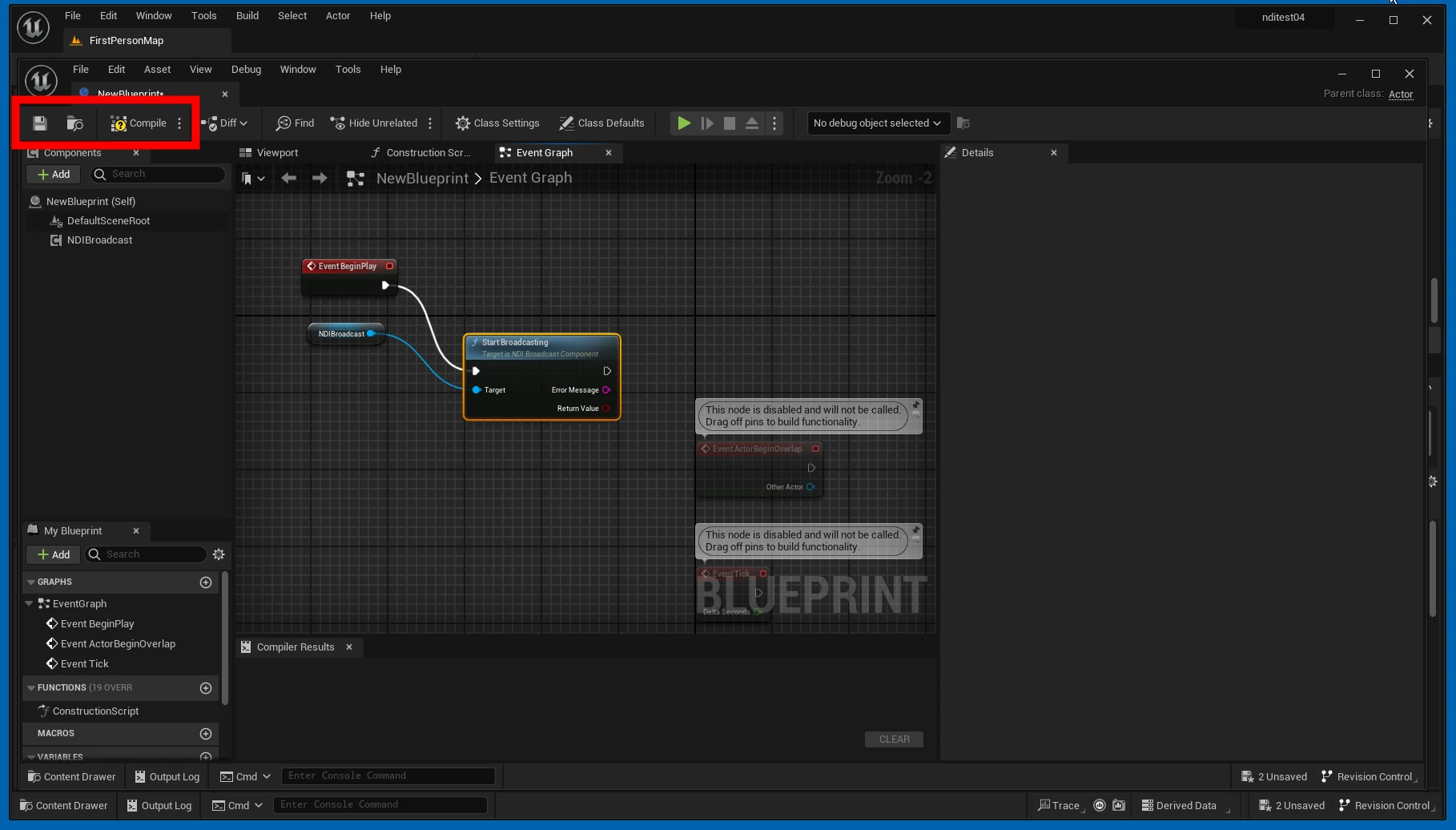
  Save and compile.
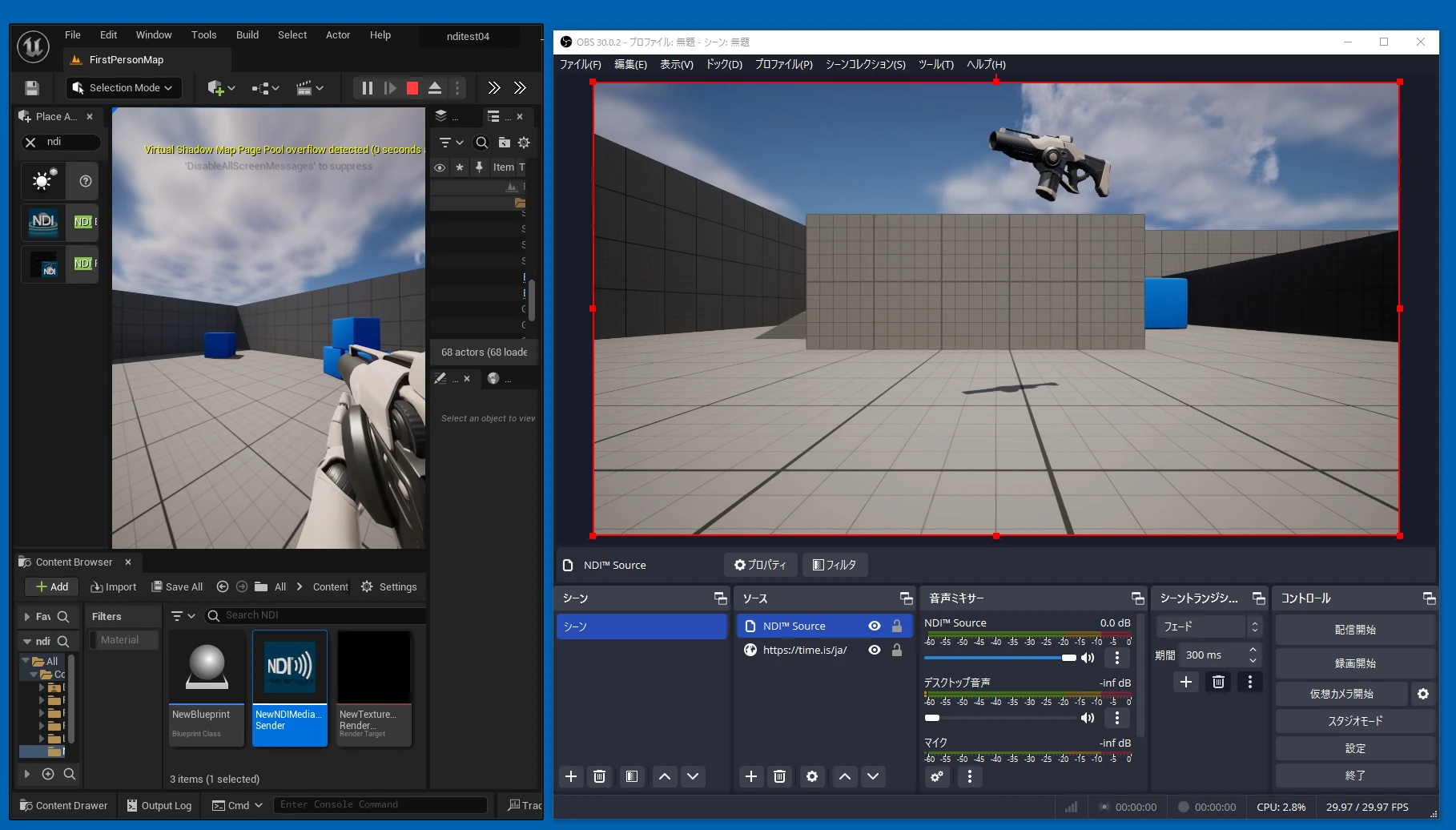
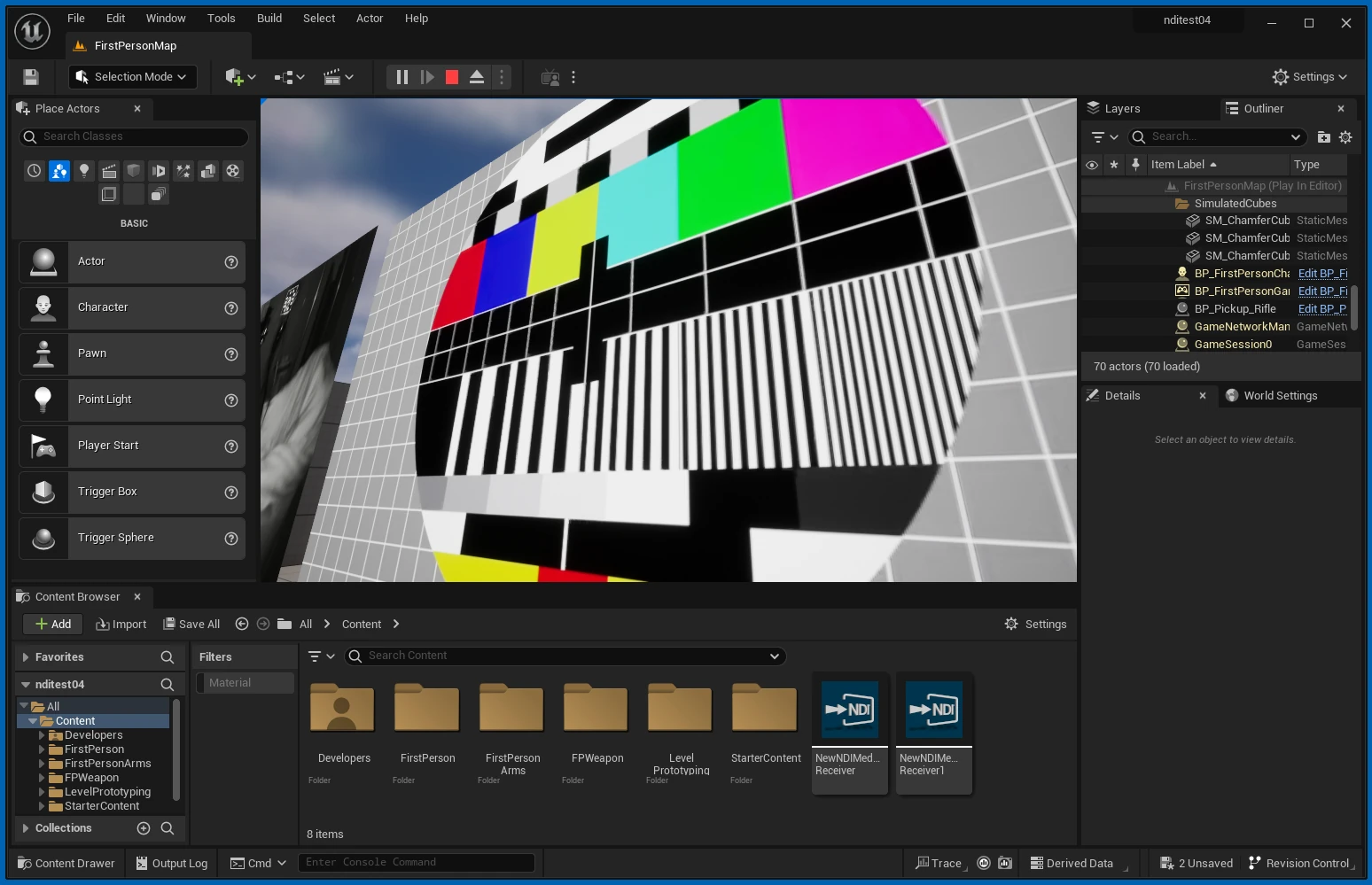
  When I ran it, the NDI feed started. Latency varied, but at around 100–300 ms it felt fairly low.
Related articles
Updates and contact: X @riragoncom.