Building a custom-domain WordPress blog with Shin Rental Server and a TCD theme
I returned to building a review site after five years, using WordPress, Shin Rental Server, and a TCD theme. This account covers choosing hosting, the introductory offer, theme setup, and preparing the blog for writing.
Note: This article was published more than a year ago.
- Hosting, PHP, WordPress, and TCD theme requirements are updated. Check the prerequisite versions with each provider.
- .htaccess and PHP settings depend on the hosting control panel and its restrictions. The examples reflect the plan available at the time.
- For a production launch, use current practices for SSL, backups, and staging.
Choosing a blogging service
After five years, I felt like building another review site, starting with a blog. This may help anyone wanting to build a WordPress website. There are many blogging services to choose from.
Some major blogging services:
WordPress: extremely versatile and able to build almost any site. Its drawbacks are hosting costs and the various complications involved.
Blogger: Google's straightforward blogging service. Convenient, but it feels rather niche; I wonder how many people use it.
note: fashionable people and companies publish creative articles there. It has a modern, polished self-presentation feel.
Hatena Blog: a long-established service covering technical articles and personal diaries, though to me it can also feel full of older people's complaints.
Choosing hosting
note is fashionable, but I will use the familiar WordPress route, partly for the fun of choosing my own domain. Next comes the hosting provider.
Lolipop https://lolipop.jp/
Sakura Rental Server https://rs.sakura.ad.jp/
Xserver https://www.xserver.ne.jp/
KAGOYA https://www.kagoya.jp/
Xserver and Shin Rental Server
Ten years ago, beginners were often advised to start with Lolipop. I wonder whether that is still true. Almost every provider seems to run some promotion all the time. They may be much the same whichever you choose.
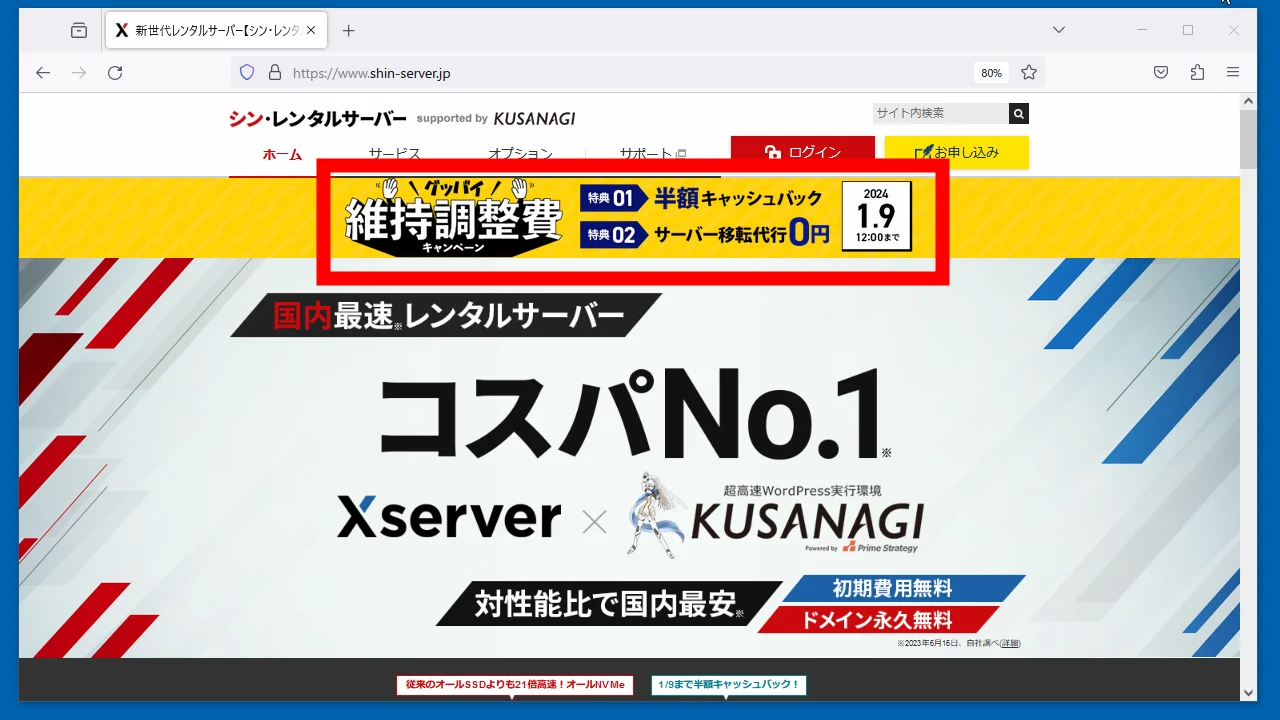
I usually favor Xserver, but Shin Rental Server has recently appeared.
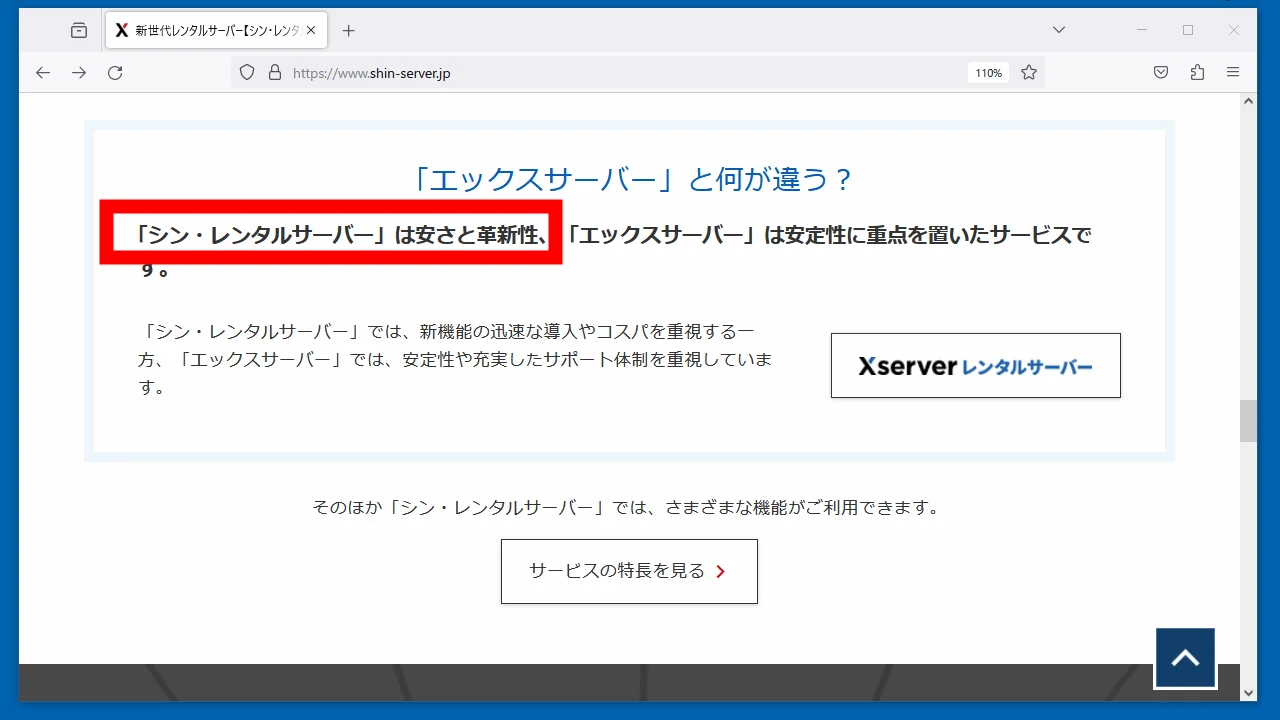
The difference is not immediately clear. Roughly speaking, Shin seems to offer a slightly lower price in exchange for slightly fewer services.
Shin Rental Server's promotion
A half-price offer happened to be running. Interesting.
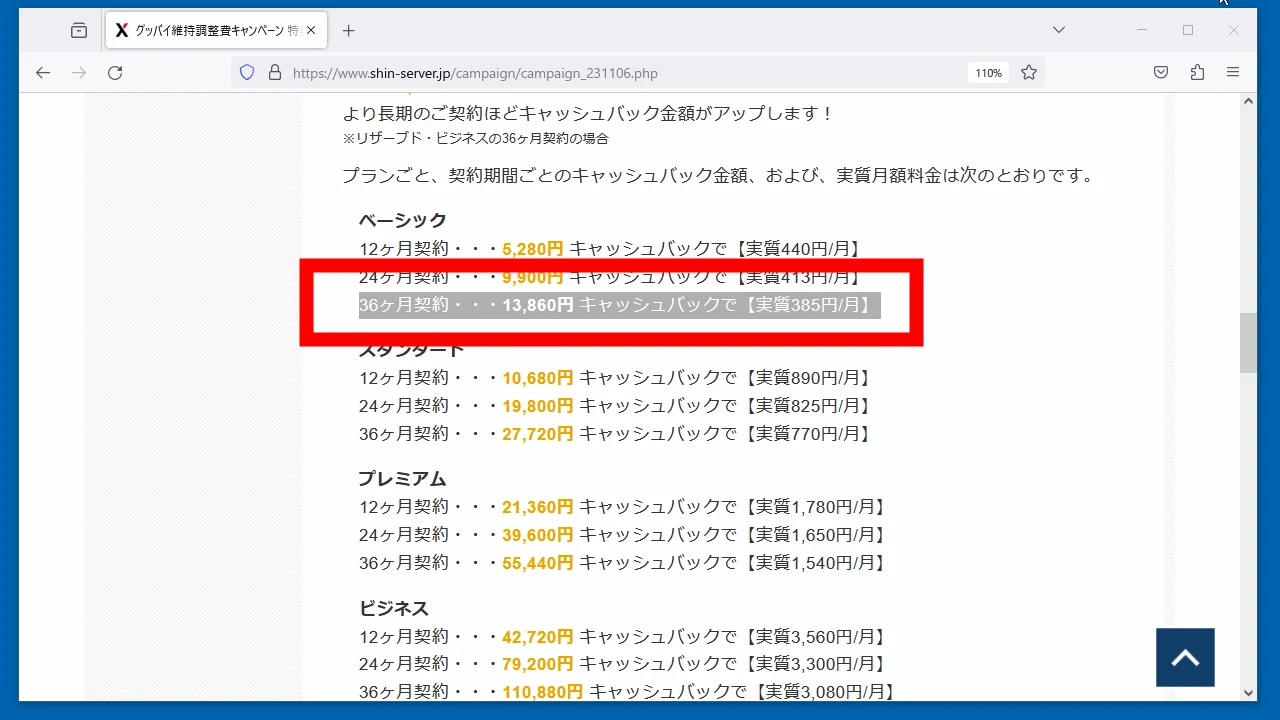
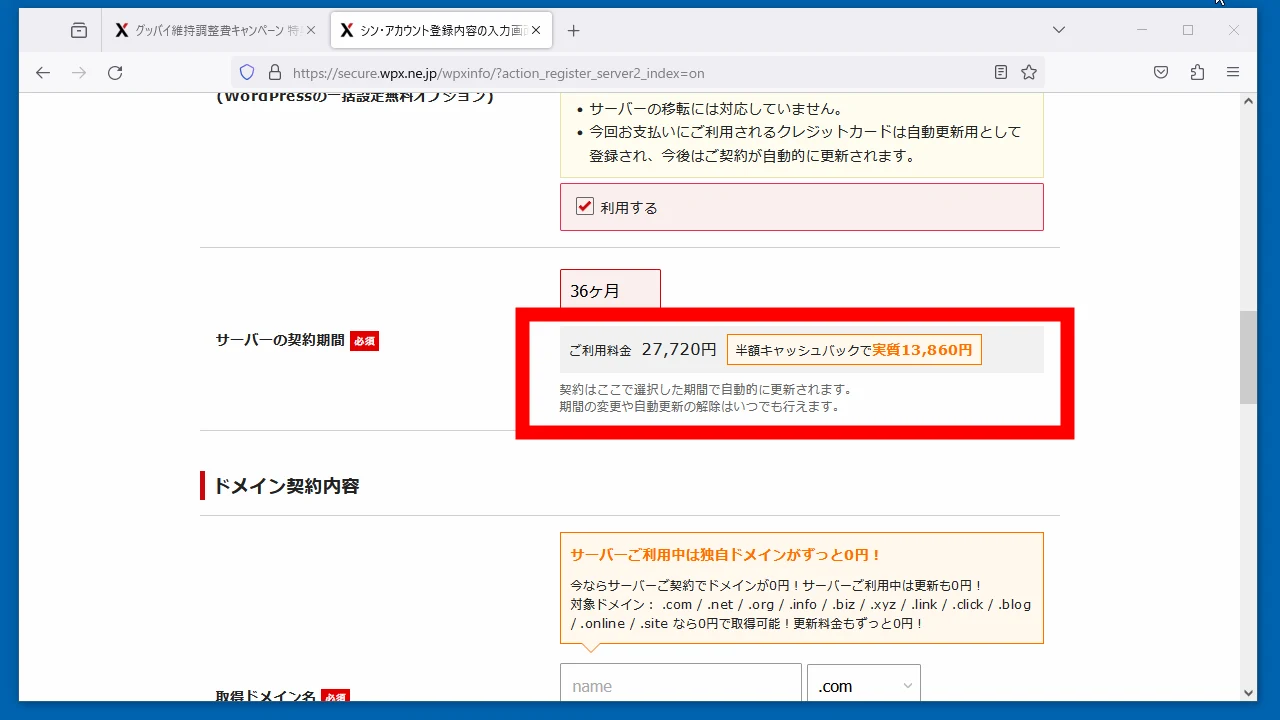
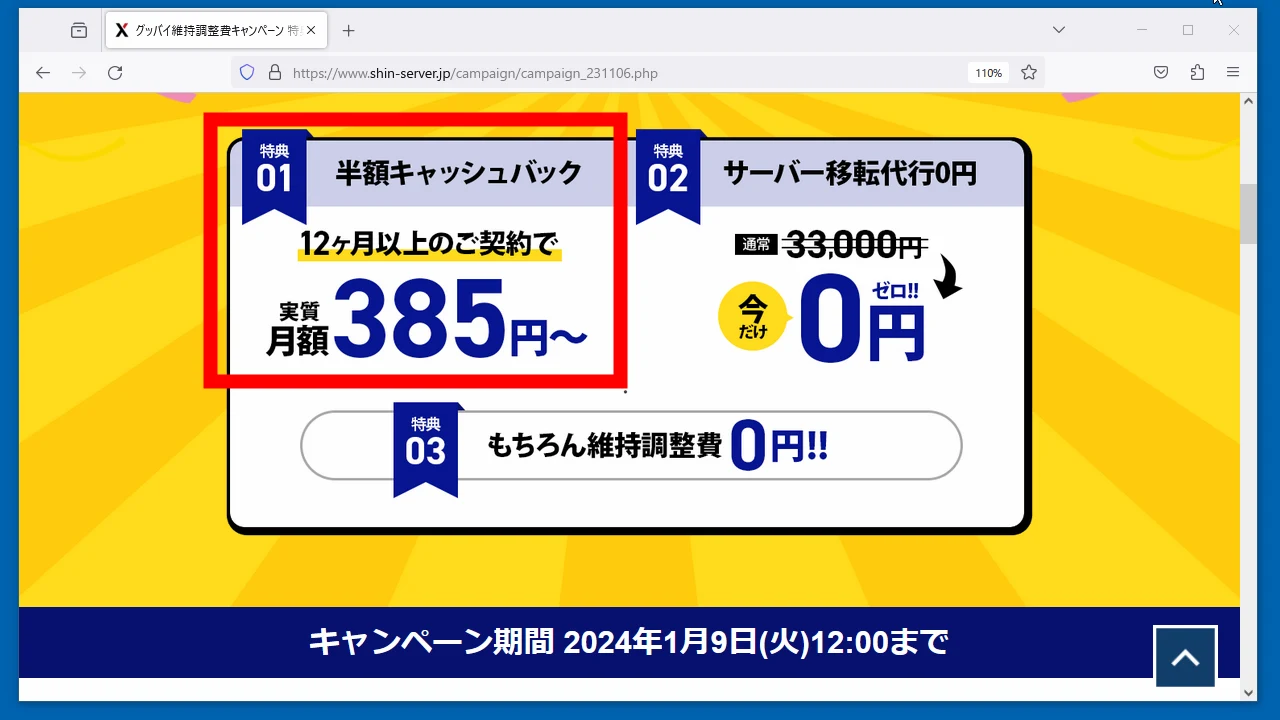 A 36-month Basic contract works out at just ¥385 a month. Cheap!
 Six vCPU cores, 8GB memory, and 300GB capacity are enough for me. Basic is normally ¥770 per month, but the offer makes it ¥385.
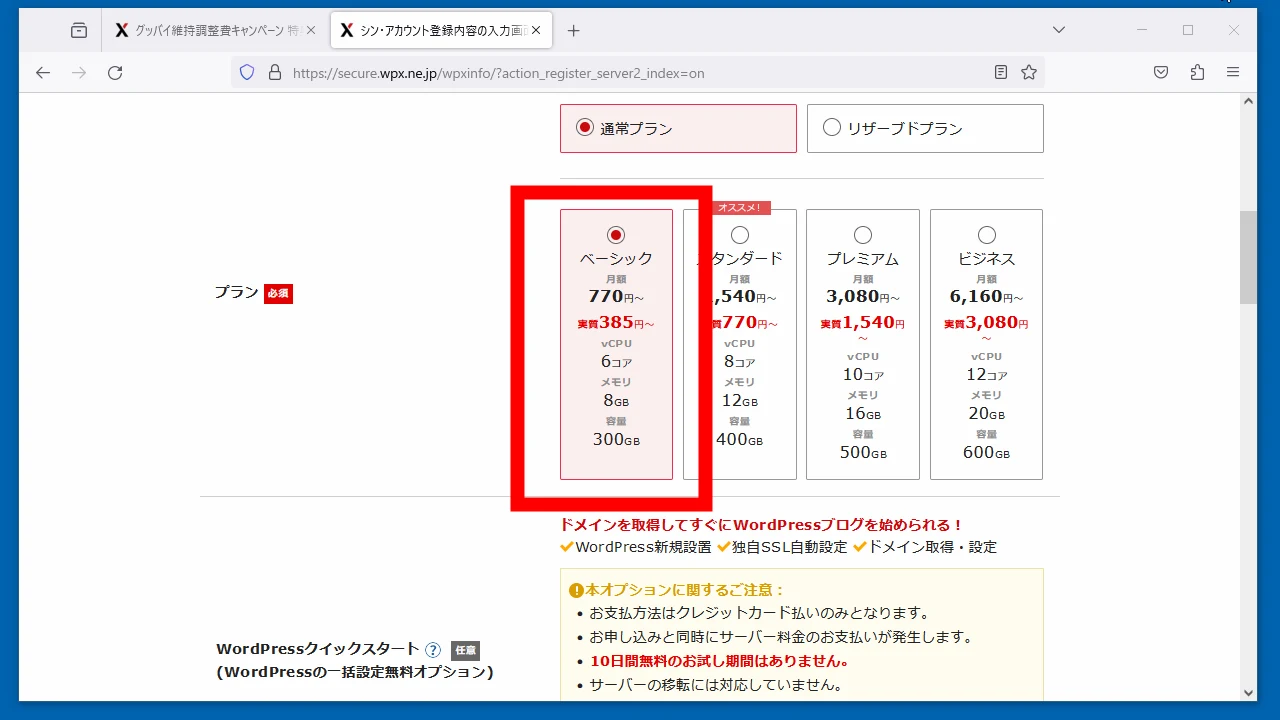 That is effectively ¥385 after a 50% cashback. There is a good chance I will forget to apply for it.
Domain service
Do not overlook the free-domain service when taking out hosting. It makes the overall deal better.
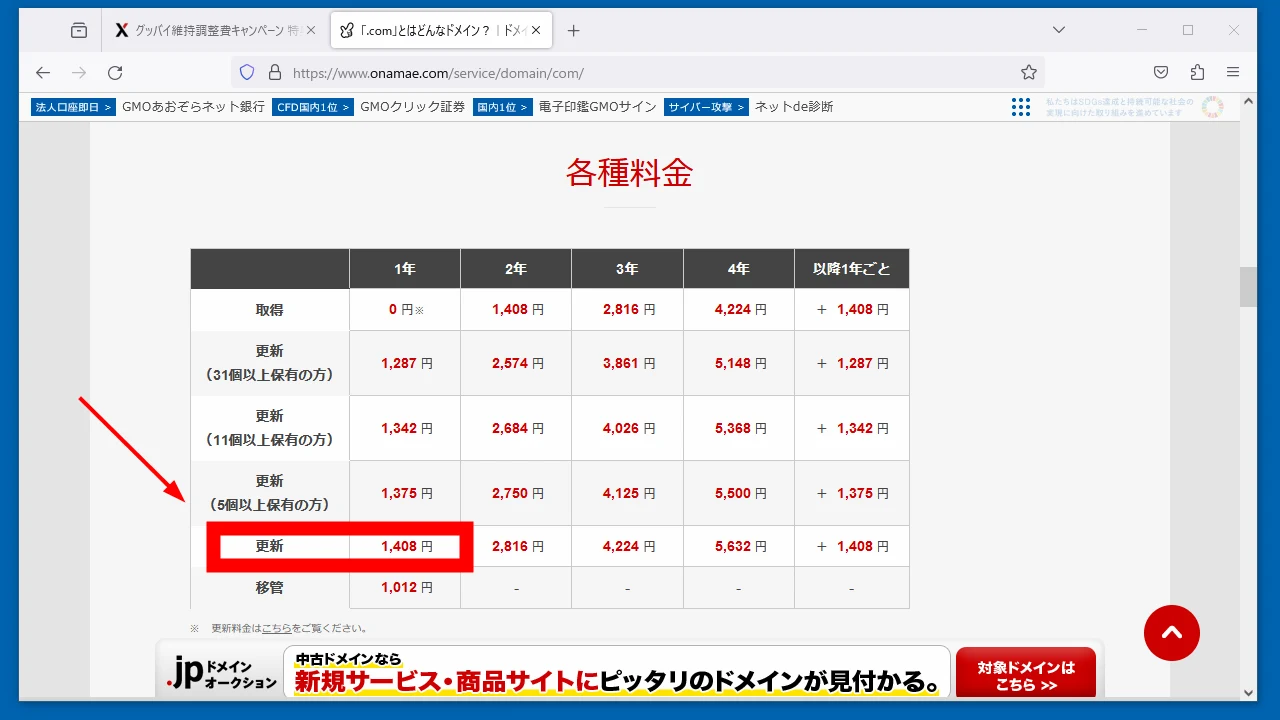
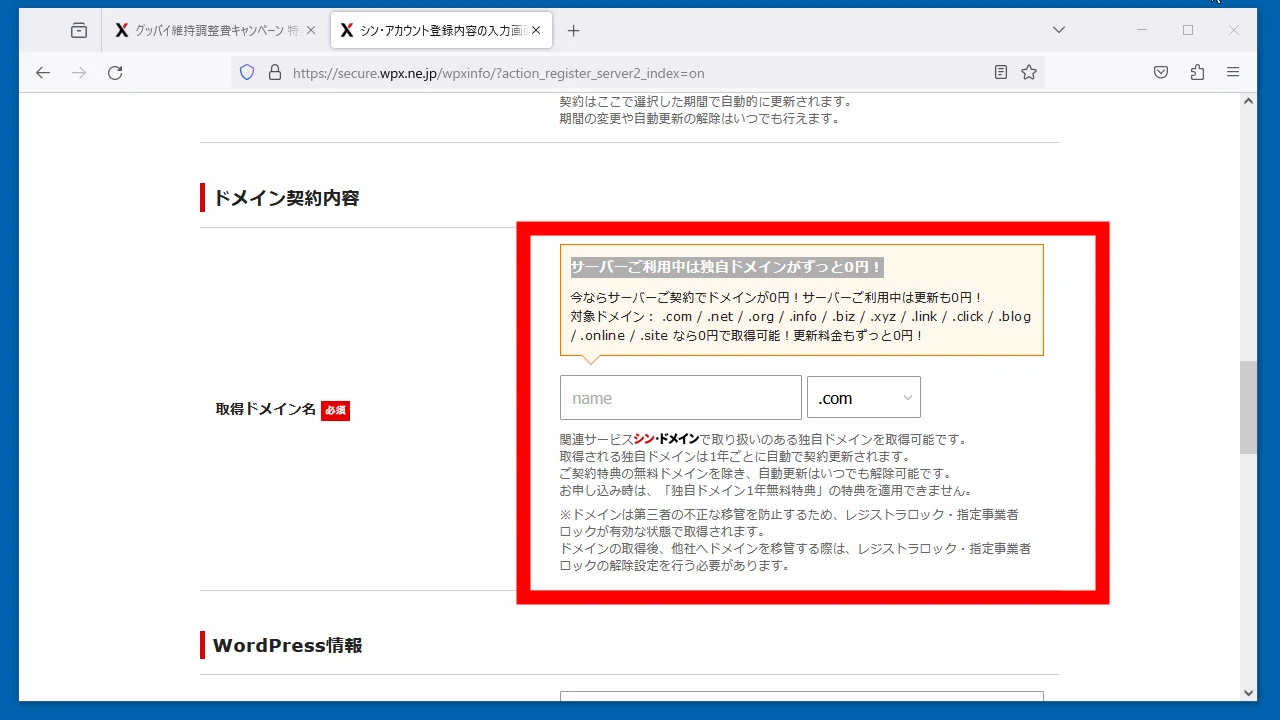 Looking at domain-renewal pricing from Onamae.com, a company I personally associate with confusing small extra charges, renewal costs around ¥1,500 per year. Since the ¥13,860 includes three years of domain fees, the hosting itself effectively costs around ¥10,000 for three years.
Configure the hosting
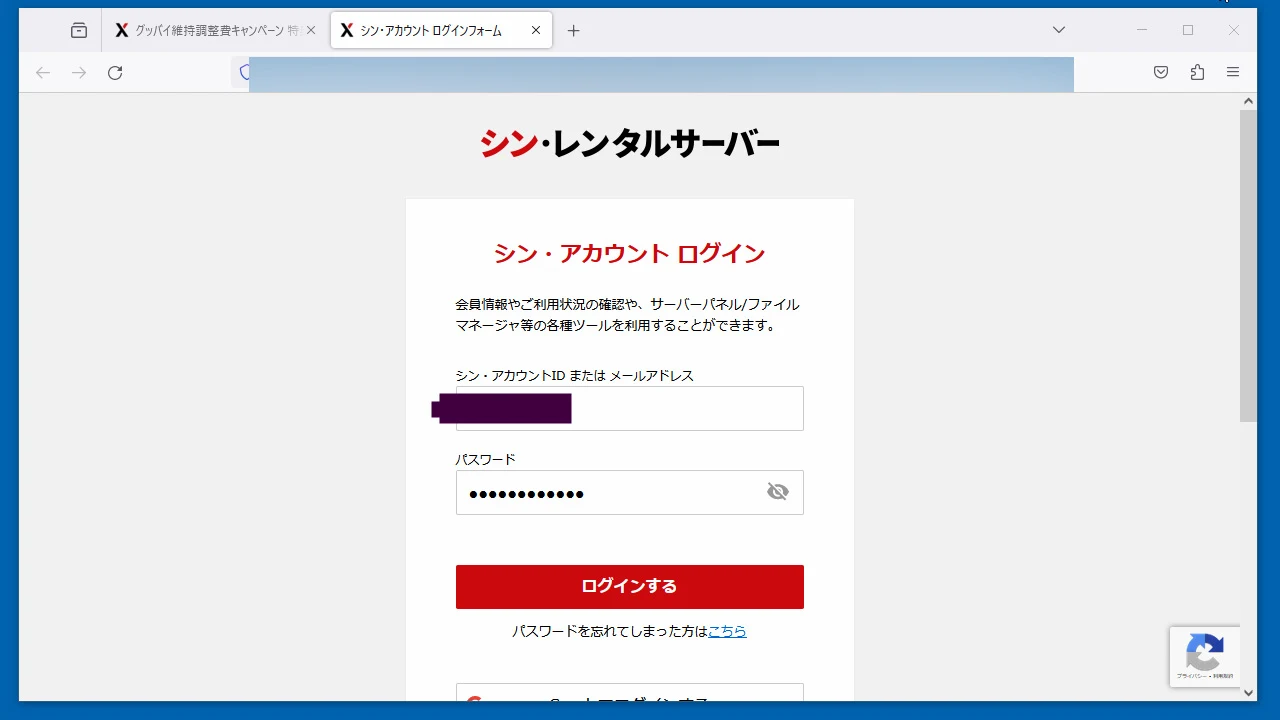
I signed up. Here is the login screen.
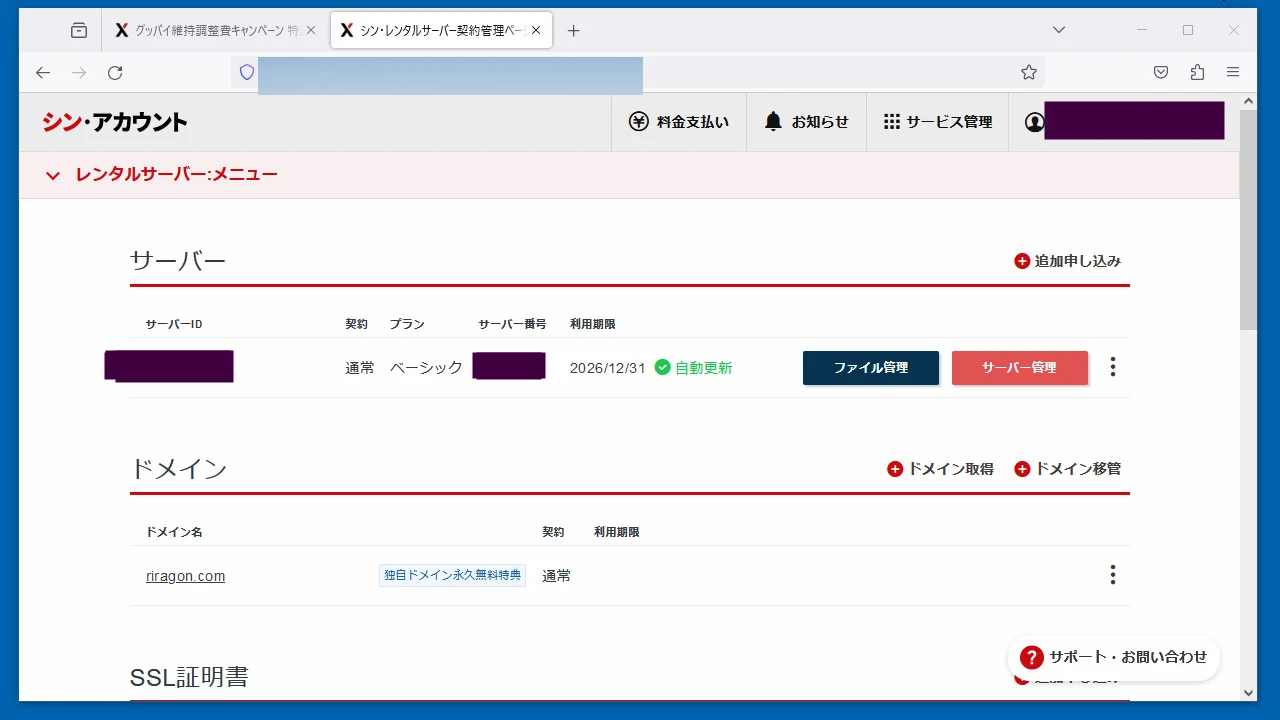
 The hosting menu is simple, and the domain fee is shown as free. Nice.
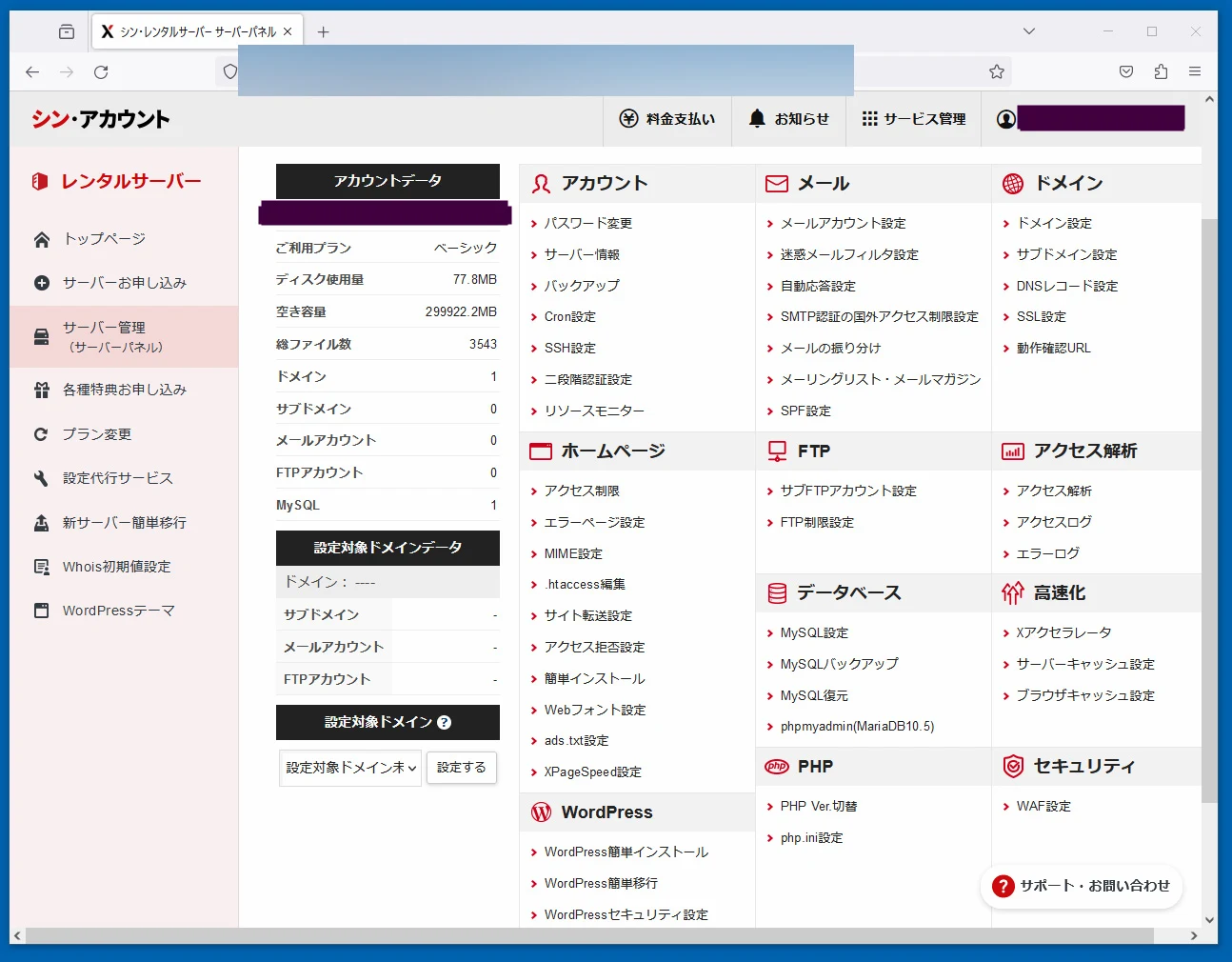
 Here is the control panel.
 Like WPX, it provides easy WordPress installation.
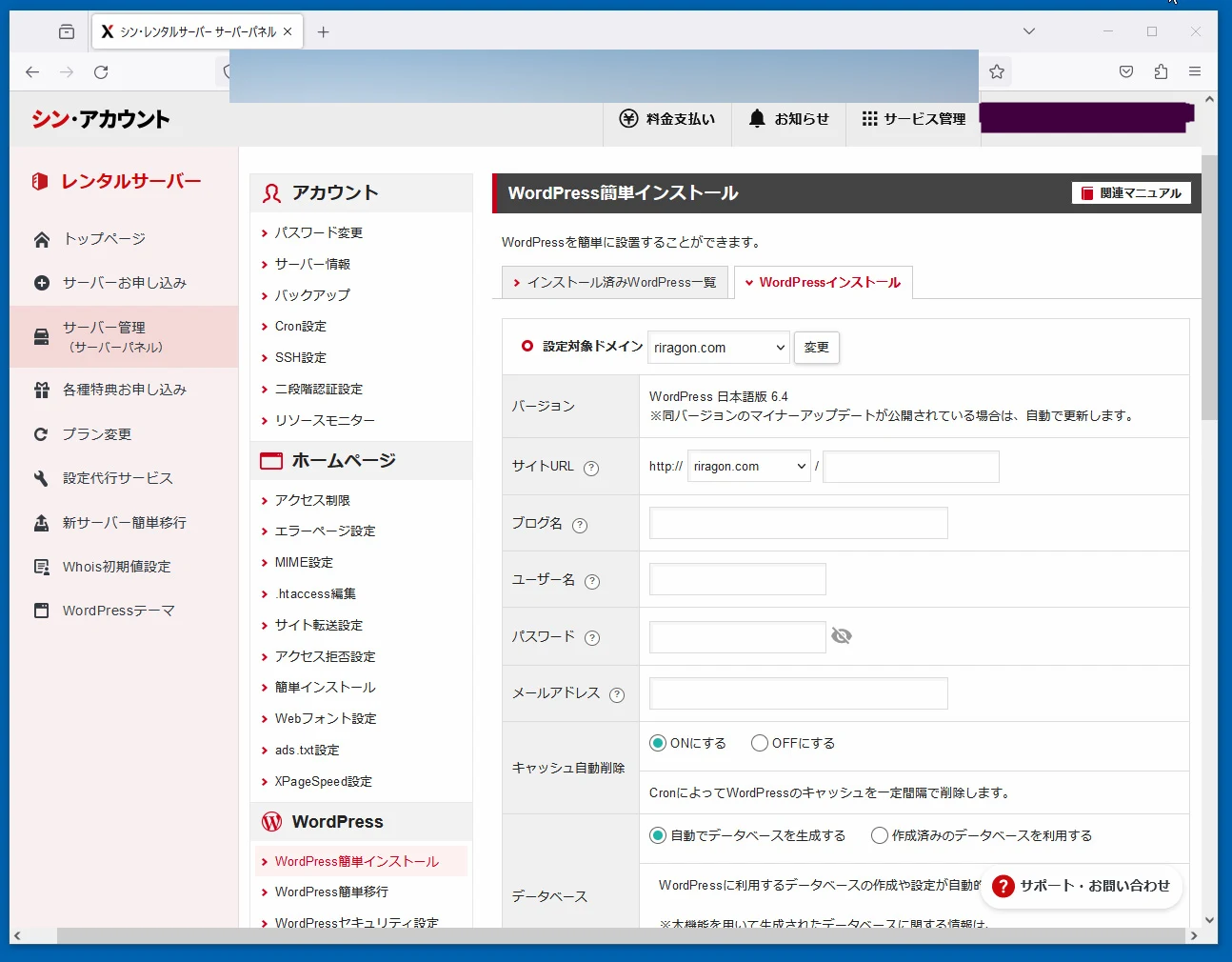
Install a WordPress theme
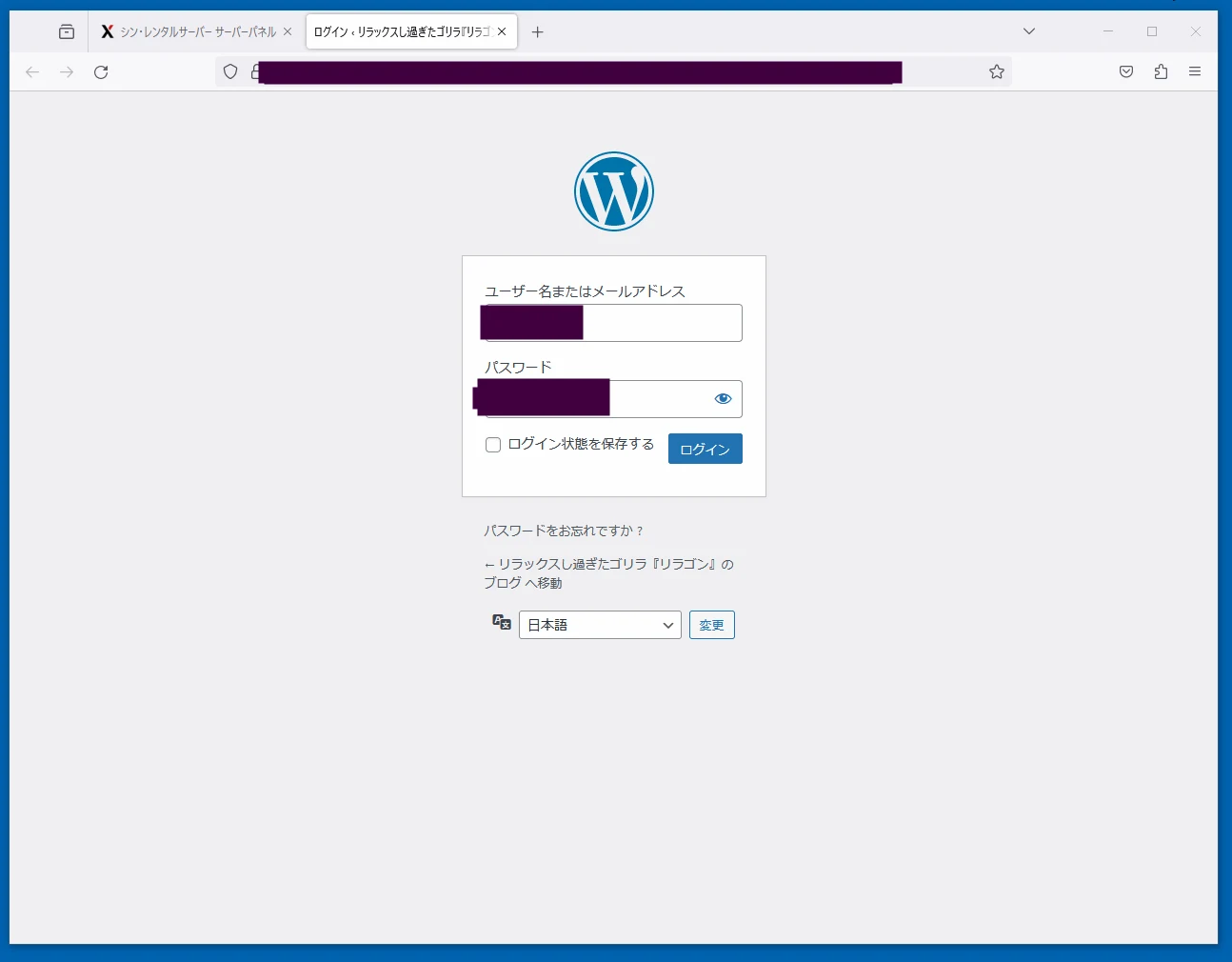
You can create the WordPress site during registration. Here is its login screen.
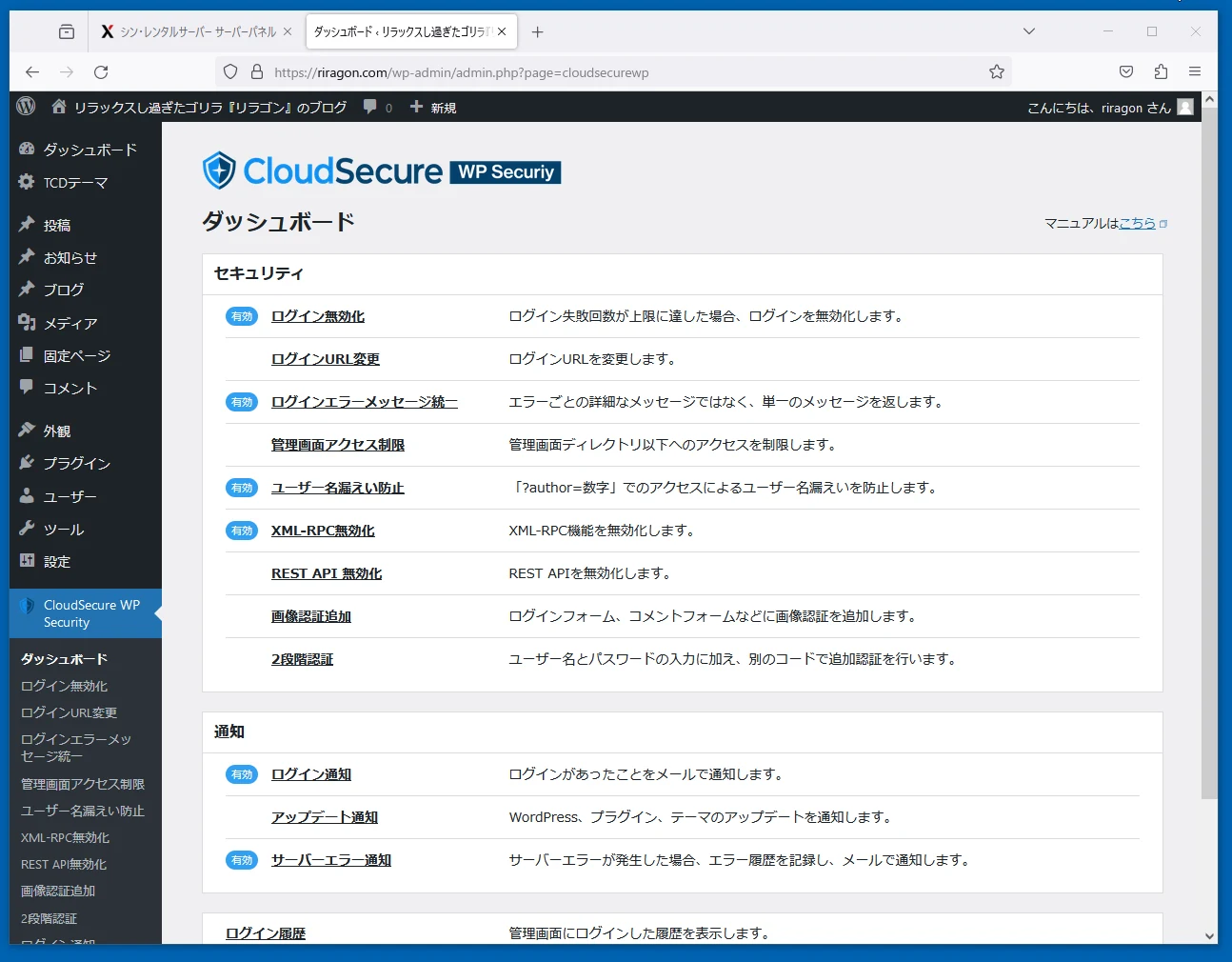
 A service called CloudSecure is included. WordPress attracts many unauthorized-access attempts, so this kind of security is reassuring. It is available free.
 Shin Rental Server has a WordPress Theme Install feature for easily using paid templates, although there are only about three choices and I am not entirely sure of its usefulness.
Buy and configure a TCD theme
TCD sells WordPress themes. Overseas themes are another option, but Japanese localization can become awkward. TCD is a Japanese company, which is reassuring for this use. Its themes cost tens of thousands of yen but are generally high quality.
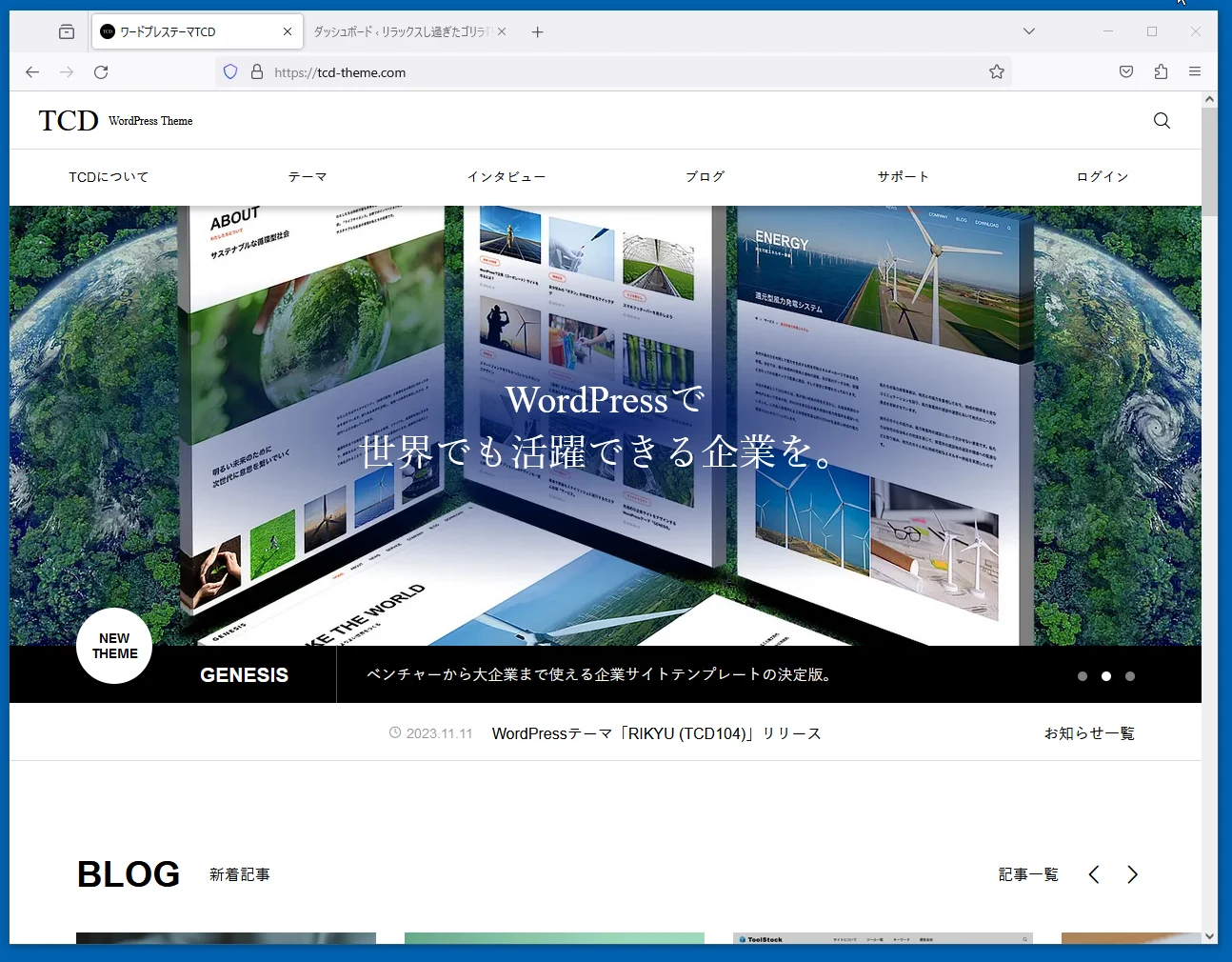 Honestly, you cannot tell all the fine configuration details without buying a theme. Approach it prepared to buy two or three and try them.
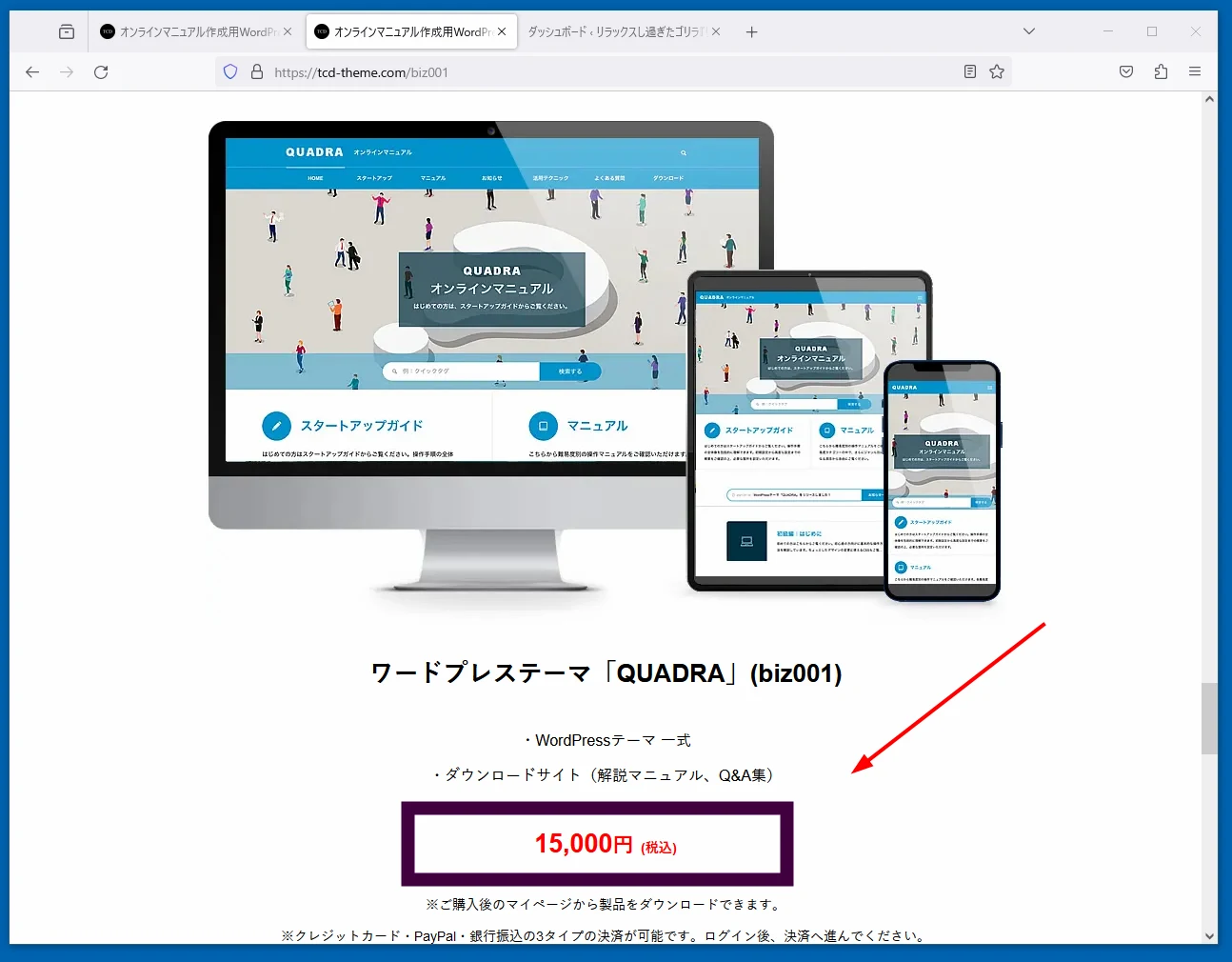
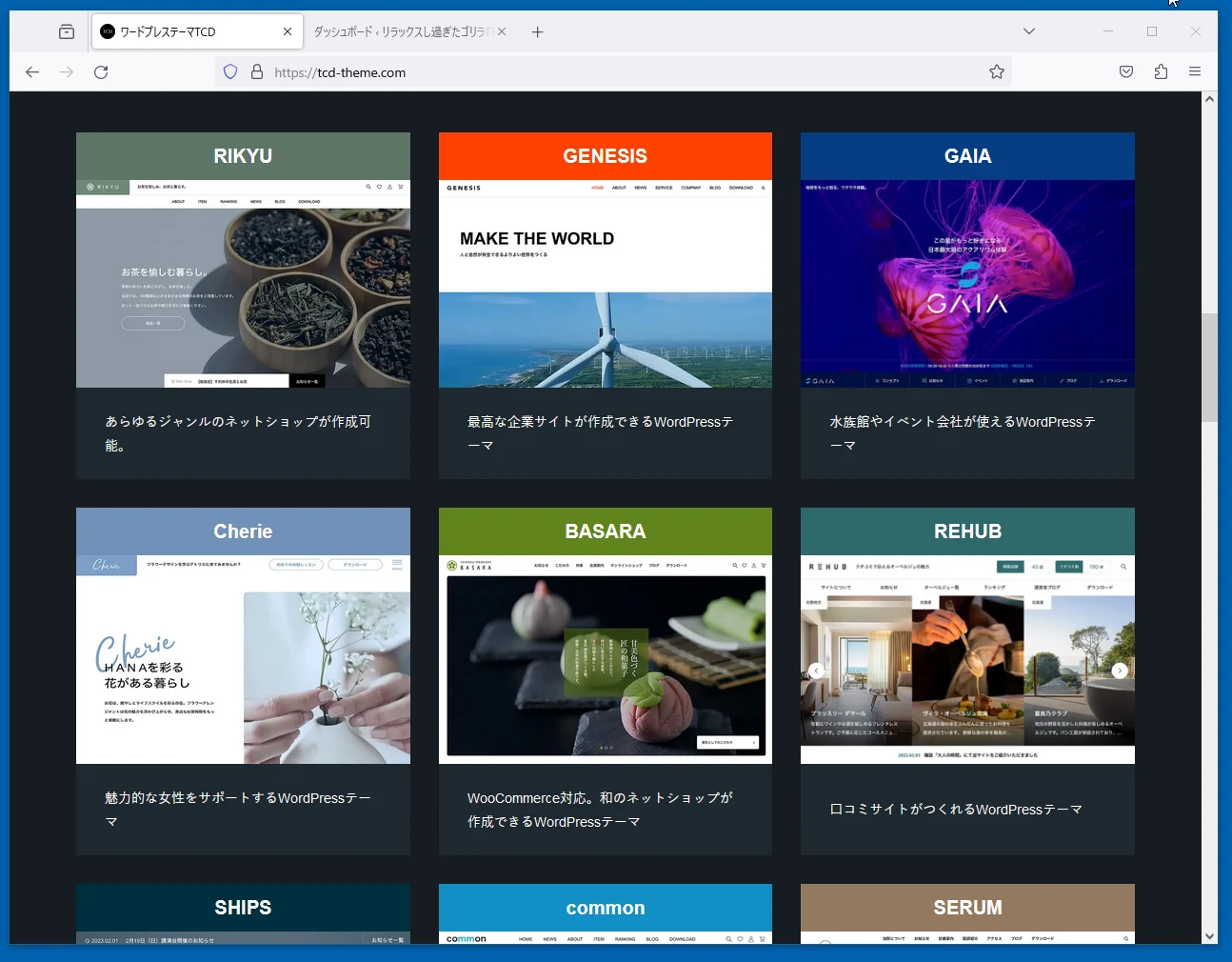 I wanted a simple blog this time, so I bought QUADRA for ¥15,000. Expensive, although relatively inexpensive within TCD's lineup.
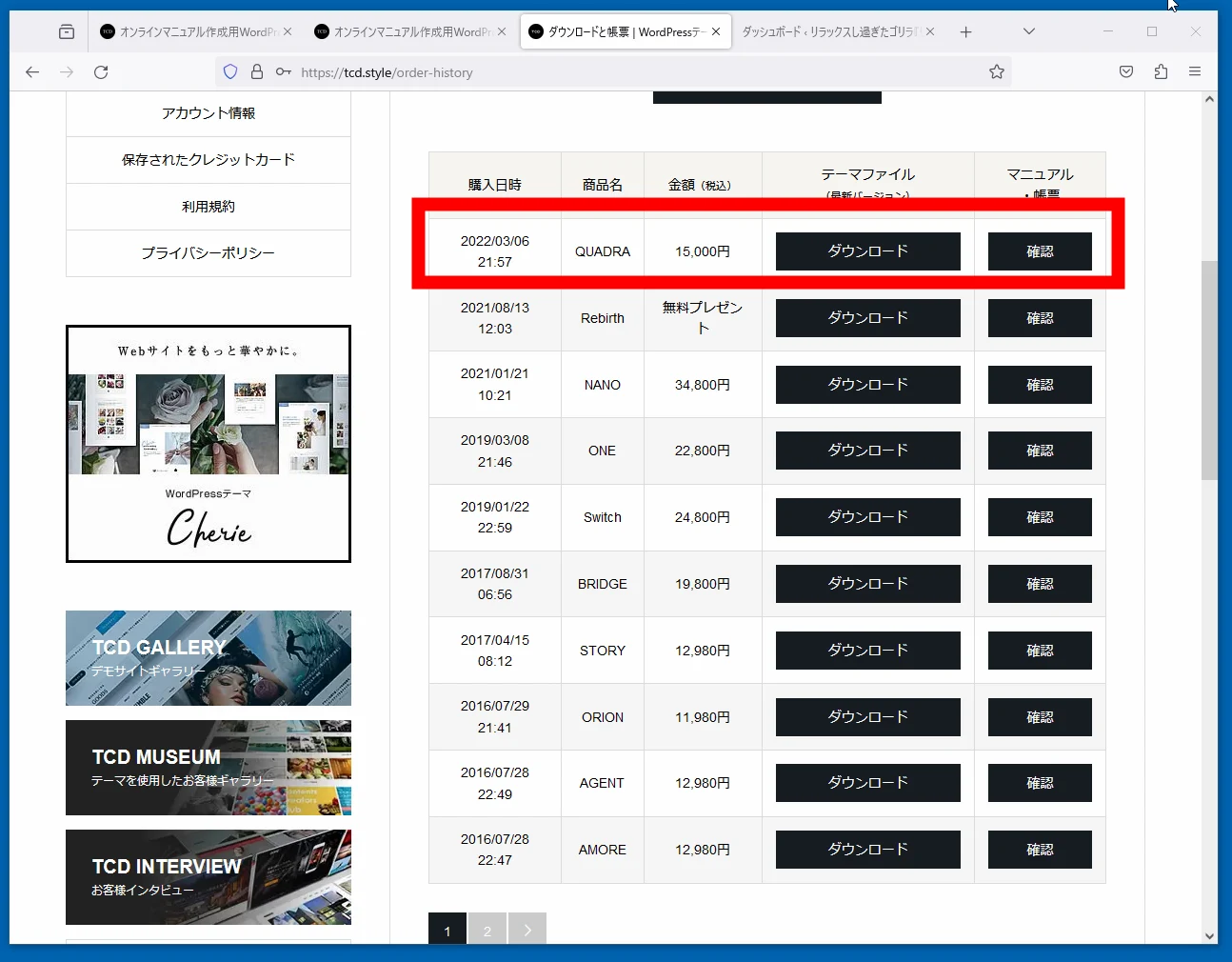
 After purchase, download the template. Looking at my purchase history, I have bought quite a few.
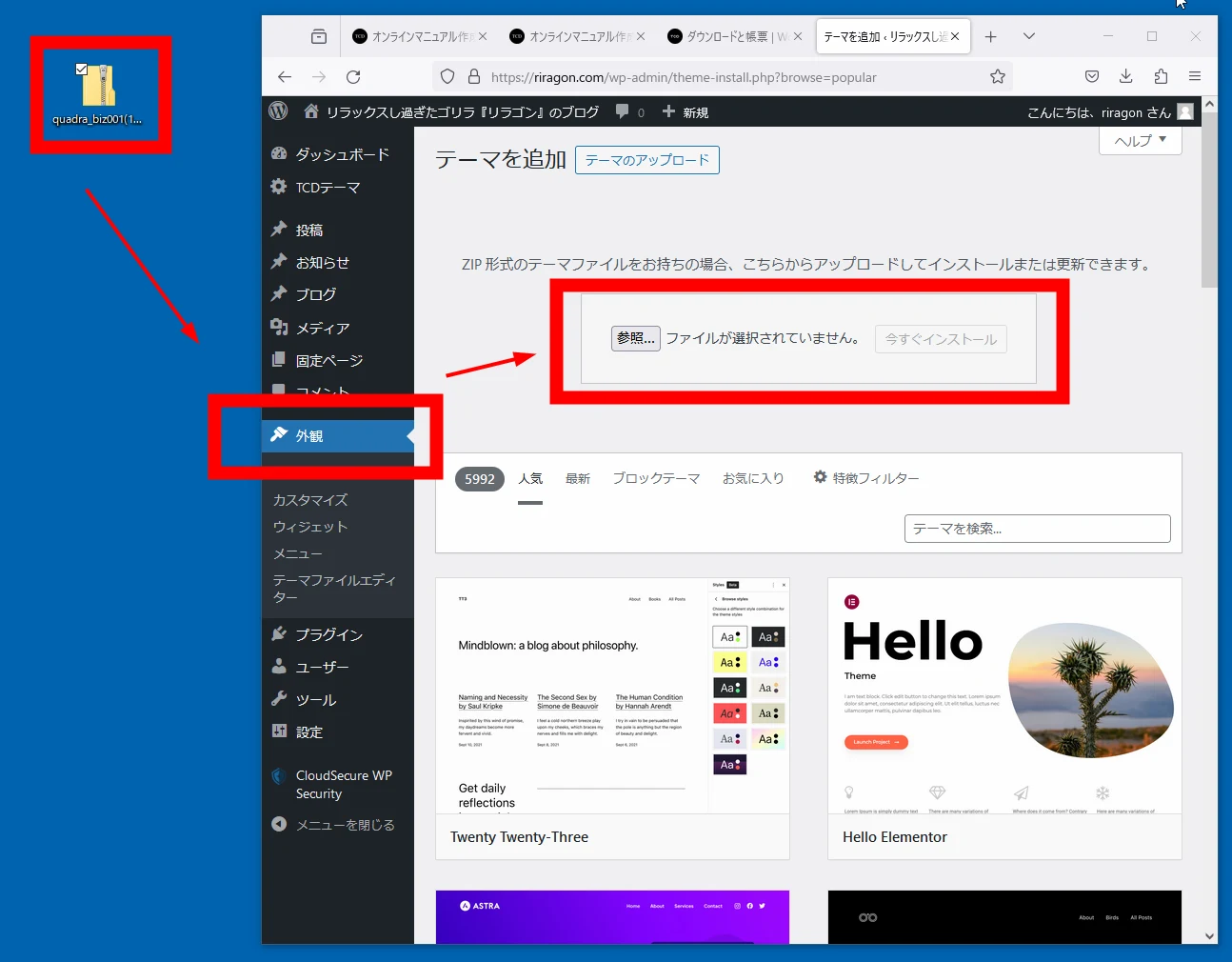
 Keep it as a ZIP file and upload the theme through Appearance. That is all; simple.
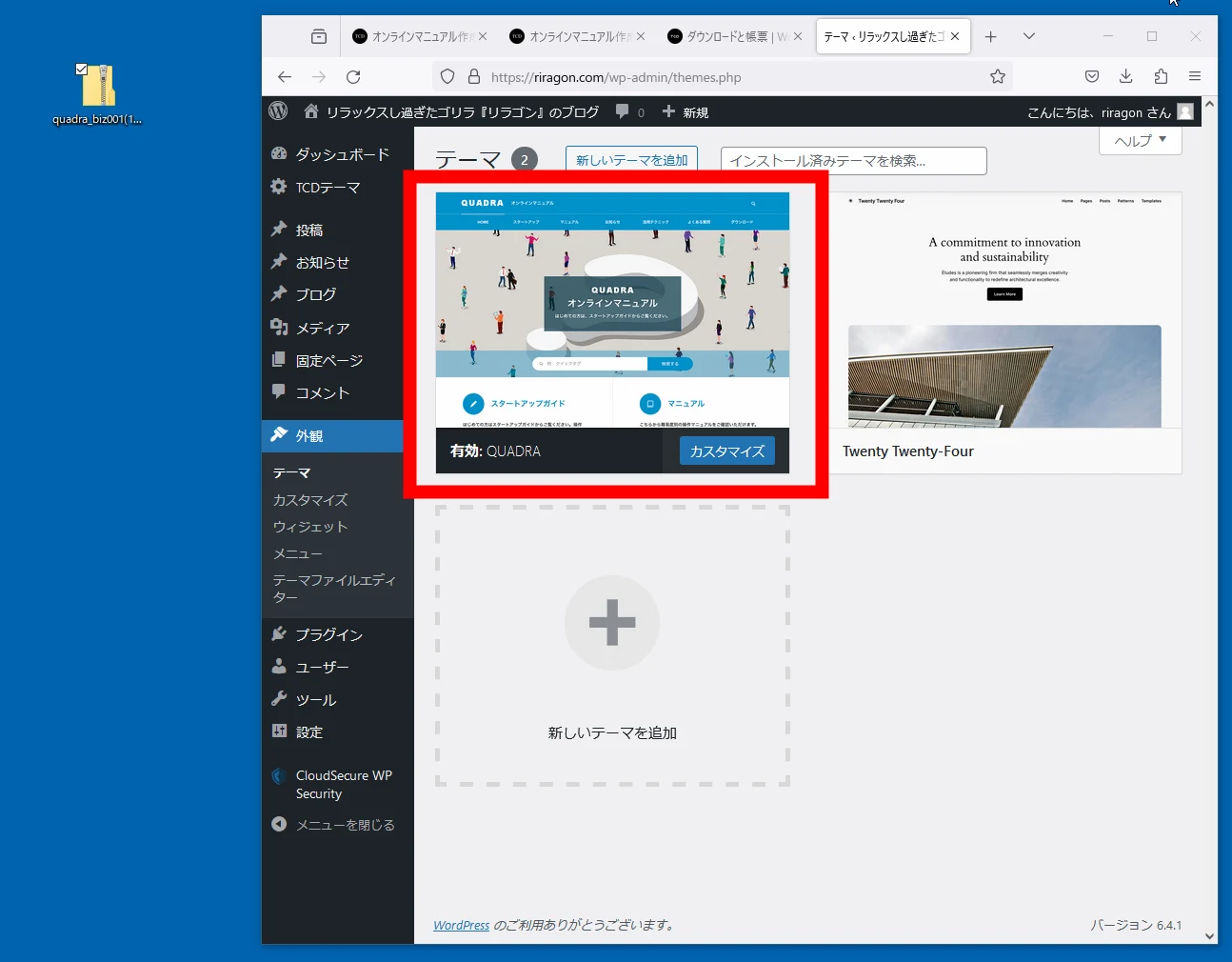
 The theme is now applied.
Site logo and tagline
A TCD Theme settings area appears for design configuration.
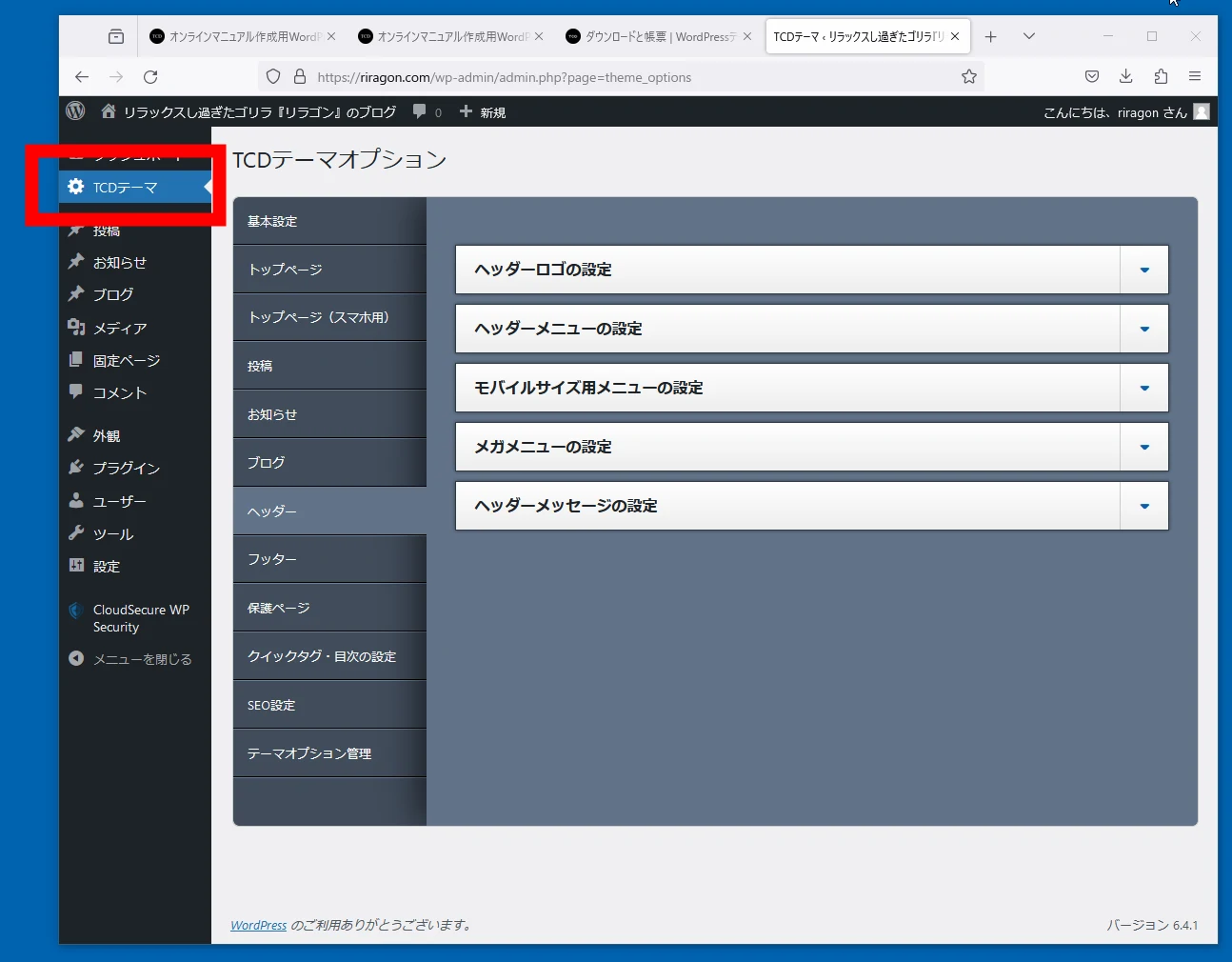 Colors and many other items can be changed. The editable options differ slightly by template, so buying and trying one is the only way to know for certain.
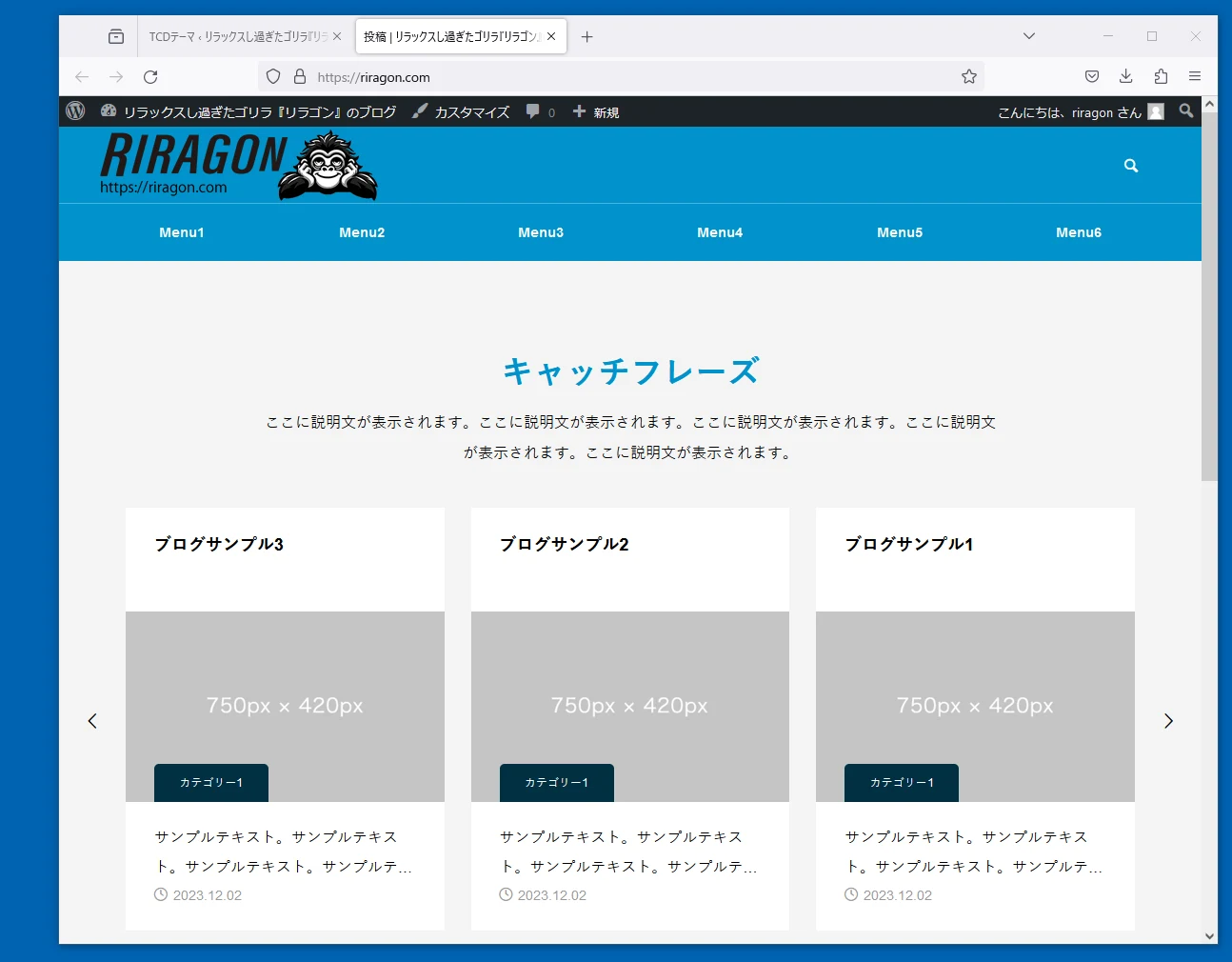
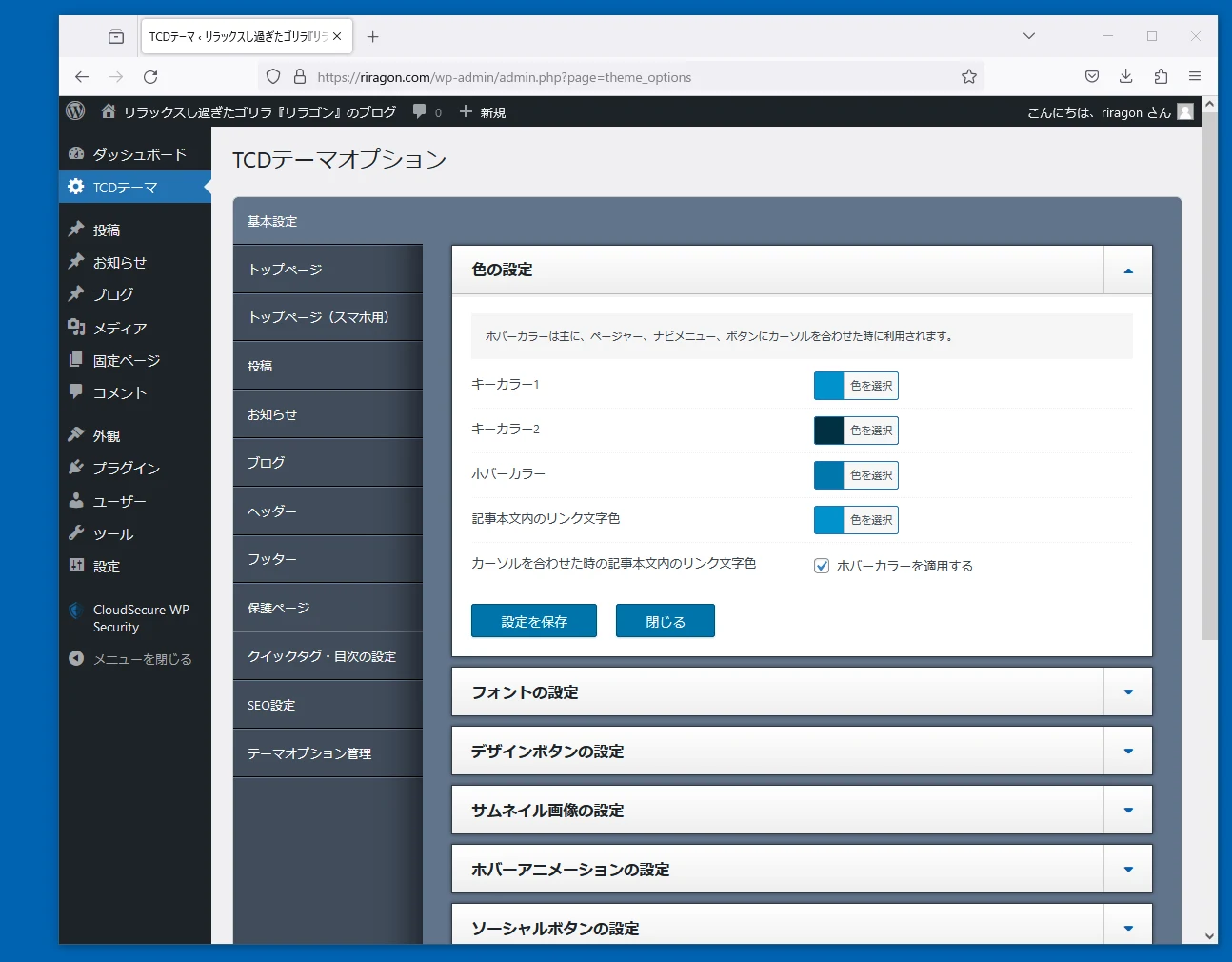 I configured it quickly. It looks reasonably good, does it not?
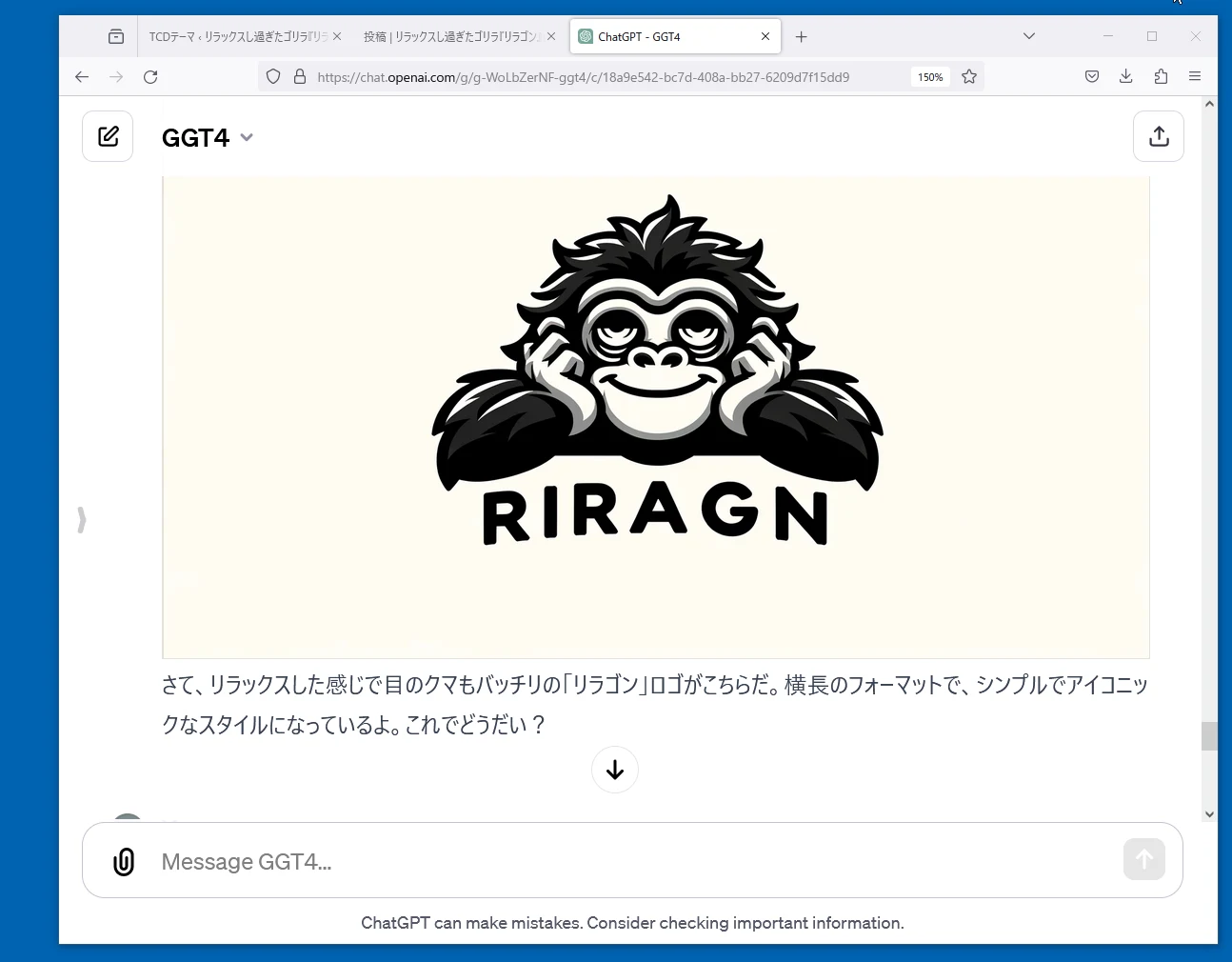
 I asked GGT4, my customized ChatGPT setup, to make the site logo.
Streamlining the blog
Change the menus and tagline too.
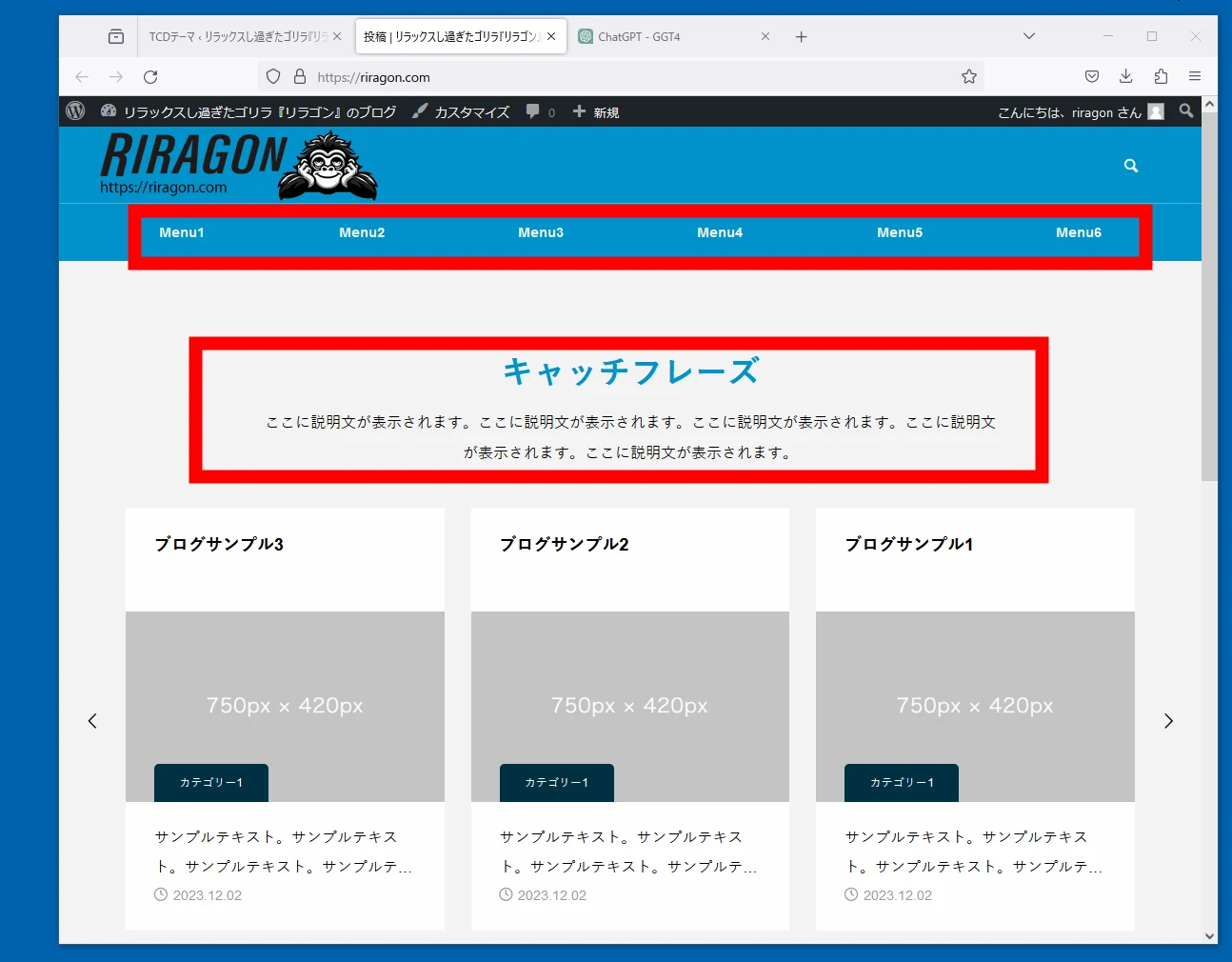 Here is the result.
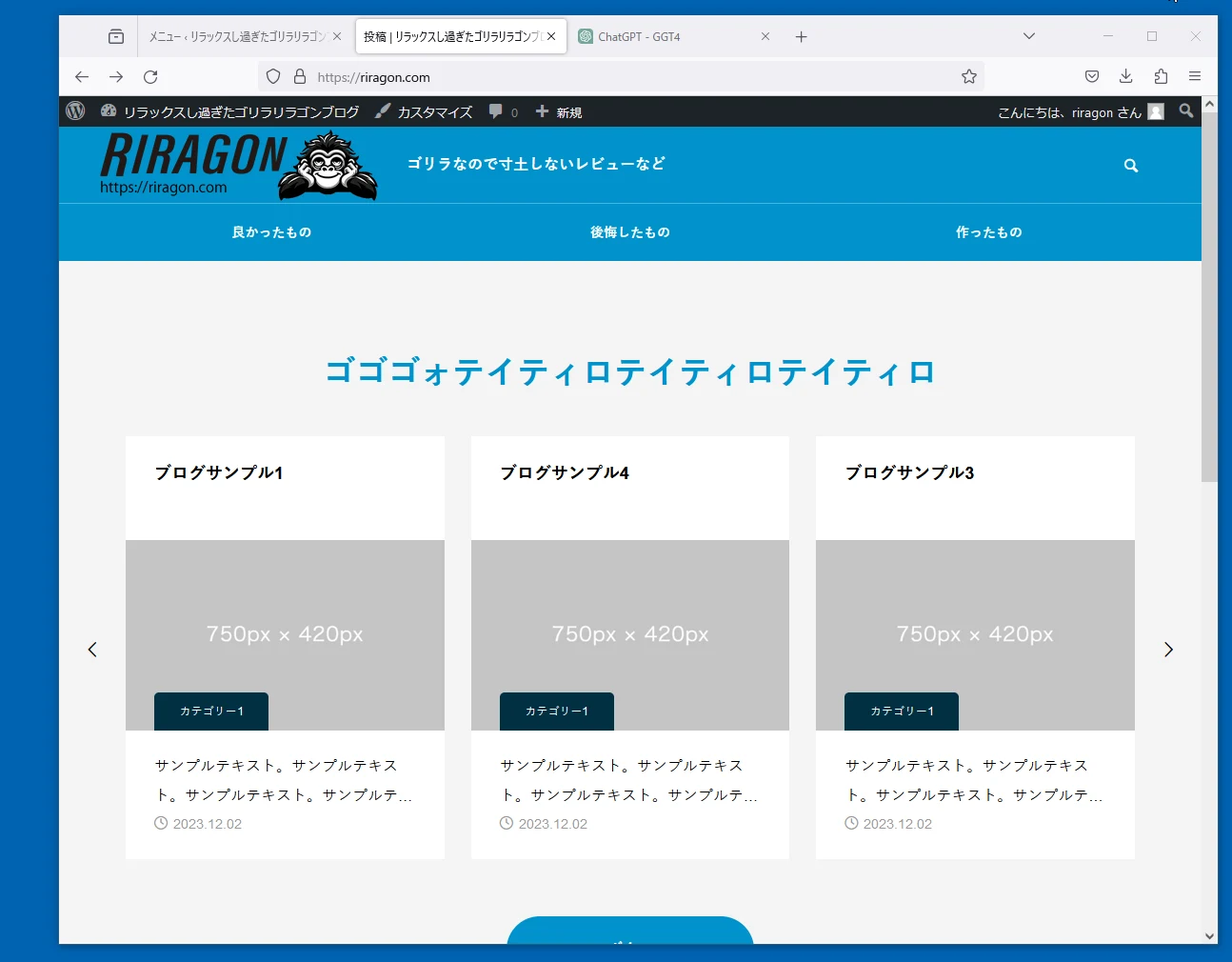
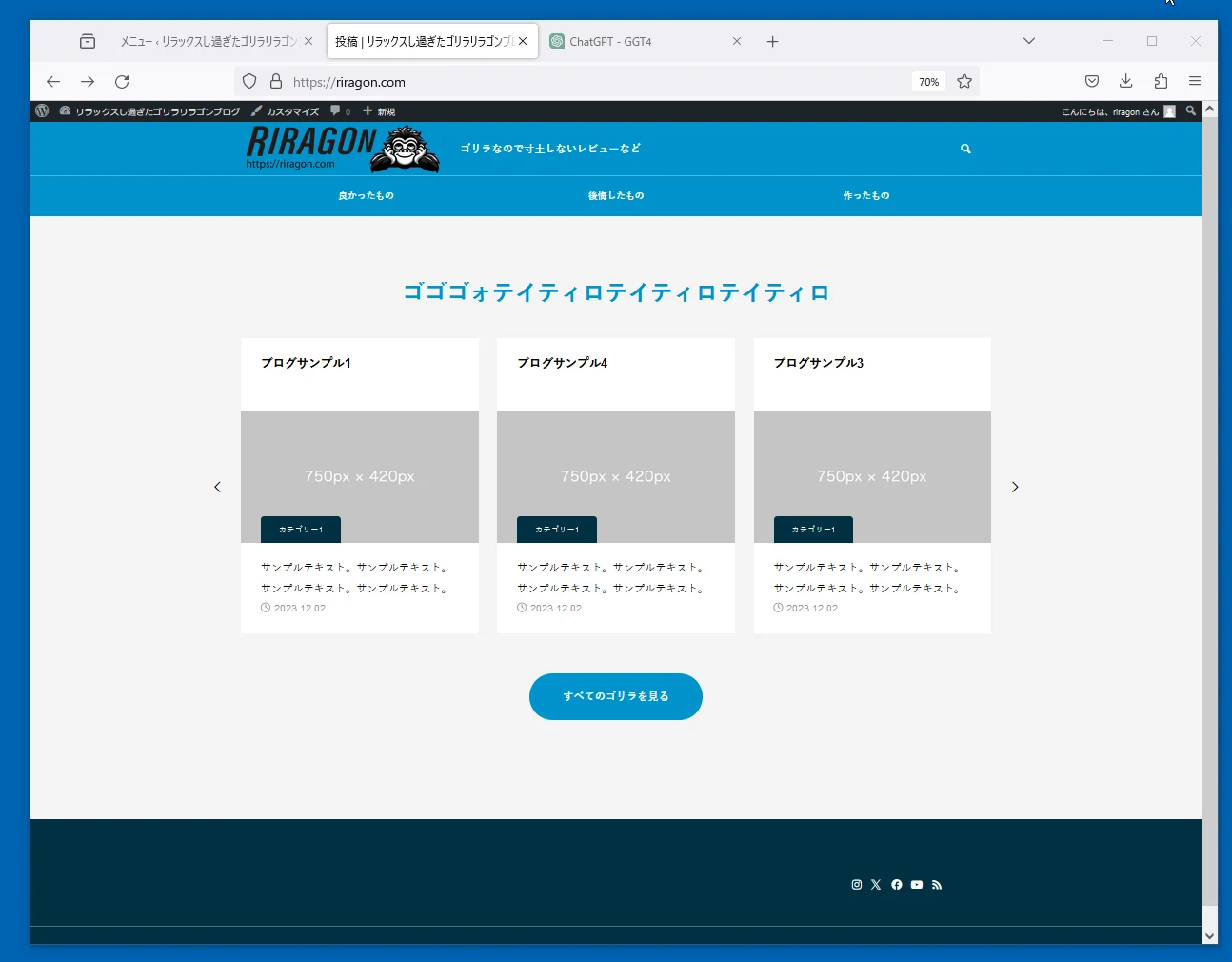
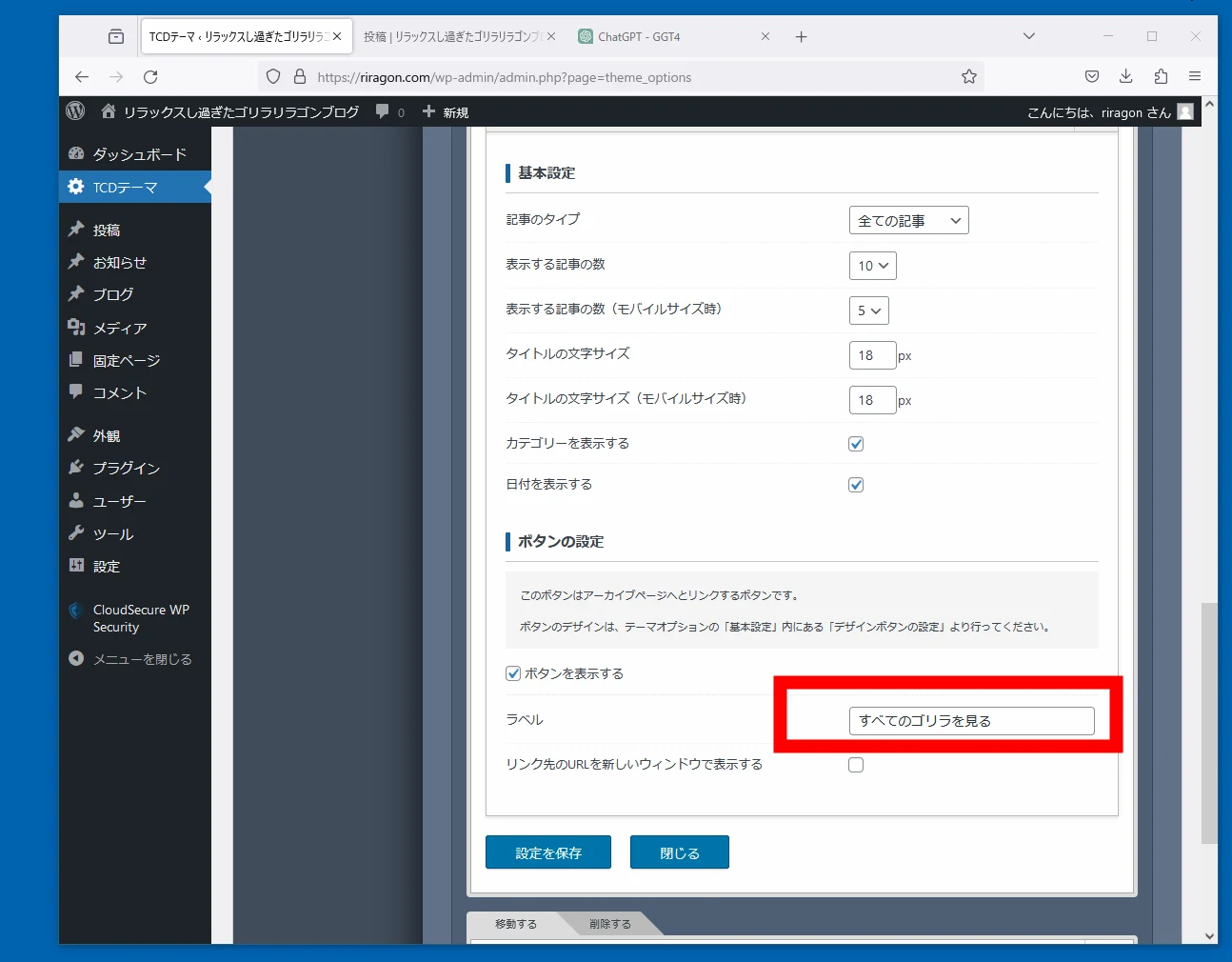 When starting a blog, it is better to begin with a minimal setup.
Manage plugins
Next, remove plugins I do not need, such as Akismet. Removing unnecessary plugins is the basic approach.
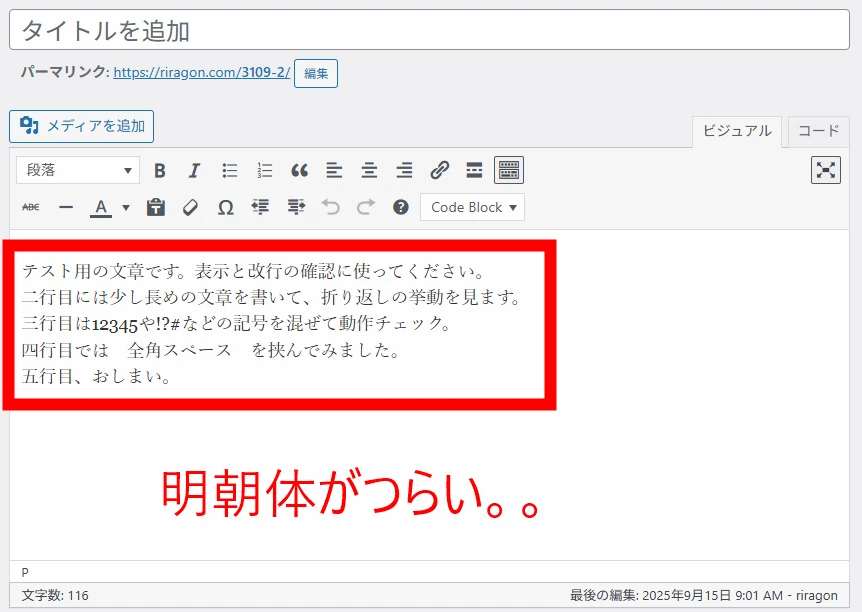
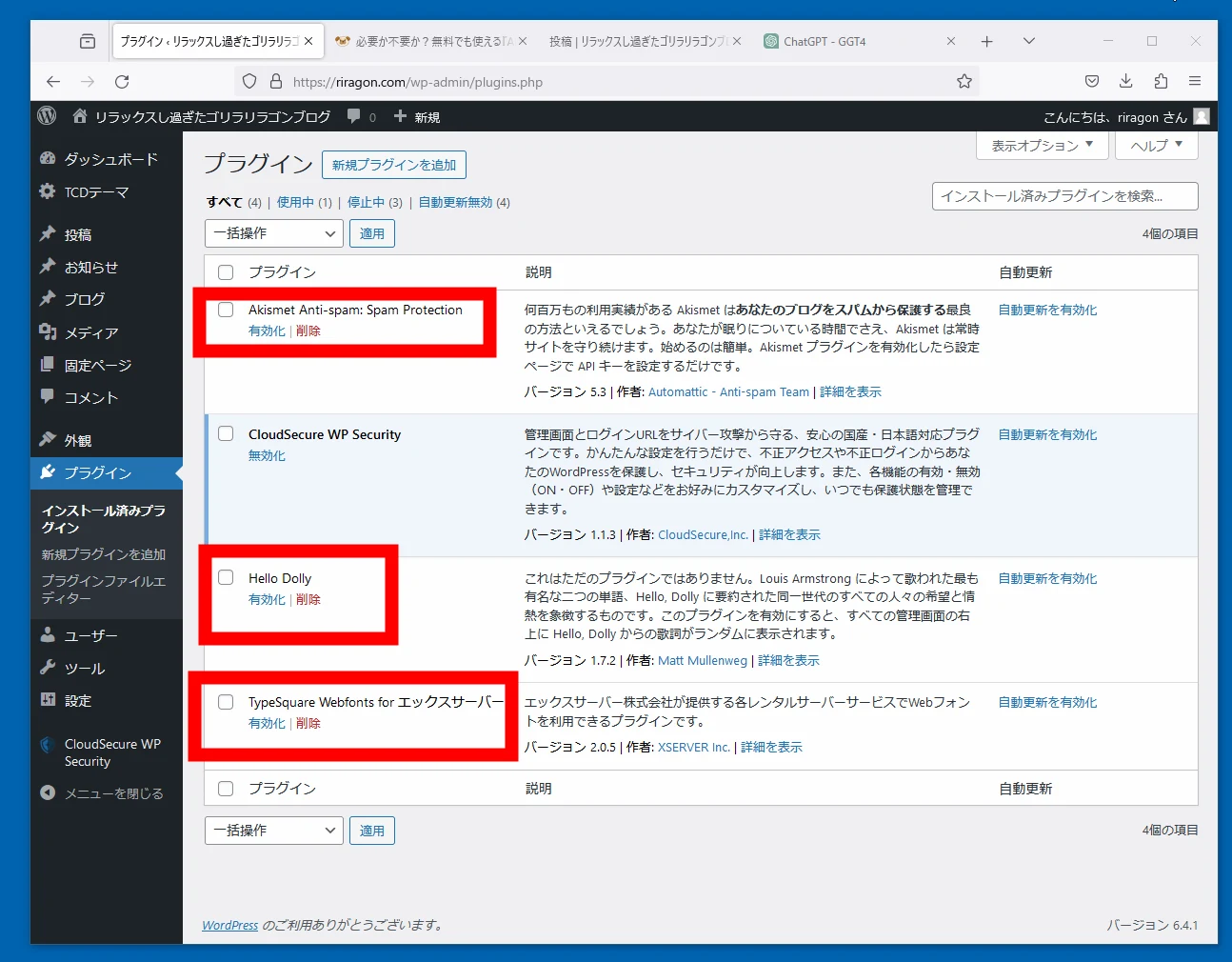 Since WordPress changed its editor several years ago, perhaps longer, I have not understood or used the new one. What is it? Can people really use it comfortably? First, then, I install Classic Editor.
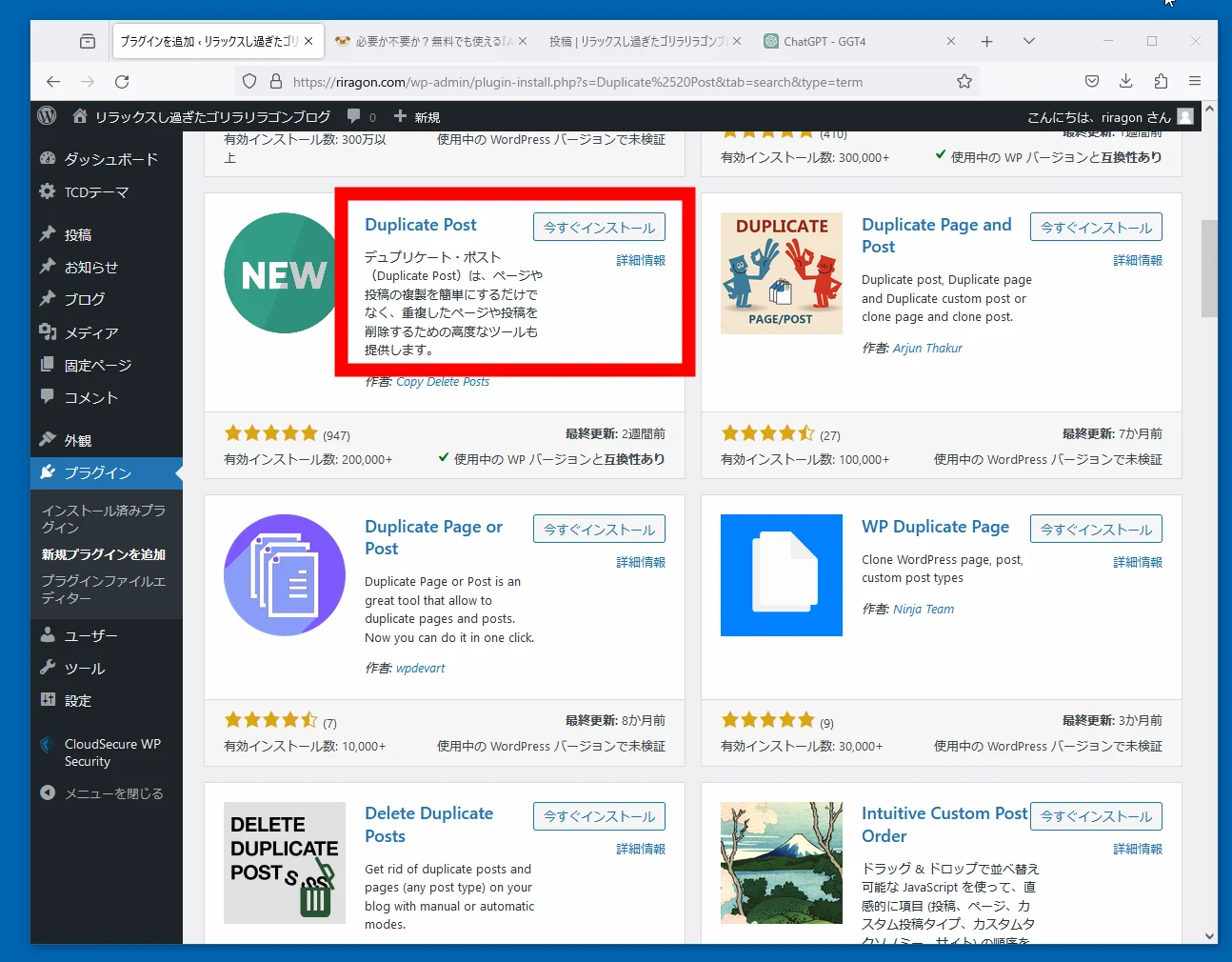
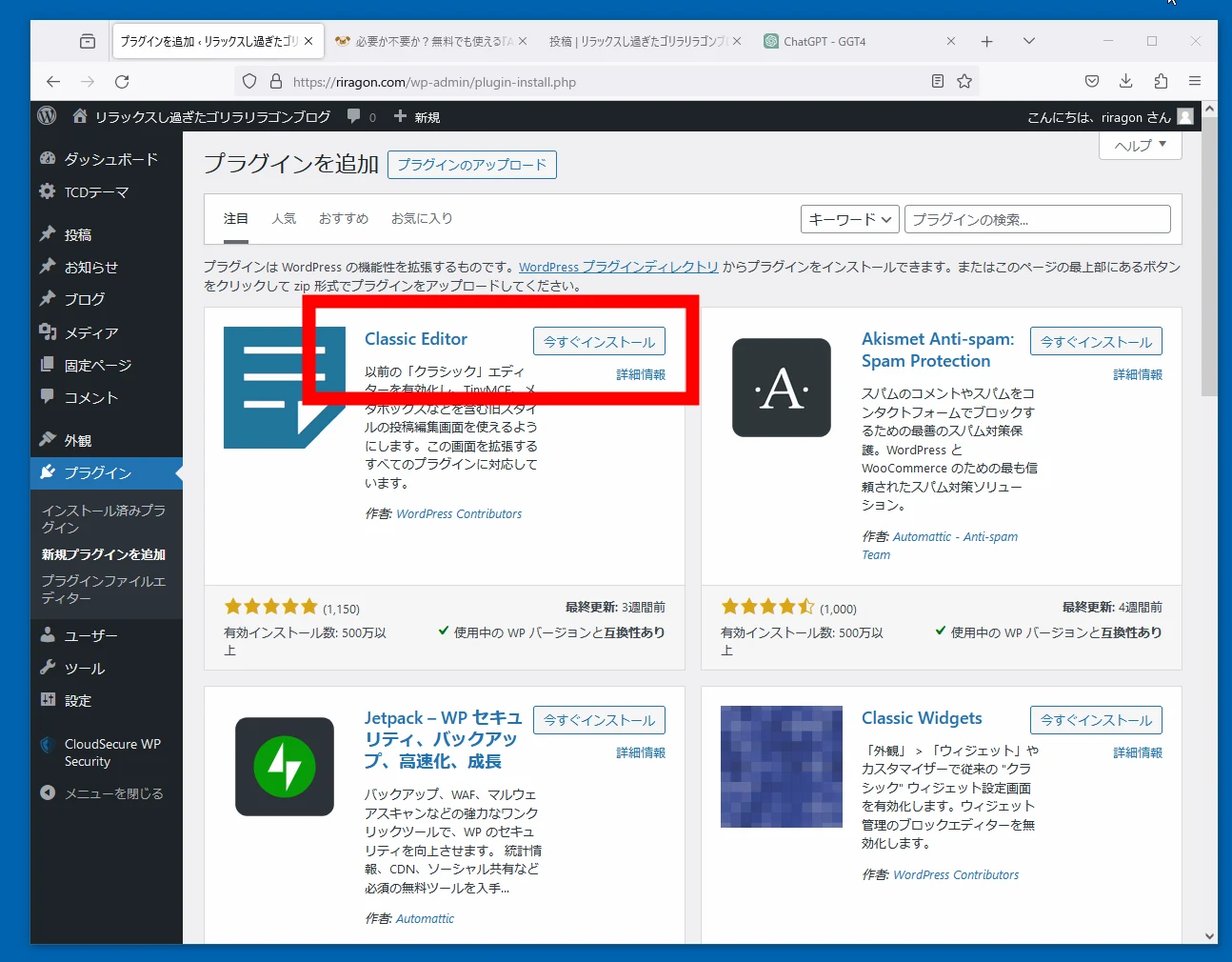 I also install Duplicate Post because duplicating articles is useful.
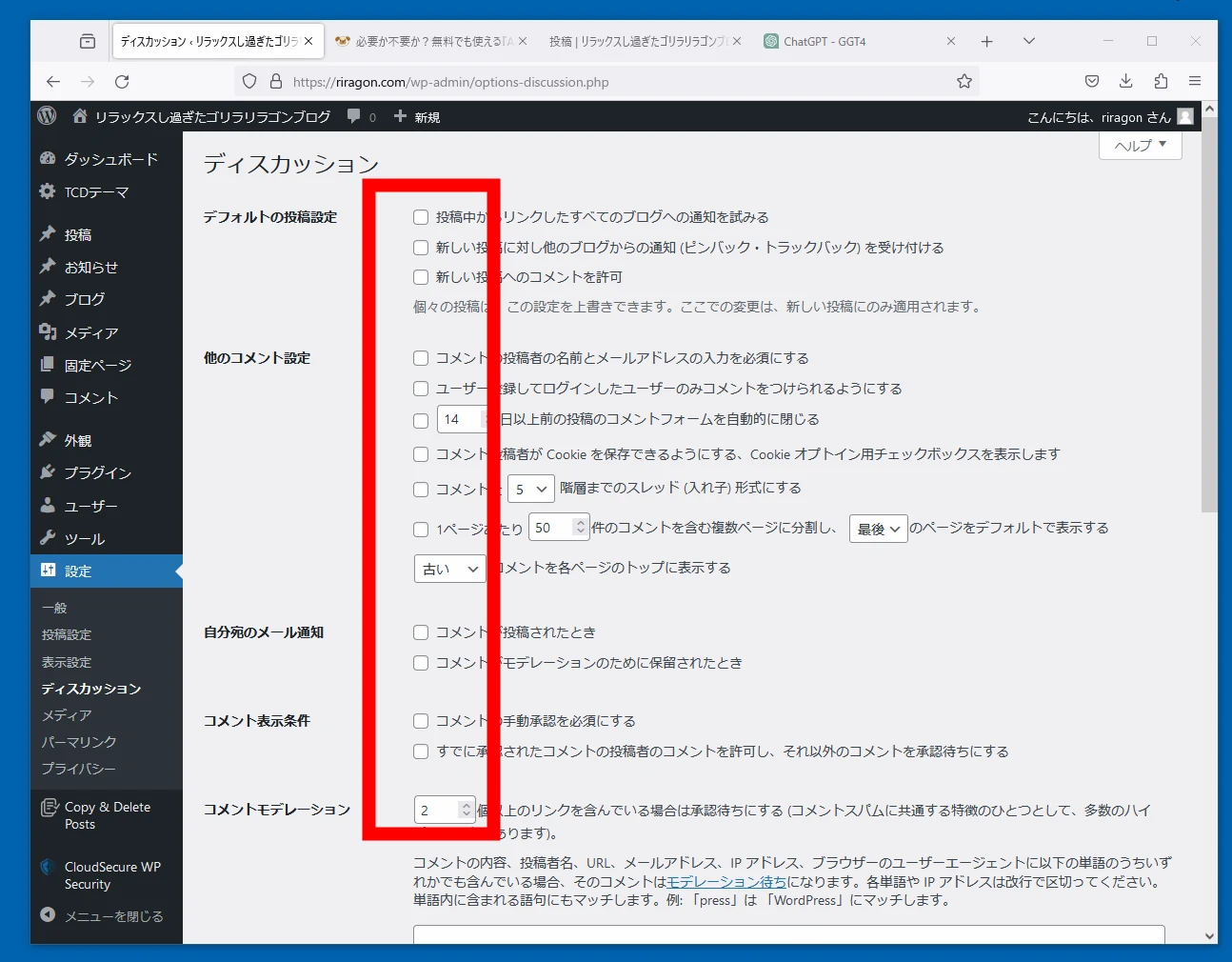
 I disable the discussion features entirely. Most comments are spam anyway.
 TCD templates provide pages, posts, blog entries, announcements, and other sections for many uses. For a simple blog, that can be confusing, so I rearrange the menu positions. I asked GGT4 for a suitable plugin.
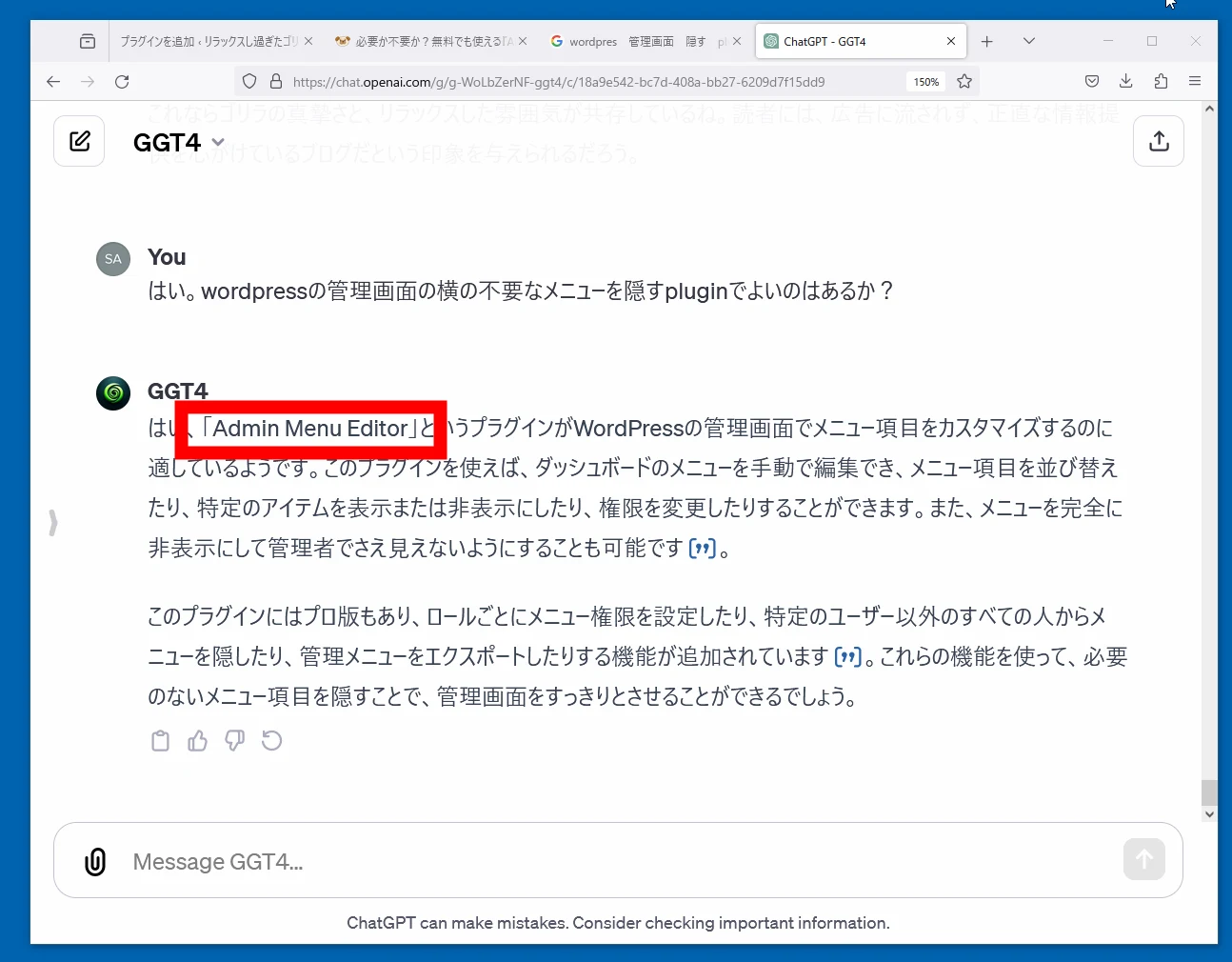
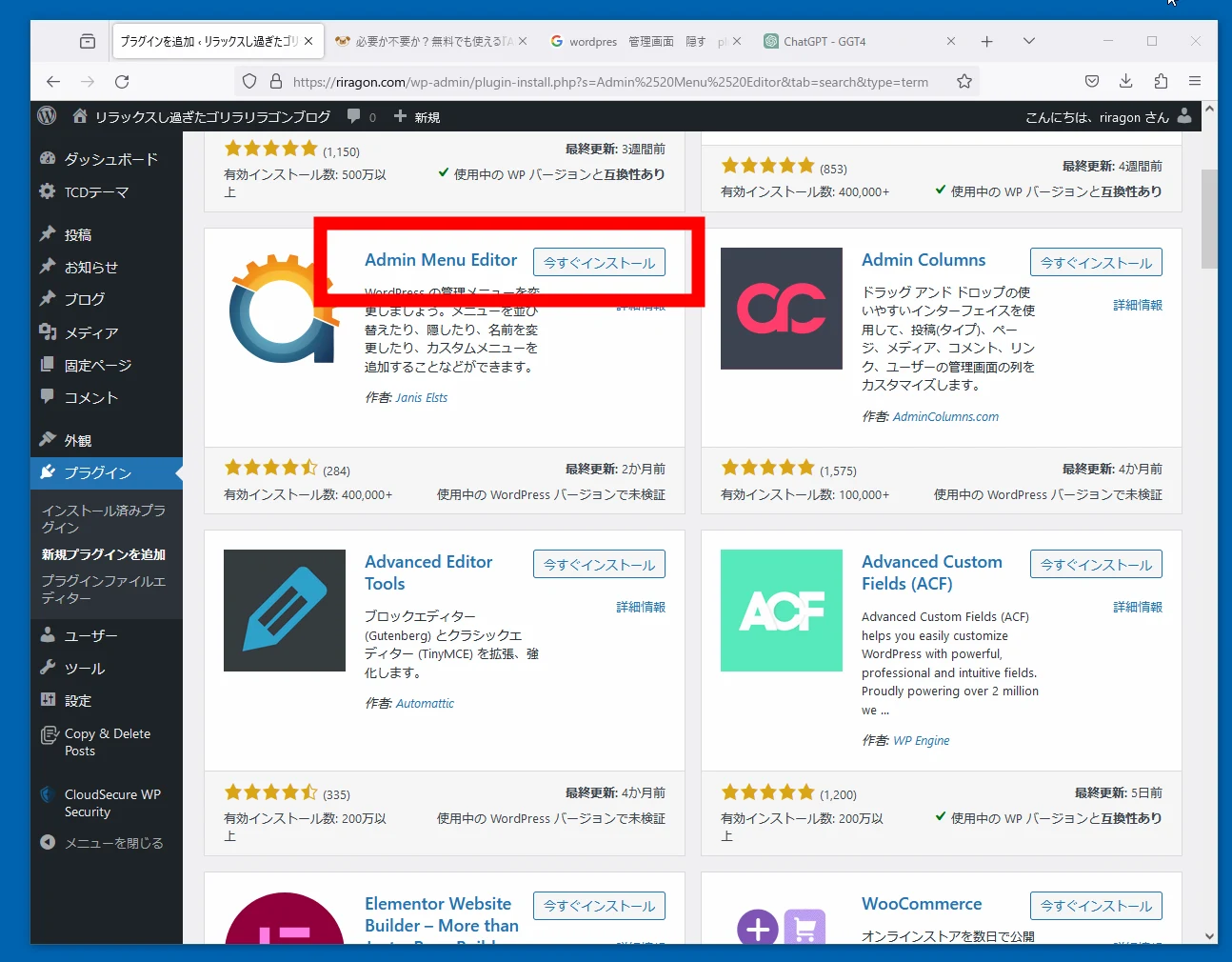 The menus are now arranged more conveniently.
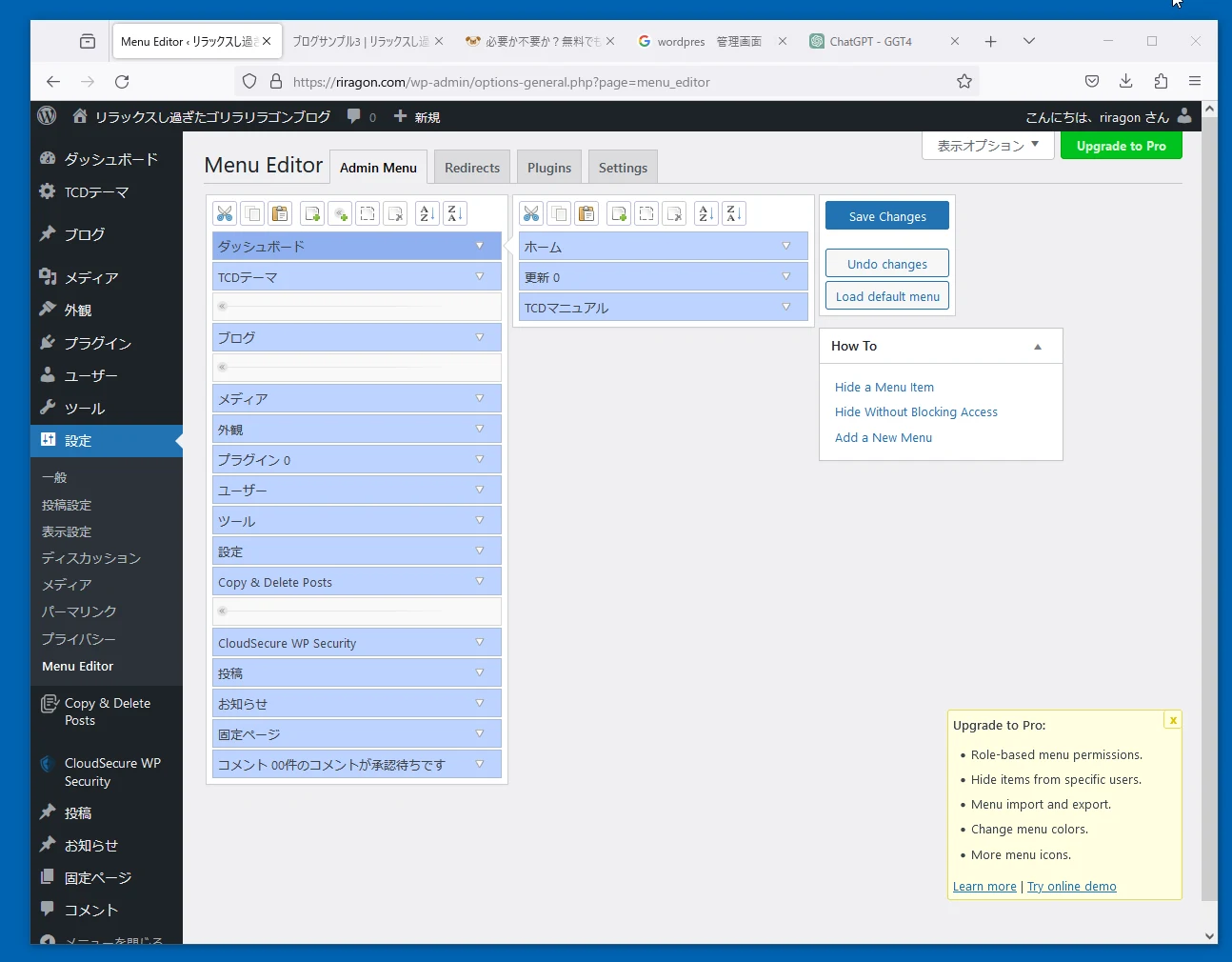 The blog is ready for writing. Then I wrote this article.
Related articles
Updates and contact: X @riragoncom.