Raspberry Pi 5 RTMP streaming: coping without hardware encoding
A USB-camera RTMP streaming test on Raspberry Pi 5 with Ubuntu 24.04 and GStreamer. I examine the lack of hardware encoding and report the CPU load and an hour-long streaming result.
Note: This article was published more than a year ago.
- Raspberry Pi OS, FFmpeg, and their package configurations change. Check official release notes and recommended build procedures.
- RTMP streaming depends on the destination service. Check current endpoint, authentication, and deprecation information.
- Heat and power requirements vary by generation and enclosure. Measure temperature and check current capacity for long streams.
Connect a USB camera to Raspberry Pi 5 and test encoding and streaming
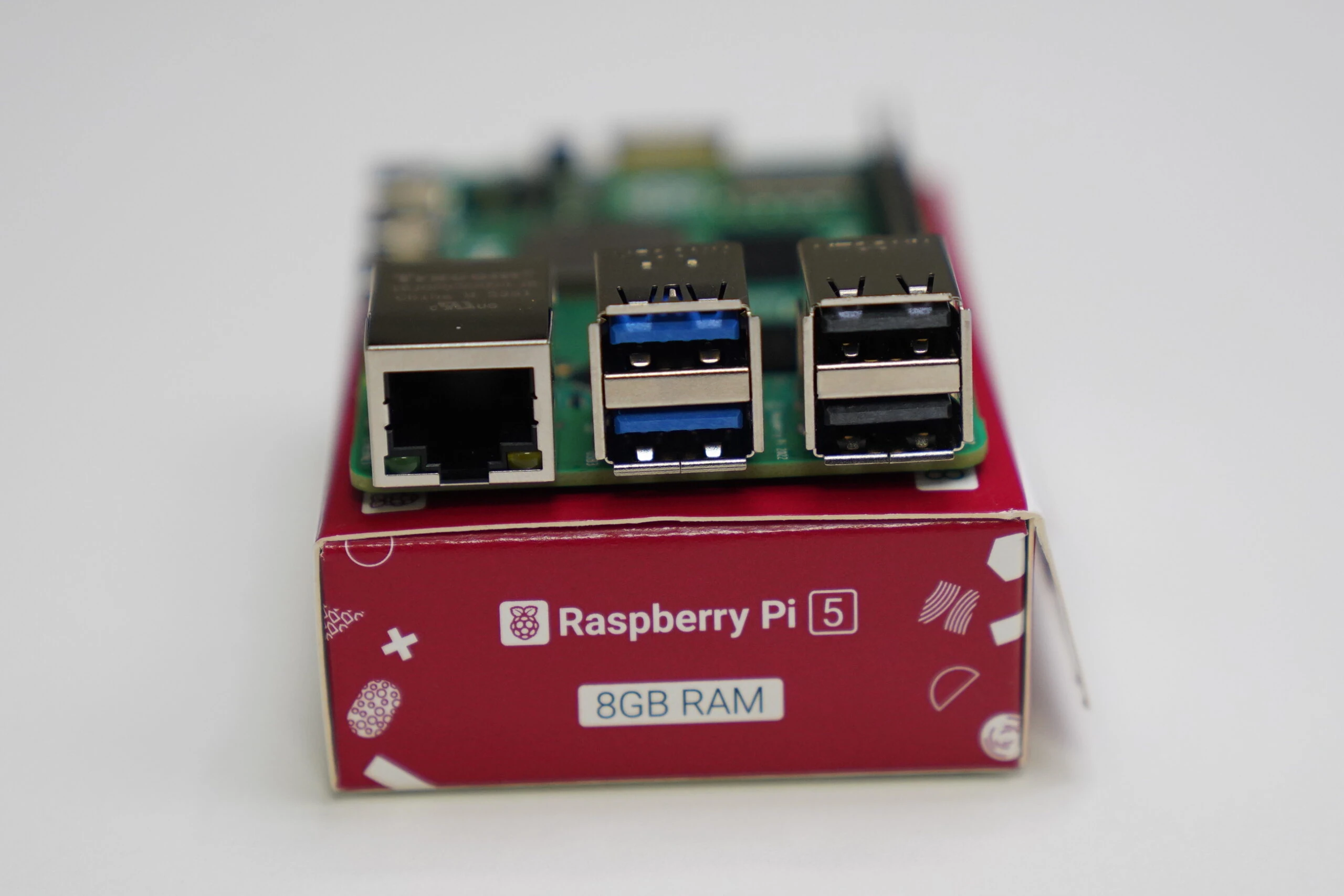
Raspberry Pi 5 no longer provides hardware video encoding.
Related product listings: Find Raspberry Pi 5 on Amazon (Ad)
With software encoding only, demanding HEVC/H.265 encoding is difficult too.
That is a limitation.
The Pi 4 has hardware encoding and can stream video with less CPU load.
The Pi 5 is expensive, runs hot, and lacks hardware encoding.
。
。
。
On the other hand, the Pi 4's hardware encoder is limited and does not produce especially good pictures. Software encoding on the Pi 5 provides better image quality.
The CPU is more powerful, so the argument is to use software encoding. Let us try an actual RTMP stream from the Pi 5.
The operating system is Ubuntu 24.04.
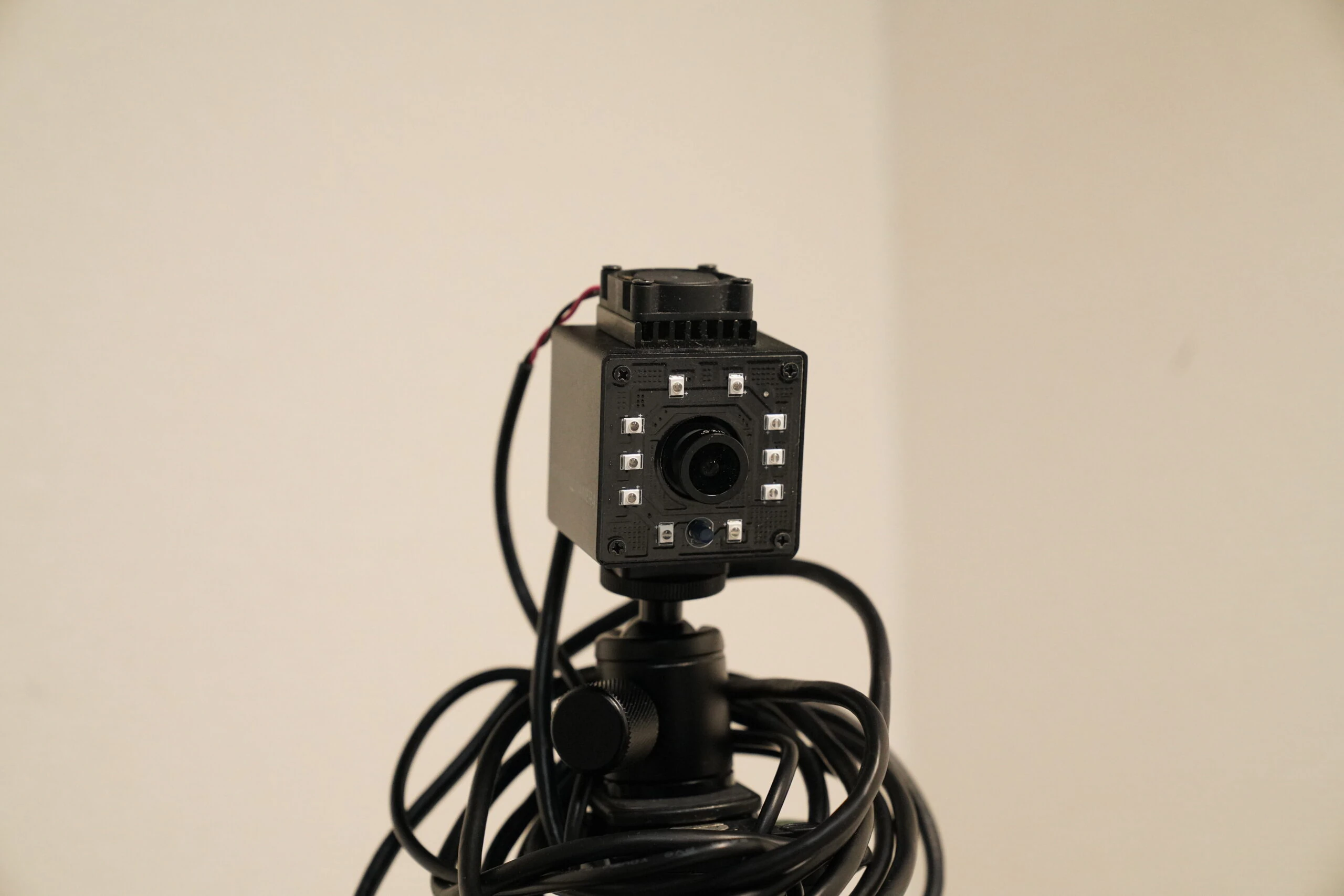
Connect a USB camera
I connected the camera. Use a command to check whether it is detected.
Related USB camera listings: Find USB cameras on Amazon (Ad)
lsusb
The camera is detected as Bus 002 Device 003: ID 32e4:9230 HD USB Camera HD USB Camera. Install v4l-utils, the camera-control utilities.
sudo apt install v4l-utils
Check whether it is recognized as a camera device.
ls /dev/video*
Many video devices appear as shown, but video0 is present, so the camera has been detected.
/dev/video0 /dev/video22~~~/dev/video27 /dev/video32~~/dev/video37
Inspect video0's supported formats.
v4l2-ctl --list-formats-ext --device /dev/video0
Its maximum MJPG mode is 1920 × 1080 at 30fps.
[0]: 'MJPG' (Motion-JPEG, compressed)
Size: Discrete 1920x1080
Interval: Discrete 0.033s (30.000 fps)
Size: Discrete 1280x720
Interval: Discrete 0.017s (60.000 fps)
Size: Discrete 1024x768
Interval: Discrete 0.033s (30.000 fps)
Size: Discrete 640x480
Interval: Discrete 0.008s (120.101 fps)
Size: Discrete 800x600
Interval: Discrete 0.017s (60.000 fps)
Size: Discrete 1280x1024
Interval: Discrete 0.033s (30.000 fps)
Size: Discrete 320x240
FFmpeg would also work, but I install GStreamer, including the additional plugin packages. This set should cover most of the functions I need.
sudo apt install gstreamer1.0-tools gstreamer1.0-plugins-base gstreamer1.0-plugins-good gstreamer1.0-plugins-bad gstreamer1.0-plugins-ugly
Check it works. The following command displayed the image.
gst-launch-1.0 v4l2src device=/dev/video0 ! videoconvert ! autovideosink
Send the stream to YouTube over RTMP. Using MJPG makes it smoother. Replace the destination URL as appropriate; I have masked mine with asterisks. H.264 must be encoded on the CPU.
gst-launch-1.0 -e v4l2src device=/dev/video0 ! "image/jpeg,width=1920,height=1080,framerate=30/1" ! jpegparse ! jpegdec ! videoconvert ! x264enc bitrate=2500 speed-preset=veryfast tune=zerolatency ! h264parse ! flvmux streamable=true name=mux ! rtmpsink location='rtmp://a.rtmp.youtube.com/live2/************* live=1' audiotestsrc wave=sine freq=440 ! audioconvert ! voaacenc bitrate=128000 ! mux.
RTMP streaming worked at around 50% CPU load and continued for 60 minutes without problems. The Pi 5 still feels like an awkward middle ground to me.
Raspberry Pi 5 listingsBrowse on Amazon Ad · Amazon Associate link
Related articles

Updates and contact: X @riragoncom.