Testing Raspberry Pi 5 temperatures at 100% CPU load inside a sealed waterproof enclosure
I put a Raspberry Pi 5 in a sealed waterproof enclosure and measured CPU, enclosure, and ambient temperatures under sustained full load. This article covers the setup problems, cooling experiment, and why I eventually stopped using it.
Note: This article was published more than a year ago.
- Waterproof-enclosure model numbers and claimed ratings, such as IP ratings, depend on the manufacturer's specifications and installation conditions. Recheck the product specifications and reviews.
- Raspberry Pi 5 heat and connector placement can create enclosure-clearance problems. Check the actual board and enclosure together.
- Enclosure compatibility tables are updated. Check the exact model against the latest list.
I bought a Raspberry Pi 5, although I had not planned to: a mini PC generally runs more comfortably and powerfully
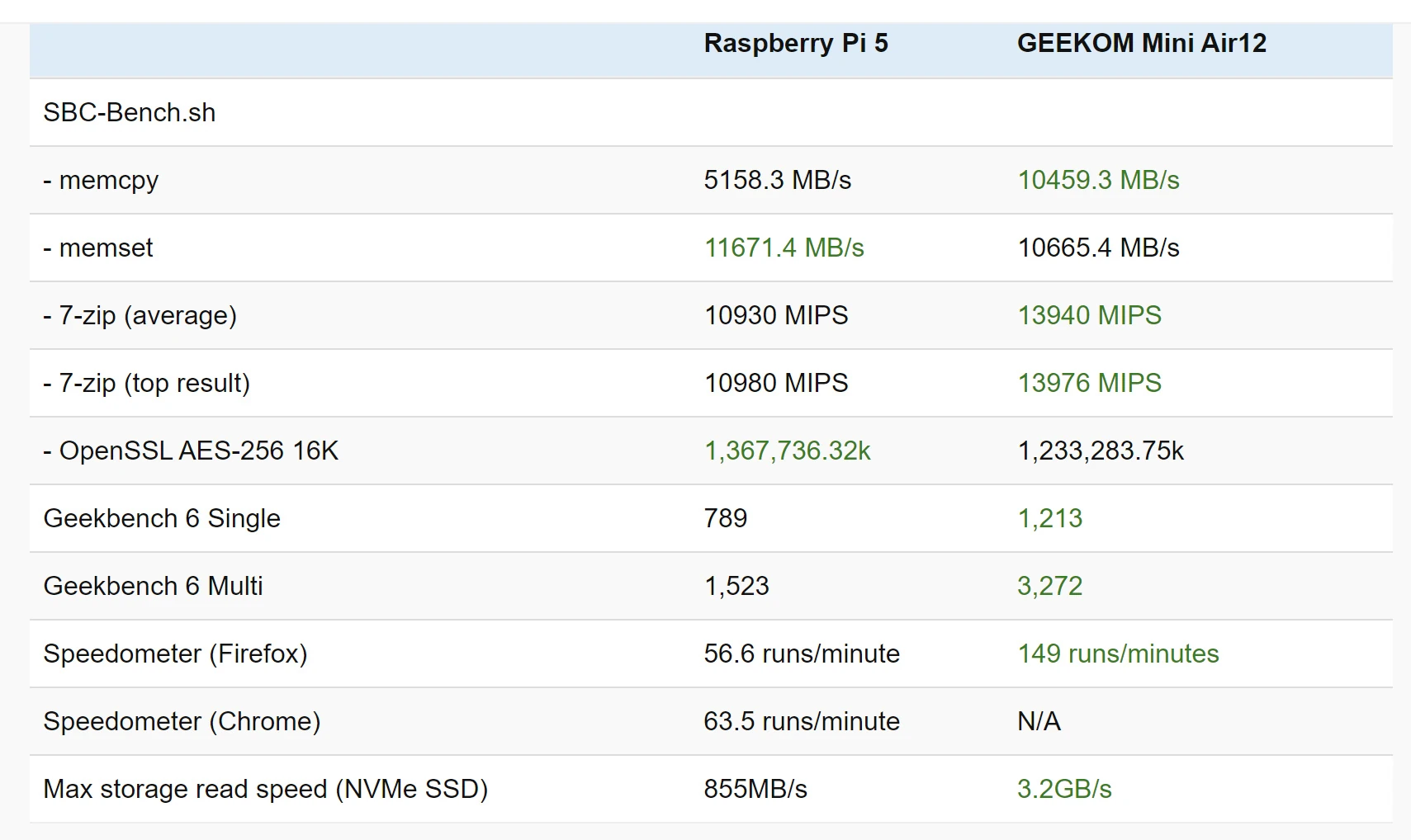
Depending on the model, mini PCs also offer more LAN and USB ports. Suitable machines can be found for around ¥20,000 to ¥50,000. An Intel N100 machine is one example. Once the Pi 5's required accessories are included, the prices are not very different. In simple comparisons, an Intel N100 is around twice as fast as a Raspberry Pi 5. Unless there is a specific use case, I do not see much reason to choose the Pi 5 deliberately; a mini PC is more convenient. Source of the Raspberry Pi 5 vs Intel N100 chart
 This time, however, I chose a Raspberry Pi 5 for a specific application.
Reasons include wanting GPIO pins and keeping power consumption low.
I had built the environment on a CHUWI LarkBox X mini PC with an AMD Ryzen 3750U, but placing it in a sealed box brought the internal temperature to 100°C.
That would not do, so I switched to a Raspberry Pi 5.
For a detailed Pi 5 review, see the specialist media review below.
Raspberry Pi 5 Hothot Review
https://pc.watch.impress.co.jp/docs/column/hothot/1584619.html
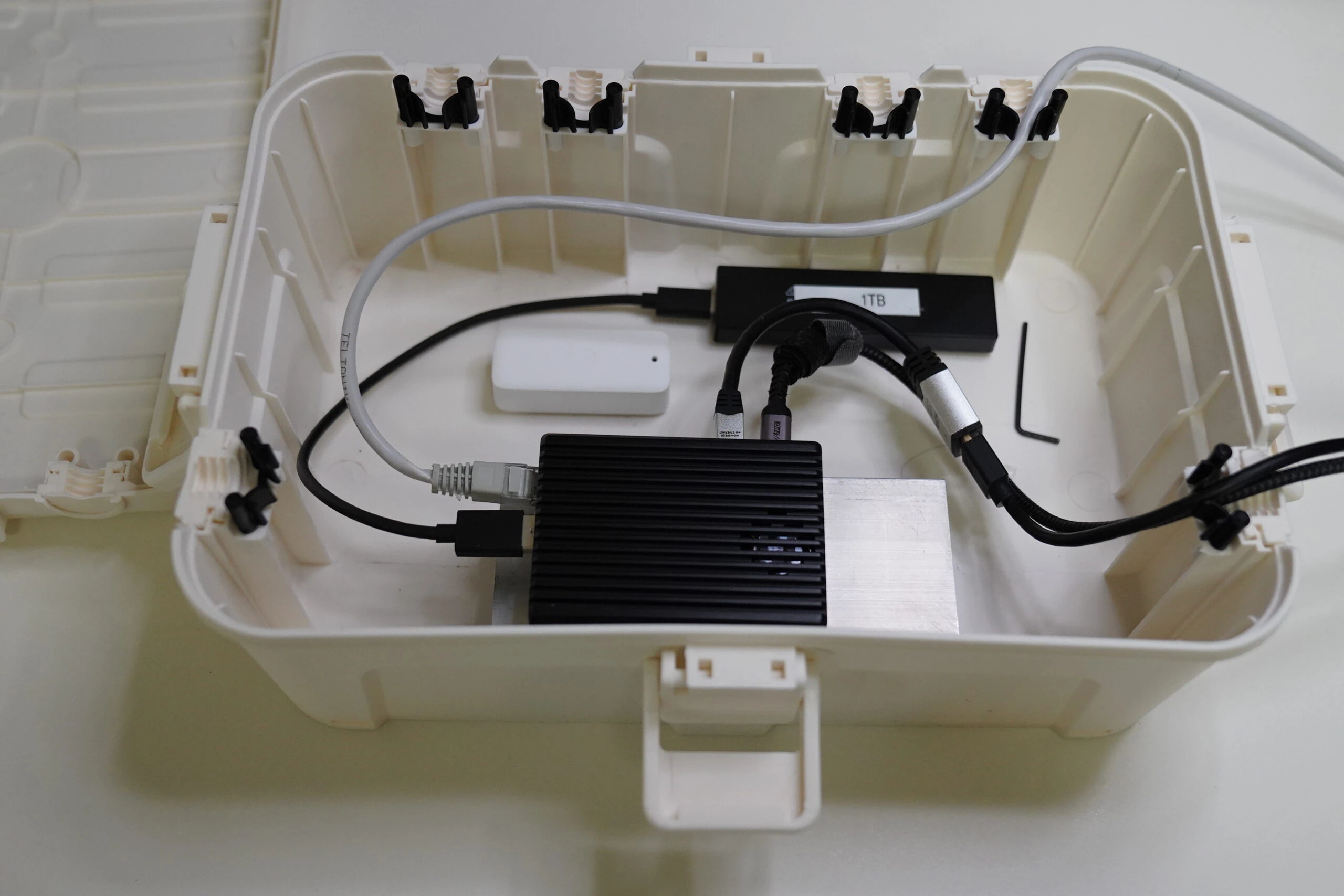
Later in this article, I put the Pi 5 inside a sealed waterproof box, applied 100% CPU load, and measured the CPU temperature and temperatures inside and outside the box. What would happen?
Raspberry Pi 5 appearance and setup
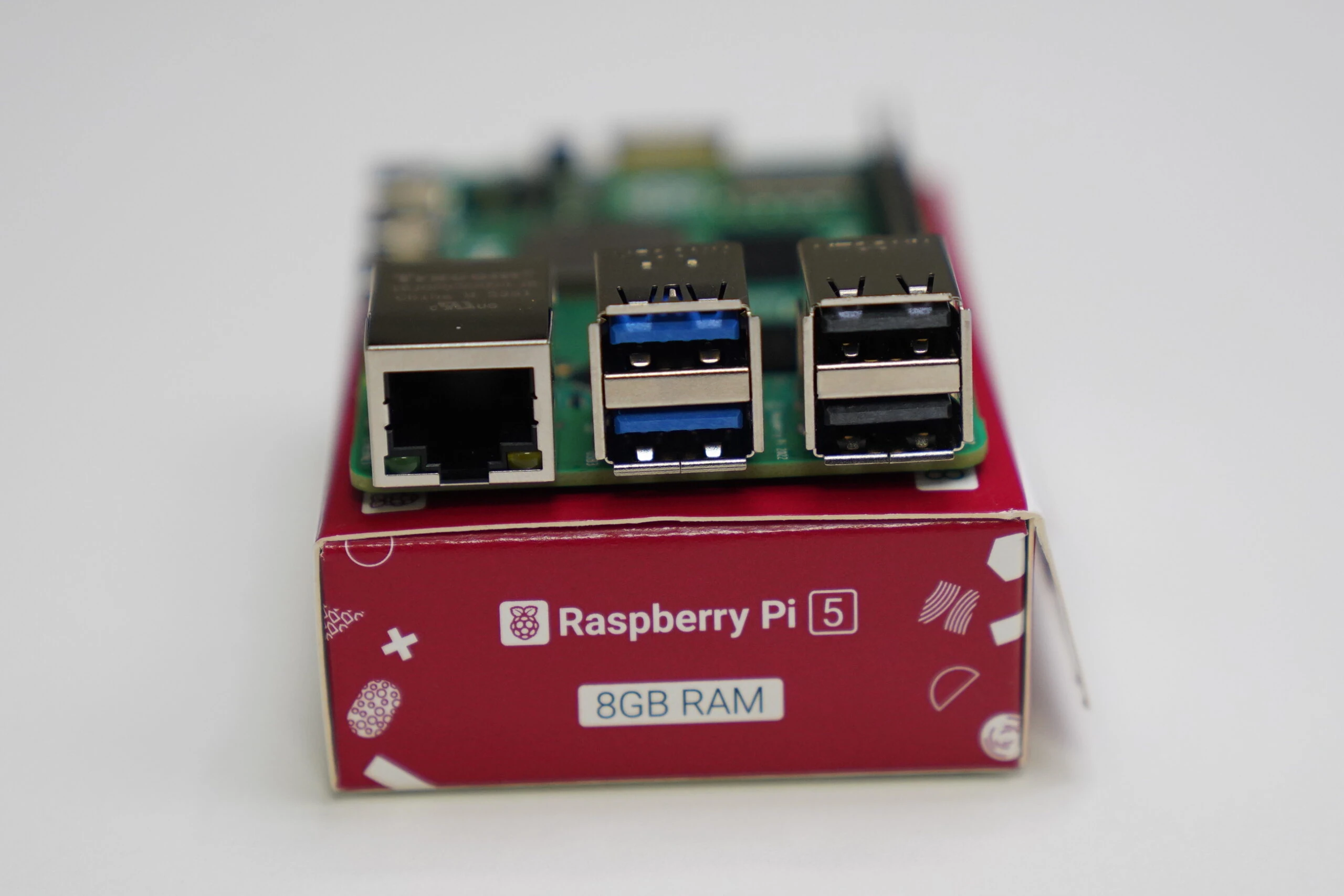
Here is the actual board. It is my first Raspberry Pi since the Pi 4. The board and overall construction seem better made and more refined.
Related product listings: Find Raspberry Pi 5 on Amazon (Ad)
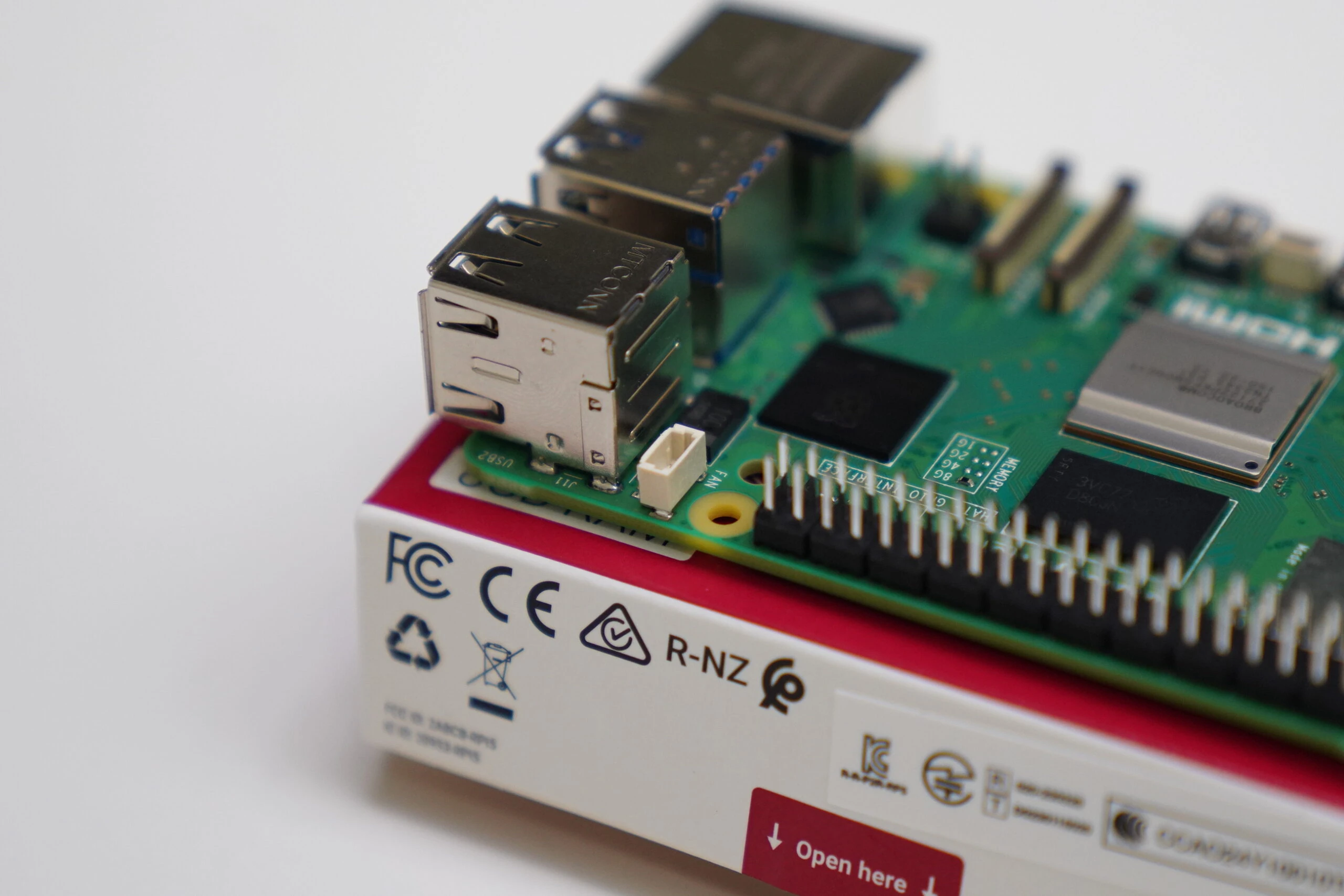
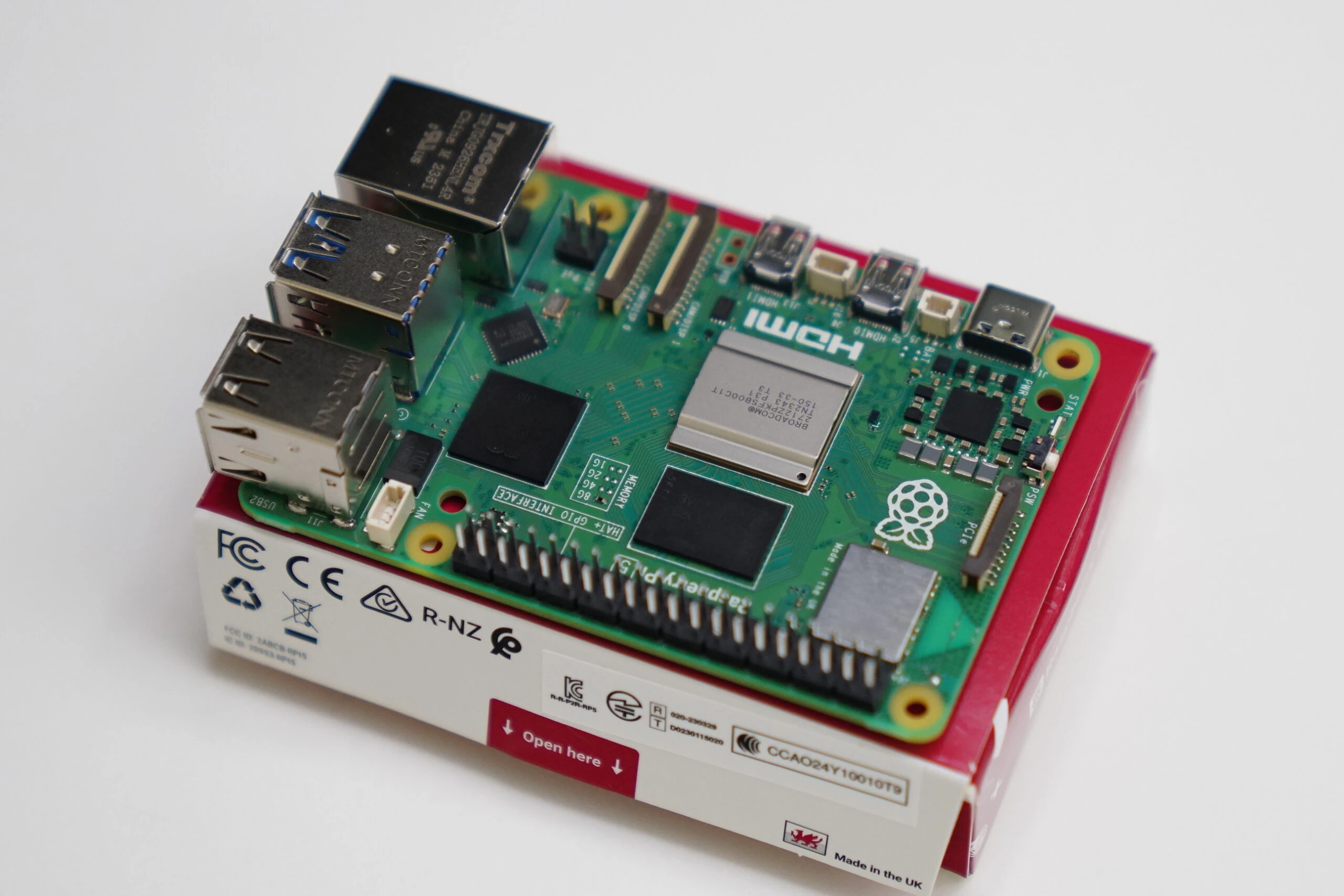 There are now two ribbon-camera connectors, apparently allowing two cameras. That could be interesting for some applications.
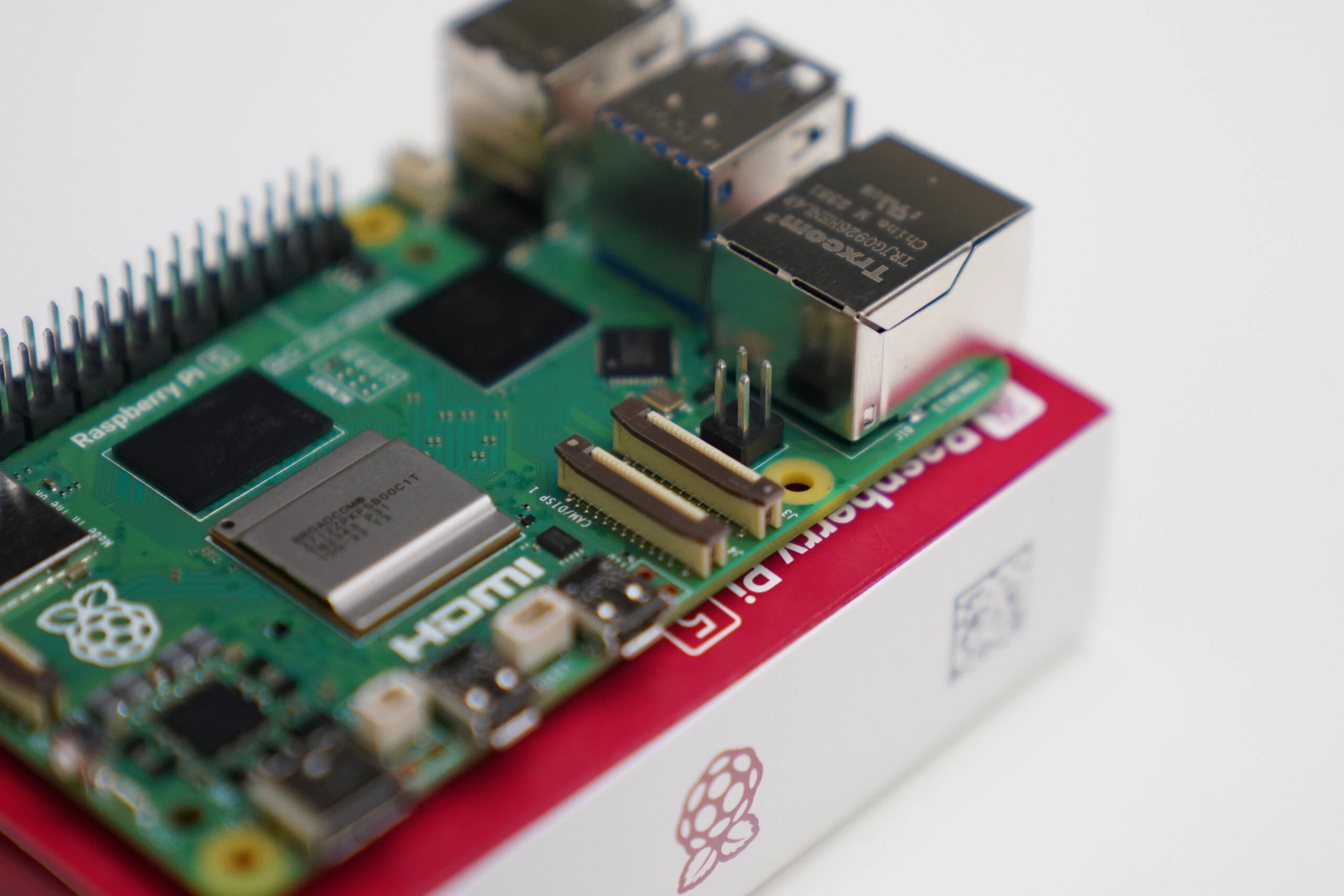 The connector behind the LAN port is apparently for the system fan.
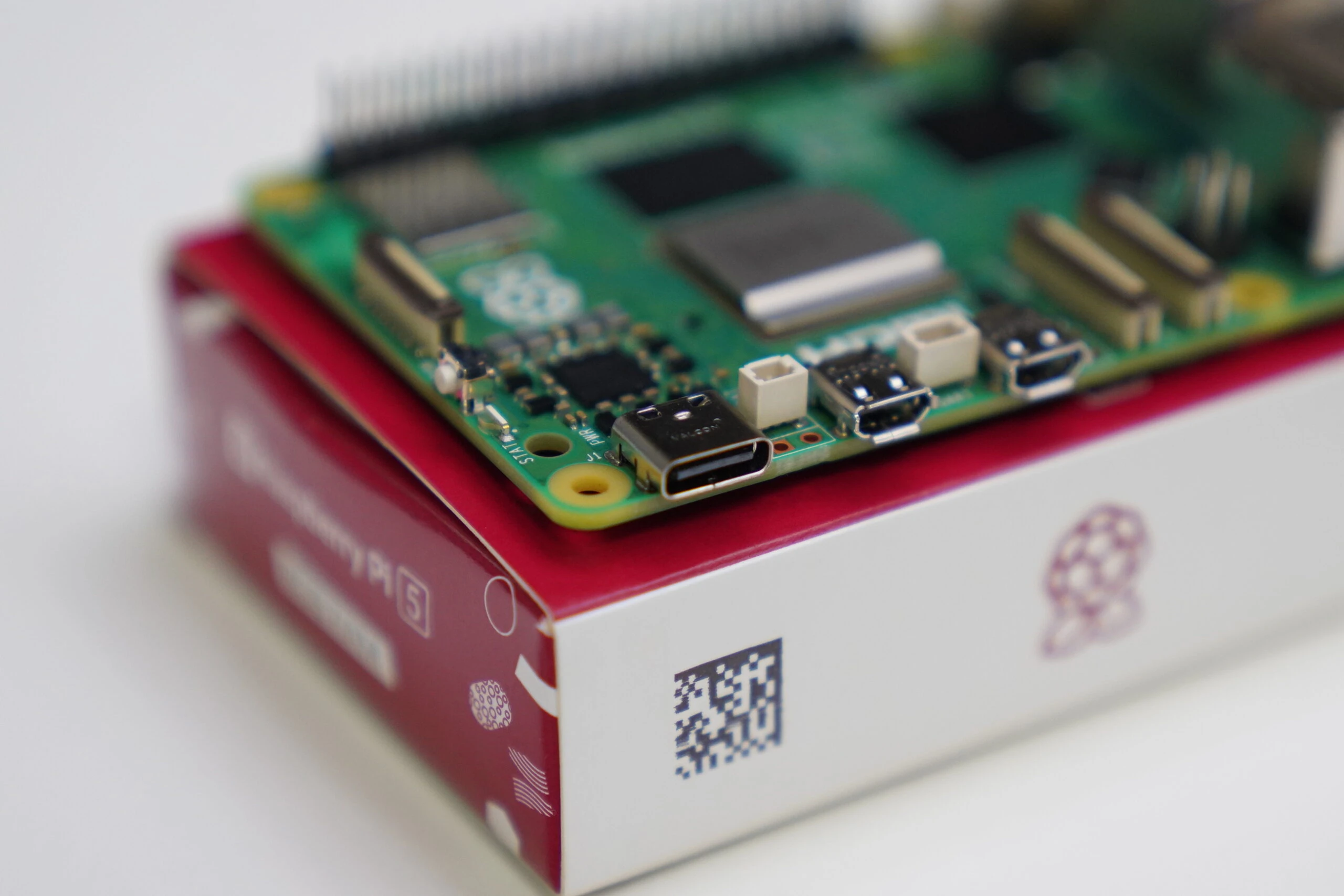
 The USB Type-C power connector.
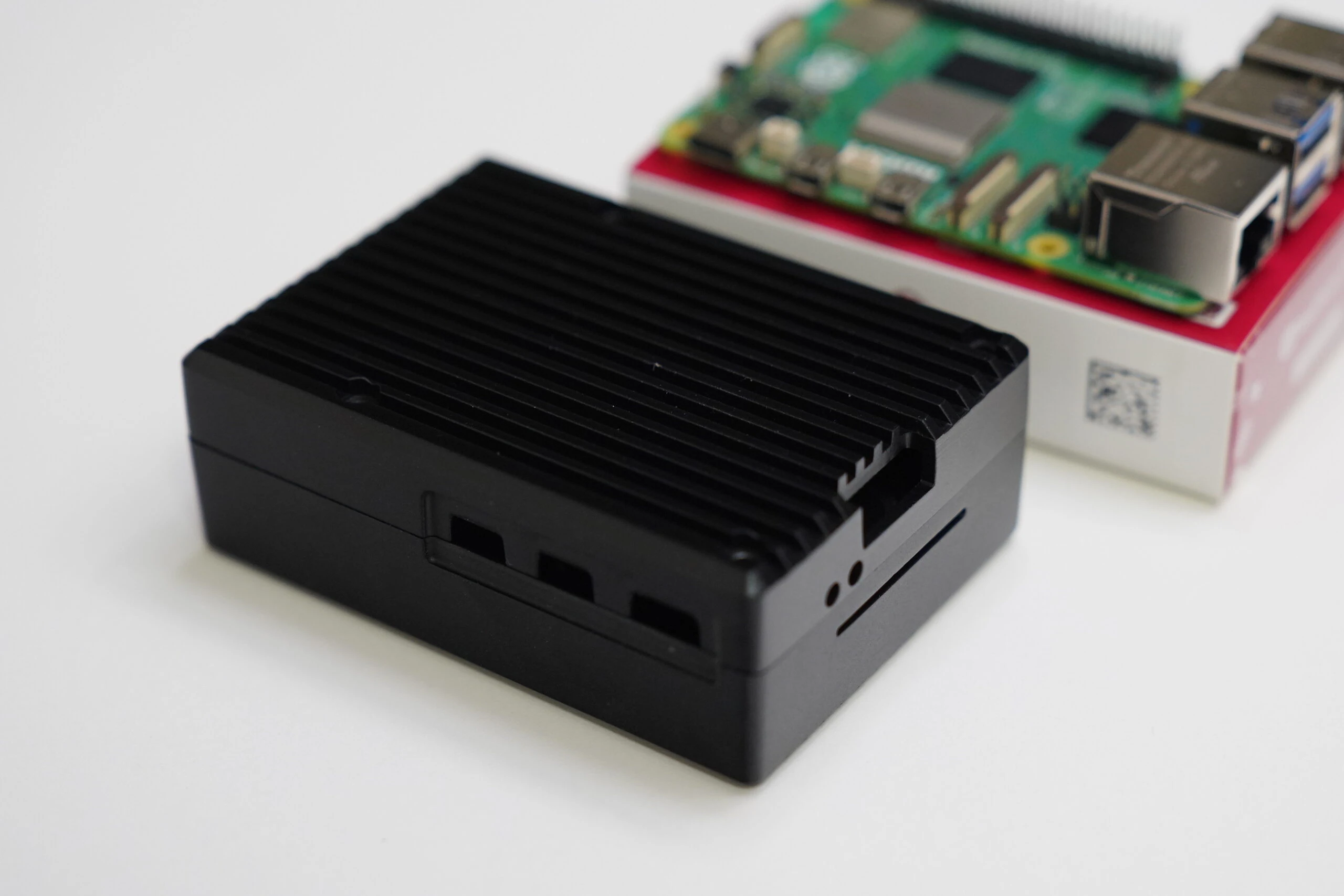
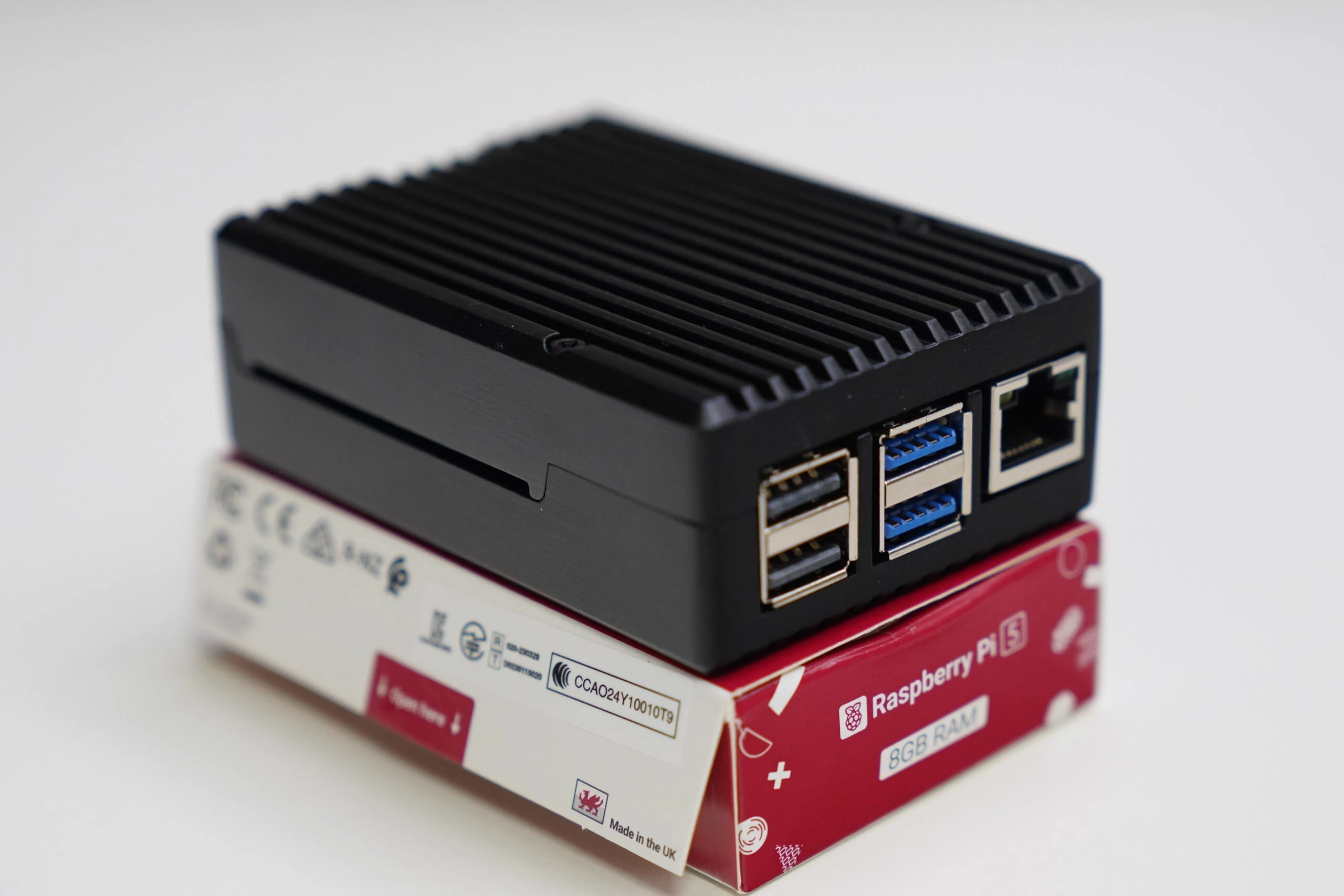
 Since the Pi 5 seems to run hotter than the Pi 4, I bought a well-reviewed aluminum case. It is satisfyingly heavy and feels well made. A fanless version seems to exist too, but I chose the version with a fan for extra reassurance.
 Place the thermal pads on the main chips.
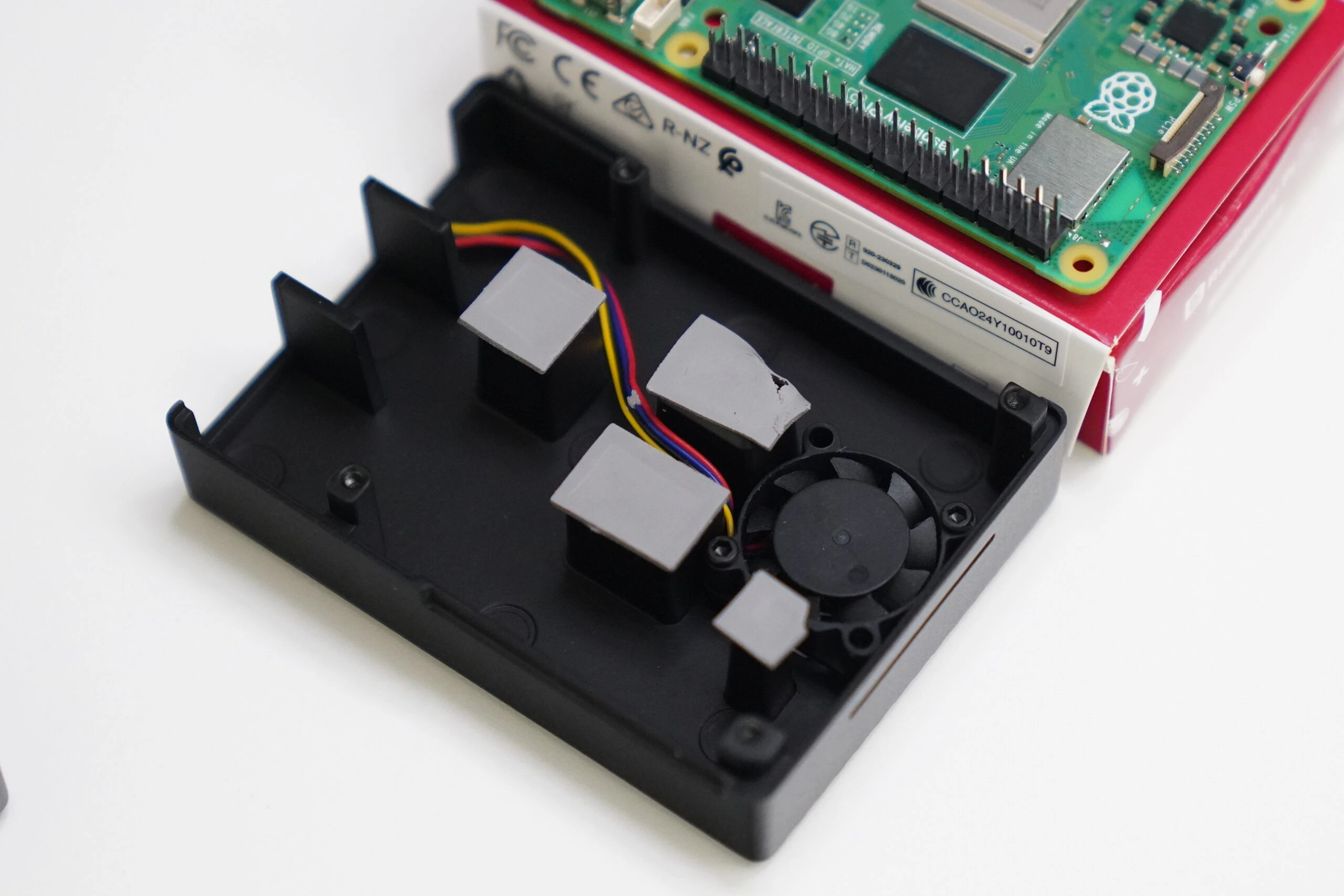 Connect the system fan.
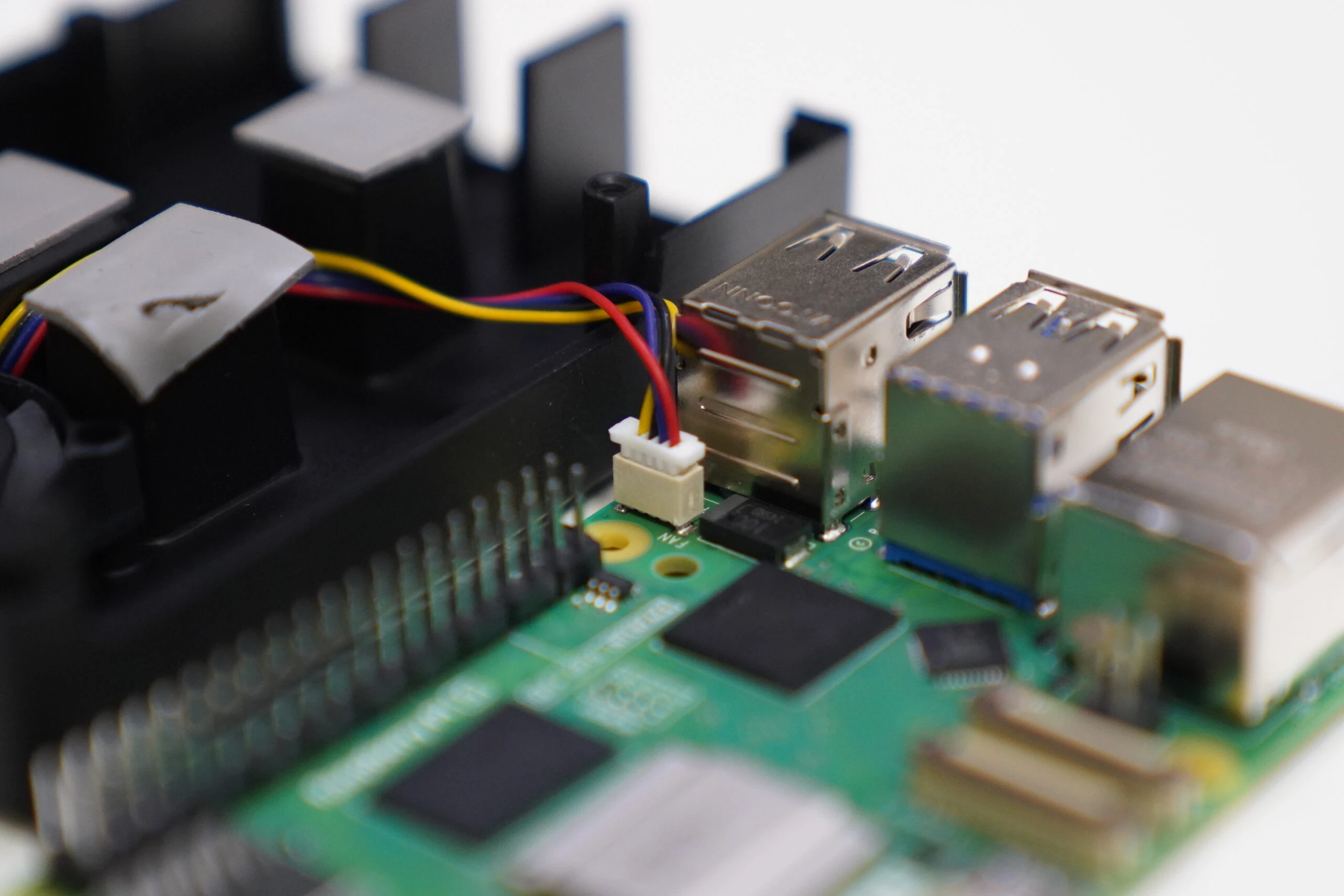 Align the parts and close the case.
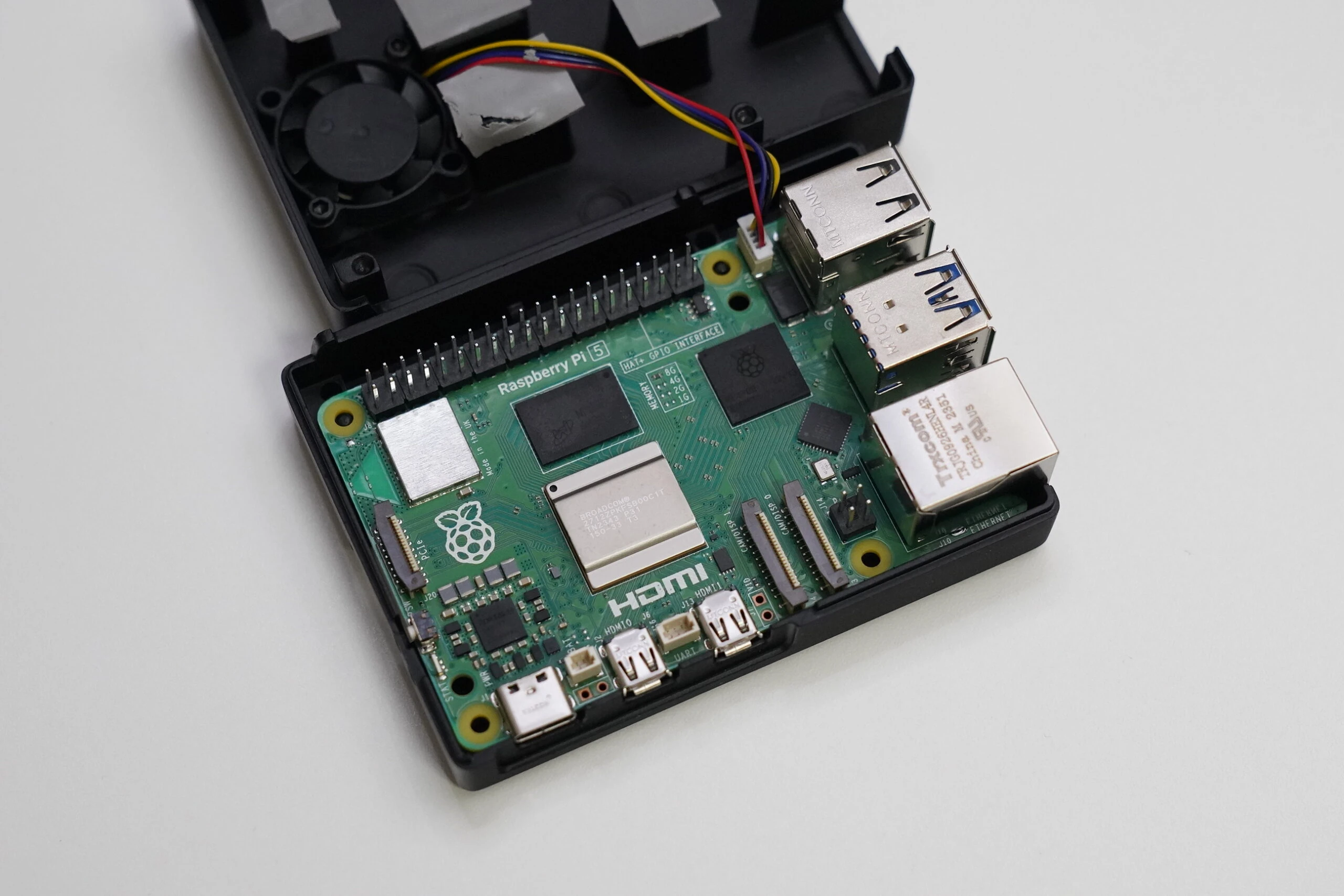 The aluminum case is solid, and its internal fan is quiet. It seems like a good case.
Related product listings: Find aluminum Raspberry Pi 5 cases with fans on Amazon (Ad)
 Use the usual installer.
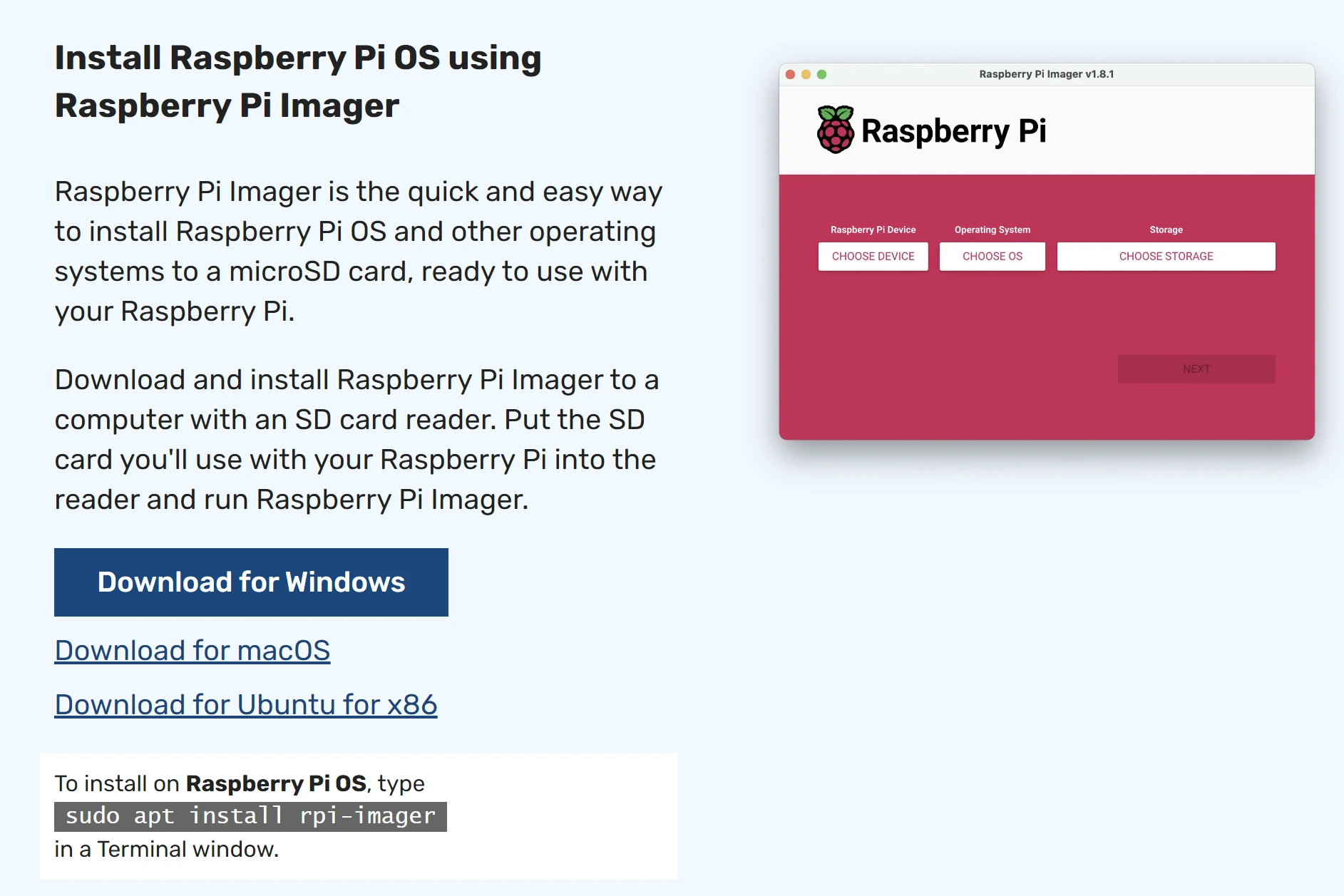 Select Raspberry Pi 5.
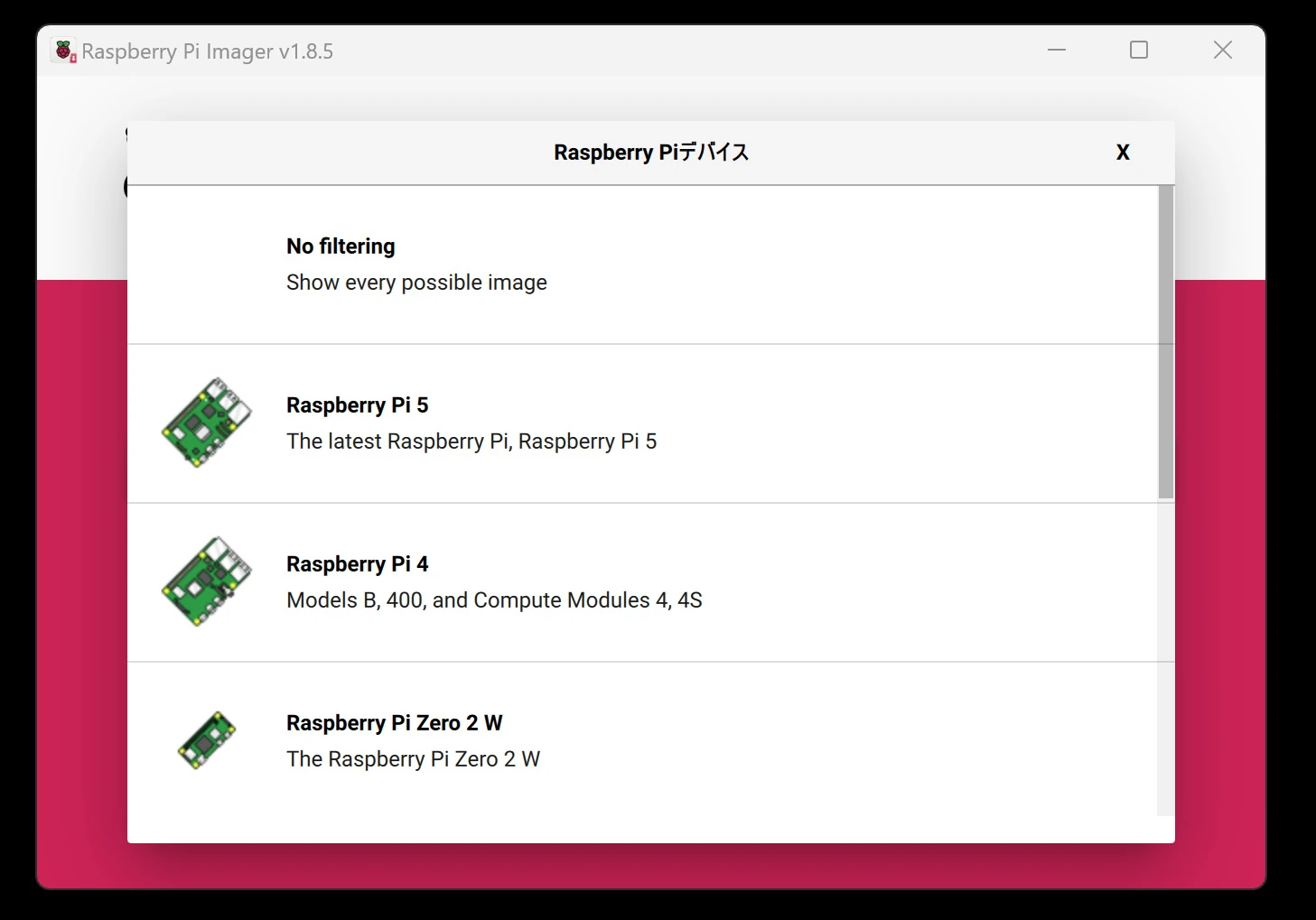 I normally use Ubuntu rather than Raspberry Pi OS, so I install Ubuntu. Raspberry Pi OS would probably cause fewer problems, but Ubuntu it is for now.
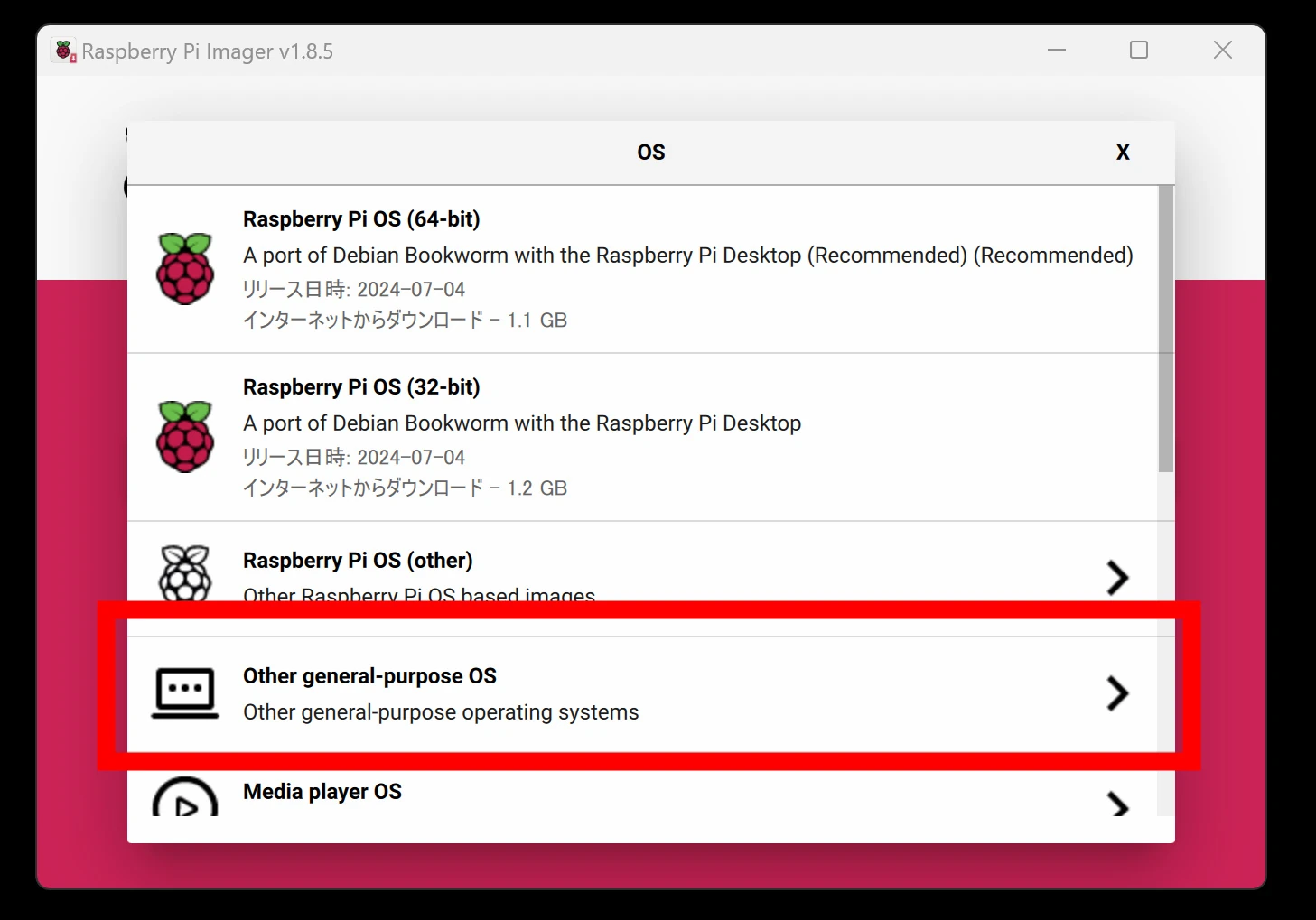
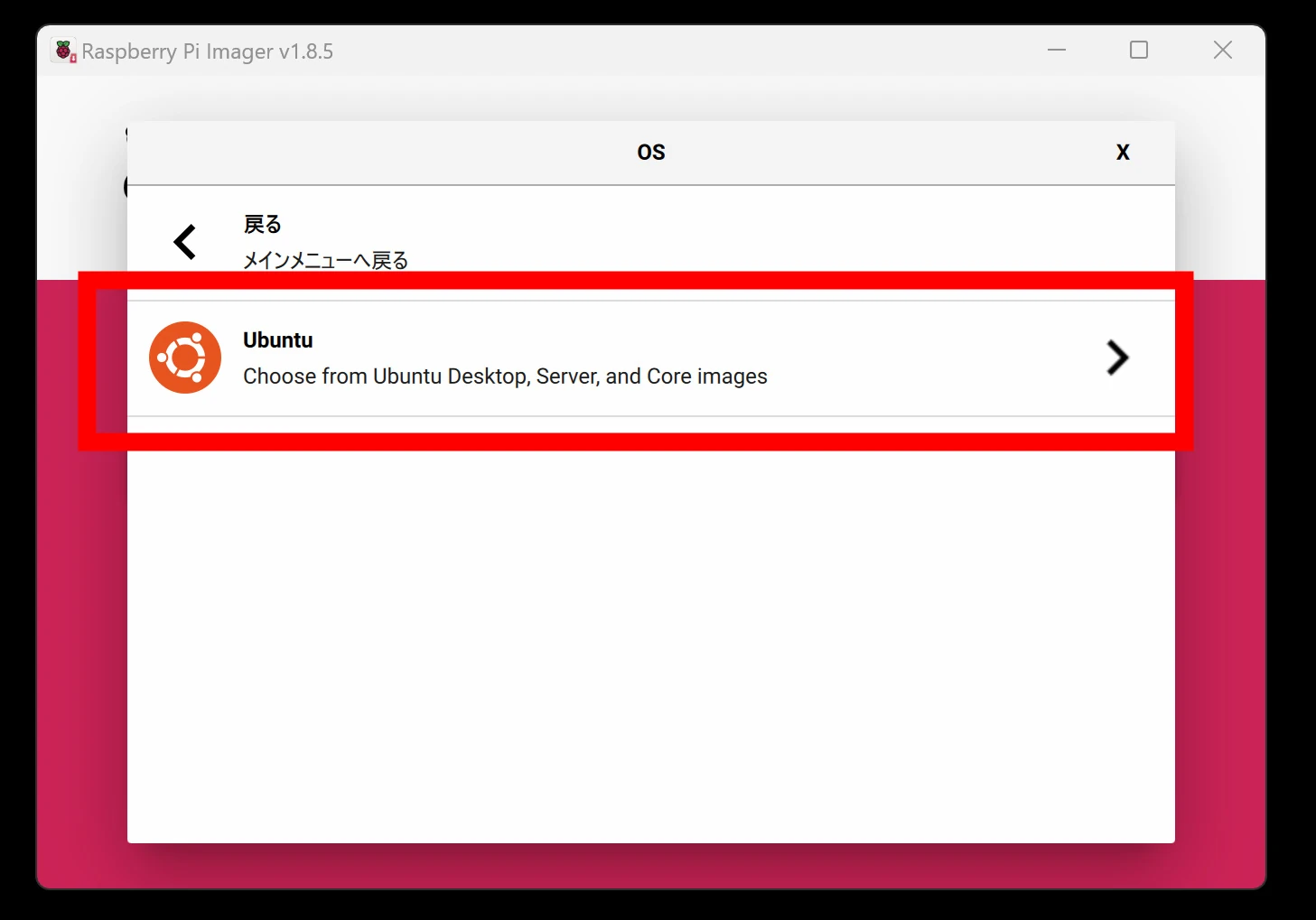
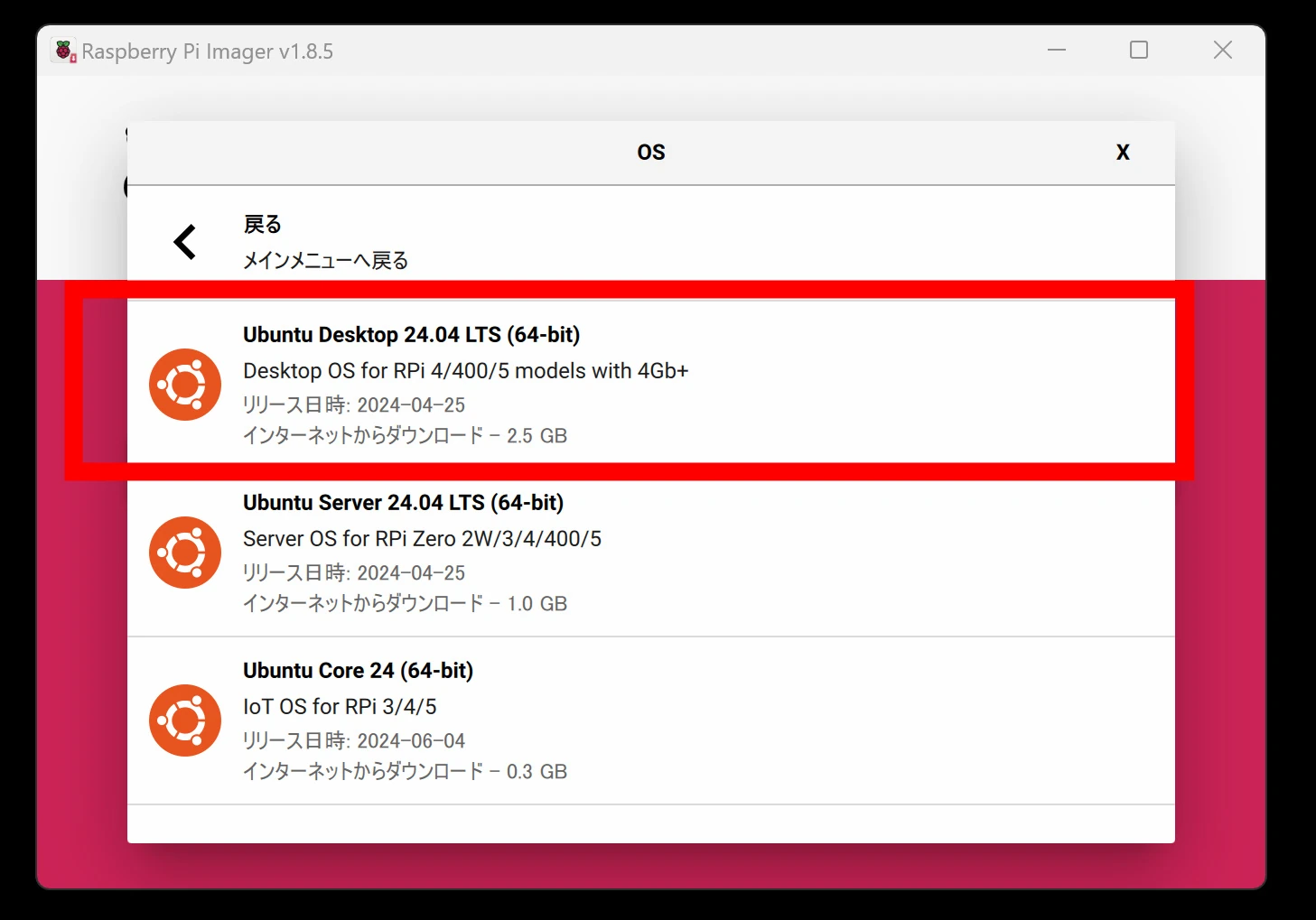 I had a spare 1TB SSD, so I installed the system on that.
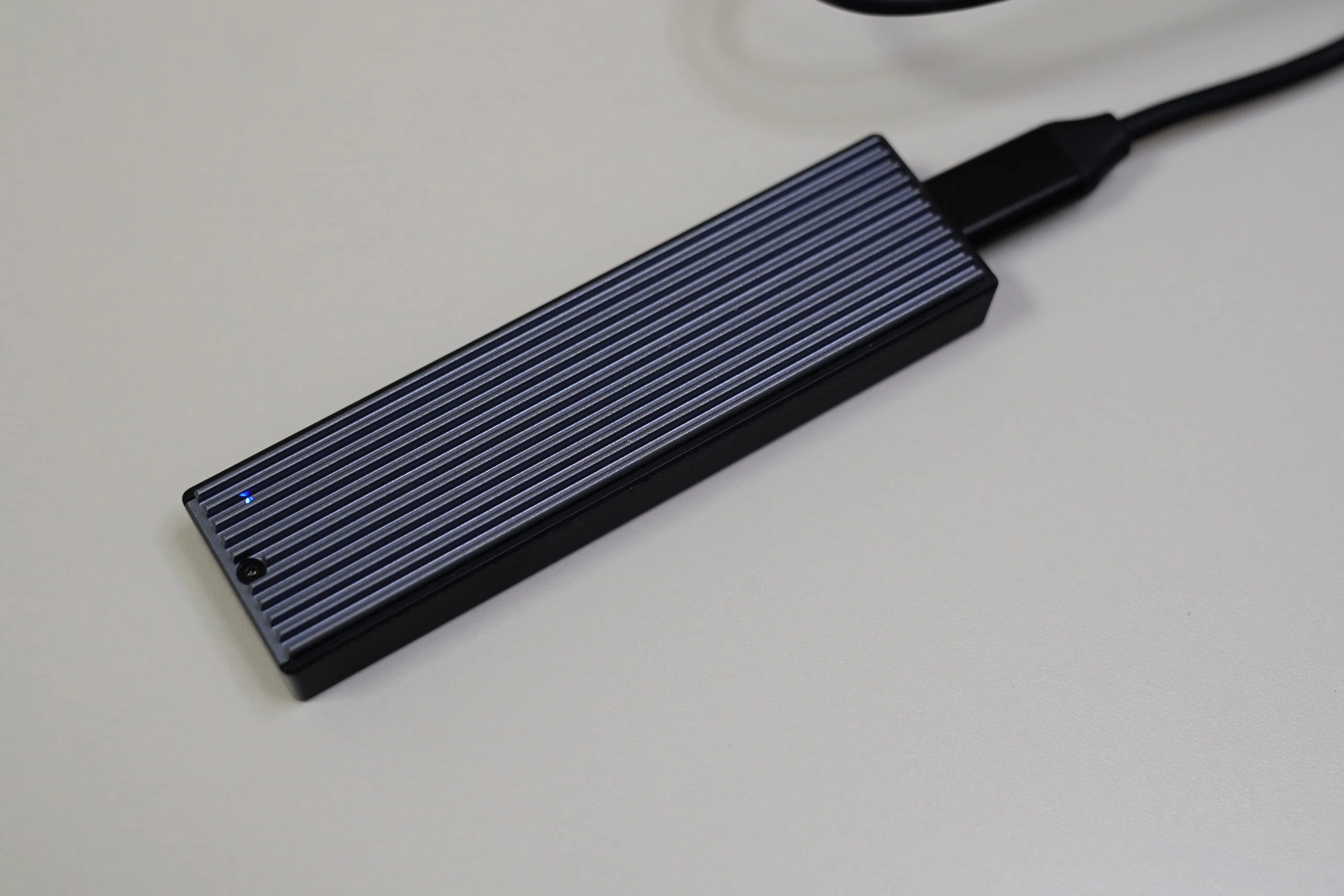 The Pi 5 appears able to boot directly from USB storage plugged into USB 3.0. Simple and convenient.
Related product listings: Find 1TB USB-connected SSDs on Amazon (Ad)
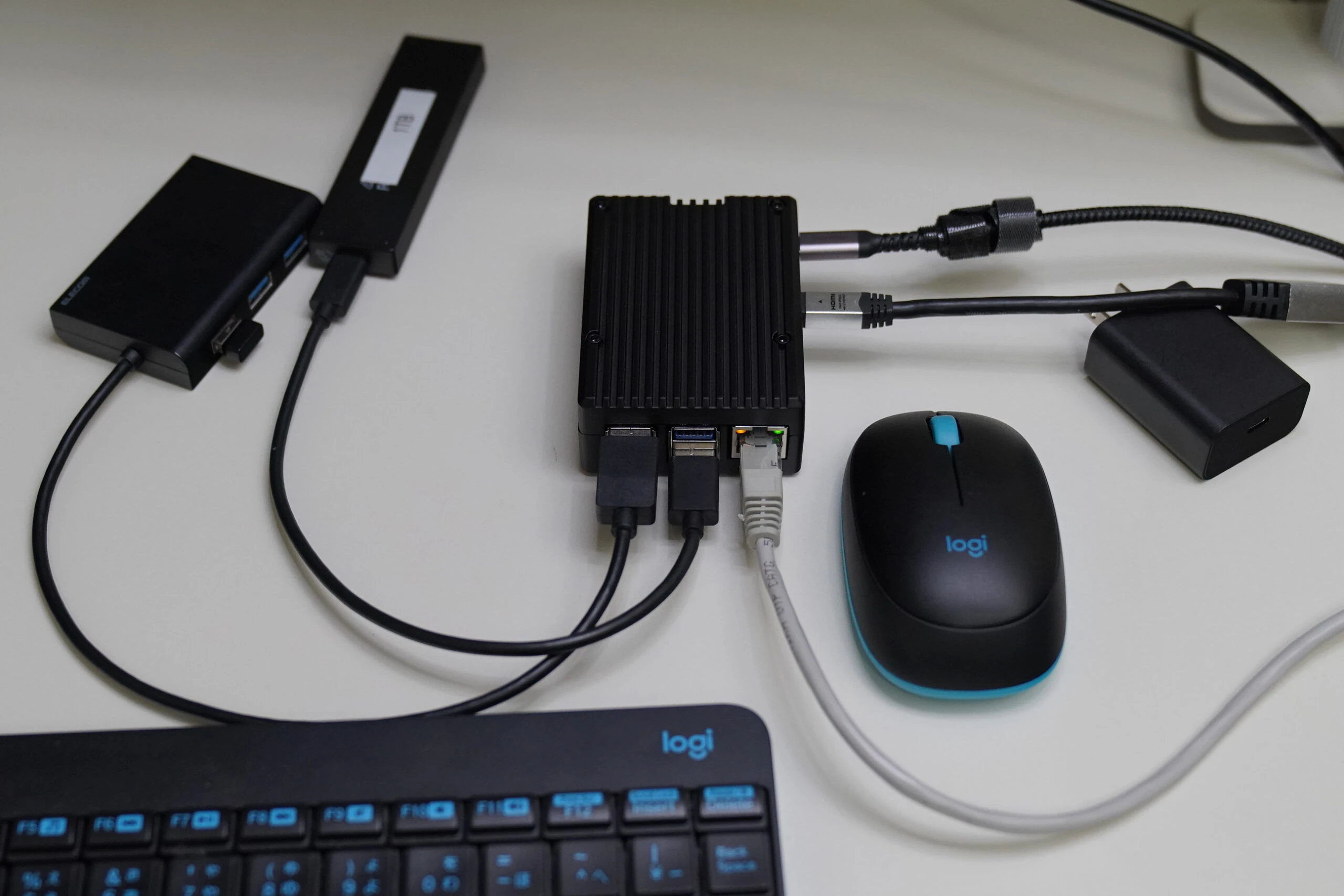
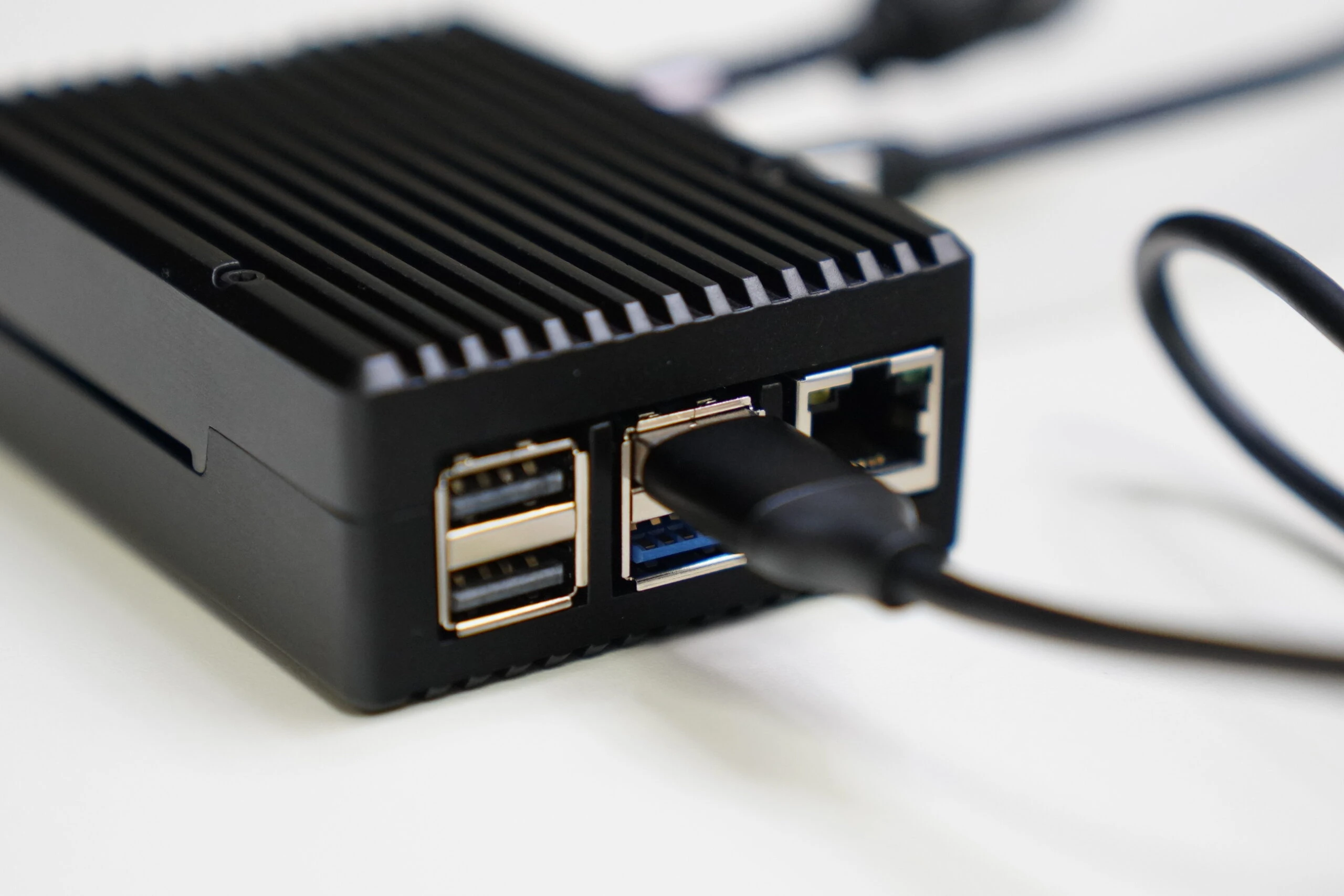 Connect suitable peripherals and proceed with setup.
 For reasons I did not understand, installation would not progress at all. Disconnecting the network let it continue, but it still stopped from time to time afterward. Frustrating.
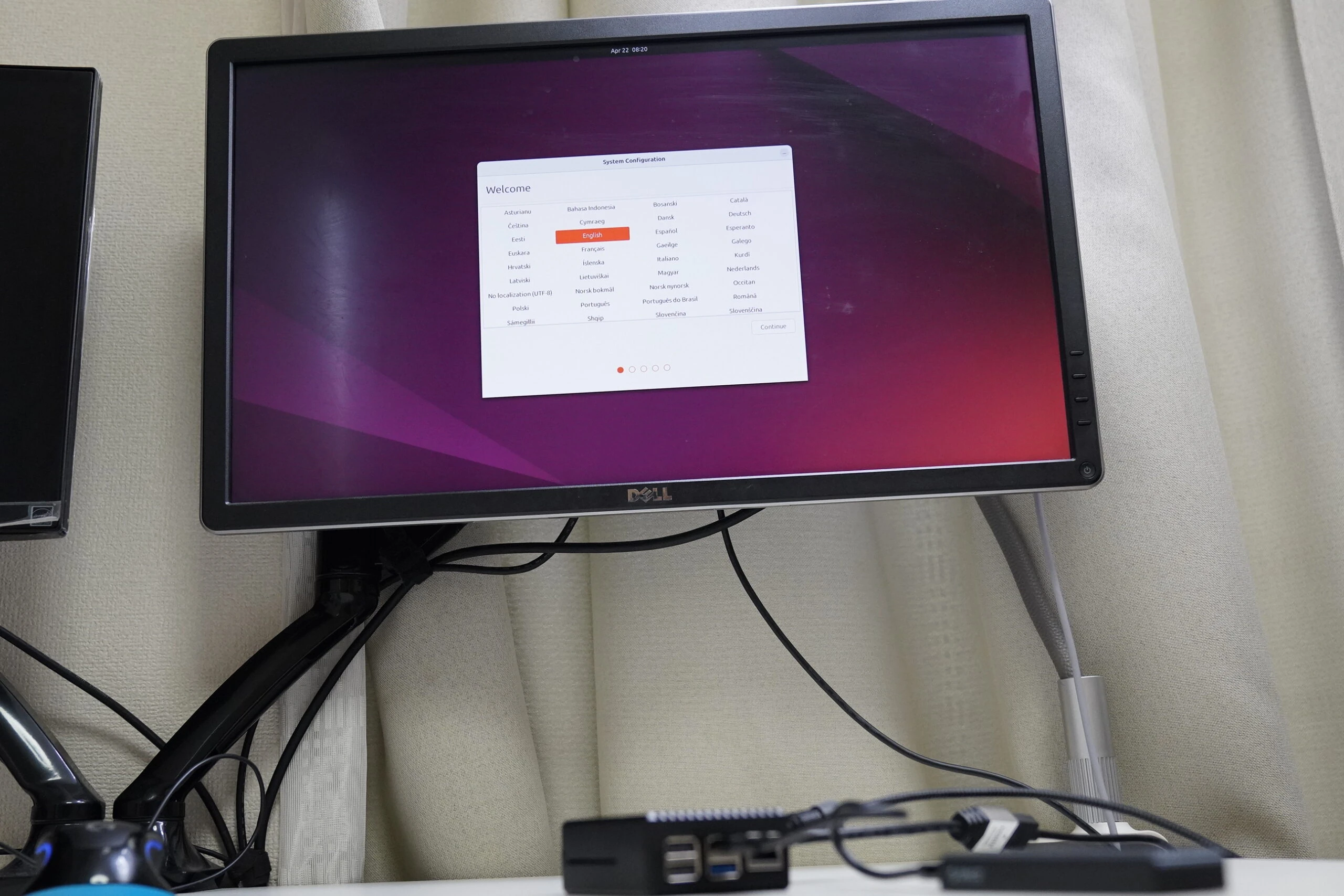
Installation would not progress: could power be the cause?
I could supply only 5V at 3A over USB, while the Pi 5 calls for 5V at 5A in this setup.
Even most 30W USB PD adapters supply only 3A at 5V.
The Anker adapters I checked had that specification too.
Perhaps insufficient power was the cause.
I therefore bought a dedicated 5V 5A adapter on Amazon.
During installation, pressing the power switch lets you bypass the warning and proceed at 5V 3A. However, it seemed very unstable, so I felt a dedicated adapter was essential.
For now, I continued getting it running, starting with basic updates. Updating took a very long time, perhaps one or two hours.
sudo apt update
sudo apt upgrade
SSH would make configuration easier, but installing openssh-server produced an error about a damaged configuration. I repaired it with the following command, then installed SSH.
sudo dpkg --configure -a
sudo apt --fix-broken install
sudo apt install openssh-server
Open the SSH port with ufw. I also assigned a static IP address.
sudo ufw allow 22
Since I want to examine temperatures, I first display the current reading. Only CPU temperature seems to be available. On such a small system, I will use that as a rough indicator for the system as a whole. The following displays it without sudo. The reading is in millidegrees Celsius, so divide by 1,000 to get degrees Celsius. Mine was 44.1°C.
cat /sys/class/thermal/thermal_zone0/temp | awk '{print $1/1000 "°C"}'
Install a tool to stress the CPU.
sudo apt-get install stress
Apply load to all four CPU cores for 600 seconds.
stress --cpu 4 --timeout 600
The CPU is receiving the intended load.
 In about a minute, it rose from 40°C to 60°C. Looking into Pi 5 temperatures, it appears that CPU thermal throttling, a heat-related performance restriction, begins at 85°C.
Reference Raspberry Pi 5 review
In about a minute, it rose from 40°C to 60°C. Looking into Pi 5 temperatures, it appears that CPU thermal throttling, a heat-related performance restriction, begins at 85°C.
Reference Raspberry Pi 5 review
https://www.switch-science.com/blogs/magazine/raspberry-pi-5-review
85°C can therefore be regarded as its upper limit. Considering longevity, perhaps around 70°C would be preferable. After about 15 minutes of CPU load, it reached 73°C and was still rising, so I continued. With the CPU sustaining 70°C, the case becomes hot enough to burn if held for long. It is very hot. After roughly 30 minutes, the temperature stopped rising at around 80°C. Room temperature was about 28°C. The case seemed useful outside a sealed enclosure, although I would have liked better cooling.
Buying a waterproof box, aluminum heatsink, and 5V 5A adapter
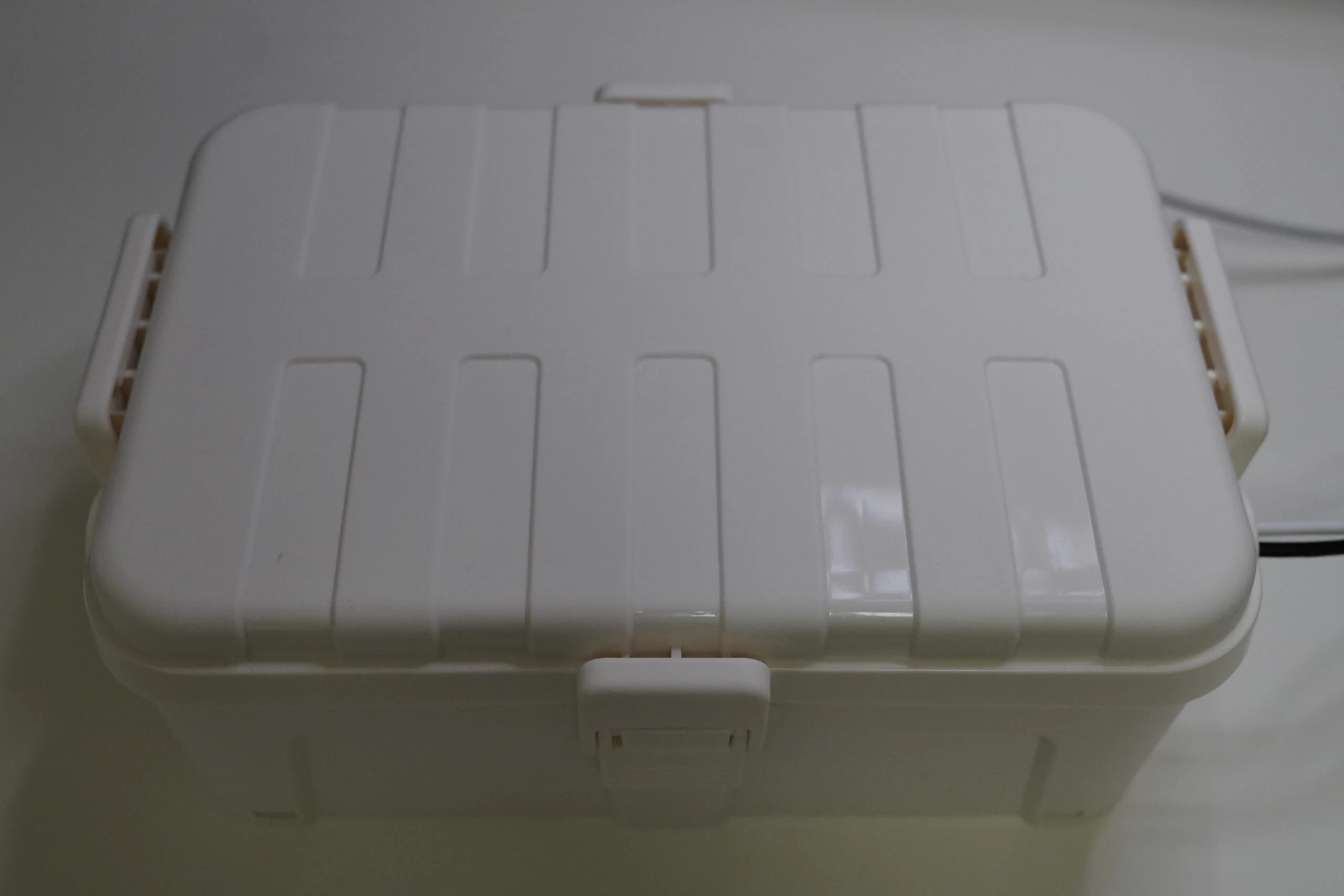
To test temperature rise in a sealed space, I bought a waterproof box. It is inexpensive but well made, with several places to route cables, even ones as thick as an AC power cable.
Related product listings: Find waterproof boxes on Amazon (Ad)
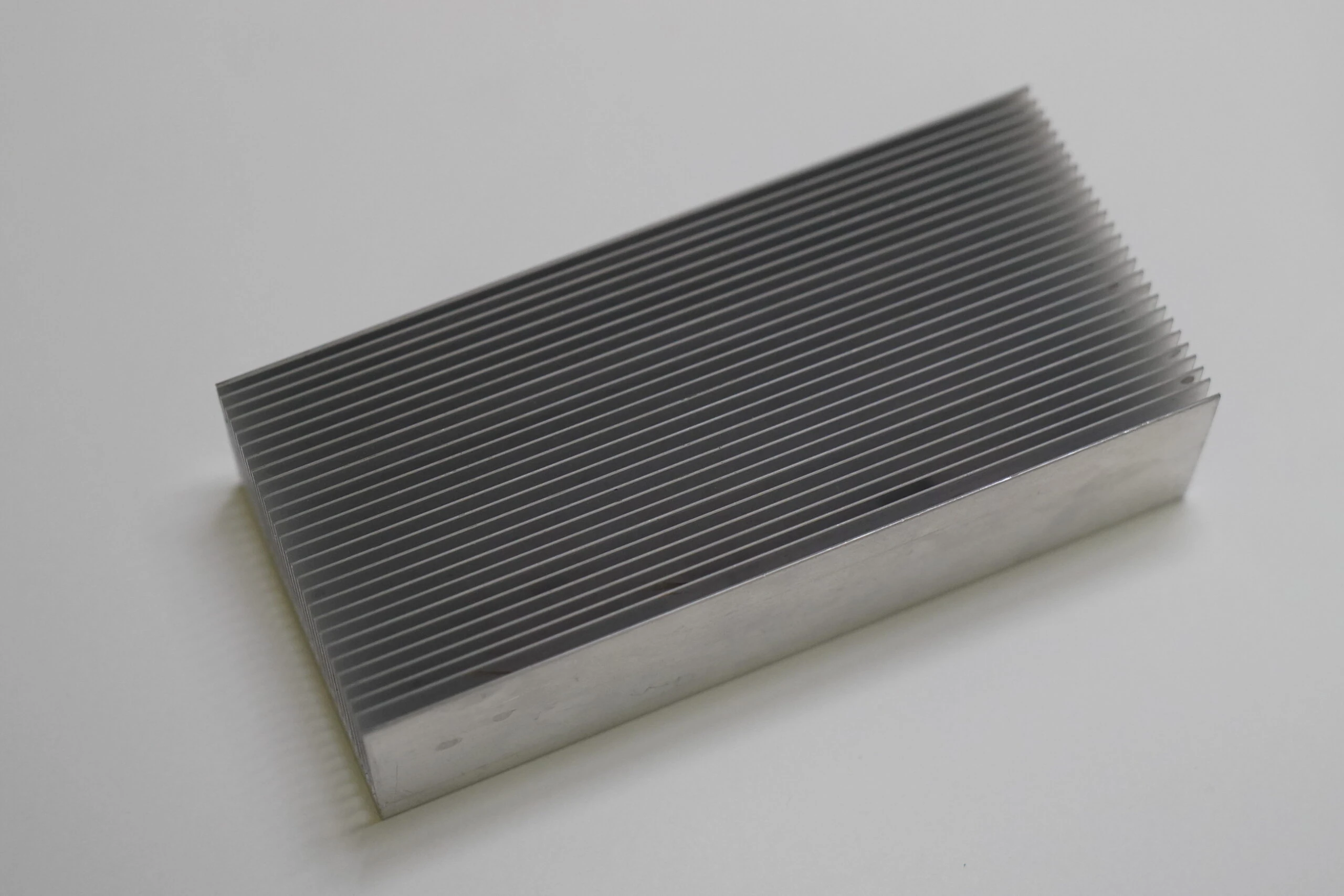
I also reuse a large aluminum heatsink.
Related product listings: Find large aluminum heatsinks on Amazon (Ad)
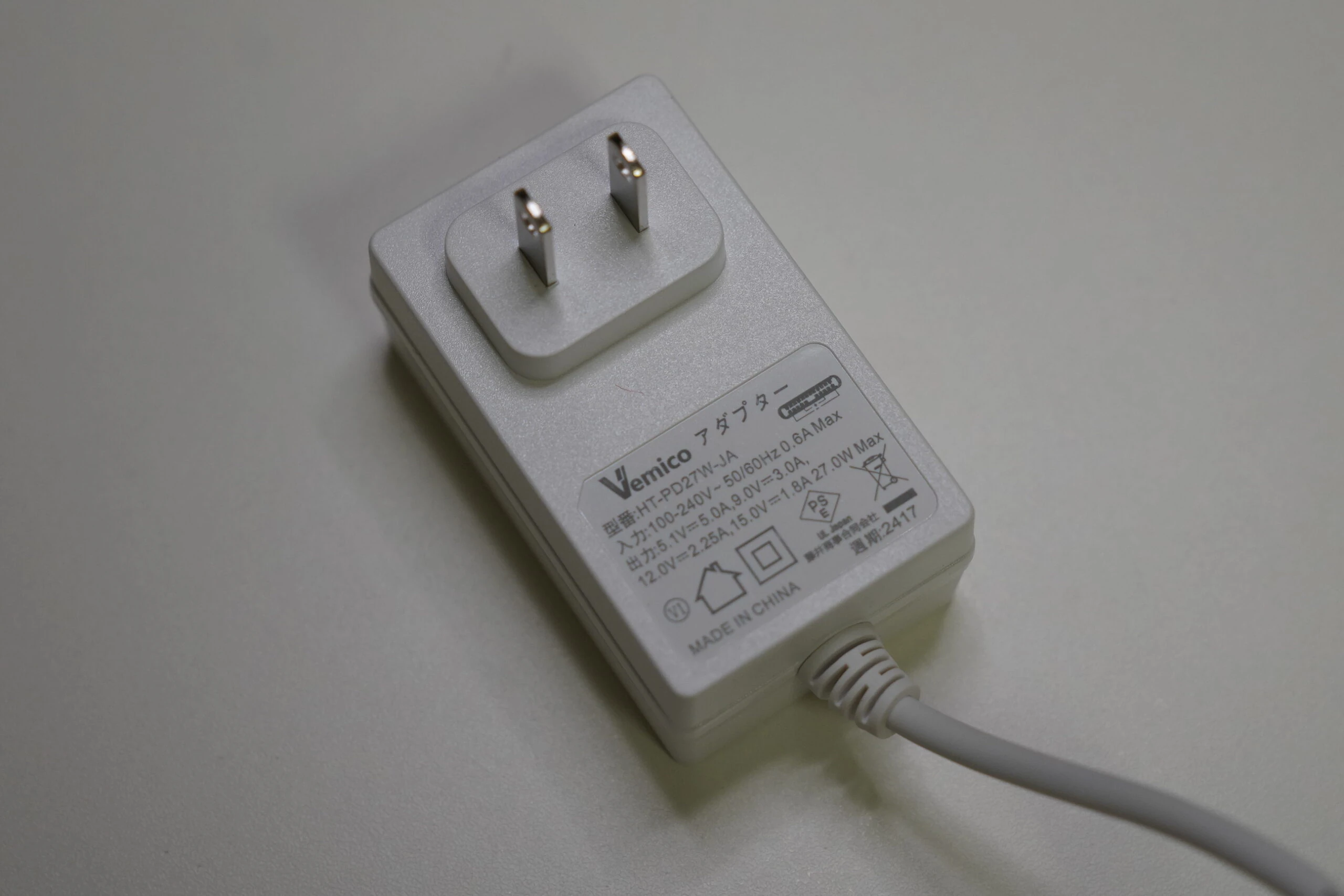
 The 5V 5A adapter costs around ¥2,000 and has to be bought separately. Needing accessories like this is a disappointing part of the Pi 5.
Related product listings: Find Vemico Raspberry Pi 5 power supplies on Amazon (Ad)
 Set it up and close the enclosure.
 As a precaution, check that the CPU is configured for full performance. Running cat shows performance on all four cores.
cat /sys/devices/system/cpu/cpu*/cpufreq/scaling_governor
performance
performance
performance
performance
Waterproof enclosure, 100% CPU load, temperature updates every five seconds
Apply stress and update the CPU reading every five seconds. Thermometers inside and outside the enclosure record those temperatures too.
stress --cpu 4 --timeout 6000
watch -n 5 "cat /sys/class/thermal/thermal_zone0/temp | awk '{print \$1/1000 \"°C\"}'"
30 minutes after starting: outside 26°C; inside 30°C; CPU 68°C. 50 minutes: outside 27°C; inside 31°C; CPU 72°C. 70 minutes: outside 27°C; inside 32°C; CPU 74°C. 90 minutes: outside 27°C; inside 33°C; CPU 74°C. The CPU temperature is settling around 74°C, although the enclosure temperature is still rising. There does not appear to be thermal throttling. Including the large aluminum heatsink may have helped. 110 minutes: outside 27°C; inside 33°C; CPU 75°C. I ended the test at that point. This suggested it could cope to some extent even in a sealed enclosure. System longevity might still be an issue, but the CPU would not normally remain at 100% continuously, so I accepted it for this experiment. A stainless-steel enclosure might have been better than plastic. At least this setup did not immediately overheat and become unstable, although cooling could still be improved. The Pi 5 certainly gets hot.
A few months later
When I built it, it felt like a good purchase, but I eventually stopped using it. For low heat and power consumption, I use a Pi 4; for performance, I use a mini PC. I did not really need the Pi 5. Without it, a simpler waterproof enclosure would probably have been enough as well.
Raspberry Pi 5 listingsBrowse on Amazon Ad · Amazon Associate link
Related articles


Updates and contact: X @riragoncom.