Sticky Password review: a lifetime license, dark-web monitoring, and six years of use
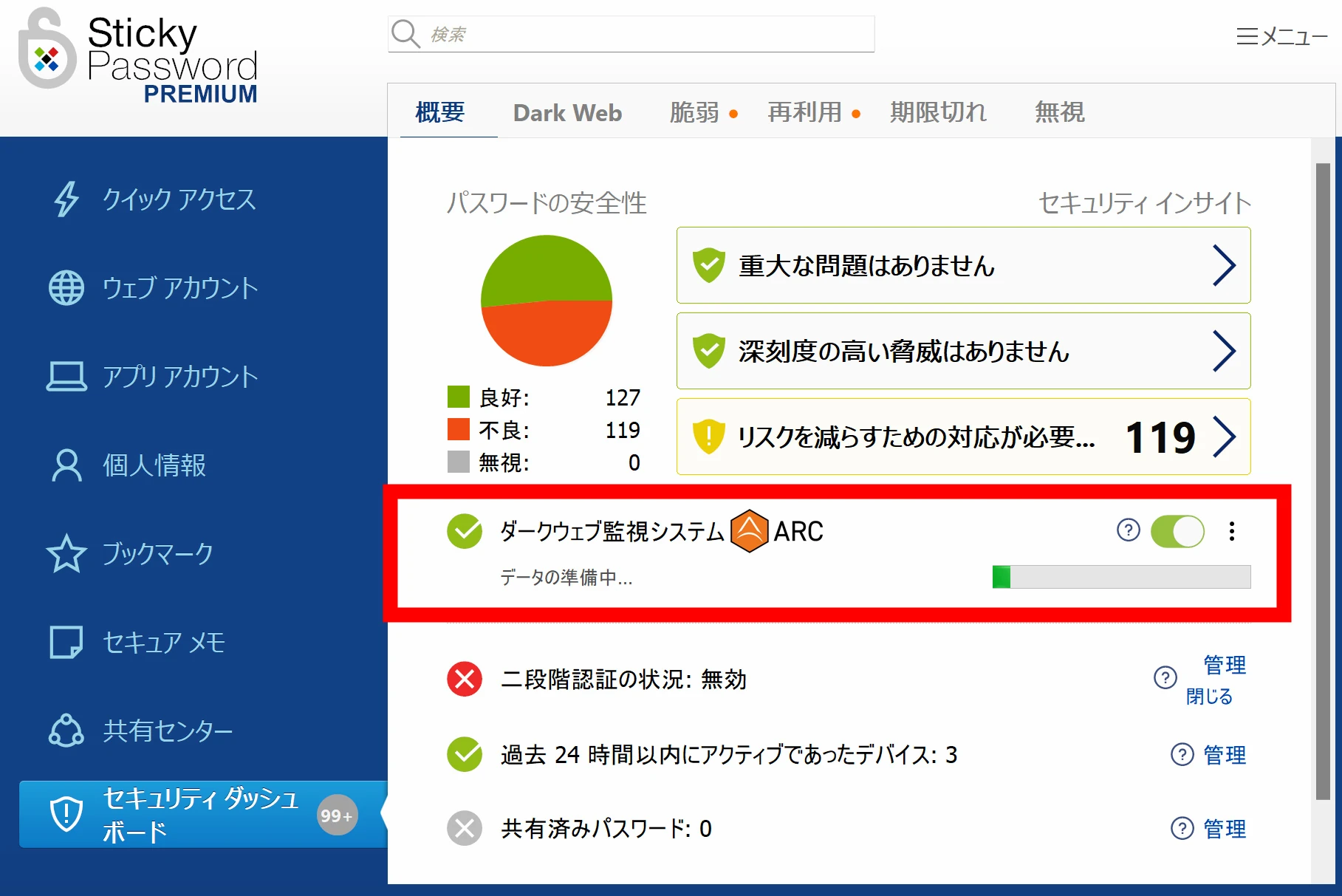
Sticky Password stores multiple logins behind one master password. Its dark-web monitoring, provided through Crossword Cybersecurity PLC, checks for exposed passwords and alerts you so you can change them.
Note: This article was published more than a year ago.
- Password-manager and operating-system password features change their interfaces and synchronization methods between releases. Consult the official security guidance.
- Providers update the terms of breach-search and notification services. The services mentioned here are examples from the time of writing.
- Security recommendations, including multifactor authentication and backup keys, are updated. Consult current guidance.
Sticky Password is a password manager. Setting one master password gives access to the various saved passwords. I have used it for six years. It includes dark-web monitoring that checks for exposed passwords and warns you. If a password leaks, changing it is one way to protect yourself.
Sticky Password: an increasingly unusual lifetime license
Almost everything is a subscription these days, including password managers. I prefer a lifetime license where possible. Sticky Password offers a one-time-purchase lifetime license. It is made by Lamantine Software, headquartered in the Czech Republic.
Its core team reportedly worked on antivirus software at AVG Technologies previously.
Sticky Password was introduced in 2001, giving it a track record of more than 23 years at the time of writing.
That makes it a long-established specialist in the field.
Sticky Password
https://www.stickypassword.com/
A Czech company may seem unusual, but the country apparently has several prominent security-software businesses.
Is Sticky Password trustworthy and safe?
The arrangement is a little complicated: Sticky Password's Japanese presence is operated by its distributor, KOMODO Co., Ltd.
That is why Japanese searches for Sticky Password bring up KOMODO.
Even clicking the Japanese-site link on the headquarters site at https://www.stickypassword.com/ takes you to KOMODO's page.
As the explanation below says, it is a product-introduction site, a fairly ordinary distributor arrangement.
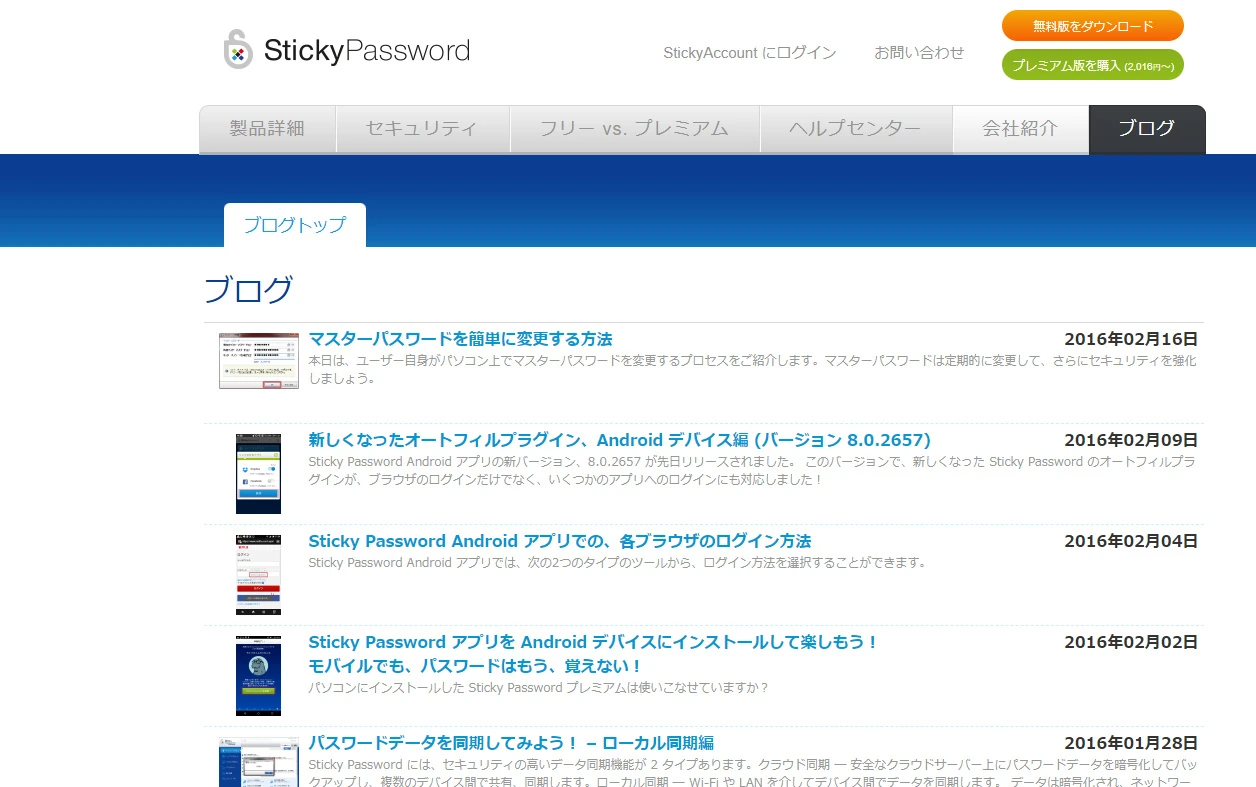
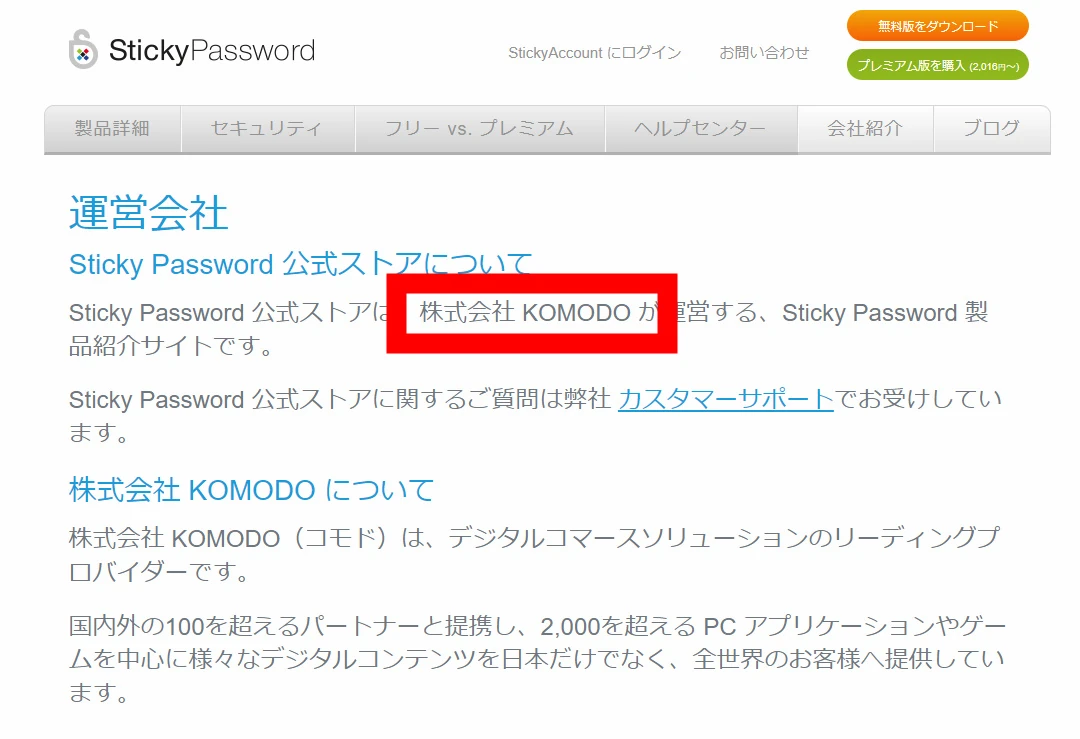 Viewing it as the Japanese manufacturer's site can be worrying: some articles have not been updated since 2016. Is that all right for security software? But it is an introductory distributor site. Such sites may stop receiving updates over time; that is not unusual for a distributor's sales page.
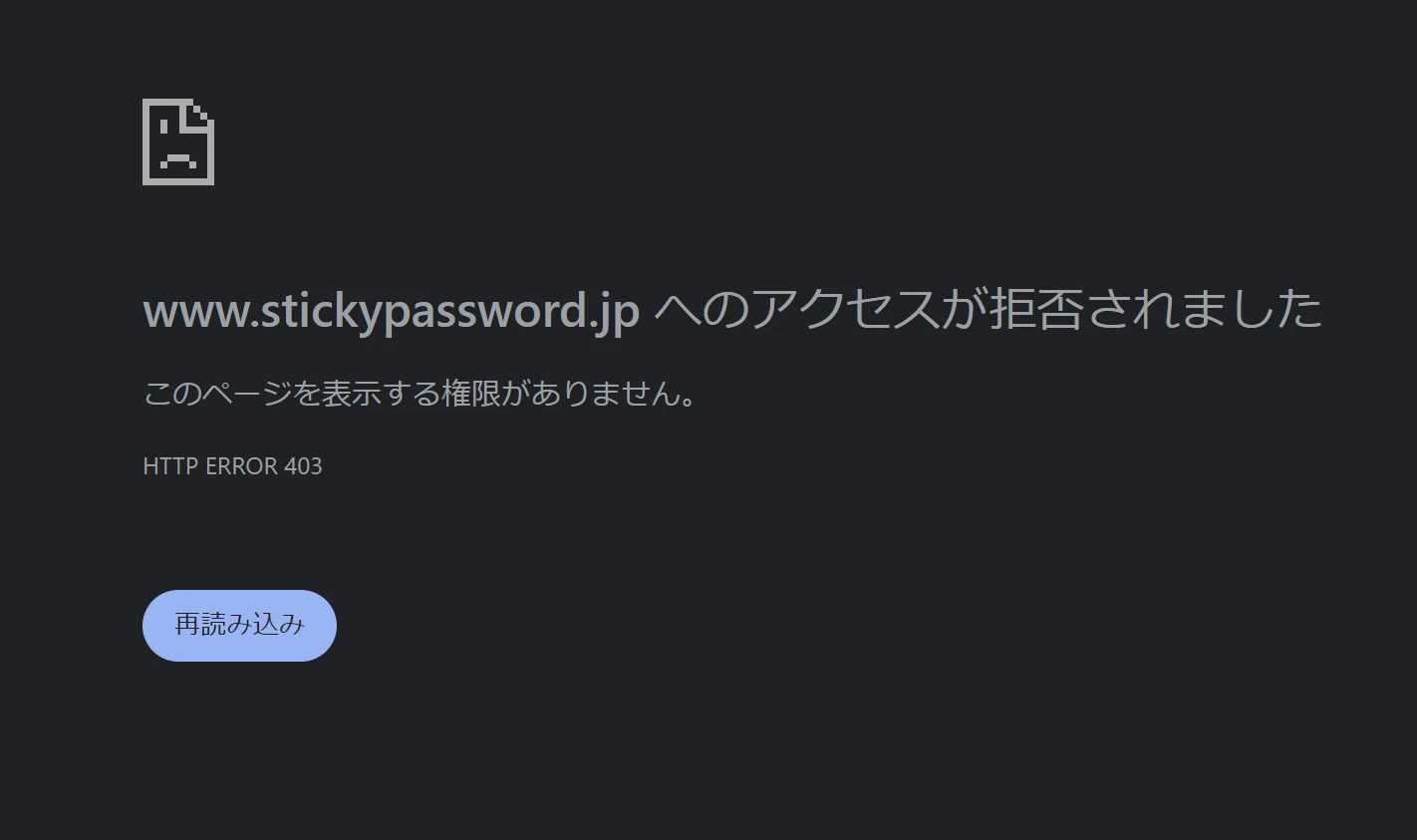
 I am writing this on July 6, 2024.
For some reason, https://www.stickypassword.jp/ has been inaccessible since around yesterday.
It is the same in other browsers and on a phone using a different IP address.
I do not think it is a block affecting only me.
。
Perhaps the site is under maintenance, or its domain or certificate has expired.
。
。
。
Since it is a distributor's site, it should be separate from the headquarters. I expect the main service to be all right.
It will probably return eventually.
。
 The Japanese site makes me uneasy, so let us check the headquarters site. Its blog is updated and includes specialist discussion of security and passwords.
https://www.stickypassword.com/blog/
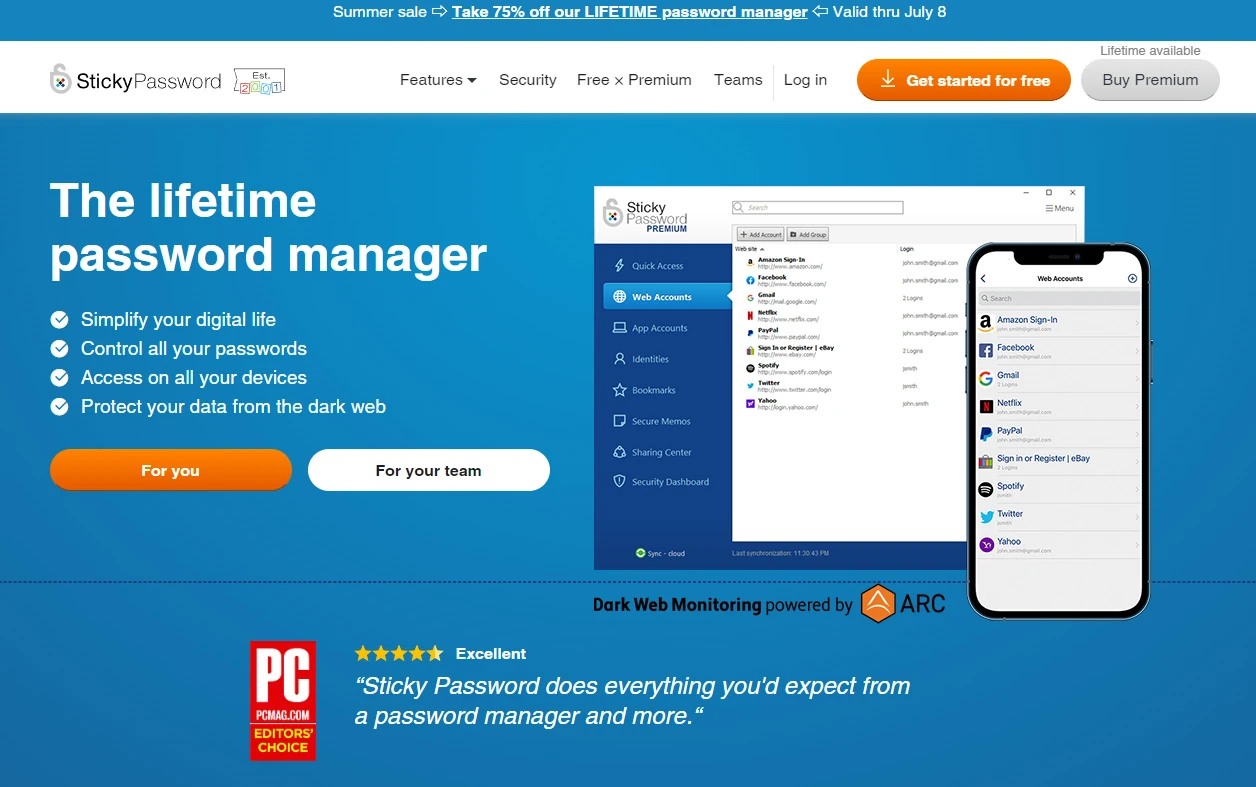 Software updates are frequent too; the latest was July 1, 2024. That is reassuring: it appears properly maintained.
https://play.google.com/store/apps/details?id=com.stickypassword.android&hl=ja
A brief explanation of how Sticky Password works
Features include automatic form filling, password generation, and secure synchronization across devices. It uses AES-256 encryption, often described as military-grade, to protect user data, and offers biometric and two-factor authentication options. It supports Windows, Mac, Android, iOS, and most major web browsers.
Synchronization choices include cloud-based sync, local Wi-Fi sync, and manual offline sync, allowing you to choose according to your privacy preferences.
Other features include dark-web monitoring for exposed information and emergency access for a trusted person. In short, it has most of the conveniences one expects from a password manager. See the website directly for details.
Dark-web monitoring was added in January 2023
The feature I wanted to discuss is dark-web monitoring, added in January 2023. The KADOKAWA ransomware incident recently exposed information, and large amounts of data leak from other organizations every day too.
Information leakage from the KADOKAWA ransomware attack
https://tp.kadokawa.co.jp/.assets/240703_release_mRuGoqZ3.pdf
These leaks are unlikely to stop. With so much leaking from so many places, it can feel as though almost everything has been exposed. A major concern is leaked data appearing on the dark web and being misused.
Dark-web communications are encrypted and preserve users' anonymity, making operators and visitors difficult to identify. The harmful side is that illegal information can be posted with less risk of identification, creating opportunities for crime.
There is a positive side too: privacy and freedom of information. Journalists and whistleblowers can use it to share information while avoiding government surveillance and censorship.
For an ordinary person, searching for personal information through tools such as Tor Browser is difficult. A practical response is to check exposed passwords and change them. Keeping personal information out of digital systems would be ideal, but we cannot all live in the mountains; digital information is part of modern life.
This is where Sticky Password's monitoring comes in. Through Crossword Cybersecurity PLC, it checks passwords exposed on the dark web. I turned ARC on for the first time to try it.
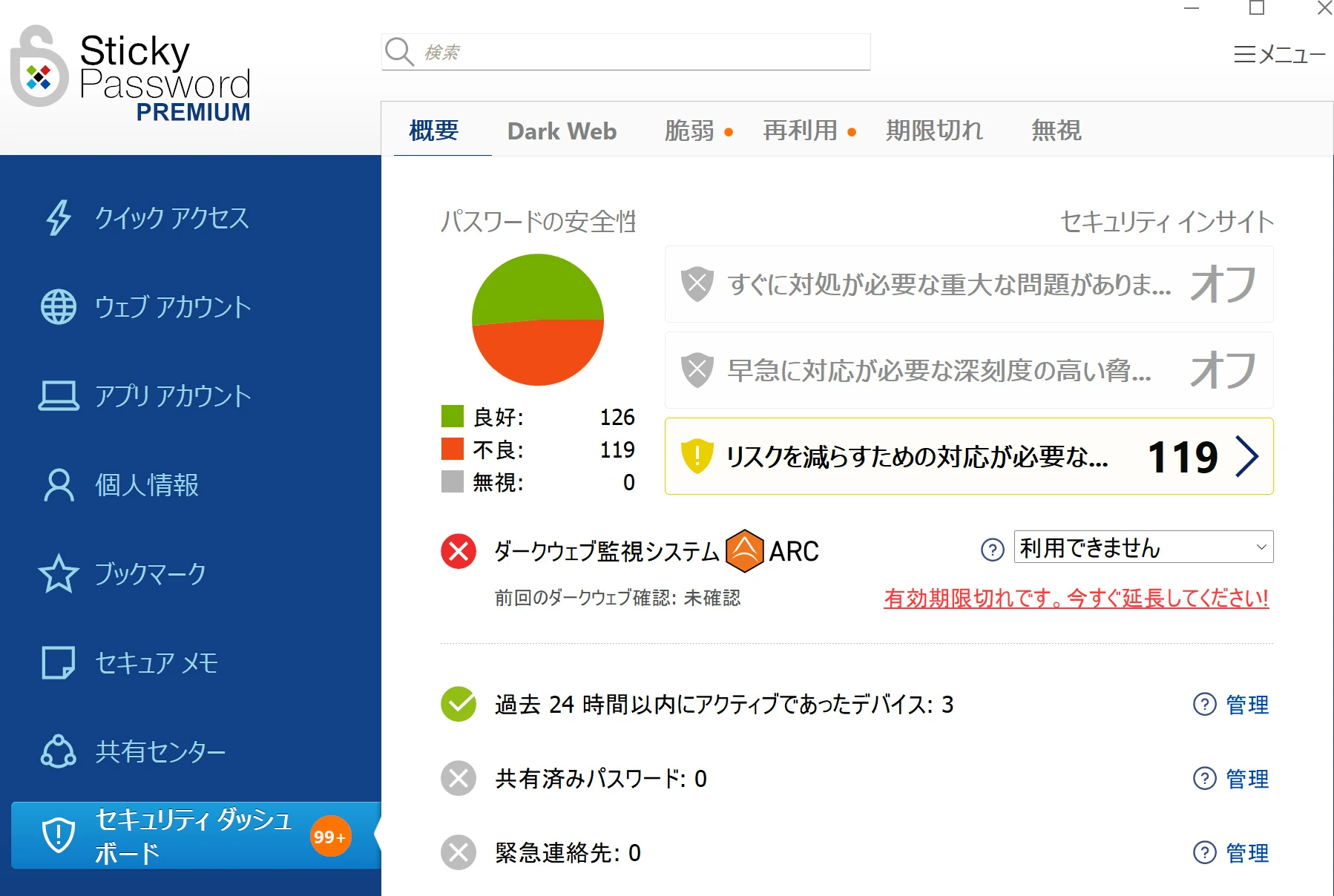 After a while, it reported 39 exposed passwords. I had reused very simple passwords on services I did not mind losing. Well, this was a good opportunity: I changed them all.
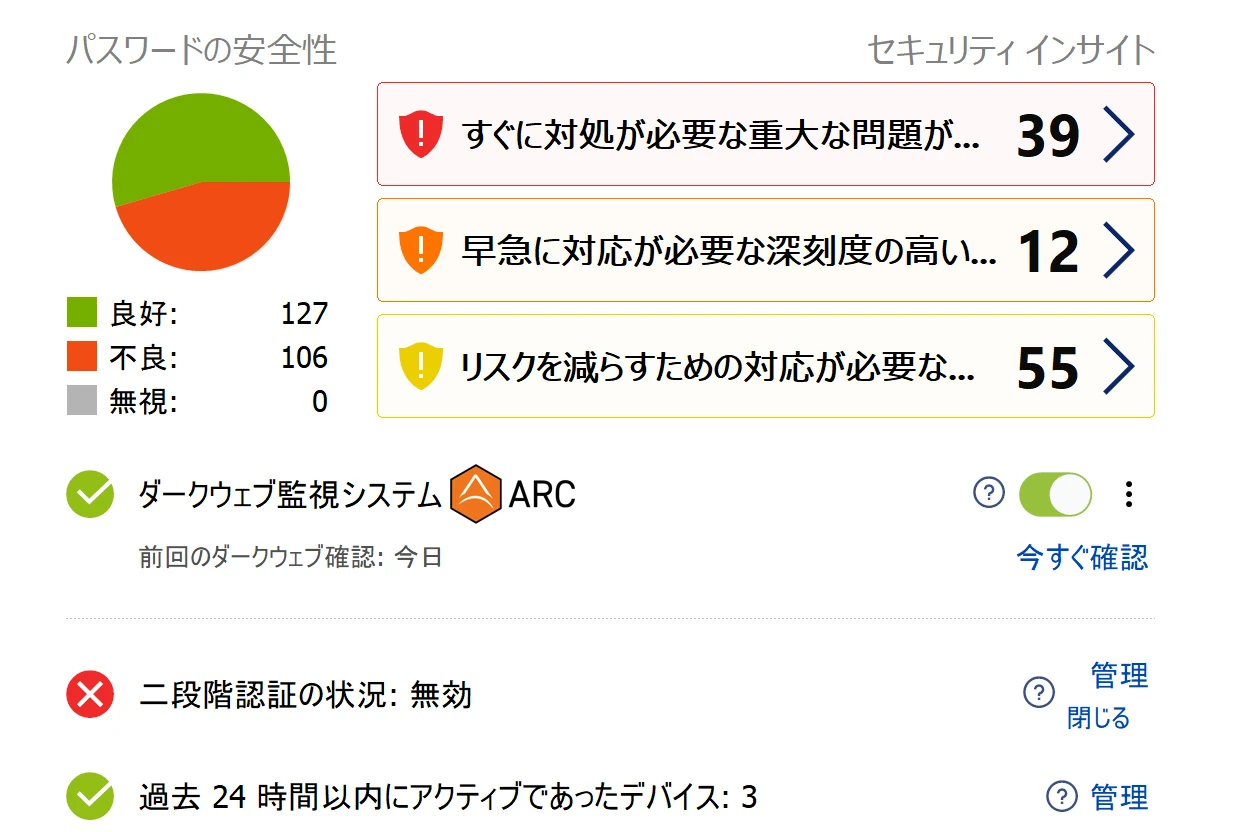 If leaked information from KADOKAWA or elsewhere becomes available for misuse and is listed by Crossword Cybersecurity PLC, Sticky Password can show a warning so I can respond. That is one practical measure available to an individual.
I bought Sticky Password in May 2018
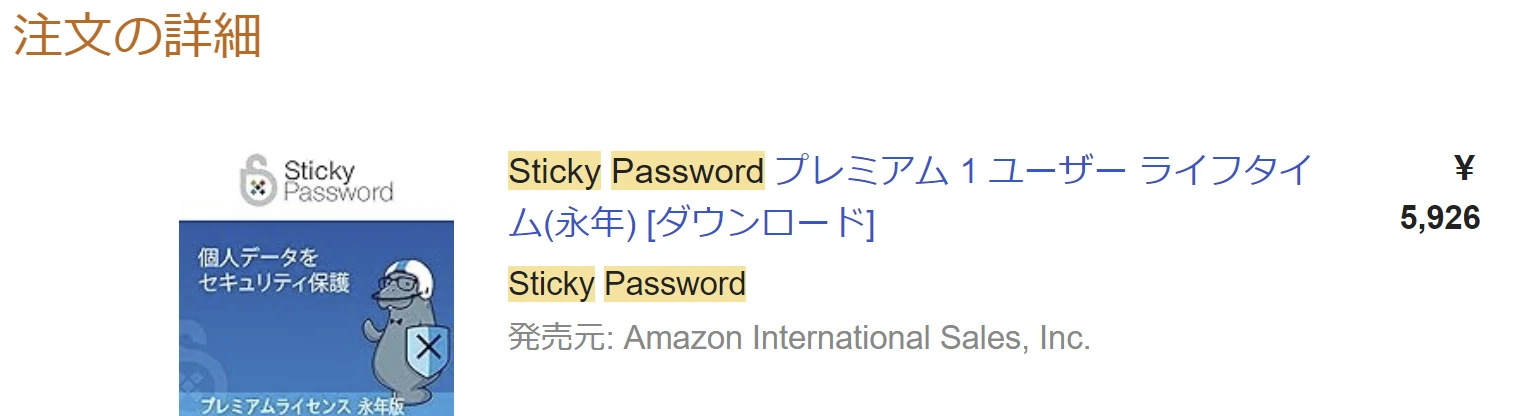
I bought Sticky Password in May 2018 and have used it ever since. Looking back, I seem to have paid about ¥6,000 on Amazon. I have not paid again for that license. It is now 2024, so that is six years of use. Inexpensive!
 I store all my logins in it, from banking to unimportant services.
If Sticky Password were hacked, I would be in serious trouble financially.
That is frightening, but I depend on it too much to manage without it. If something happens, I seem destined to go down with it.
So take comfort in that, if you can.
If you use Sticky Password and something goes wrong, I will be caught in it too.
Doomed together!
With that concern in mind, I wanted to contribute a little to help the company remain stable. Dark Web Monitoring was offered for $12 per year, so I paid for it. Purchase details Dark Web Monitoring - 2 Year License Renewal $24.00 Total: USD $24.00 ¥4,050 JPY = $24.00 USD 1 JPY = $0.0059 USD Voluntary support feels better than a compulsory subscription, even though I ended up subscribing anyway.
Using Sticky Password: mainly the annoyances
It is not exceptionally easy to use. I use it on Windows, and startup is slow. You must enter the master password when opening it. Retrieving a password goes something like this: Launch → enter master password (it closes for some reason) → launch again → search for the password → enter it on the site. The delays and repeated input are irritating. Automatic startup is available, of course, but having it launch every time when I do not need it is annoying too. Update notifications also appear frequently. I initially installed every update, but they were so frequent that I stopped and now update occasionally. Sometimes an update launches a conventional installer rather than updating automatically in the background. It is a tedious process. There is an autofill feature for IDs and passwords. It sounds convenient, but sometimes it fills and signs in aggressively when that is not the account I want. That is frustrating. With browsers such as Chrome, keeping the integration updated can also require maintenance. Autofill can act so quickly that I cannot stop it signing in. It is awkward when managing multiple accounts, so I disable that feature. I have listed many complaints, but being able to install it on several systems and platforms is extremely useful. A new password saved on one device is available on the others. I could not manage without that now. I highly recommend it, and it generates passwords automatically too. Sticky Password is sold through several sites. I expect the product is the same wherever you buy it. Buy the lifetime license once and you can keep using it. Google and others also offer password management, but I find account-linked synchronization worrying. When borrowing someone's PC and signing in, it is possible to transfer your information into that machine's Chrome profile. Some action presumably enables it, but it can happen without being noticed. You may sign out of Gmail yet remain signed in to Chrome itself, as shown by the icon at the upper right, leaving bookmarks and passwords behind. It is surprisingly easy to overlook and forget to sign out. At work, I have handed a laptop to someone else and later found their Google account still linked. They had signed out of Gmail but apparently forgotten Chrome. Their bookmarks included everything, even banking sites. Passwords were available through autofill too, along with links to adult shops. Feeling sorry for them, I quietly signed out and removed the data. The possibility of that happening unnoticed in Google's ecosystem worries me.
Related articles

Updates and contact: X @riragoncom.