OvenMediaEngine WebRTC streaming: my low-latency WHIP and WHEP test
I built OvenMediaEngine on Ubuntu 24.04 and tested WebRTC video and audio through OBS WHIP and browser playback. This account includes the SRT failure, connection-setting difficulties, and roughly 600ms Wi-Fi result.

OvenMediaEngine is an open-source low-latency live-streaming server supporting protocols such as WebRTC and LLHLS.
It accepts inputs including RTMP, SRT, and RTSP and can perform adaptive bitrate, or ABR, transcoding.
Actual latency, scale, and stability depend on configuration and tuning.
The open-source edition is free to use.
Its license is AGPL v3.0.
It is convenient for a small experiment, but deserves careful consideration if it will be central to a business.
Modified portions carry disclosure obligations under the license.
Check the details yourself.
OvenMediaEngine is developed and published primarily by AirenSoft in South Korea.
Separately from the open-source edition, OvenMediaEngine Enterprise offers commercial licensing, long-term support, and additional features.
Consider that option for serious commercial deployment.
A Docker-based setup is available and convenient for a quick deployment. If you do not use Docker, you can also build it yourself with prerequisites.sh and the other tools. Let us do that on Ubuntu 24.04.
OvenMediaEngine Git repository
https://github.com/AirenSoft/OvenMediaEngine
The build takes quite a while. In my setup it failed without sudo, so I used sudo su to run it as administrator.
sudo apt update
sudo apt install -y build-essential nasm autoconf libtool zlib1g-dev tclsh cmake curl pkg-config
git clone https://github.com/AirenSoft/OvenMediaEngine.git
cd OvenMediaEngine
./misc/prerequisites.sh
cd src
make release
The build produced bin/RELEASE/OvenMediaEngine. I opened the required ports and registered it as an automatically started service.
- RTMP: 1935
- SRT: 9999
- MPEGTS: 4000/udp
- WebRTC Signalling: 3333 (HTTP), 3334 (HTTPS)
- WebRTC ICE: 10000-10004/udp
- TCP Relay (TURN): 3478
sudo ufw allow 3333
sudo ufw allow 3334
sudo ufw allow 3478
sudo ufw allow 1935
sudo ufw allow 9999
sudo ufw allow 10000
sudo ufw allow 10009
OvenMediaEngine's runtime configuration is in /etc/ovenmediaengine/Server.xml.
I could not get SRT to connect properly.
I have not identified the reason for that failure.
RTMP to LLHLS worked without difficulty.
Next, try WebRTC.
OBS recently added WHIP support, making WebRTC transmission easy. I was able to send both H.264 and H.265.
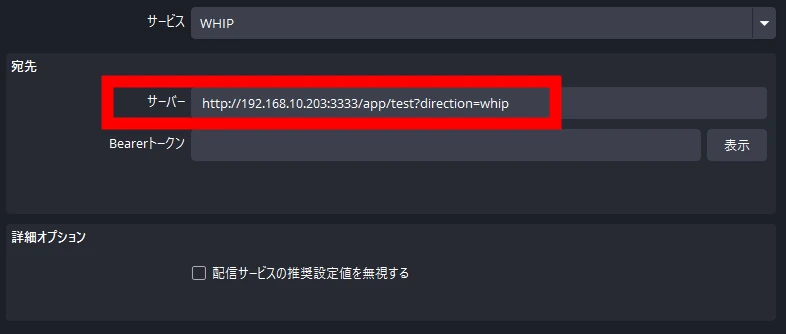 Finding a player that receives WebRTC was difficult, perhaps because the technology is primarily web-oriented.
I therefore set up an Apache2 server and made an HTML page accessible through the web.
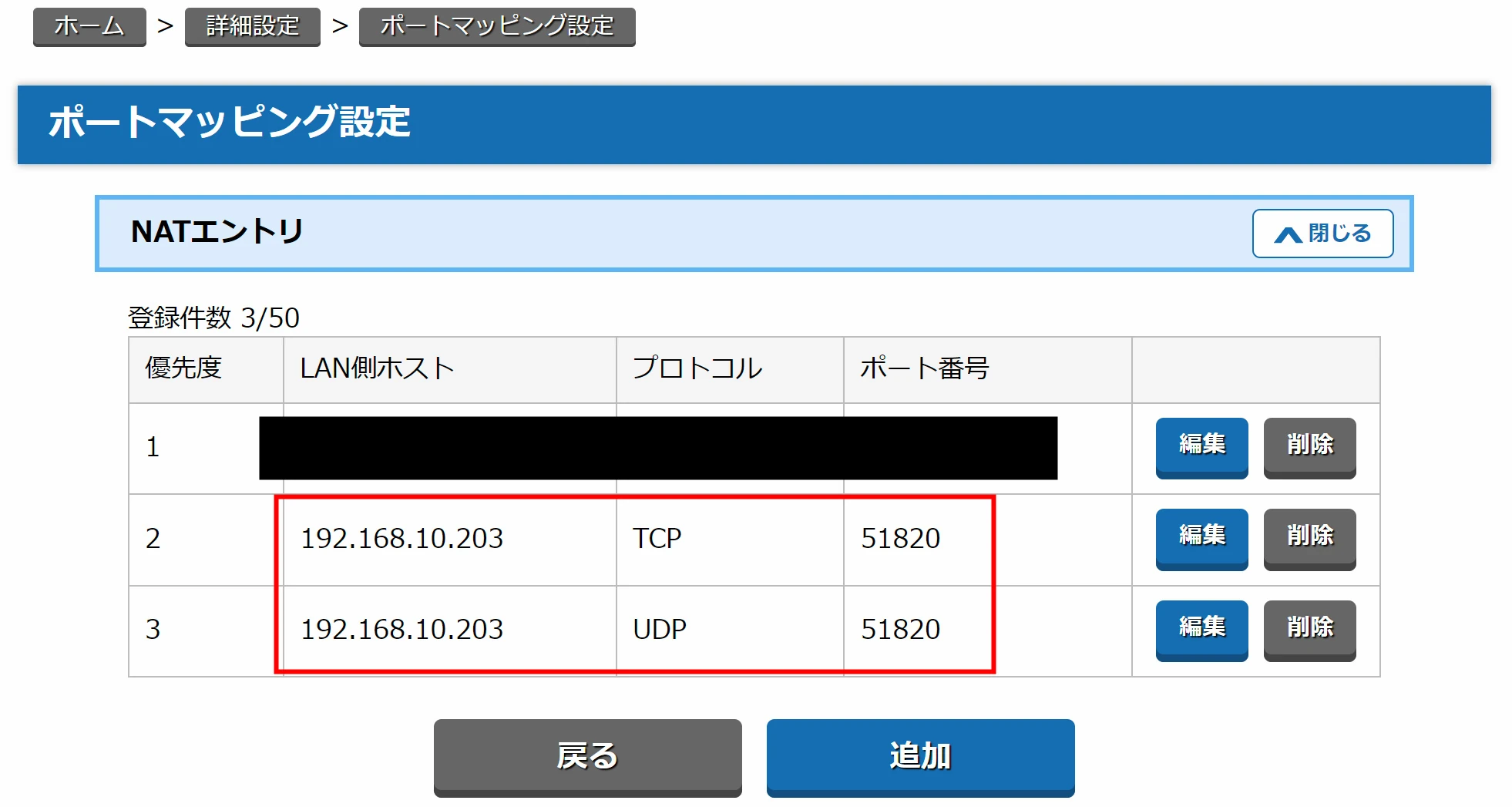
I struggled with TURN, STUN, and ICE settings before reception worked.
Adjusting the configuration made it connect, but I have not isolated which change improved the connection.
I sent 3840 × 2160 video at 60fps.
The source is on the left and browser reception on the right.
Latency was around 600ms. That is somewhat slow for a local setup, but perhaps respectable considering that both sender and receiver used Wi-Fi.
The server also uses Wi-Fi.
There is only occasional block noise.
Audio was sent and received correctly too.
 I built a WebRTC server with OvenMediaEngine and confirmed video and audio transmission and reception.
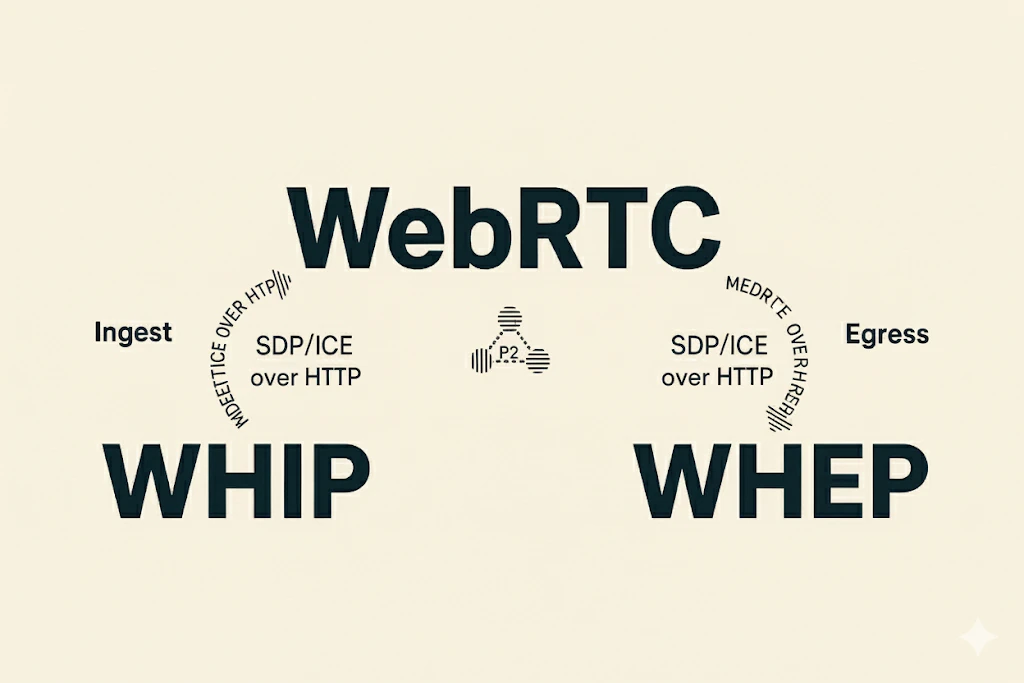
WHIP and WHEP let me try a WebRTC connection for the first time.
That means a relatively accessible browser-based stream with less than a second of latency is possible in this setup.
Related articles




Updates and contact: X @riragoncom.