Part 4: Modeling a network switch in Blender, texturing in 3DCoat, and importing into UE5
I photographed a small network switch, modeled it in Blender, and used those photographs to make textures in 3DCoat before importing it into UE5.
Note: This article is more than one year old.
- Blender, 3DCoat, and Unreal Engine change their interfaces and default export settings between versions. Recheck the workflow against their release notes.
- PBR texture color spaces and OpenGL/DirectX normal conventions can differ between tools. Check the import settings each time.
- 3DCoat's license options and update terms may change.
3D-Coat is software from Pilgway, a developer based in Kyiv, Ukraine. Using it is also one way to support Ukraine. It handles 3D modeling, texturing, rendering, UV mapping, and more. Competing products include ZBrush and Substance Painter.
It is available at a lower price than those products, with perpetual-license or subscription options.
Each has its strengths, but 3D-Coat is just as approachable.
I use it for sculpting and texturing.
You can do similar work entirely in the free Blender, but having several tools available can make work smoother by letting you use each one's strengths.
3D-Coat
Modeling a small network switch
Today I modeled a small network switch in Blender and tried texturing it in 3D-Coat.
Related listings for the model used as the modeling reference: Search Amazon for TP-Link TL-SG105E (Ad)
Photographing the switch
First, I took simple photographs of the top, bottom, sides, and front.
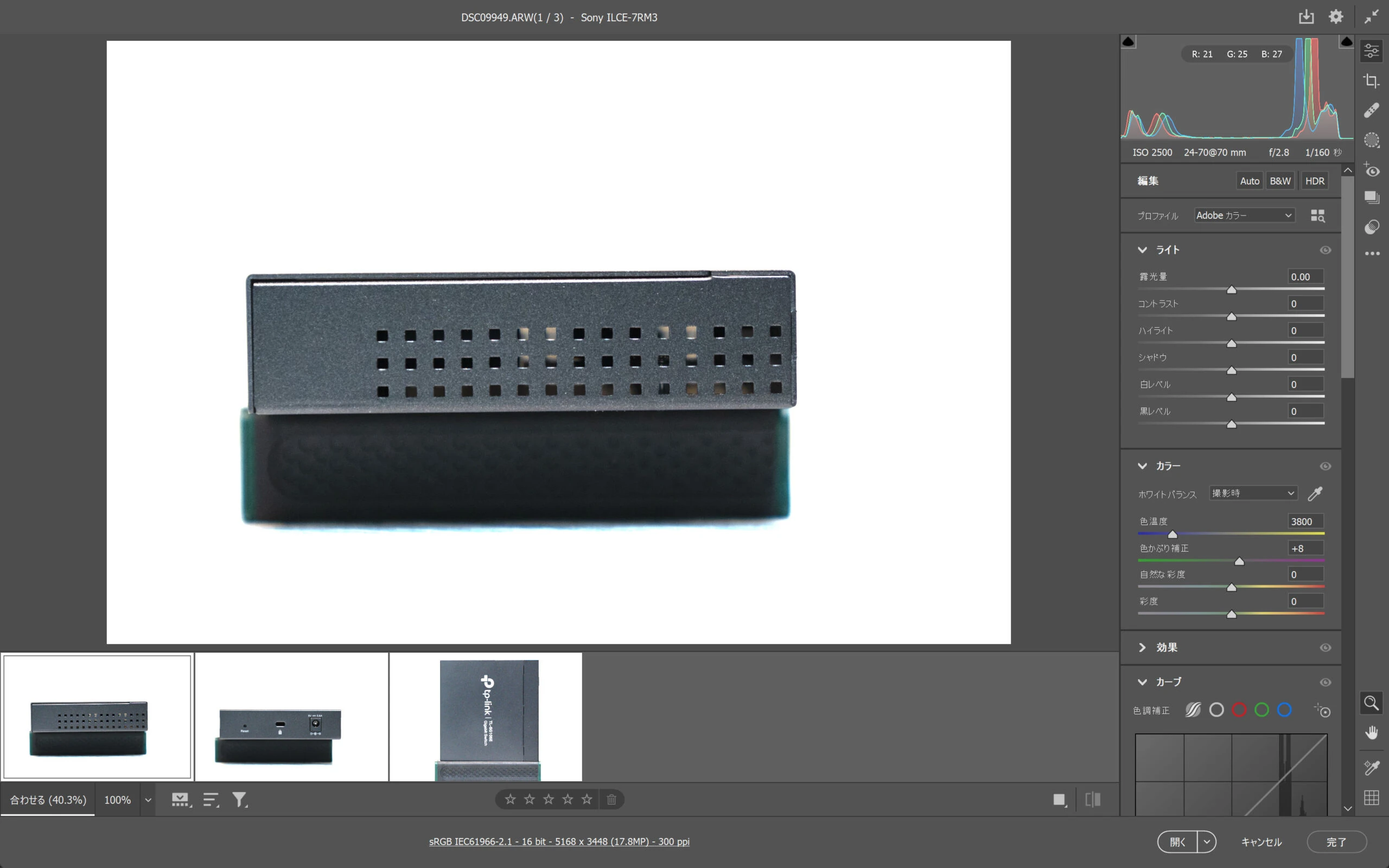
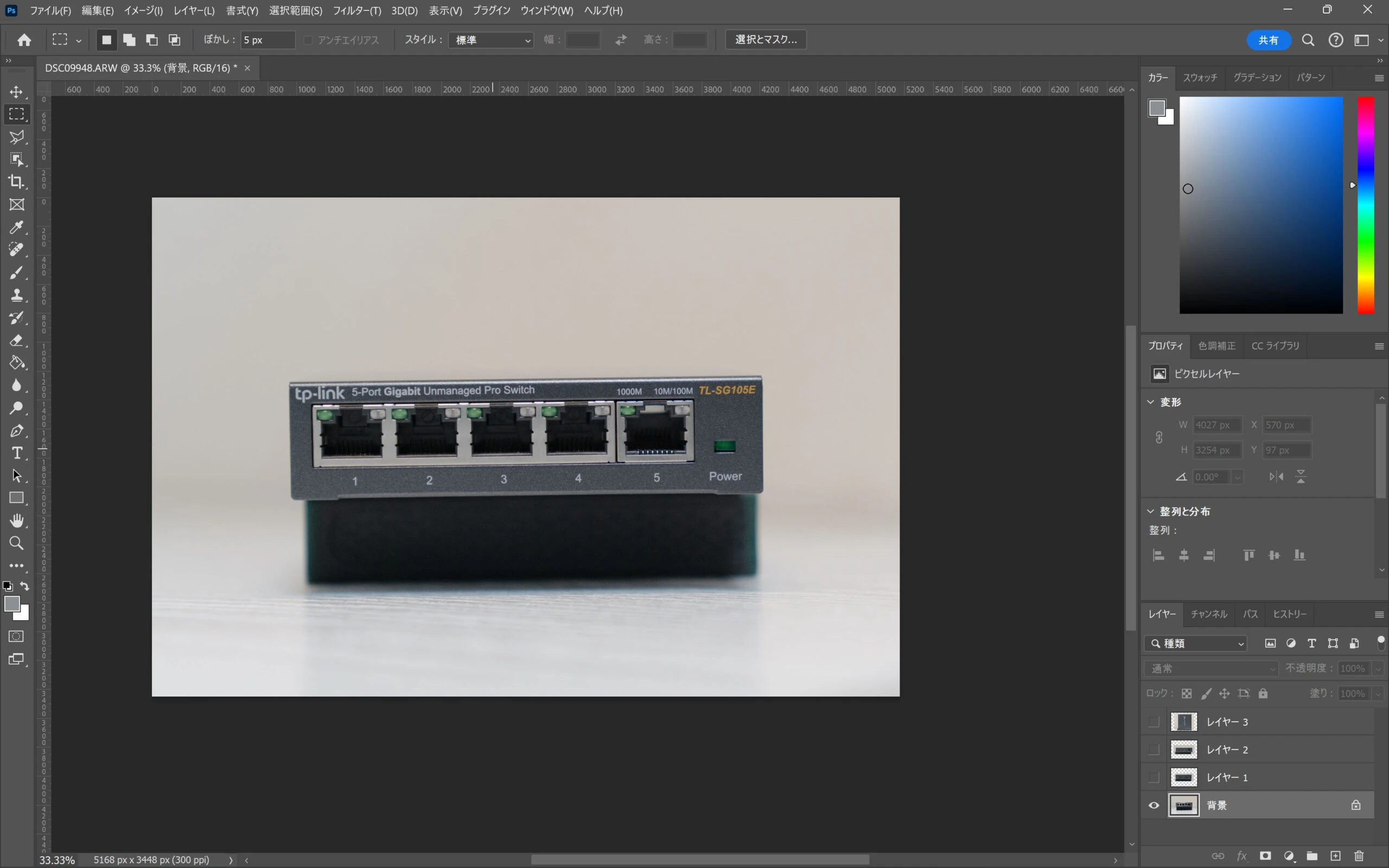
 I imported the photographs into Blender as guides.
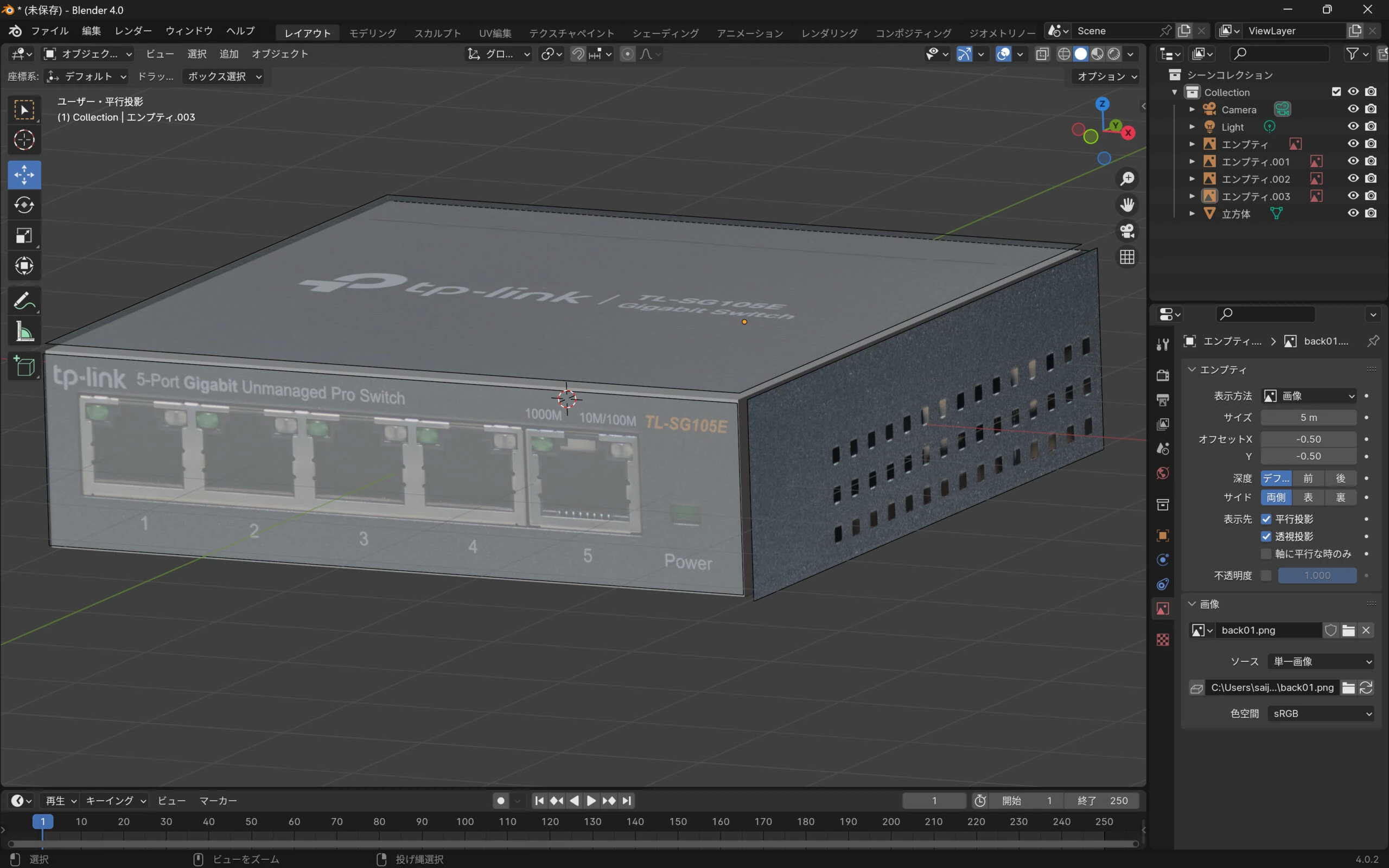 I modeled the object using those guides.
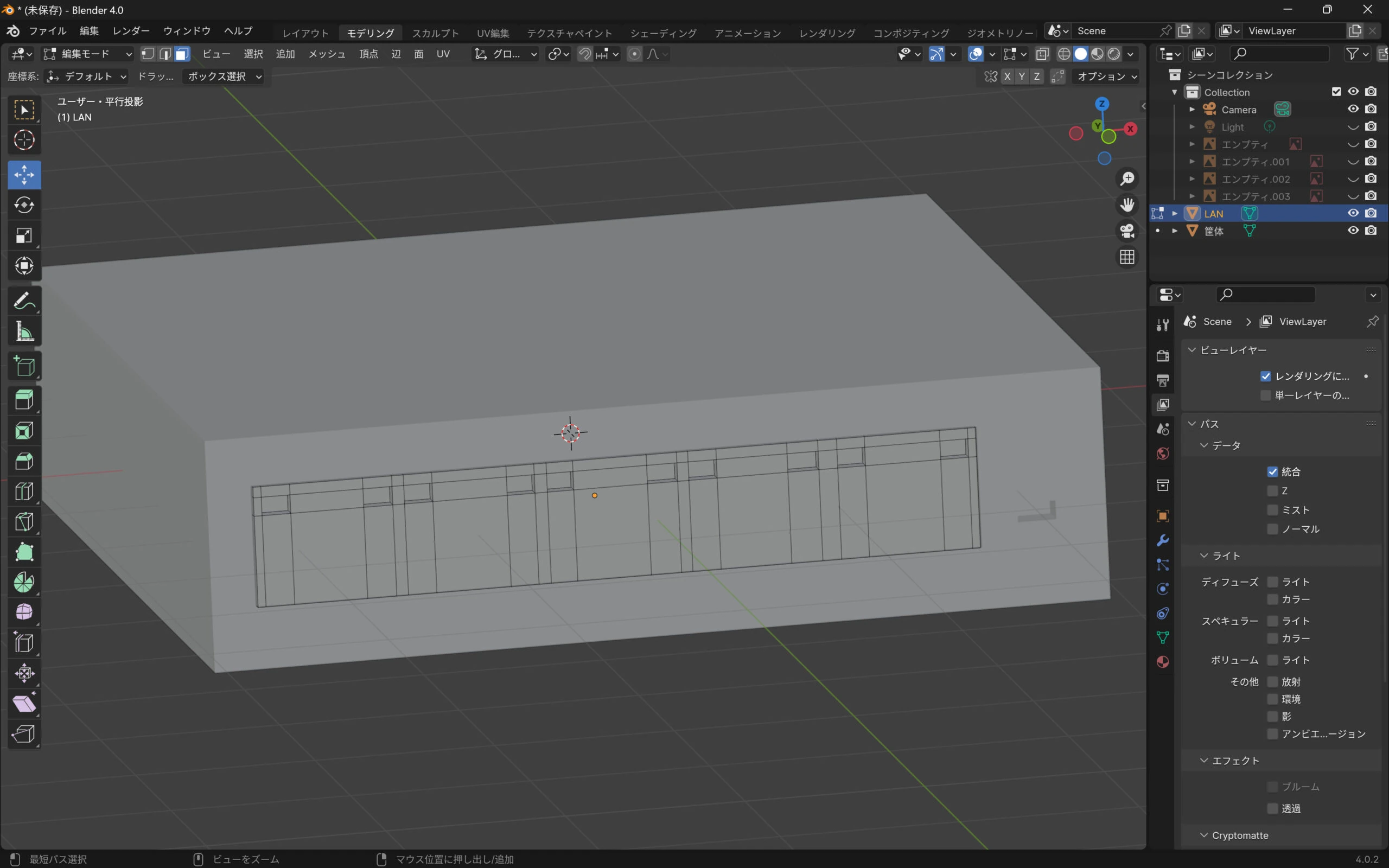
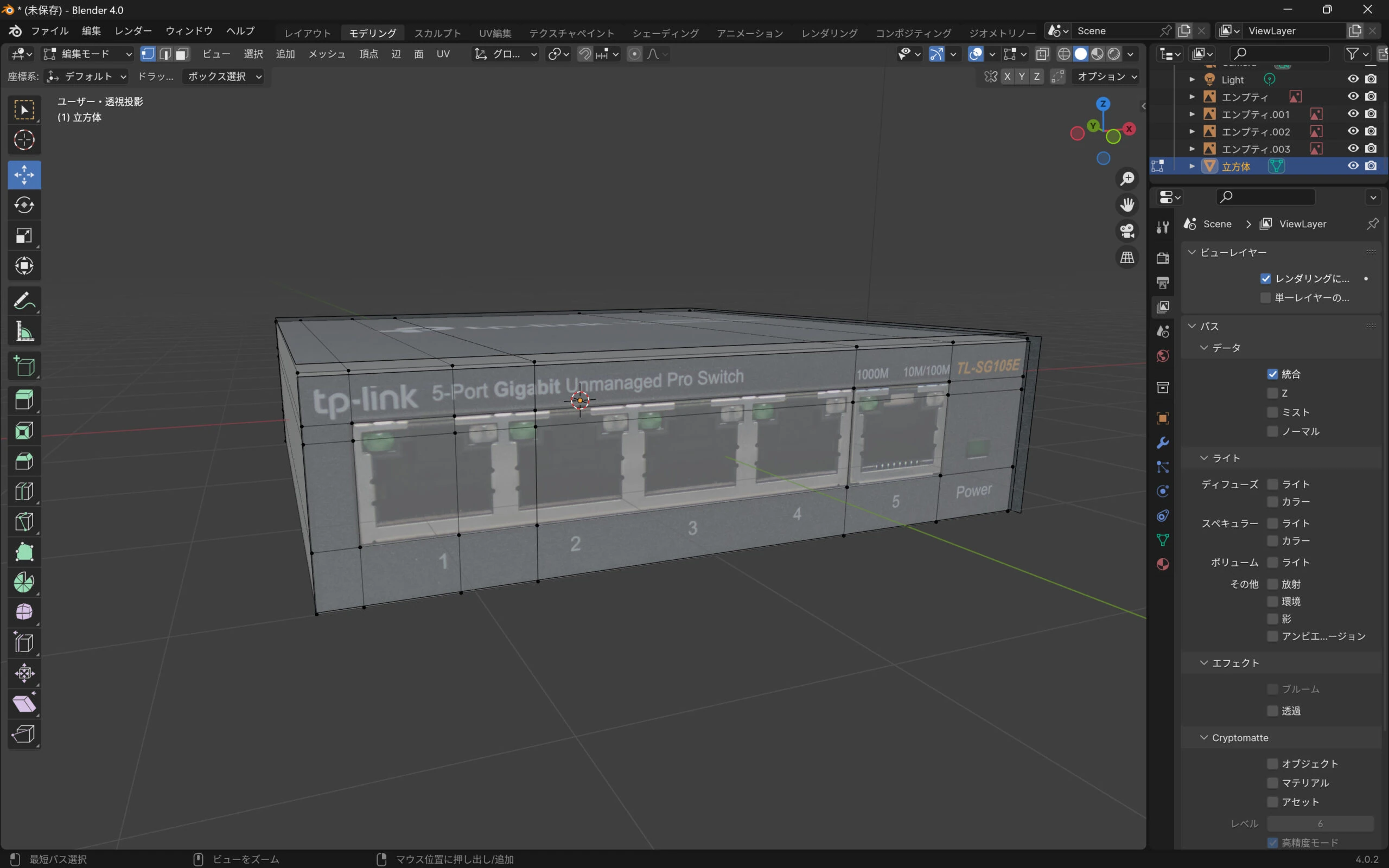 I recessed the connector area, making separate models for the case and connectors.
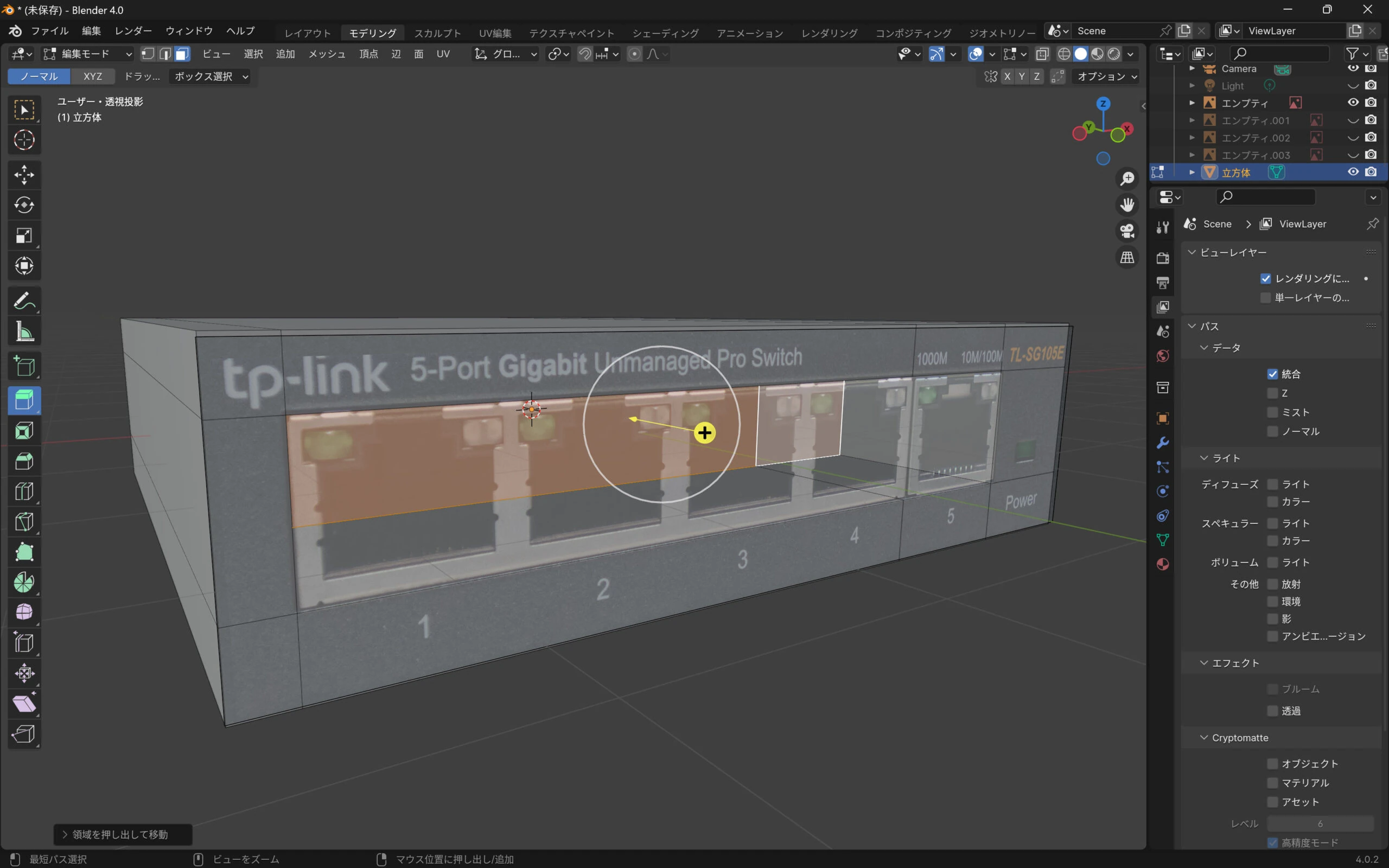
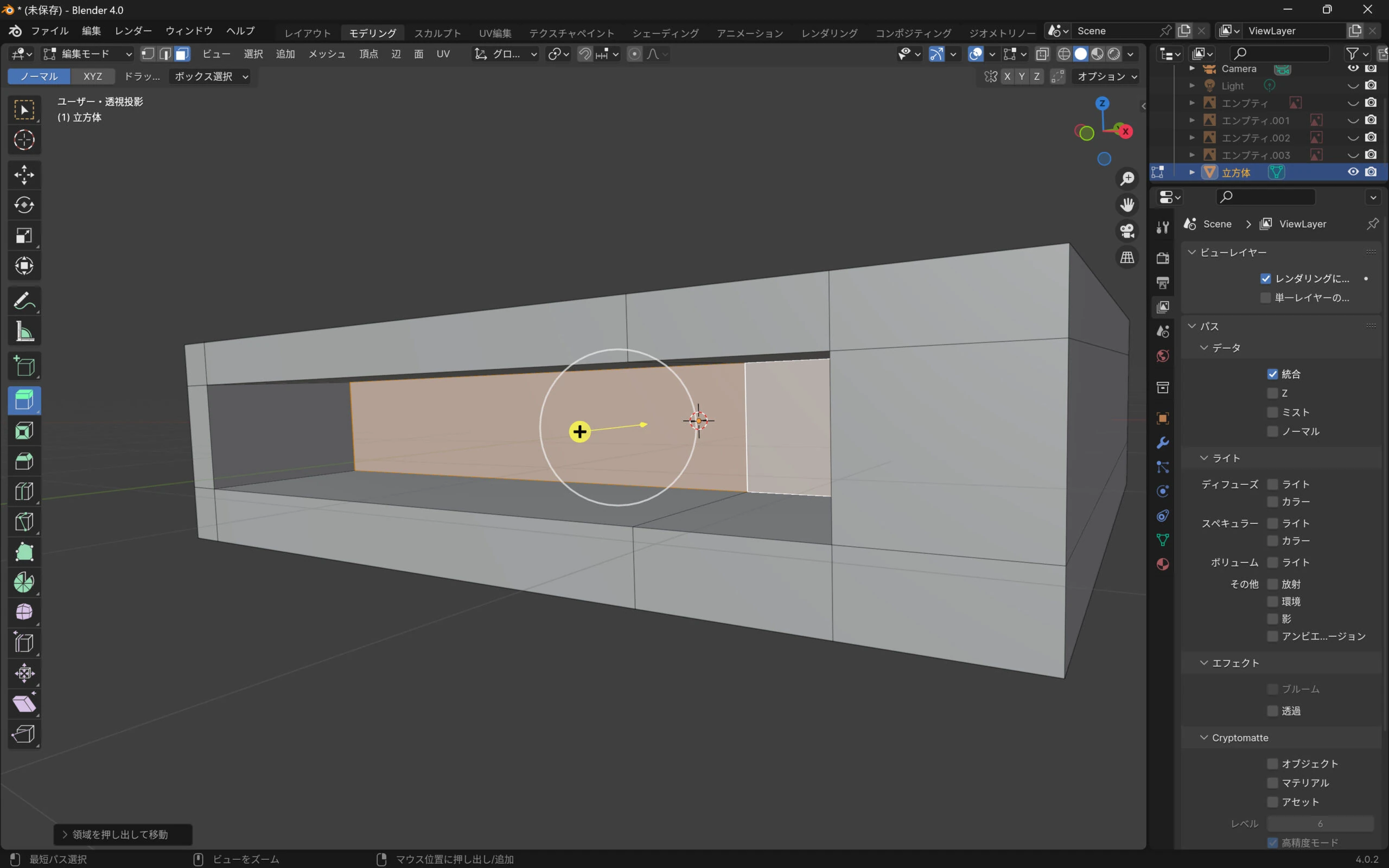 I extruded the power-connector area a little.
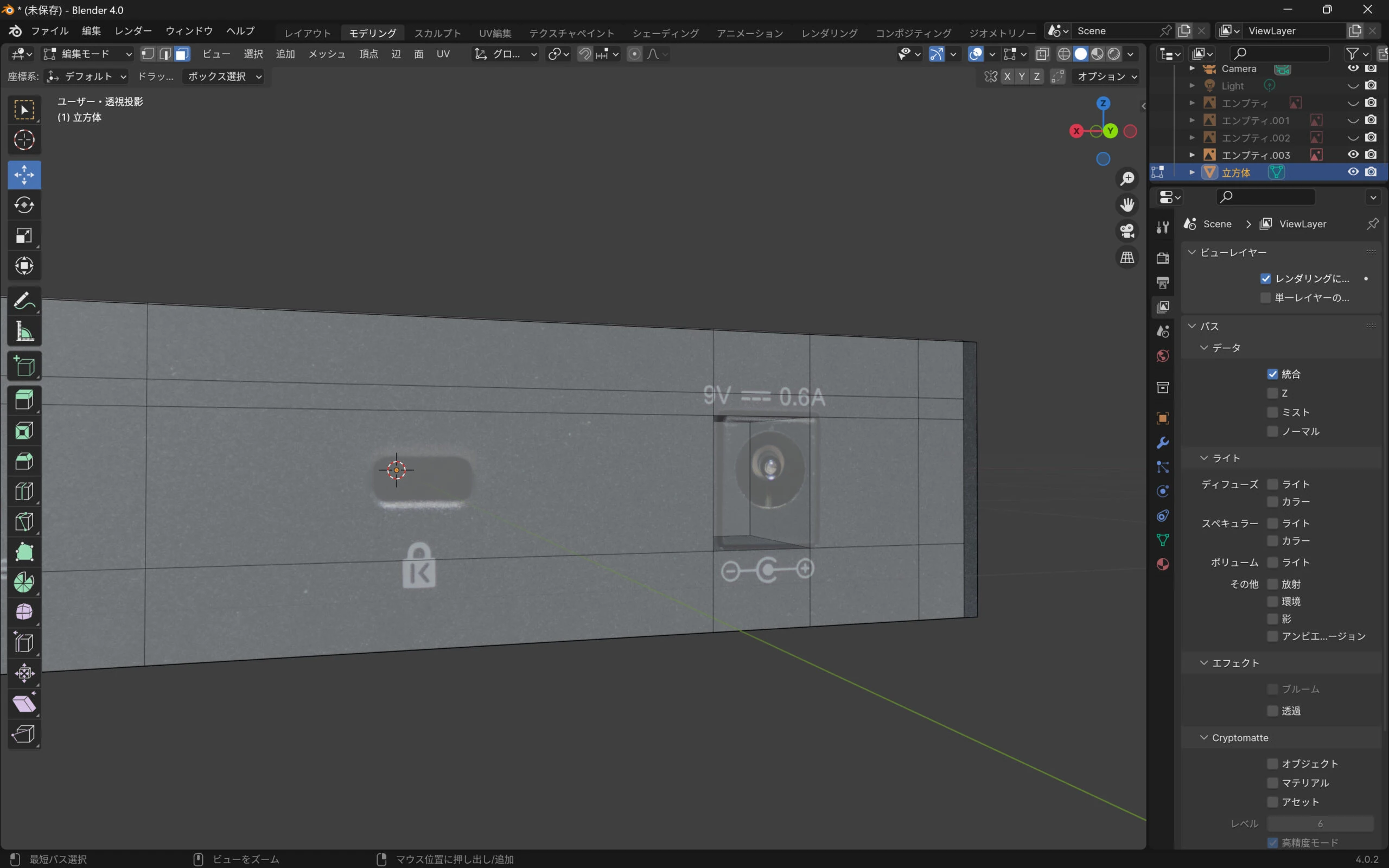 I wanted this LED to light up, so I recessed that area too.
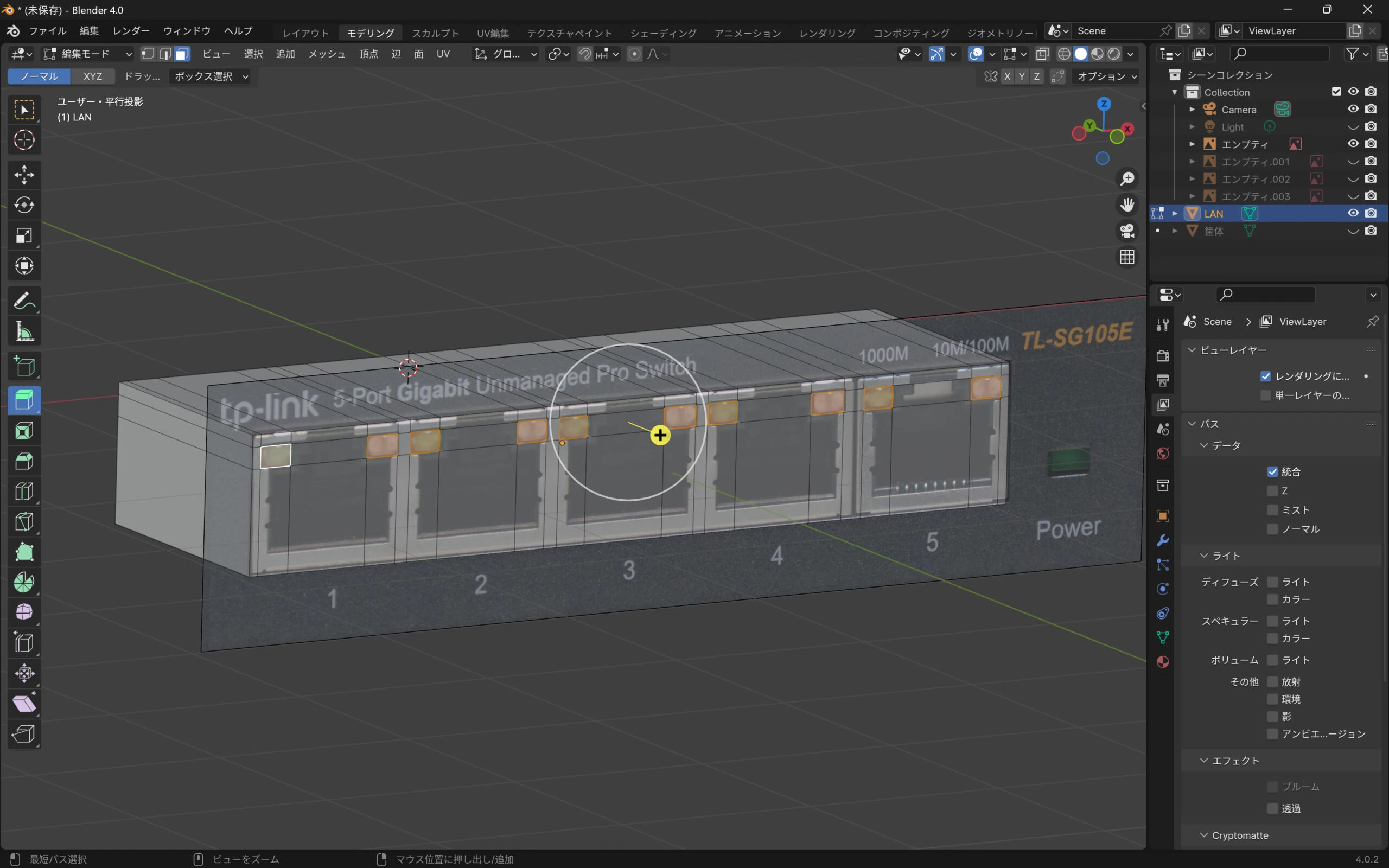 The modeling was complete.
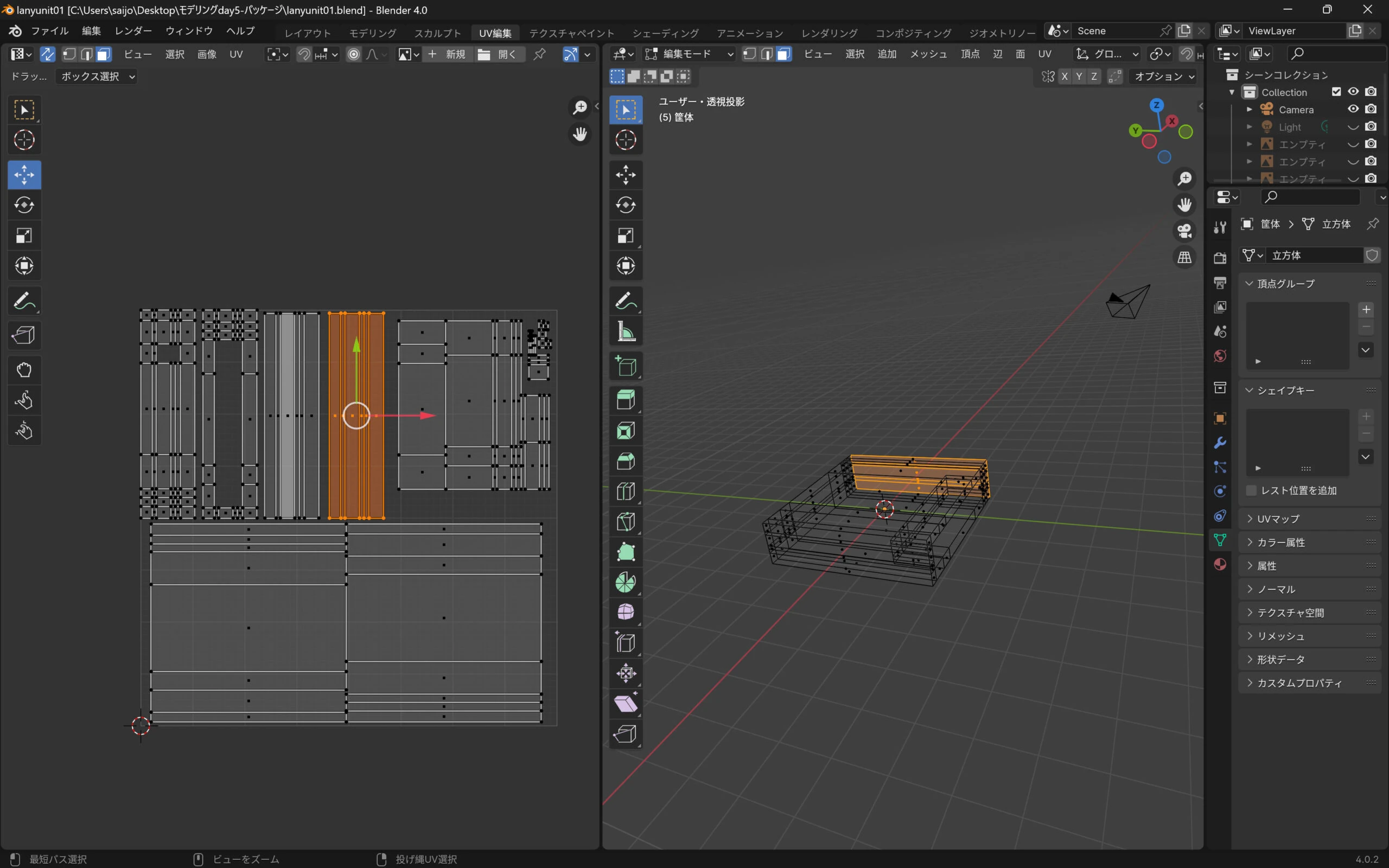
 I separated the parts slightly to make the islands easier to distinguish when applying textures later.
Applying photographs in 3DCoat
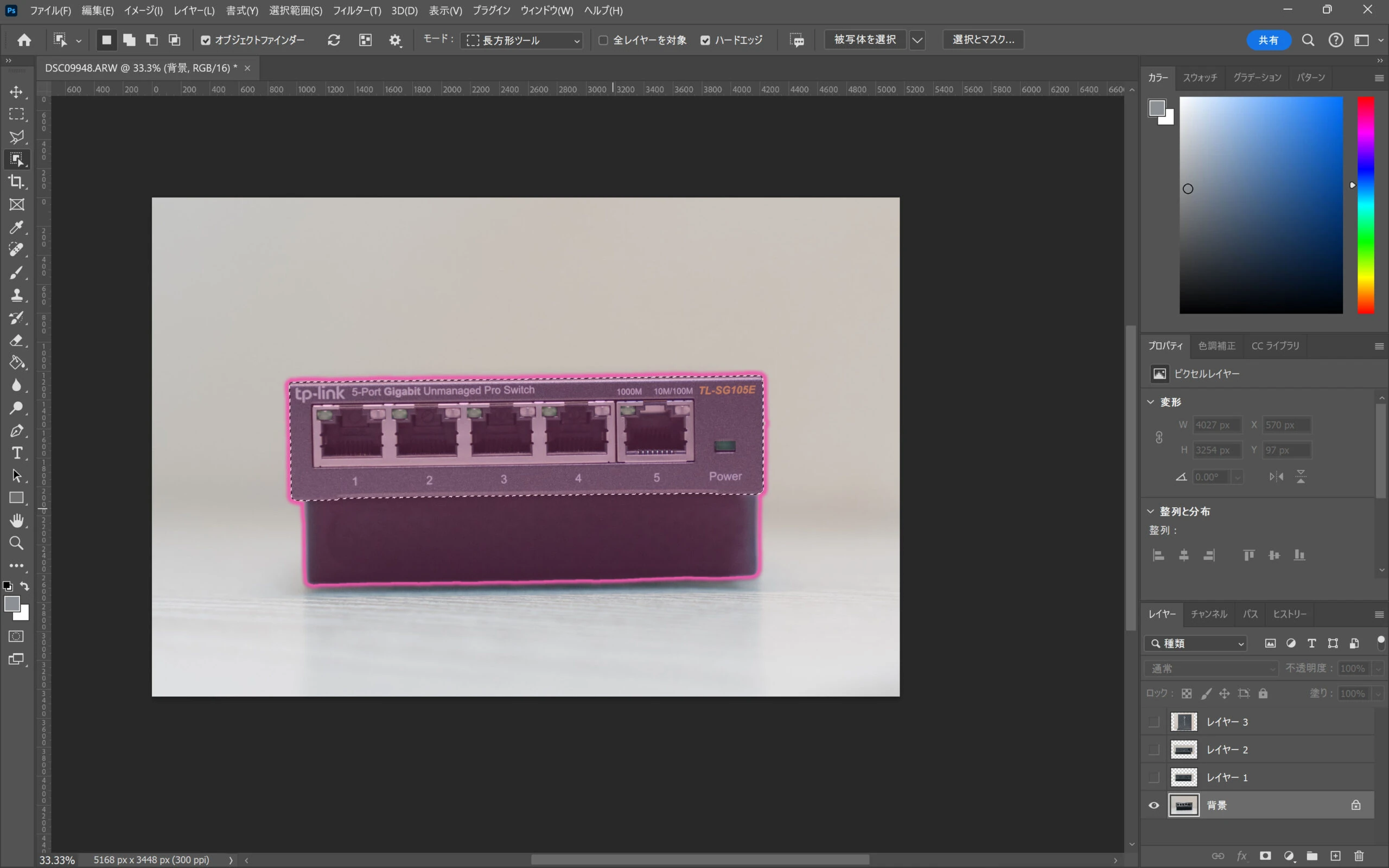
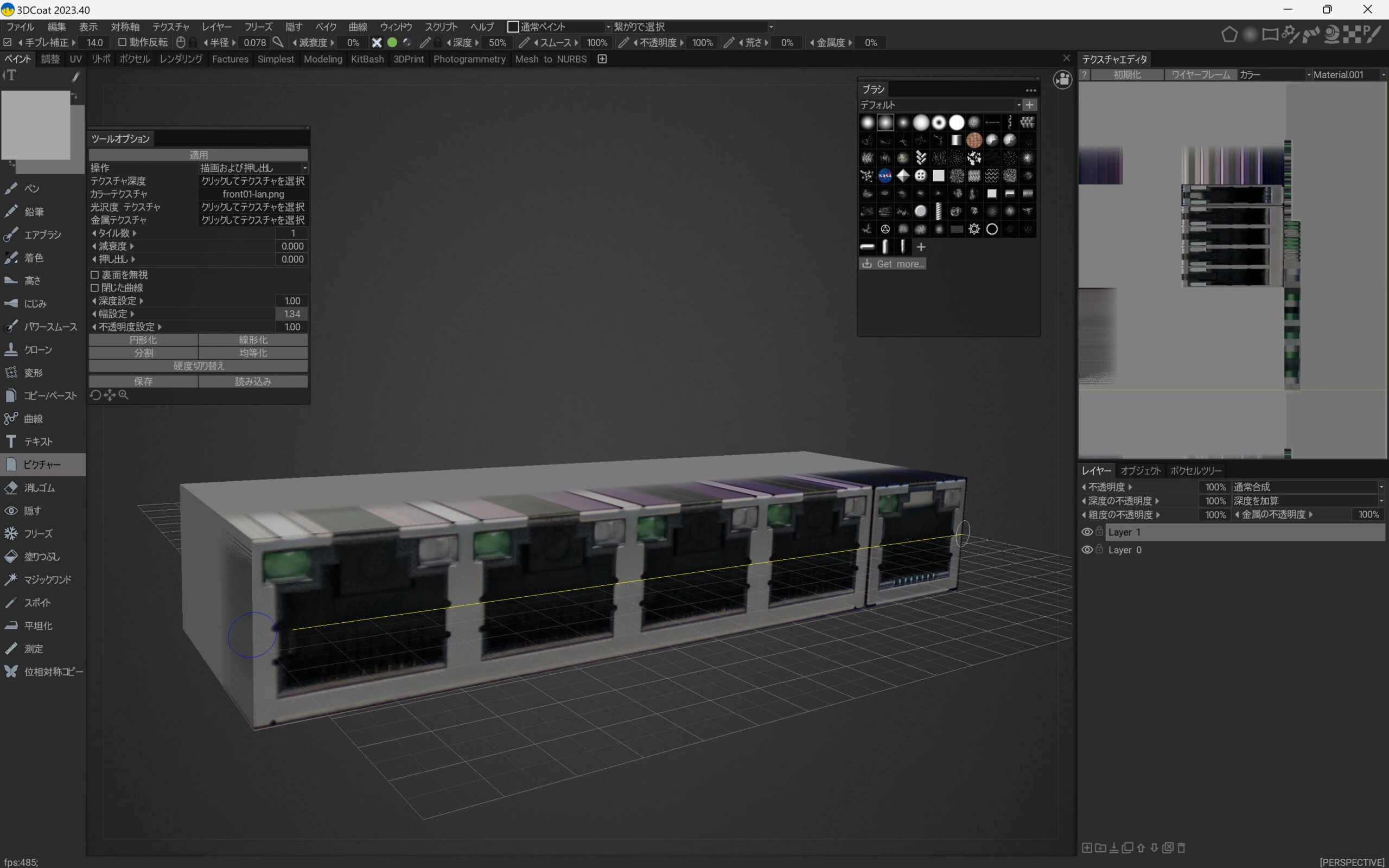
I transferred the model to 3DCoat and applied the photograph of the connectors.
 I made a repeating texture for the case.
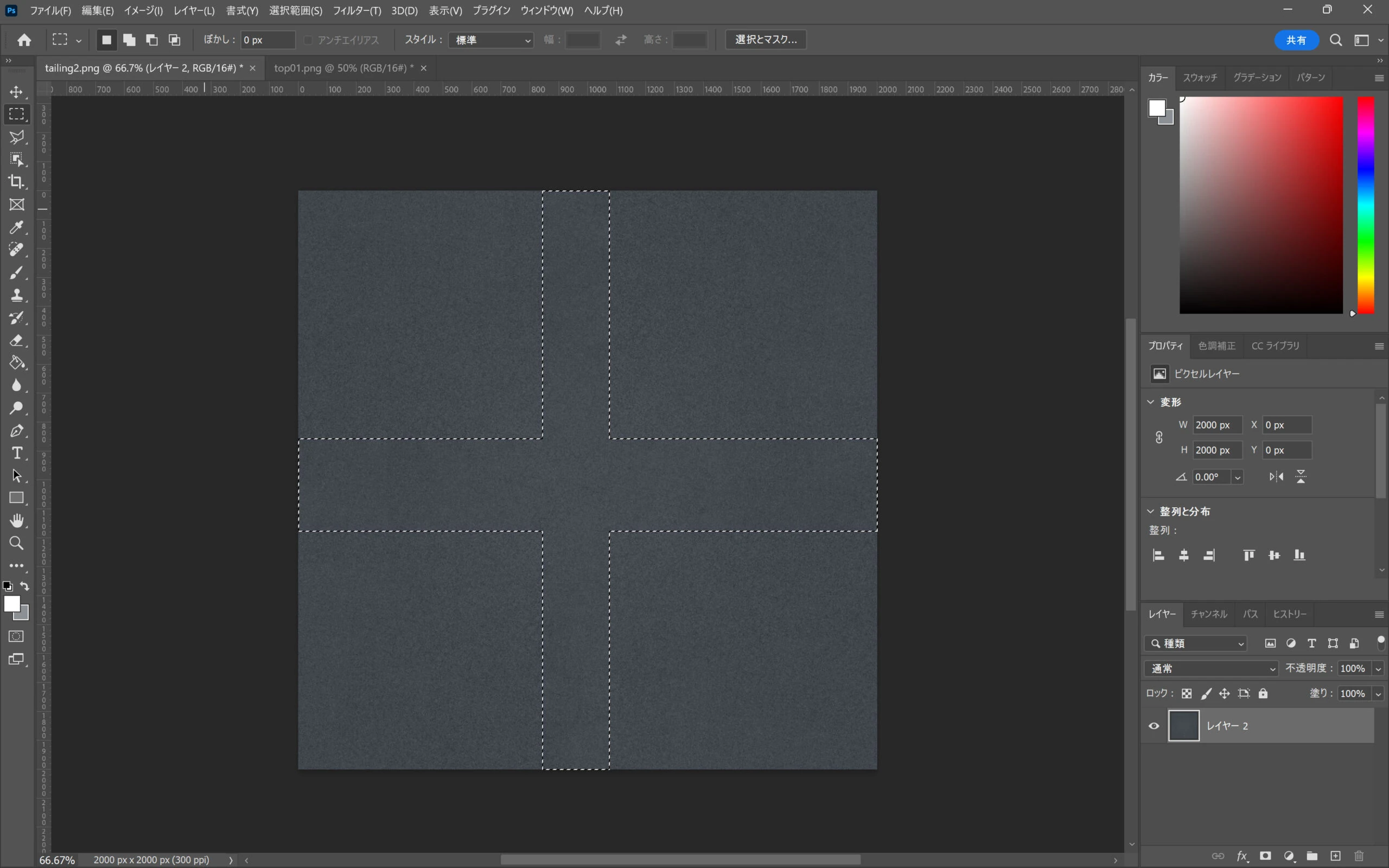
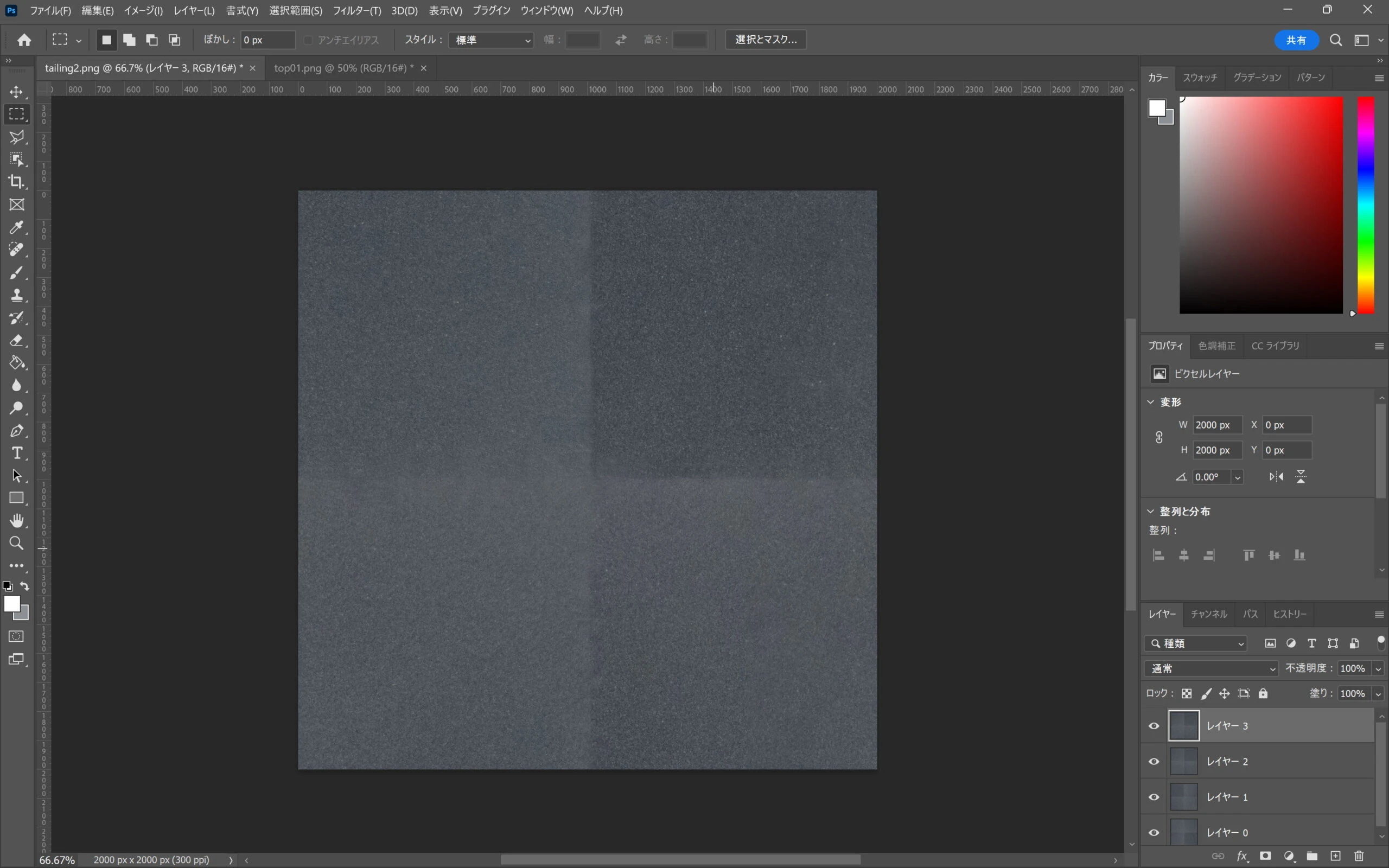 The color differences were noticeable, so I blended them together.
 The texture was ready.
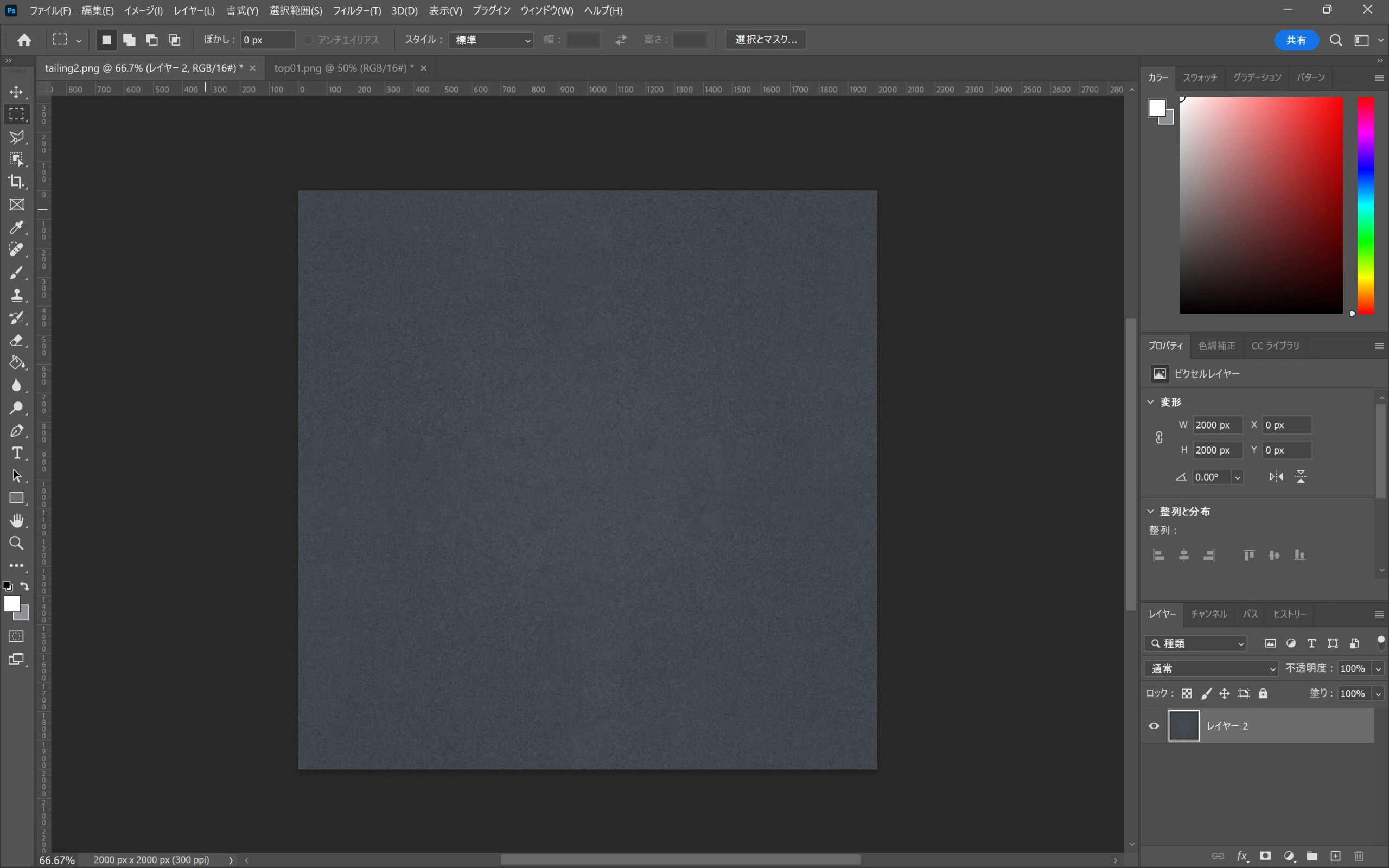 I imported it into 3DCoat.
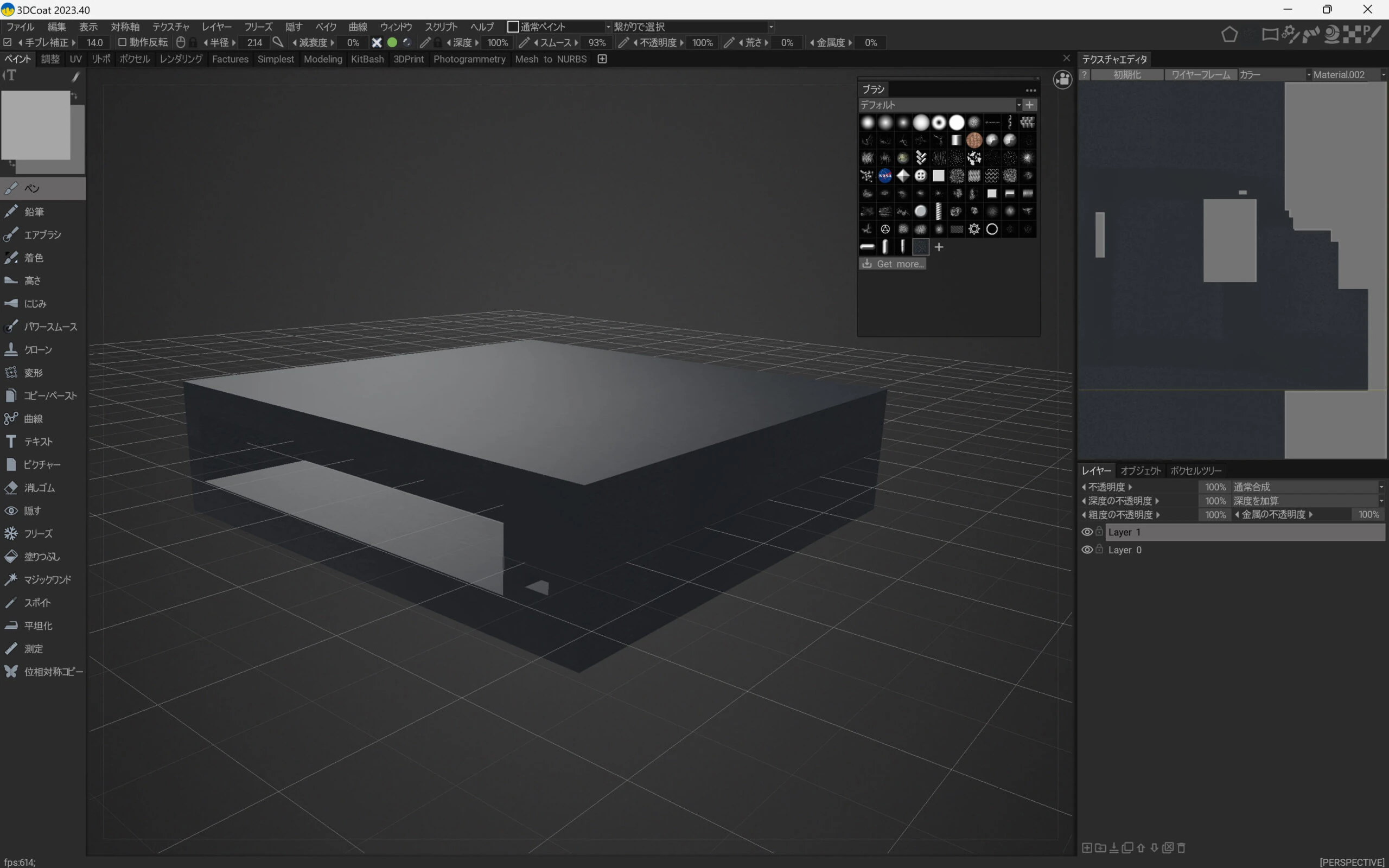
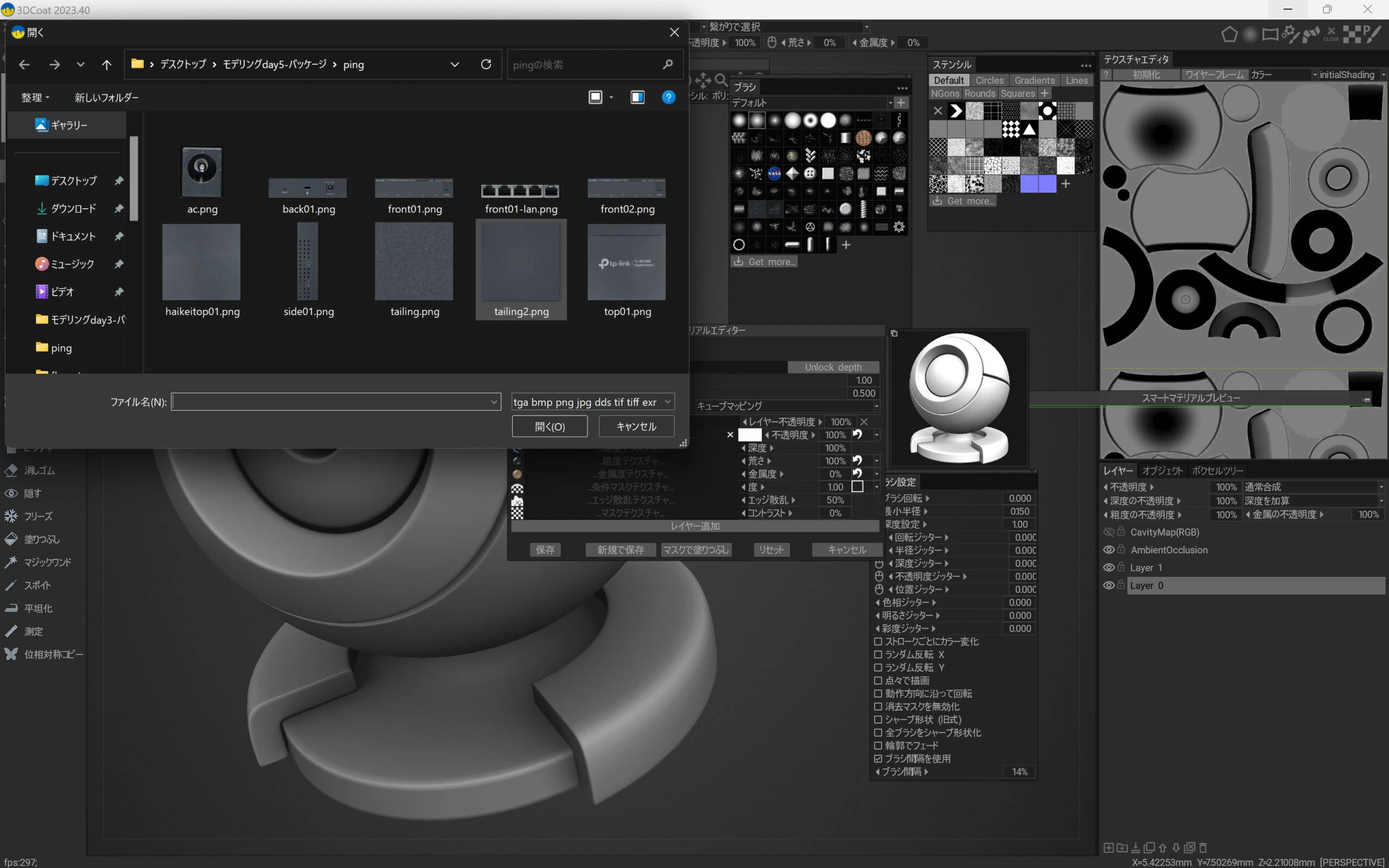 Then I applied it to the case.
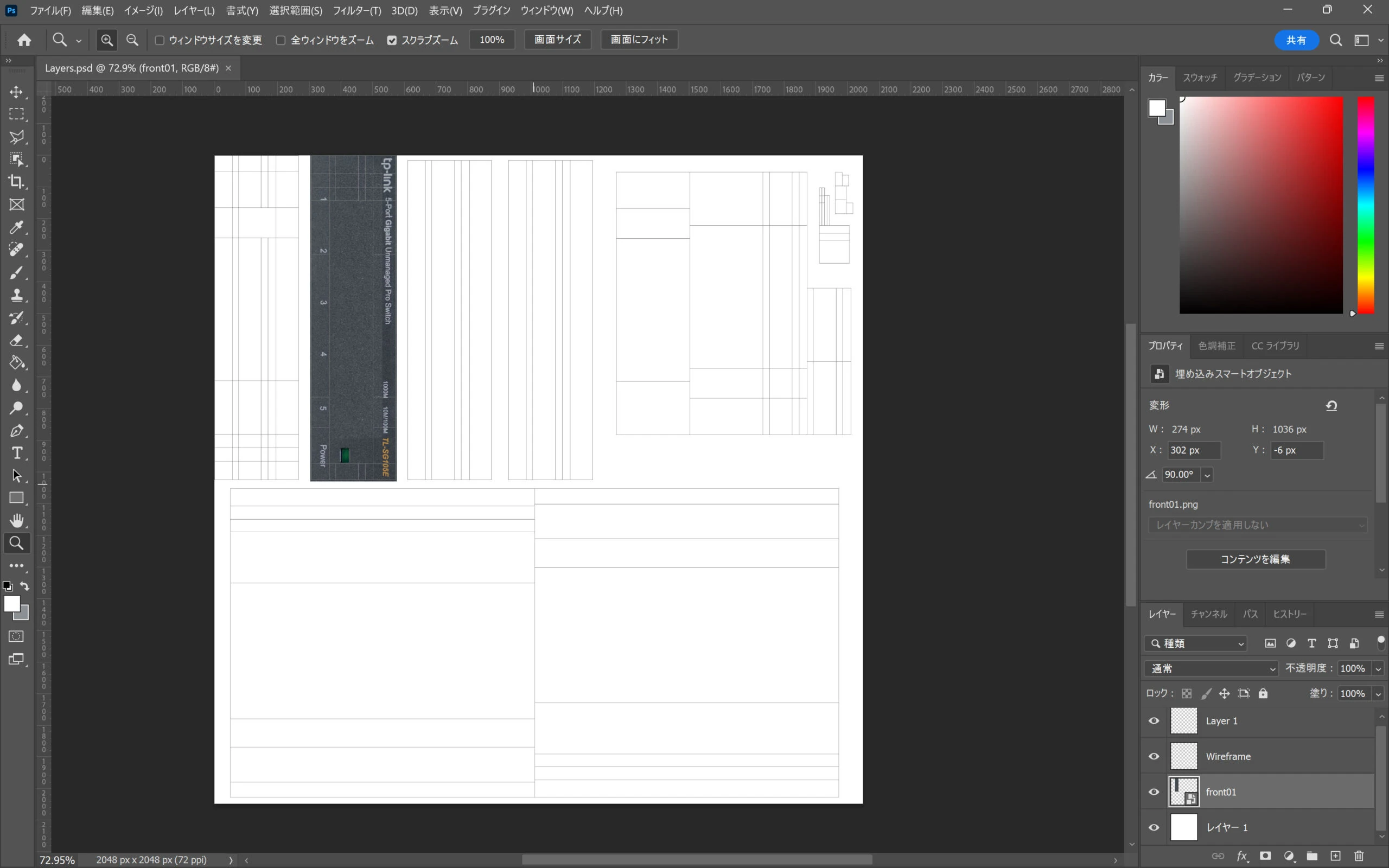
 I fine-tuned the details in Photoshop and similar tools.
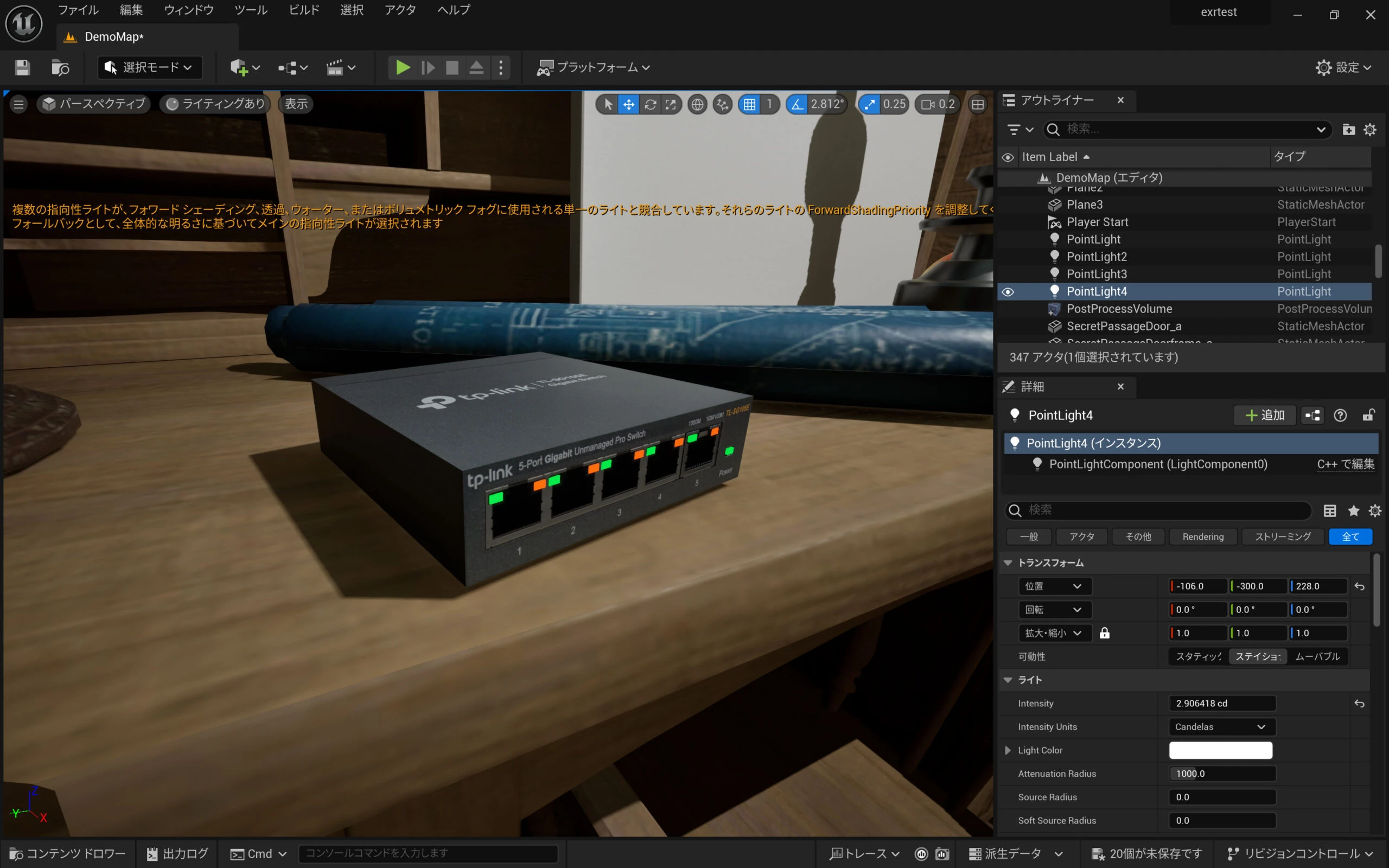
 I exported it to UE5 and made the LEDs glow.
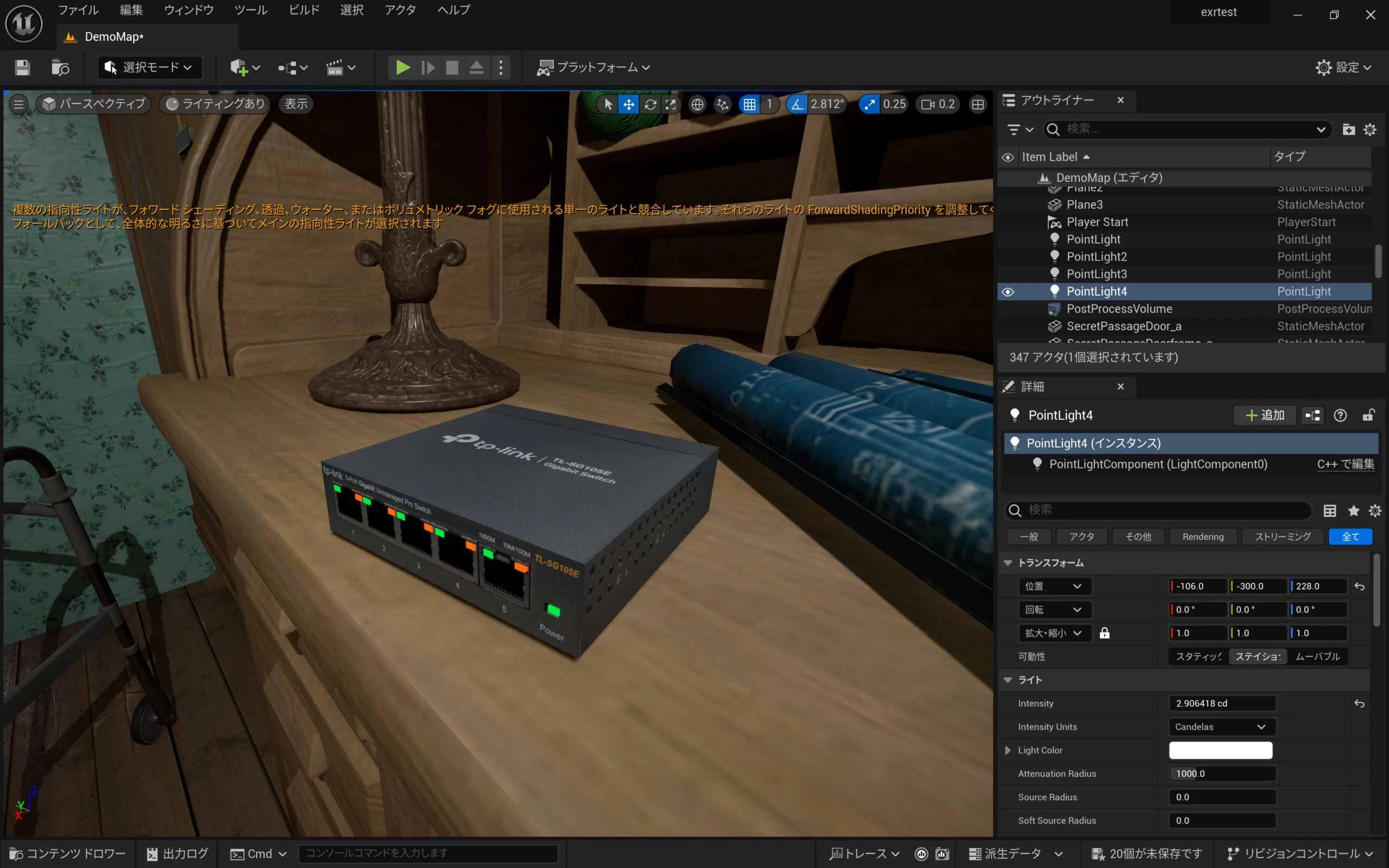
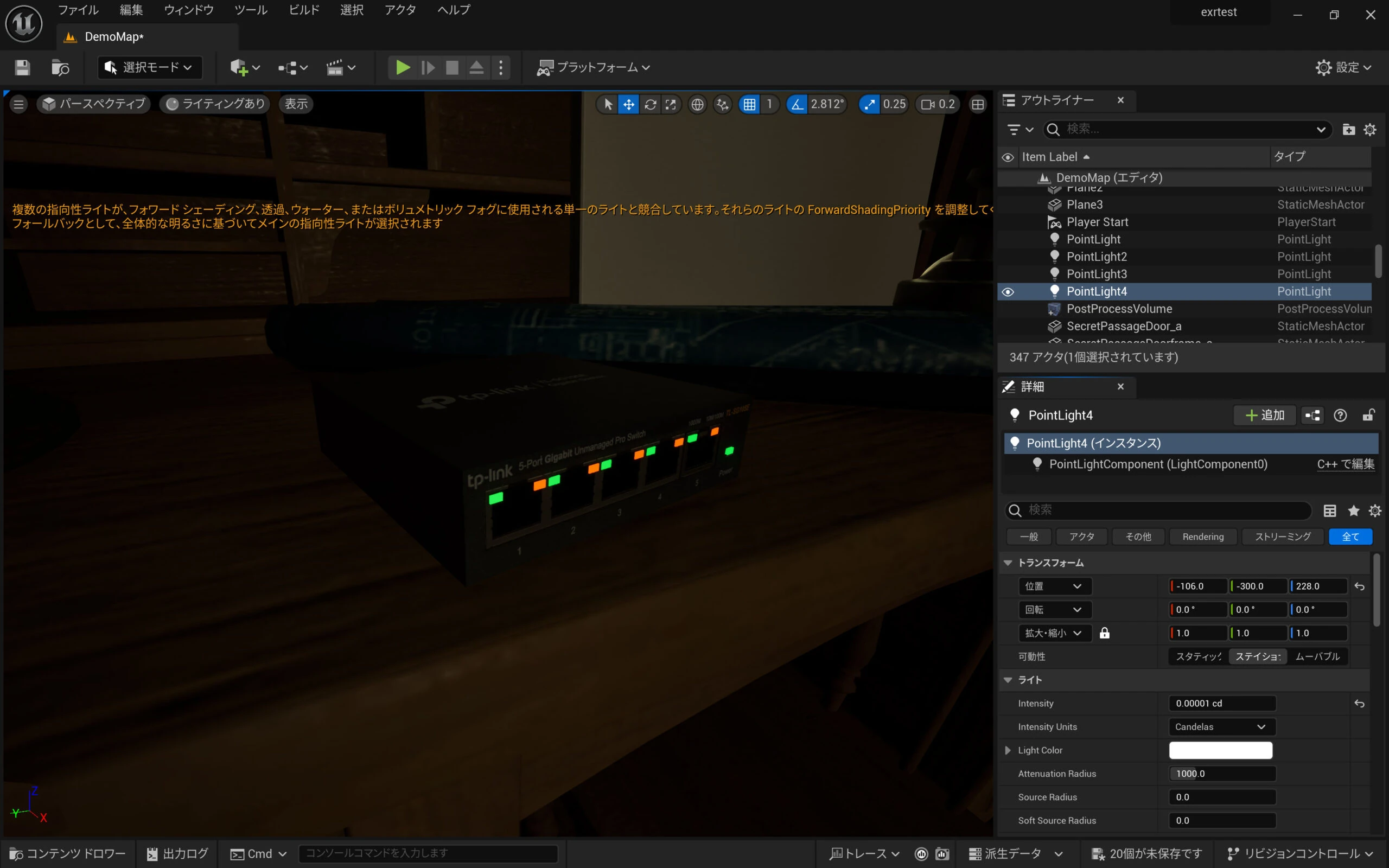 This looks useful as an asset for simulating a network switch in UE5.
Related articles
Updates and contact: X @riragoncom.