Blender: split an object in two and fill the cut faces
Notes on separating a Blender mesh into two objects, filling the open cut faces, and preparing UVs. I then apply the technique to a remote-control model and texture it in 3DCoat.
Note: This article was published more than a year ago.
- Blender shortcuts, menu names, and Edit Mode interfaces vary by version. Check the manual for your release.
- Normals, material slots, and modifiers after separation depend on the topology. Check the shaded view before export.
- These are brief working notes. Large meshes may have performance implications.
3DCoat is software by Pilgway, a developer headquartered in Kyiv, Ukraine. Using it also supports Ukraine. It handles modeling, texturing, rendering, UV mapping, and other tasks. Competing products include ZBrush and Substance Painter.
It costs less than those products and is available through a perpetual license or subscription.
Each has its strengths, but 3DCoat is also approachable.
I use it for sculpting and texturing.
Free Blender can do similar work alone, but knowing several applications can make a workflow smoother by using each one's particular strengths.
3D-Coat
Here I split an object in two in Blender, fill the open mesh, and make two separate objects. I then use that method to model a remote control and texture it in 3DCoat.
Split a cube in two in Blender
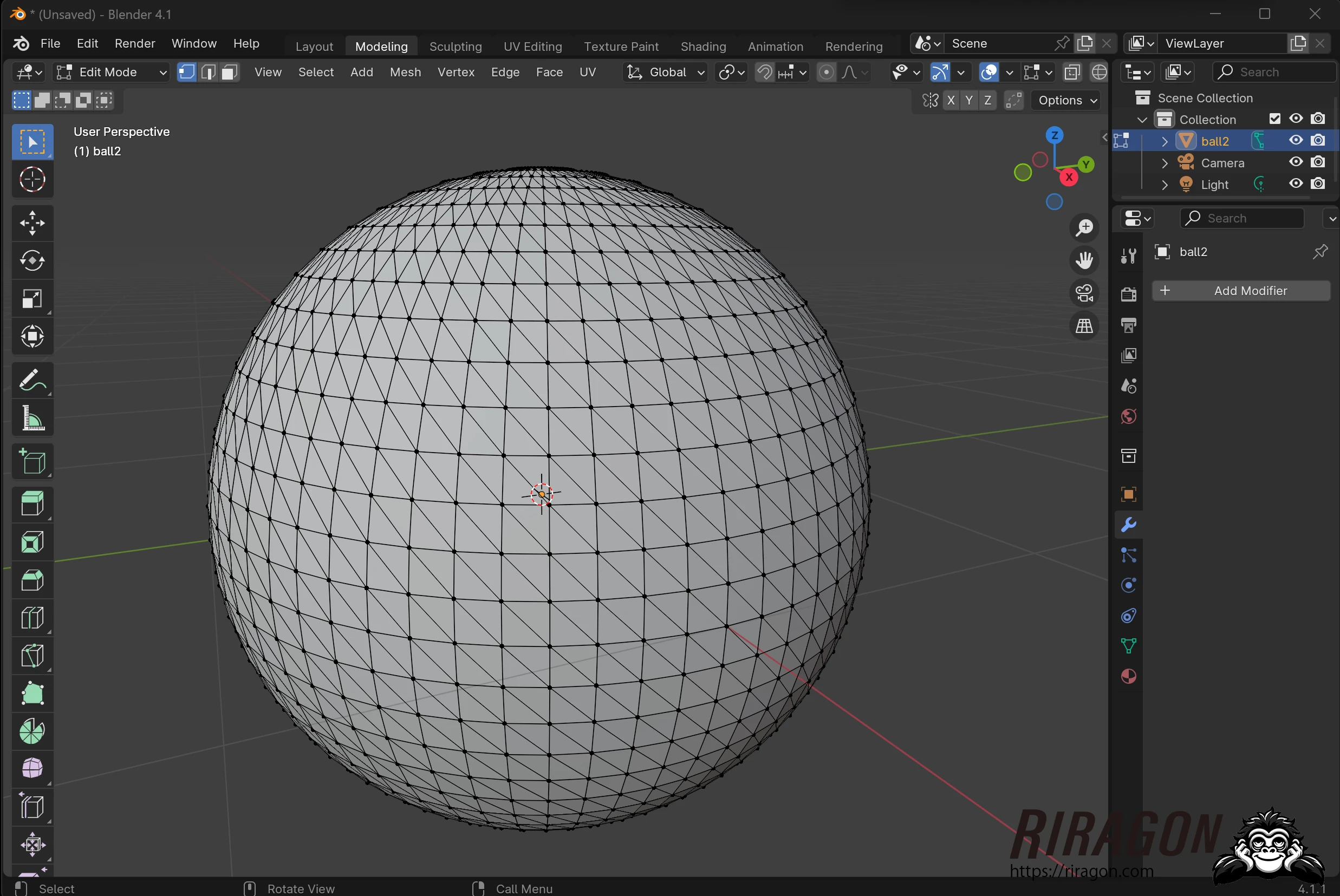
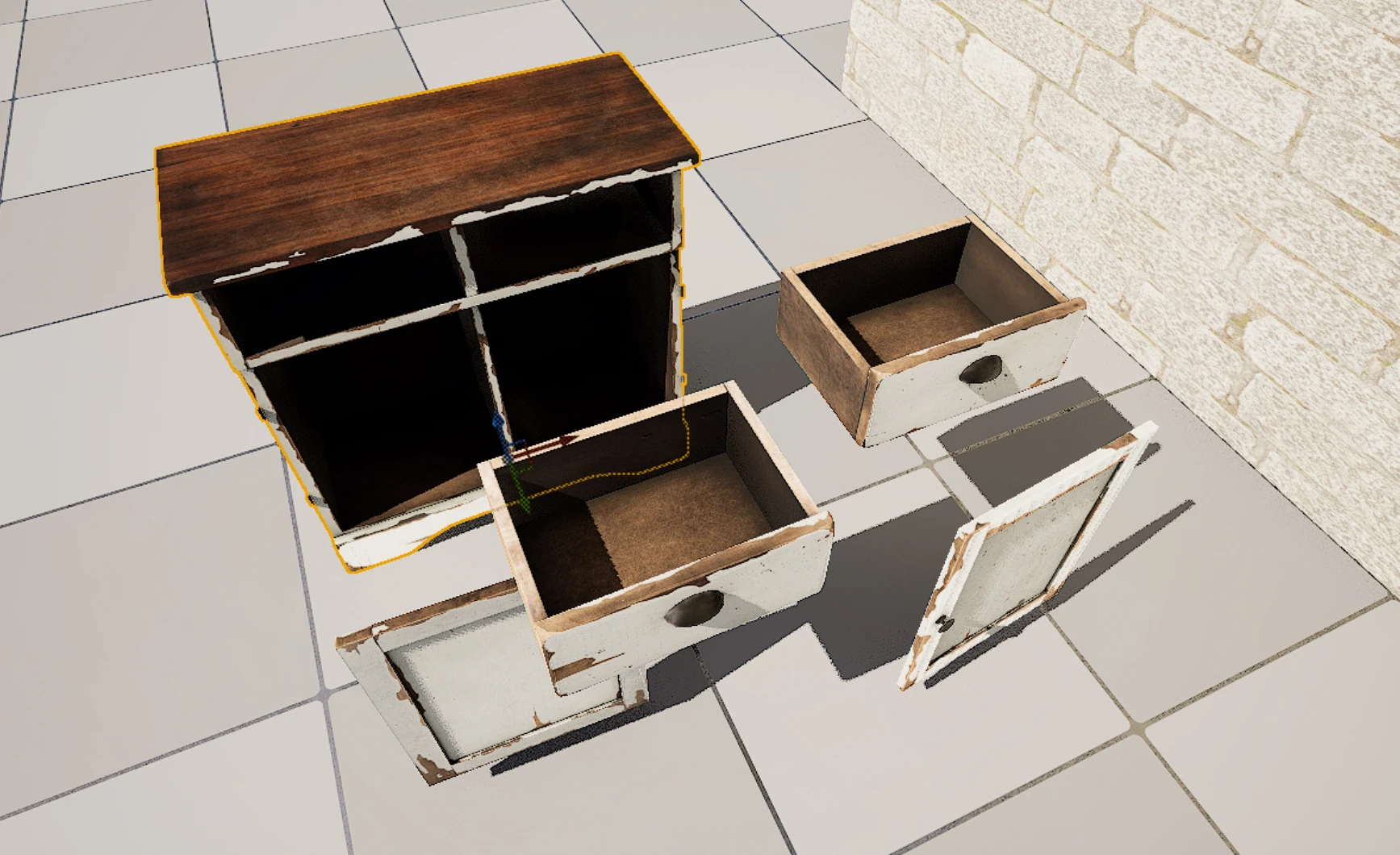
Let us divide a cube into two objects. Splitting it leaves open faces in the mesh; I will show how to close them.
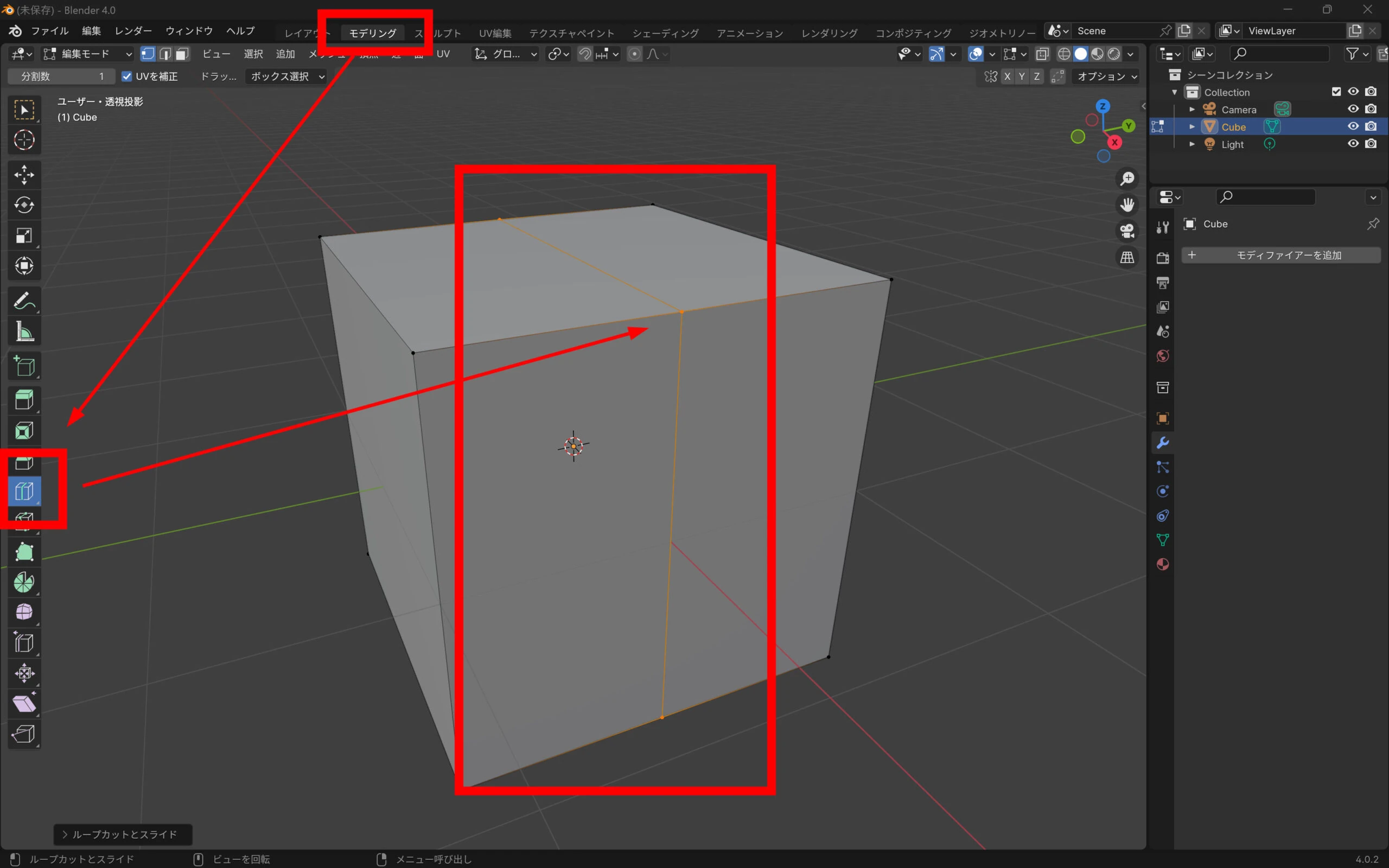
 Divide the mesh in two during modeling.
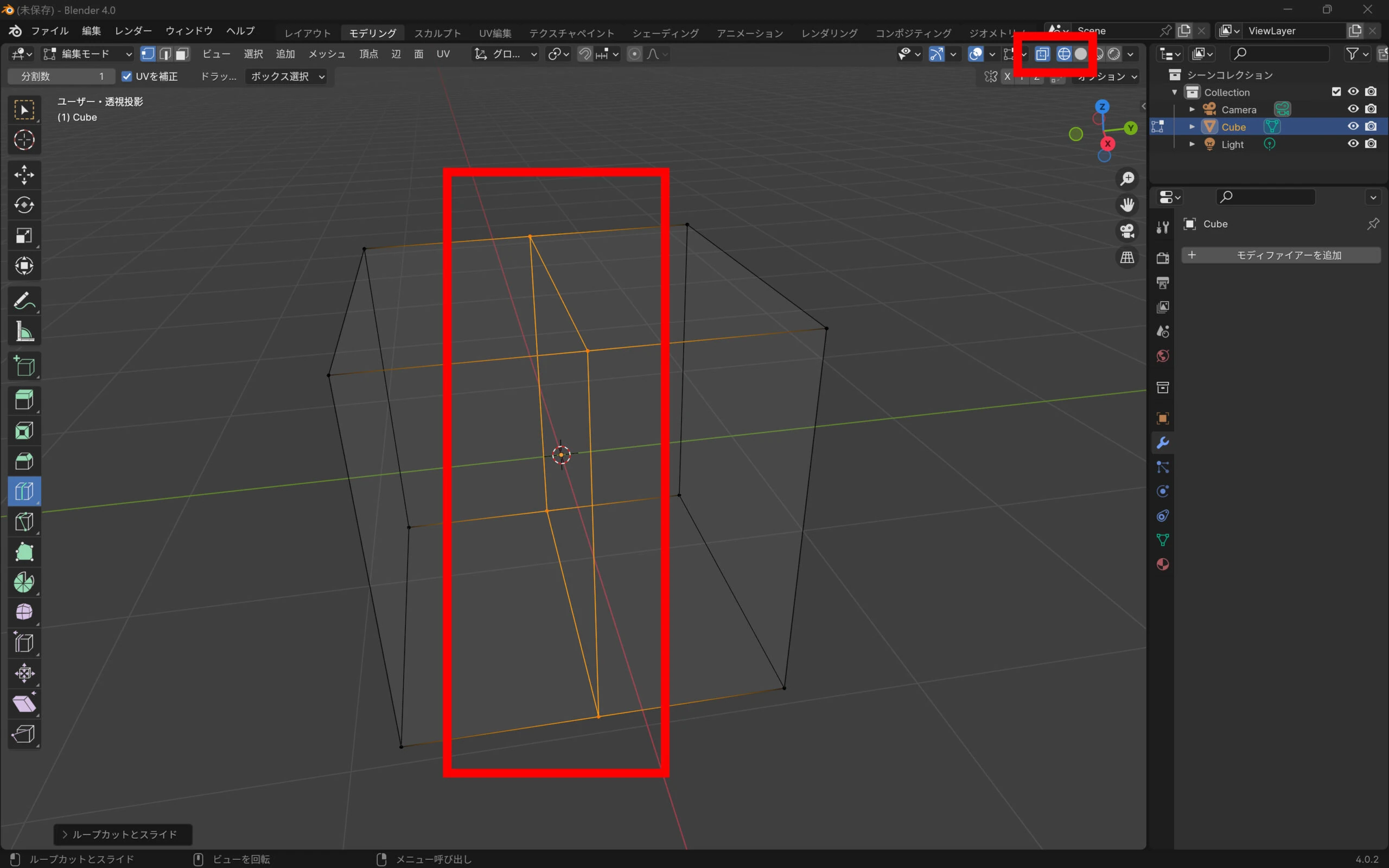
 Select the vertices along that section.
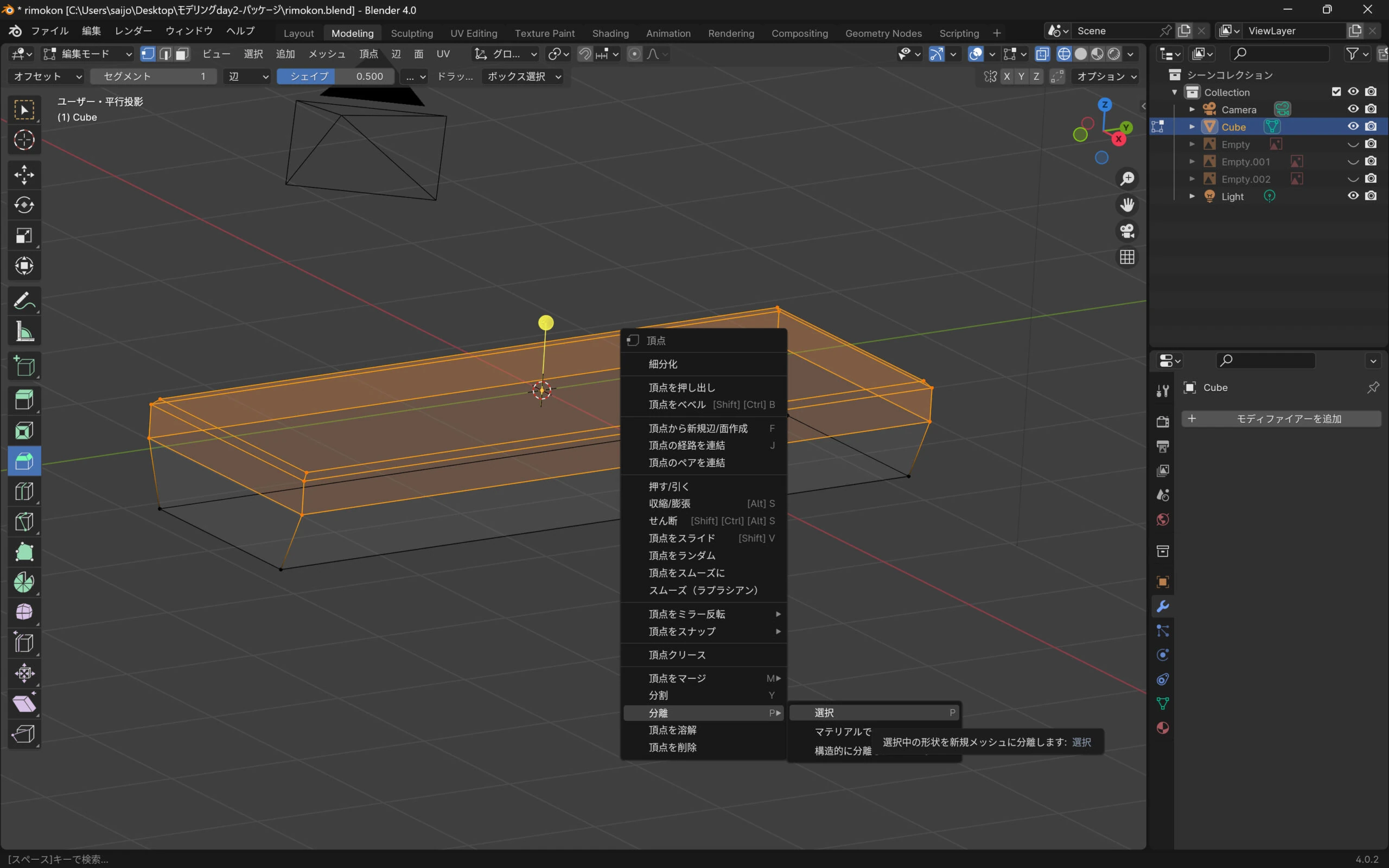
 Right-click and choose Separate > Selection.
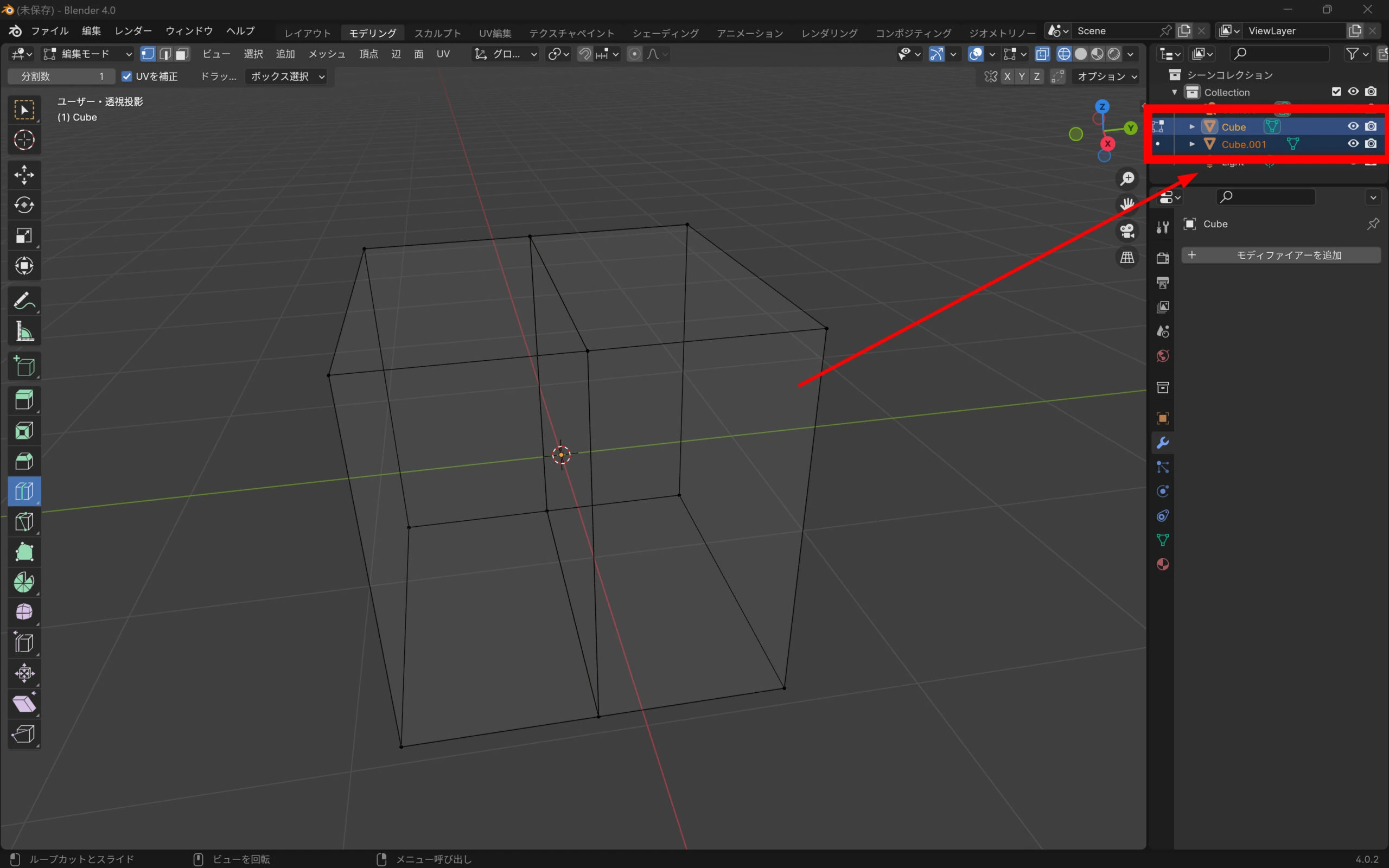
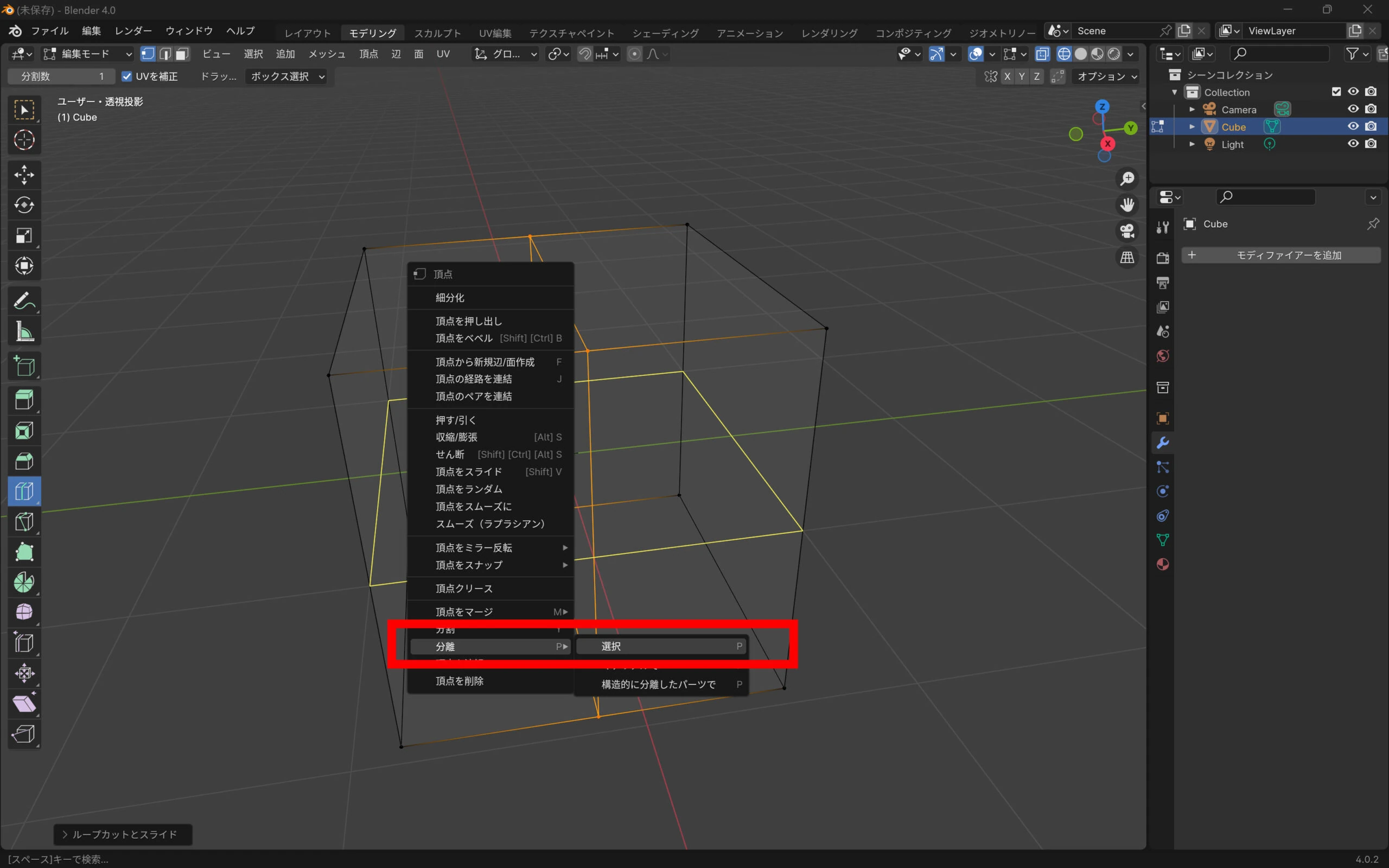 There are now two objects, but wait.
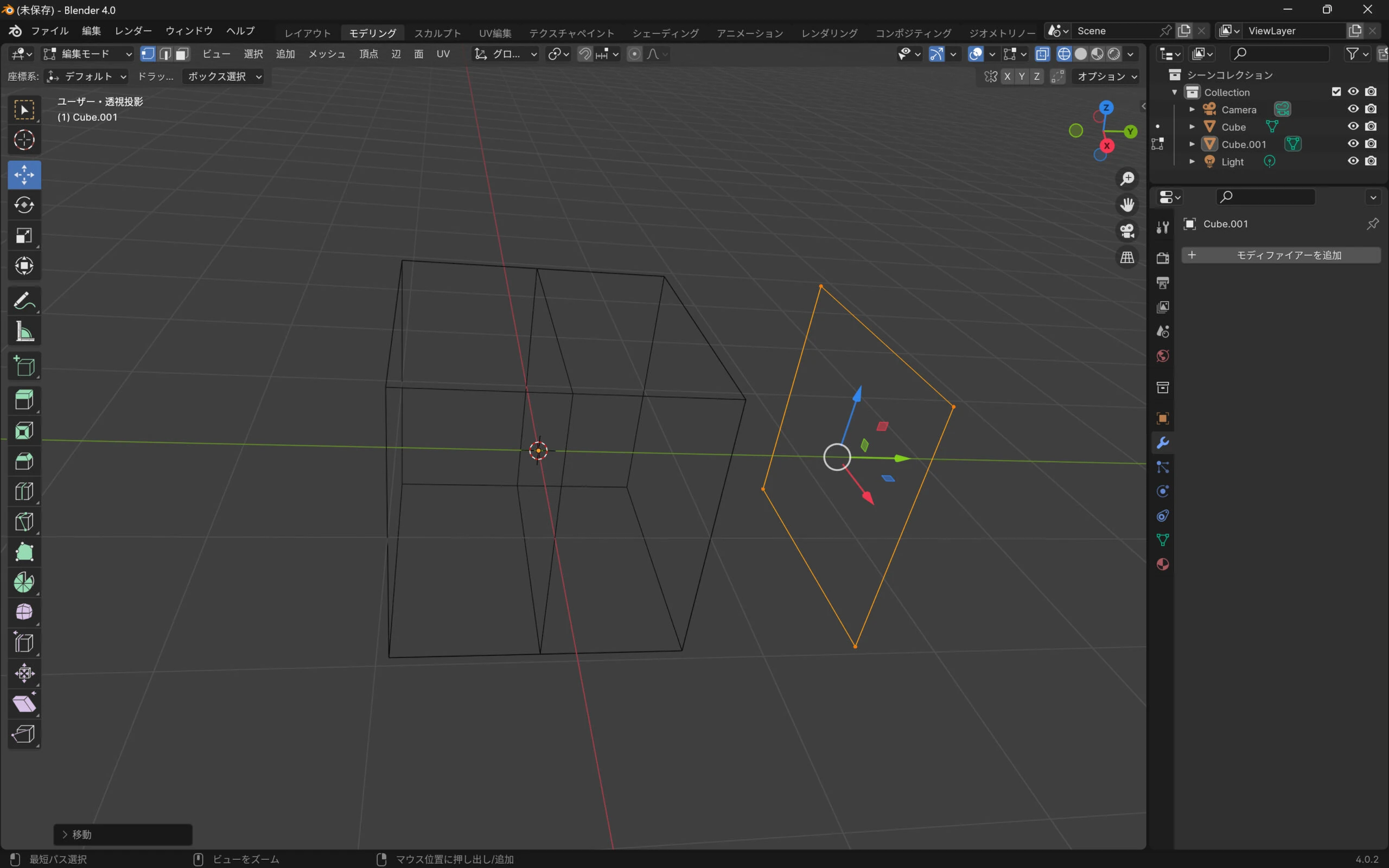
 Only the cut-edge vertices were separated, so this attempt failed.
 Undo and select the entire side that should be separated.
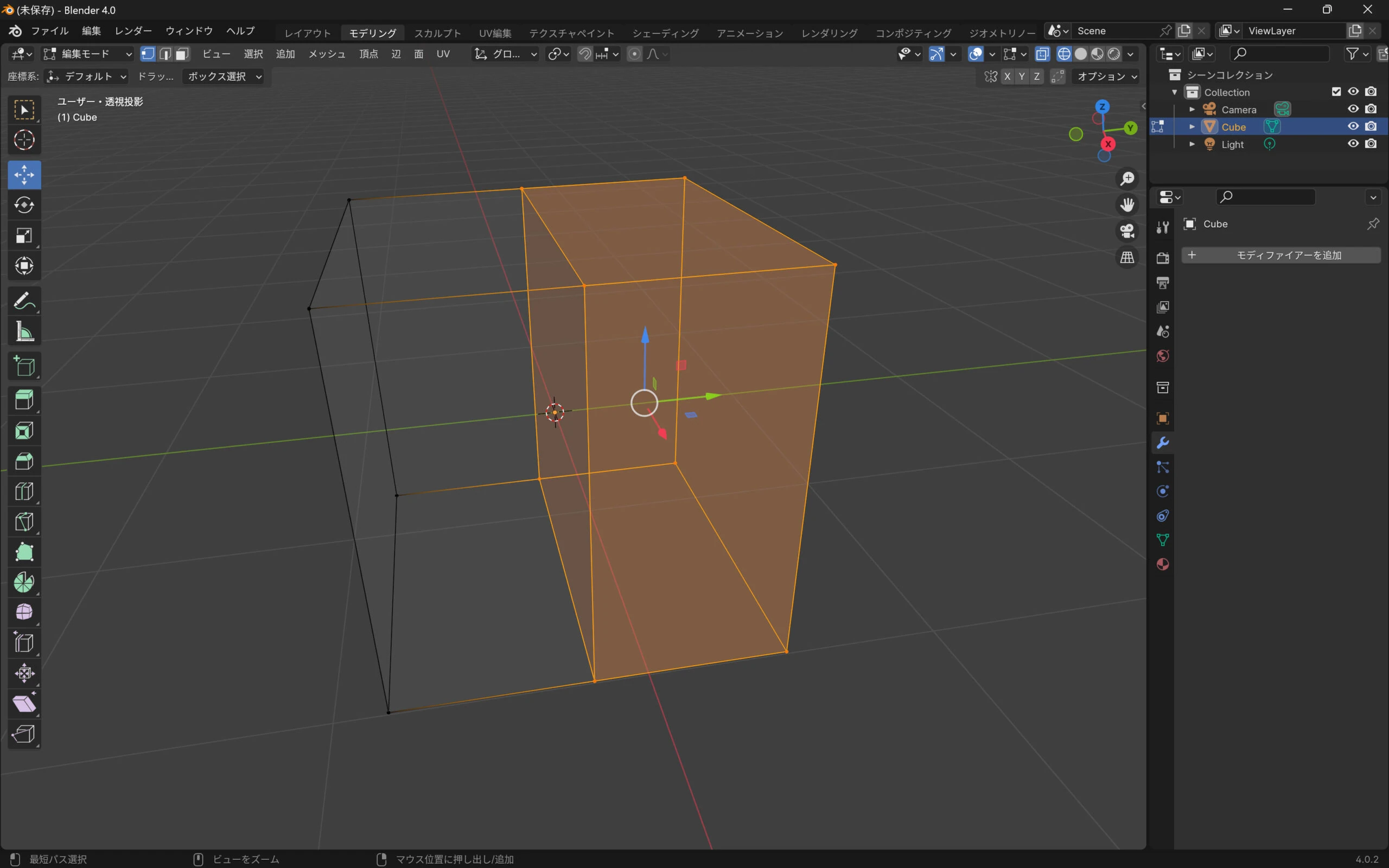 Right-click and choose Separate > Selection.
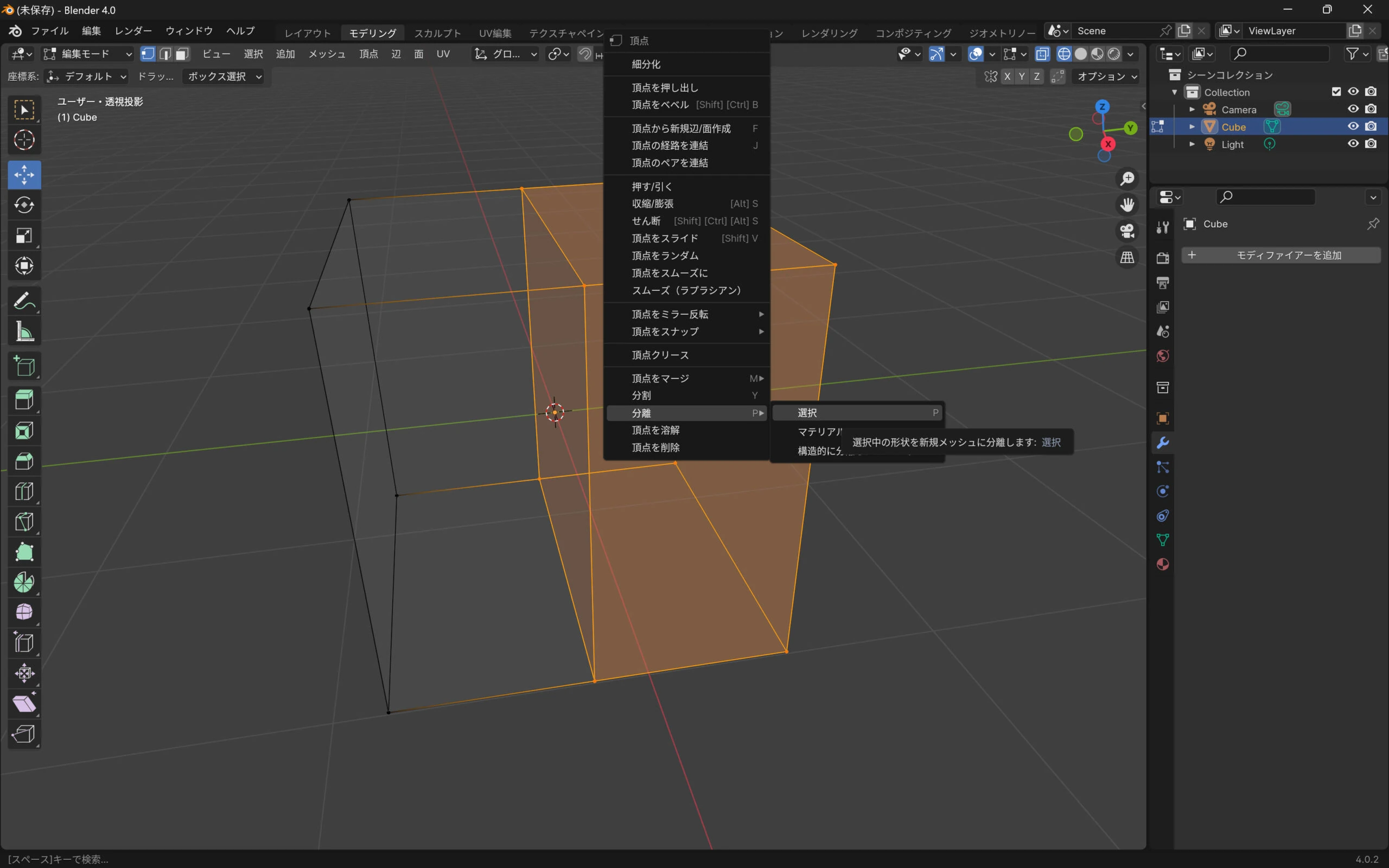 Separation succeeded.
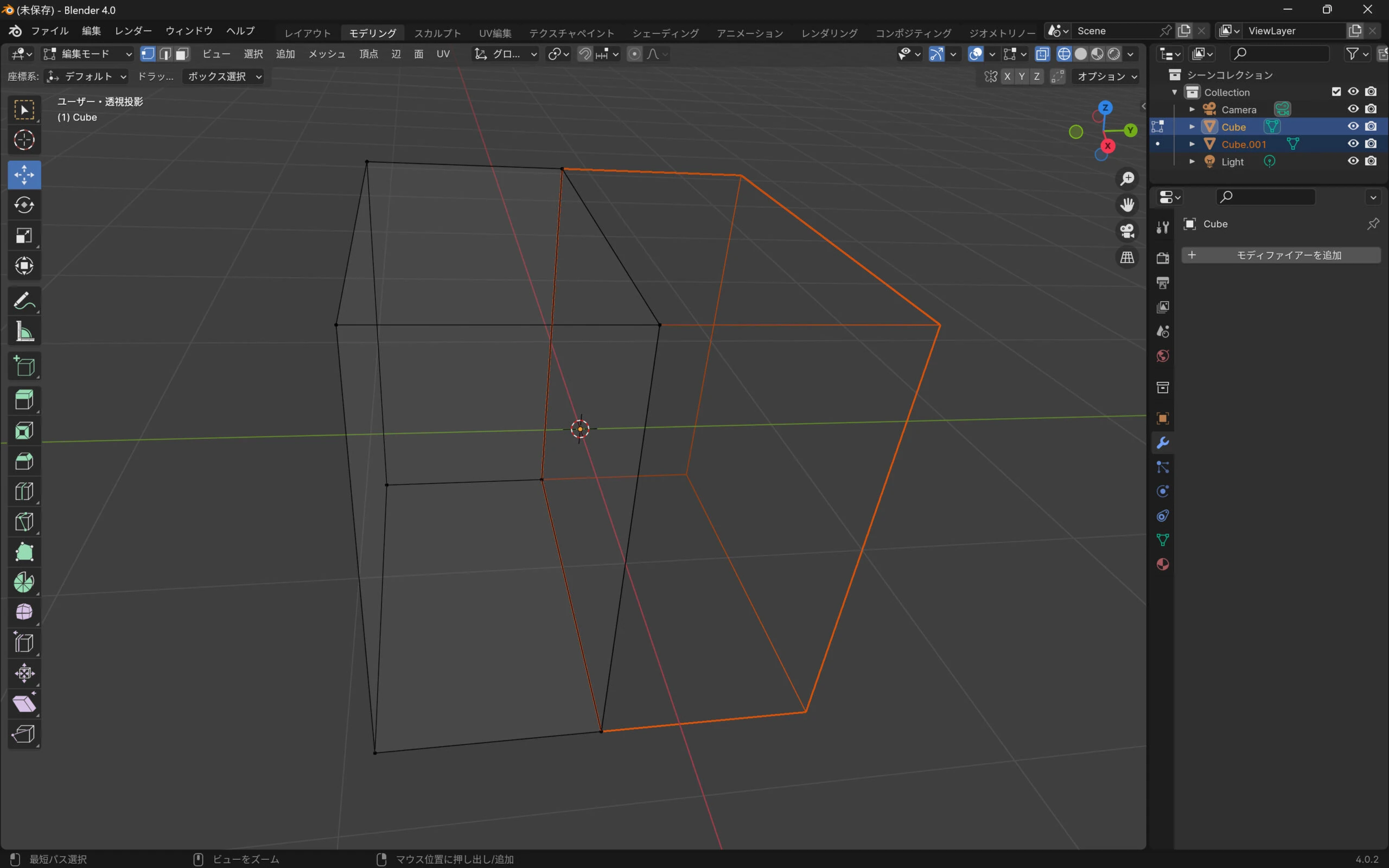 Moving the two parts apart makes the result easier to see.
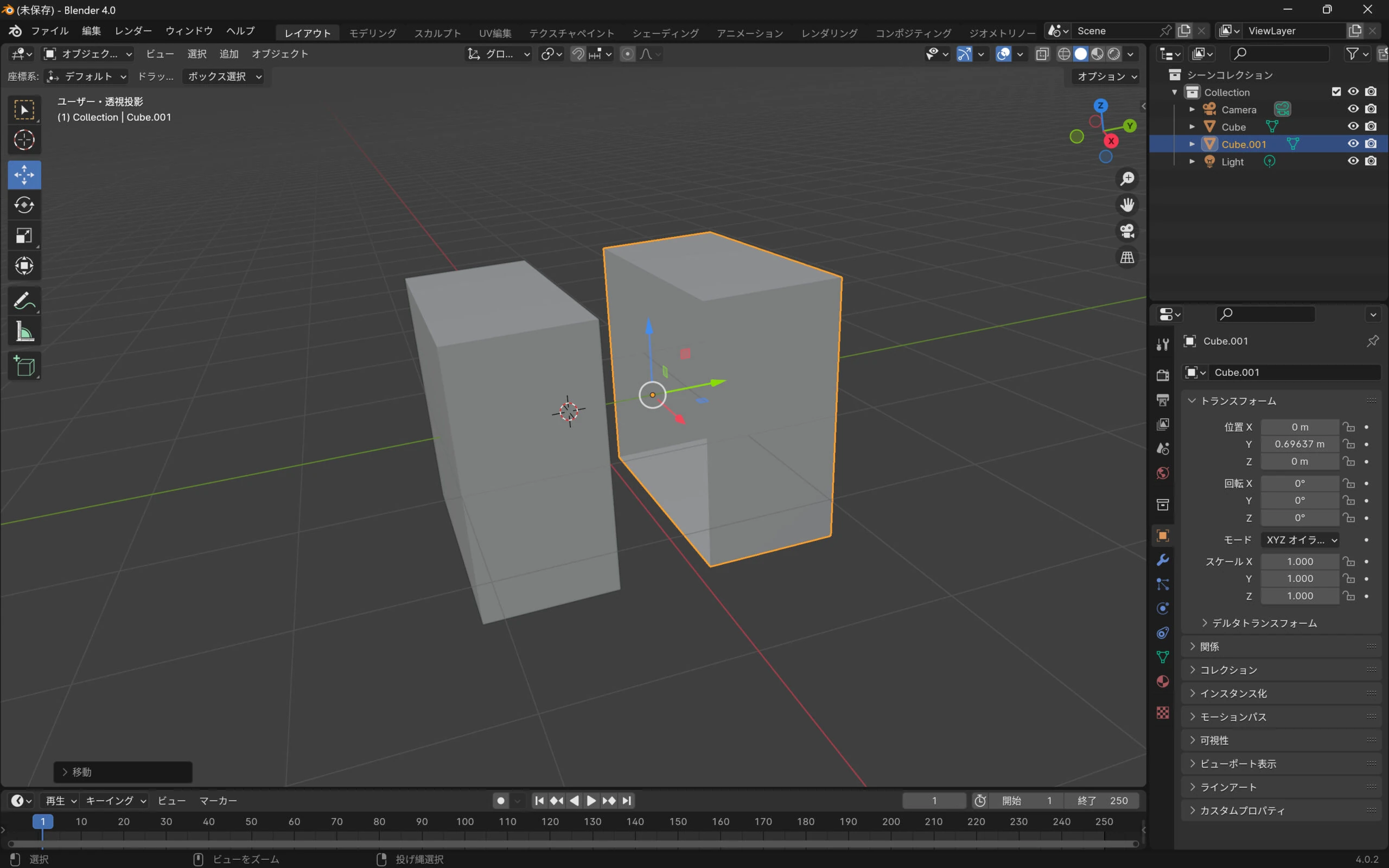 Select one model. The cut section has no face, so select its boundary vertices.
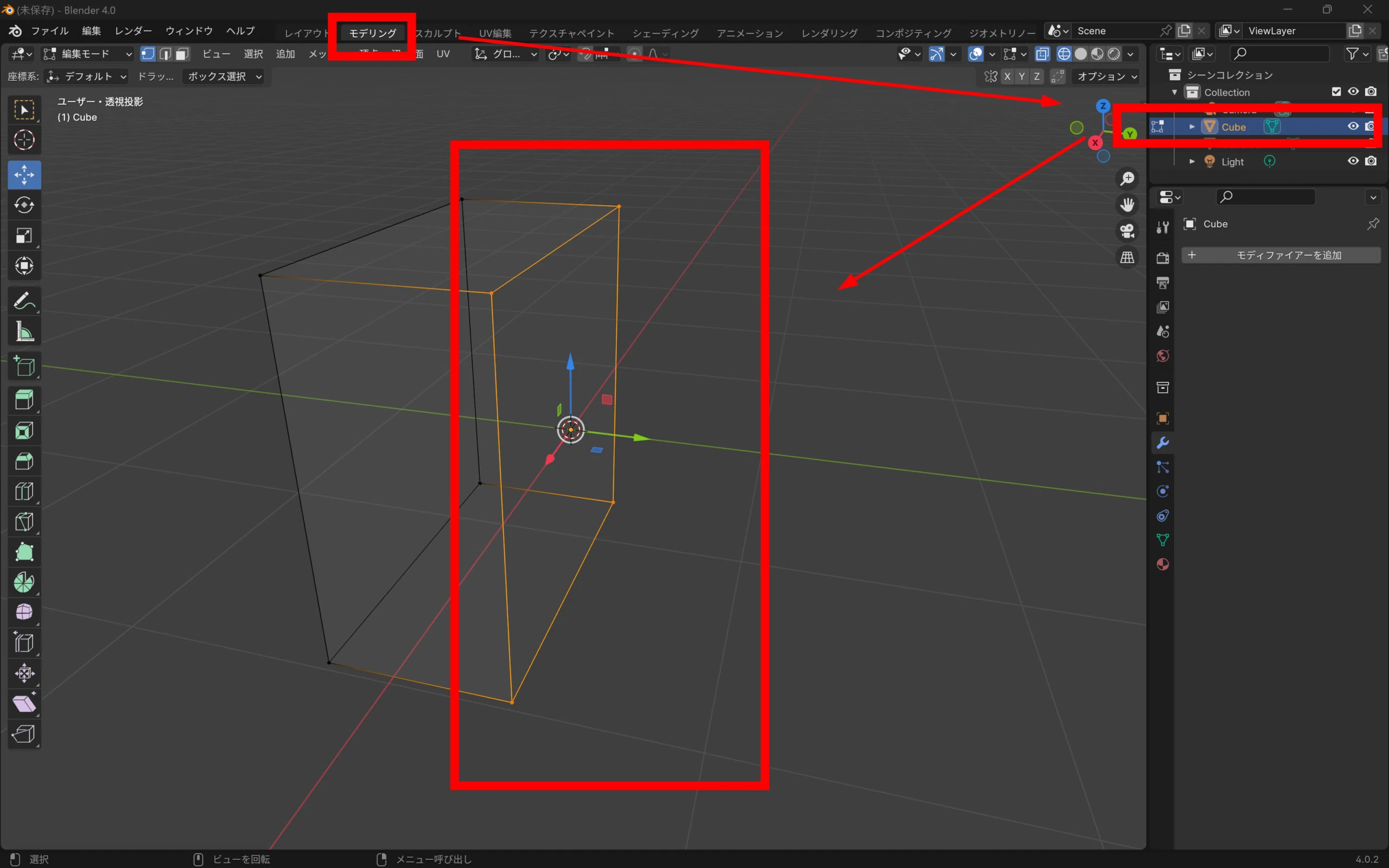 Right-click and create a new edge/face from the vertices.
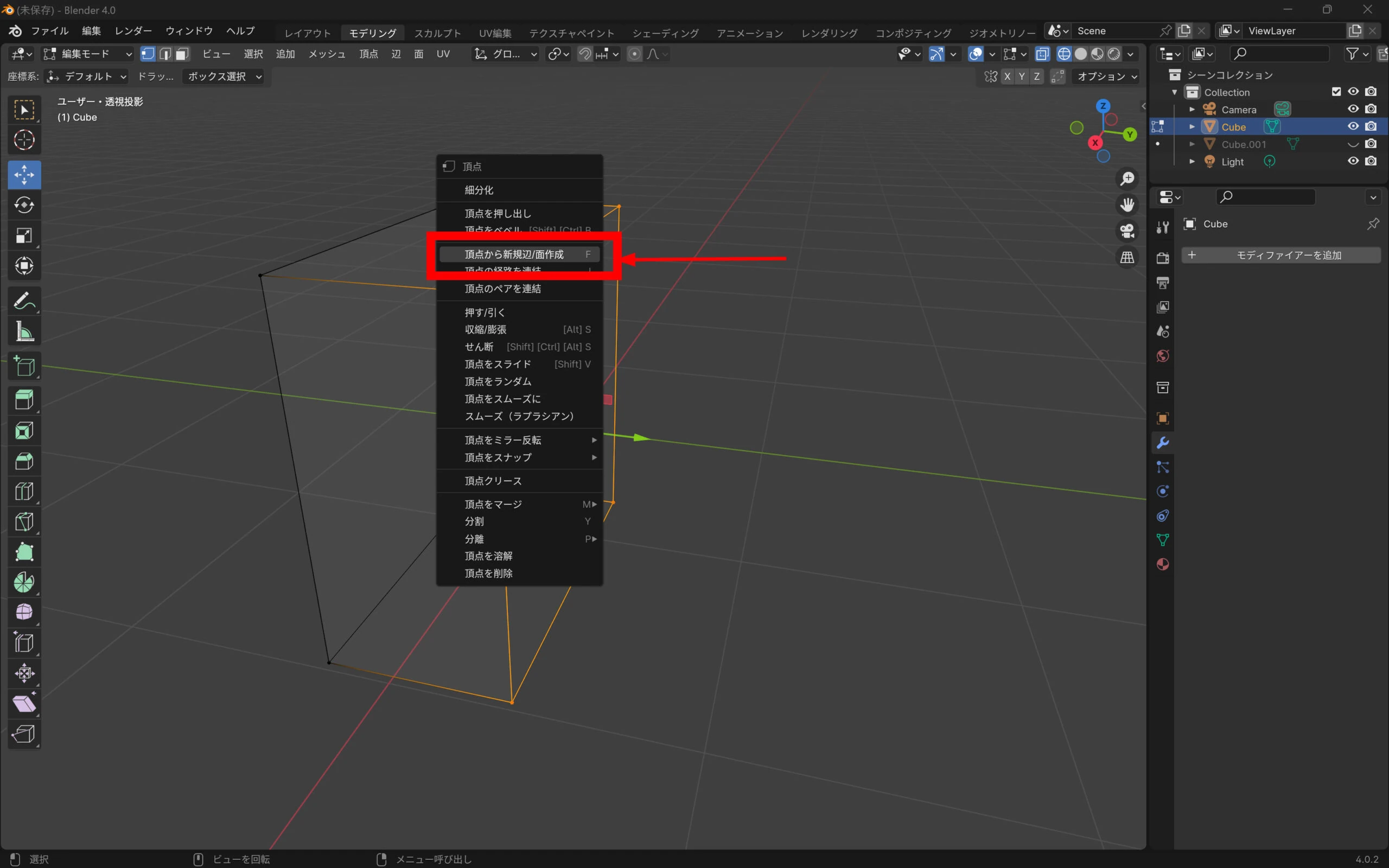 The object is now separated and closed.
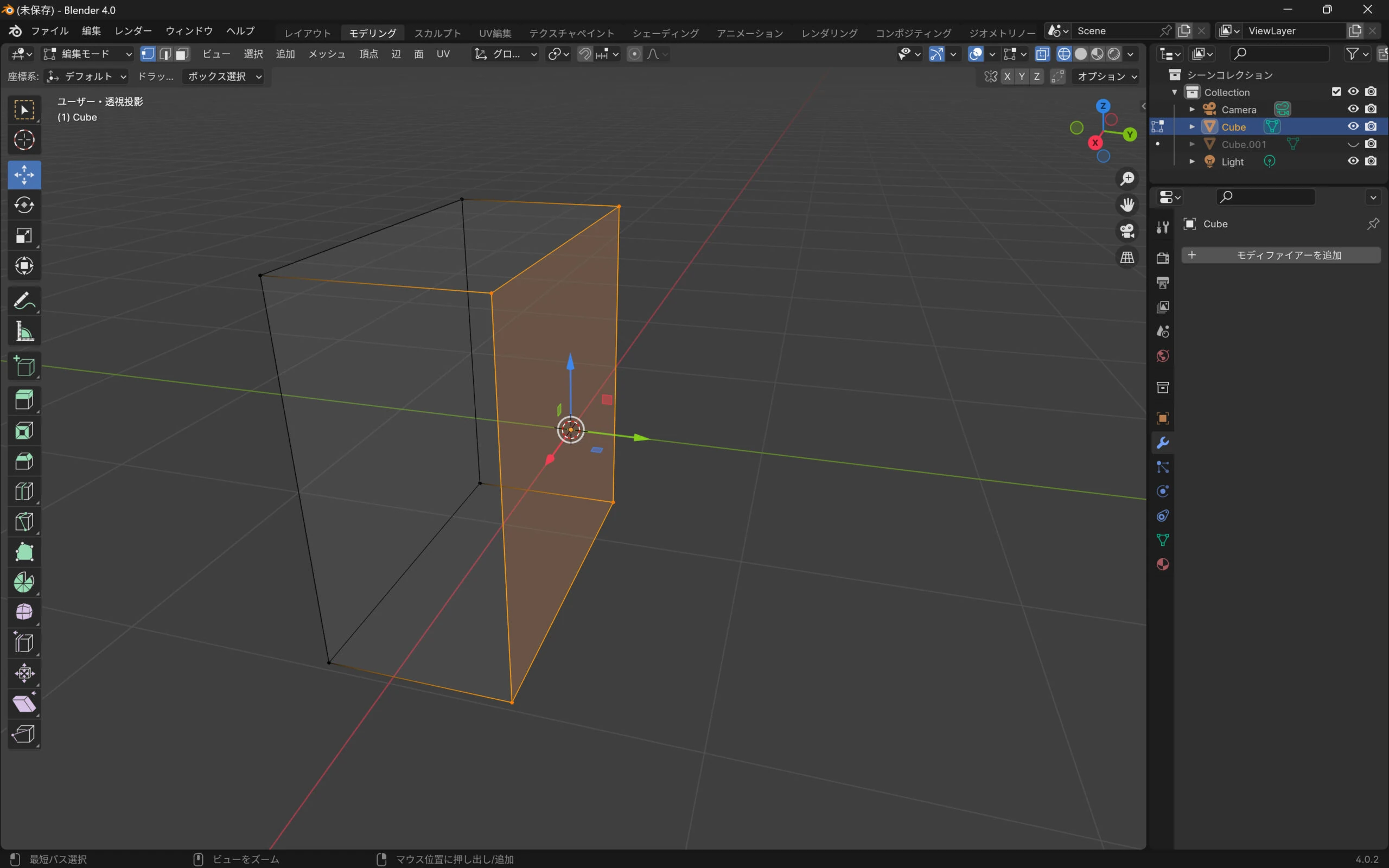 Repeat the operation on the other side.
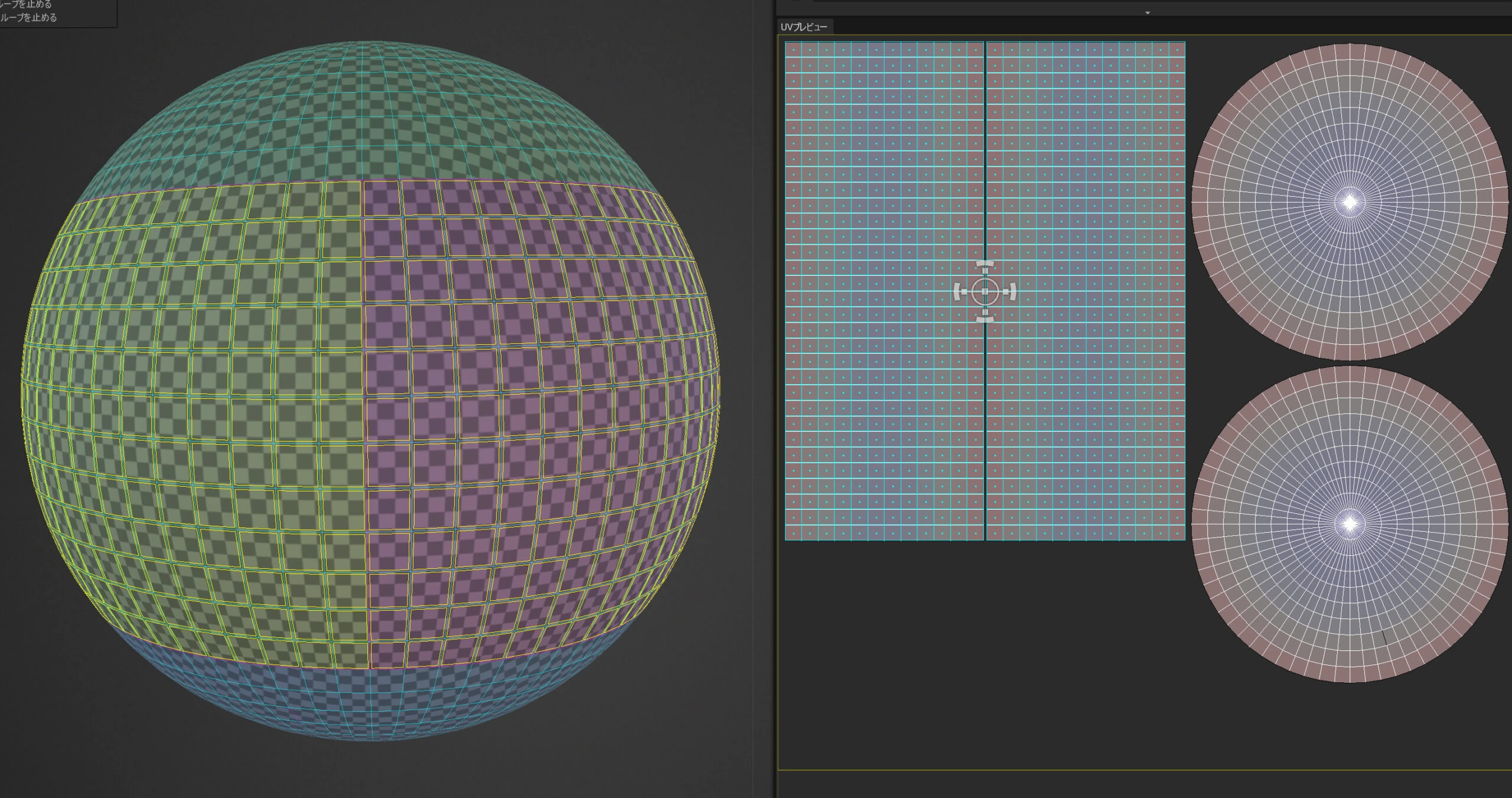
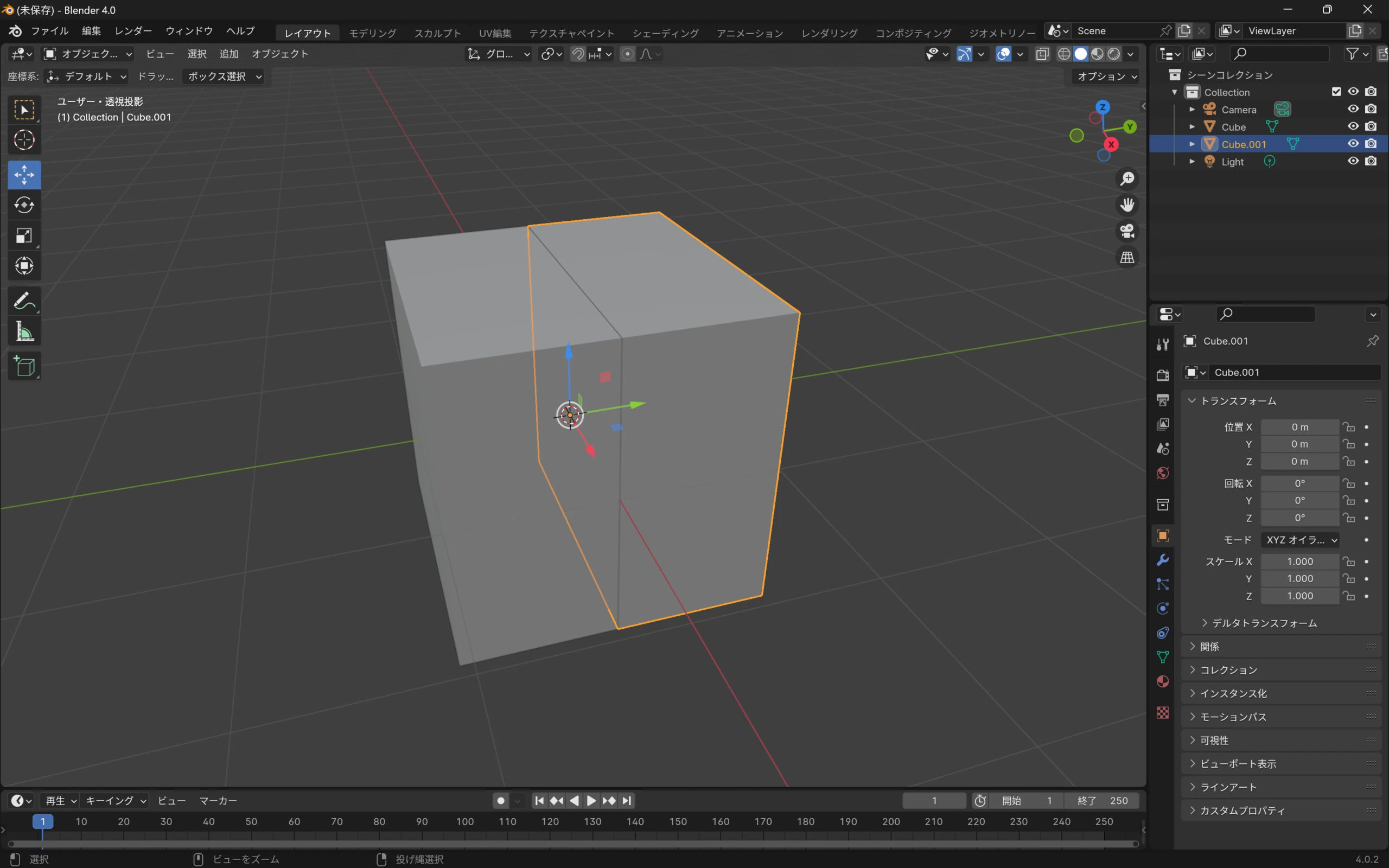 Create UVs for each object.
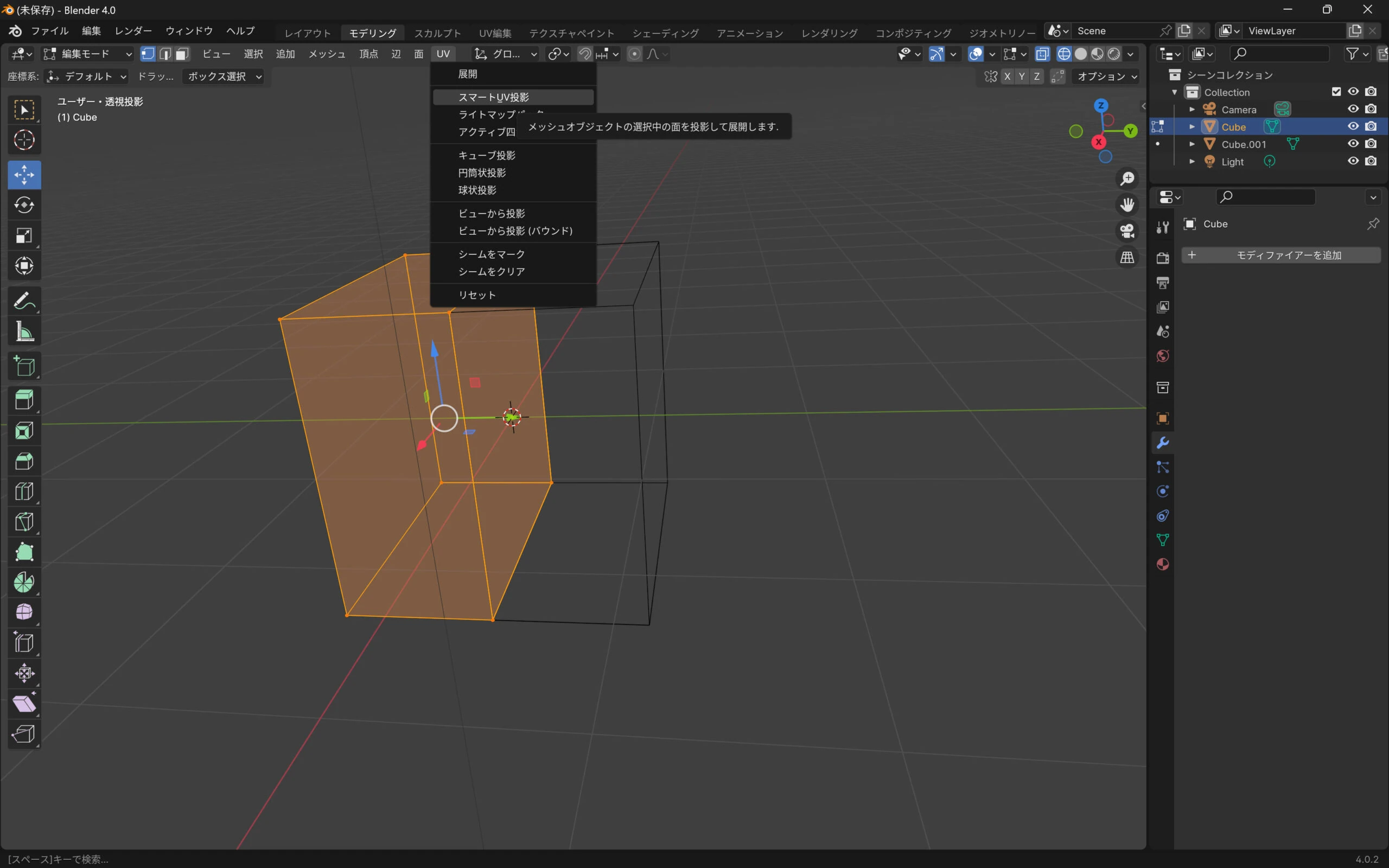 Choose Smart UV Project.
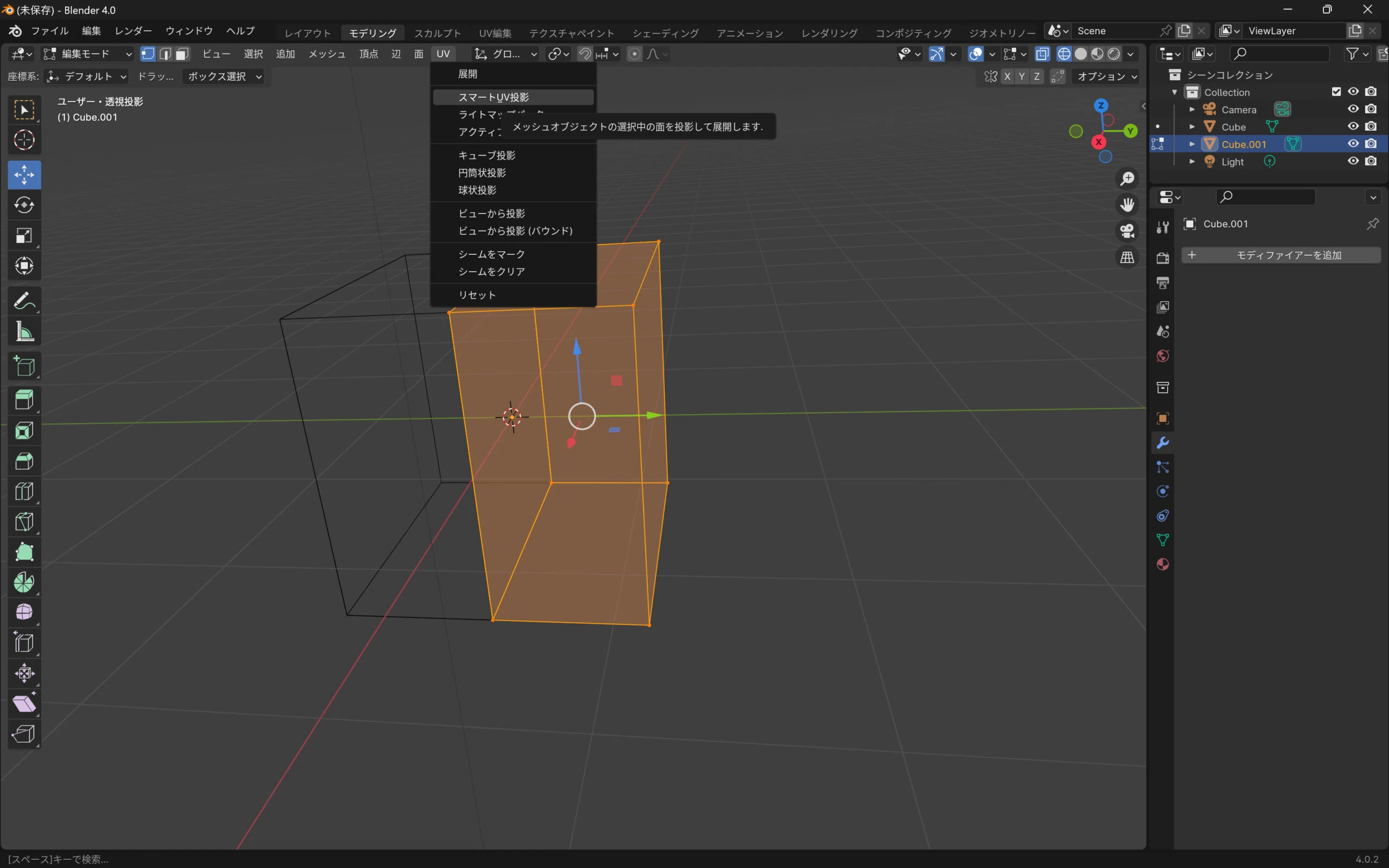 Send the objects to 3DCoat. Sending both together made the textures confusing, so send one side at a time.
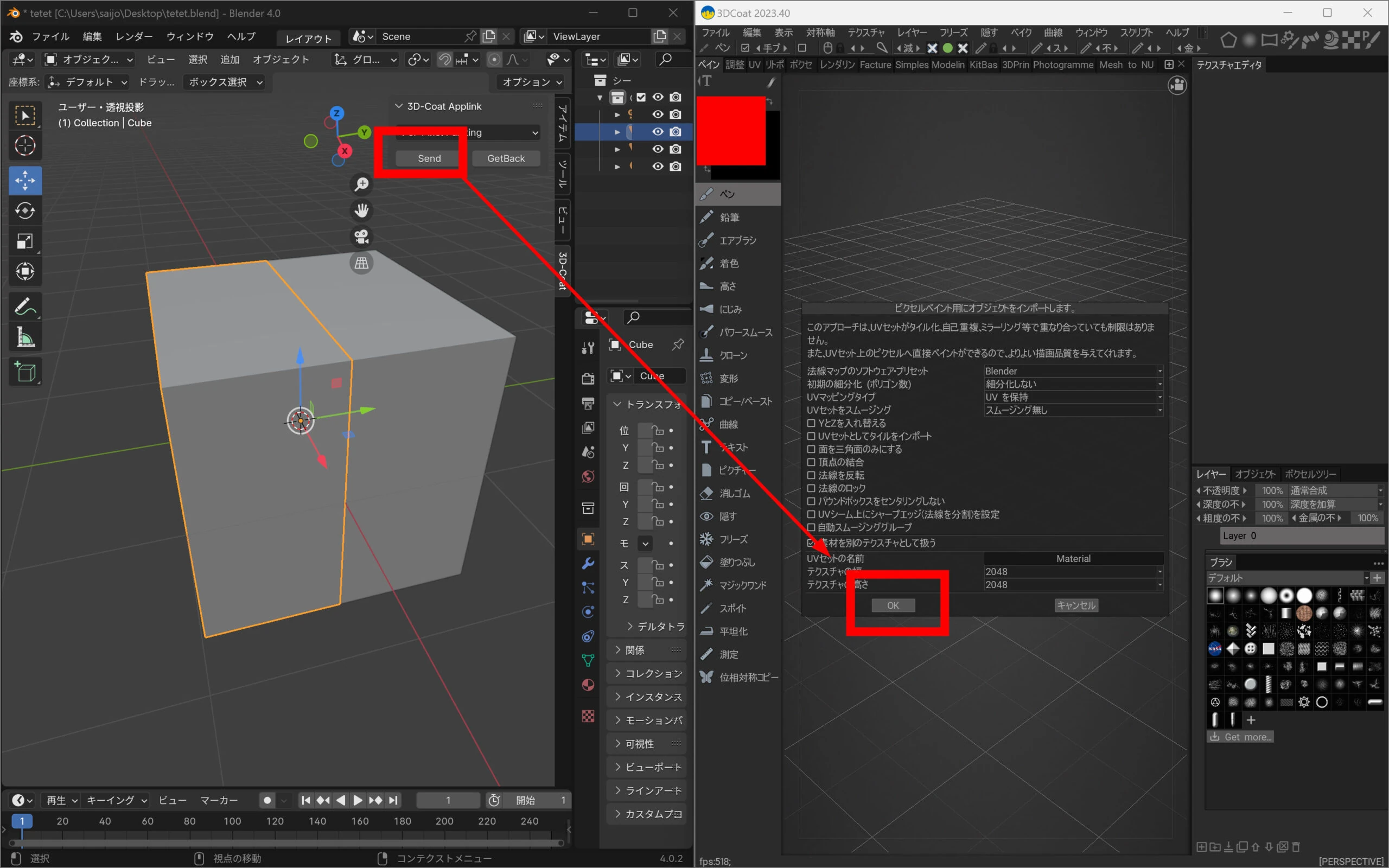 Add color and send it back.
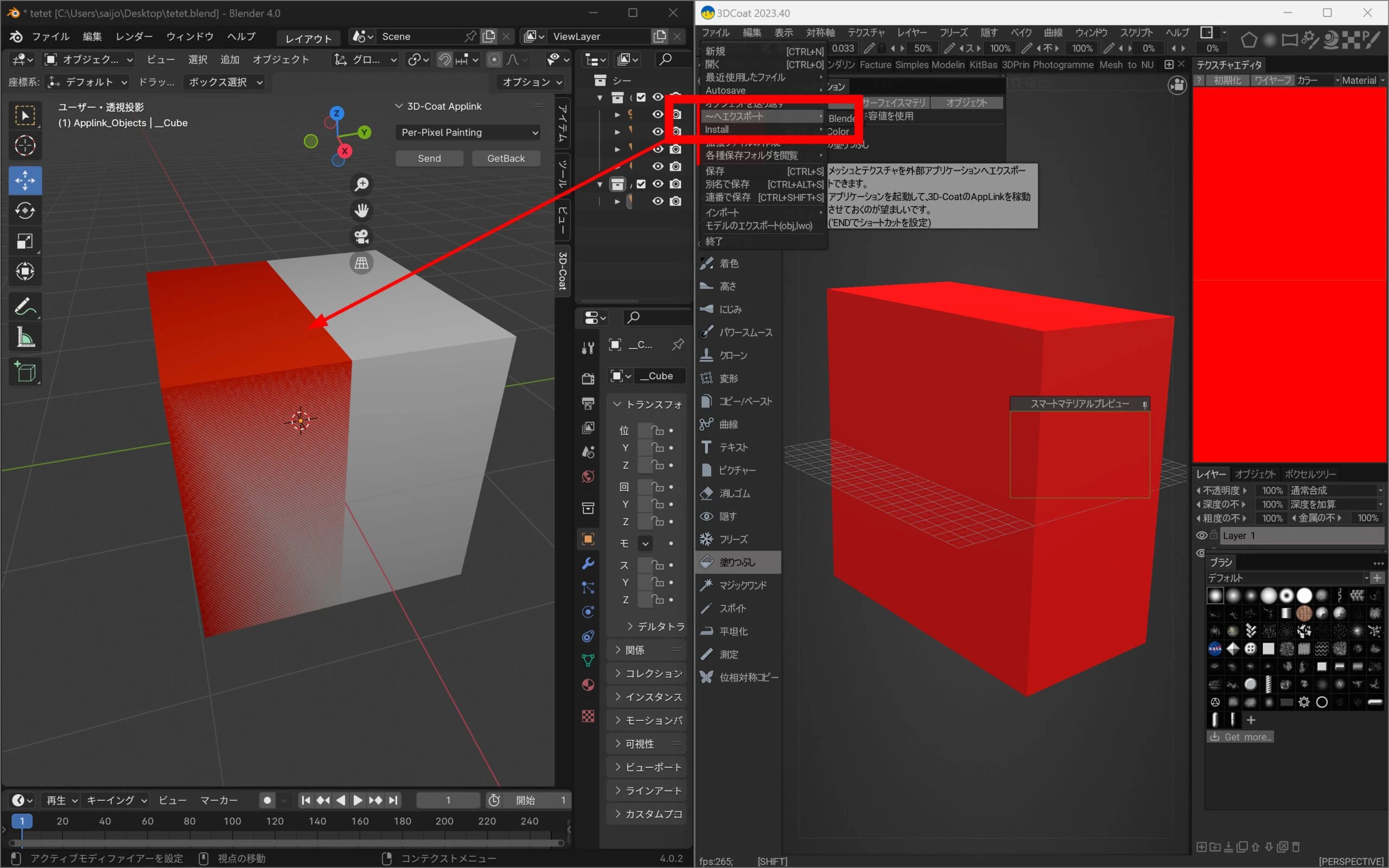 Do the same for the other part.
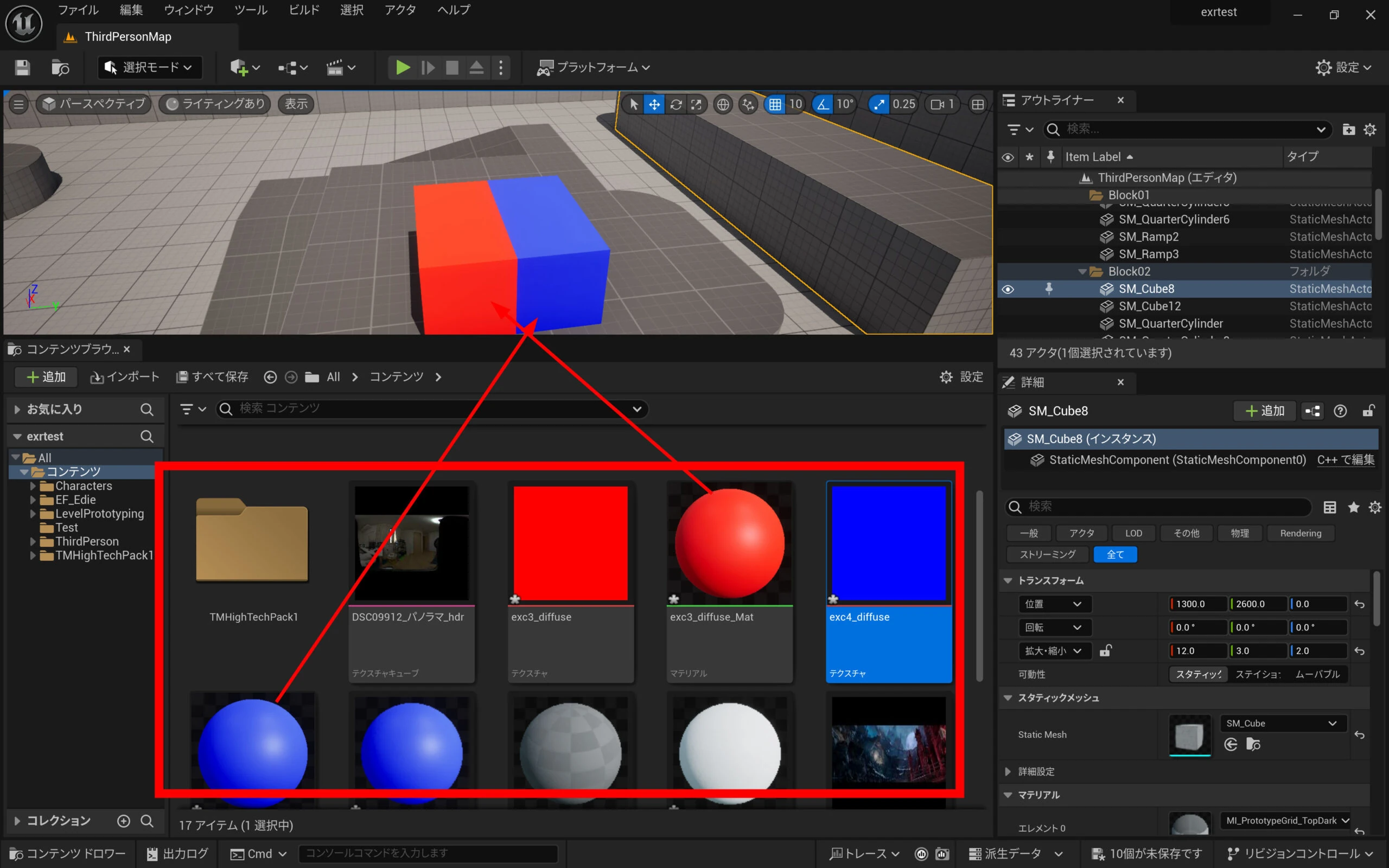
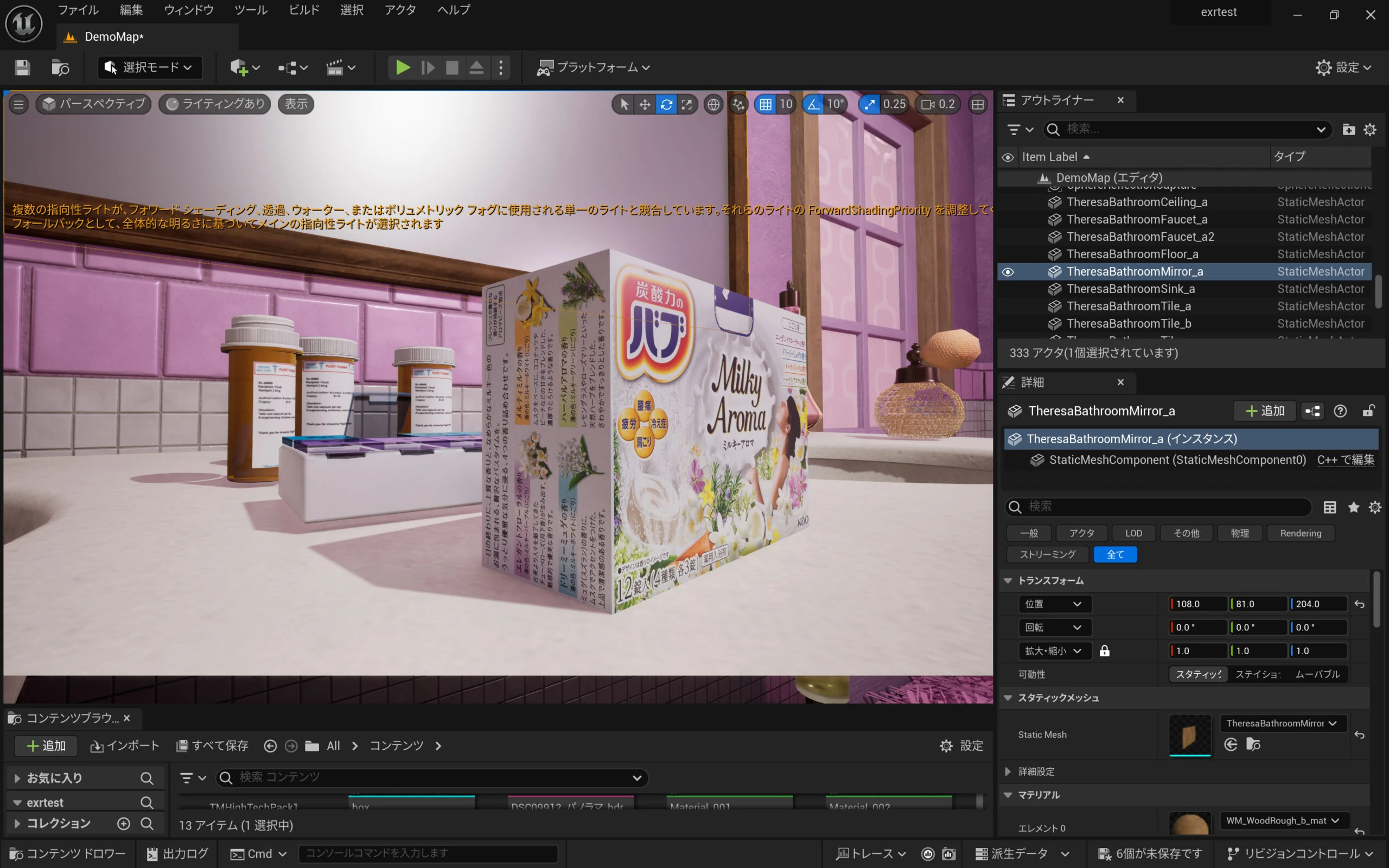
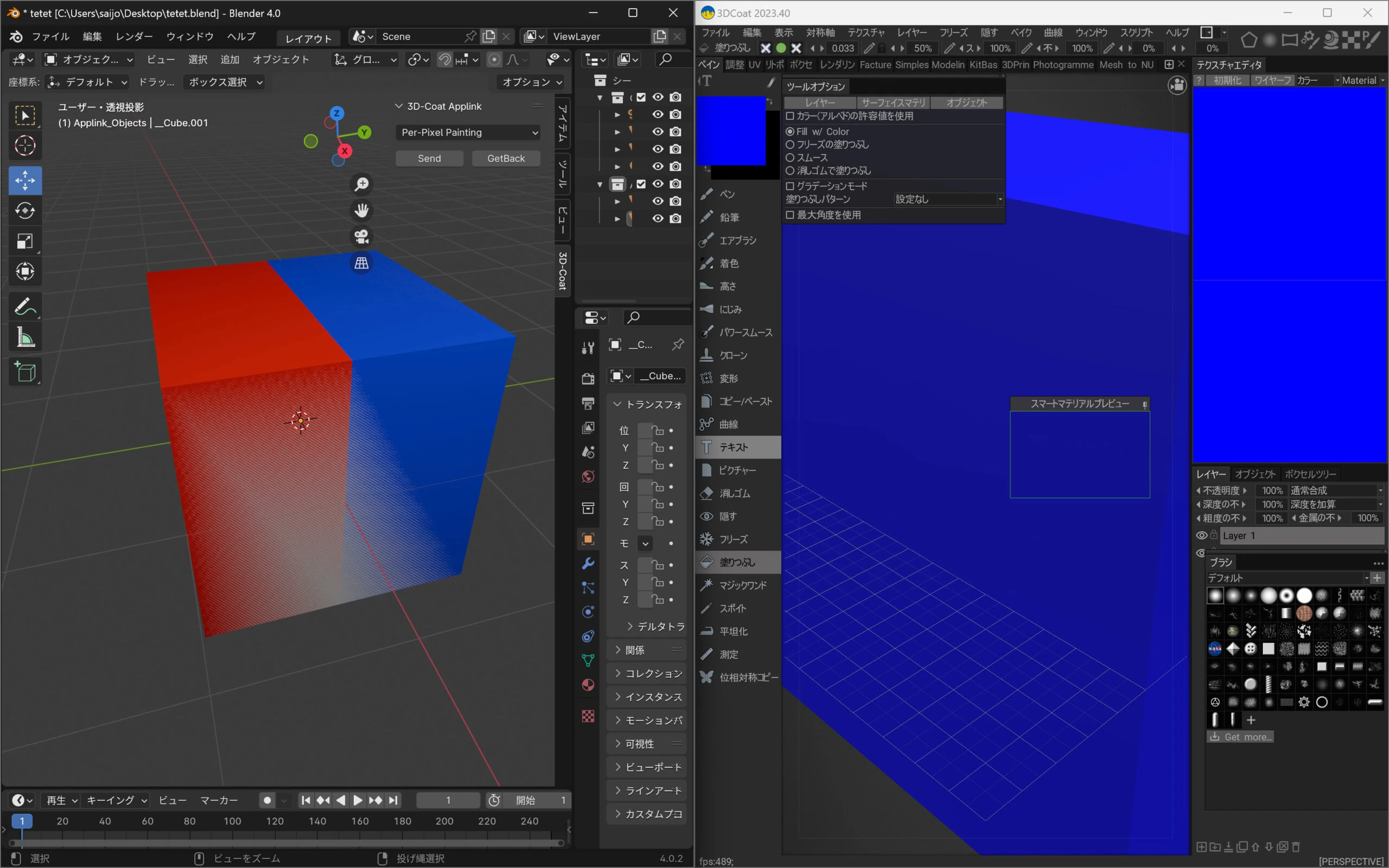 I was able to import it into UE5.
 Apply the same method to model the remote control below.
Listings from the same manufacturer as the photographed device: Find Mitsubishi Electric air-conditioner remote controls on Amazon (Ad)
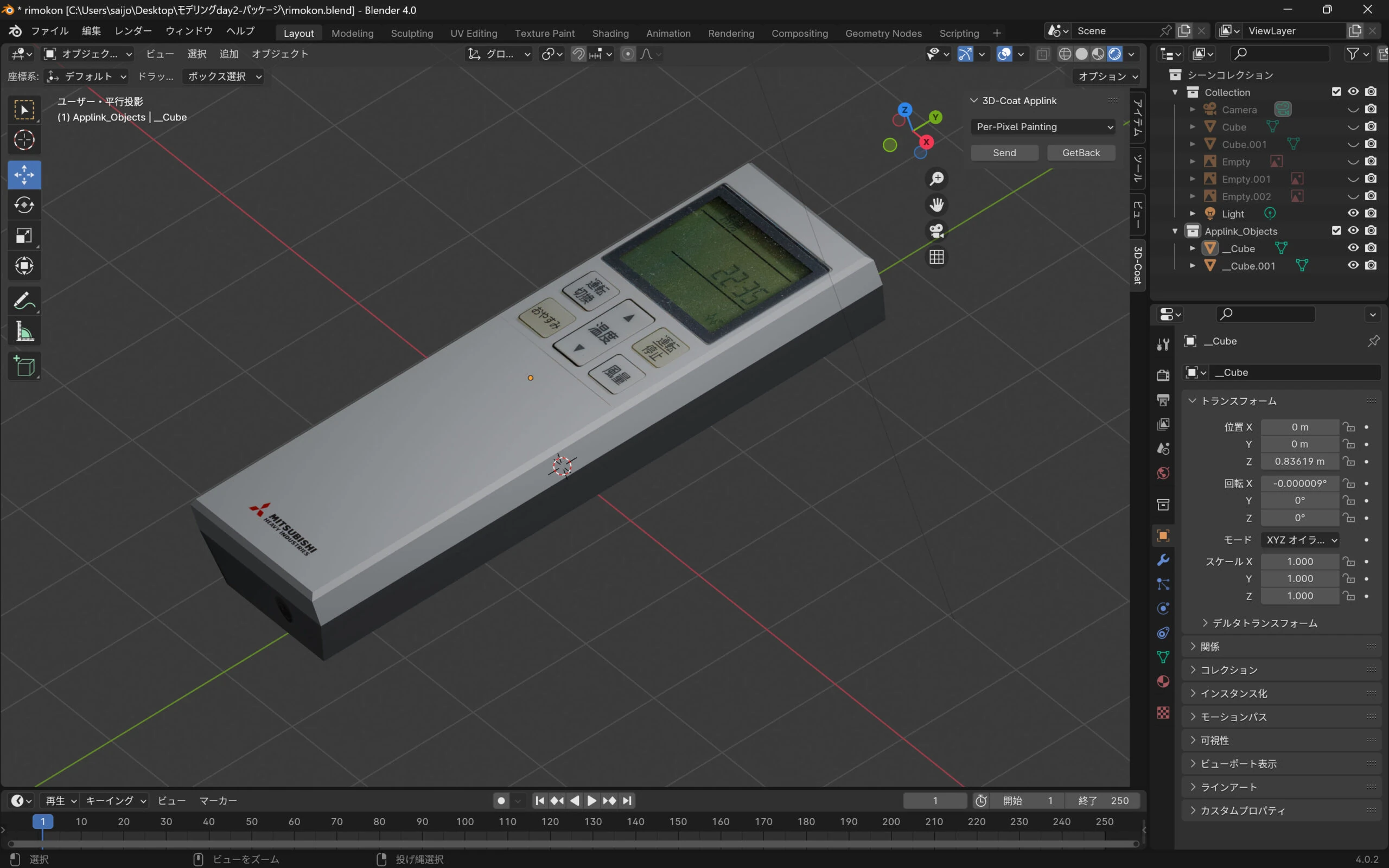
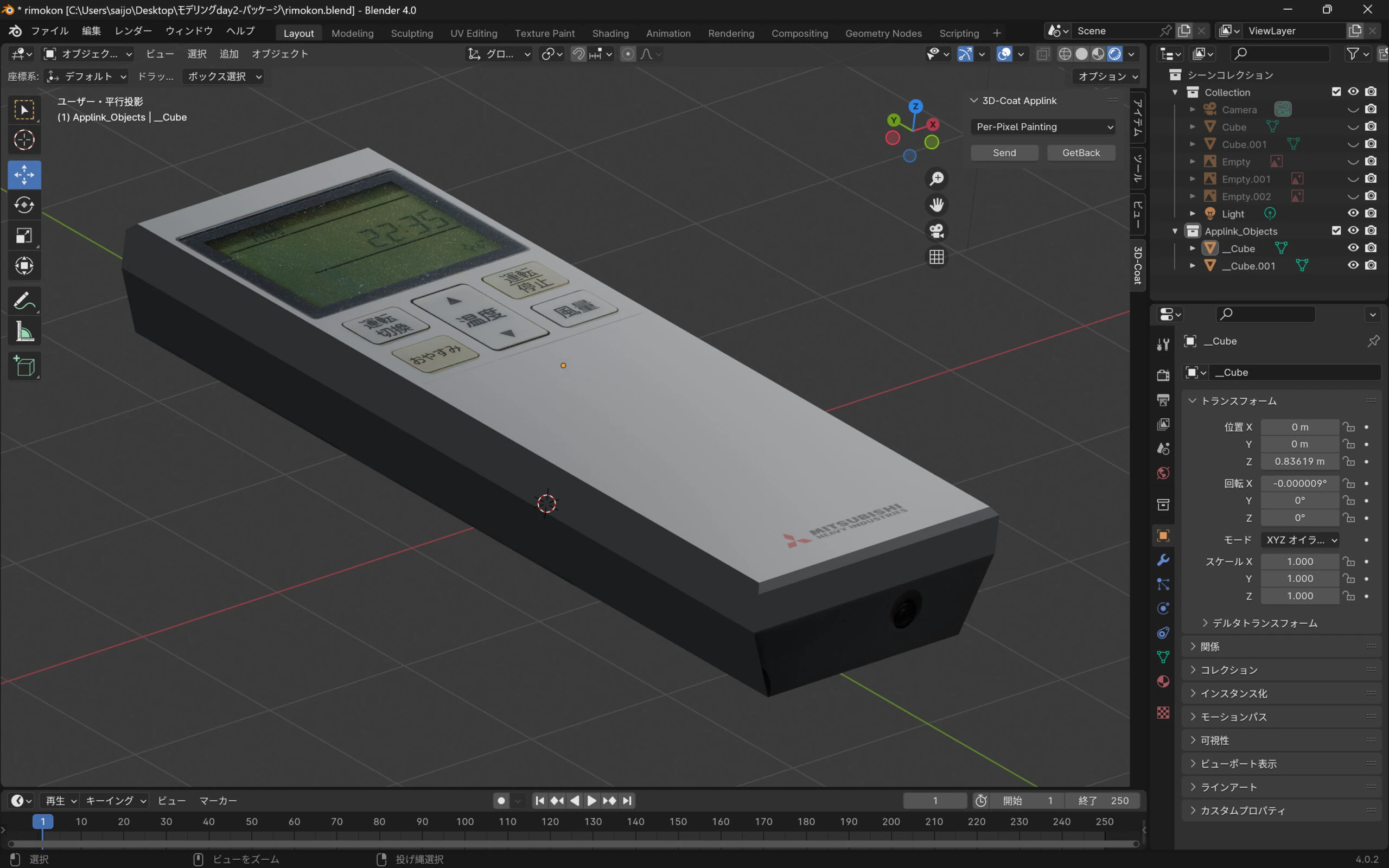
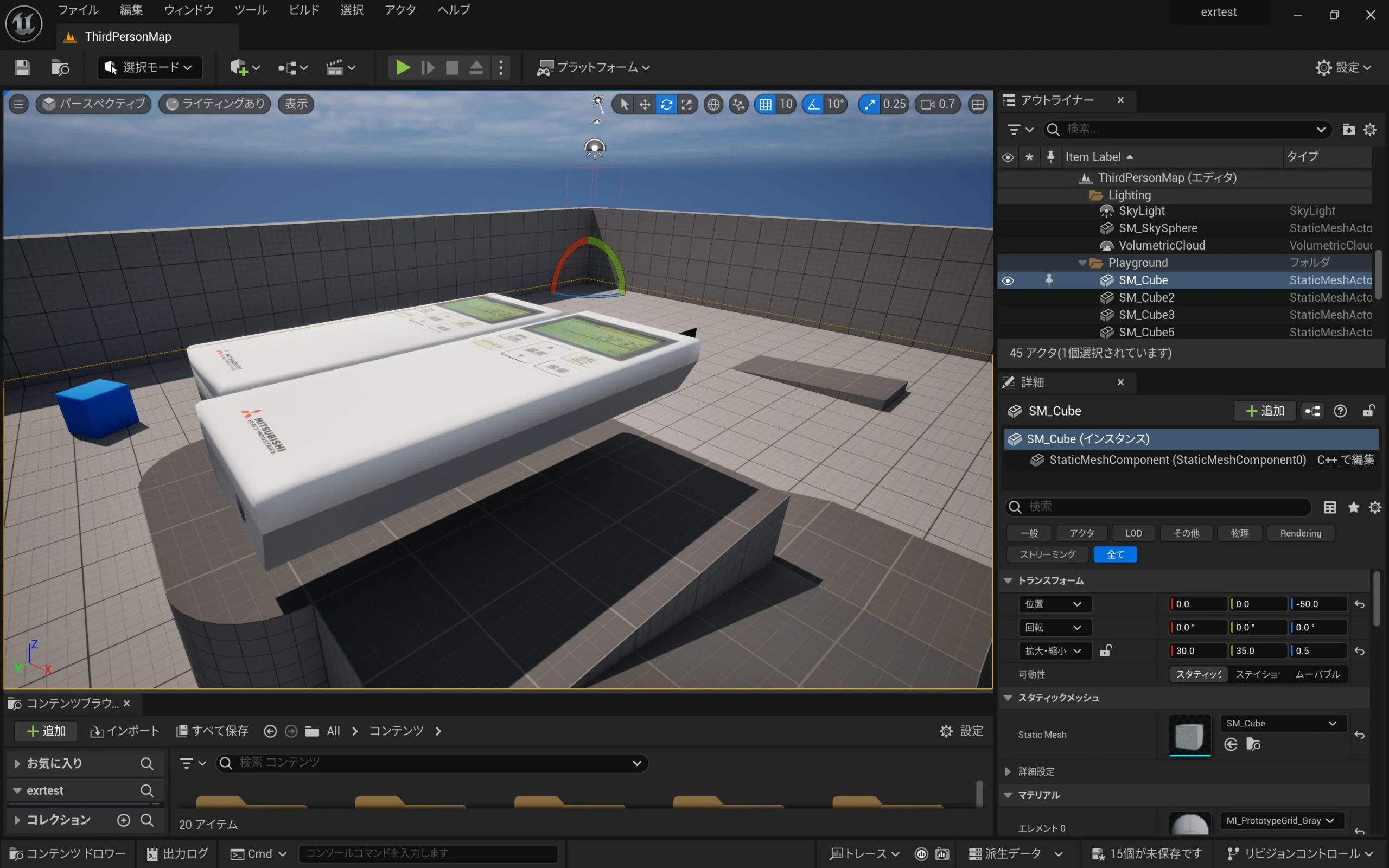
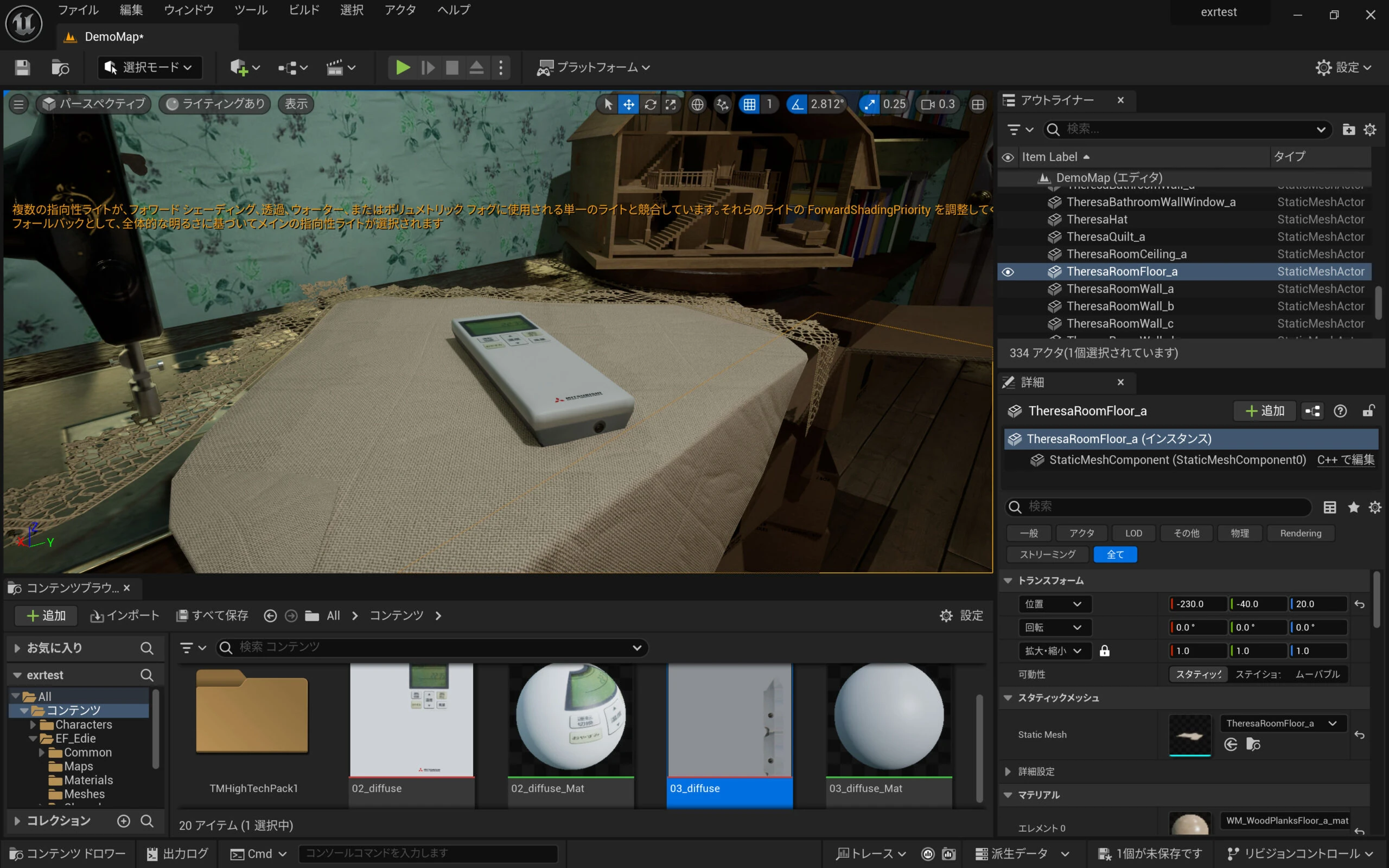 Finished!
Related articles
Updates and contact: X @riragoncom.