Splitting a sphere's UV map into printable sections with Blender and 3D-Coat
I split a sphere's UV map into four sections in Blender and 3D-Coat, printed the texture, and tried attaching it to a physical object.
Note: This article is more than one year old. Names and default behavior for remeshing, the UV editor, and baking vary between Blender and 3D-Coat versions. The screenshots show the interfaces used at the time.
- My comment that 3D-Coat has no automatic UV alignment feature reflects my impression at the time. Newer versions, workflows, or plugins may improve this.
- Check the current URLs and licenses of equirectangular HDRI sources such as Poly Haven.
- Printing and attaching the texture to a physical object is an experiment; paper, printer, and scale affect the result.
These are my notes on controlling a sphere's UV map for printing.
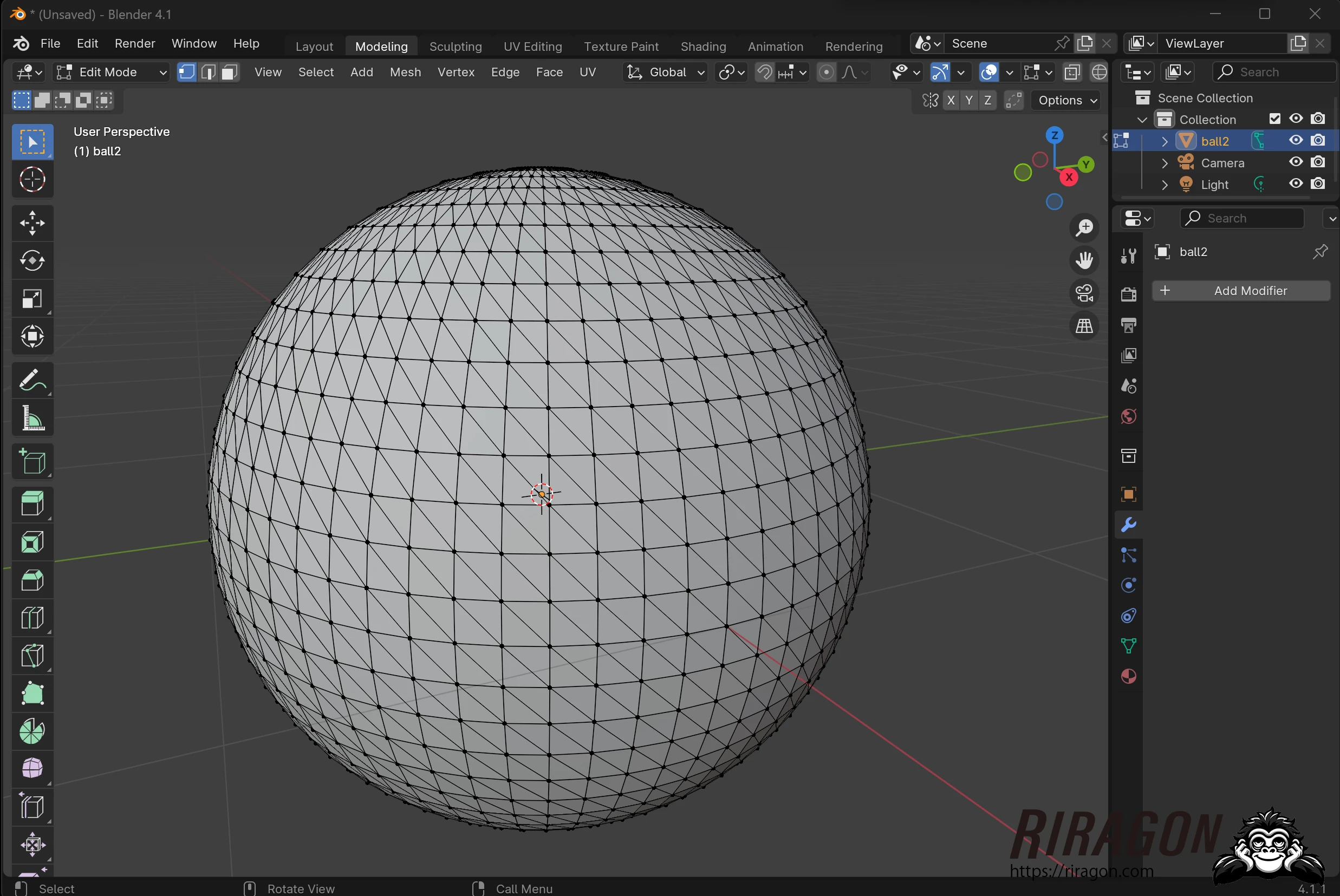
I wanted to turn the UV map of a perfectly spherical 3D model into a shape that would be easier to manage in print. First, I created a UV sphere in Blender.
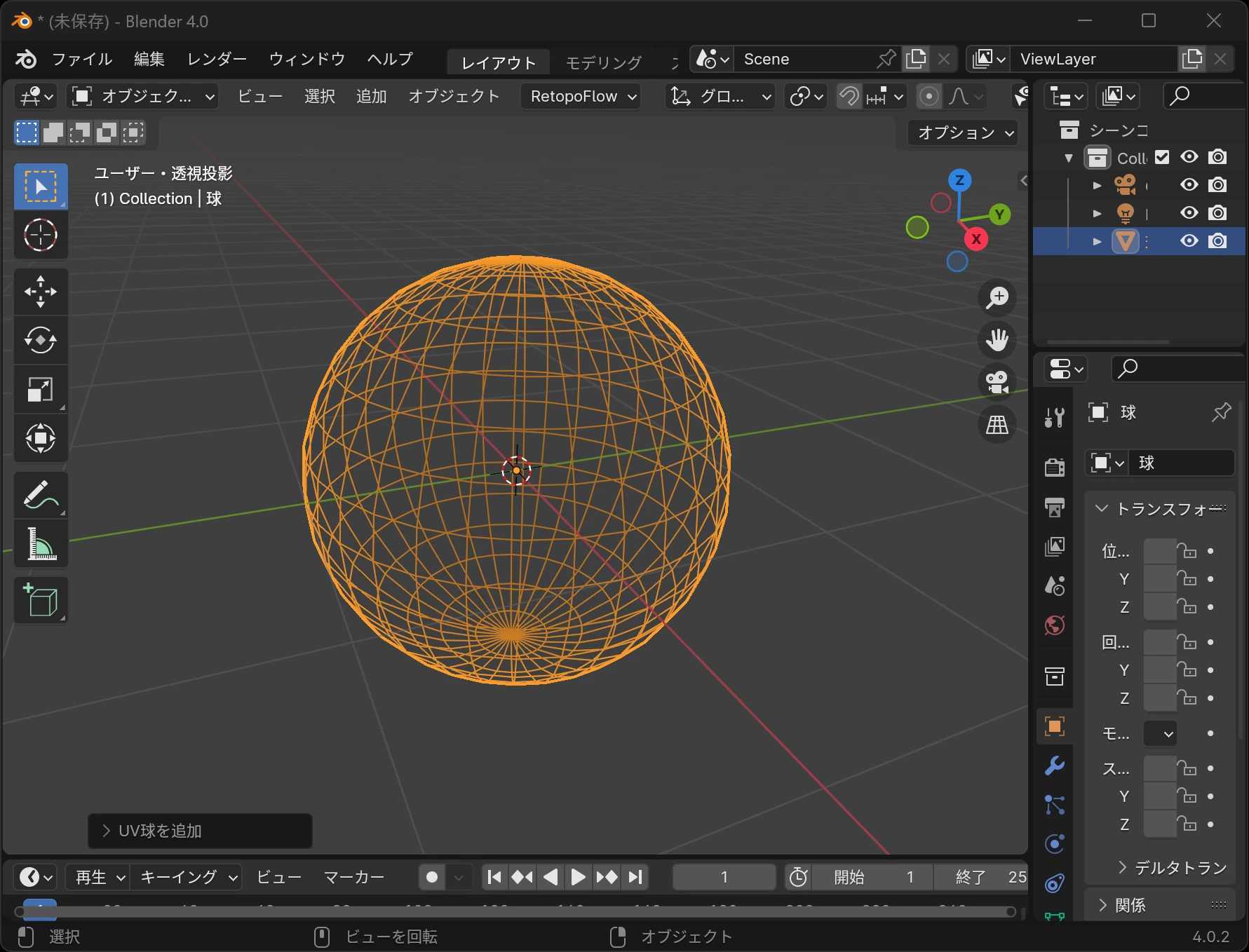 Its faces include triangles and quads. Here is the UV map in that state.
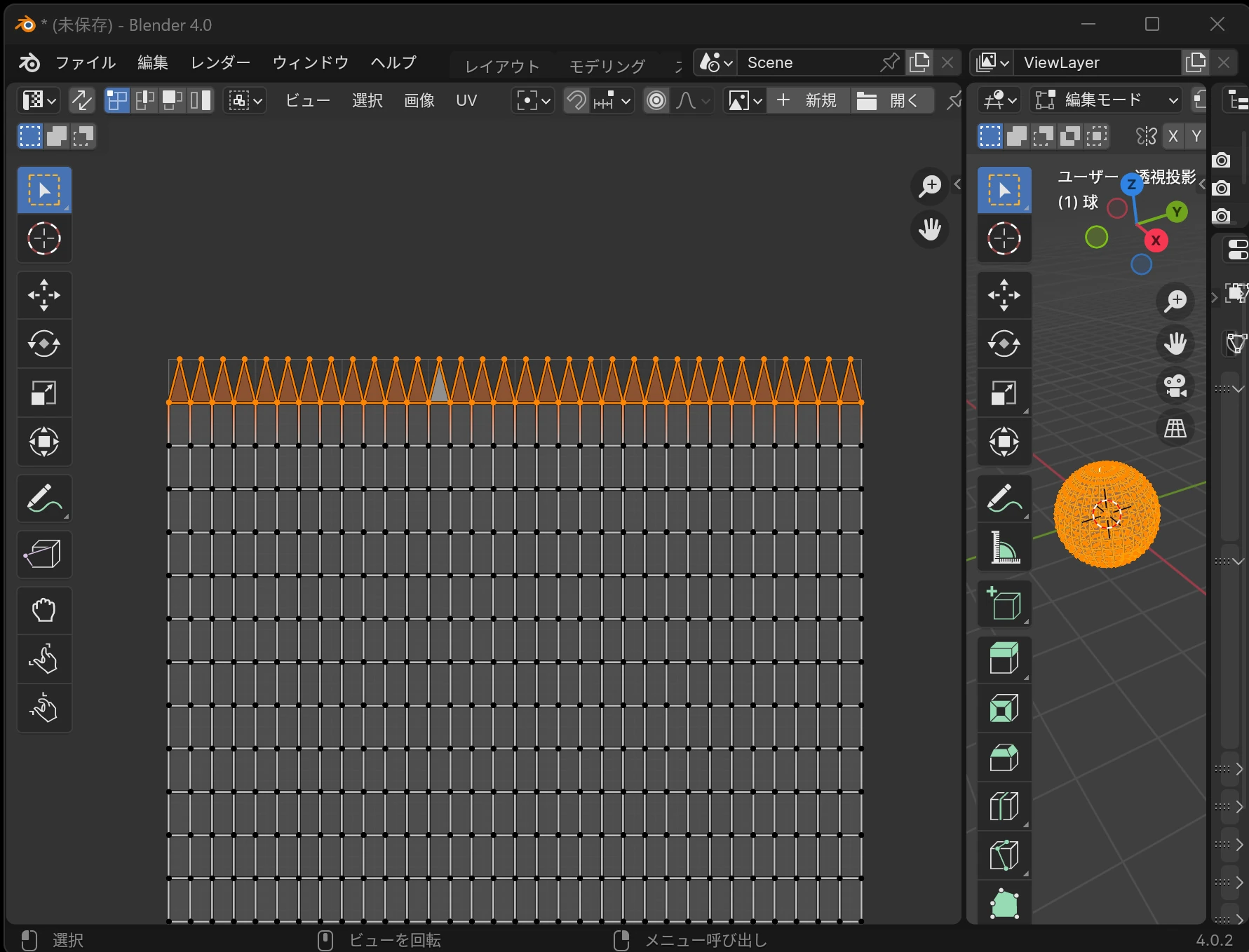
 It has a jagged edge of triangles. How could I handle that edge when printing it?
 I tried remeshing it into quads. At first, it looked promising.
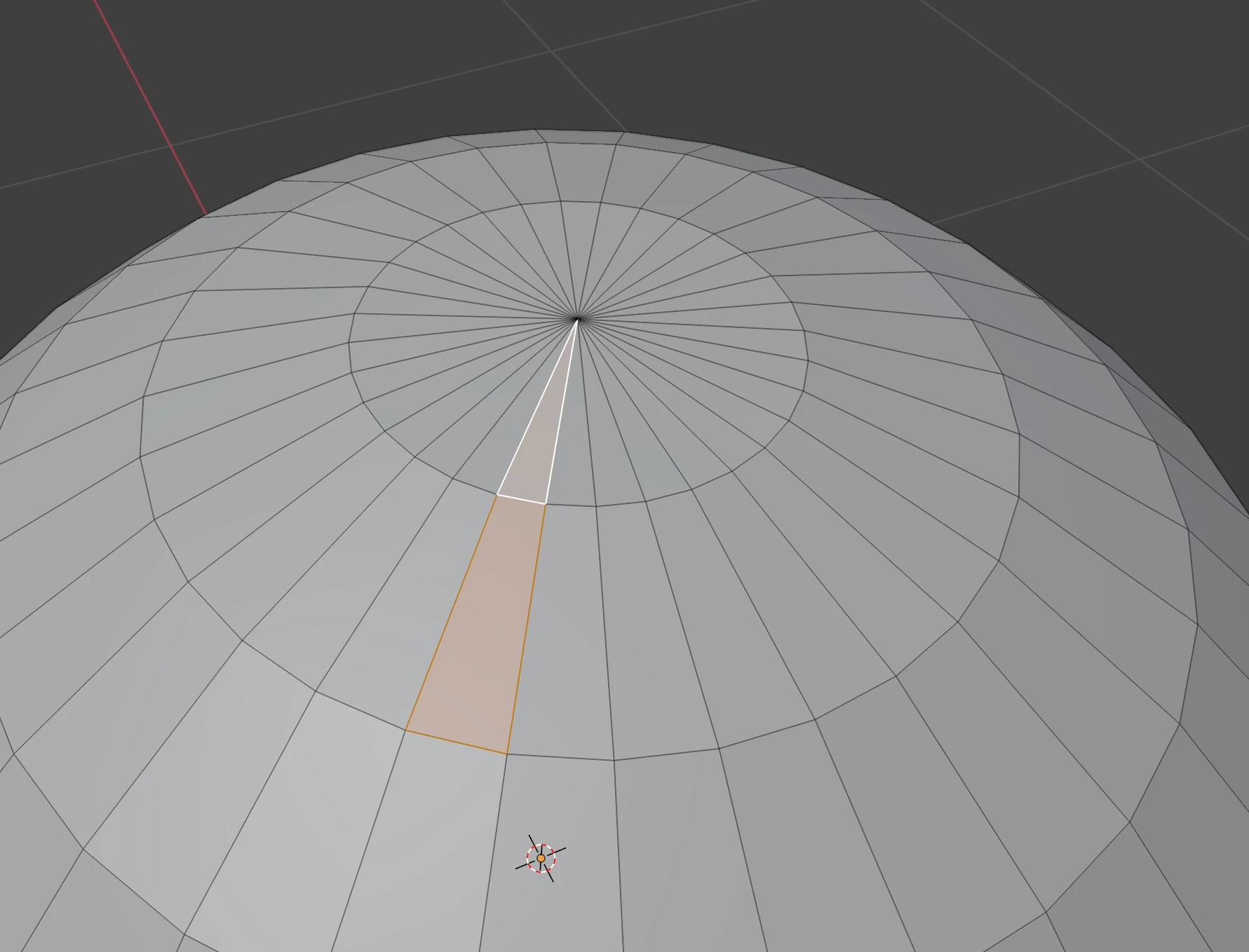
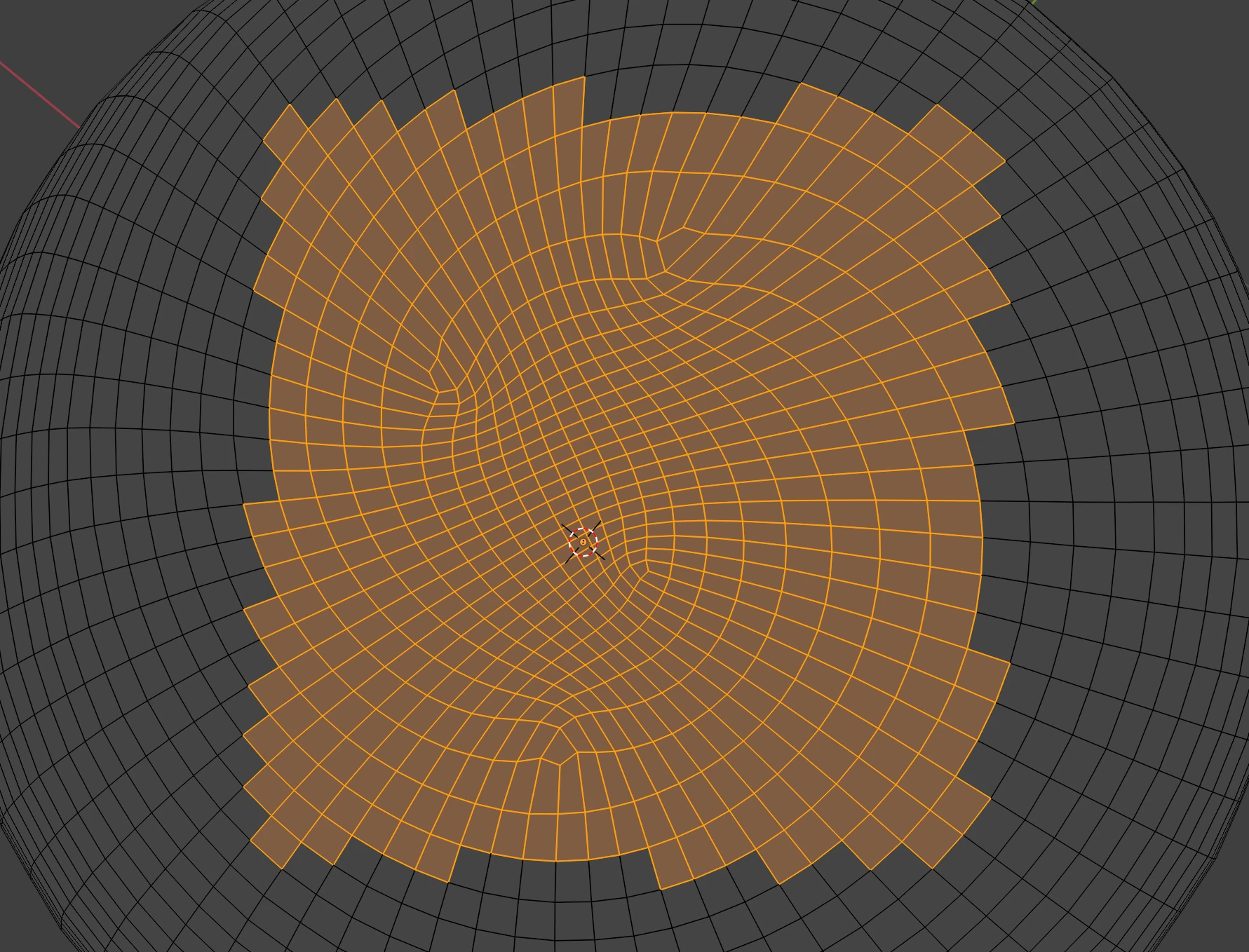
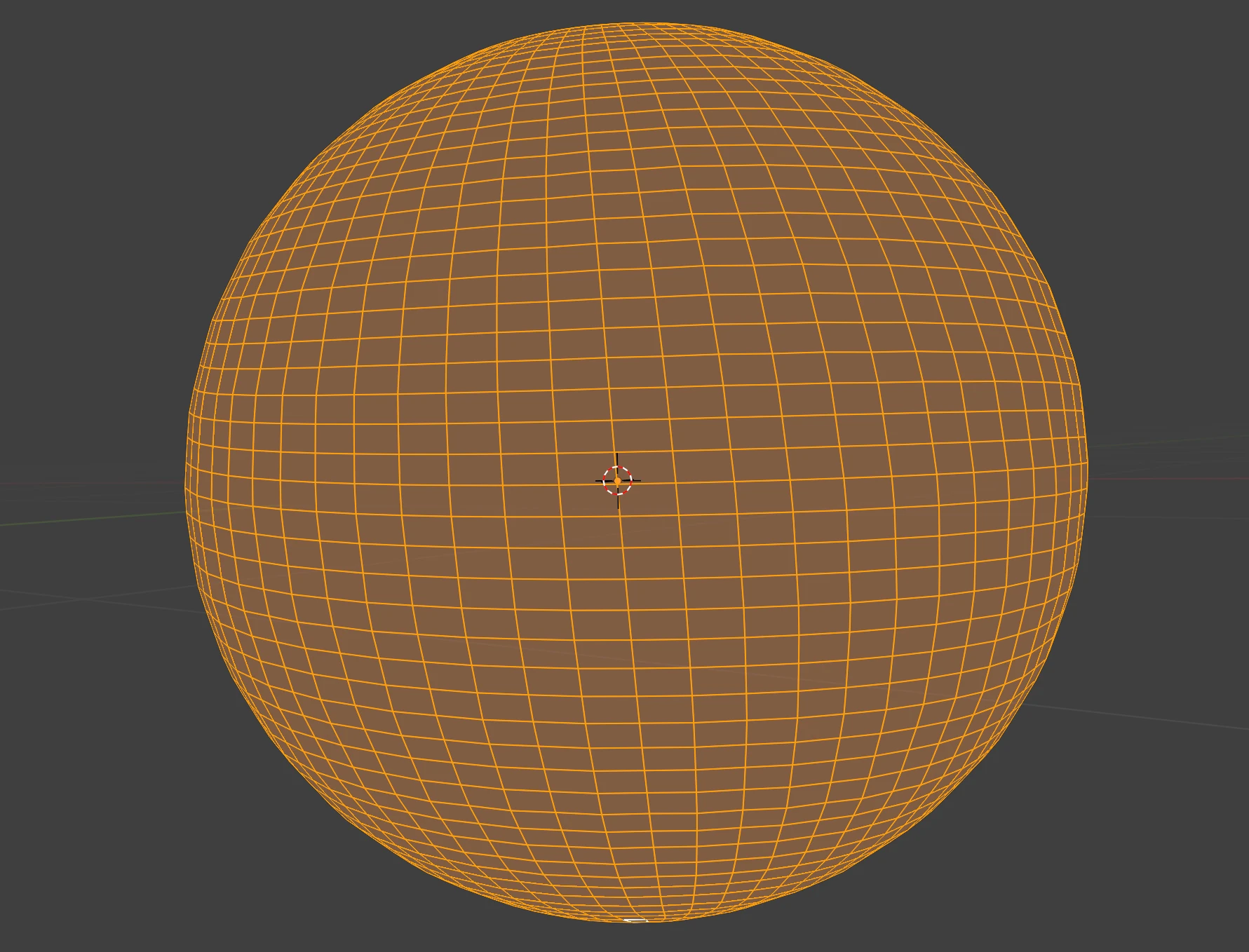 Looking at the top, however, the quad mesh did not fill the surface evenly and formed an organic pattern. With this method, I could not fill the round area with uniform quads.
 Instead, I wondered whether I could edit the UV map while keeping the mix of triangles and quads. I transferred the UV sphere from Blender to 3D-Coat.
I prepared an equirectangular test image downloaded from HDRI Haven.
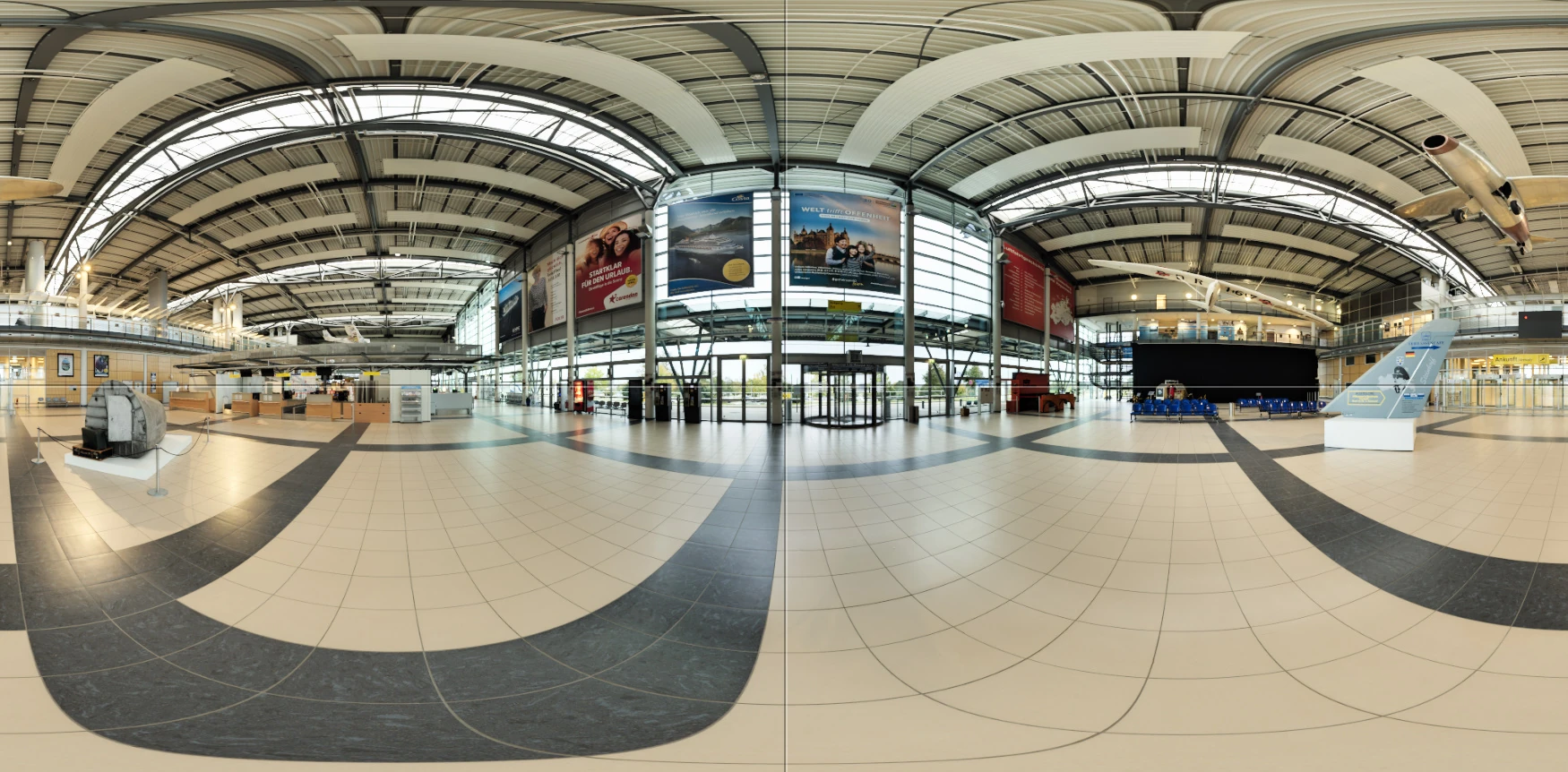 I applied the equirectangular image to the sphere. The top and bottom edges were jagged.
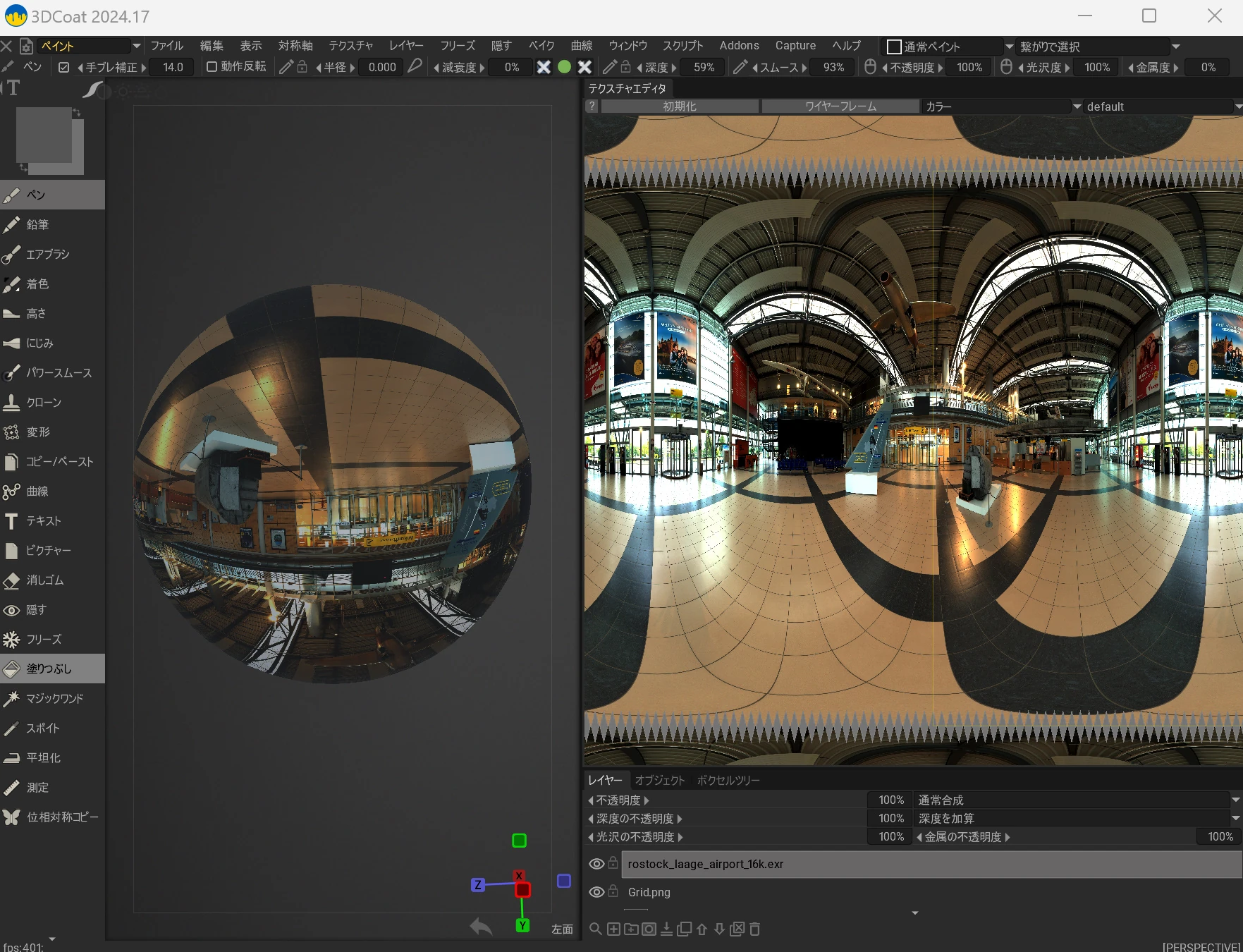 From here, I remapped the UVs. I spent hours trying different approaches.
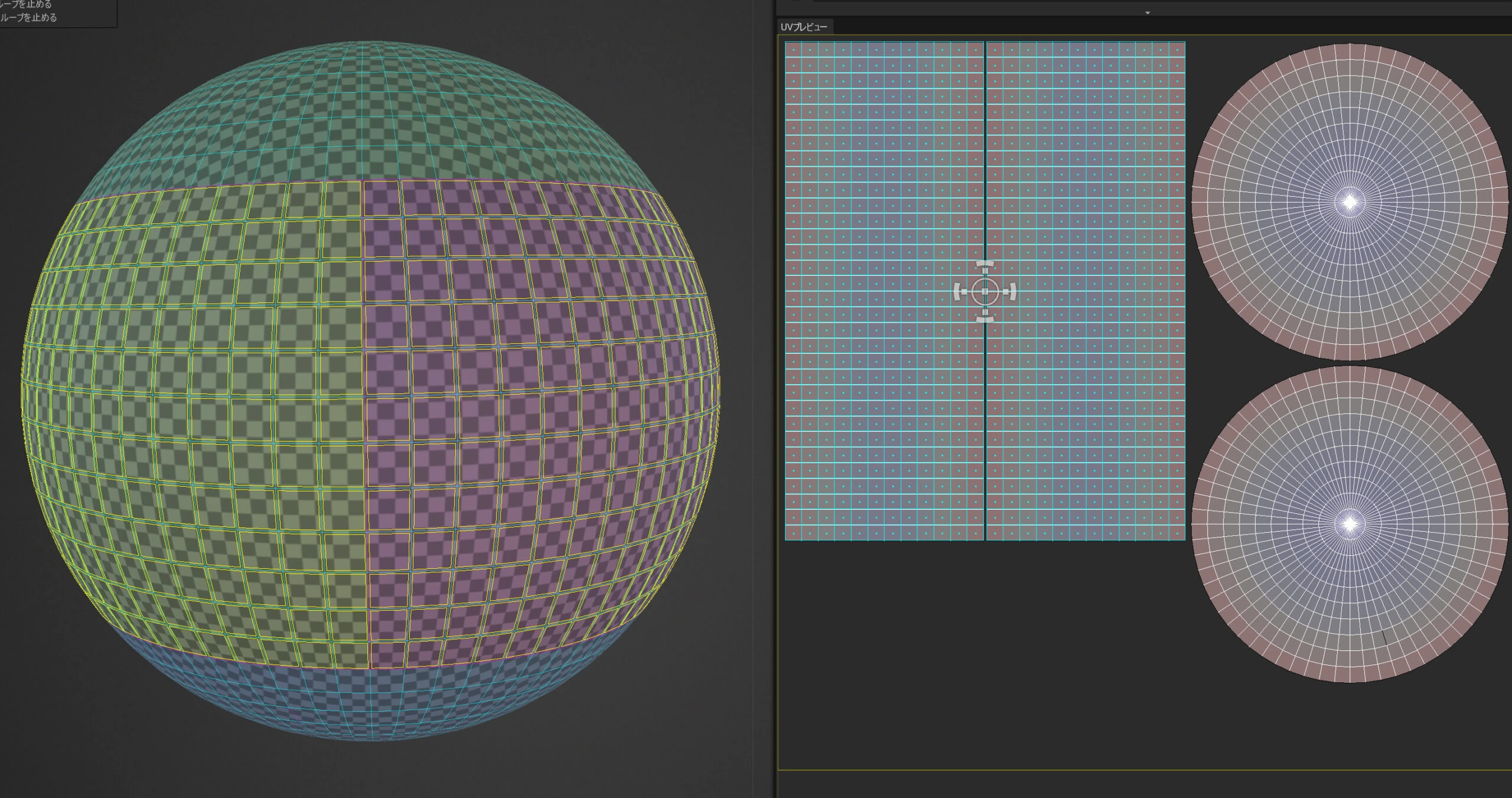
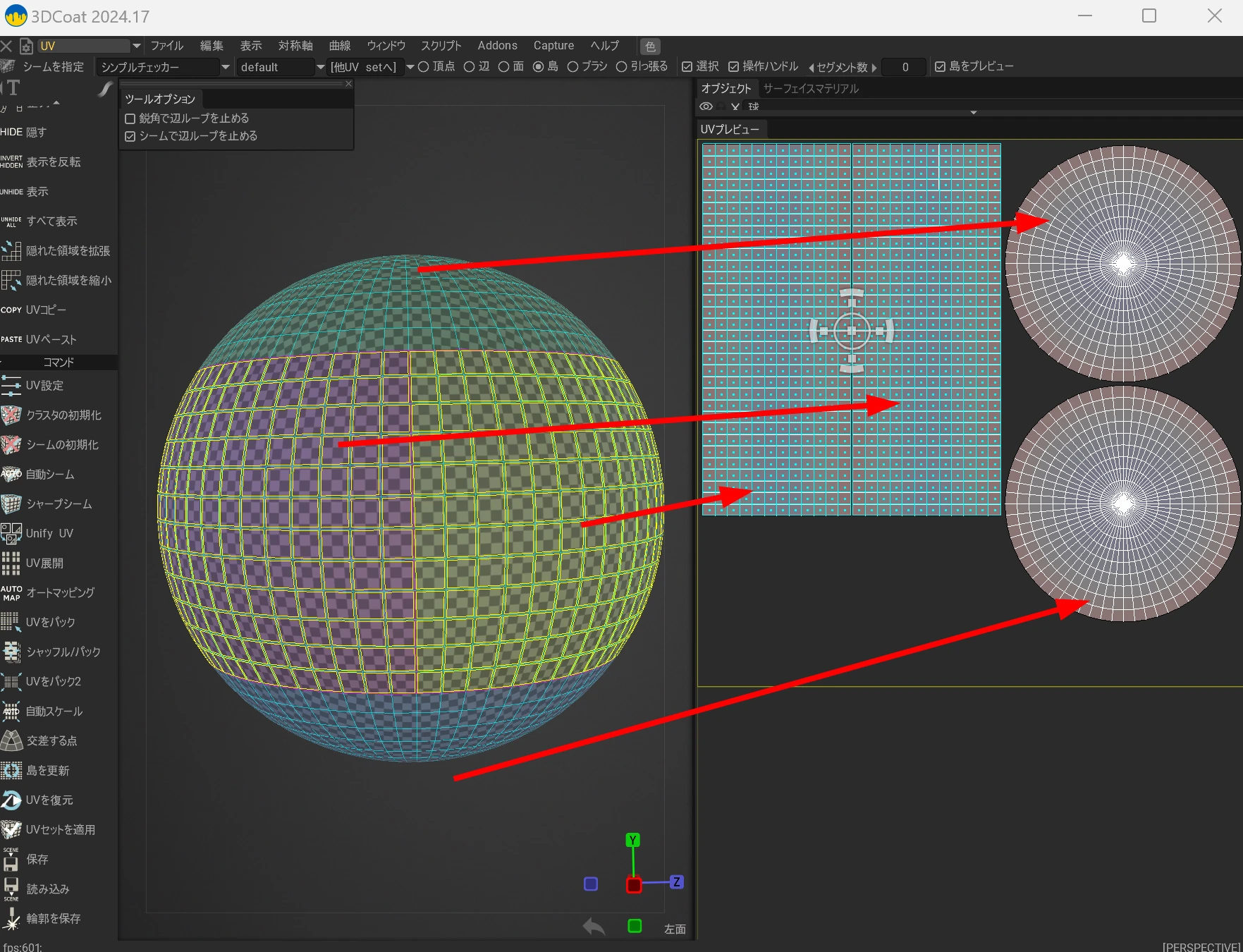
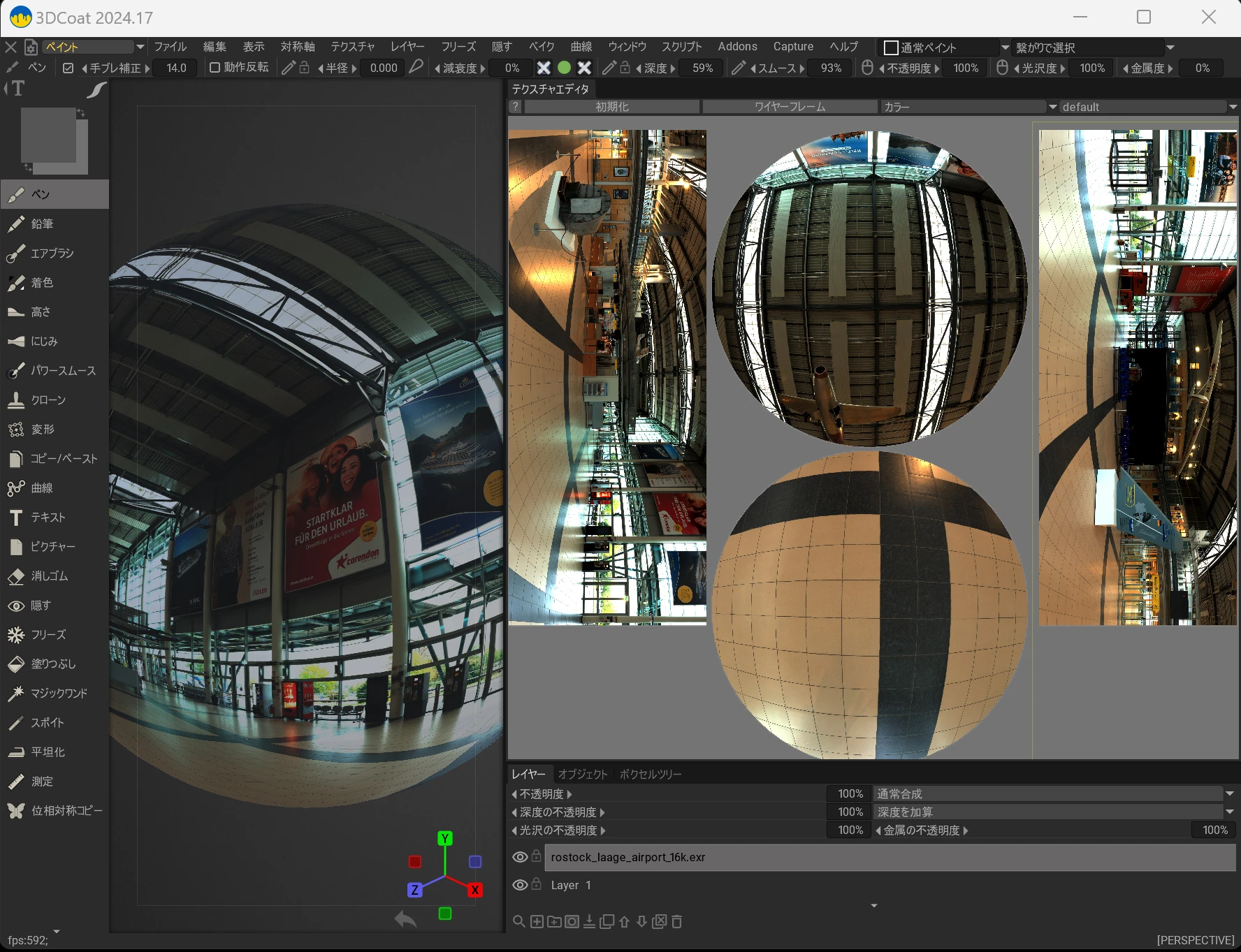
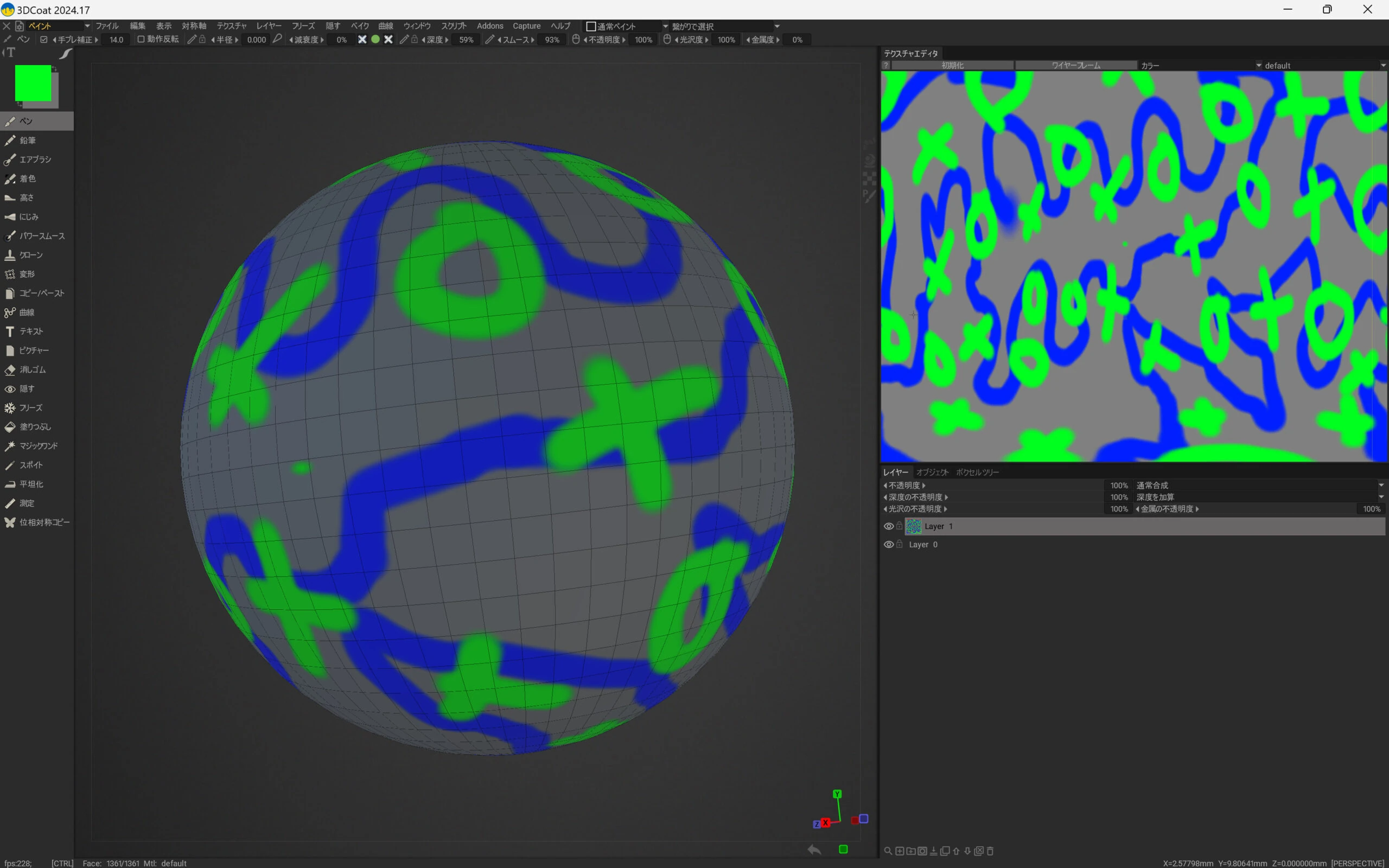 In the end, I manually divided the sphere's UV map into four sections. I struggled because I could not find an automatic way to align the UV map in 3D-Coat. Keeping the scale at 1:1 and the sections horizontal was the key.
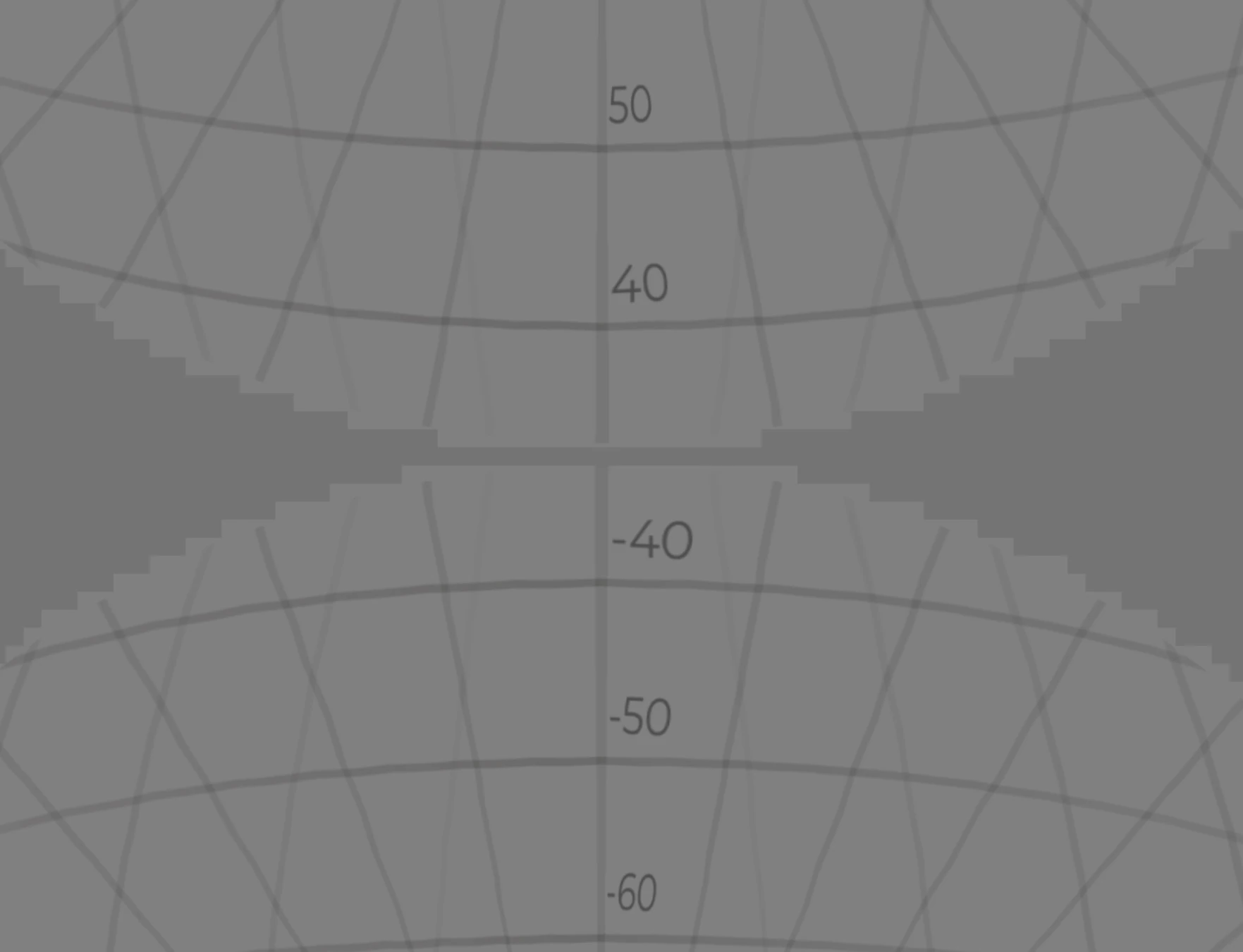
 I prepared and applied a texture with degree markings like this.
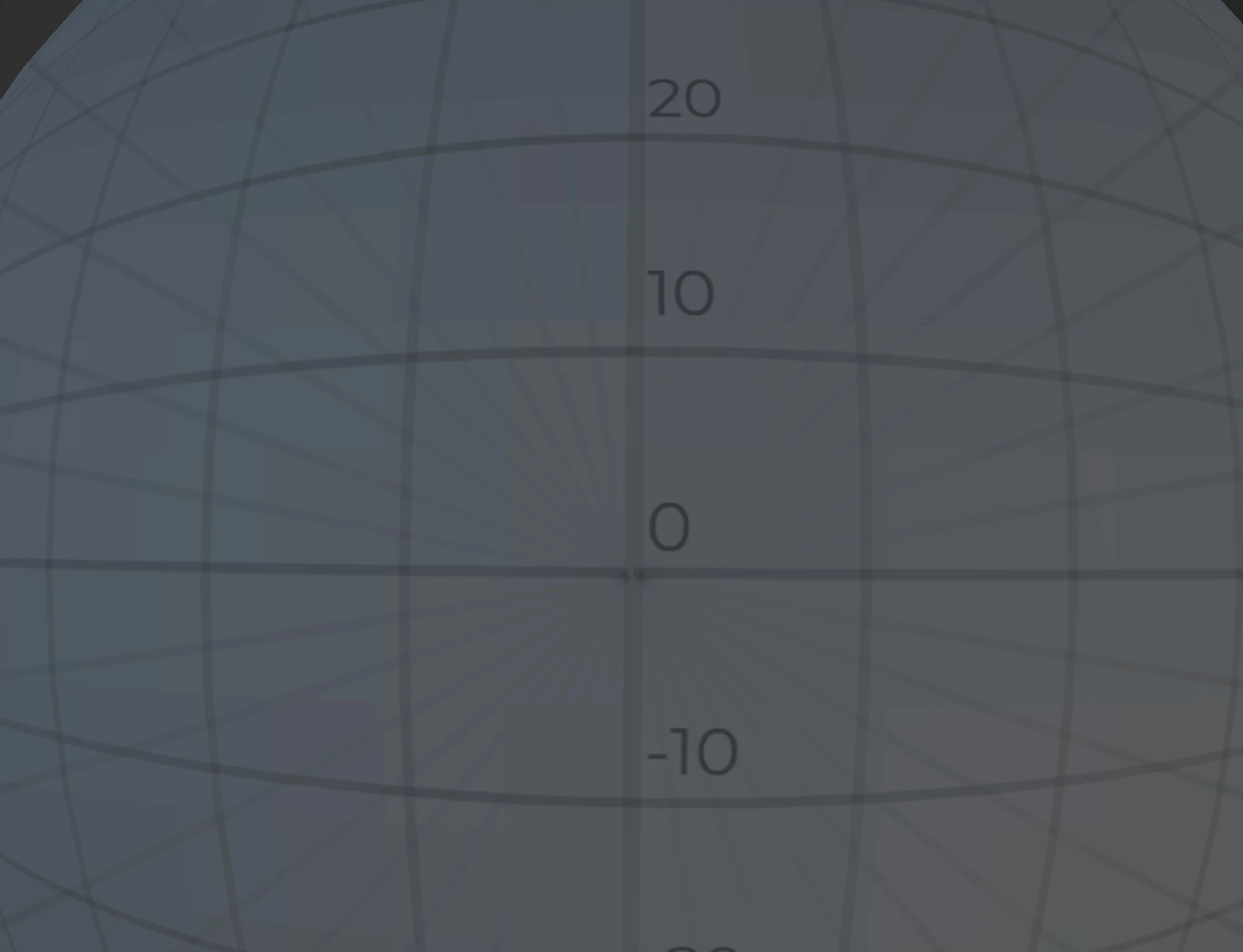 I aligned the positions visually, one pixel at a time.
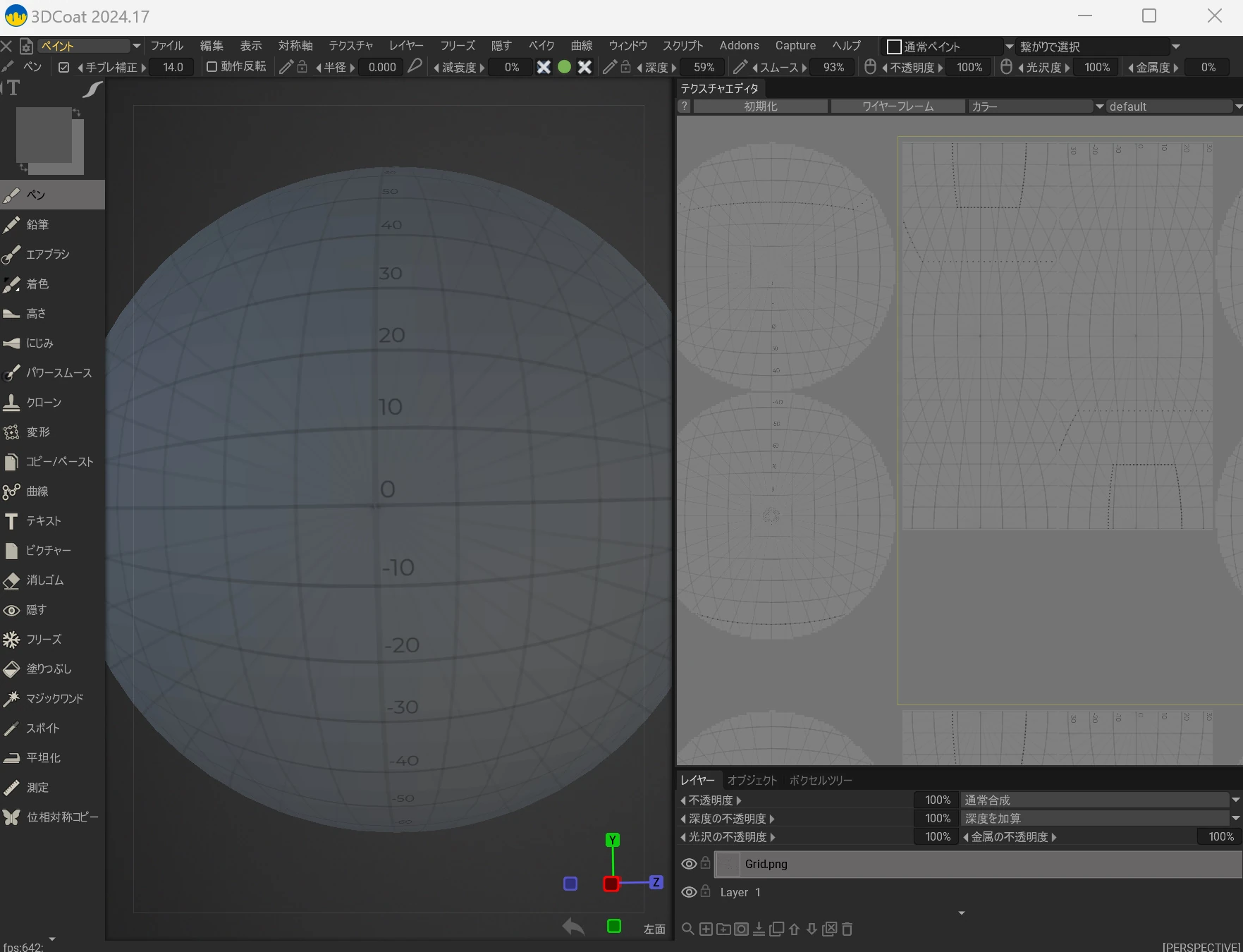 Once they lined up reasonably well, I called it finished.
 I applied the earlier equirectangular image.
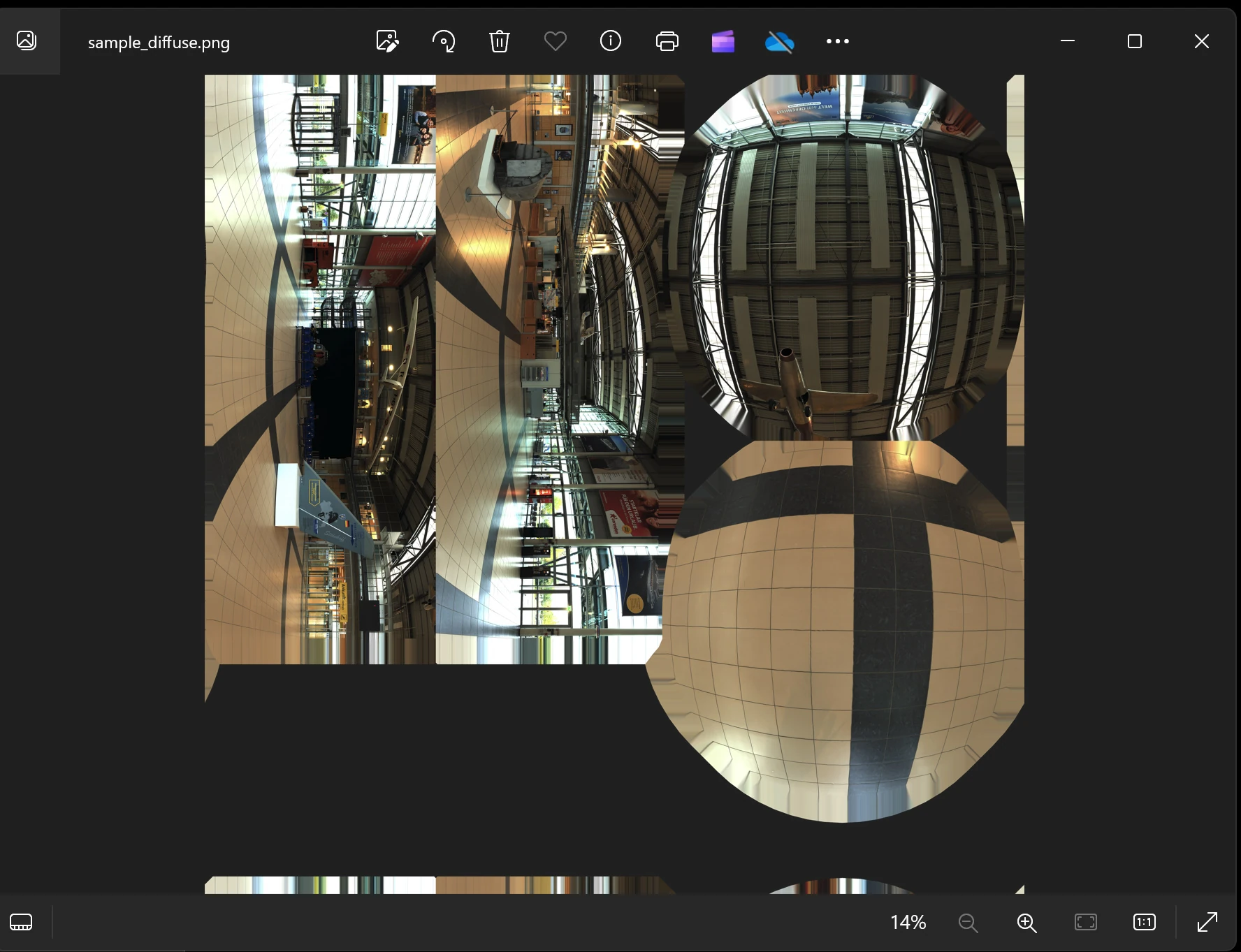
 Then I printed it. Importing it into Illustrator or a similar program might show UV-map guides, but I have not tested that. If it works, printing would be much easier.
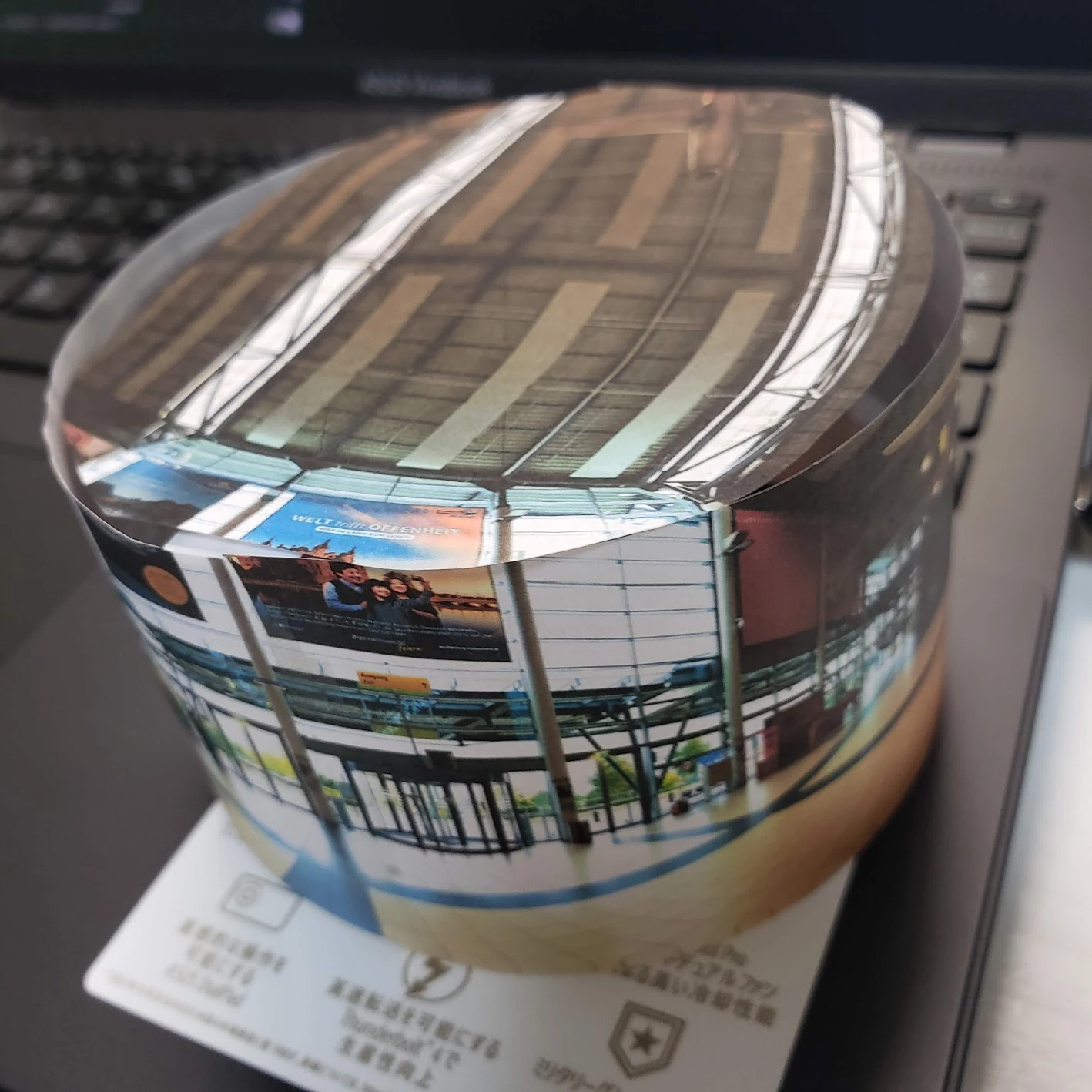
 I roughly cut it out with scissors, attached it, and assembled it. Oh! The edges joined up. A happy ending.
Related articles
Updates and contact: X @riragoncom.