Downloading free, commercially usable HDRIs from Poly Haven and using them as UE5 backgrounds
I downloaded an HDRI from Poly Haven, applied it with UE5's HDRI Backdrop, and adjusted its brightness to explore the image's dynamic range.
Note: This article is more than one year old. Poly Haven's site layout, resolution options, and members' early-access arrangements may change, so the download interface may differ from the screenshots.
- Enabling the HDRIBackdrop plugin and placing its actor can differ between UE5 versions.
- The workaround of resaving an HDR file as 32-bit in Photoshop when it cannot be assigned to Cubemap may behave differently after Adobe updates.
- Check the current interpretation of the CC0 license at polyhaven.com/license, along with news about the organization and BlenderKit.
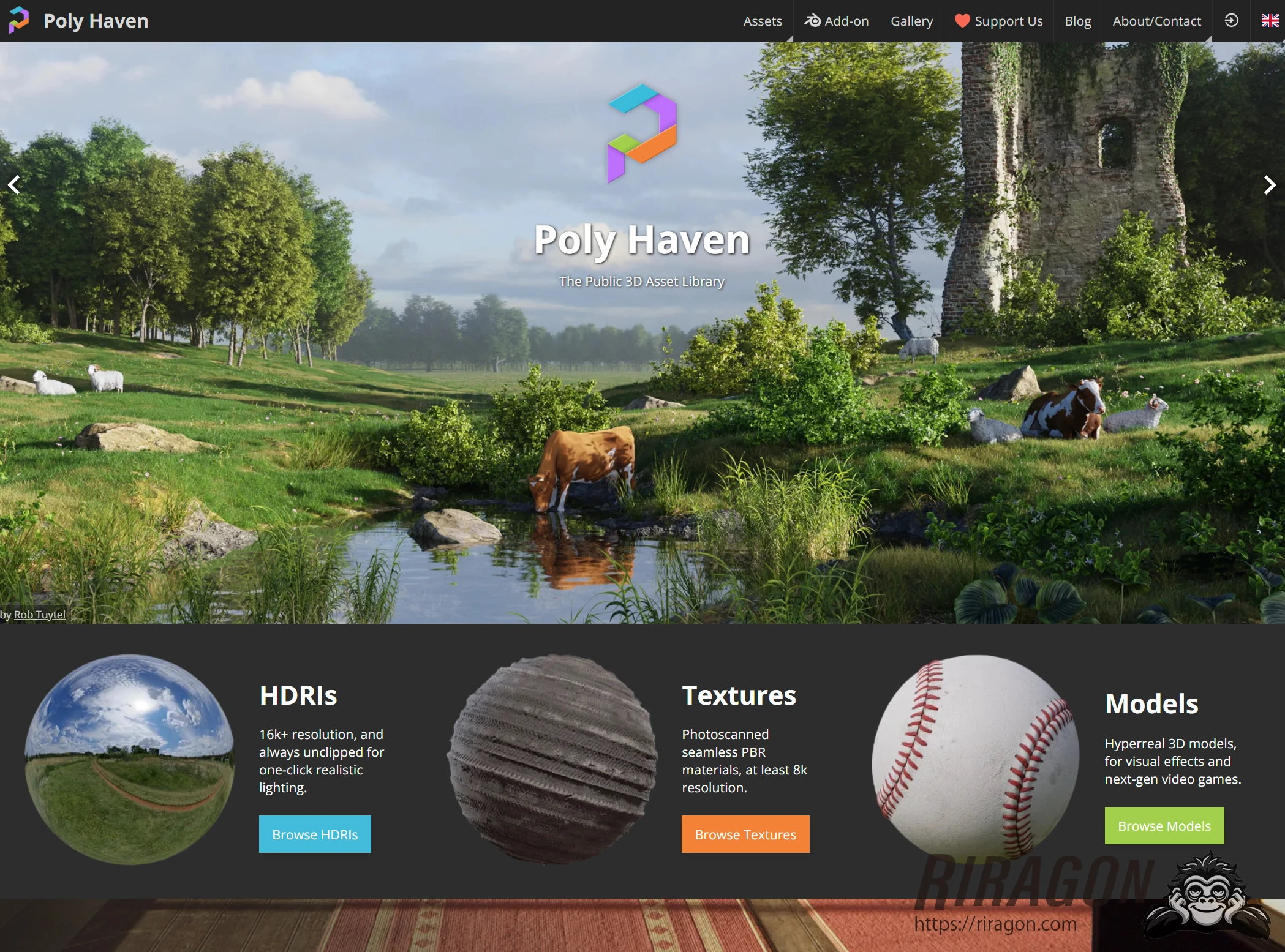
I will try an HDRI (high dynamic range image) from Poly Haven, which distributes them for free. Poly Haven stands out for offering very high-quality assets at no cost. Let's take a closer look.
Poly Haven
Extra: I also found Openreel, a Japanese HDRI distribution site.
In Japanese, I suppose Poly Haven would be pronounced "porii hebun" or "heibun." It appears to be a nonprofit organization whose aim is to help artists and the wider industry by providing high-quality 3D assets, textures, and HDRIs for free. Most impressive of all, the assets are provided under Creative Commons CC0.
CC0 means "No Rights Reserved": the creator waives copyright, bringing the work close to the public domain.
The public domain consists of works and information for which intellectual property rights, such as copyright or patents, do not exist, have expired, or have been waived.
Anyone can use, redistribute, and modify public-domain works without obtaining permission from the copyright holder. This allows free use, modification, and redistribution, including commercial use, without those restrictions. In other words, you could even download all of Poly Haven's HDRIs and resell them yourself.
Most asset-distribution sites prohibit redistribution, so that is remarkable.
Actually doing so would raise an ethical question, however.
Consult the license if you would like to check the details.
If you would like to support Poly Haven, options include paid early-access membership, the Blender add-on, and sponsorship.
https://polyhaven.com/about-contact
https://www.patreon.com/polyhaven
Downloading an HDRI from Poly Haven for UE5
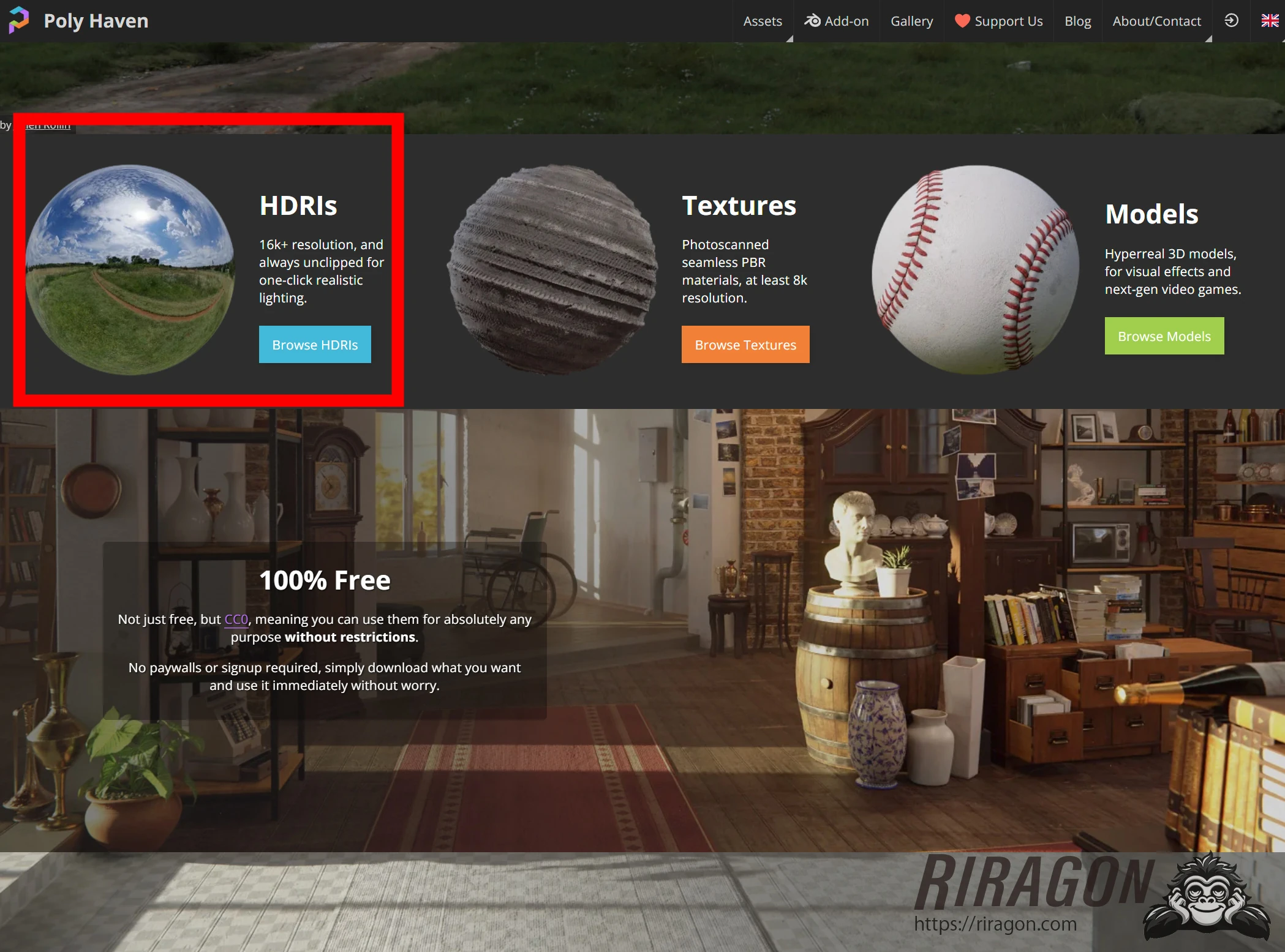
Open Poly Haven and click HDRIs.
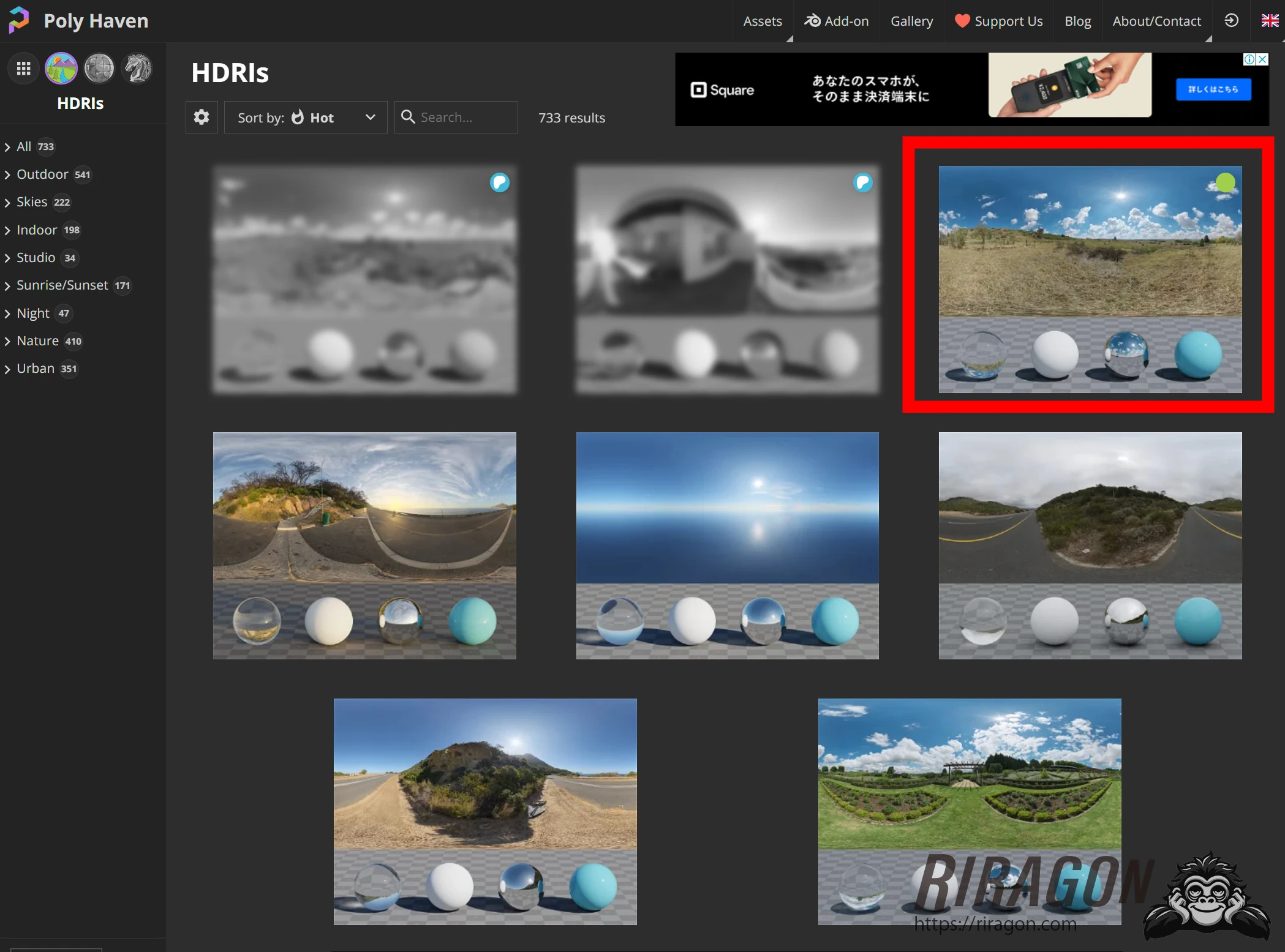
 Choose a thumbnail you like. New arrivals appear to be available to members through early access.
 Look at the tabs in the upper left. Available options vary slightly by asset. For resolution, 16K is the usual reference point, and some assets offer even higher resolutions.
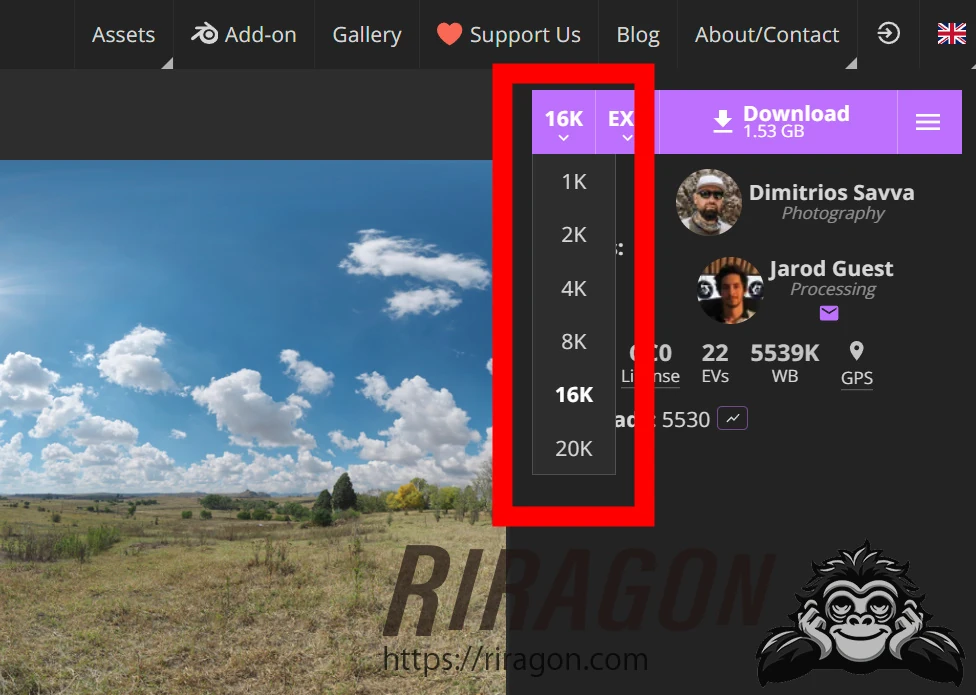 Formats include EXR and HDR, both capable of storing substantial image information. Choose EXR if it is easier for your workflow; otherwise, HDR is a reasonable choice.
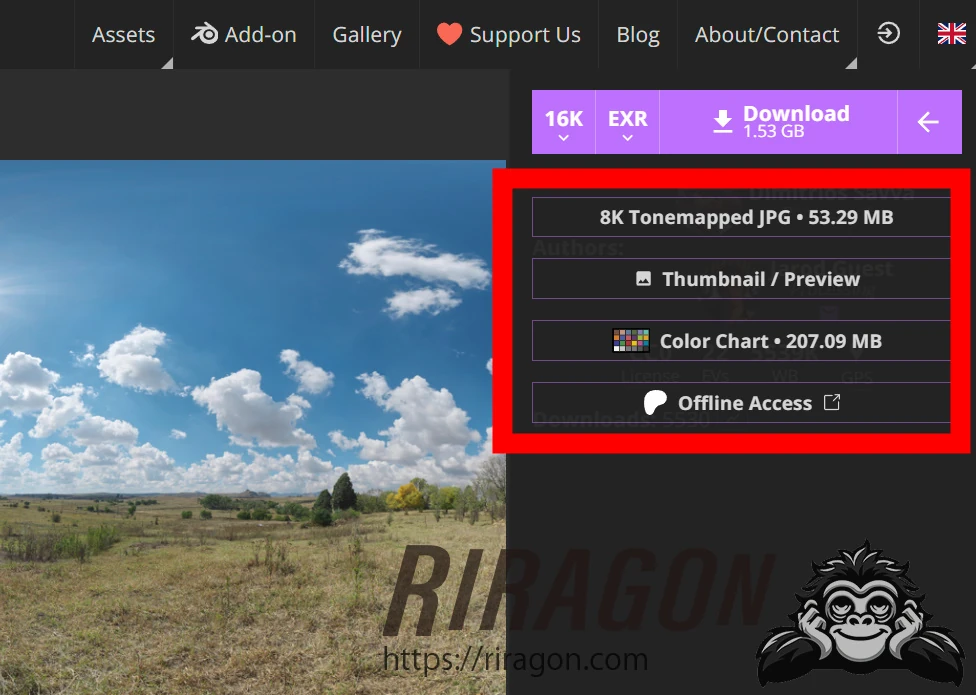
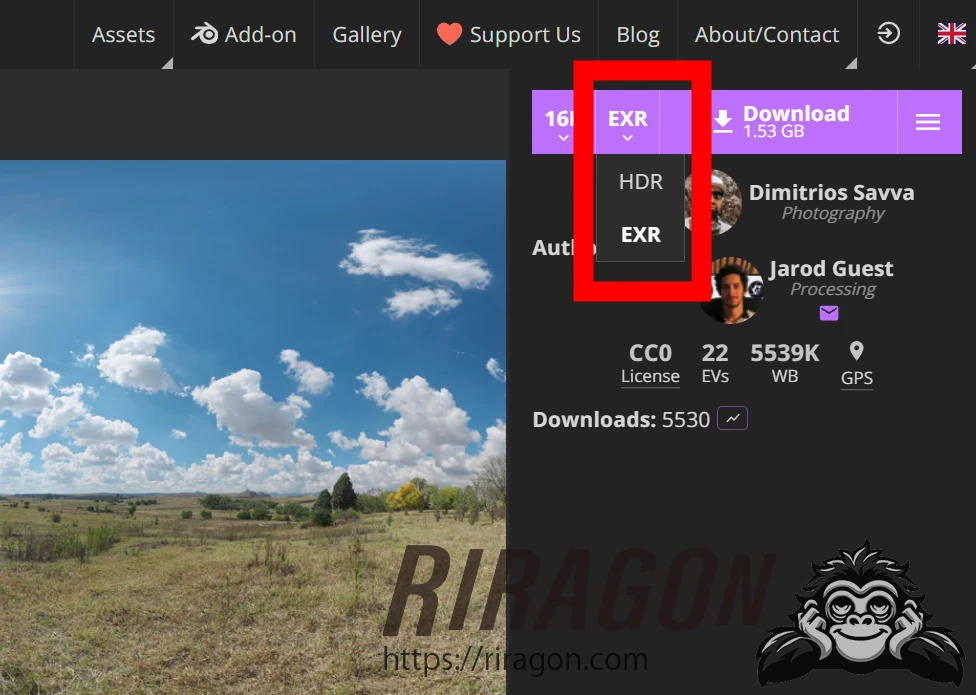 The arrow reveals supplementary information. This asset included a color chart.
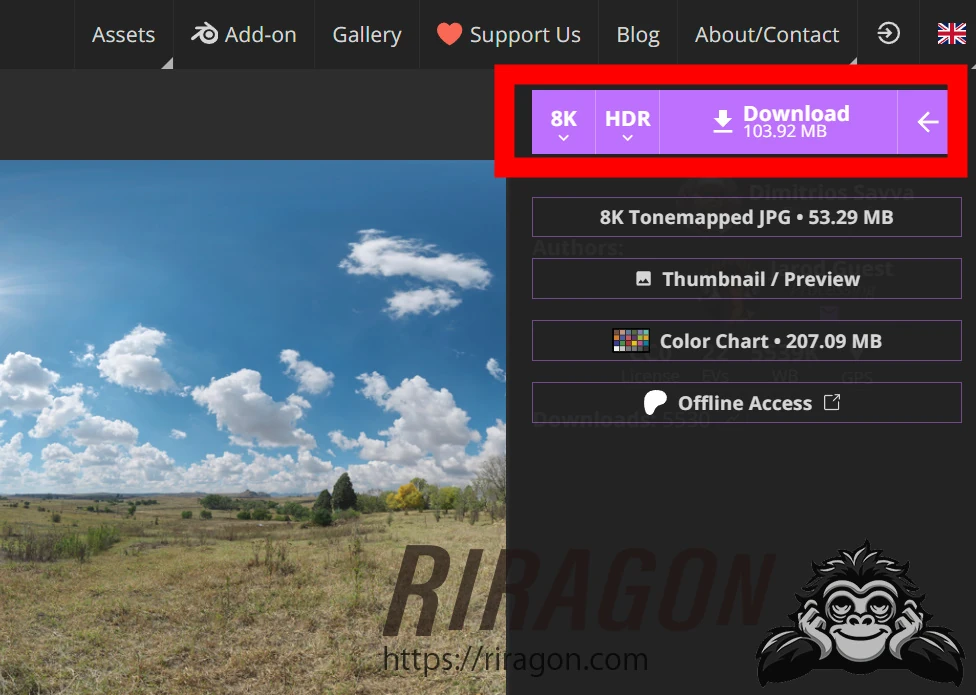
 For this test, I downloaded an 8K HDR file.
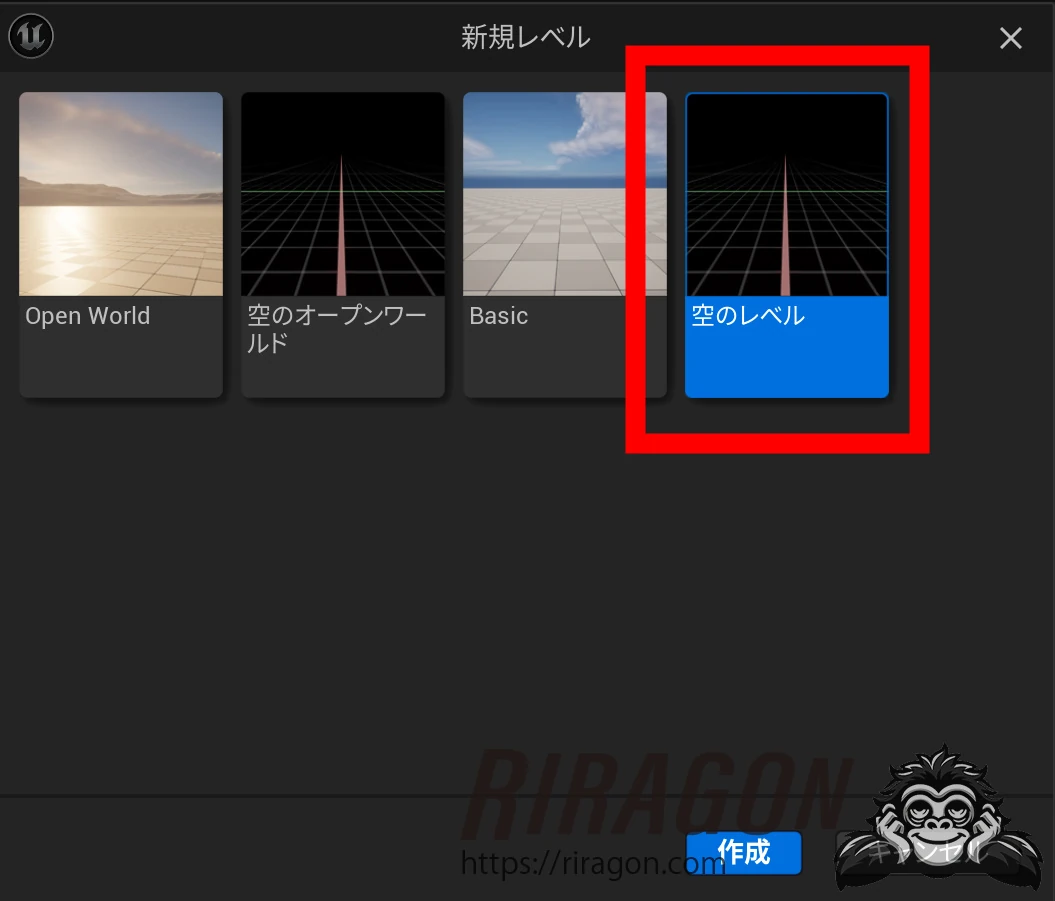
 In UE5, create a new empty level.
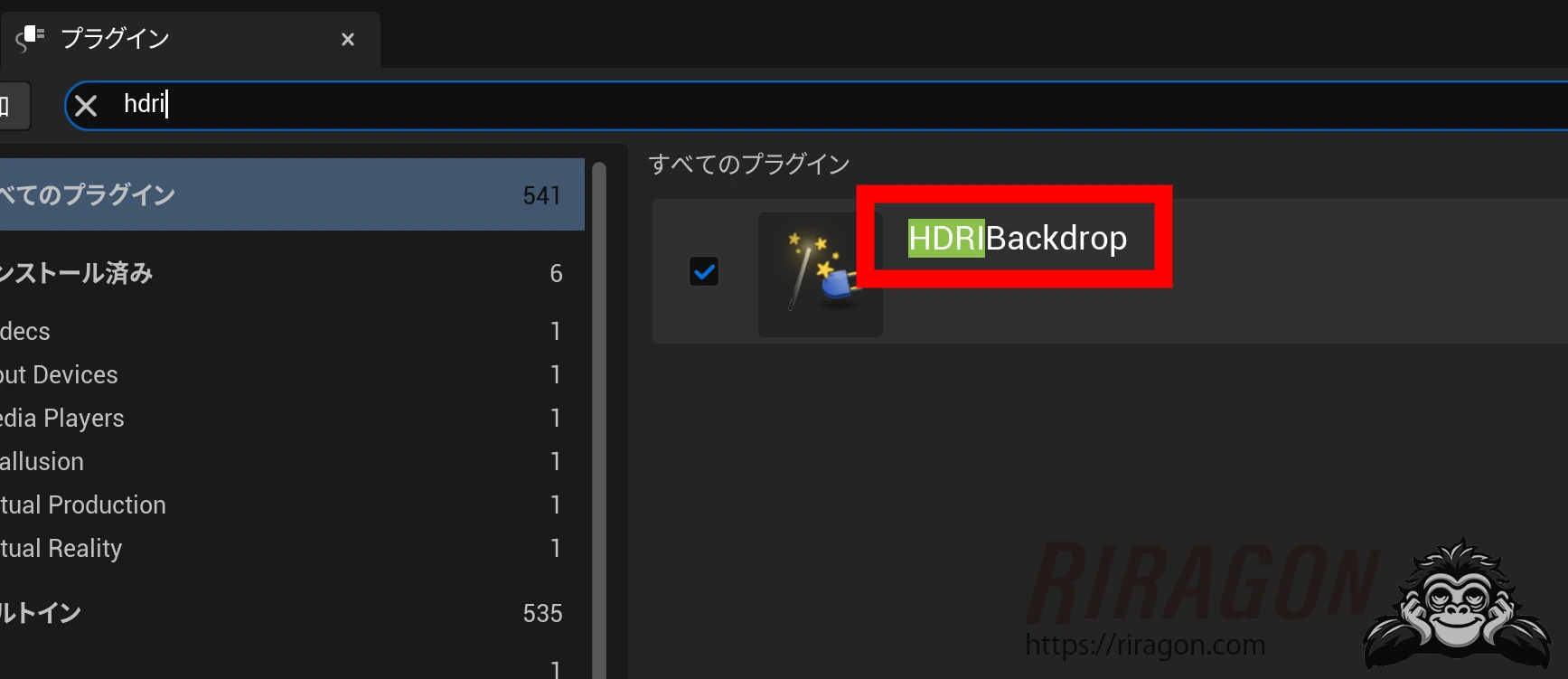
 Check that HDRIBackdrop is enabled in Plugins.
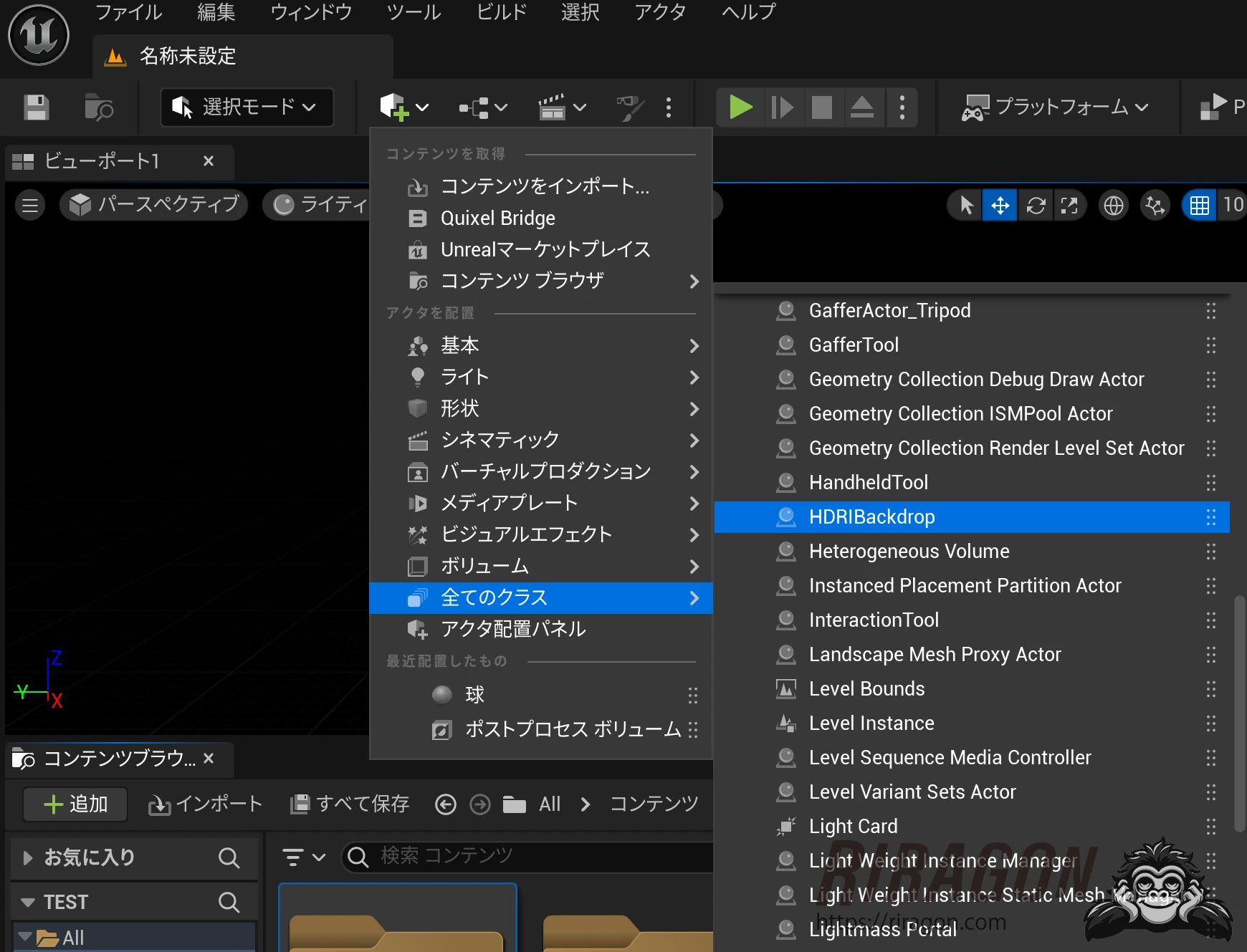
 In Place Actors, choose All Classes, then HDRIBackdrop.
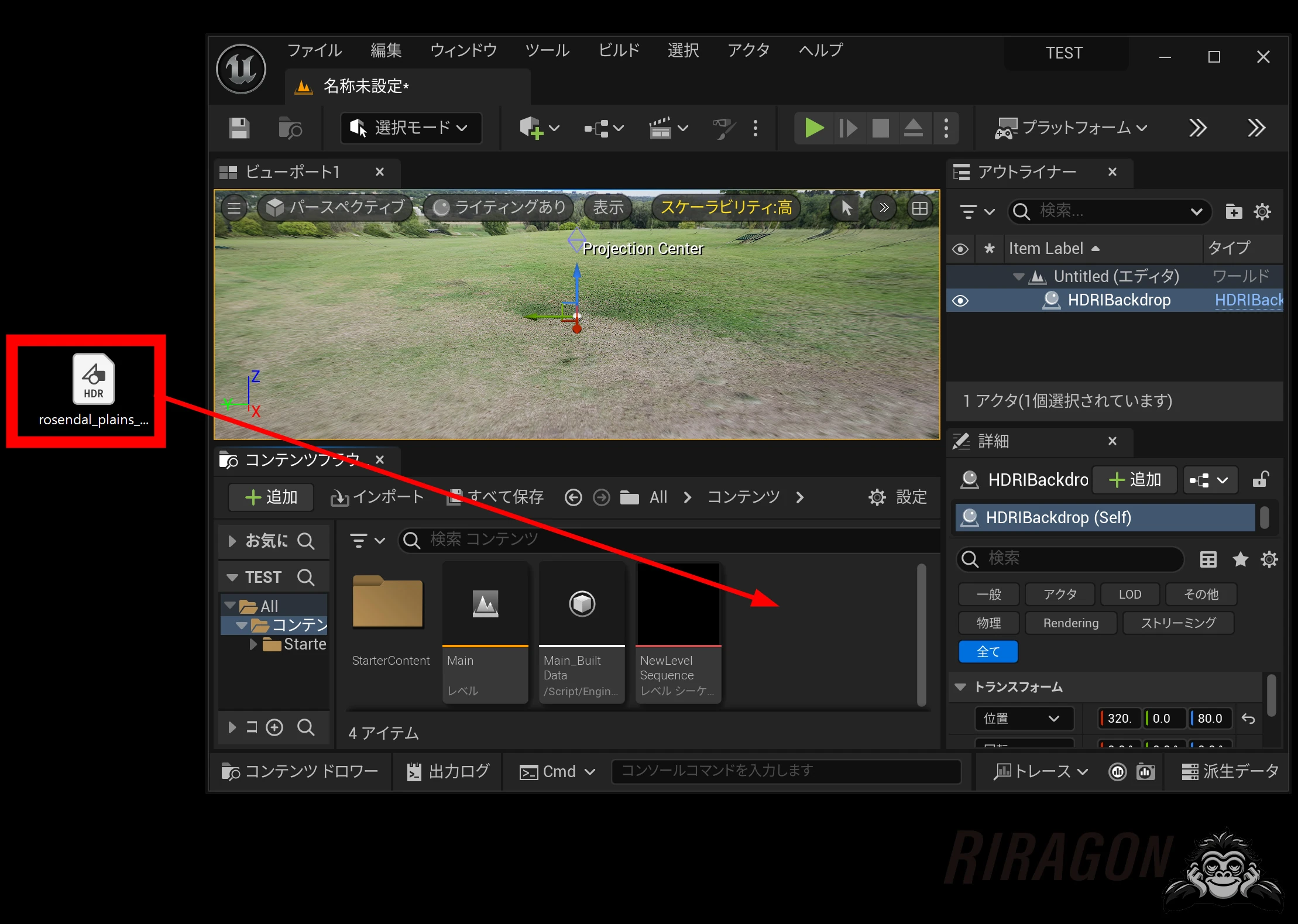
 Import the downloaded HDR into the Content Browser.
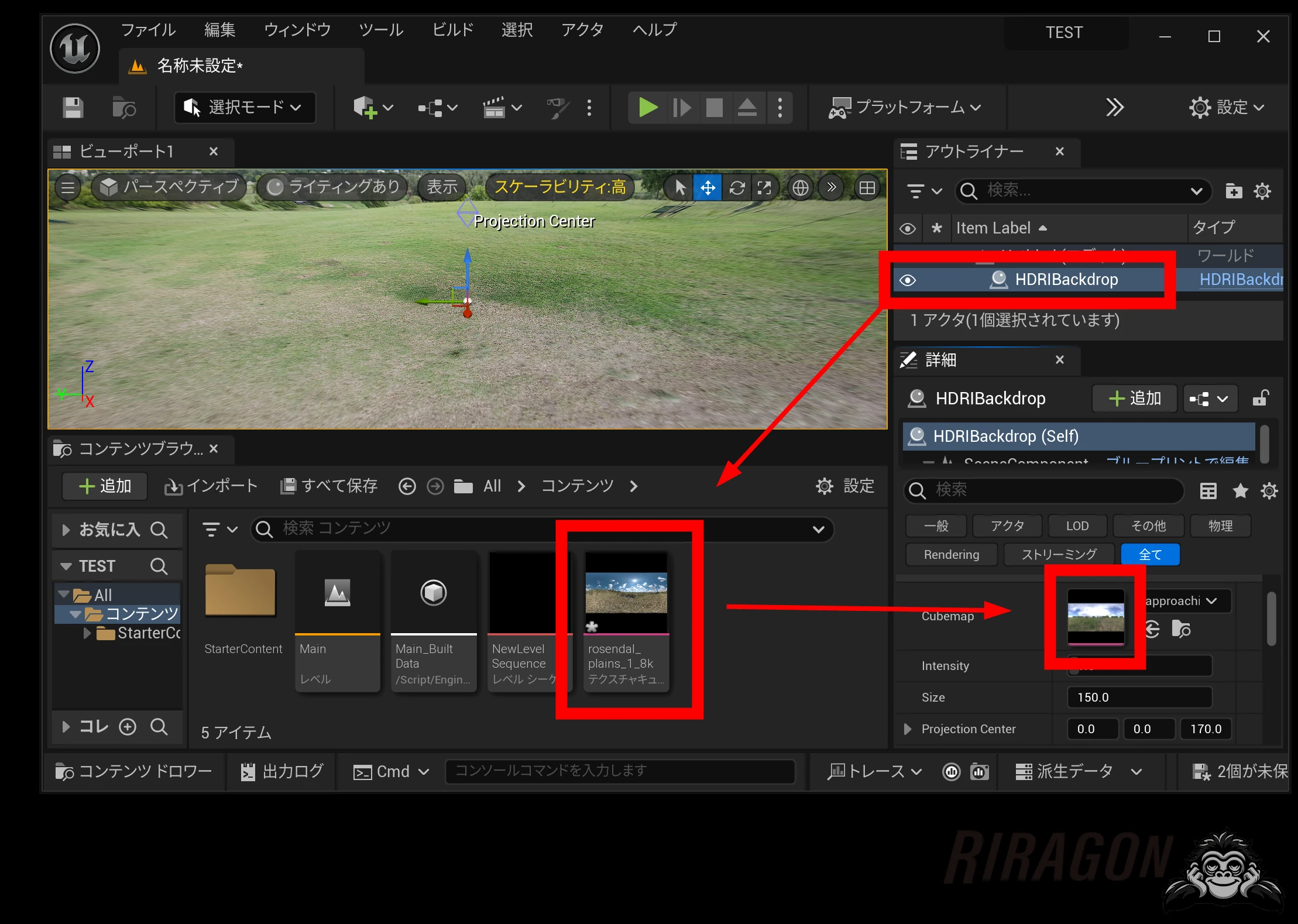
 Select HDRIBackdrop and drop the texture into Cubemap.
 If the Cubemap field will not accept or apply the file, which sometimes happens, opening it in Photoshop and resaving it as a 32-bit HDR can make it work.
In Photoshop, open the file and choose Image → Mode → 32 Bits.
Use Save As to save it in HDR format.
Drop it into the Content Browser, then into the map image field in HDRI Backdrop's Details panel.
Use Save All to commit the changes.
The image was applied to the Cubemap.
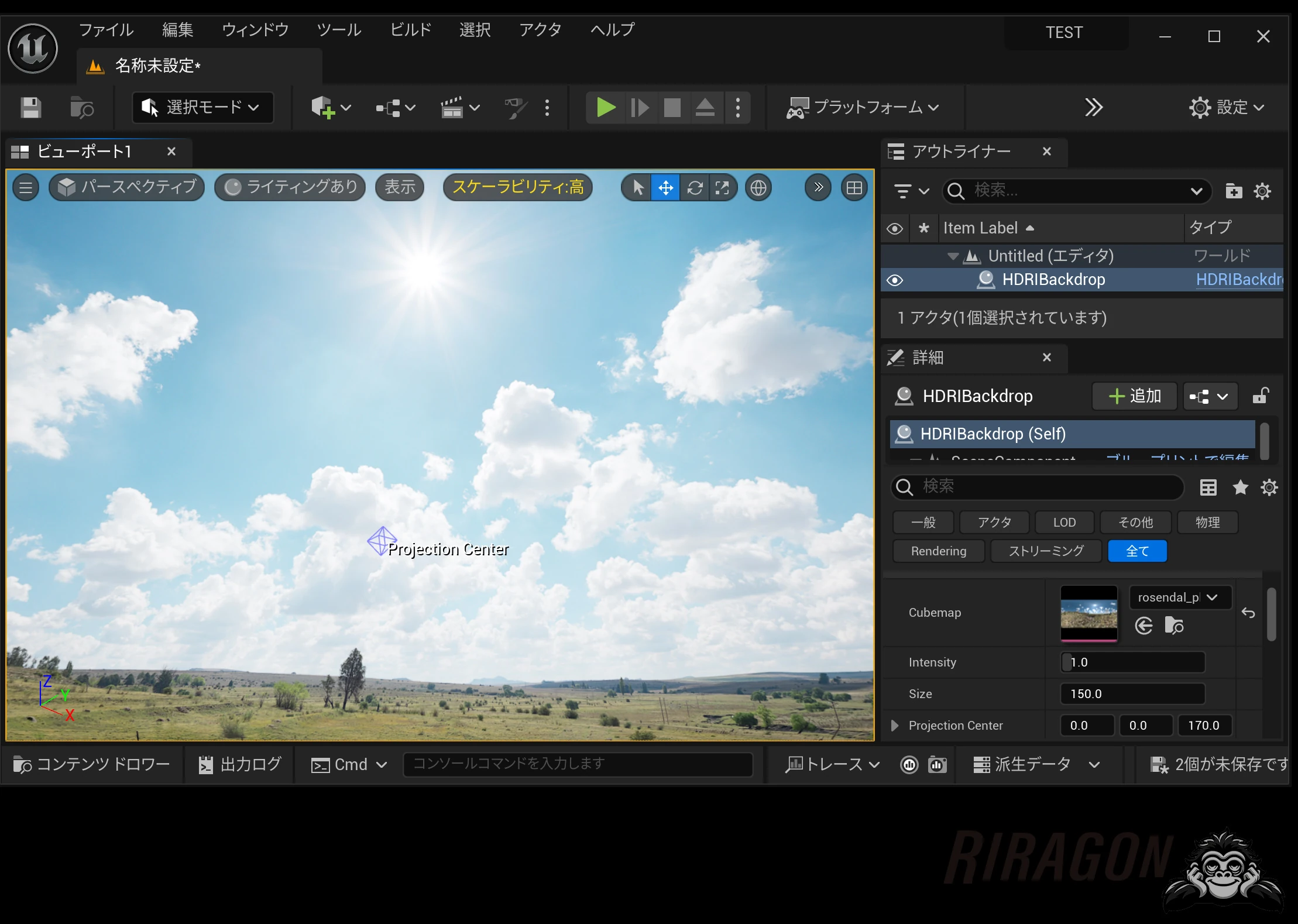 Now that the HDRI is in place, let's explore its wide dynamic range.
HDRI, or high dynamic range imaging, captures a wide range of light while retaining details in bright and dark areas.
It is used in 3D work and filmmaking to reproduce realistic illumination and improve the realism of visual effects.
Most HDRIs contain a wider range of brightness than a monitor can display. Try lowering Intensity from 1.0.
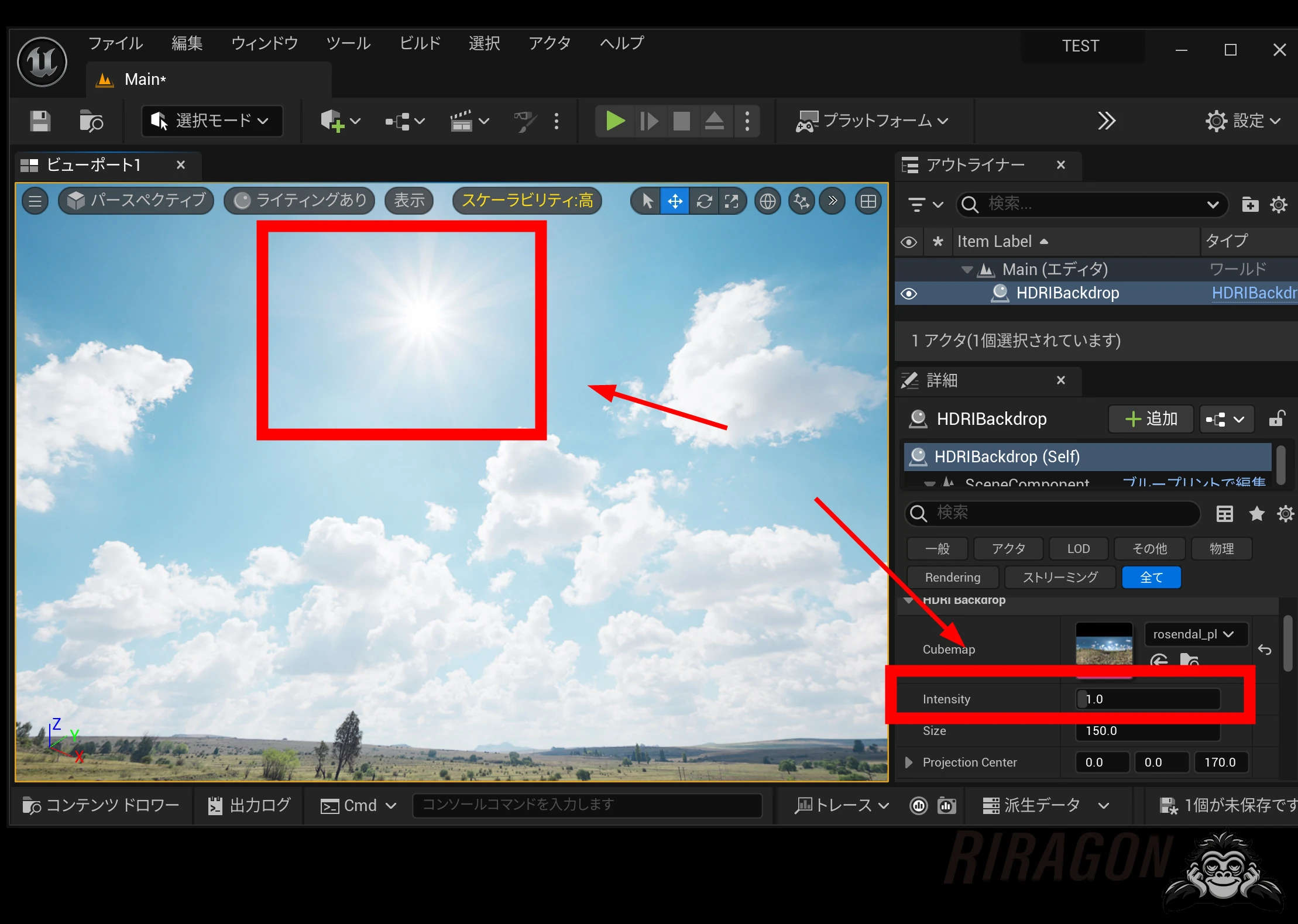 At 0.1, color appeared even around the sun, which had been blown out. Being able to adjust the brightness freely like this is a great advantage of HDRIs for backgrounds.
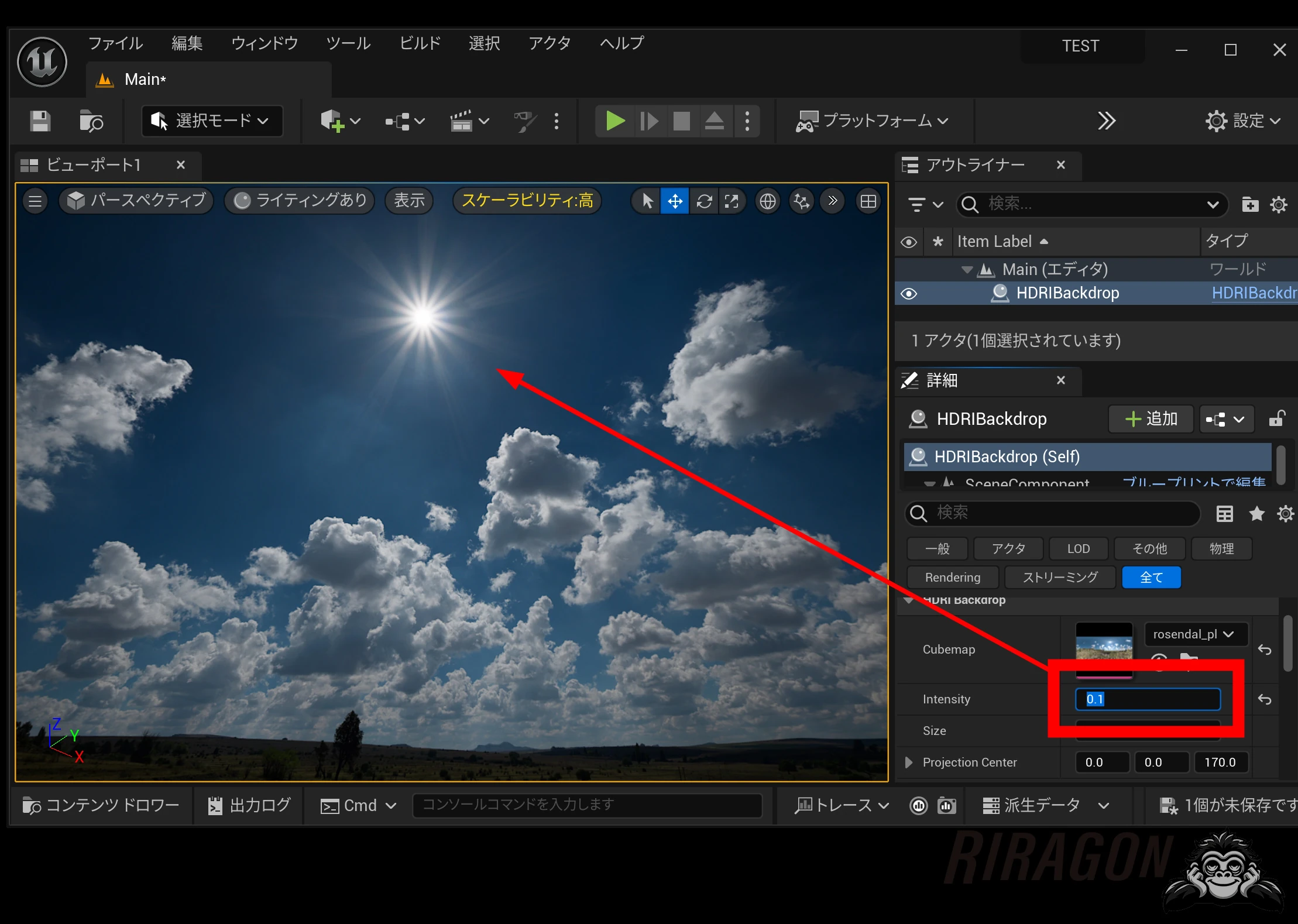 Here is how the brightness changes.
Related articles
Updates and contact: X @riragoncom.