Playing high-resolution 4K and 8K footage in UE5 with EXR sequences
When MP4 or MOV playback causes problems in Unreal Engine 5, an EXR image sequence is another option if you have fast, spacious storage. This walkthrough shows the setup I used to play an 8K sequence.
Note: This article was published more than a year ago. UE5's Media and ImgMedia pipelines and its handling of MP4, MOV, H.264, and H.265 change between versions.
- Window and menu names, including the EXR processing option, reflect the editor interface at the time. Check current official documentation.
- EXR sequences can be useful above 4K, but the intermediate export presets in Premiere and After Effects also vary by application version.
- 8K playback depends on disk I/O and GPU memory. Identical settings can perform differently on another system.
It can be difficult to choose a format for video playback in Unreal Engine 5.
A container such as MOV may be unsupported, or resolutions above 4K may fail to play properly.
With sufficiently fast, high-capacity storage, I recommend considering EXR.
A numbered image sequence can play as video.
I was able to play an 8K sequence.
According to Wikipedia, OpenEXR is an image format for high-dynamic-range imagery, released as an open standard.
It is widely used in film, especially visual effects, digital intermediates, and 3D rendering.
It supports a wider range of colors and luminance than conventional digital image formats.
It contains extensive image information, much like RAW or DNG.
Play an OpenEXR image sequence as video in Unreal Engine 5
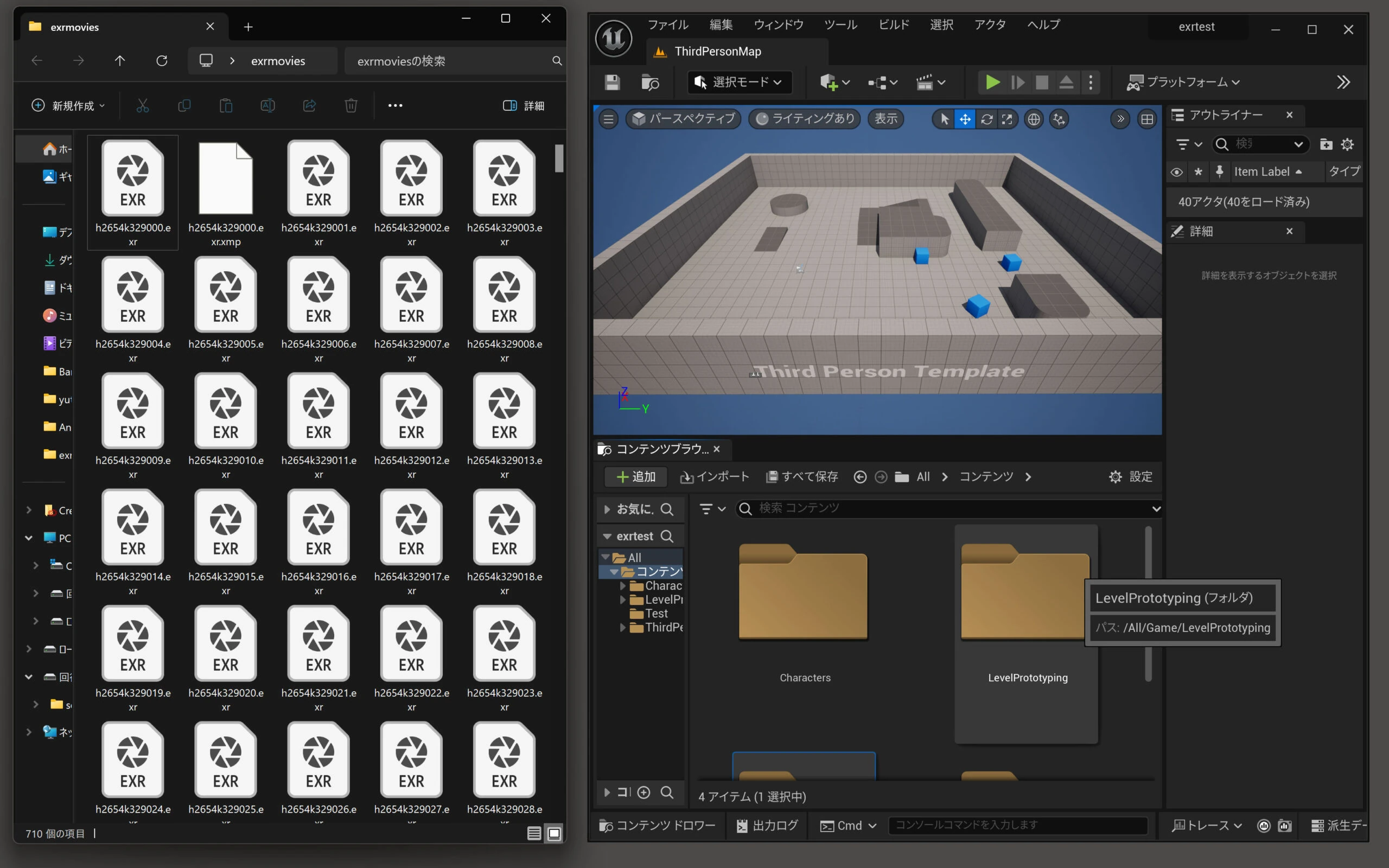
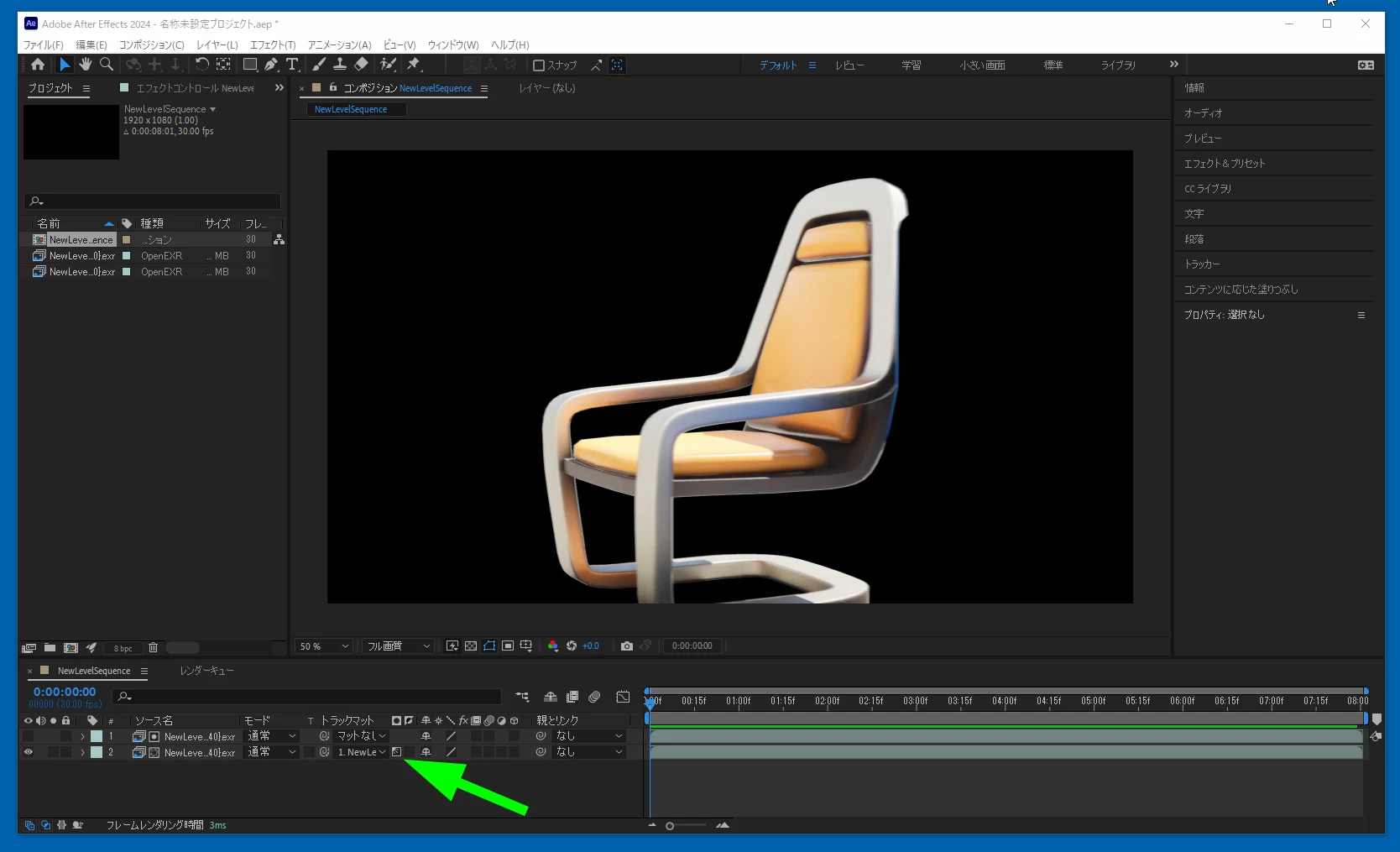
Premiere Pro and After Effects can export video as EXR. I prepared the files in advance and created a test folder.
 The numbered EXR sequence is ready.
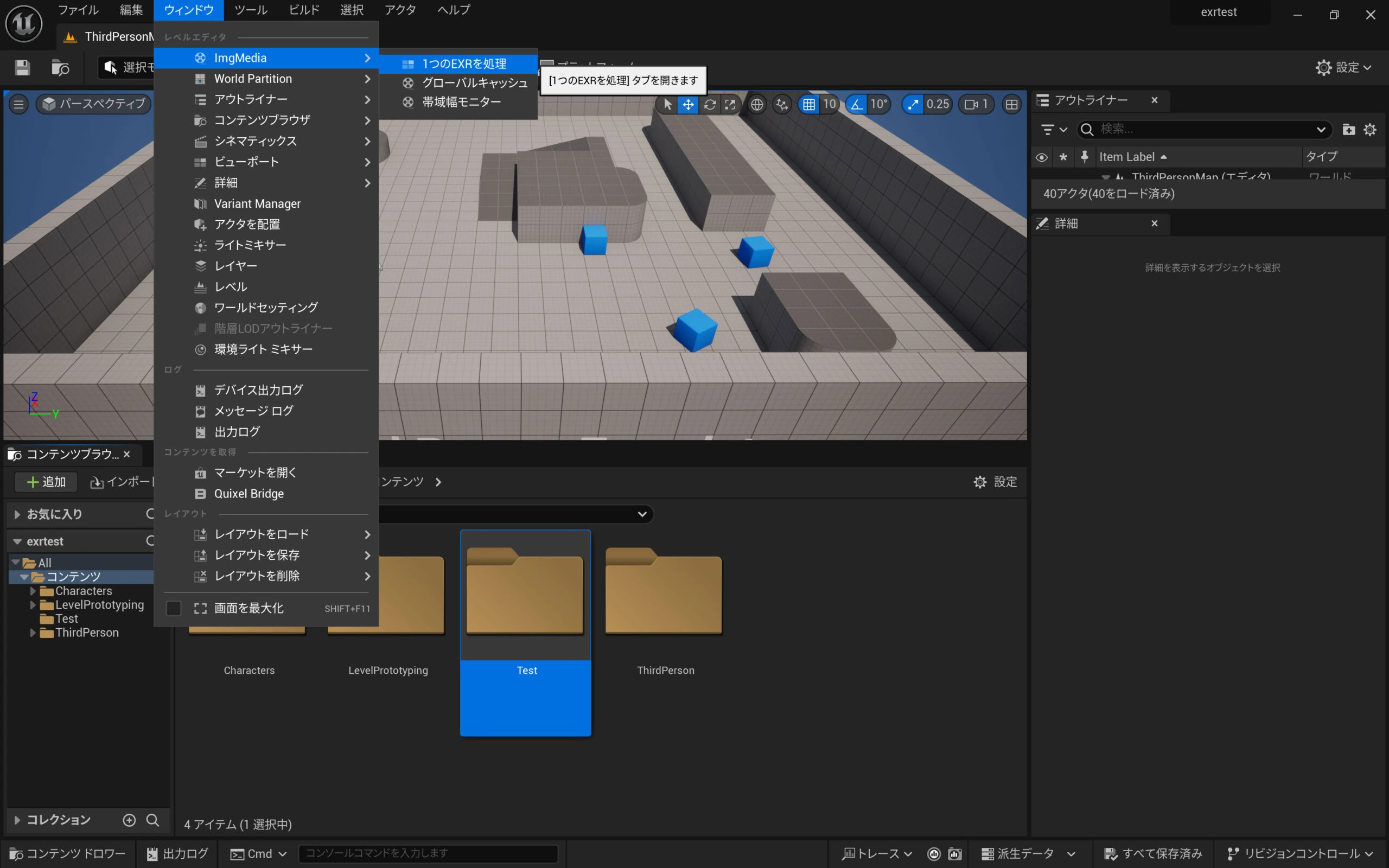
 Under Window > ImgMedia, select the EXR processing option shown in the screenshot, labeled as a single-EXR operation in Japanese.
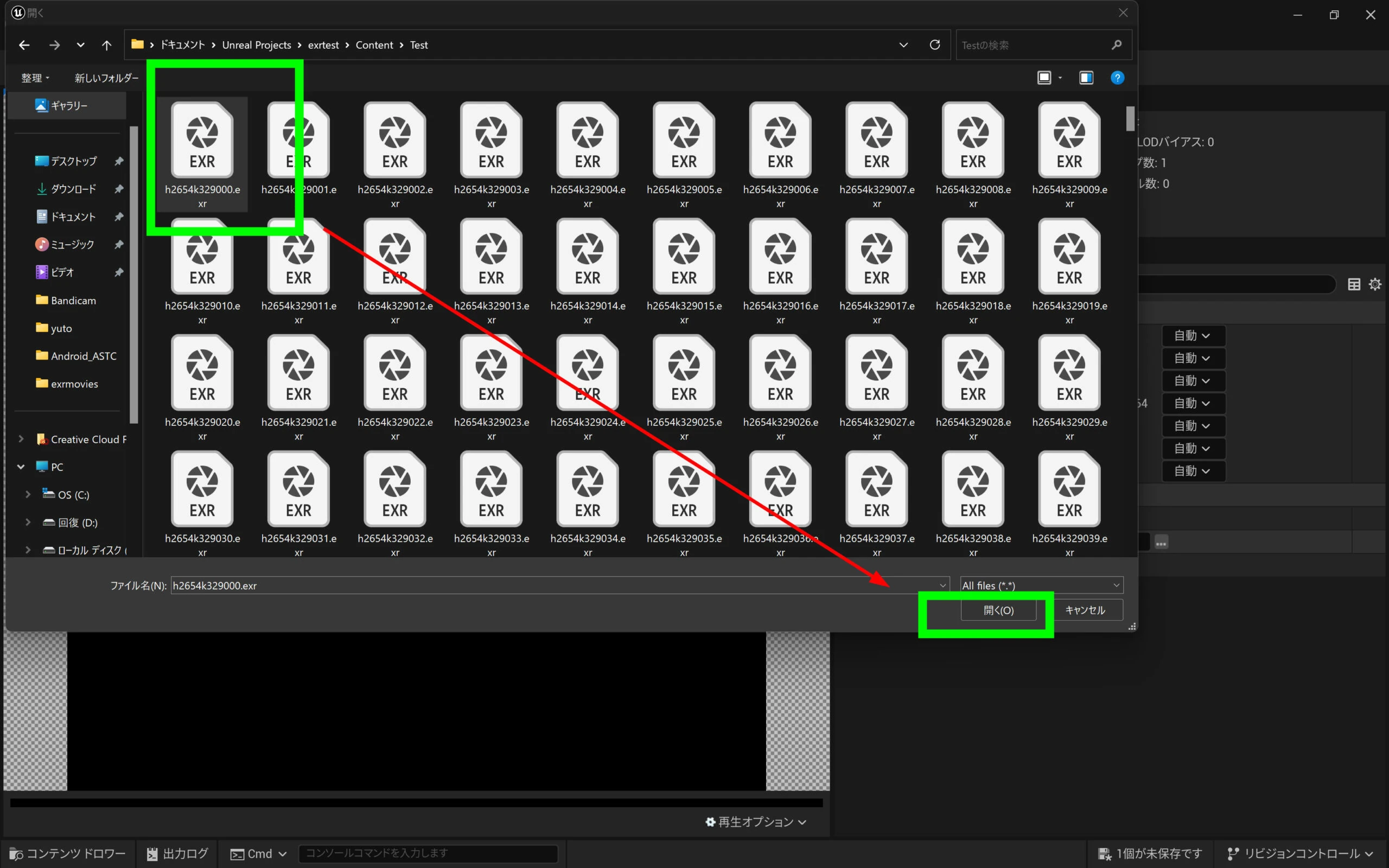
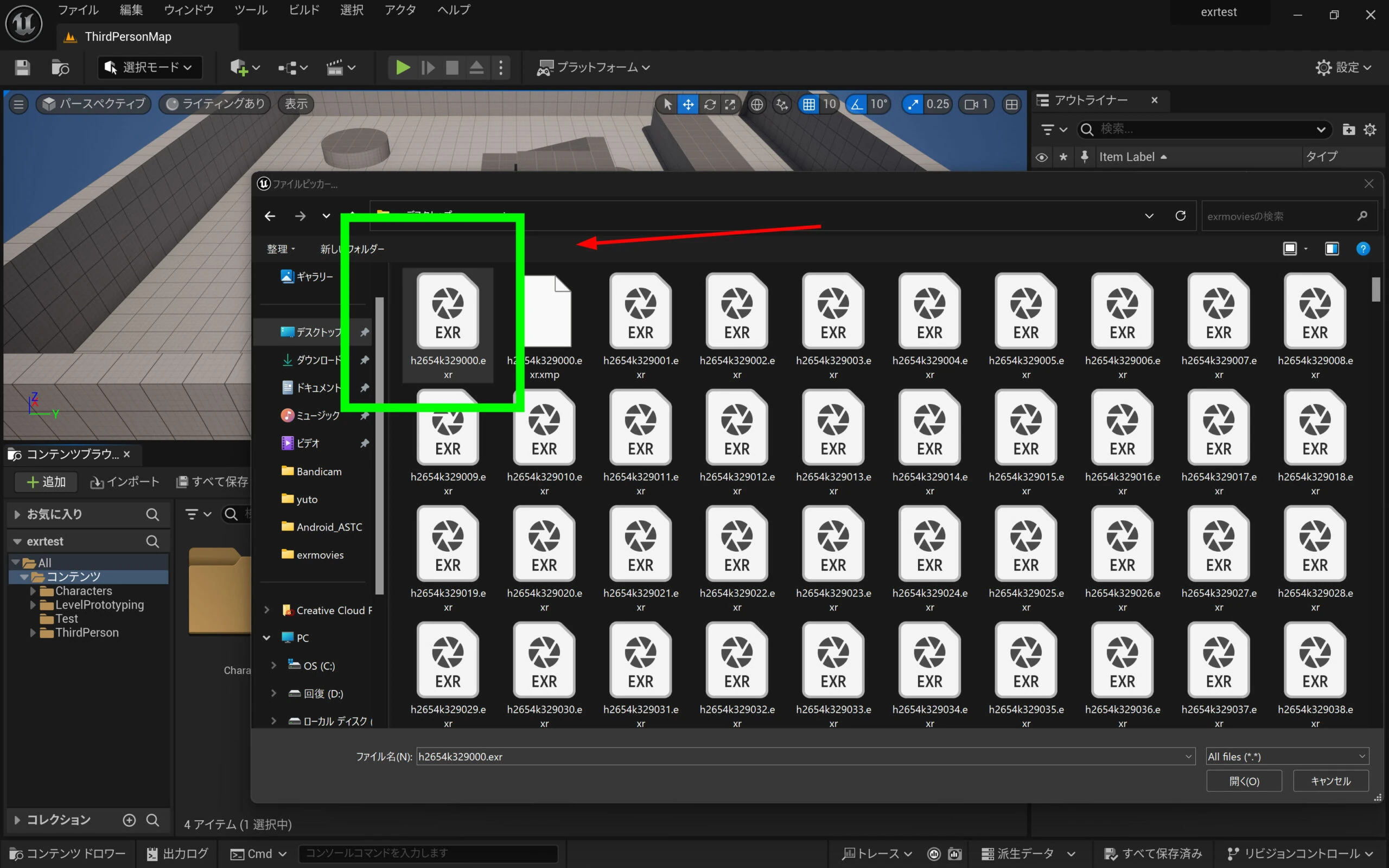
 Choose the folder containing the EXRs as the import source.
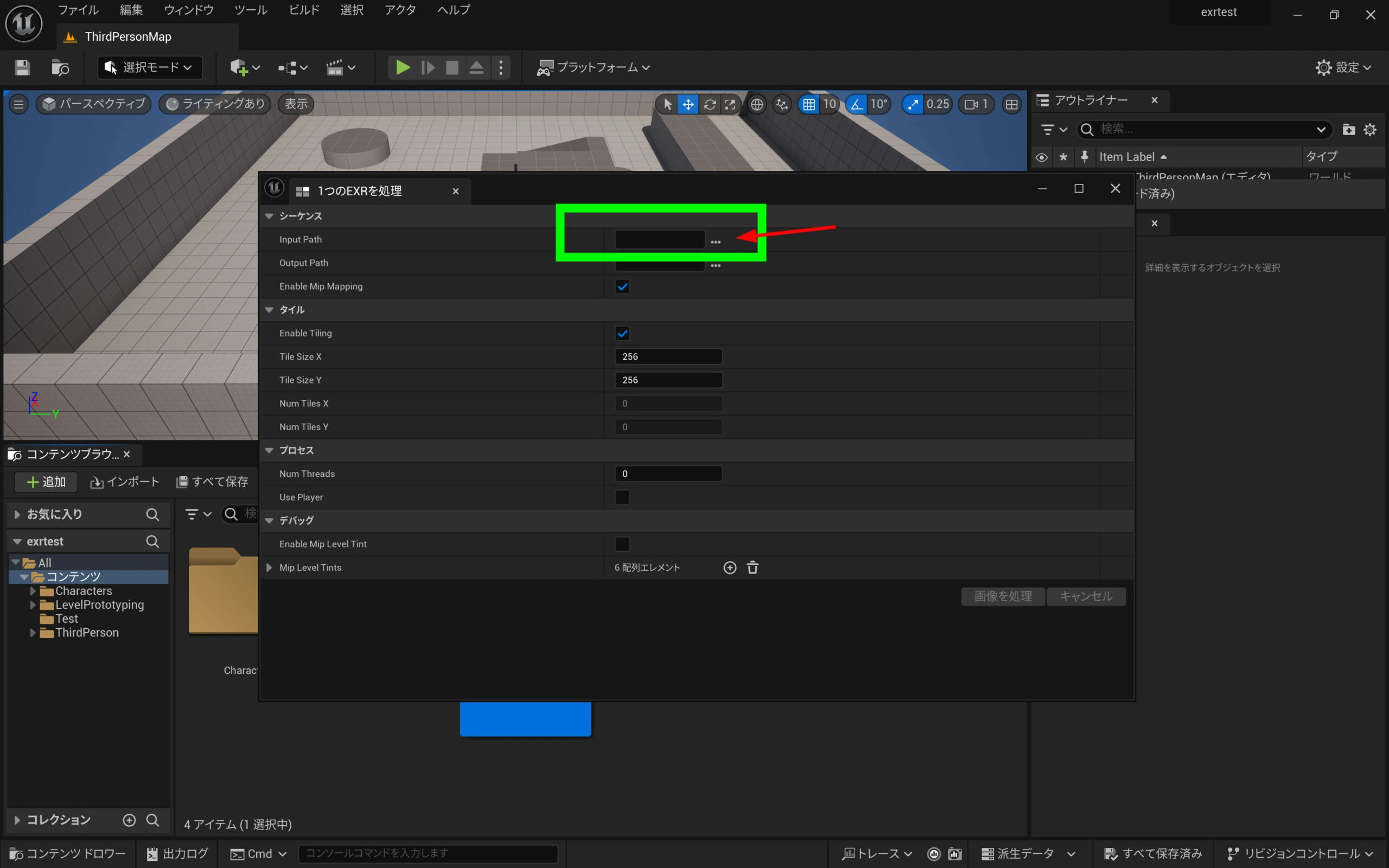 Selecting only the first file is enough; the sequence is detected automatically.
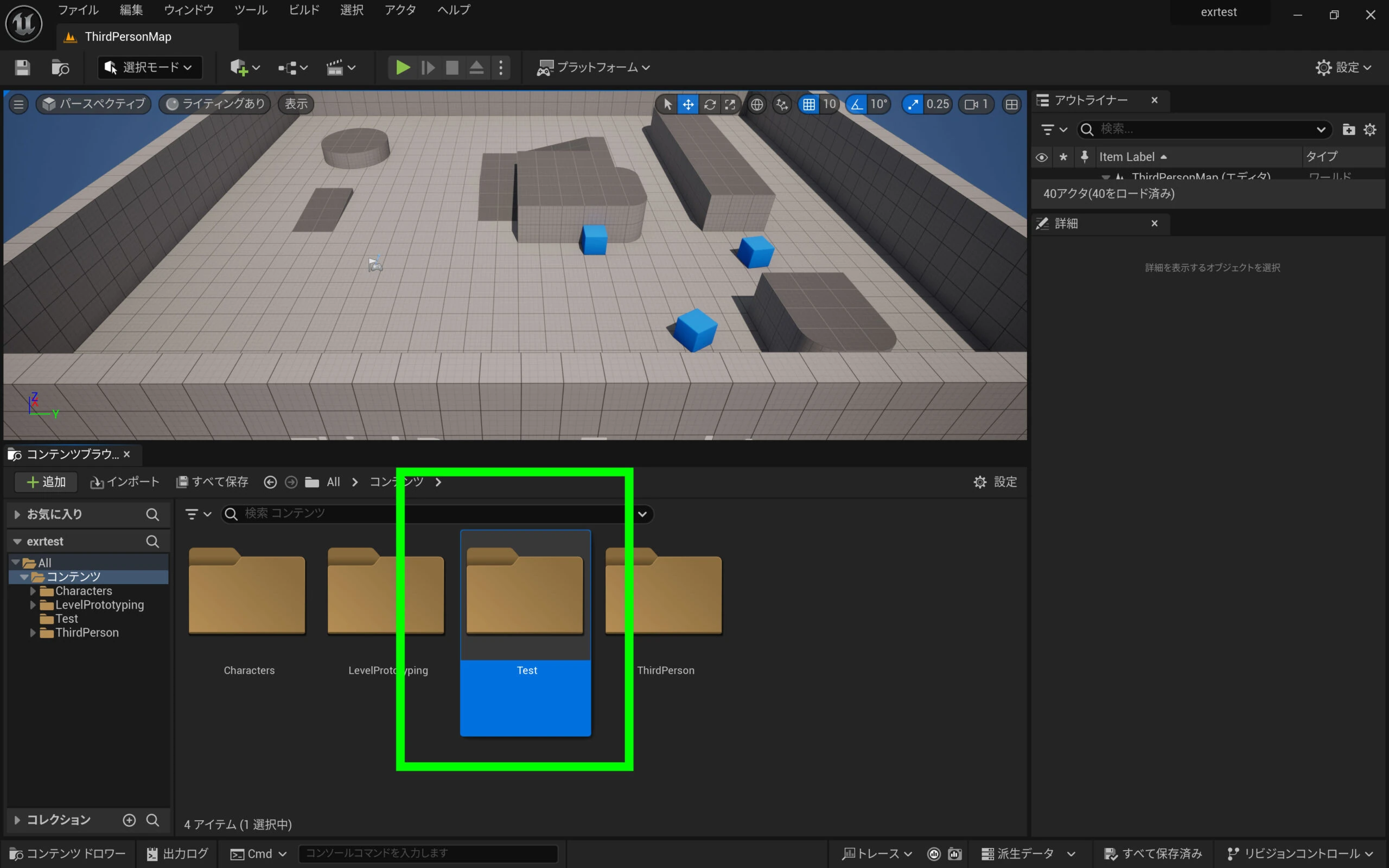
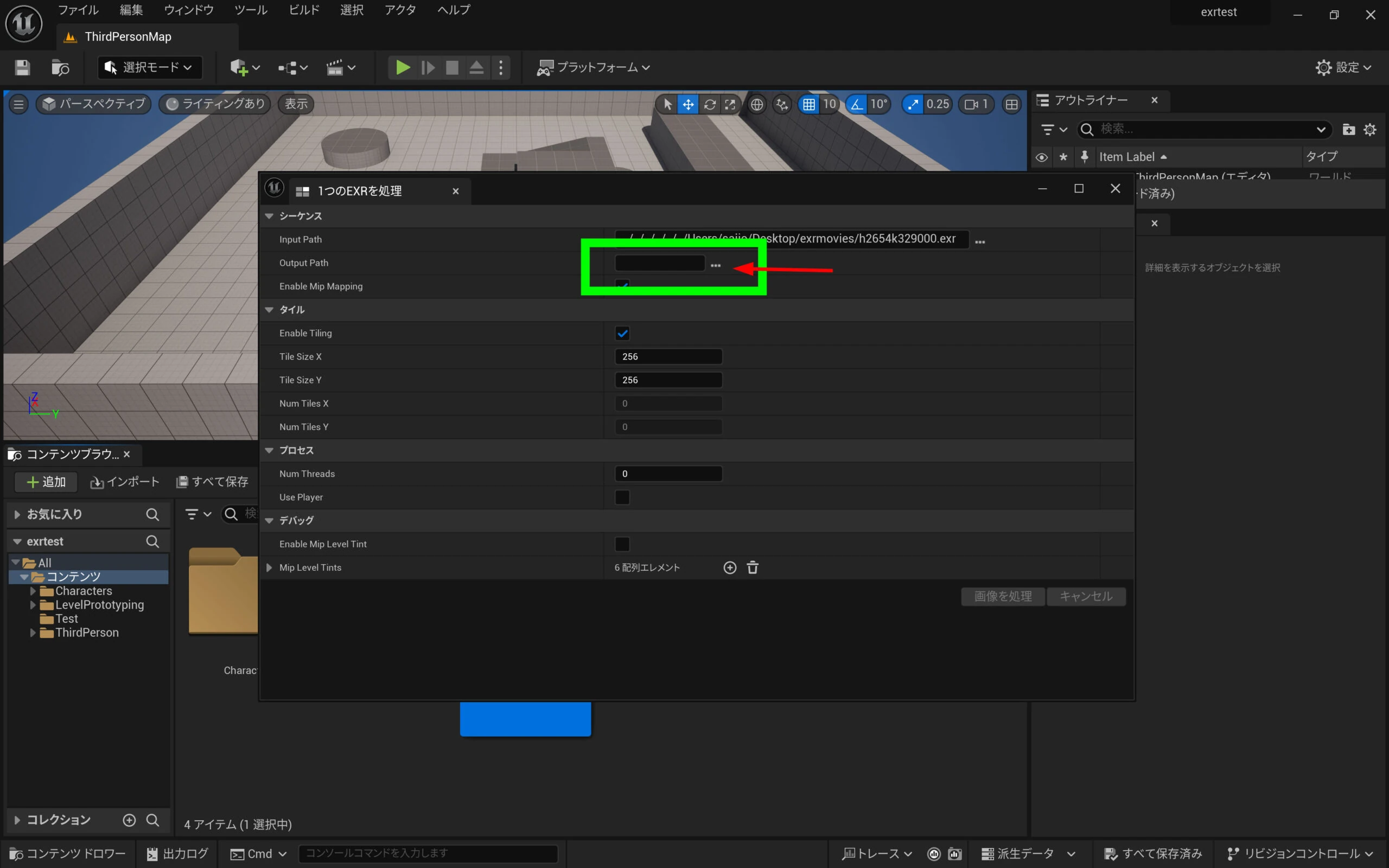
 Set the output destination.
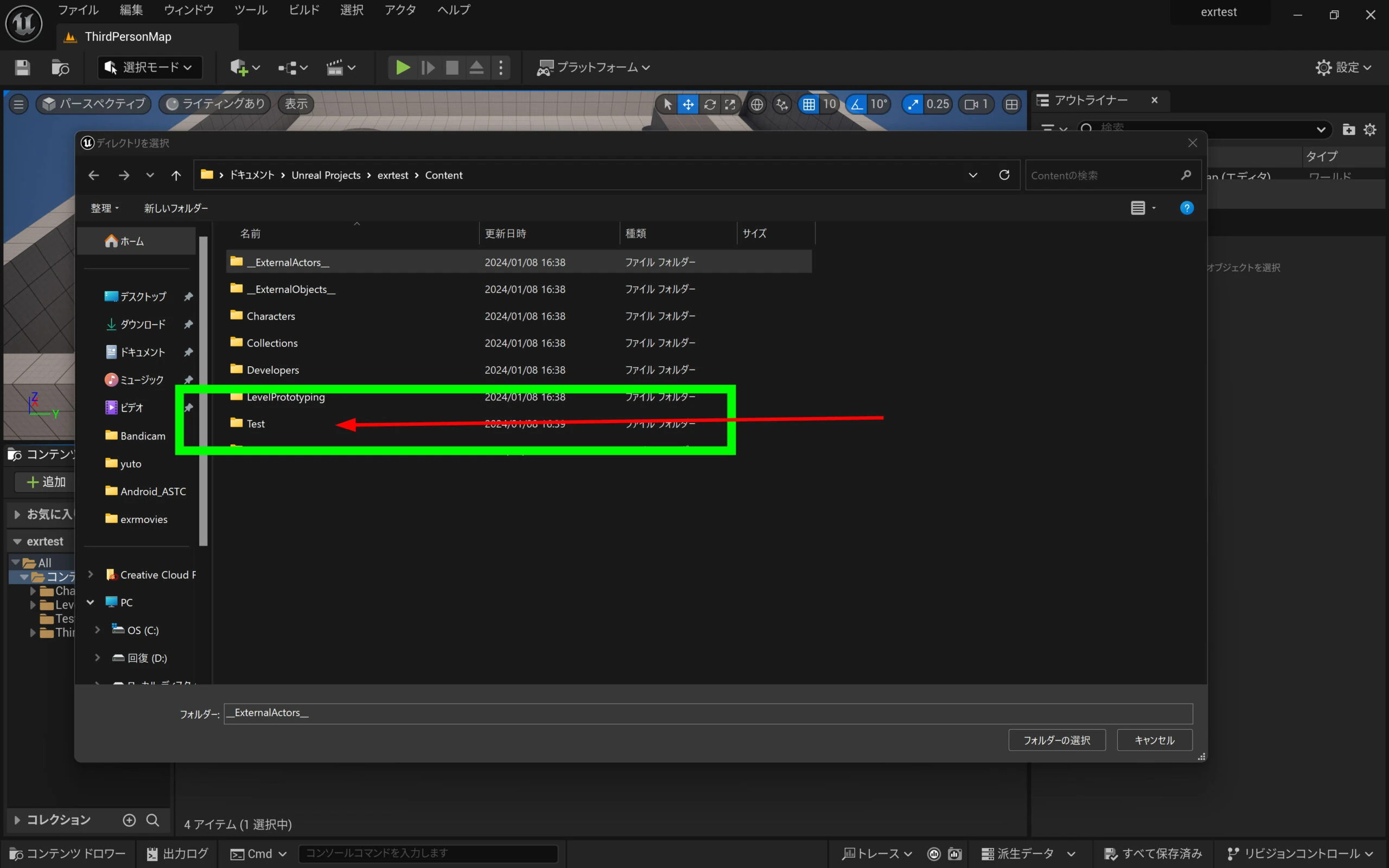
 Choose the test folder created earlier inside the UE5 project.
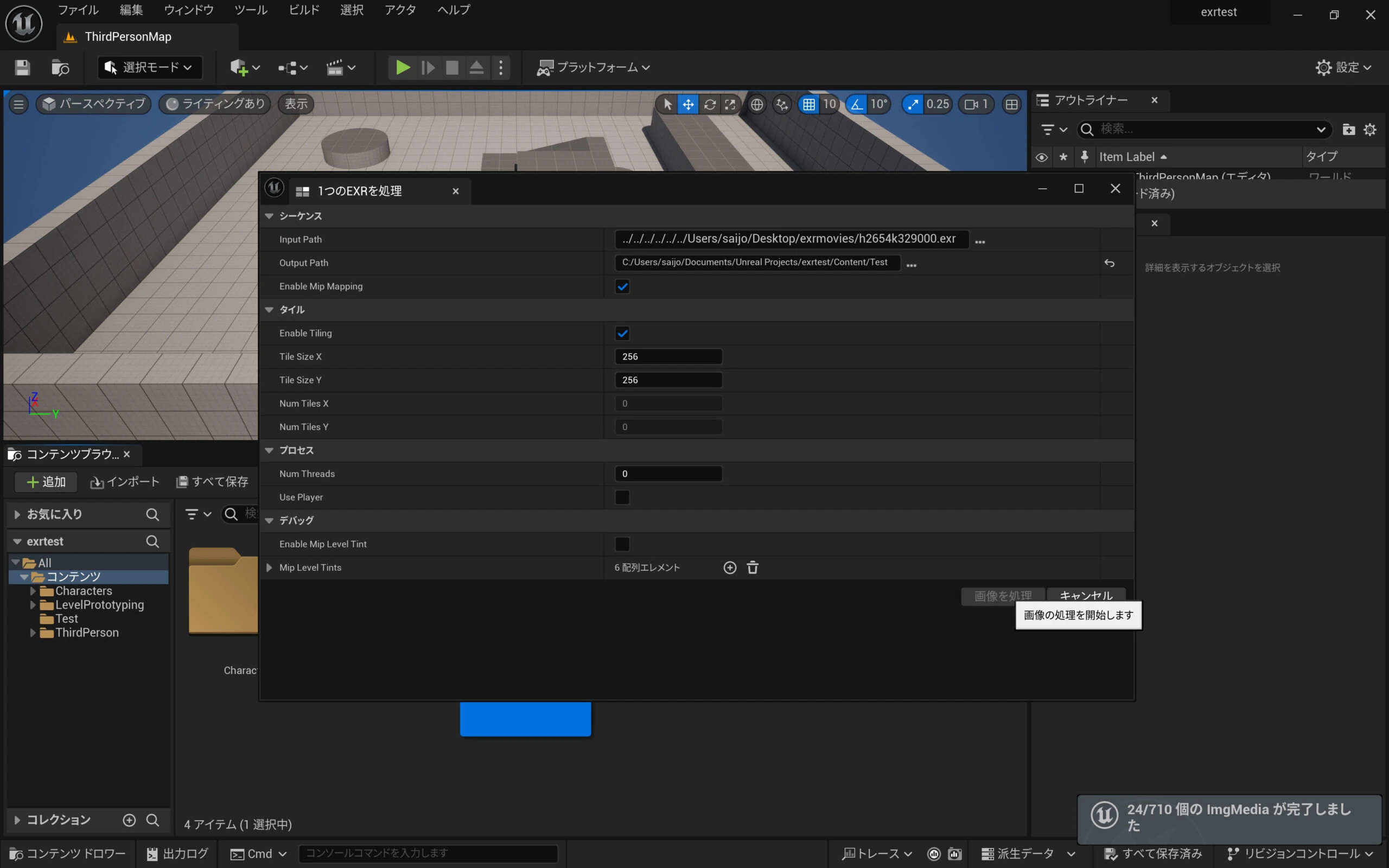
 Process the images.
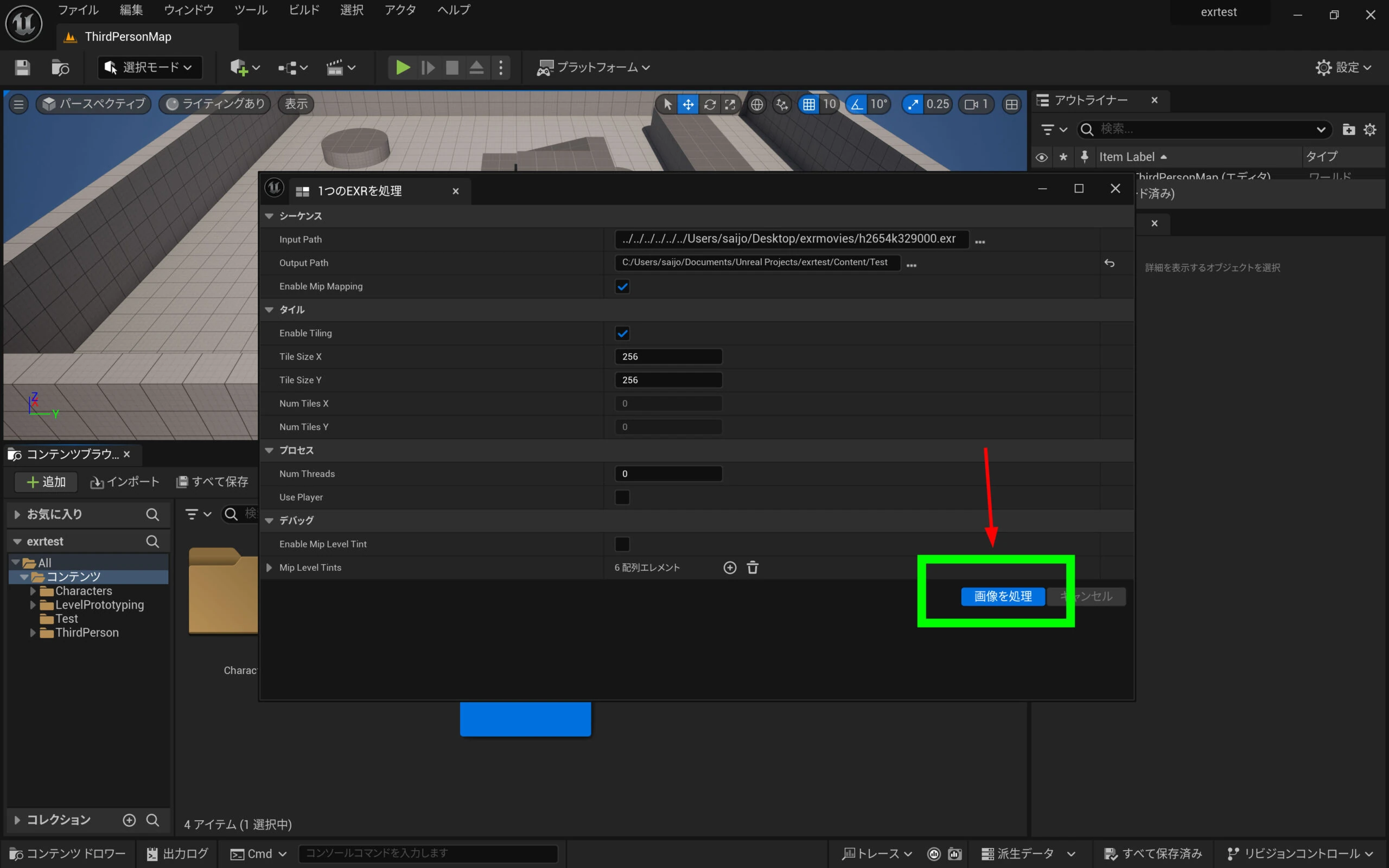 Importing takes some time.
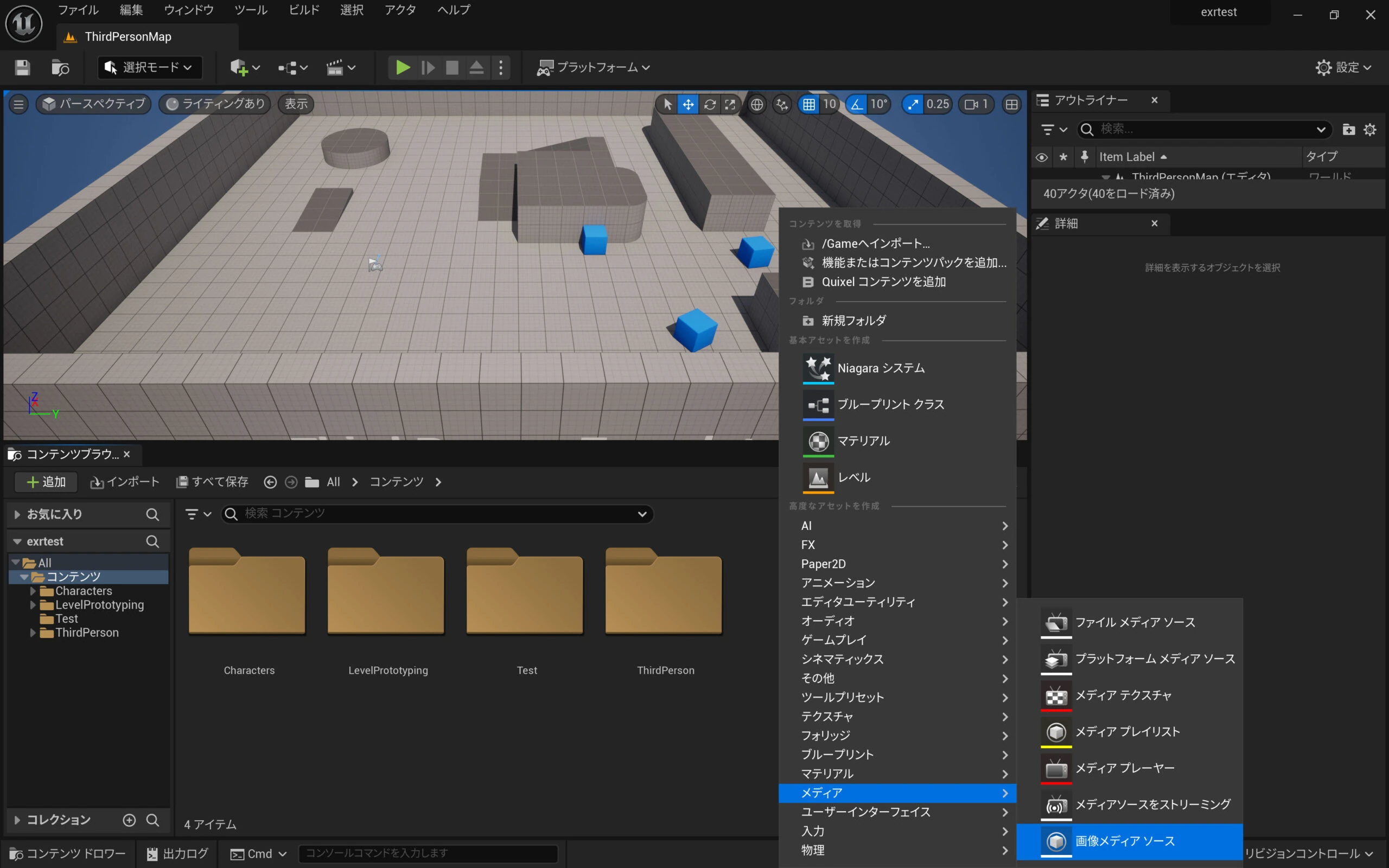
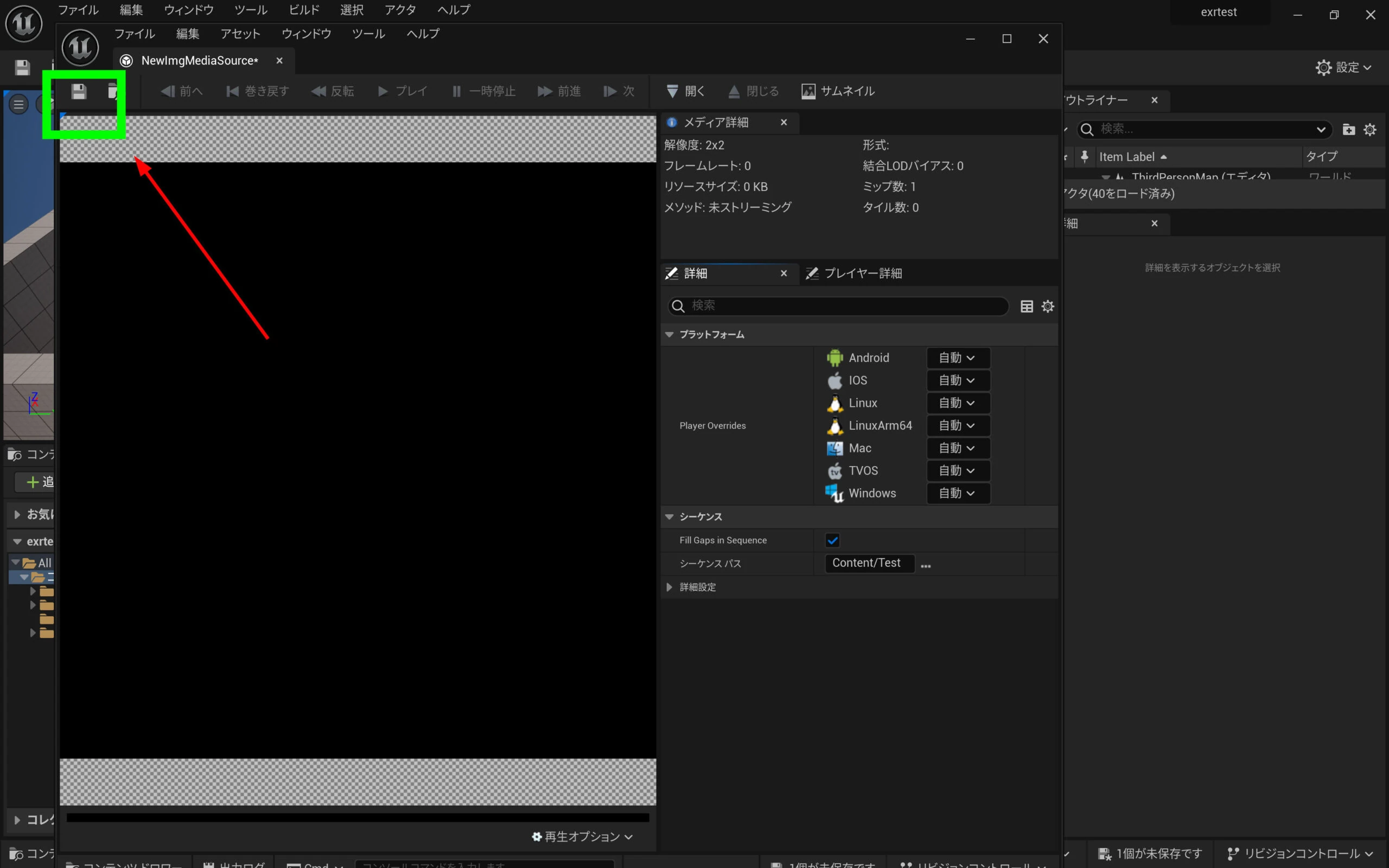
 Next, right-click the Content Browser's asset area and choose Media > Image Media Source.
 Double-click the new Image Media Source.
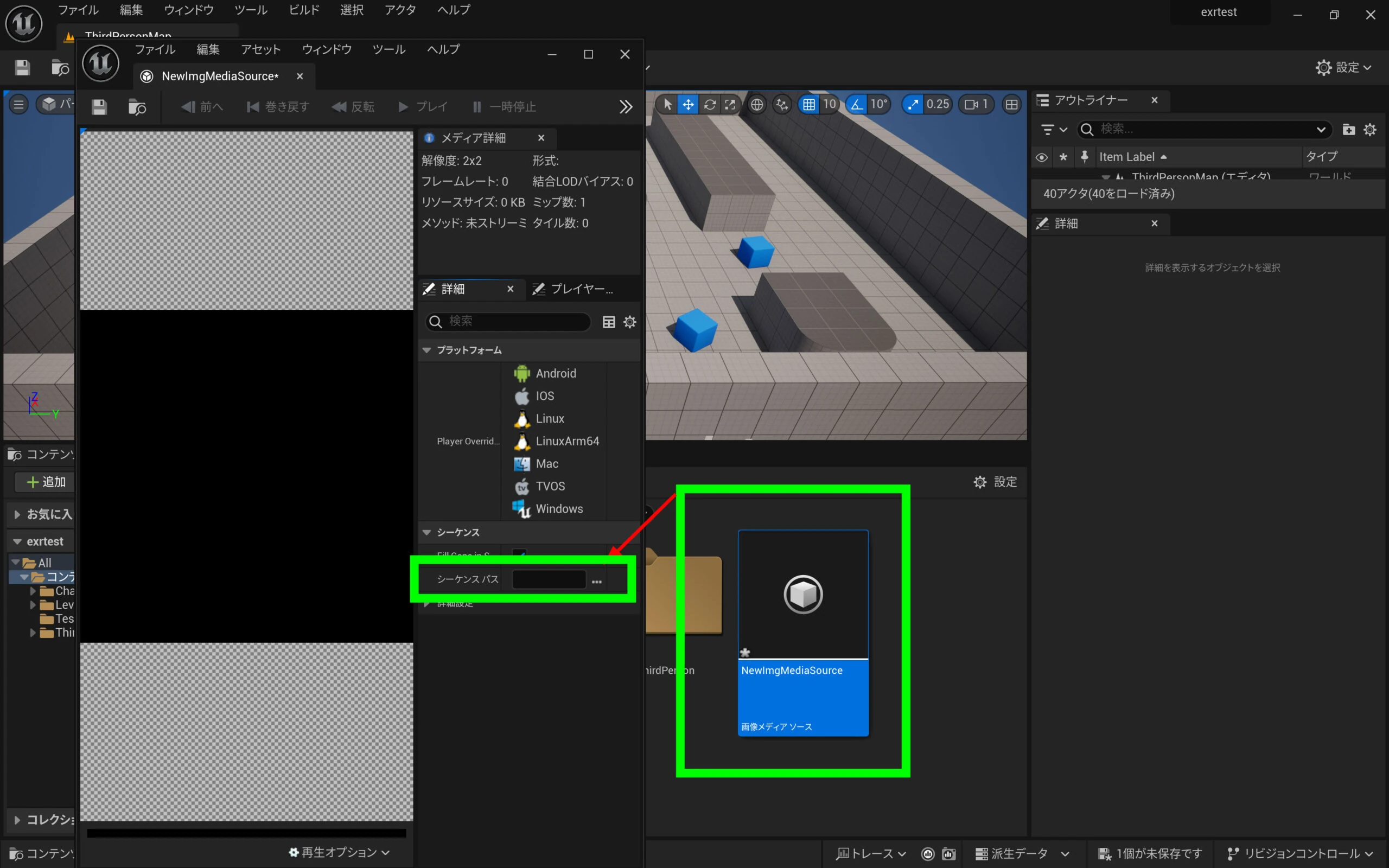 Choose the first file of the imported sequence.
Save it.
Choose the first file of the imported sequence.
Save it.
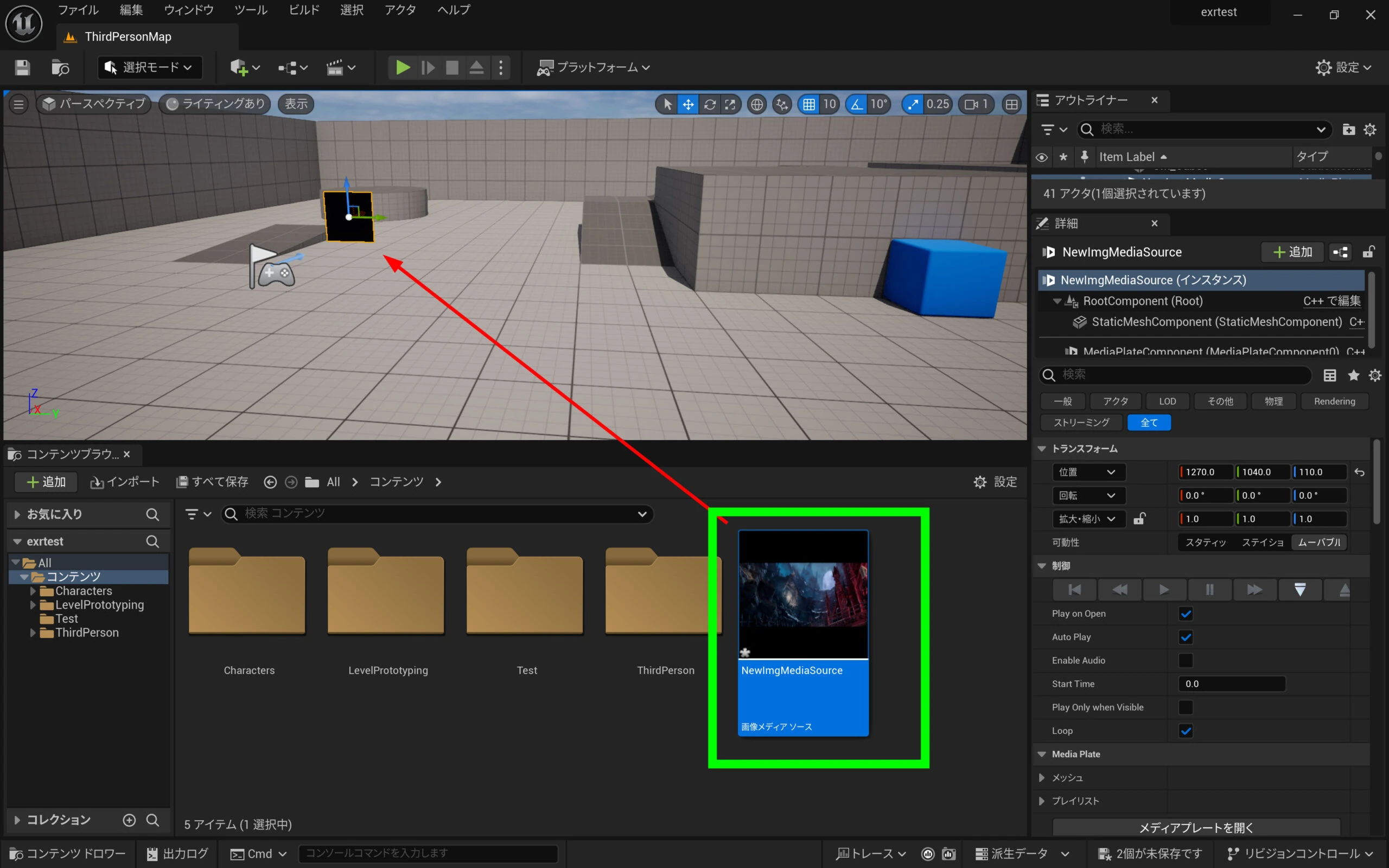
 Drag the Image Media Source into the scene.
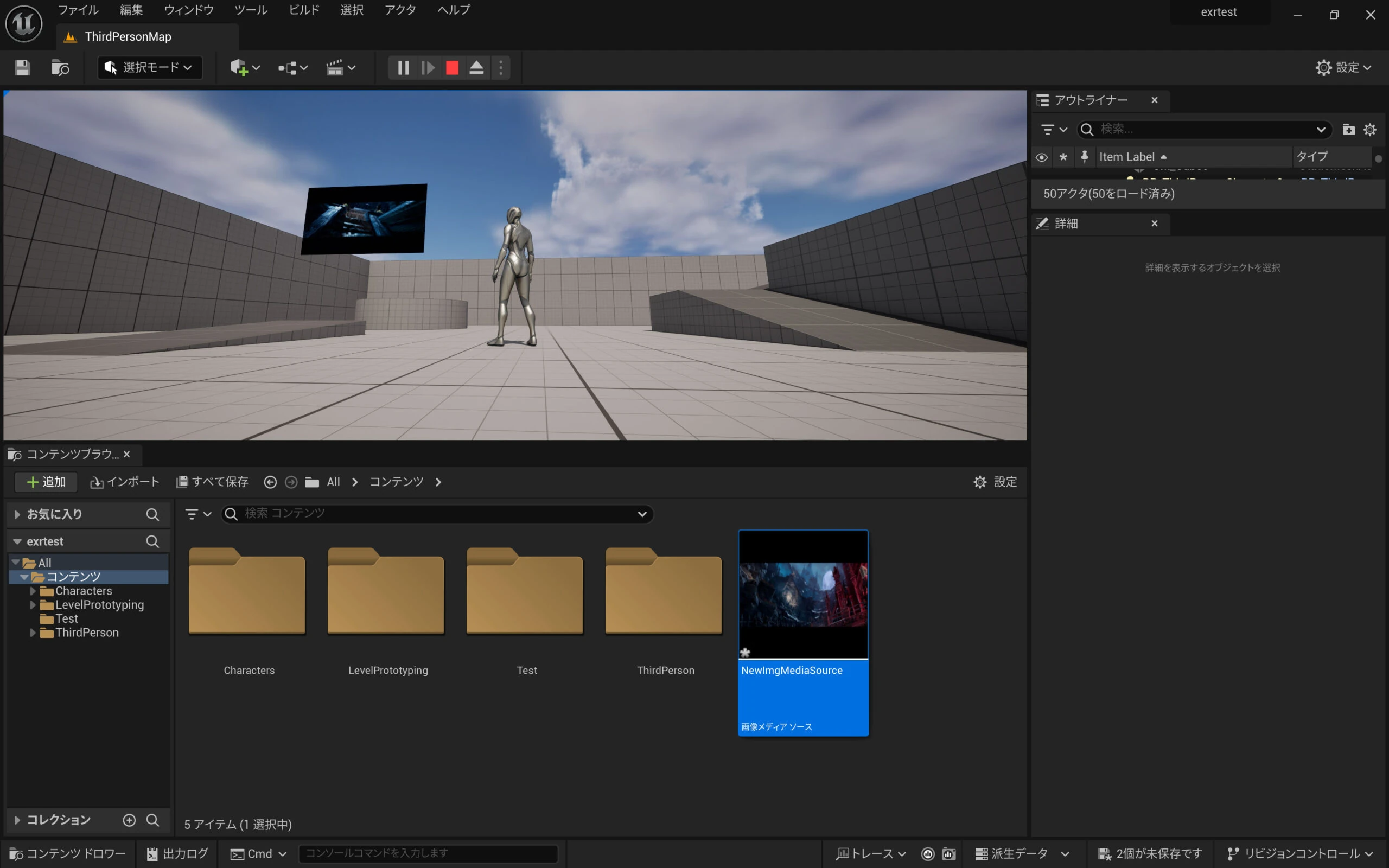
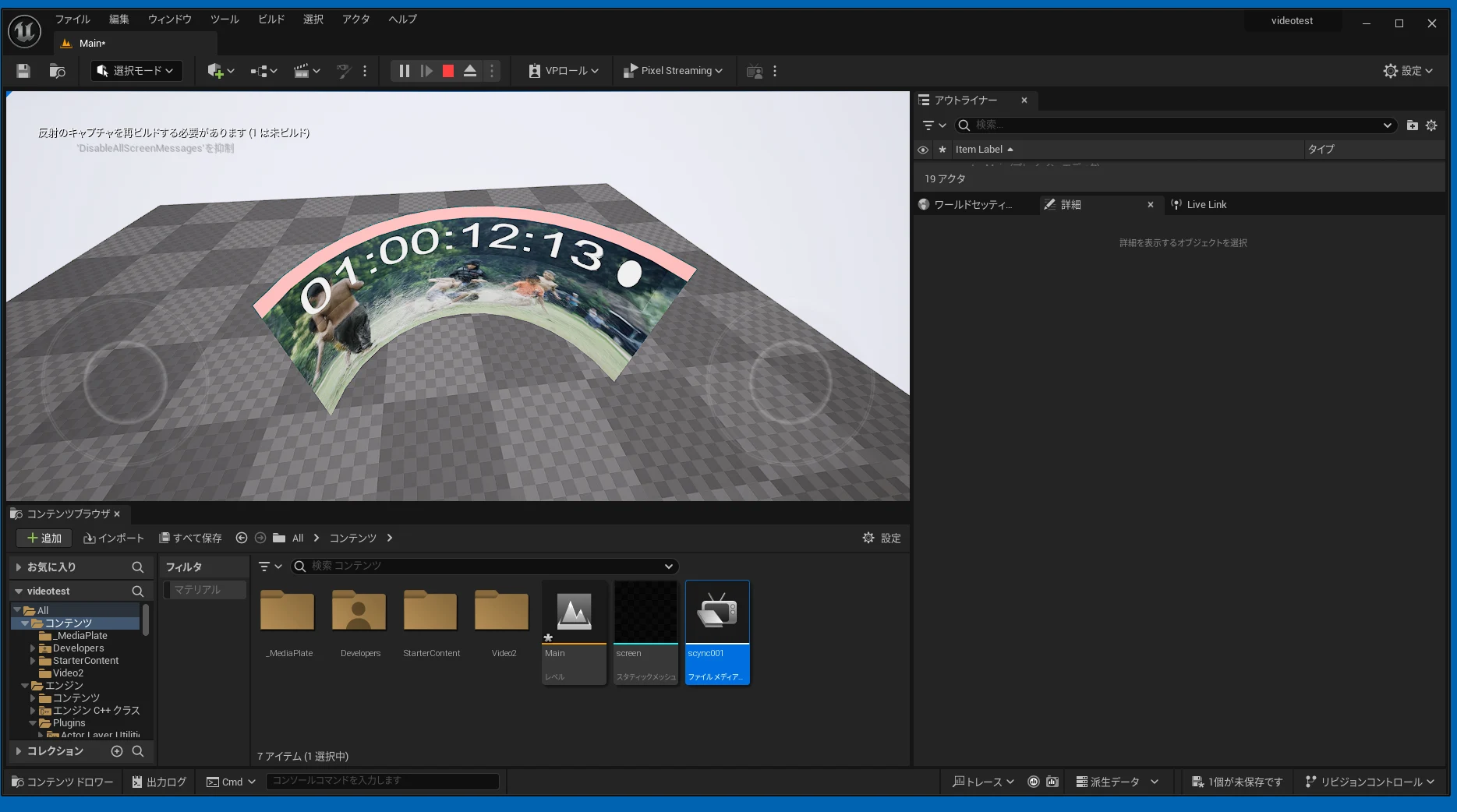
 A test playback treats it as video.
 EXR carries extensive information, like RAW or DNG. Files are larger than H.264- or H.265-compressed footage, so playback requires fast storage. With something like a PCIe 4.0 NVMe drive, EXR sequence playback works very well without that video-compression degradation.
Related articles


Updates and contact: X @riragoncom.