EINSTAR 3D Scanner review: a $1,000 scanner versus photogrammetry in 2023
After buying an EINSTAR directly about a year earlier, I compared its scan results with photogrammetry in late 2023 and considered whether it offered enough extra value for me.
Note: This article is more than one year old. It is a hands-on hardware review reflecting my understanding around December 2023.
- Prices, specifications, and recommended PC requirements may have changed. Check current specifications at einstar.com and other official sources before buying or deploying it.
- Software download pages and interfaces can change, so treat the steps as references.
- More competitors have entered the budget-scanner market since 2024. Read the photogrammetry comparison as an observation of tendencies.
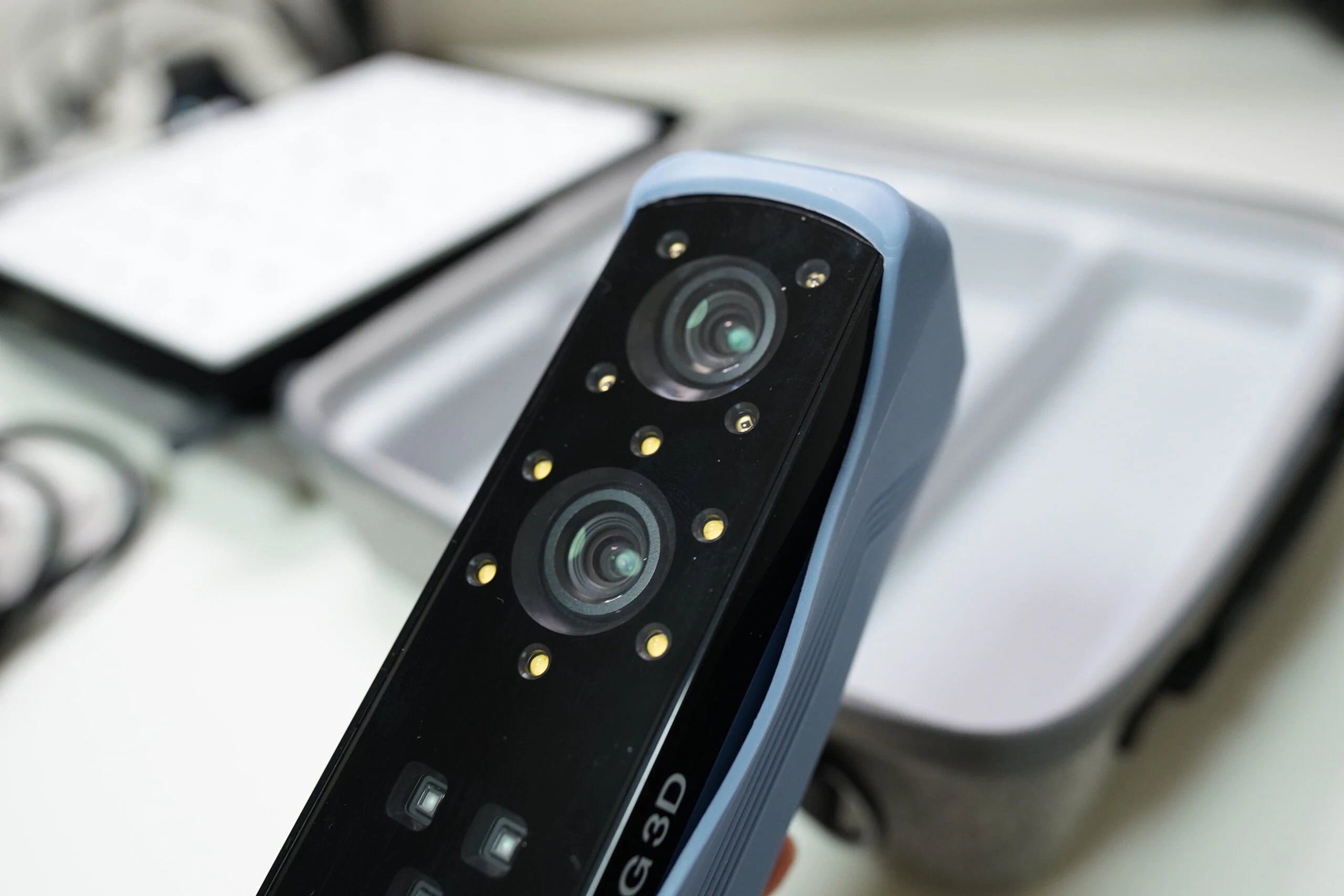
In 2022–2023, the EINSTAR 3D Scanner attracted attention in the roughly $1,000 scanner market. Made by Shining 3D, it brings technology from the company's expensive EinScan series to a more affordable price. I expected 2024 to bring more inexpensive scanners that might finally be usable. Writing this in December 2023, I had bought an EINSTAR directly from the manufacturer's shop exactly a year earlier. It offers resolution down to 0.1mm, various scanning modes, and an approachable interface. However, processing is demanding, so making the most of it requires a relatively high-end PC. EINSTAR 3D Scanner
View SHINING 3D EINSTAR (original model) on Amazon (Ad)
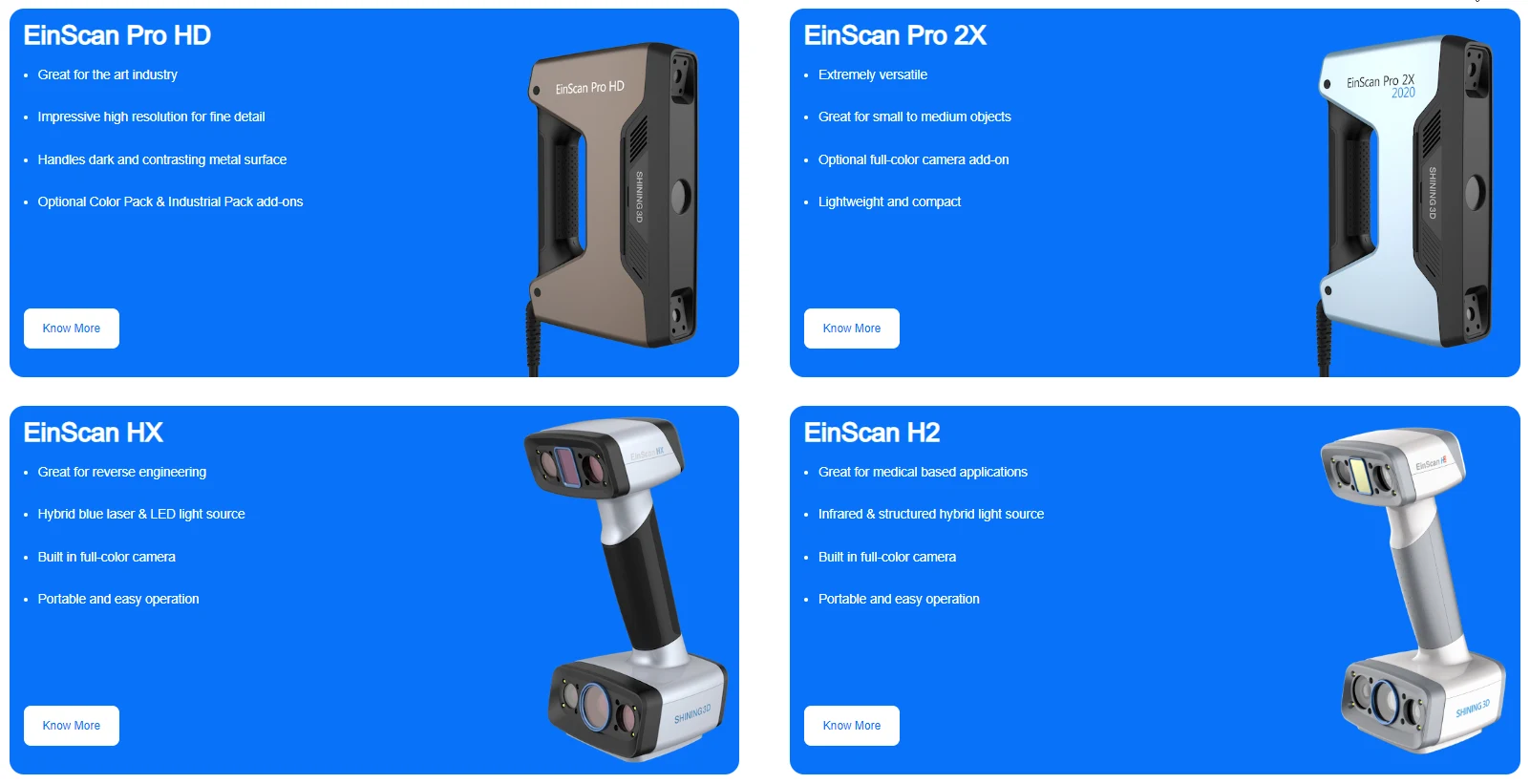
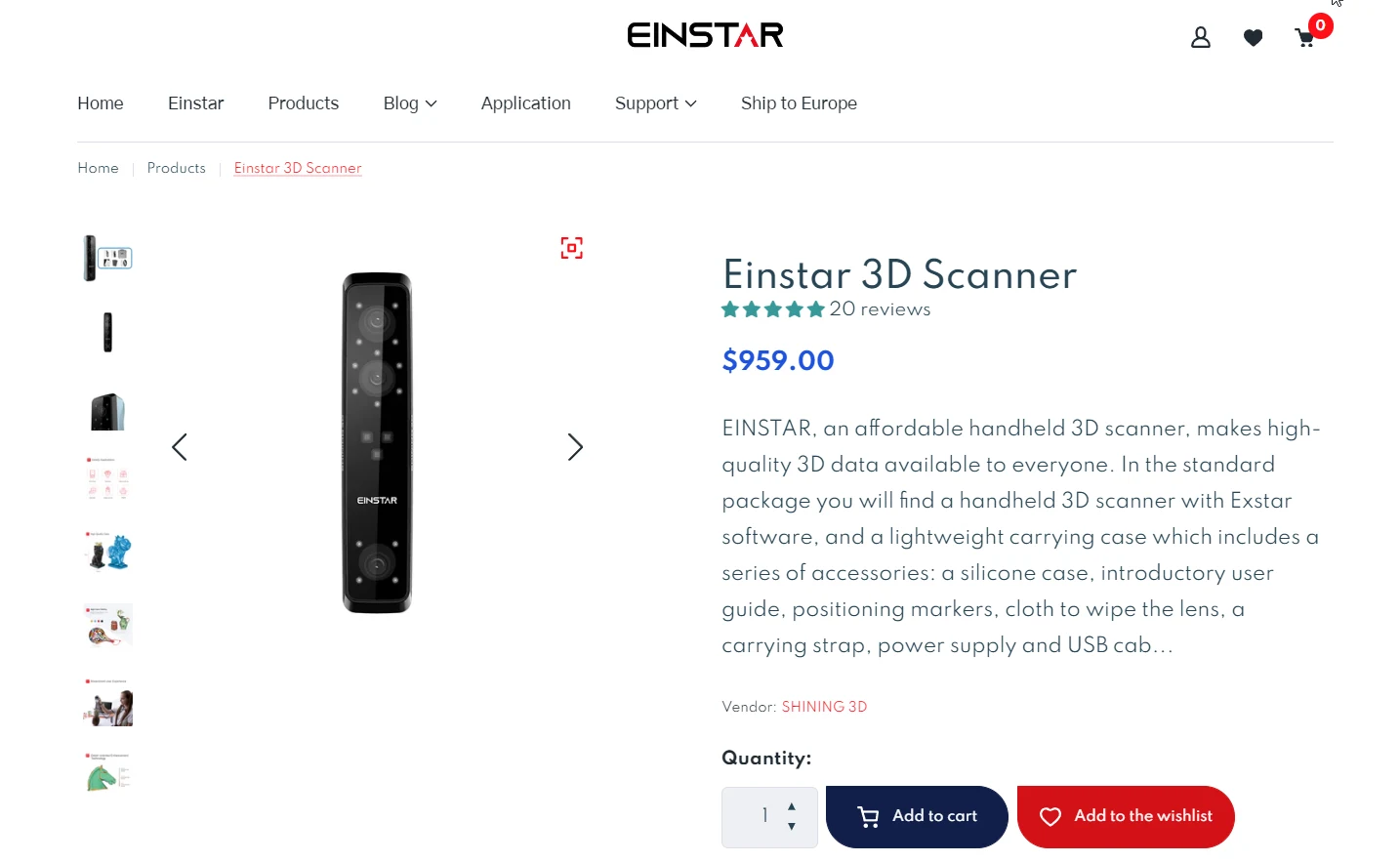 EINSTAR is a good-value model from Shining 3D, a leading scanner manufacturer. Its professional EinScan scanners generally occupy the ¥1–2 million price range.
Overall, EINSTAR is a suitable option for beginners or hobby users wanting to start 3D scanning. For serious professional work, a model costing over ¥1 million might be more appropriate.
EINSTAR is a good-value model from Shining 3D, a leading scanner manufacturer. Its professional EinScan scanners generally occupy the ¥1–2 million price range.
Overall, EINSTAR is a suitable option for beginners or hobby users wanting to start 3D scanning. For serious professional work, a model costing over ¥1 million might be more appropriate.
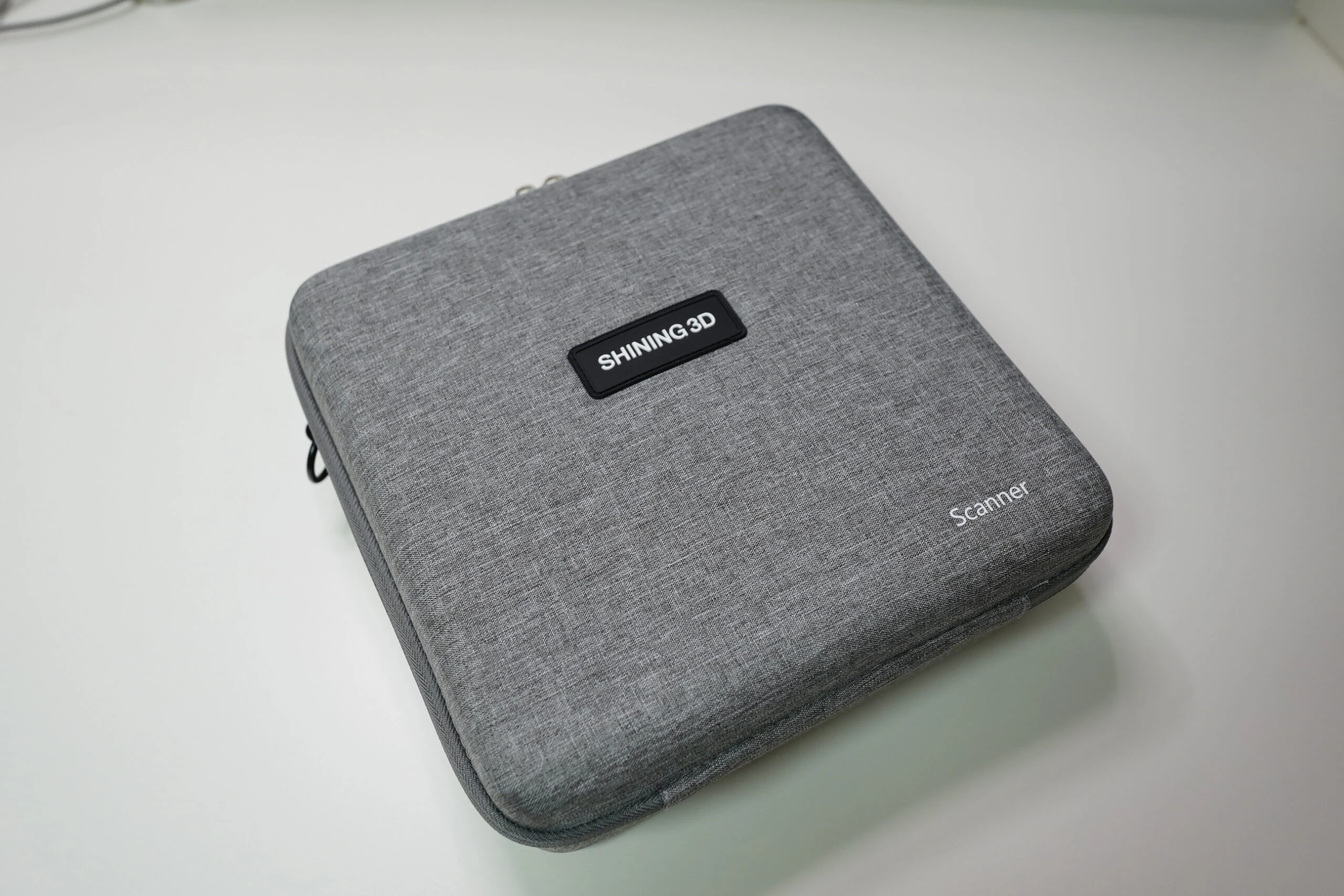
Unboxing: a nice soft case
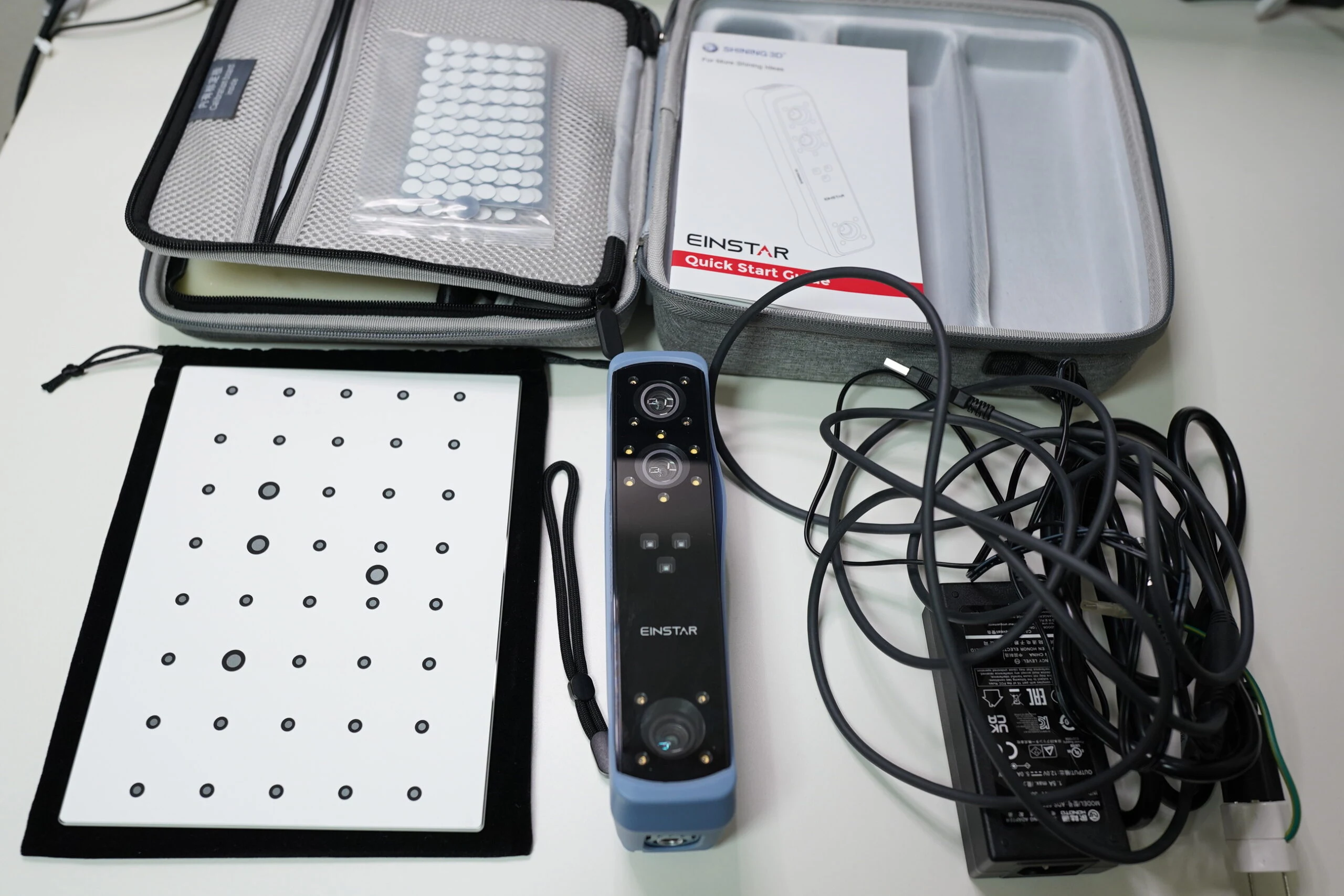
Let's inspect the contents. The soft case has a polished design reminiscent of cases for HMDs or DJI drones. My first impression was very good.
 Inside, it is tightly packed with the scanner, power supply, calibration board, marker stickers, bag, and other items. Once you remove the cables and small accessories, fitting them back exactly as they were is a little difficult.
 The scanner feels solid and uses good-quality materials. It includes a flexible silicone cover to protect the device.
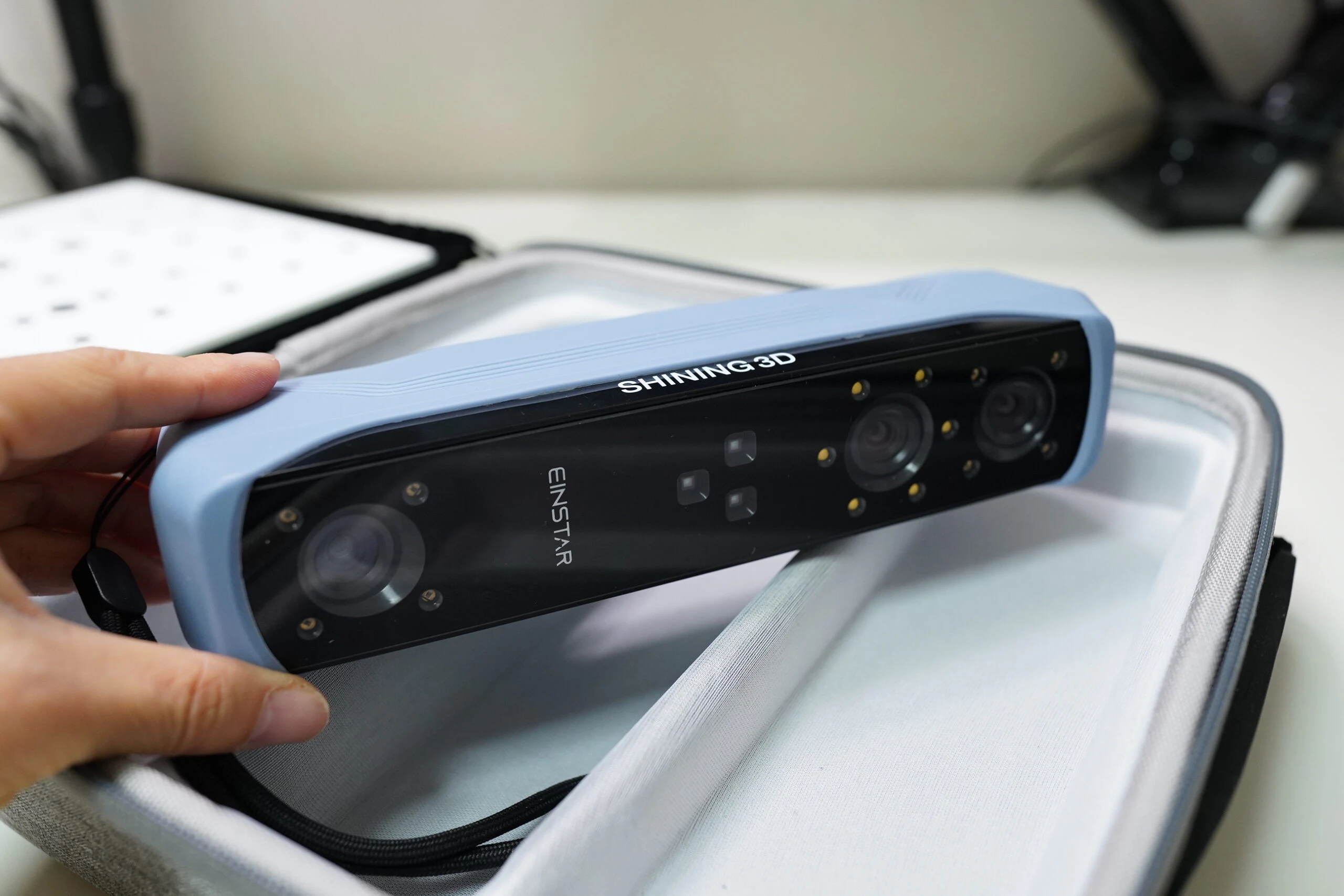 The 0.1mm resolution, range of scan modes, and intuitive interface are strong points.
| Scan Mode | Structed Light Scan |
| Point Distance | 0.1 mm ~ 3 mm |
| Light Source | Infrared VCSEL structured light |
| Working Distance | Effective Working Distance: 160mm-1400mm; Optimal Working Distance: 400mm |
| Depth of Field | 160-1400mm |
| Maximum FOV | 434mm*379mm (under optimal work distance) |
| Scan Speed | 980,000points/s, up to 14FPS |
| Align Modes | Feature Alignment, Hybrid Alignment, Texture Alignment, Global Markers |
| Safety | Eye-safe |
| Texture Scan | Yes |
| Outdoor Scanning | Yes |
| Interface | USB2.0 or above |
| Output Formats | OBJ; STL; PLY; P3; 3MF |
| Scanner Size | 220mm*46mm*55mm |
| Carrying Case Size | 245mm*245mm*90mm |
| Scanner Body Weight | 500g |
| Operating Temperature Range | 0-40°C |
| Operating Humidity Range | 10-90% |
| Certifications | CE, FCC, ROHS, WEEE, KC |
| Recommended Configuration | OS: Win10/11, 64 bit; Graphics card: NVIDIA GTX1060; Video memory: ≥6GB; Processor: I7-11800H; Memory: ≥32GB |
| Basic Computer Configuration | OS: Win10, 64 bit; Graphics card: NVIDIA GTX1050; Video memory: ≥4GB; Processor: I7-7700H; Memory: ≥16GB |
Trying a scan with EINSTAR
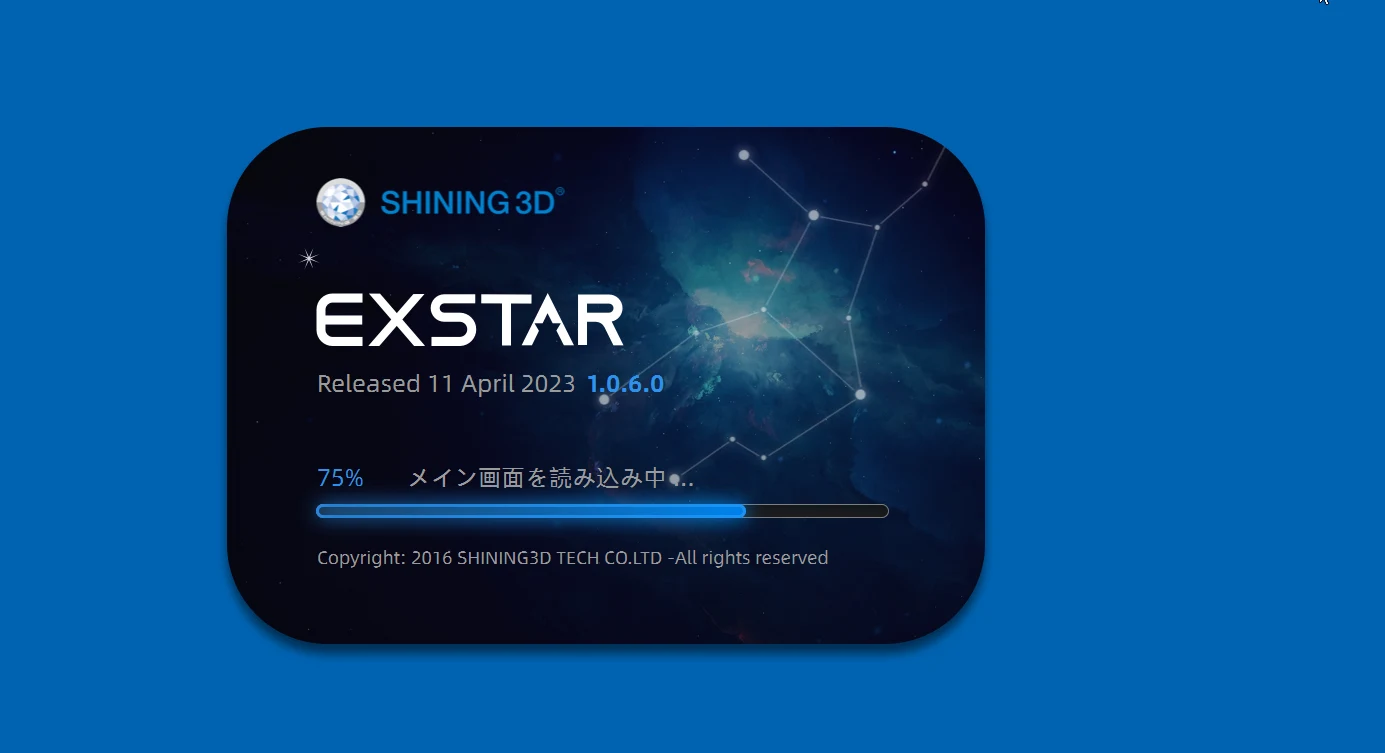
Let's scan something. Download the software first. Several software updates arrived during 2023, and performance improved considerably.
https://support.einstar.com/support/solutions/articles/60000782576-einstar-software-download
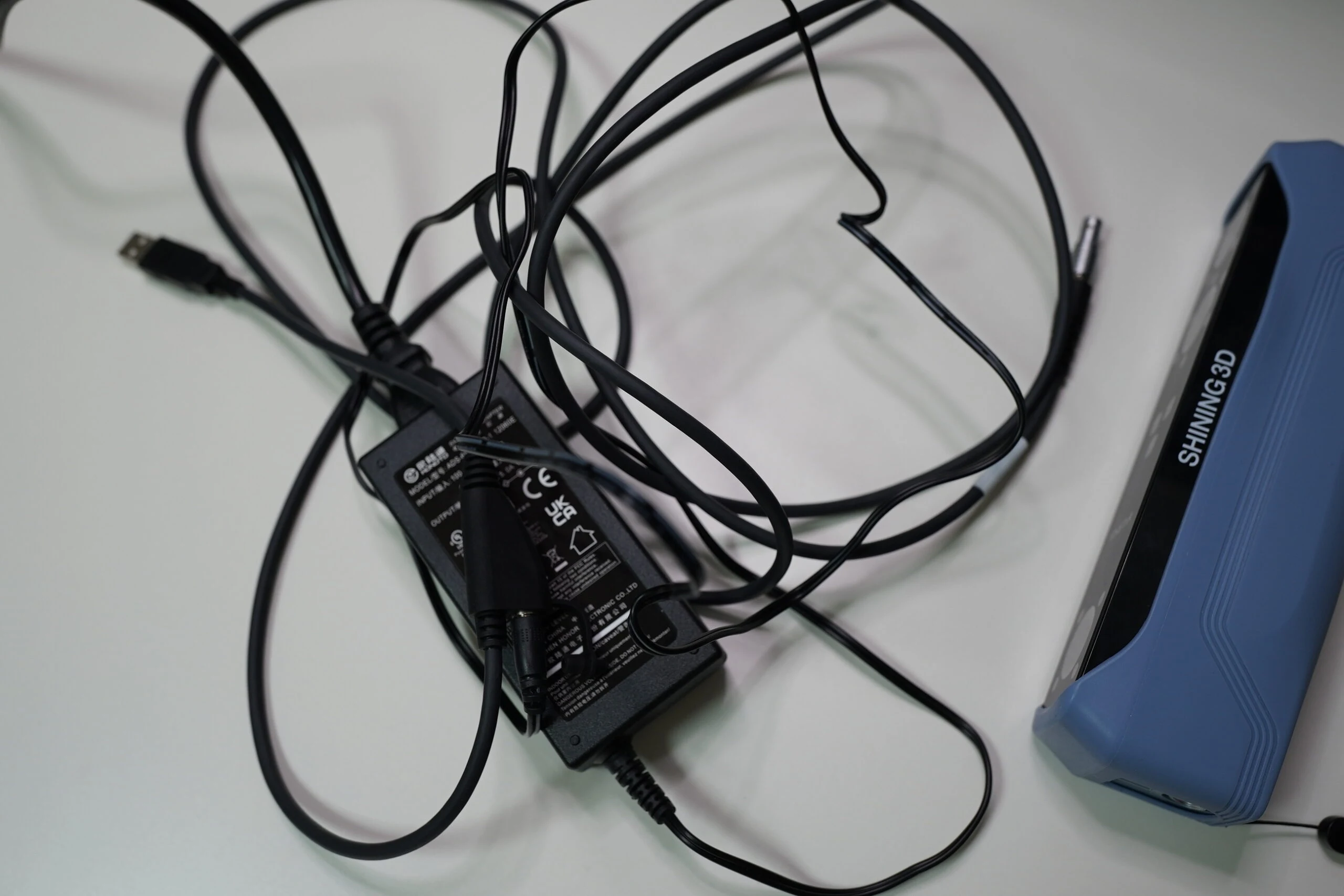
 The scanner connects to a PC. Power and USB are combined into one cable assembly, but the cabling still becomes messy.
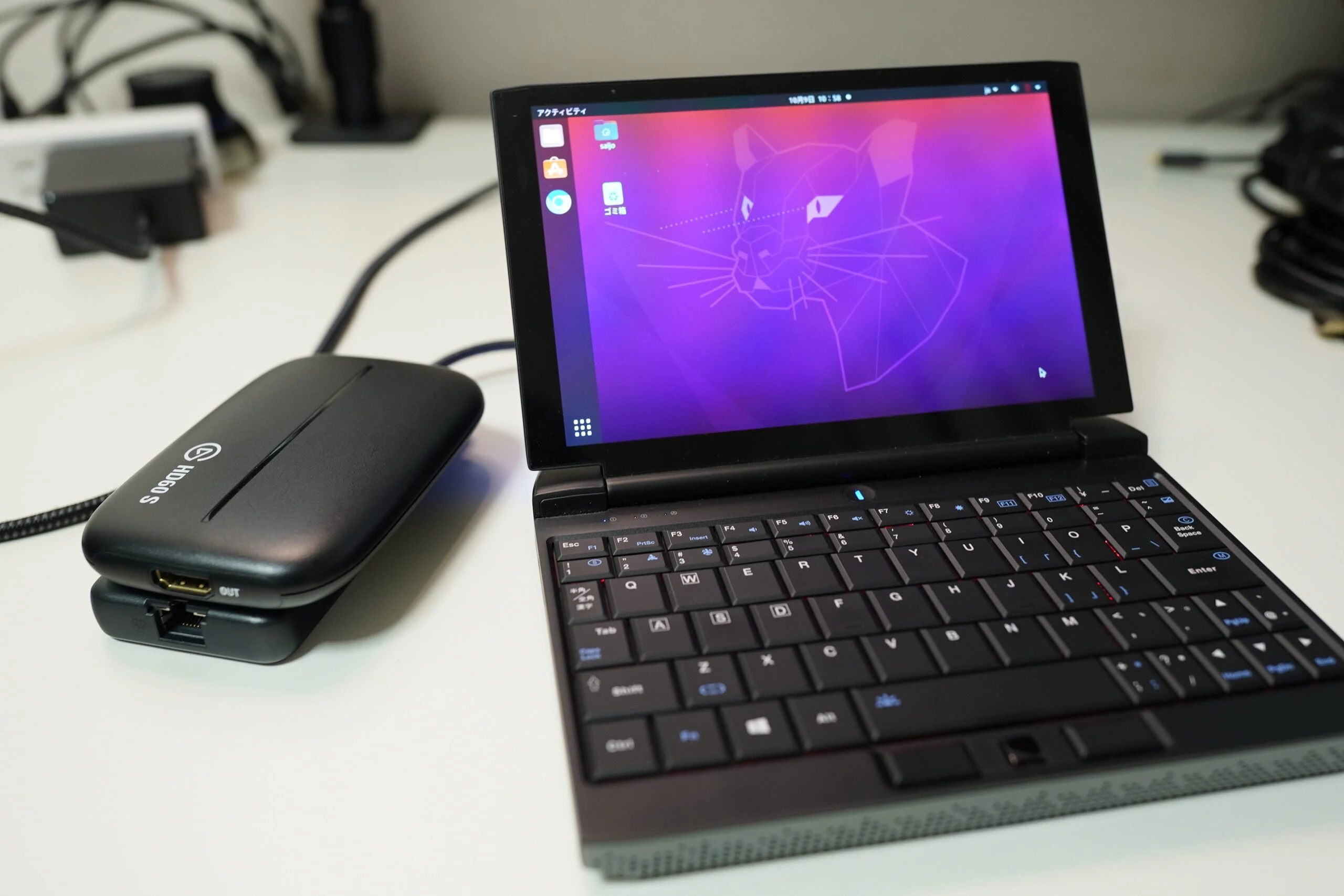
 It runs comfortably on a laptop in the Core i9 and RTX 4070 class.
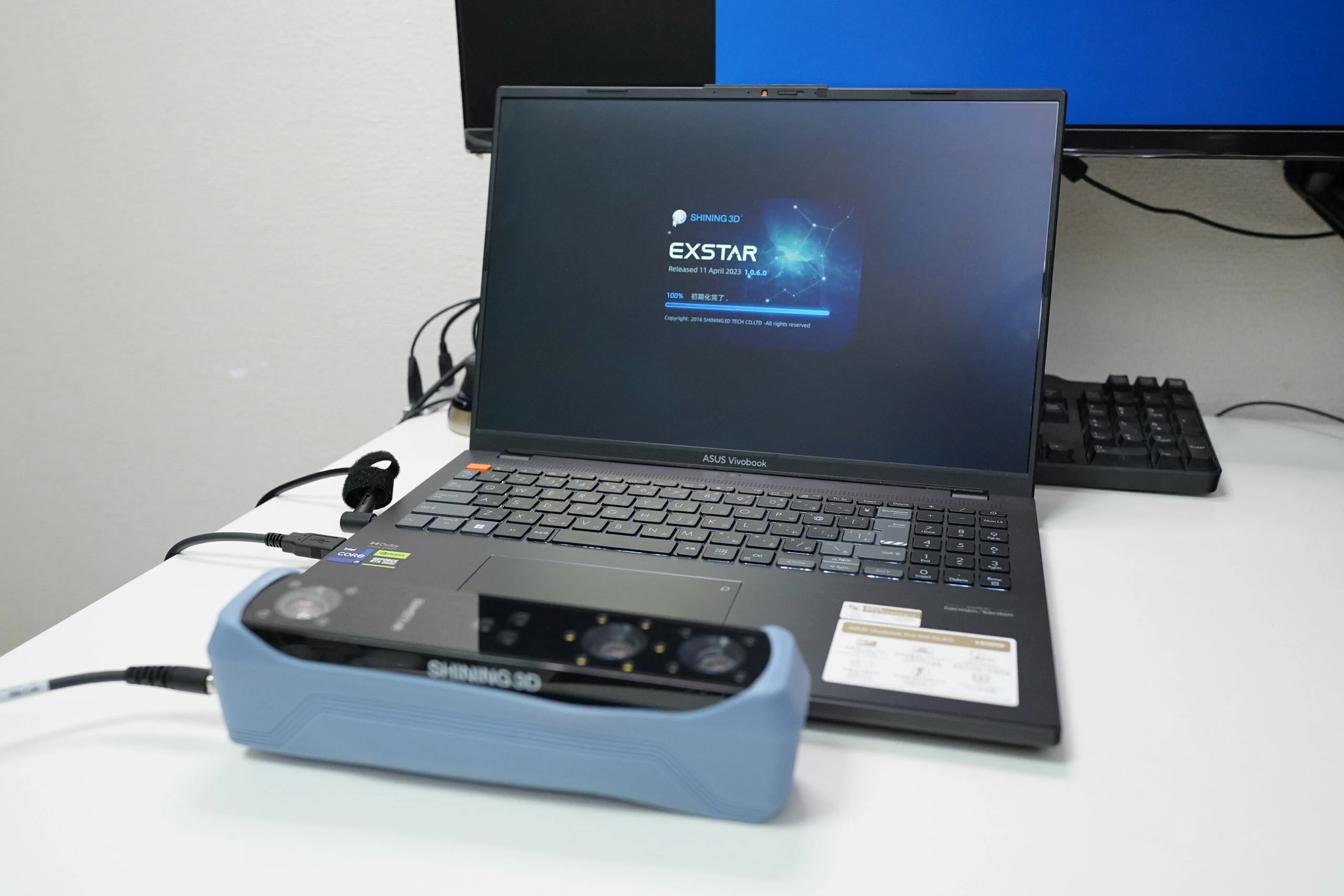 The scanner itself does look good.
Calibrate it with the included board before use. Follow the software's instructions to complete calibration.
The scanner itself does look good.
Calibrate it with the included board before use. Follow the software's instructions to complete calibration.
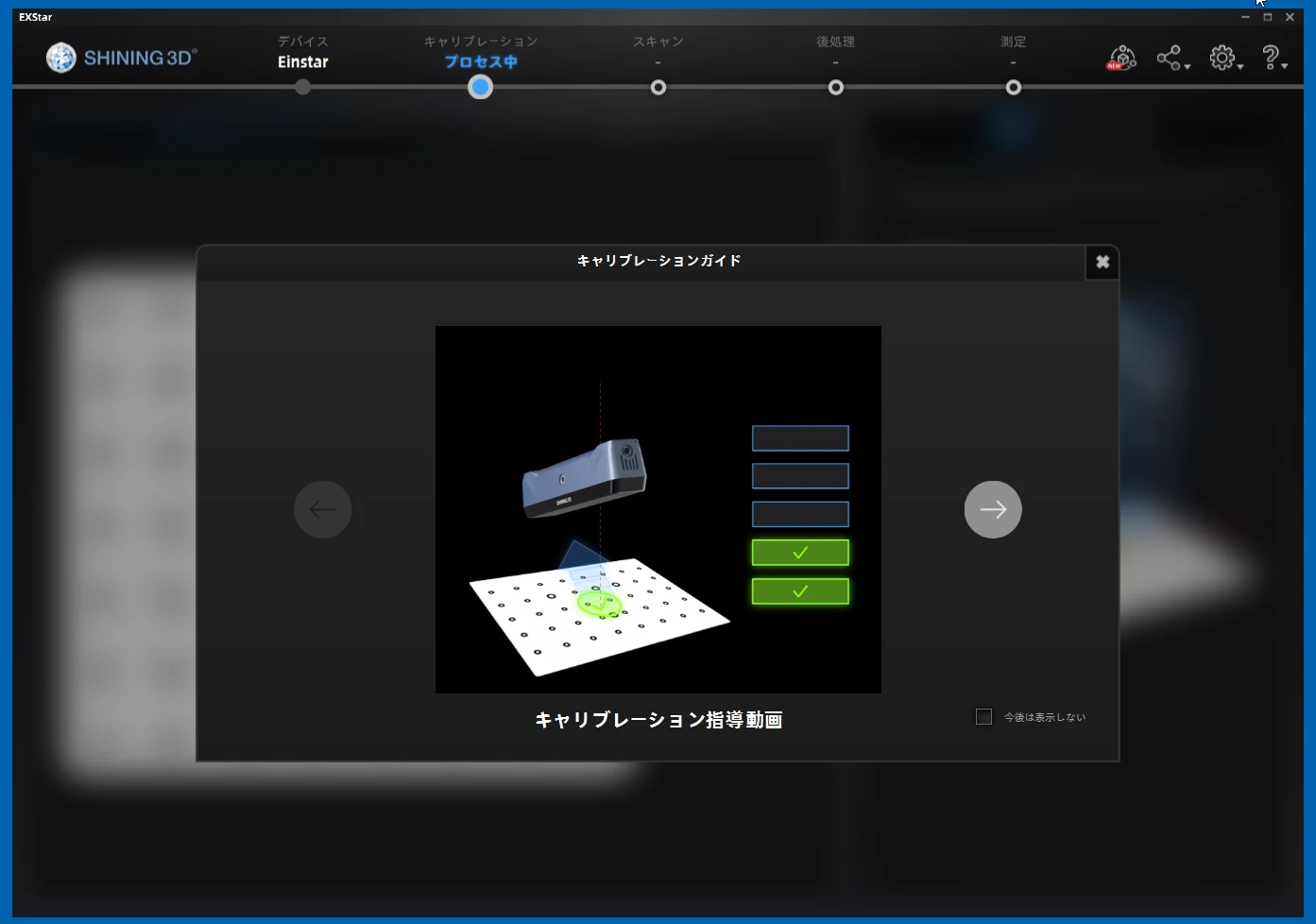
A video of the scanning workflow
I recorded the workflow. I chose an easy-to-scan subject and added protective sheeting to help avoid losing tracking. This is a somewhat favorable test rather than a difficult, neutral challenge.
Without reducing the mesh before export, the file becomes huge.
I reduced it to around 500K, or 500,000 triangles.
As rough working estimates, I think around 5M triangles might suit a high-end gaming PC, 400K a powerful mobile device, and 100K lightweight web display.
Opinions differ.
Here is the model exported at 500K triangles. It captured the fine details quite well. Straight lines were straight, which was excellent.
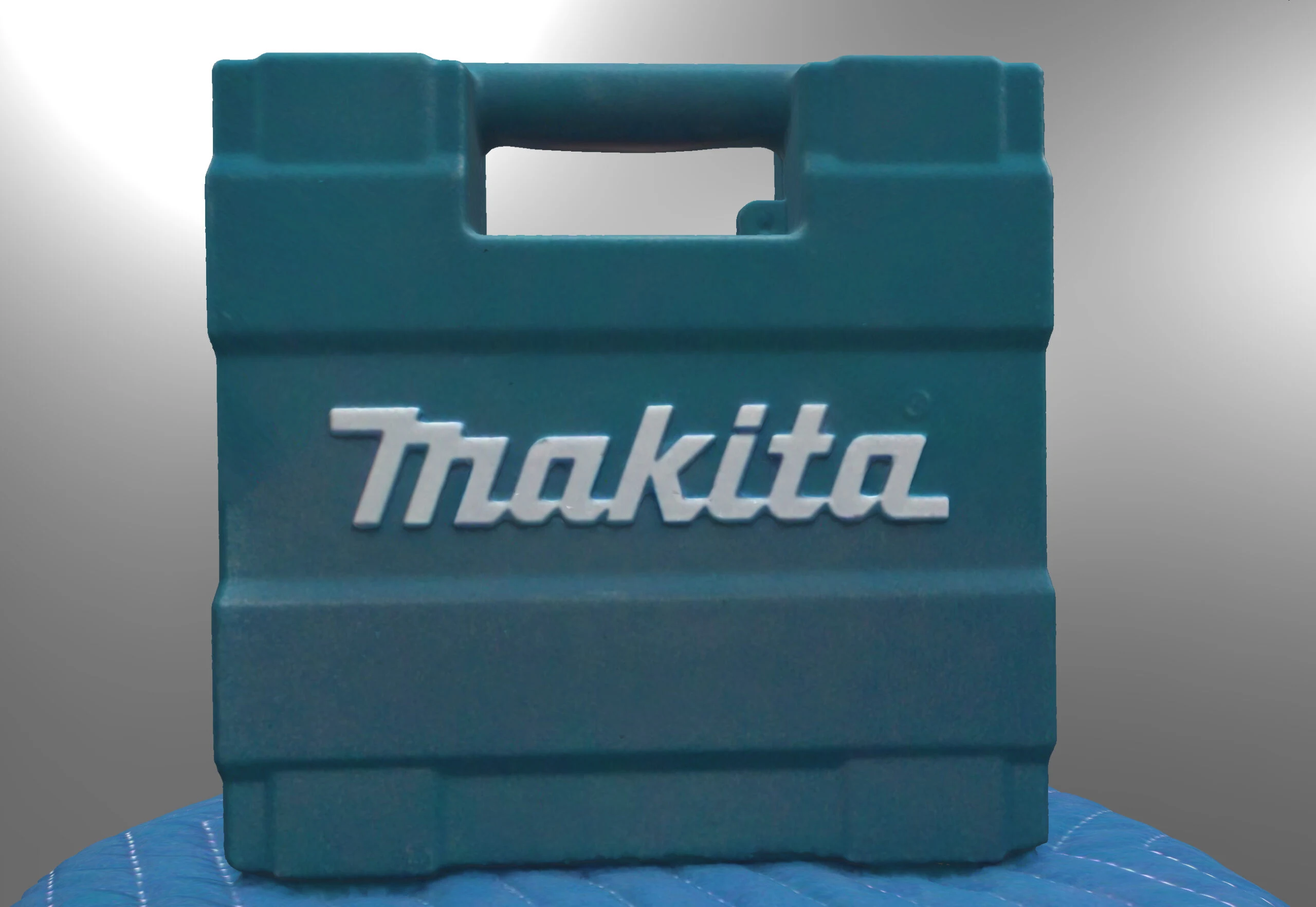 Even the inside of the handle had a clear shape. It was a proper 3D scan.
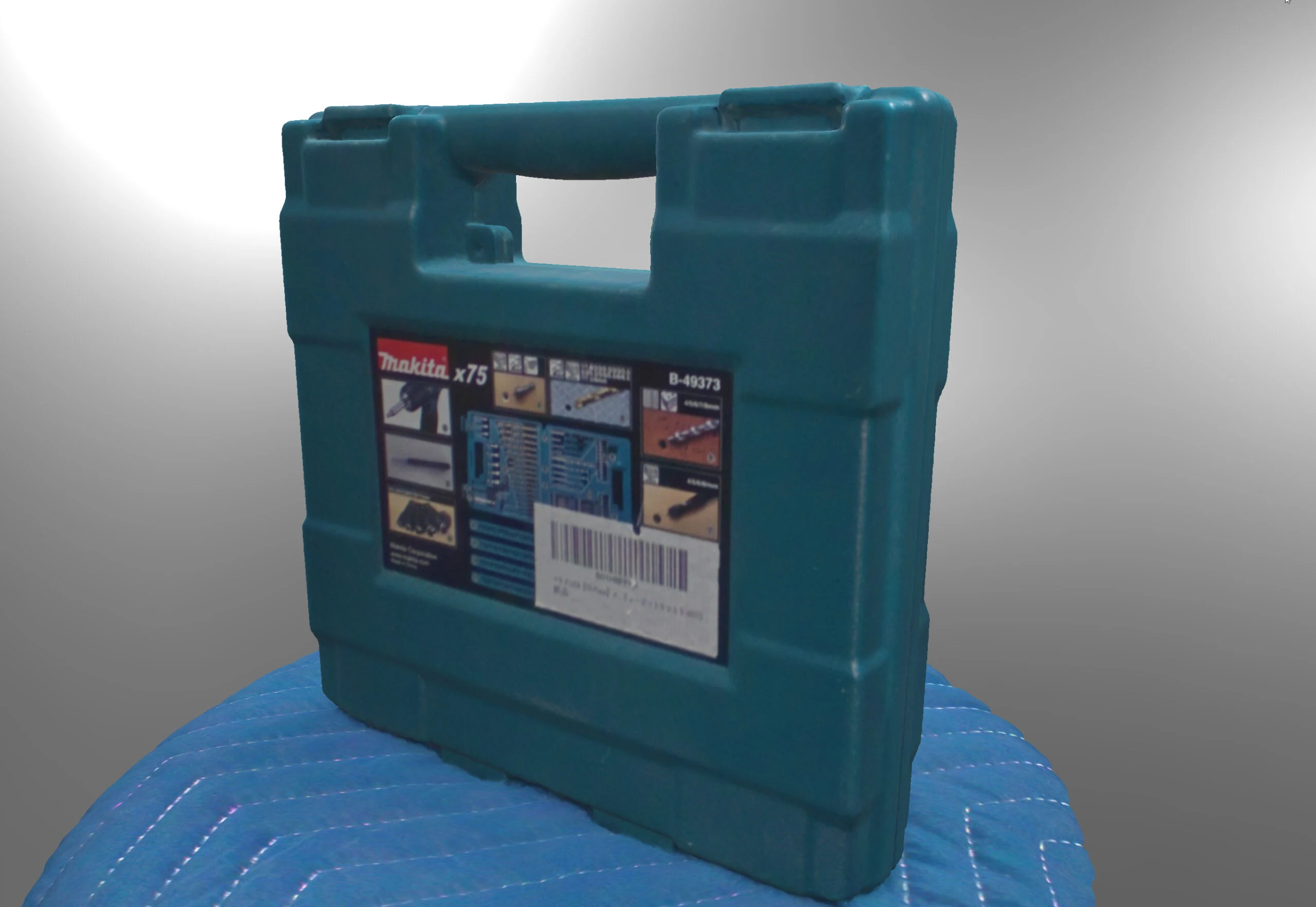
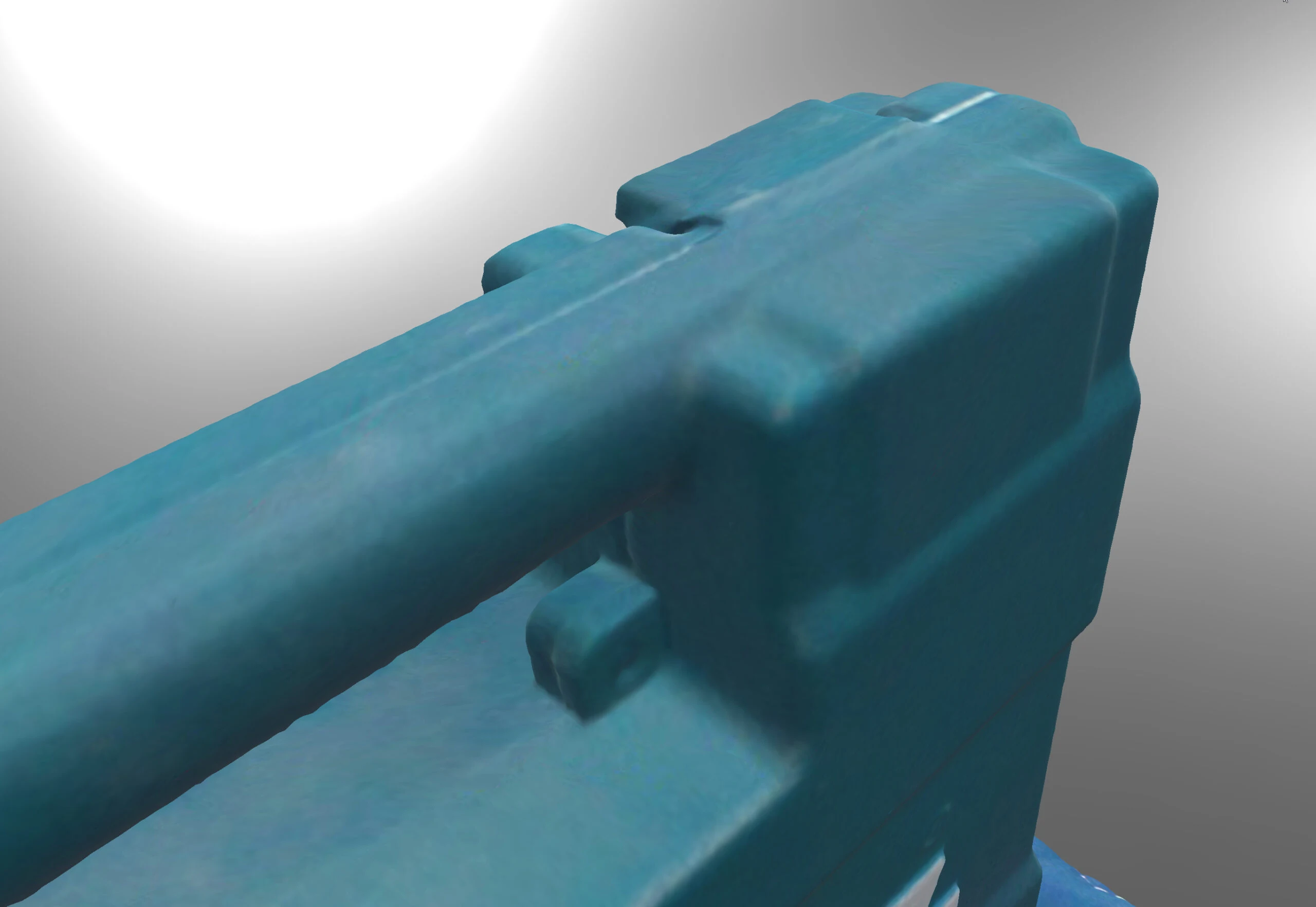
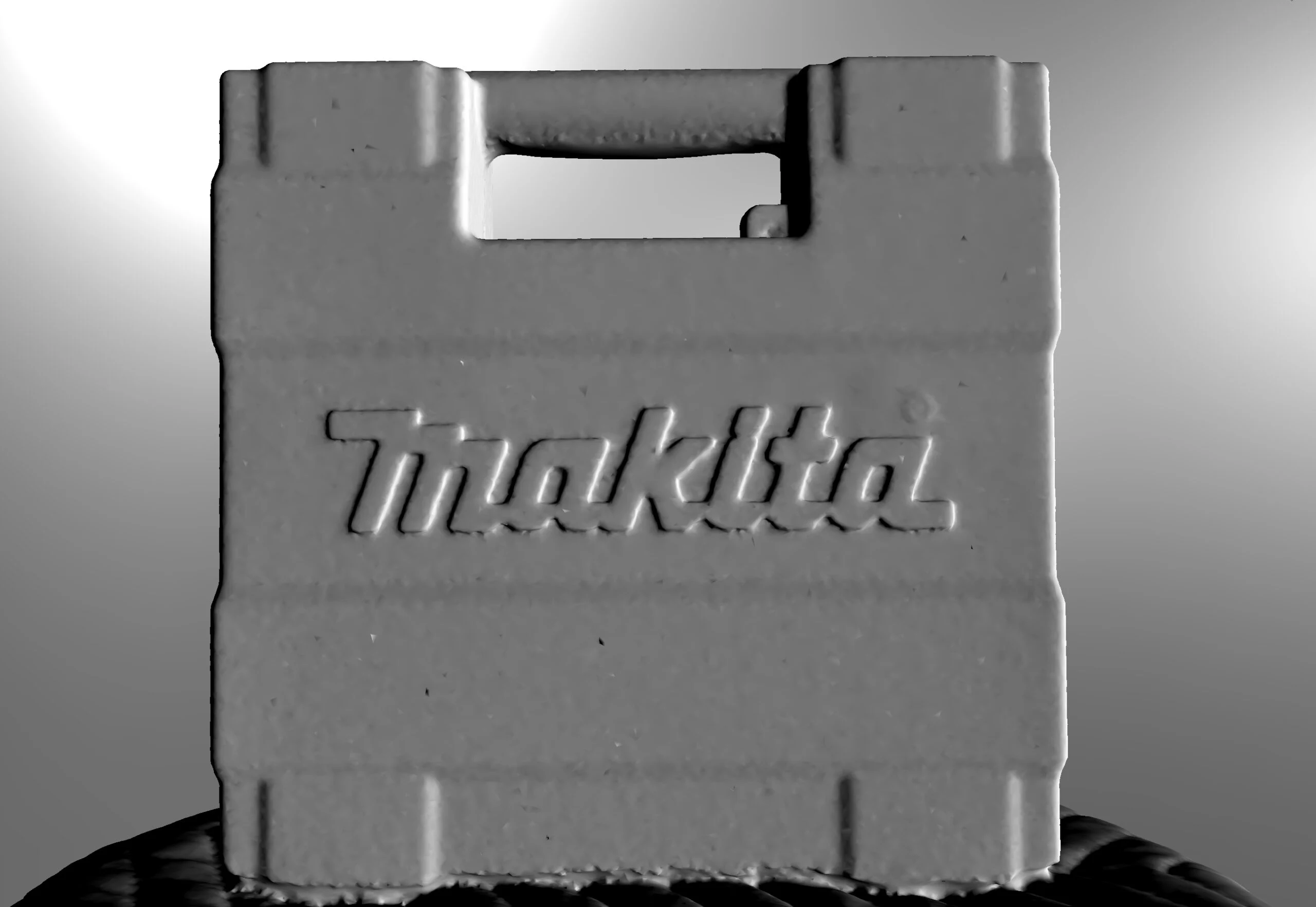
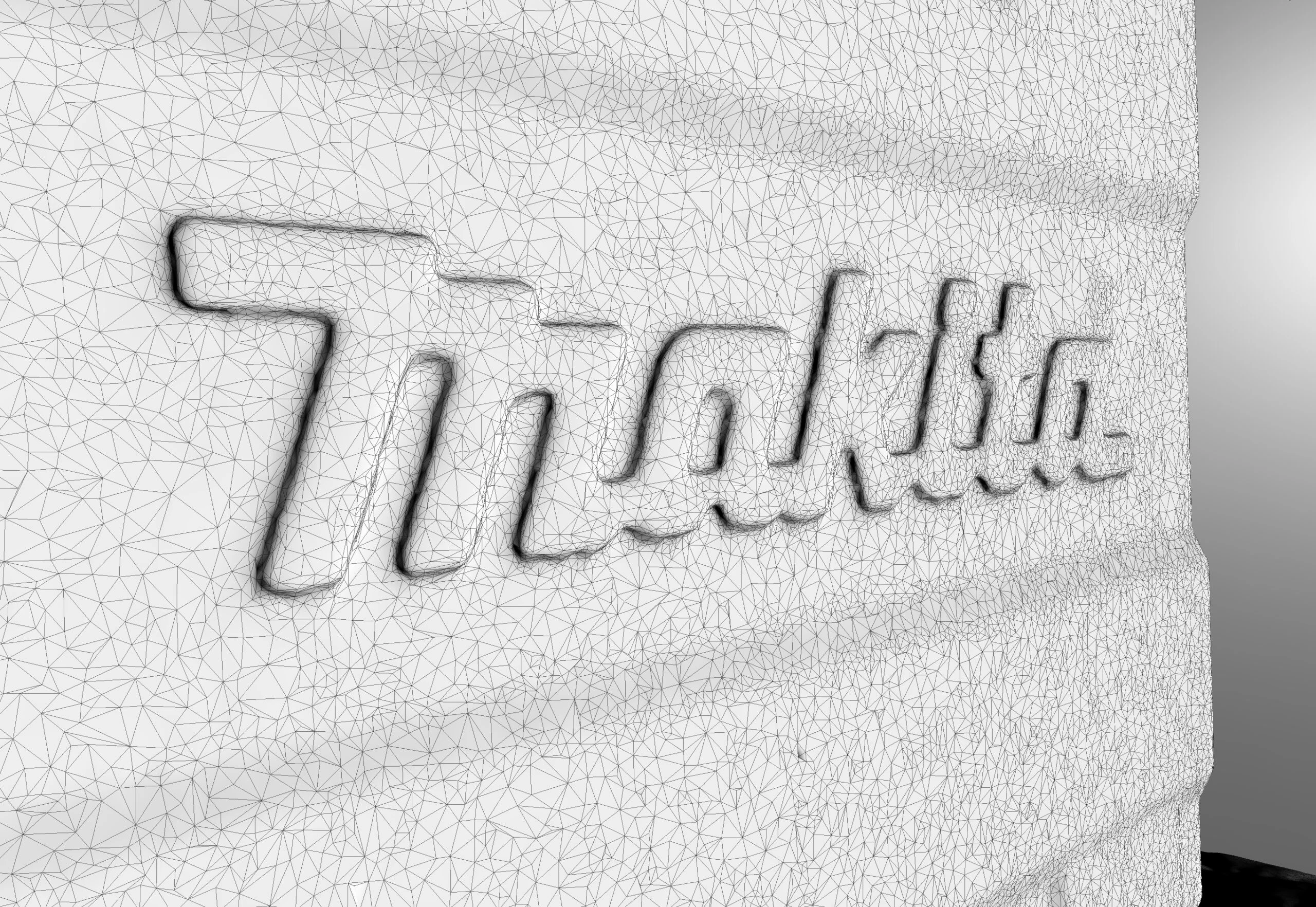
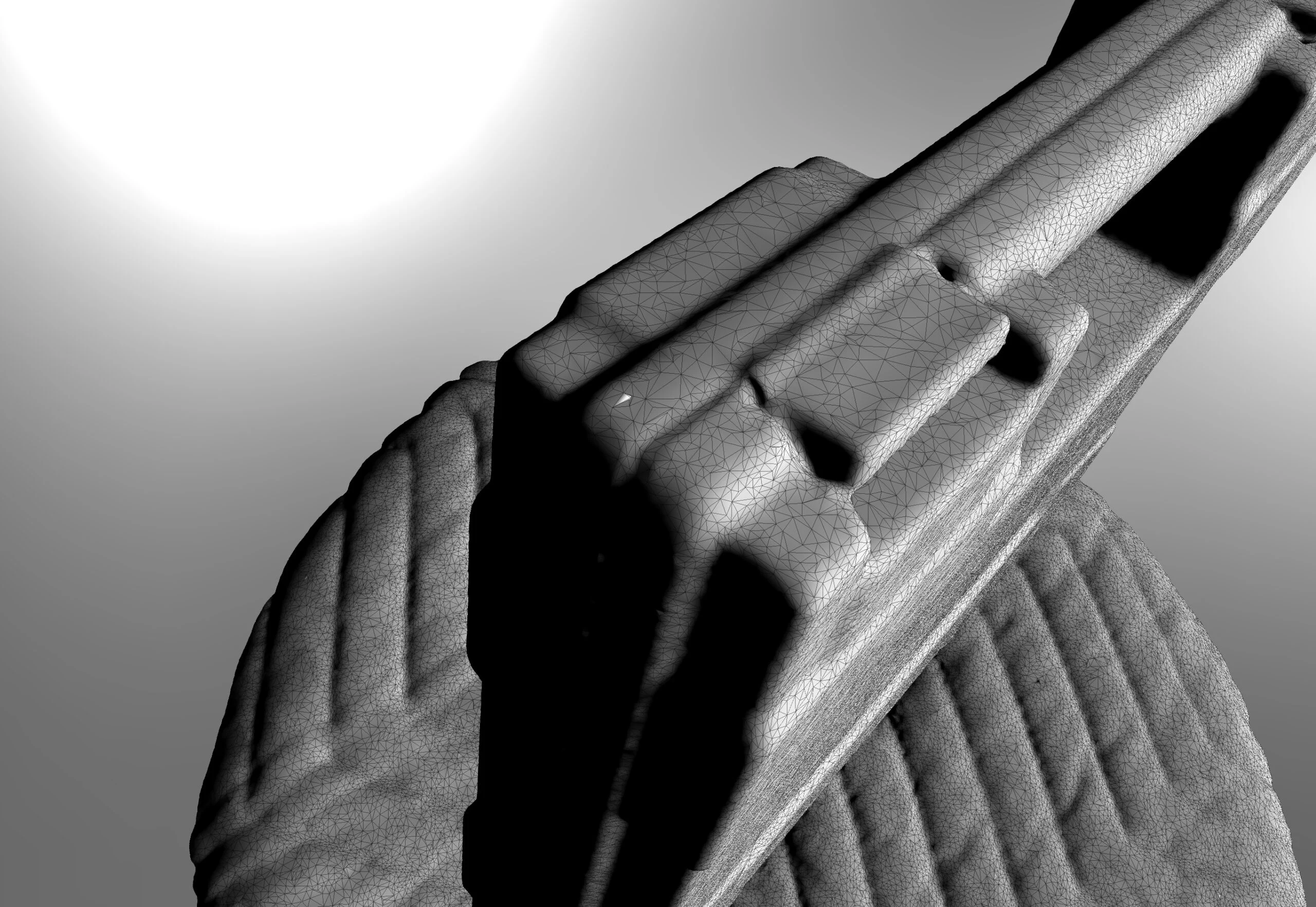 When I first used EINSTAR, its performance at around $1,000 honestly surprised me. Still, despite the impressive result, I wondered whether photogrammetry alone could produce something similar at this level. That was my candid impression.
Testing photogrammetry too
Photogrammetry uses photographs to measure an object's shape, size, and position and create 3D data. Images from multiple angles let it reconstruct the object's three-dimensional form and spatial position. I casually took about 100 photographs and tried it.
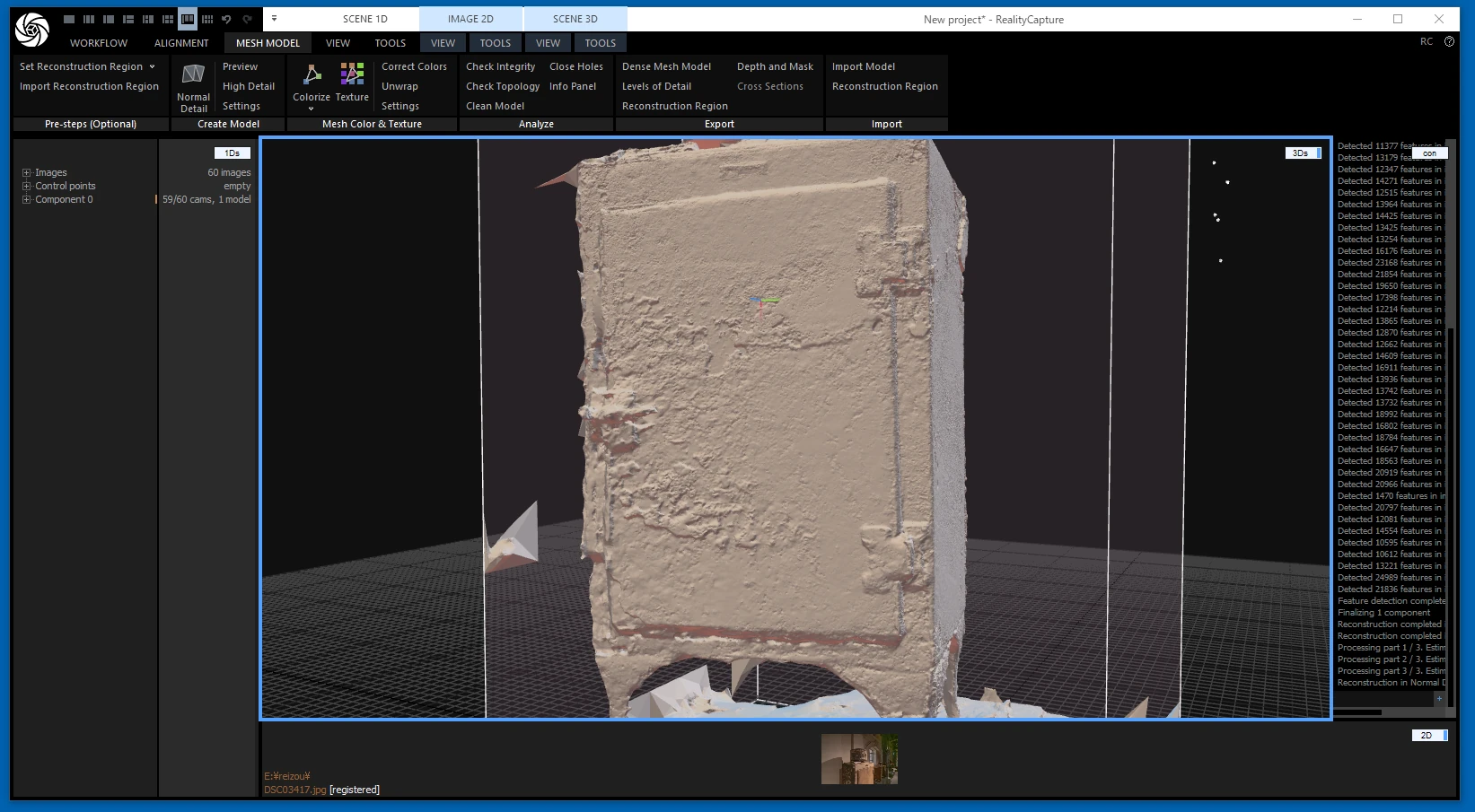
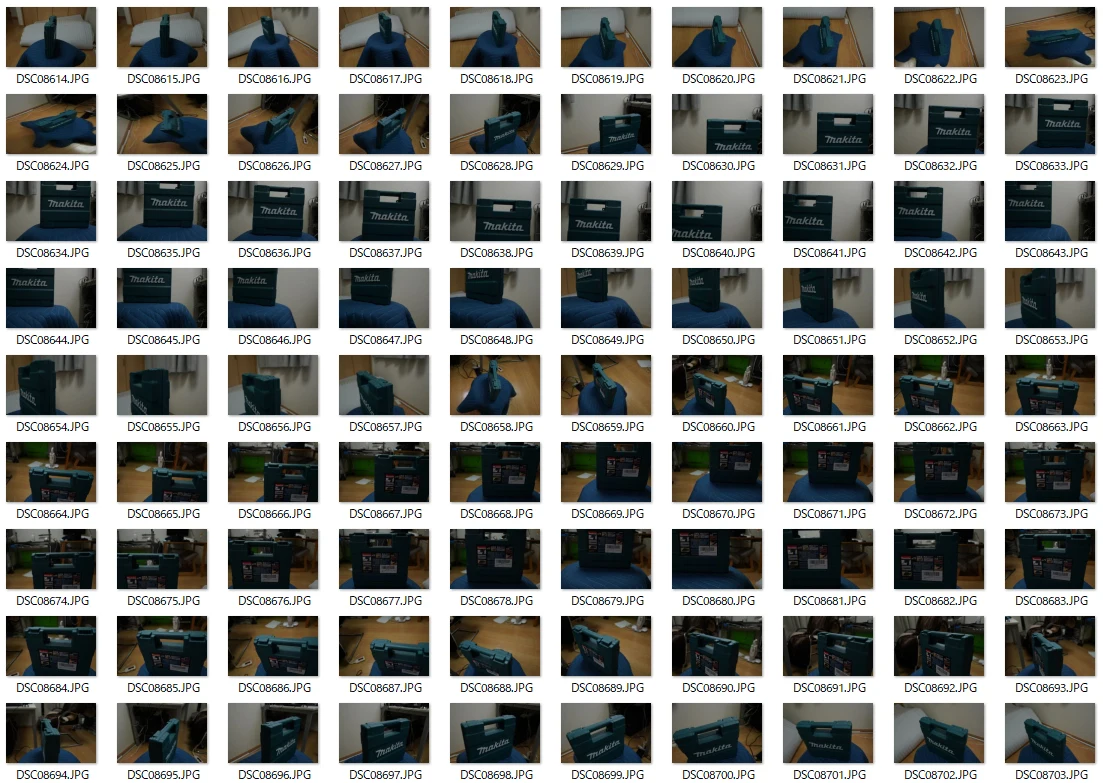 I ran a fairly casual photogrammetry workflow, creating a point cloud from the photos and turning it into a mesh.
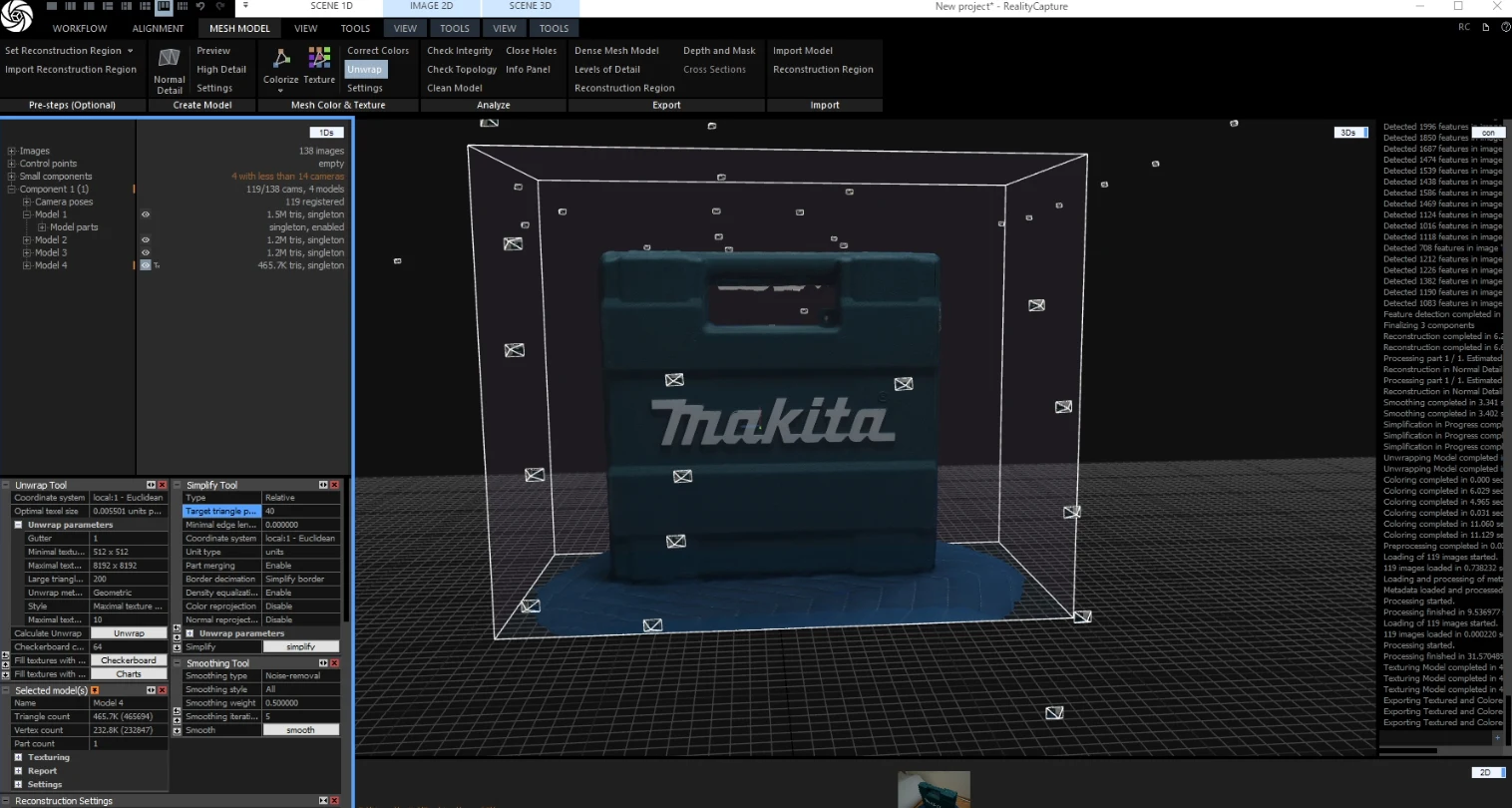
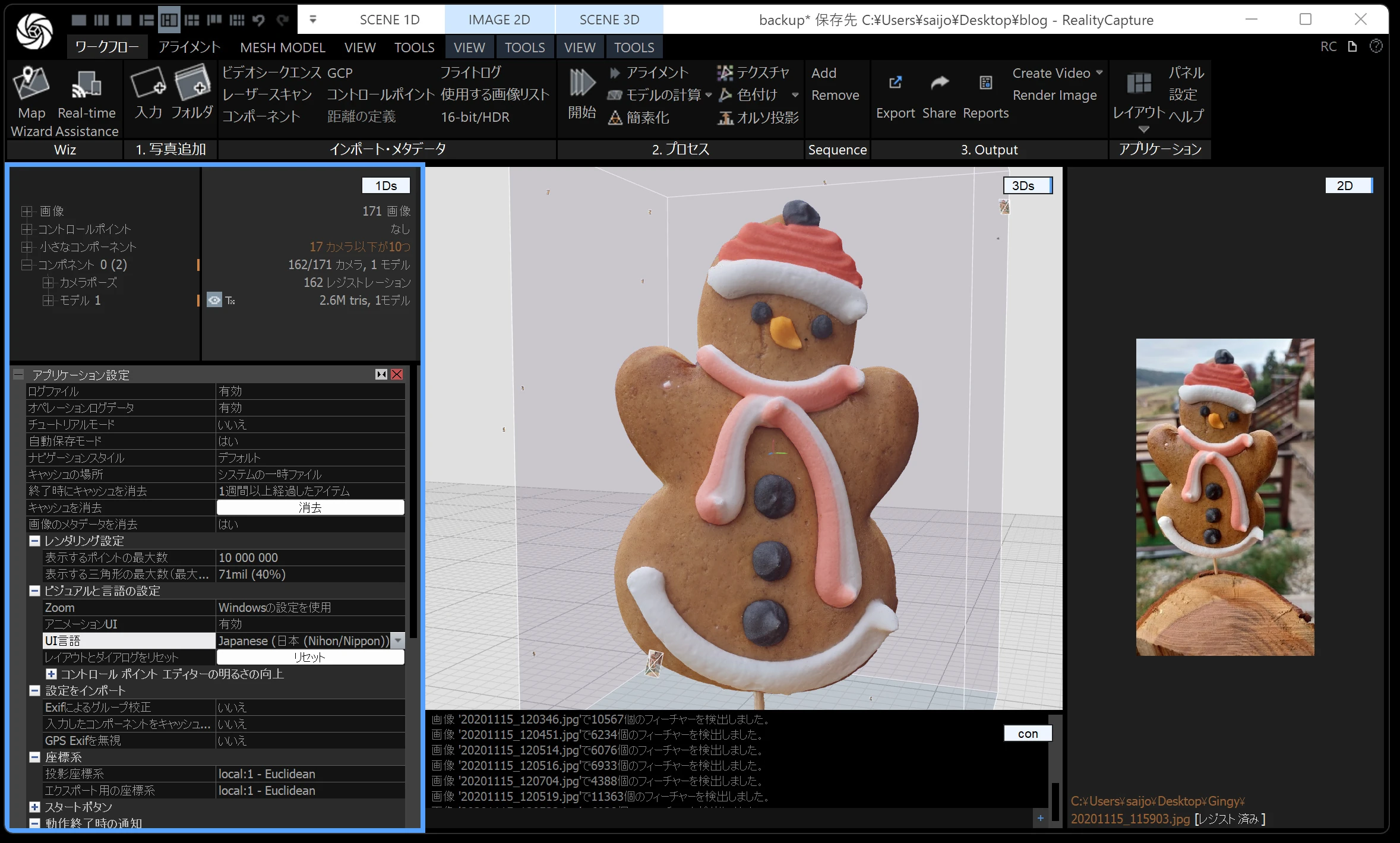
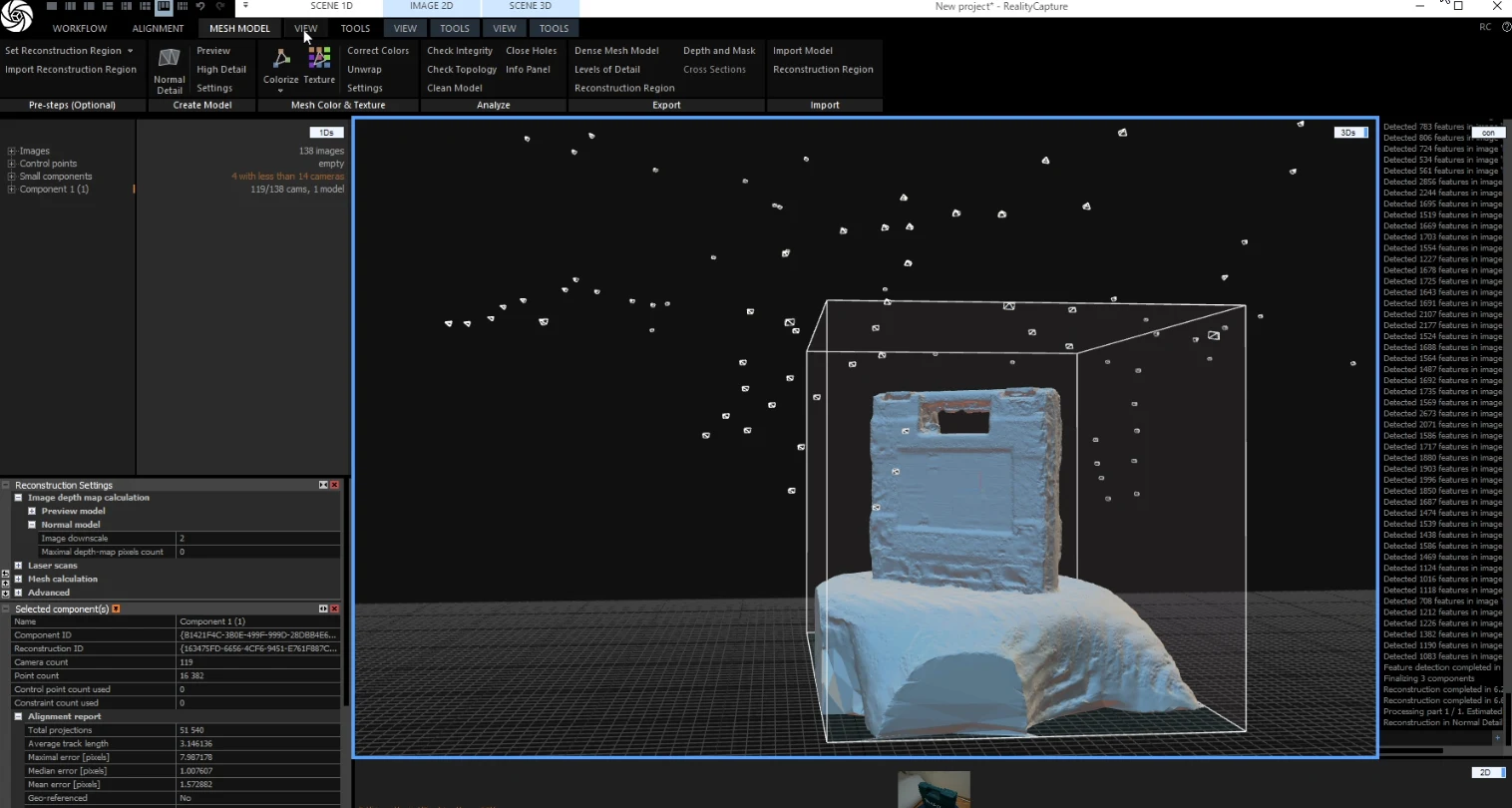 I generated textures from the photographs.
 Here is the resulting model.
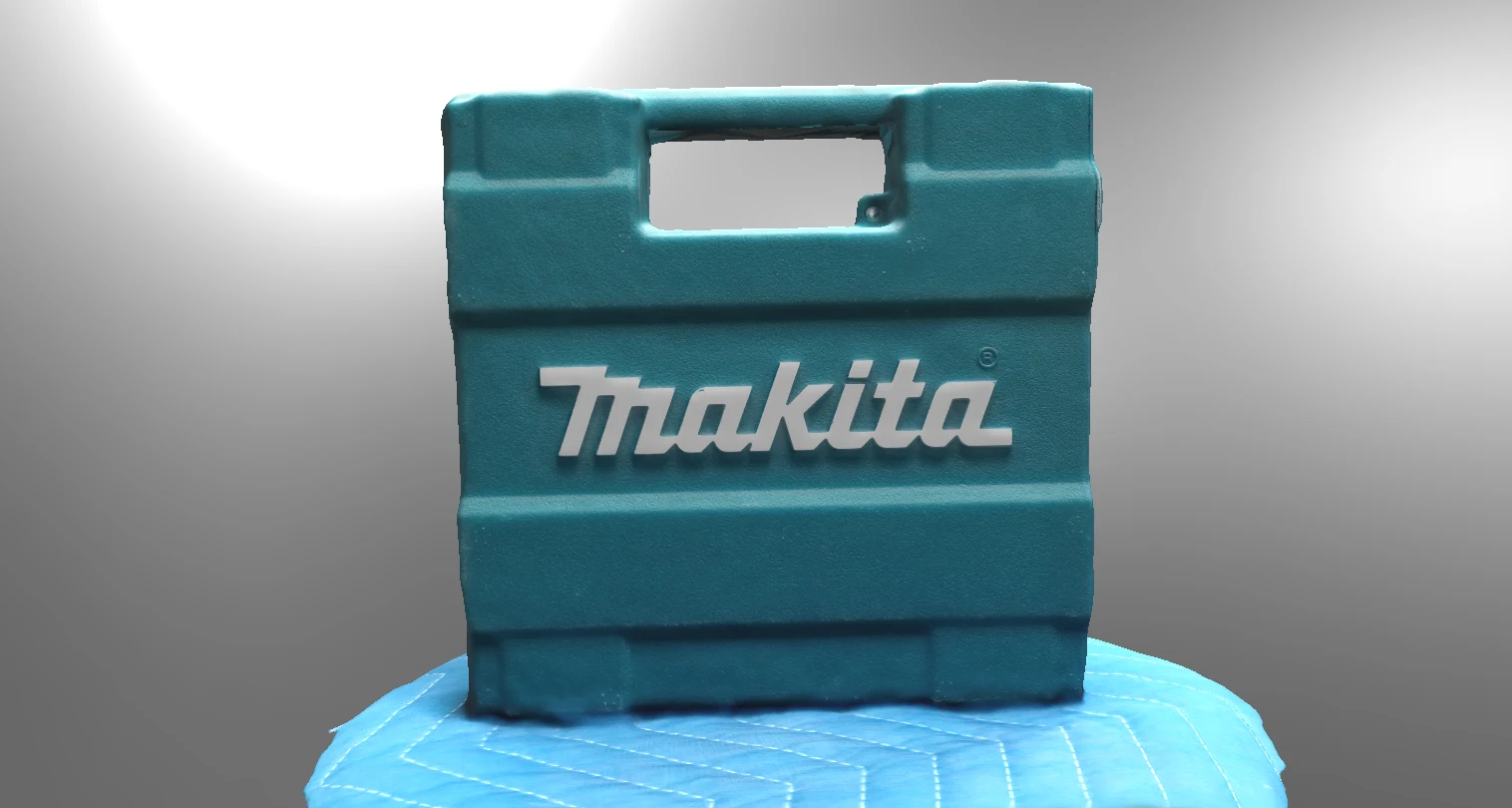 Straight lines tend to become wobbly in photogrammetry. More careful photography should improve this, as should more thorough post-processing.
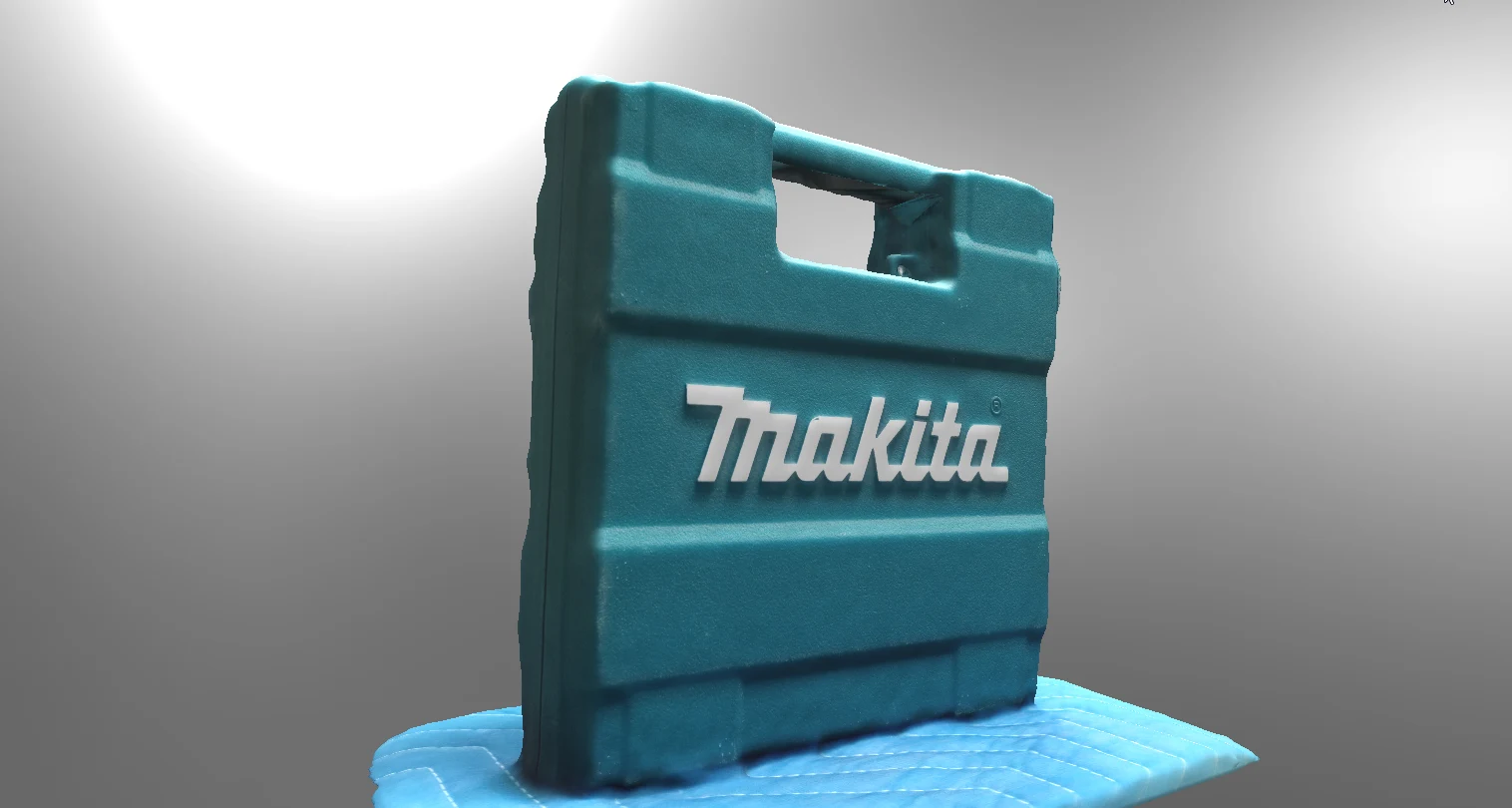 Because the texture comes from photographs, its quality is high.
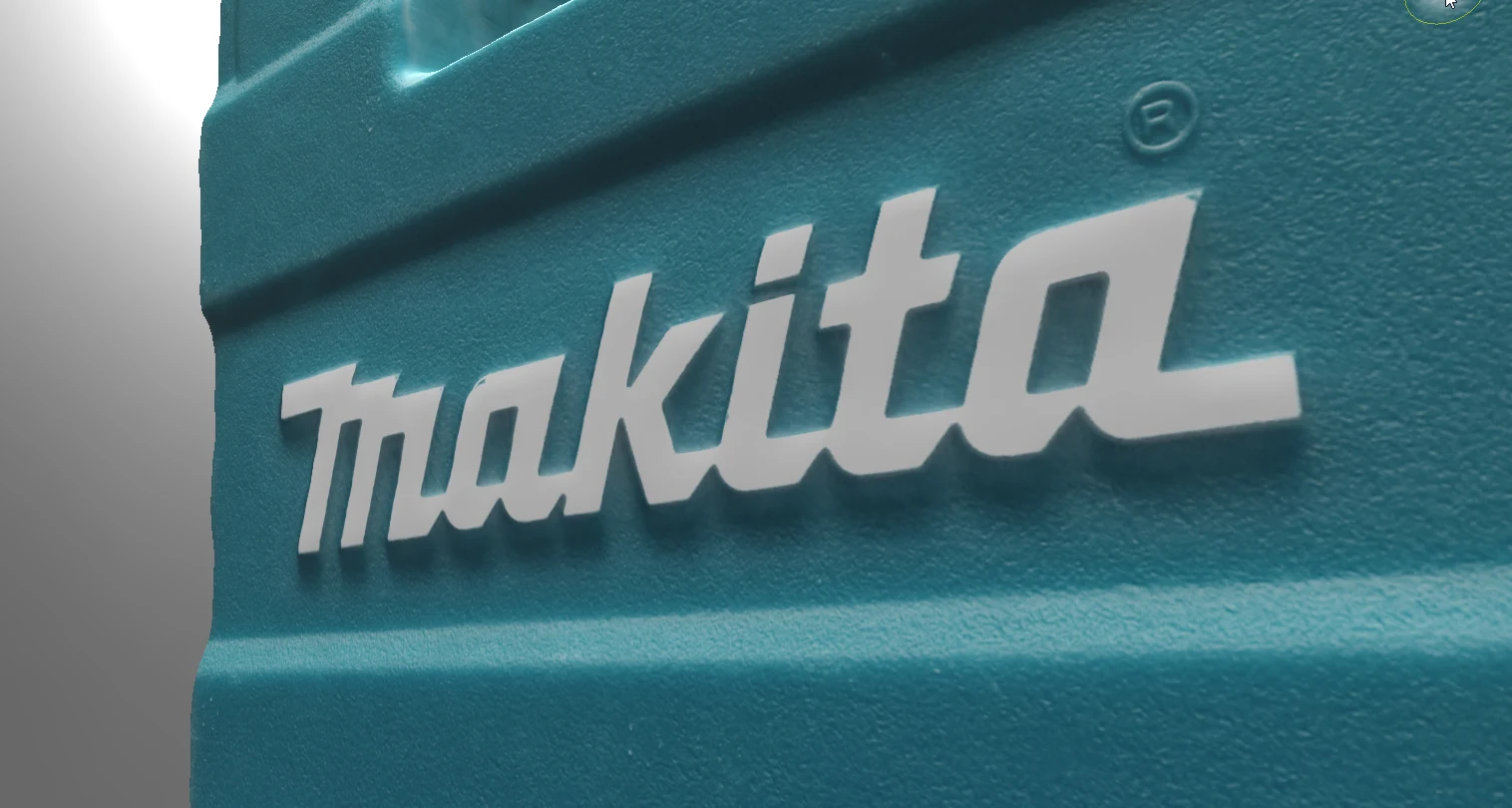
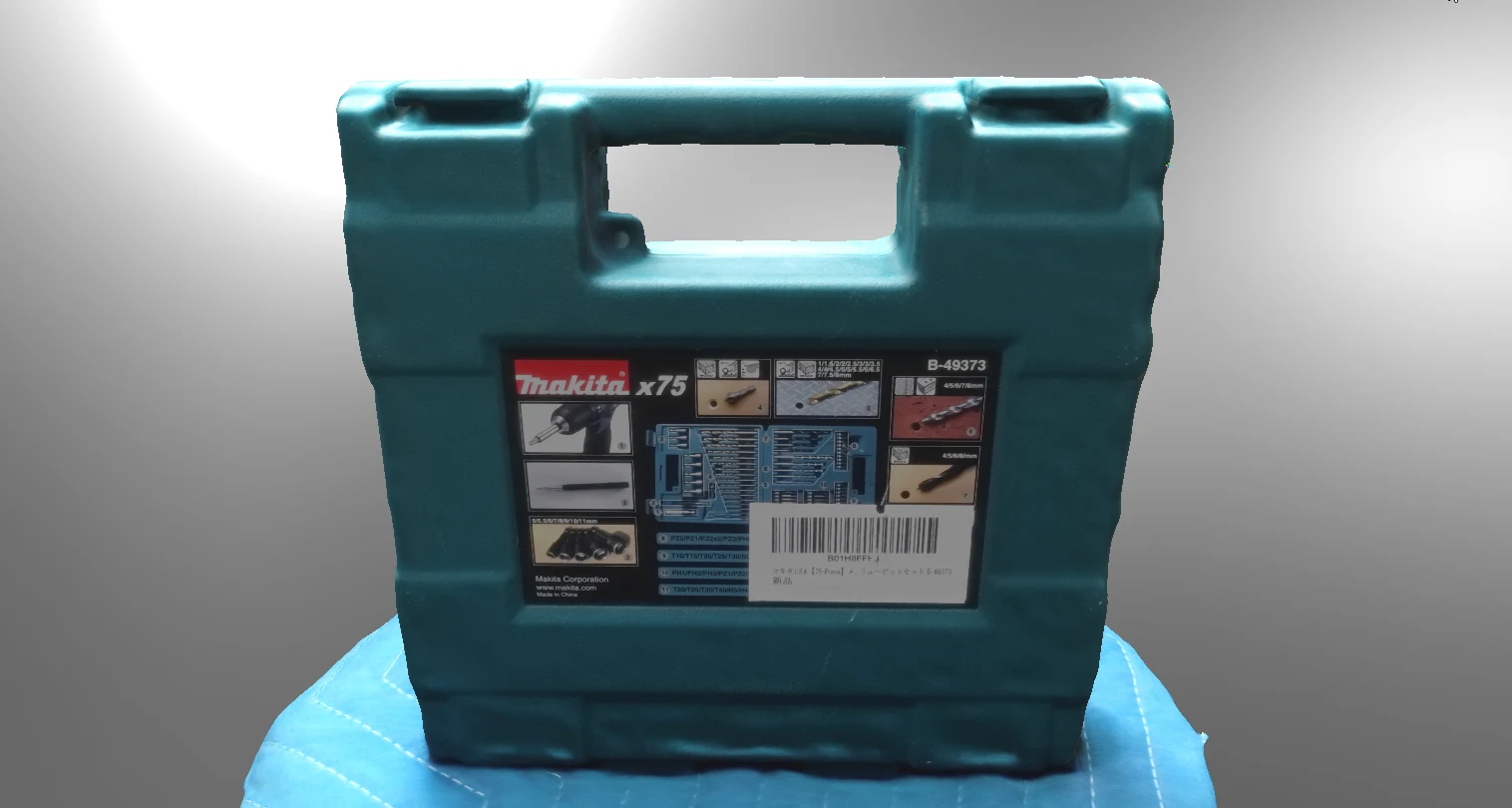 Images like these can be reproduced clearly too. Photogrammetry also costs very little; perhaps about $1 in this case.
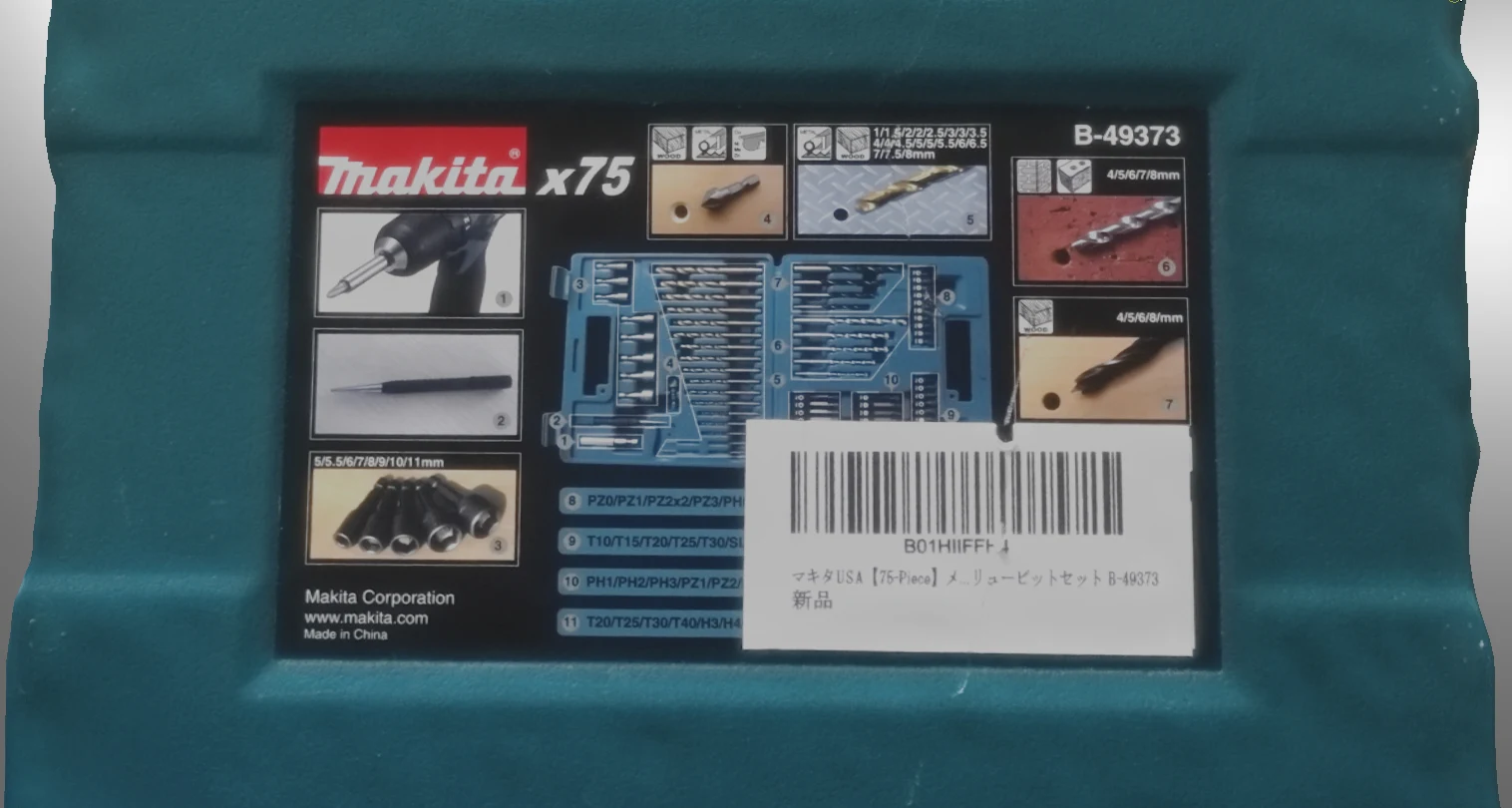 Because I use photogrammetry frequently, I can do the same sort of work without EINSTAR. Does it accomplish things photogrammetry cannot? I did not feel it reached that level. That does not make it bad; rather, it is quite capable for $1,000.
I could therefore recommend it to someone who does not want to use photogrammetry but wants to experience a 3D scanner. For the practical performance I want, perhaps a scanner costing at least ¥1 million is needed.
Maybe I did not need to buy it after all.
Because I use photogrammetry frequently, I can do the same sort of work without EINSTAR. Does it accomplish things photogrammetry cannot? I did not feel it reached that level. That does not make it bad; rather, it is quite capable for $1,000.
I could therefore recommend it to someone who does not want to use photogrammetry but wants to experience a 3D scanner. For the practical performance I want, perhaps a scanner costing at least ¥1 million is needed.
Maybe I did not need to buy it after all.
SHINING 3D EINSTAR (original model)View details on Amazon Ad · Amazon Associates link
Related articles
Updates and contact: X @riragoncom.