Downloading older Capture One Pro versions, including Capture One for Sony
After ending my personal Adobe subscription, I wanted to reinstall the Capture One Pro Sony 12 license I bought in 2019. Here is where I found the older downloads and how I deactivated another PC to activate the installation again.
Note: This article was published more than a year ago.
- Capture One interfaces, shortcuts, and catalog formats vary by version. Check official release notes.
- RAW interpretation can change subtly with updates. Match versions carefully when reproducing old sessions.
- Subscription and perpetual-license offerings can change with sales policy.
I ended my personal Adobe subscription.
That means no more Photoshop for me.
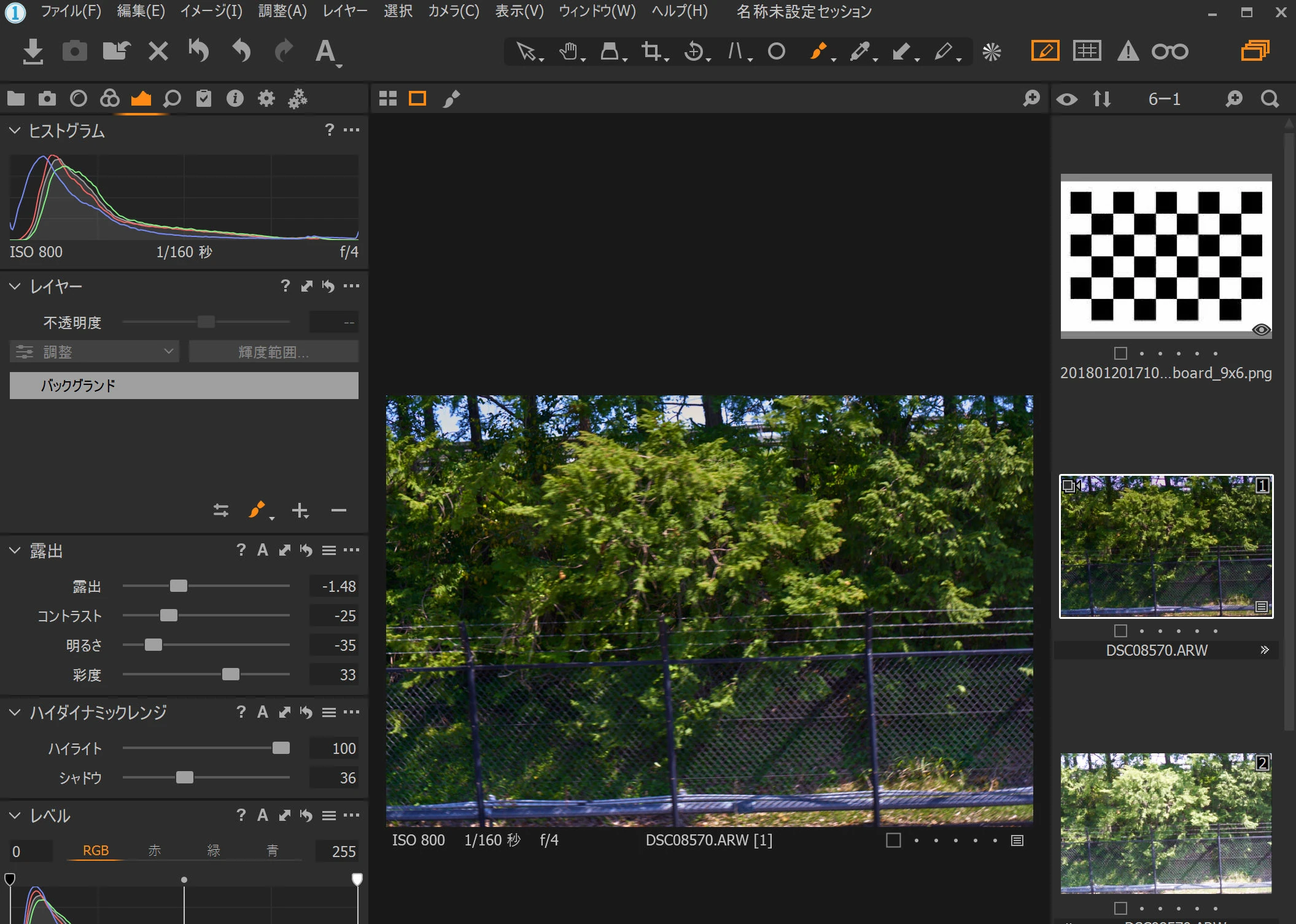
Wanting to develop a few RAW images, I remembered Capture One Pro Sony 12, bought in 2019. However, I could not find its download.
The versions and site have changed, and I could not locate the old download.
The Sony-specific edition is no longer offered.
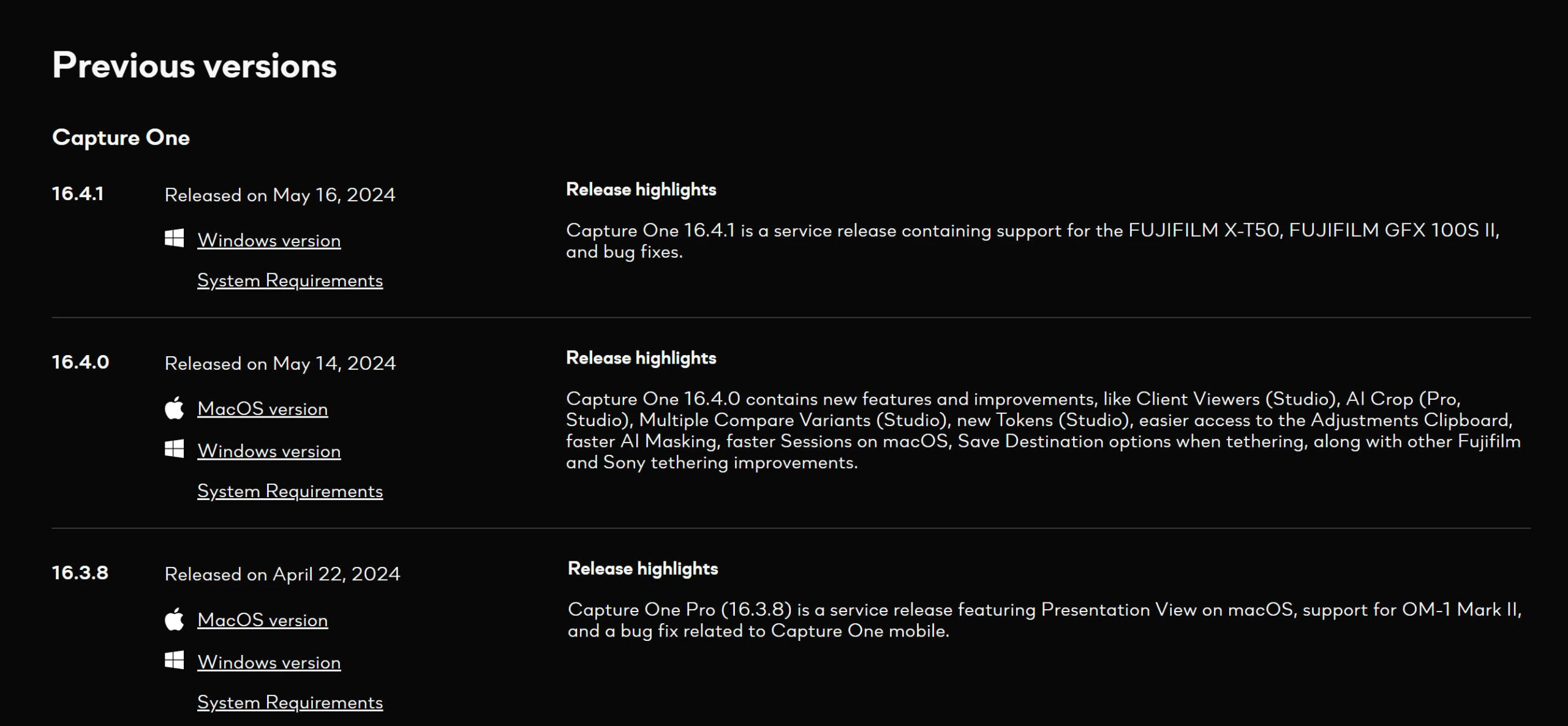
After searching, I found older Capture One downloads at the page below. Sign in to see the older versions.
https://www.captureone.com/en/account/download/previous
As of May 2024, the following Capture One Pro versions can be downloaded. This is a list of the older version numbers available there.
Capture One 23
- 16.4.1
- 16.4.0
- 16.3.8
- 16.3.7
- 16.3.6
- 16.3.5
- 16.3.4
- 16.3.3
- 16.3.2
- 16.3.1
- 16.3.0
- 16.2.6
- 16.2.5
- 16.2.4
- 16.2.3
- 16.2.2
- 16.2.1
- 16.2.0
- 16.1.3
Capture One 22
- 15.4.3
- 15.4.2
- 15.0.0
Capture One 21
- 14.4.1
- 14.1.1
Capture One 20
- 13.1.4
Capture One 12
- 12.1.5
Capture One 11
- 11.3.2
Capture One 10
- 10.2.1
Capture One 9
- 9.3
Capture One 8
- 8.3.5
- 8.3.4
Capture One 7
- 7.2.4
Capture One 6
- 6.4.5
Capture One 5
- 5.2.1
Capture One 4
- 4.8.3
Capture One 3
- 3.7.9 DB
- 3.7.9 PRO
Deactivate an older installation
I successfully installed Capture One Pro Sony 12.
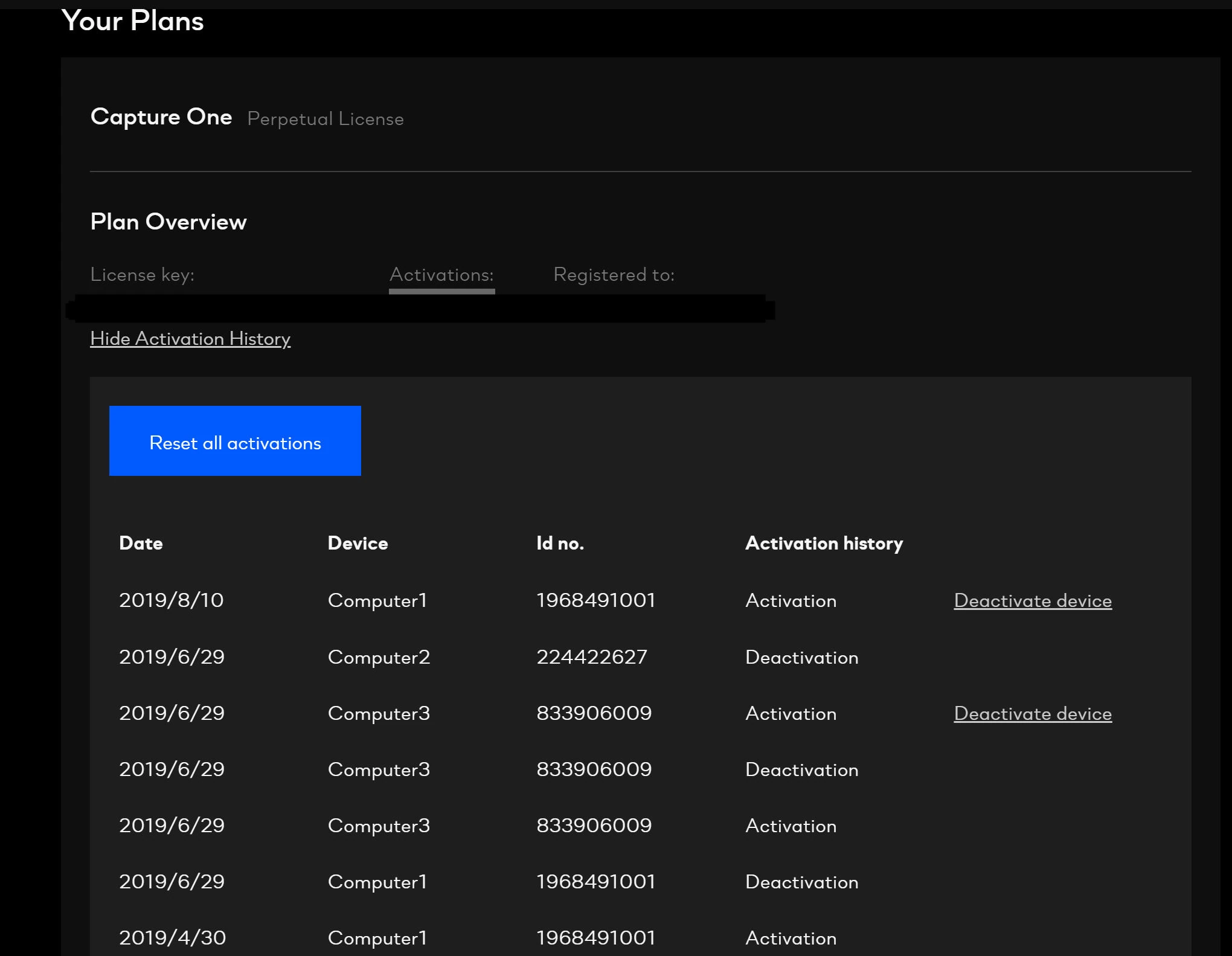
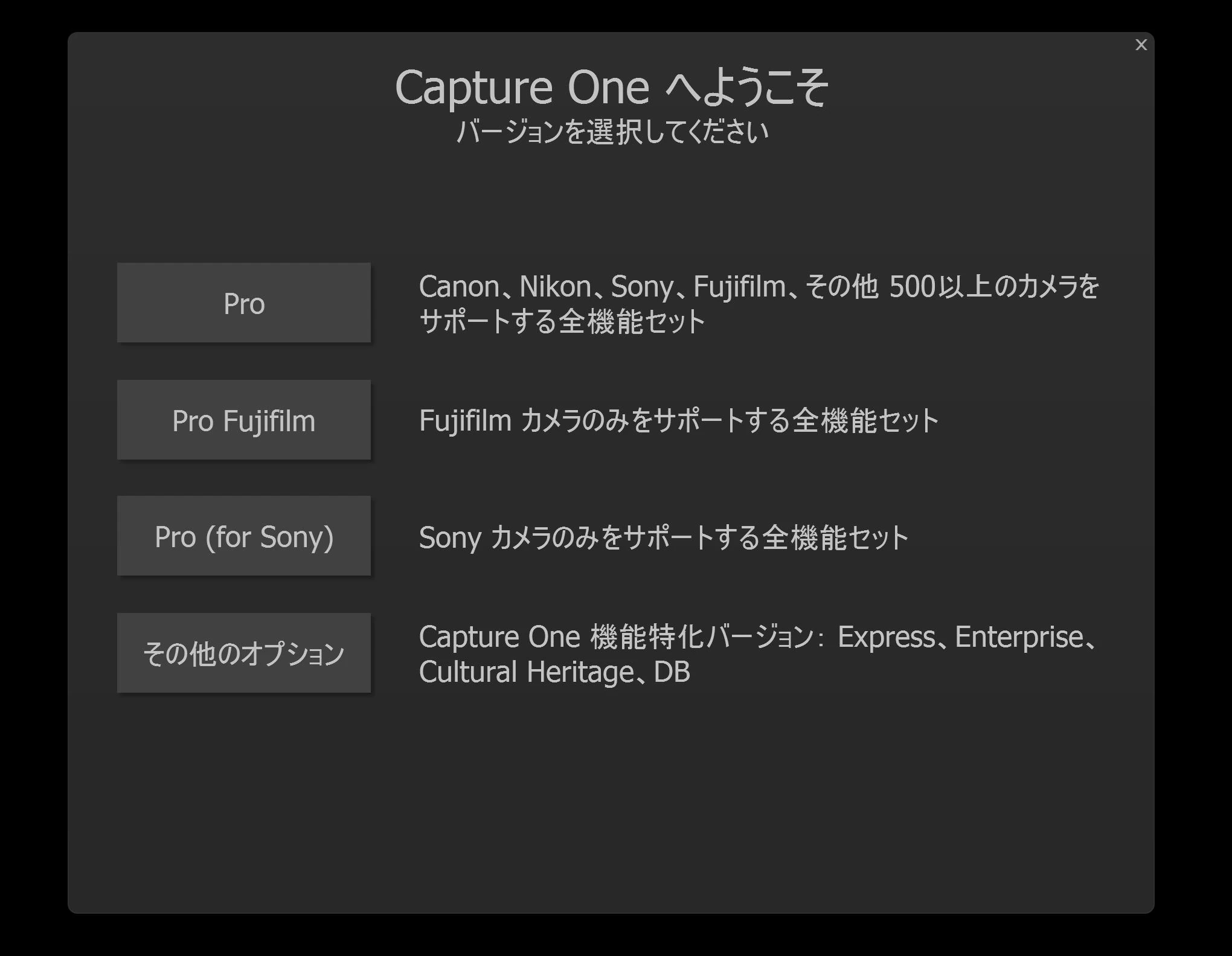 But a warning said the license was in use on another PC. Back on the website, I found that Your Plans lets me deactivate it. This is the first launch in five years. I am glad I kept the login, password, and license key.
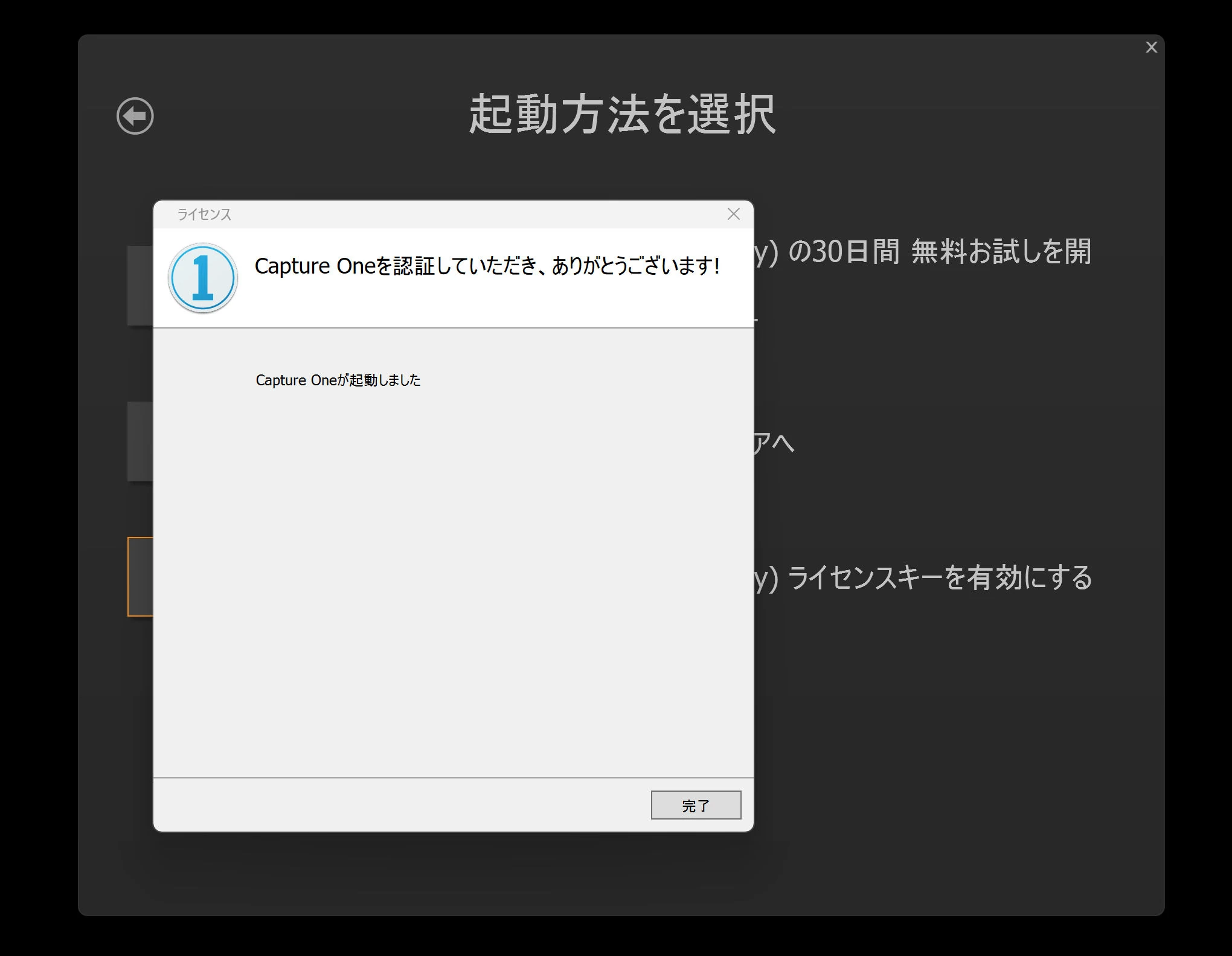
 Activation then succeeded.
 I have forgotten how to use it, but it runs again. A happy ending.
Related articles
Updates and contact: X @riragoncom.