Downloading free, commercially usable 3D models from Poly Haven and importing them into UE5
I downloaded a Poly Haven furniture model, exported it from Blender to UE5, repaired texture connections, and experimented with alternative finishes.
Note: This article is more than one year old.
- Attribution, commercial-use, and modification terms on free-model sites vary by asset. Check the current download-page license.
- UE's FBX/glTF import pipeline and automatic material creation change between versions.
- The URL structures and search interfaces of the sites mentioned may change.
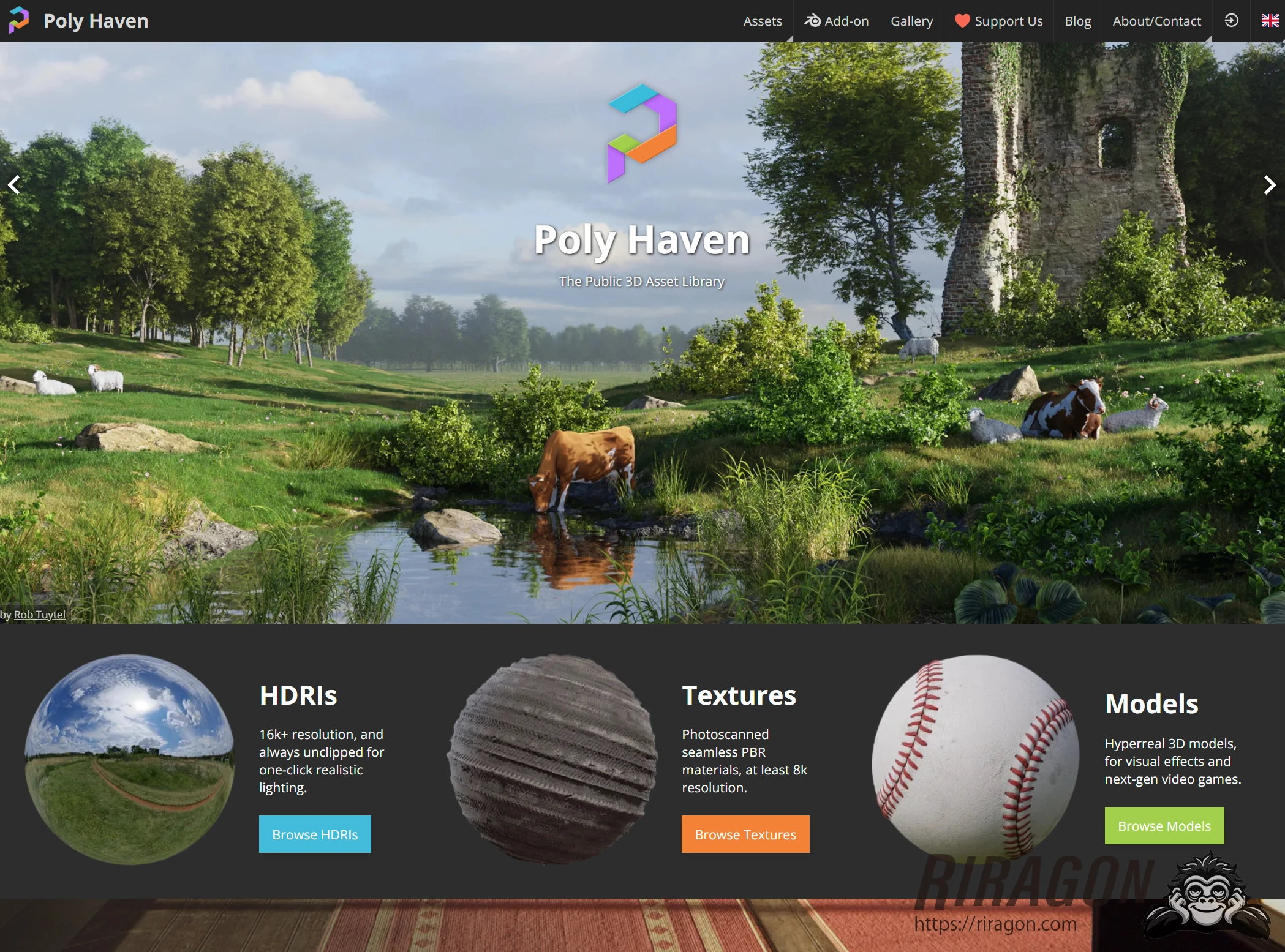
I will try a 3D model from Poly Haven, which distributes free 3D assets and models. Poly Haven stands out for its high quality despite being free. Let's take a closer look.
Poly Haven
In Japanese, I suppose Poly Haven would be pronounced "porii hebun" or "heibun." It appears to be a nonprofit organization that supports artists and the industry by providing high-quality 3D assets, textures, and HDRIs for free. Most impressive of all, the assets are provided under Creative Commons CC0.
CC0 means "No Rights Reserved": the creator waives copyright, bringing the work close to the public domain.
The public domain consists of works and information for which intellectual property rights, such as copyright or patents, do not exist, have expired, or have been waived.
Anyone can use, redistribute, and modify public-domain works without obtaining permission from the copyright holder. This allows free use, modification, and redistribution, including commercial use, without those restrictions. You could even download all of Poly Haven's 3D assets and resell them yourself.
Most asset sites prohibit redistribution, so that is remarkable.
Actually doing so would raise an ethical question, however.
Consult the license for the details.
You can support Poly Haven through paid early-access membership, the Blender add-on, sponsorship, and other options.
https://polyhaven.com/about-contact
https://www.patreon.com/polyhaven
Downloading a Poly Haven 3D model for UE5
Open Poly Haven and click 3D Models.
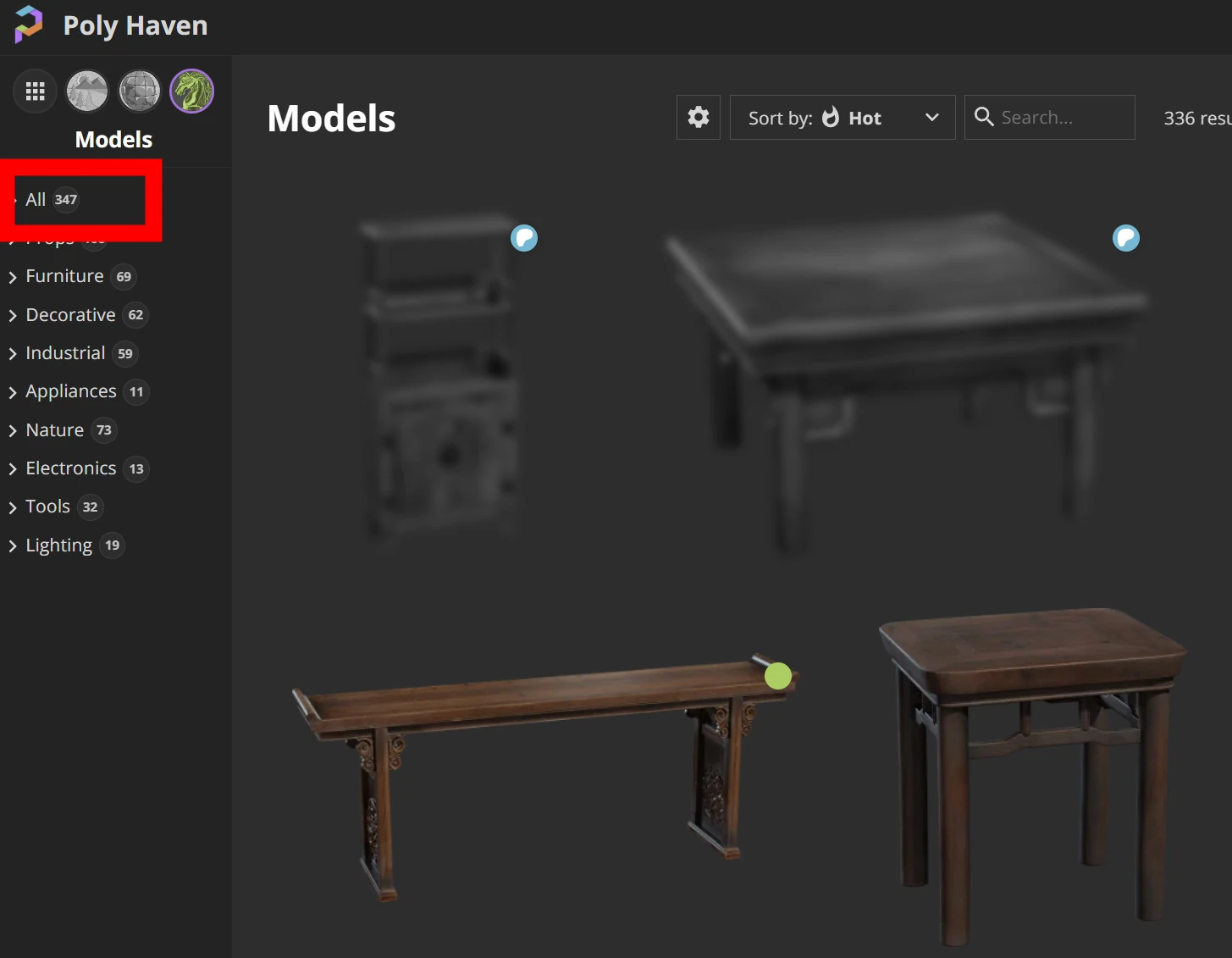
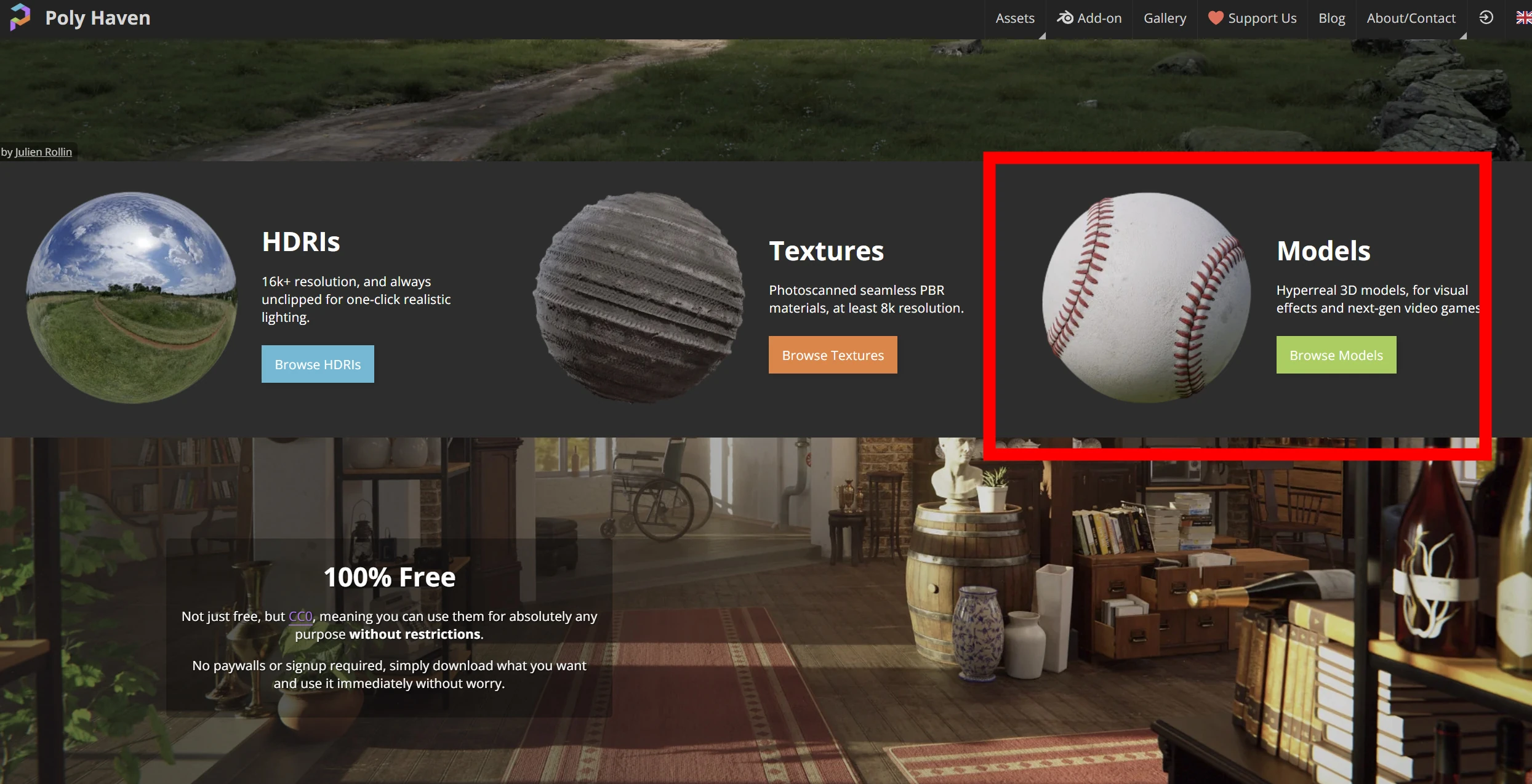 The collection was still relatively small, with 347 assets at the time. Many were rocks, trees, or older furniture. This was not a collection of low-quality odds and ends: each model looked almost flawless. They seemed useful for many purposes.
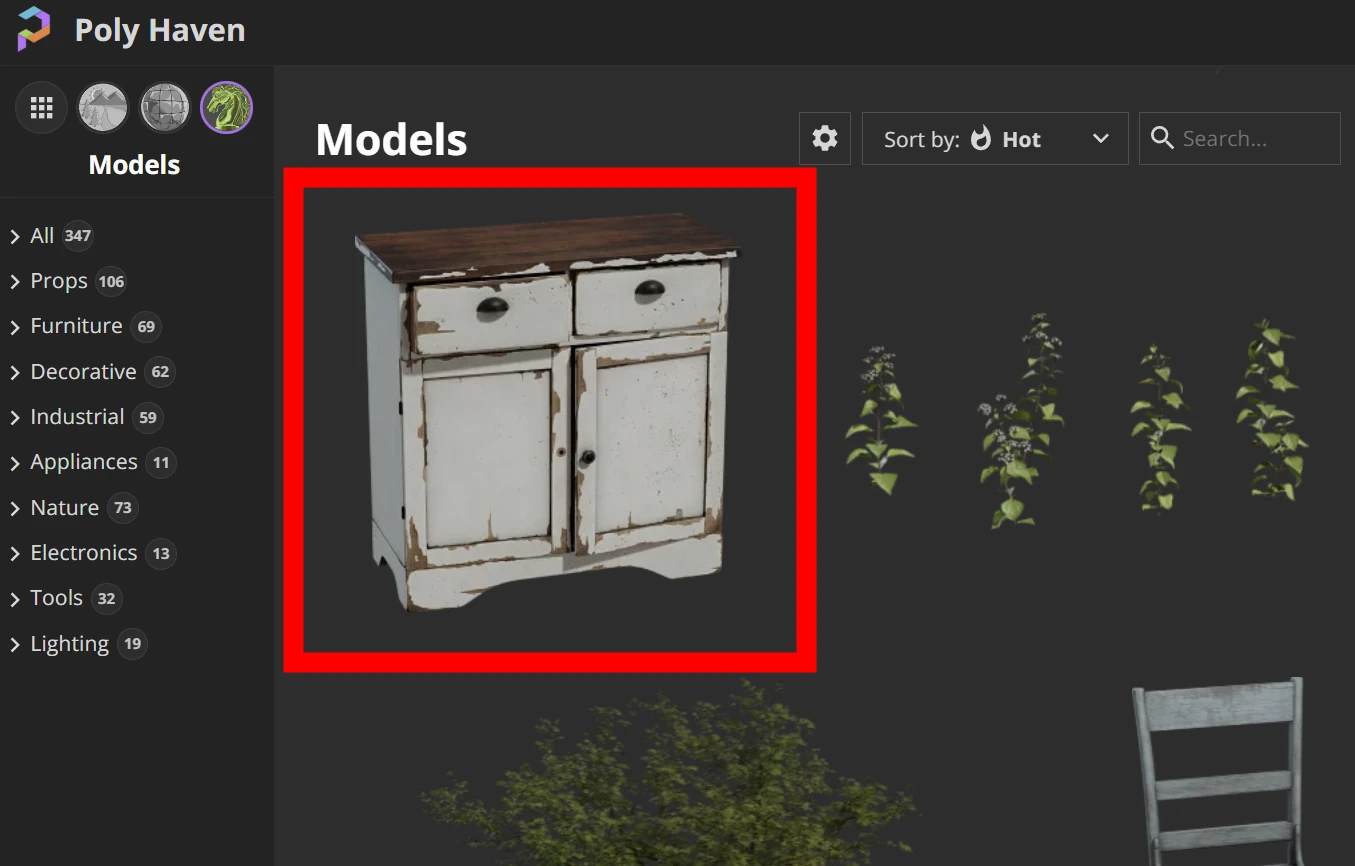
 Let's download this model.
 The texture size was 4K.
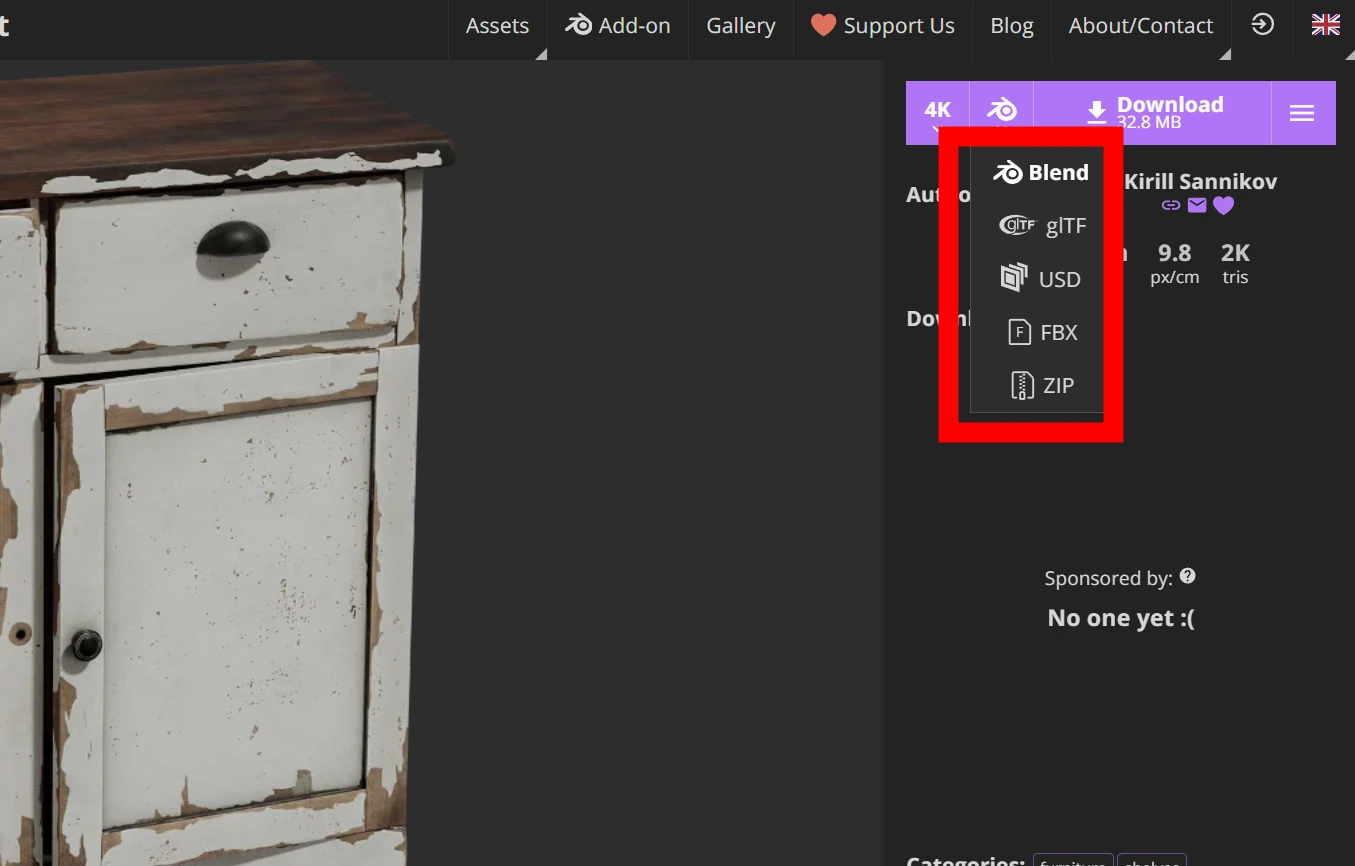
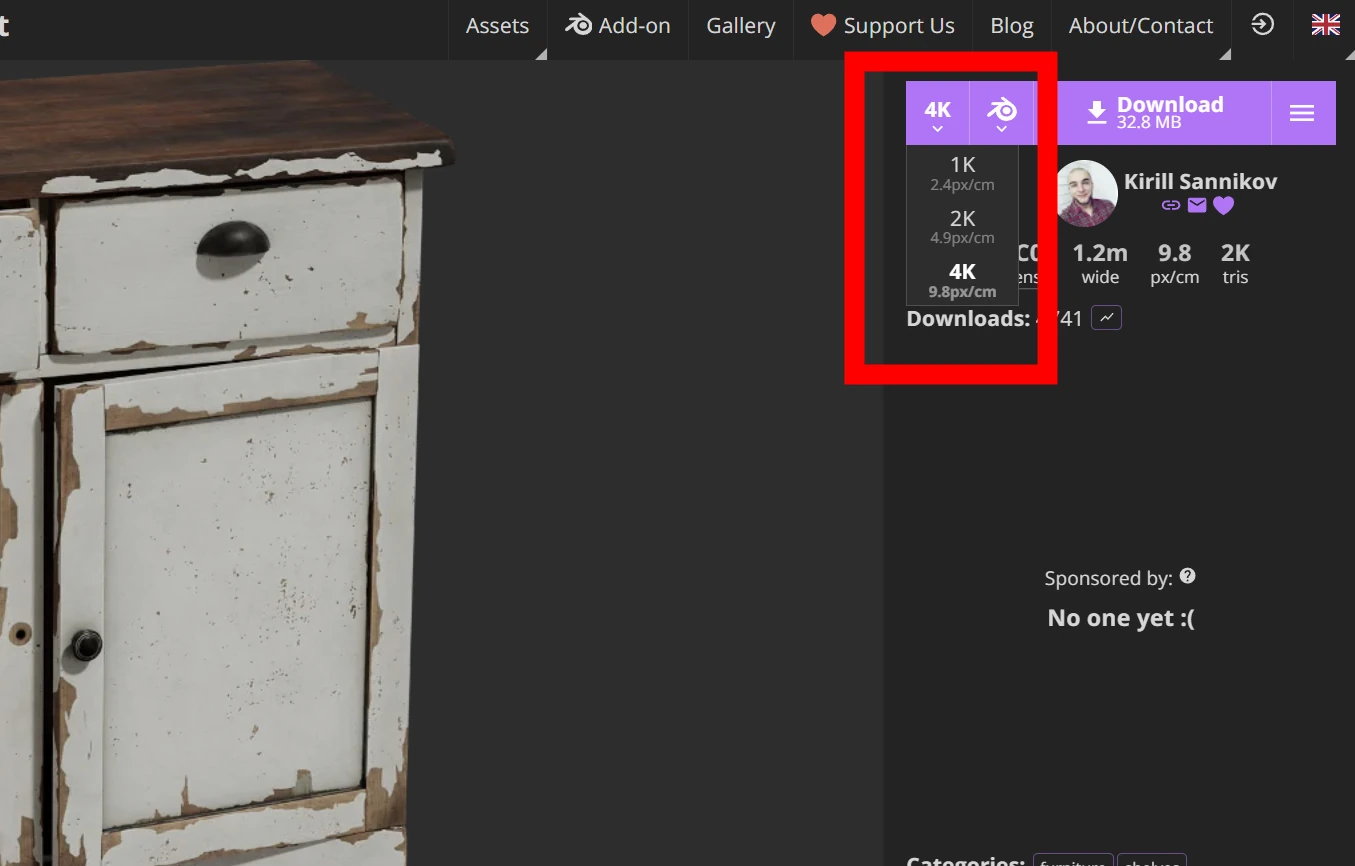 Several file formats were available, centered on Blender.
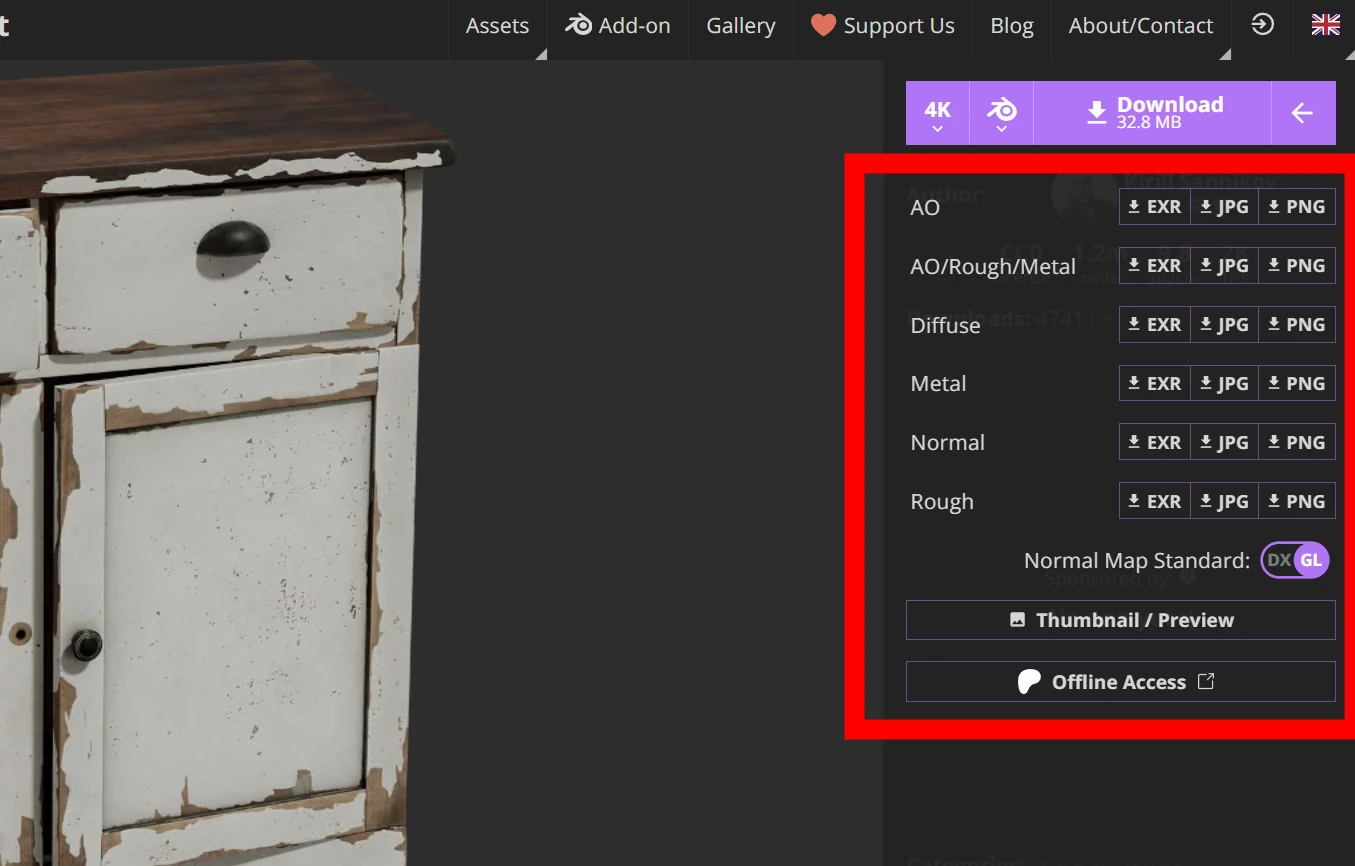
 There were various maps too.
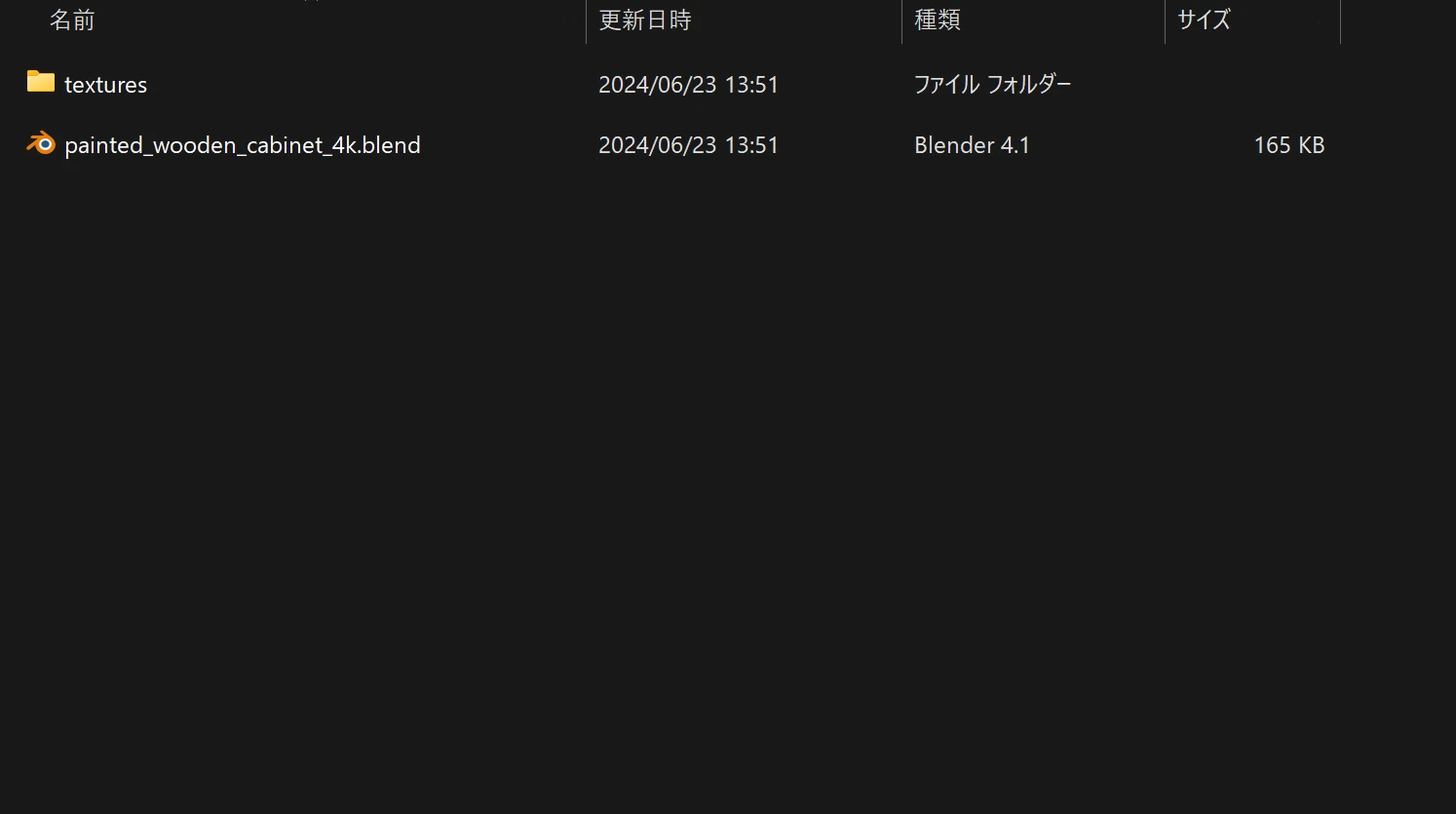
 The download contained a Blender file and a textures folder.
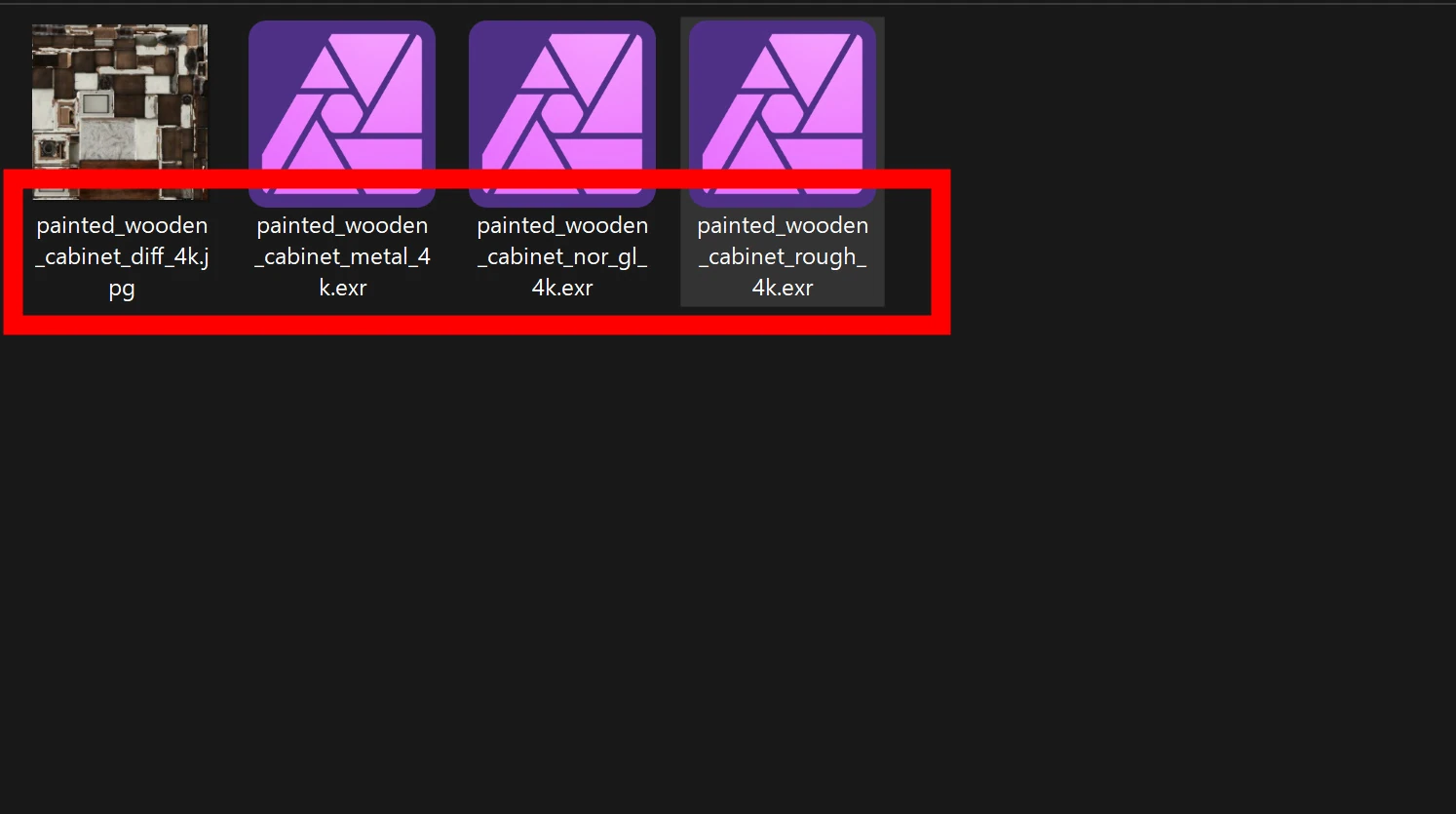
 The maps included Diffuse, Normal, Roughness, and Metal.
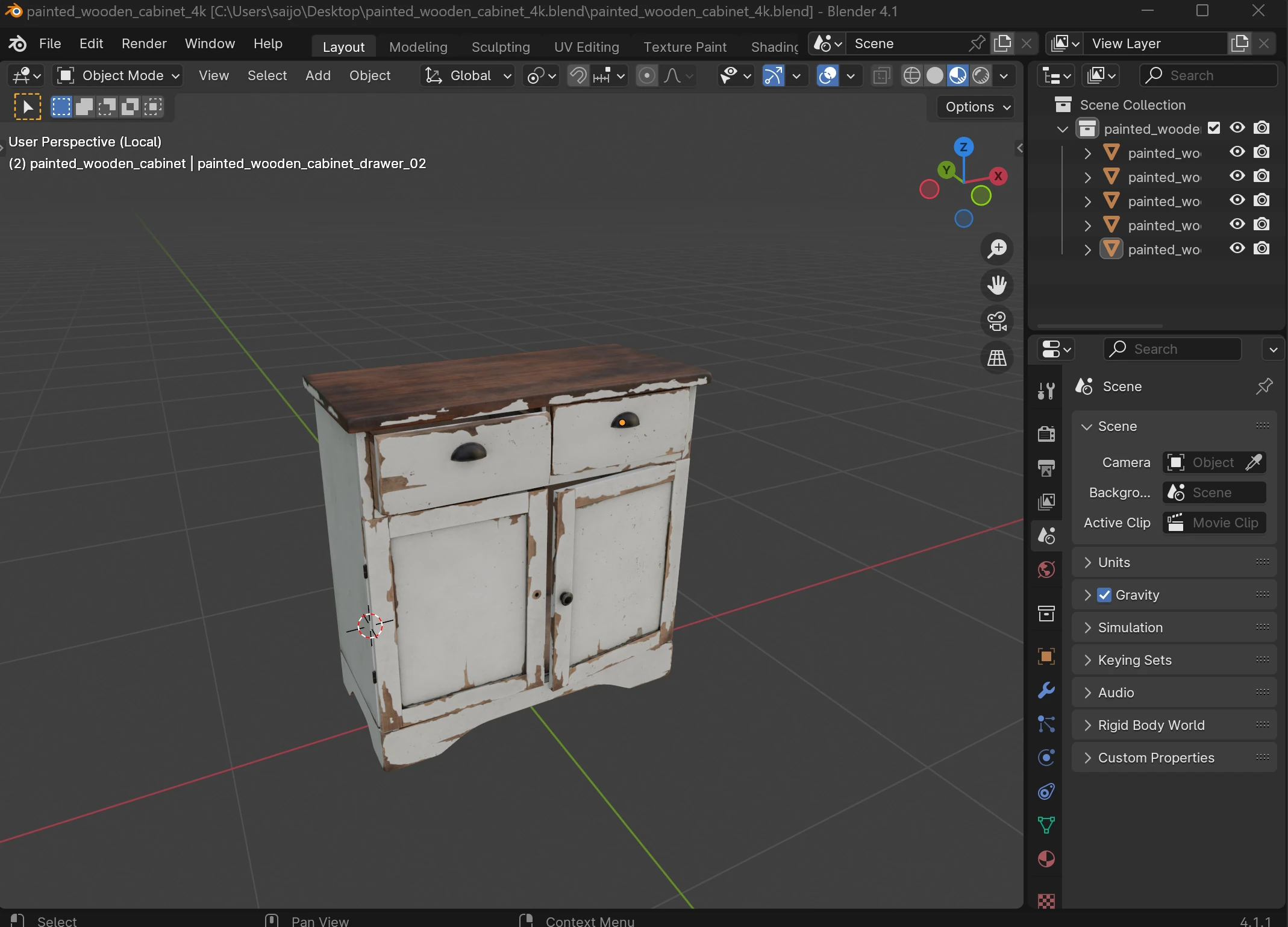
 I displayed it in Blender.
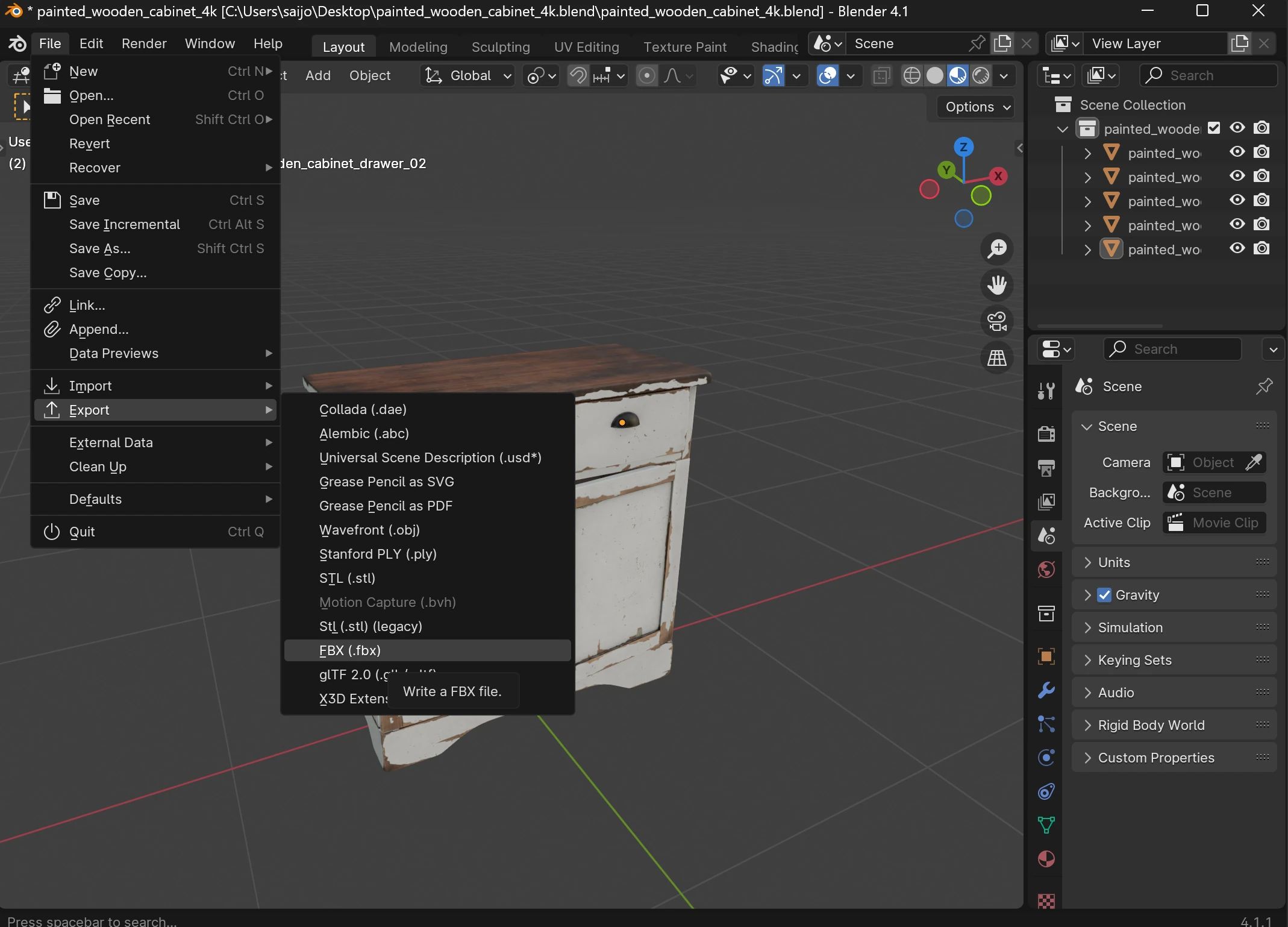
 I exported an FBX for UE5.
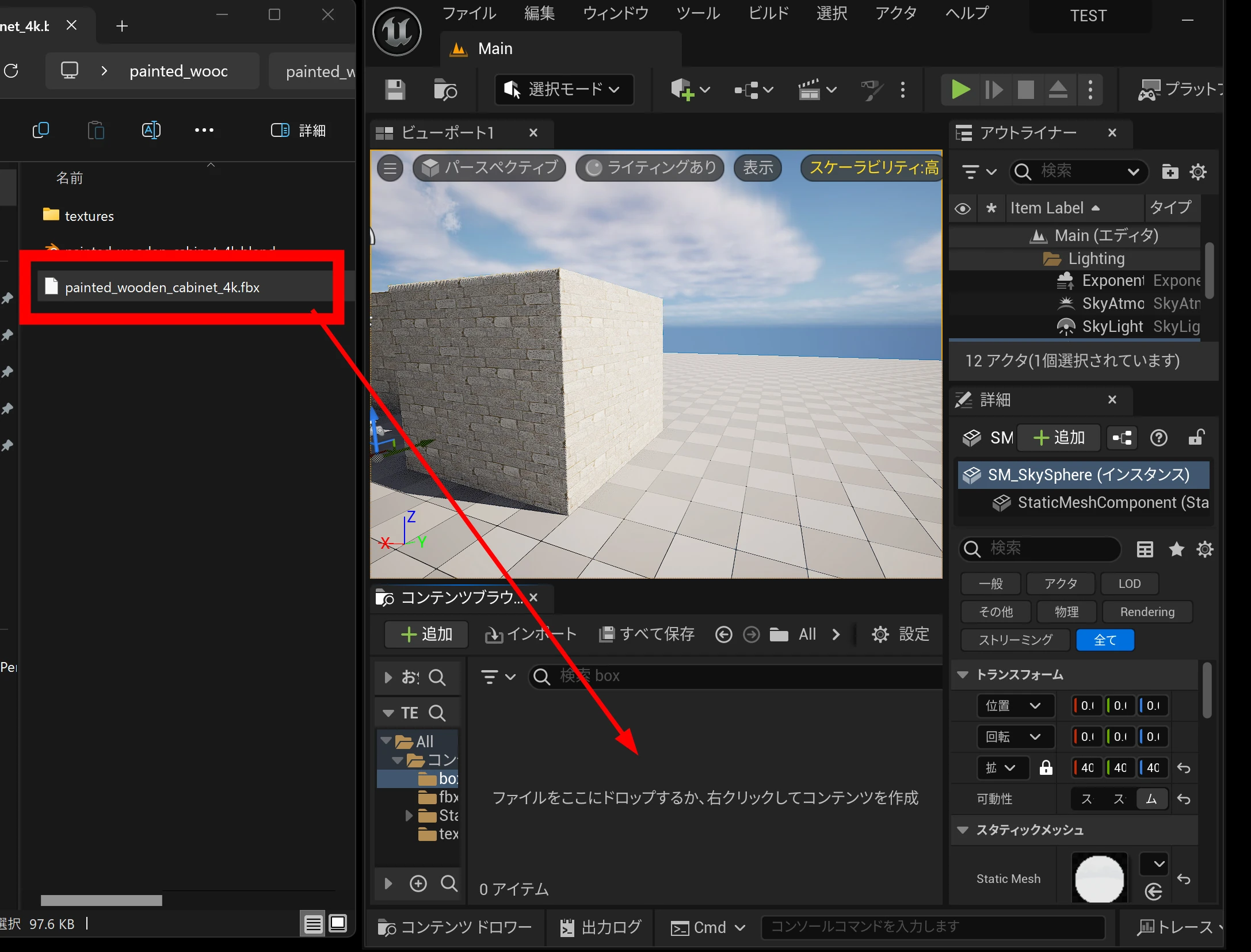
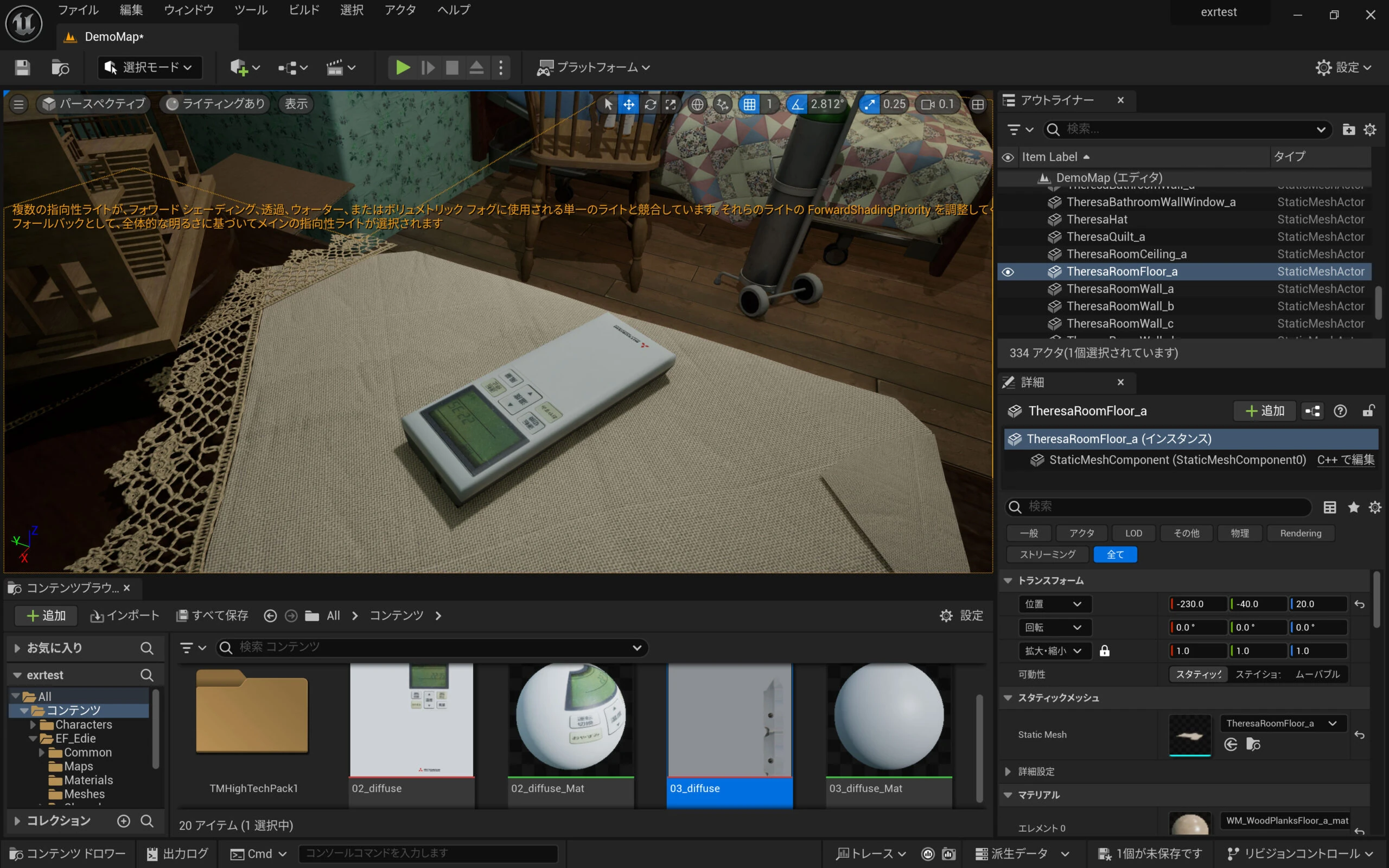
 Then I dropped the FBX into UE5.
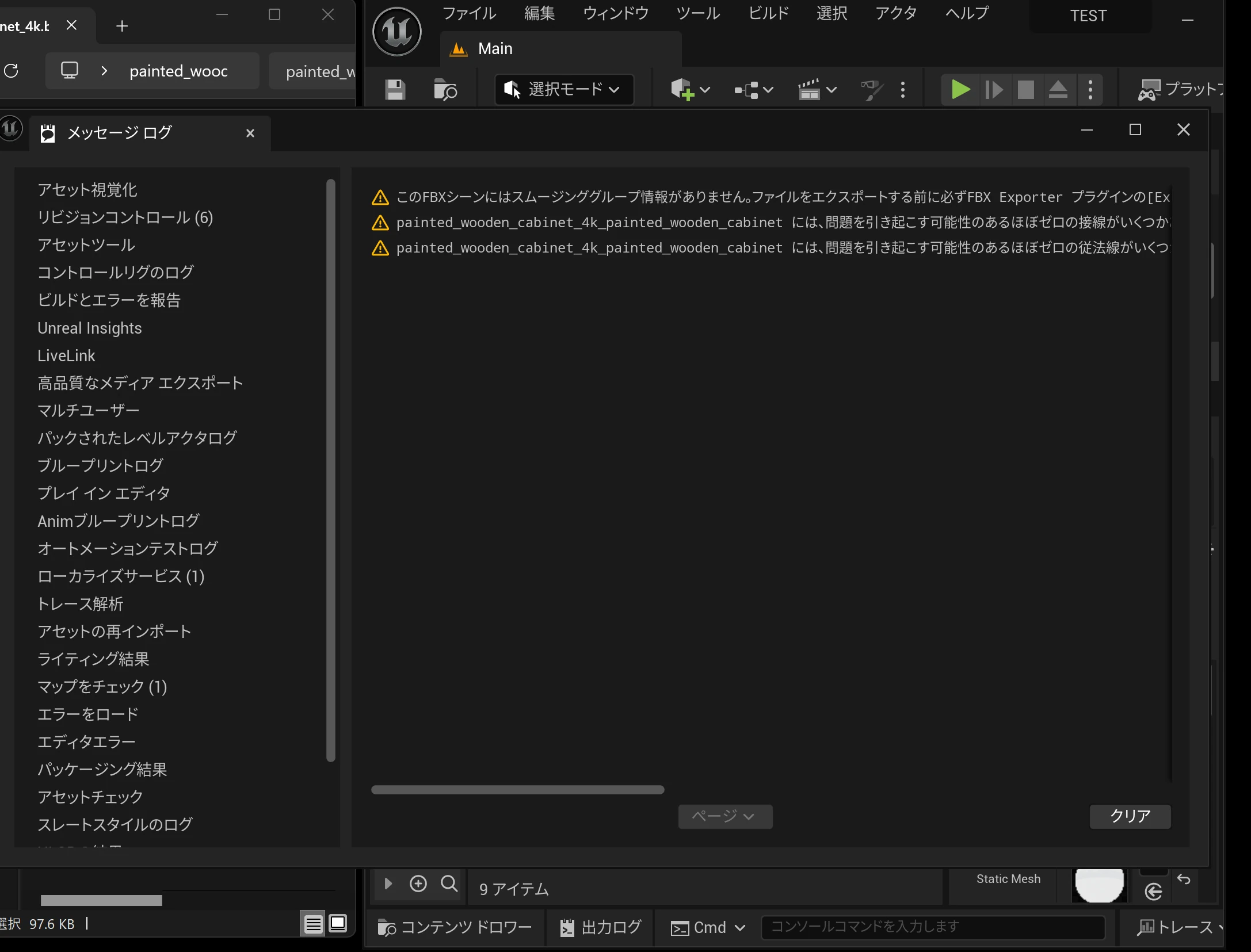
 Some errors appeared, but they did not look particularly serious.
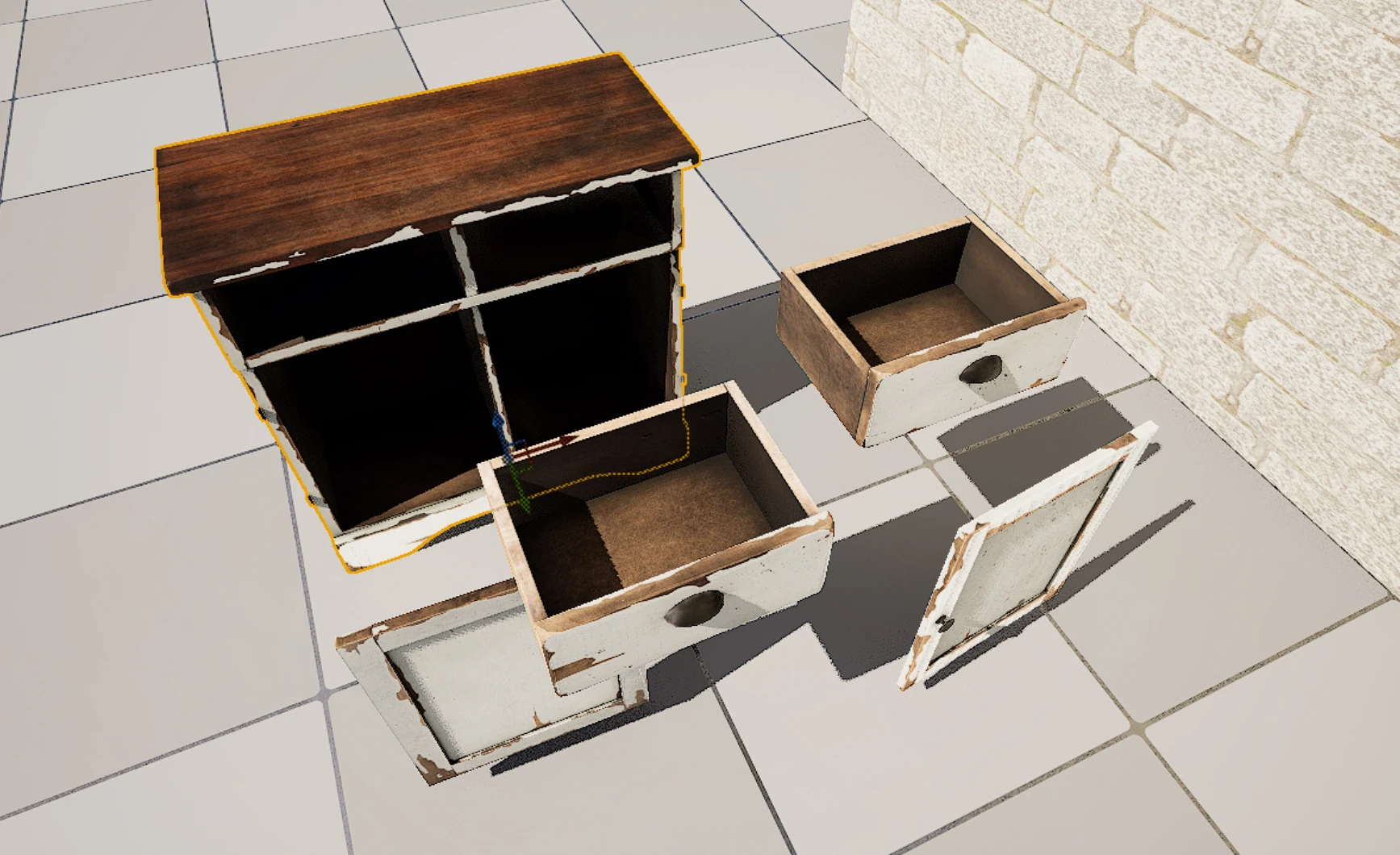
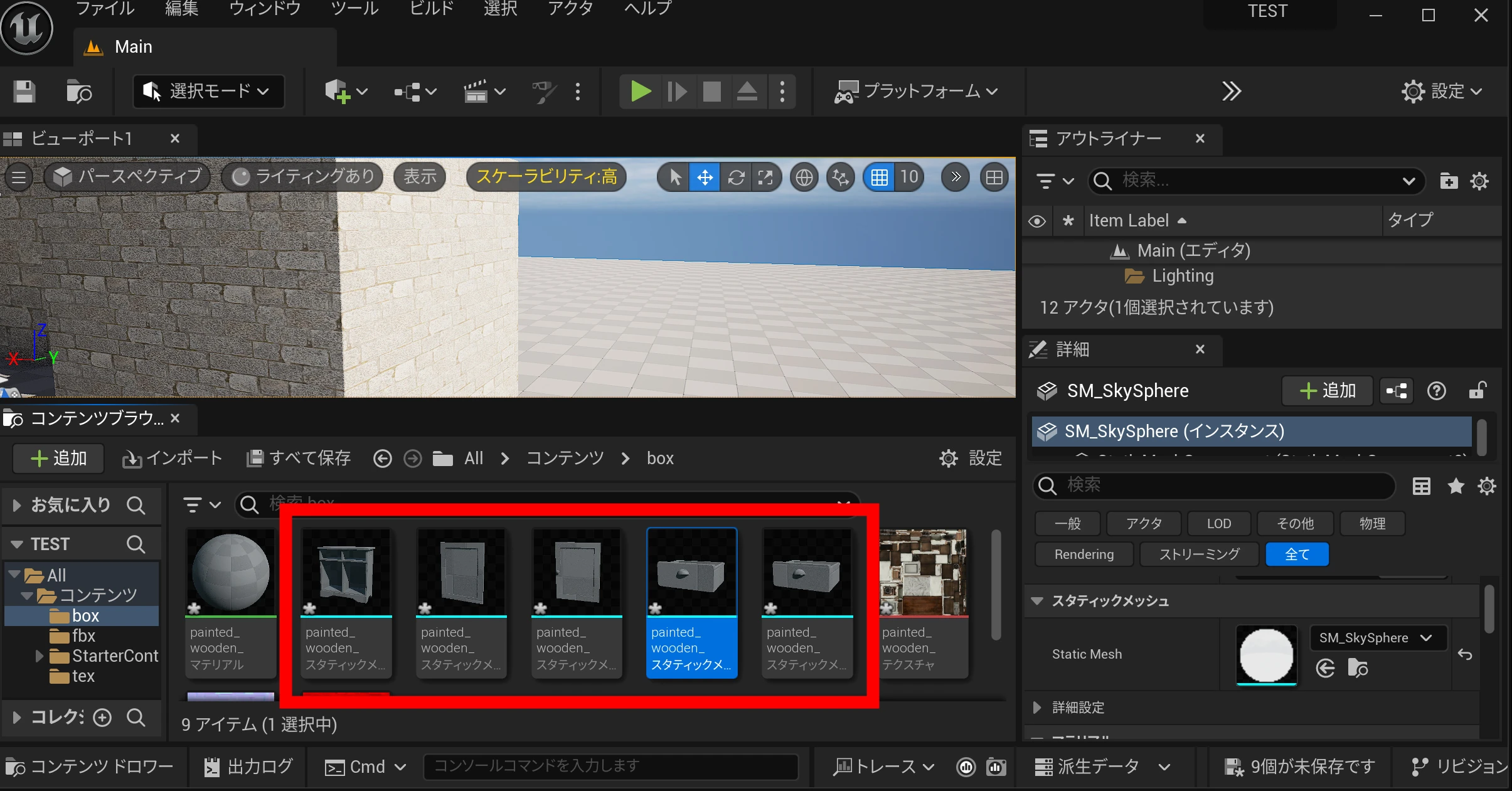
 The desk's individual parts were imported. This model appeared to be built from several components.
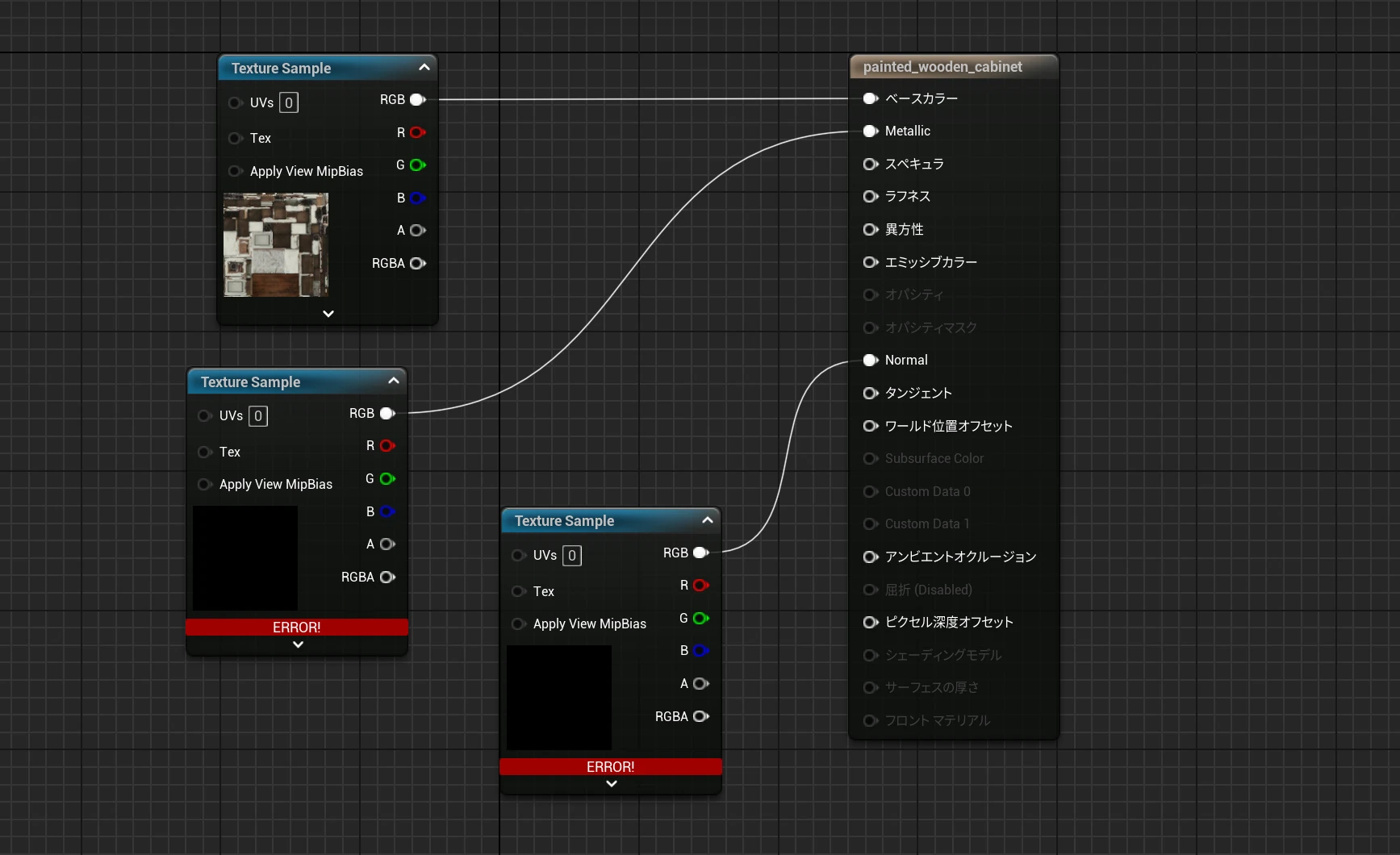
 The textures showed errors.
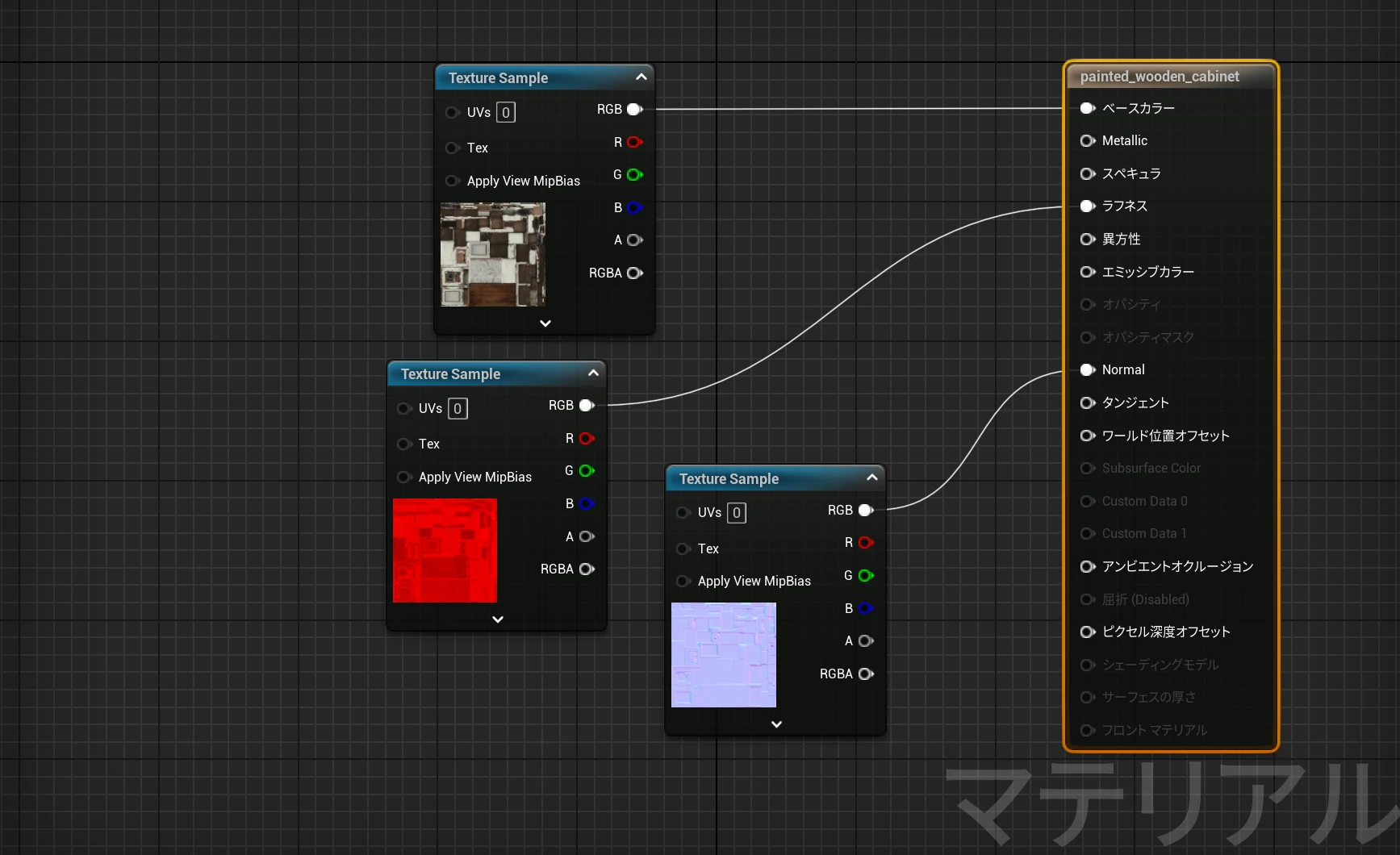
 I imported the texture files again and connected each to its proper input.
 Here it is in UE5.
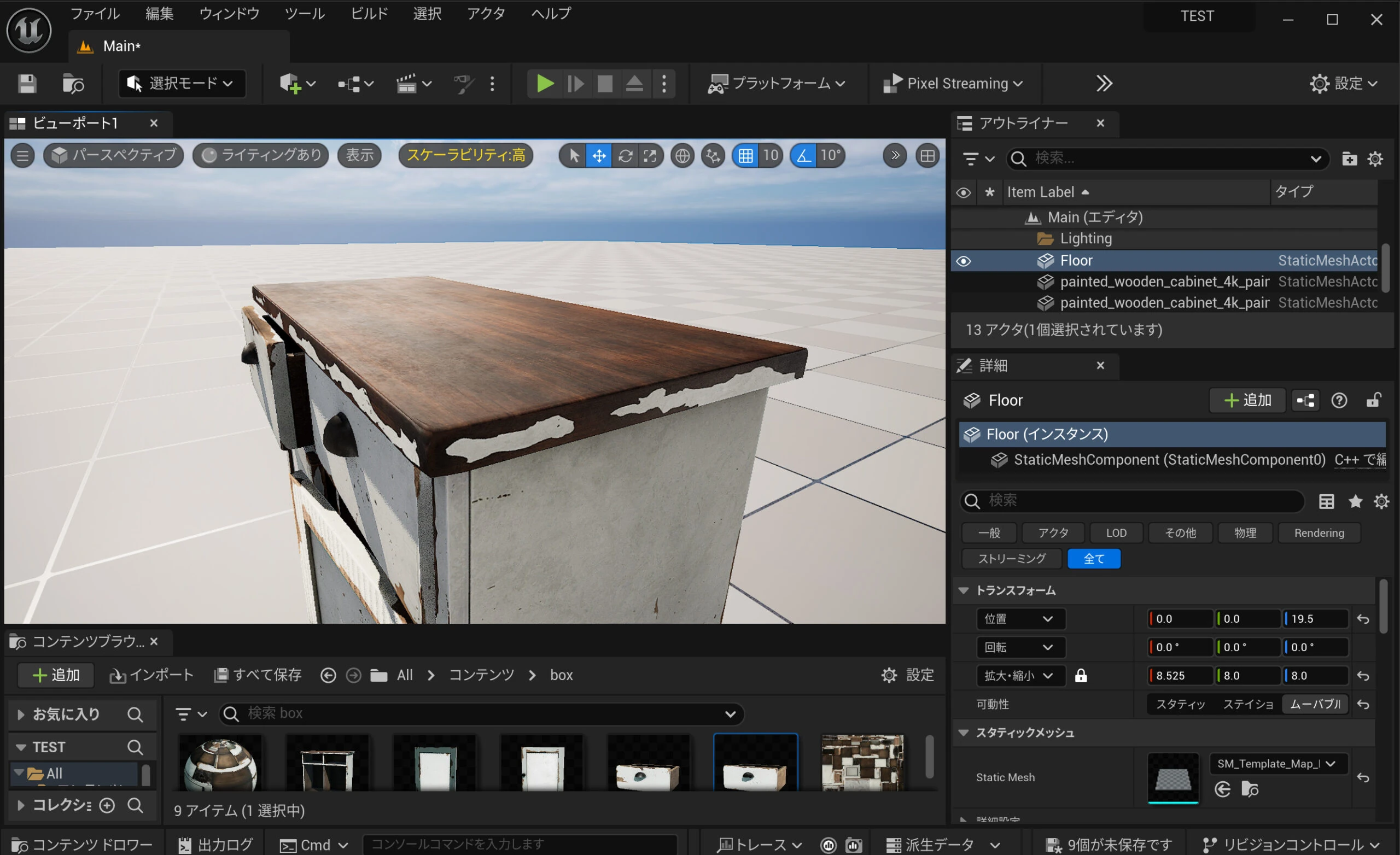
Setting all positions to 0 assembled the furniture in its intended arrangement.
Here it is in UE5.
Setting all positions to 0 assembled the furniture in its intended arrangement.
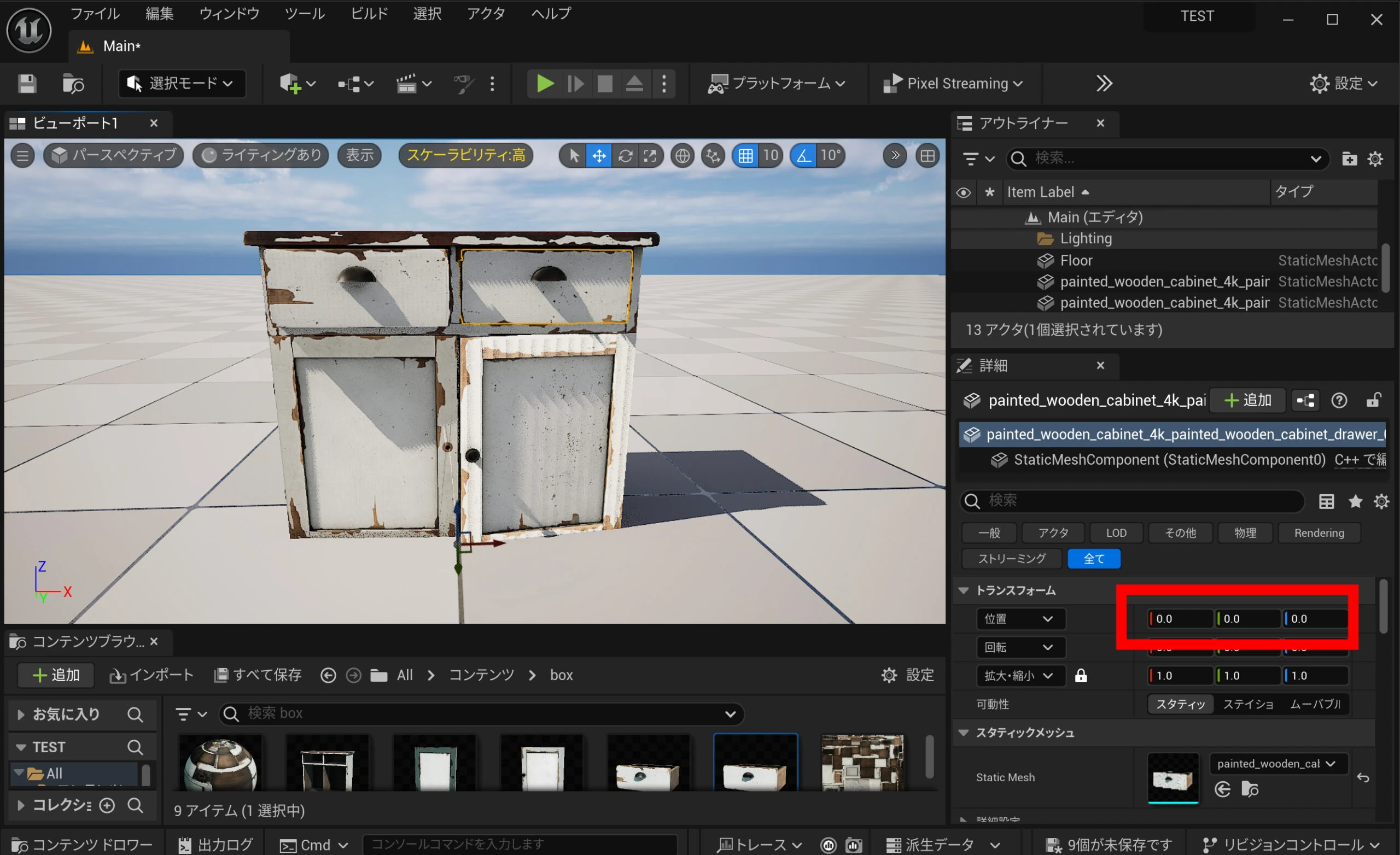 What an excellent 3D model. Impressive!
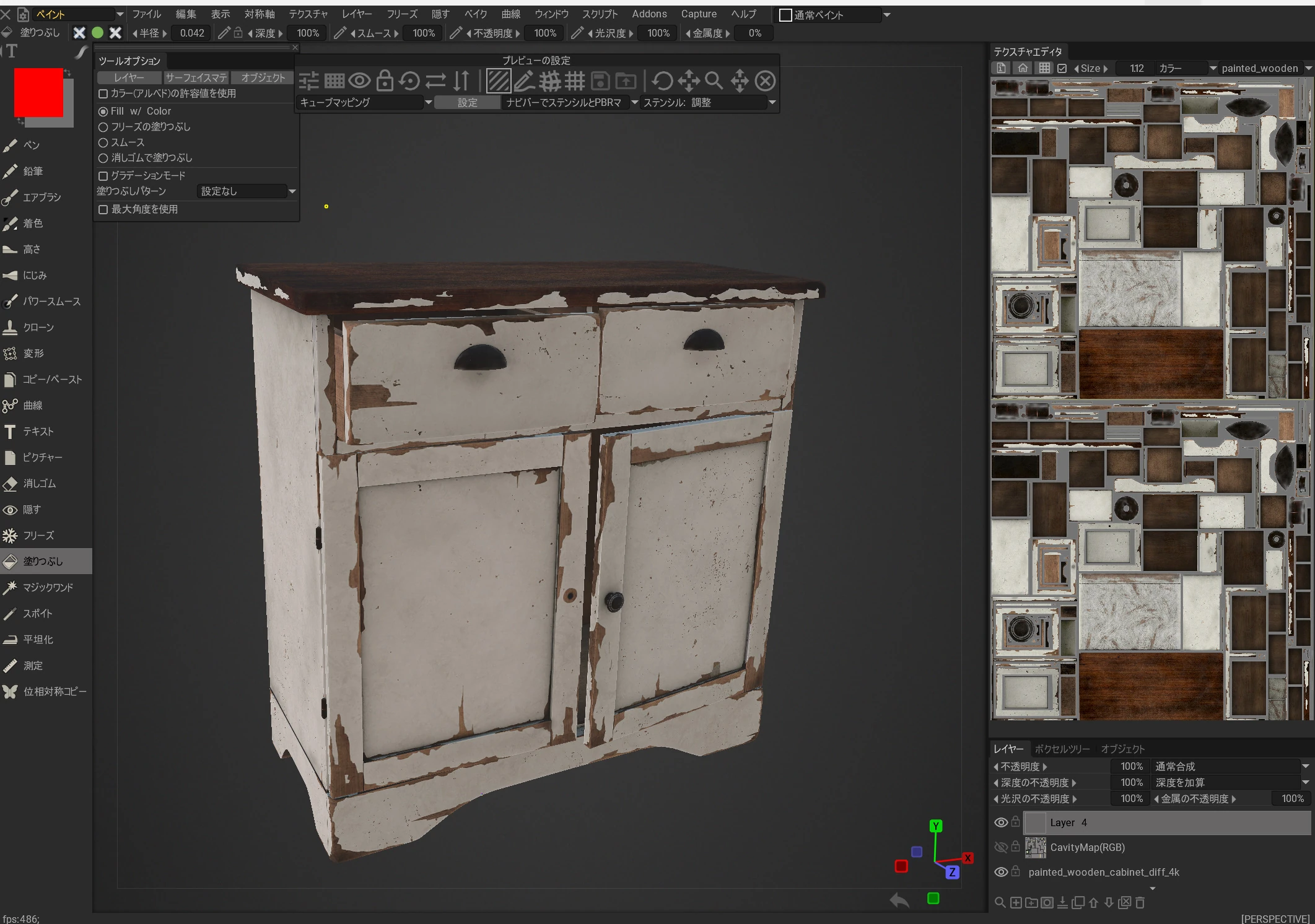
 Let's change the textures a little.
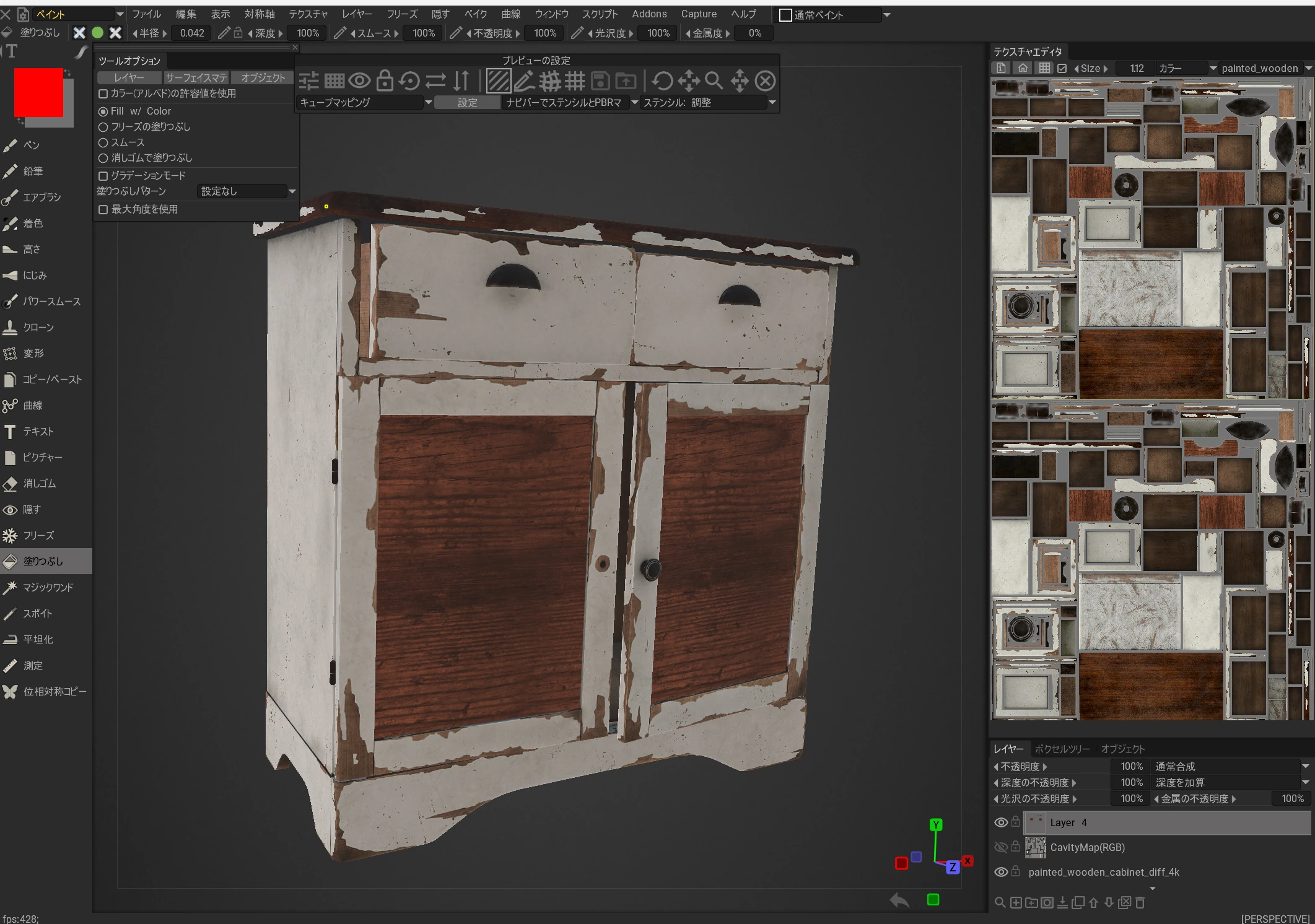
 I changed the door pattern, for example.
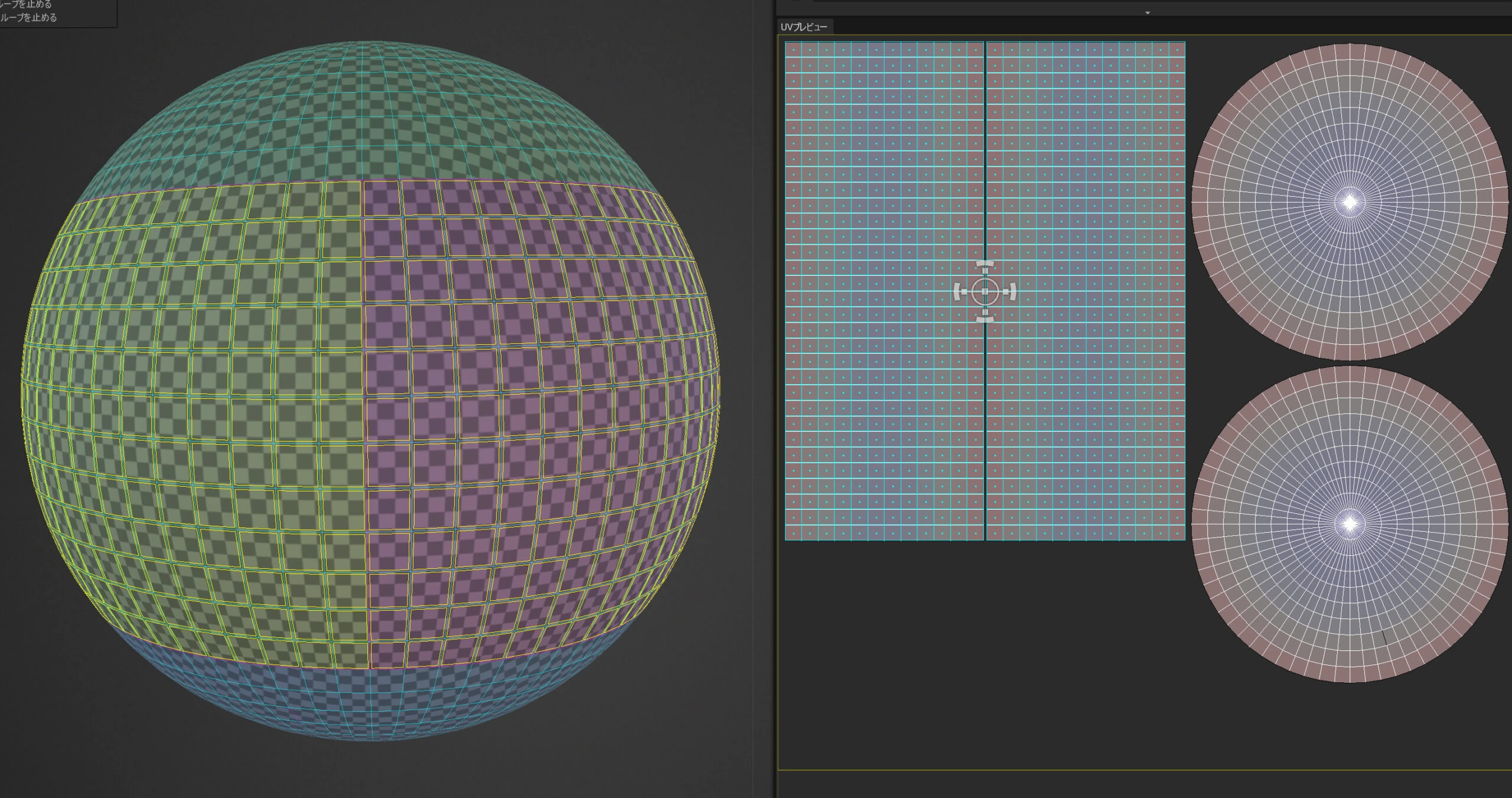
 I could also give it a marble-like finish. The UV maps and other parts of the model were so well made that changing materials looked easy.
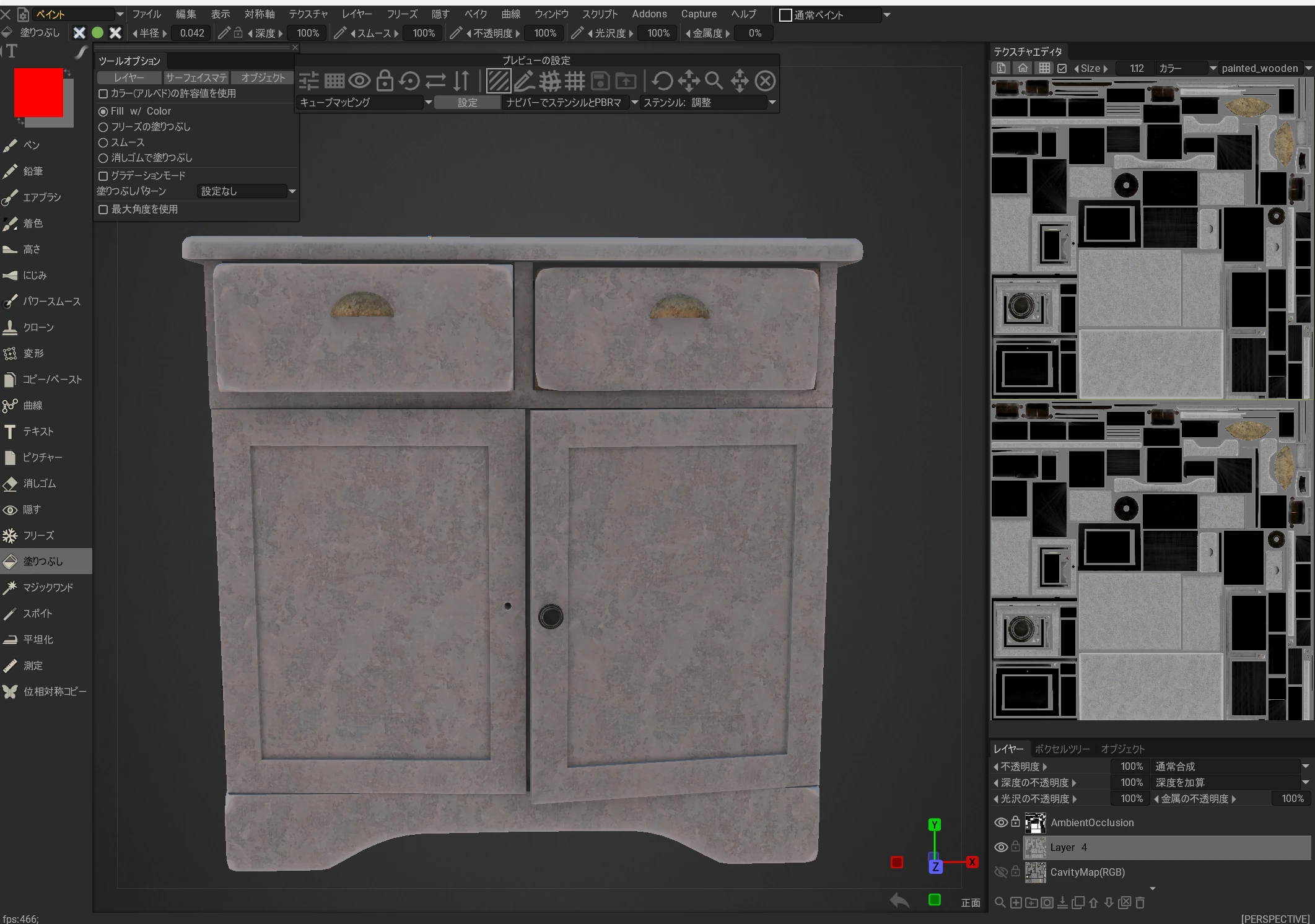
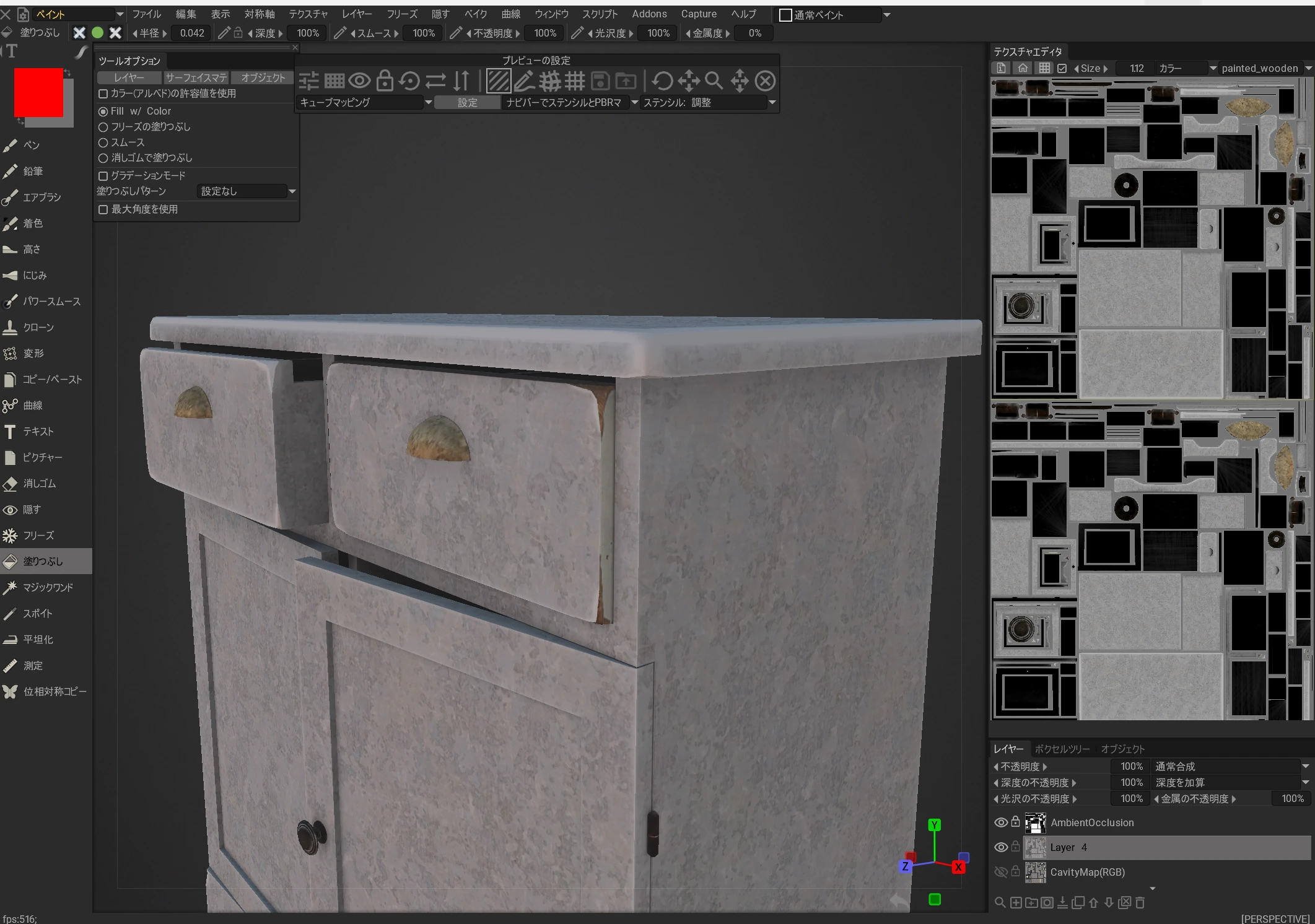 It was an excellent result: models of this quality, all free and unrestricted.
Related articles
Updates and contact: X @riragoncom.